
- 対象年齢4+
- カテゴリ仕事効率化
- 開発元Jack Cheng LLC
- 言語英語
- サイズ25.2 MB
App Storeの公式ページにリンクしています
Download.orgはBebop: Quick Notesのファイルを一切ホストしていません。ボタンを押すと、Jack Cheng LLCが公開しているApp Storeのアプリページが開きます。ページの最終確認:2026/11/15。
スクリーンショット

概要
開発元はこのテキストをお使いの言語で提供していません。
Bebop helps you get down your ideas, fast. It assumes that review and organization are better done on larger screens—that a mobile text editor should be lightning-fast, clutter-free, and capture-first.
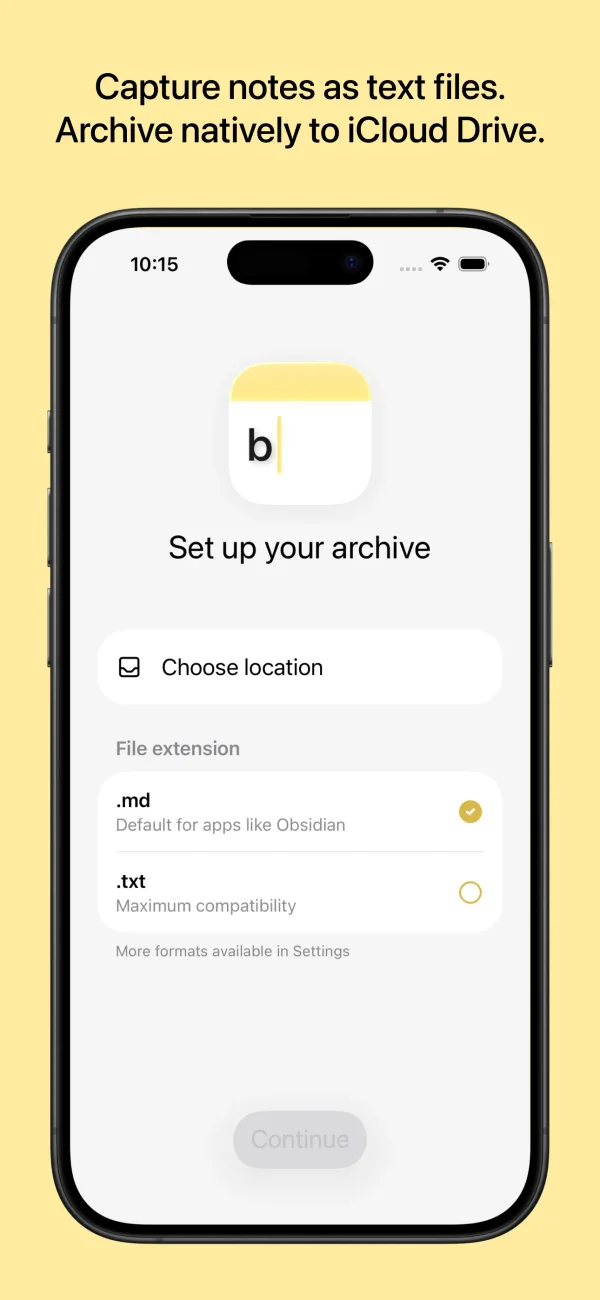
• No ads, no logins, no tracking: Files are synced natively to your chosen iCloud Drive or Dropbox folder
• BYOMA (Bring Your Own MacOS App): Open plain-text formats like .txt and .md/markdown plug neatly into Obsidian
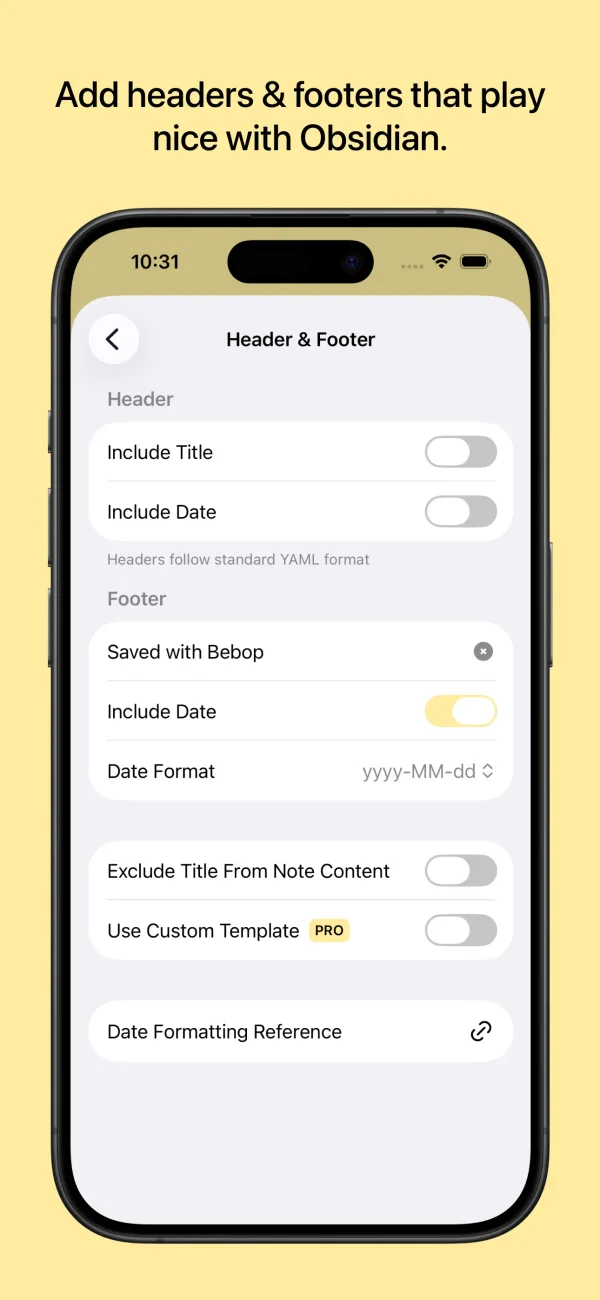
• Custom headers, footers, and filename formats: To work with your workflow
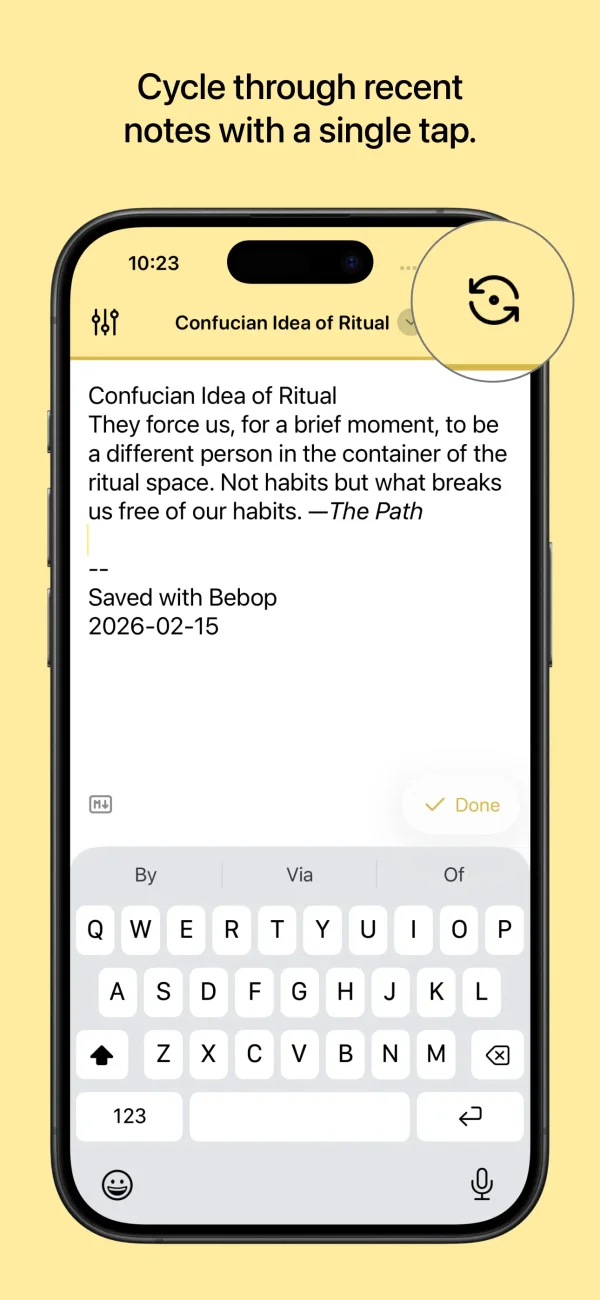
• Flashback notes: Cycle through recent notes with a single tap
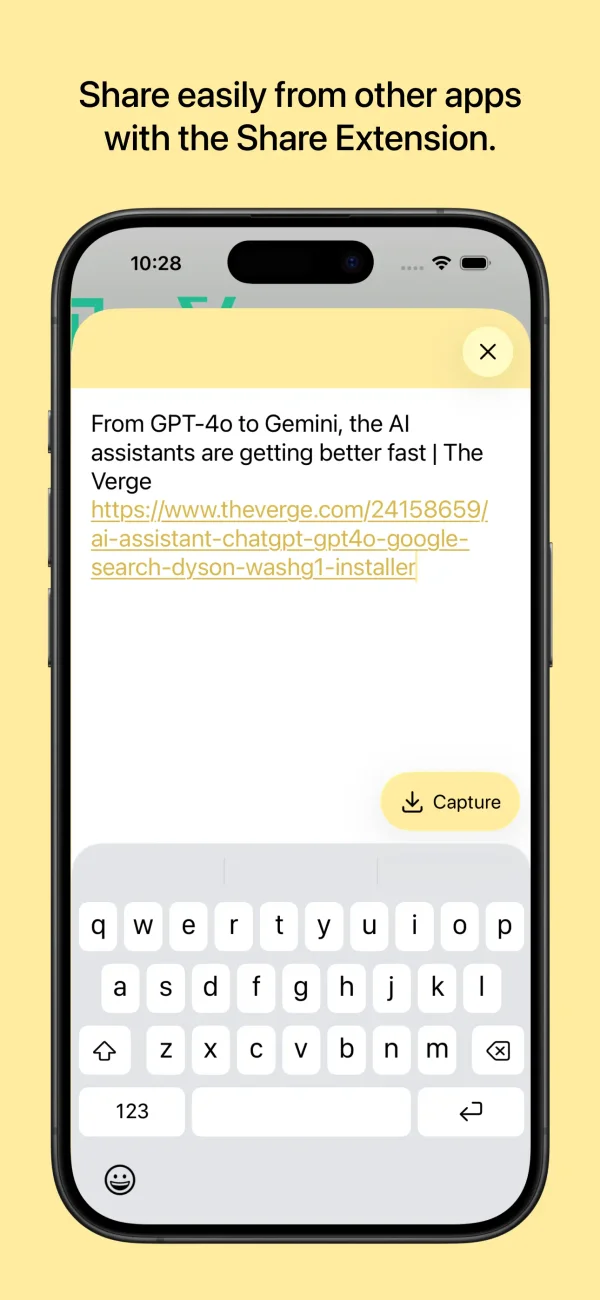
• Share extension: Quickly save links and text from other iOS apps
• Widgets and shortcut: Launch Bebop in any number of ways
• Unlimited notes (even for free users)
For a one-time Pro upgrade (no subscriptions!) you’ll also get color themes, custom templating, power-user settings, and help support future development.
---
Bebop is made by Jack Cheng, an author and solo developer in Detroit, Michigan.
More info and privacy policy:
https://www.jackcheng.com/bebop/
* Dropbox sync requires you to have the Dropbox iOS app installed.
新機能
バージョン 1.3.0 · 2026/6/7
This update comes with one main new feature: Quick Append. Start a note with @ (or choose your preferred trigger in Settings) to pick an existing file. Your note will append to that file instead saving the usual way.
So if you typically use a daily format like 2026-05-24.md, this lets you target other files like To read.md or Blog.md. I like keeping a note for each major project, e.g. Bebop.md. Give it a try!
Other fixes and improvments in this build:
- Editor now auto-continues lists
- Editor line spacing is a smidge roomier, with less scroll jumping while editing long notes
- Improved toolbar and bottom bar touch handling, including larger tap areas for Settings and Flashback
- Fixed the markdown helper bar making the editor too wide when iOS Show Borders is enabled
—Jack
アプリのプライバシー
このアプリのデータの取り扱いについて、Jack Cheng LLCがApp Storeで申告している内容です。
-
データの収集なし
開発元はこのアプリからデータを収集しません。
プライバシーの取り扱いは、ご利用の機能やお客様の年齢などに応じて異なる場合があります。
情報
- 販売元
- Jack Cheng LLC
- カテゴリ
- 仕事効率化
- バージョン
- 1.3.0
- 更新日
- 2026/6/7
- リリース
- 2024/5/3
- サイズ
- 25.2 MB
- 必要条件
- iOS 17.0以降
- 対象年齢
- 4+
- 価格
- 無料
- アプリ内課金
- あり
- 言語
- 英語
- 著作権
- © 2026 Jack Cheng LLC
こちらもおすすめ
-
 Funnel - Quick Capture仕事効率化
-
 Quick Capture- SupasendCapture quickly notes & tasks
-
 Quick Capture - Vault notes仕事効率化
-
 Godspeed – To Do List仕事効率化
-
 Plinky: Save & Bookmark Links仕事効率化
-
 Tot Pocket仕事効率化
-
 Quick Notes - CaptureBrain dump thoughts & ideas
-
 Simple Scan • Quick Scanner仕事効率化
-
 Zavala仕事効率化
-
 Alto Daily Habit Trackerリマインダーで習慣を継続