BurnBadger
Laser engraving made easy
Conçue pour iPhone, iPad
Gratuit · Achats intégrés
- Classification d’âge4+
- CatégorieGraphisme et design
- DéveloppeurAPPsynth Software
- LanguesAnglais
- Taille13,9 Mo
Renvoie vers la page App Store officielle
Download.org n’héberge aucun fichier de BurnBadger. Le bouton ouvre la page de l’application sur App Store, où APPsynth Software la publie. Fiche vérifiée pour la dernière fois le 22/11/2026.
Captures d’écran

À propos
Le développeur n’a pas fourni ce texte dans votre langue.
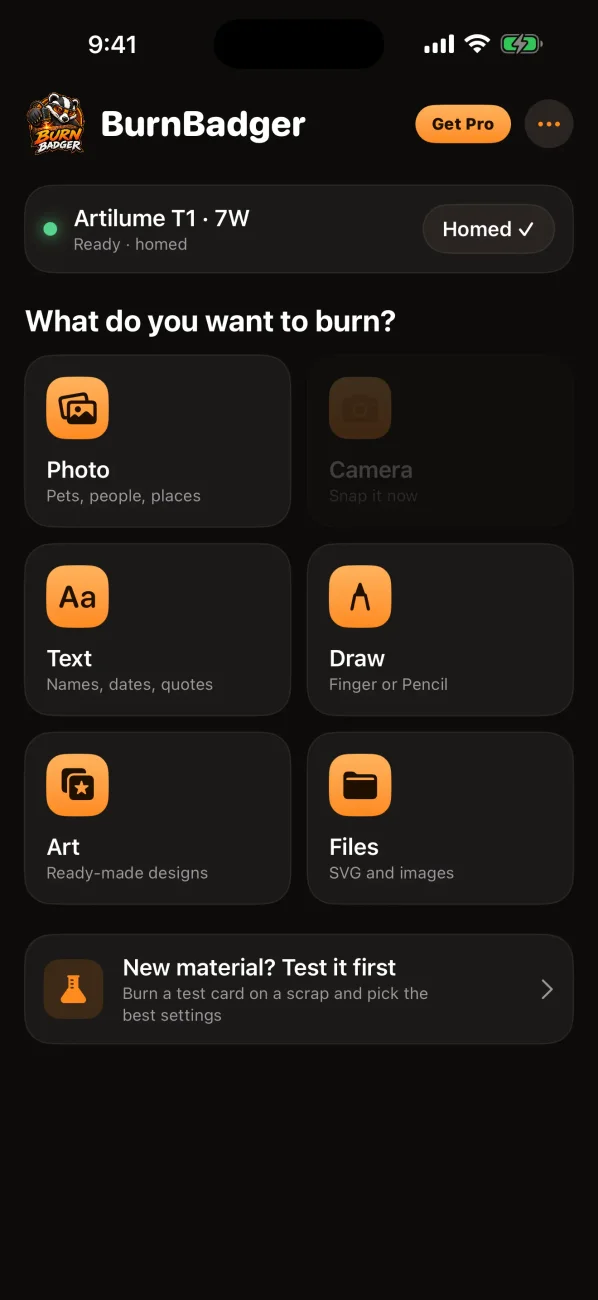
Works with the Artilume T1 laser (3W, 7W and 12W) and the 400 mm Artilume A4, K4. Design, frame and burn straight from your iPhone or iPad over the laser's own Wi-Fi. No computer needed and no subscription.
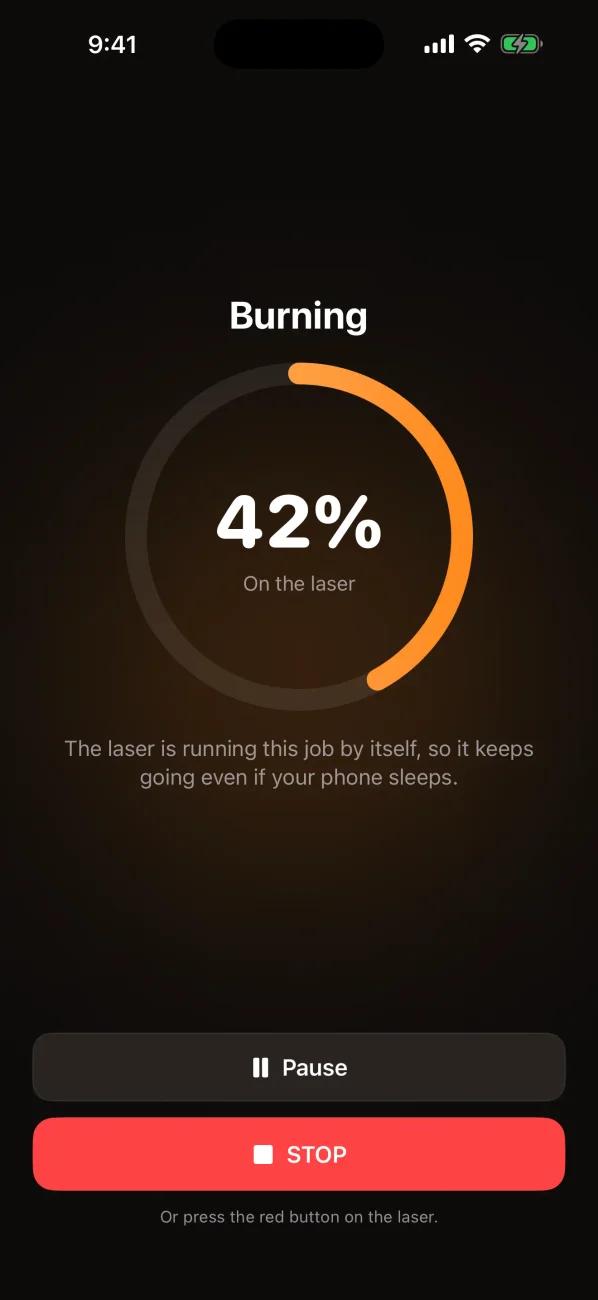
BurnBadger joins your laser's Wi-Fi for you, sends the job to the laser's SD card, and lets the burn finish even if your phone sleeps or you switch apps.
MAKE SOMETHING
• Names and text in several fonts, on one line or many
• Shapes and a built-in art library, including the BurnBadger mascot
• Draw with your finger or Apple Pencil
• Open SVG designs and images from Files
• Photos and camera shots, turned into dots or shading made for laser engraving
GET IT RIGHT THE FIRST TIME
• Pick your laser (3W, 7W or 12W) and your material, and BurnBadger starts from settings that work: wood, slate, leather, leatherette patches and more
• Slate and other dark materials: photos burn as a negative automatically, and the preview shows light marks on dark stone
• Fit to my material: type your coaster or patch size and the design fills it
• The BurnBadger test card and the power × speed grid show what a new material does before you waste a good piece
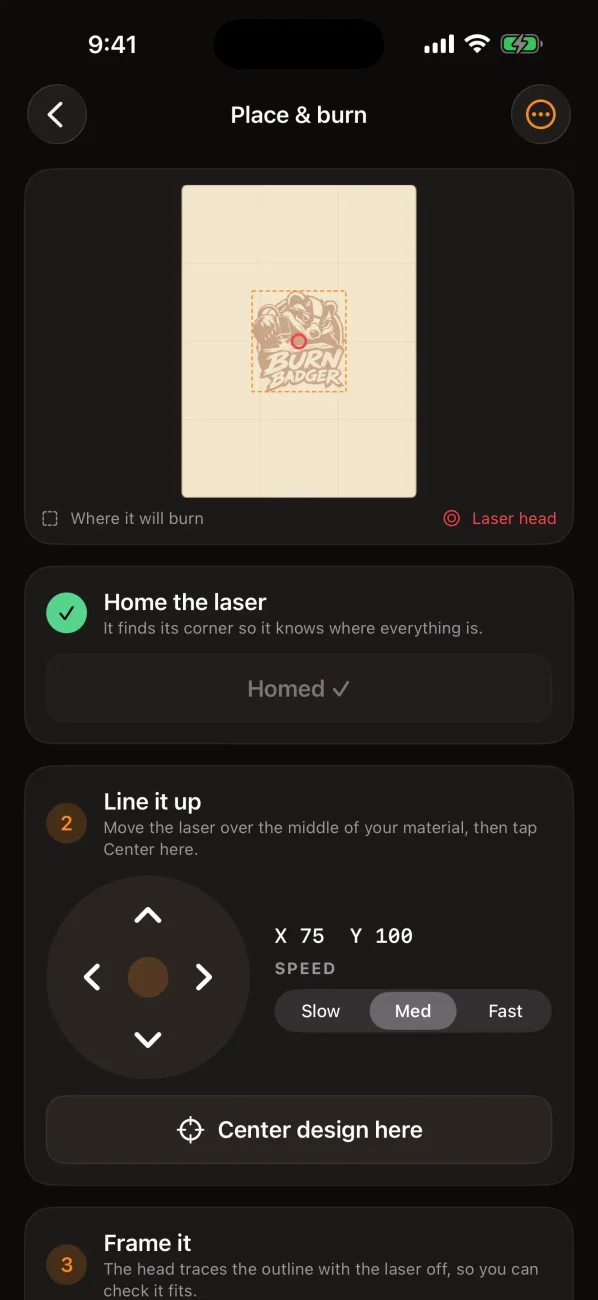
• A bed map shows exactly where the design will land
• Frame the outline on your material, then burn. Pause and resume at any time
BURNBADGER PRO
A one-time purchase, with no subscription. Try it free for 7 days first.
• Burn your photos, camera shots and drawings
• Make any photo laser-ready in one tap
• One-tap background removal
• AI art: describe a design, or turn a photo into a sketch (needs Apple Intelligence)
• Save and reopen your designs
WHAT YOU NEED
An Artilume T1 or K4 with Wi-Fi (the "with App" models), or another GRBL 1.1 diode laser that has Wi-Fi. Always follow your laser's safety instructions and never leave a running laser unattended.
BurnBadger is an independent app and isn't affiliated with Artilume.
Nouveautés
Version 1.0.2 · 17/11/2026
• Presets on iPhone: change Power, Speed and Passes for one burn, or save your own presets (Pro).
• New lasers with their makers' own starting settings: SainSmart Jinsoku LE-1620, Creality Falcon 2 22W, BlazeX M3 Pro, Laser Tree 80W, AlgoLaser DIY Kit, and the ACMER P1 S Pro 20W.
• Starting settings never ask for more speed than your laser can do.
• Place & burn: size boxes stay above the keyboard, with Next and Done.
• Home again any time, plus Laser to bed center and Design to bed center.
• A switch for the "Burn Badger!" call when a burn finishes.
• The home screen widget keeps its artwork on Clear and Tinted home screens.
Confidentialité de l’application
Ce que APPsynth Software déclare sur l’App Store au sujet du traitement des données par cette application.
-
Données n’établissant aucun lien avec vous
Peuvent être collectées, mais ne sont pas liées à votre identité.
- Identifiants
Les pratiques en matière de confidentialité peuvent varier, notamment en fonction des fonctionnalités que vous utilisez ou de votre âge.
Informations
- Vendeur
- Mike Matthews
- Catégorie
- Graphisme et design
- Version
- 1.0.2
- Mis à jour
- 17/11/2026
- Publié
- 04/11/2026
- Taille
- 13,9 Mo
- Nécessite
- iOS 17.0 ou version ultérieure
- Classification d’âge
- 4+
- Prix
- Gratuit
- Achats intégrés
- Oui
- Langues
- Anglais
- Copyright
- © 2026 BurnBadger
Vous aimerez peut-être aussi
-
 Bernie – Gravure laserGraveur et découpe, GRBL
-
 Dusty – Fraisage CNCDessin, usinage et pilotage
-
 Raymoto StudioLa gravure laser, simplifiée
-
 Laser Photo Prep: EngravePrepGraphisme et design
-
 EngraveKit: Gravure laserTramage, vectorisation et SVG
-
 IA Créateur Gravure LaserBois Métal Cuir Verre Studio
-
 CNC Wood Designer ProGraphisme et design
-
 StateViewGraphisme et design
-
 AI Image Generator - Draw AIGraphisme et design
-
 Pyrography PatternsGraphisme et design