- 対象年齢4+
- カテゴリグラフィック/デザイン
- 開発元APPsynth Software
- 言語英語
- サイズ13.9 MB
App Storeの公式ページにリンクしています
Download.orgはBurnBadgerのファイルを一切ホストしていません。ボタンを押すと、APPsynth Softwareが公開しているApp Storeのアプリページが開きます。ページの最終確認:2026/11/22。
スクリーンショット

概要
開発元はこのテキストをお使いの言語で提供していません。
Works with the Artilume T1 laser (3W, 7W and 12W) and the 400 mm Artilume A4, K4. Design, frame and burn straight from your iPhone or iPad over the laser's own Wi-Fi. No computer needed and no subscription.
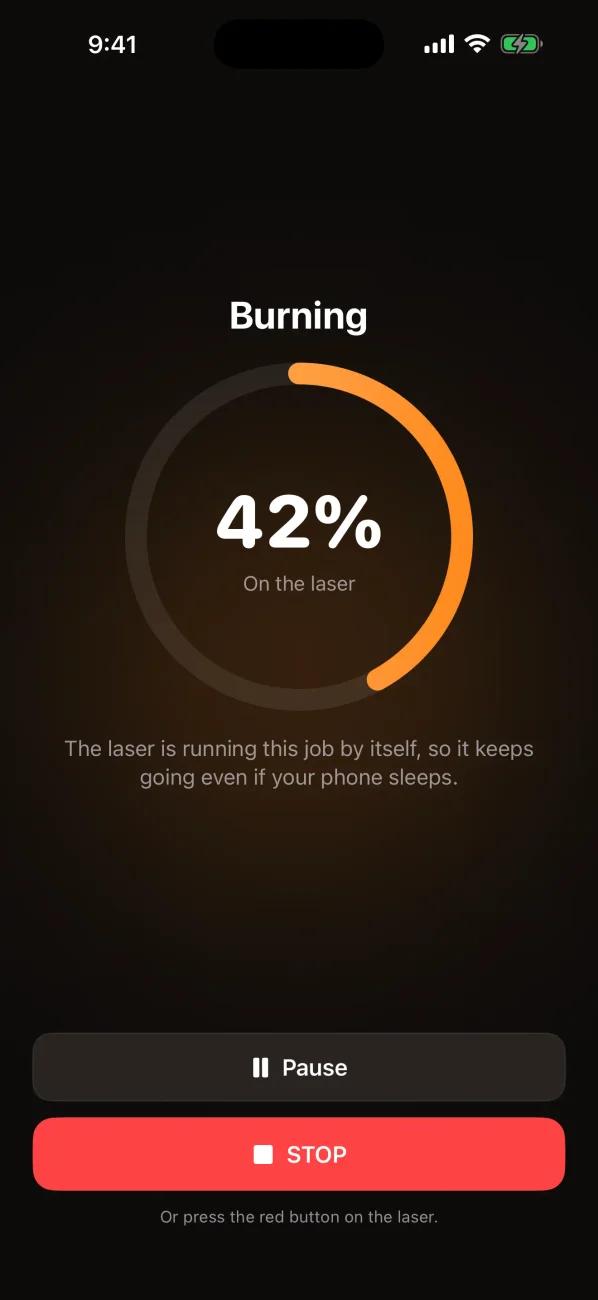
BurnBadger joins your laser's Wi-Fi for you, sends the job to the laser's SD card, and lets the burn finish even if your phone sleeps or you switch apps.
MAKE SOMETHING
• Names and text in several fonts, on one line or many
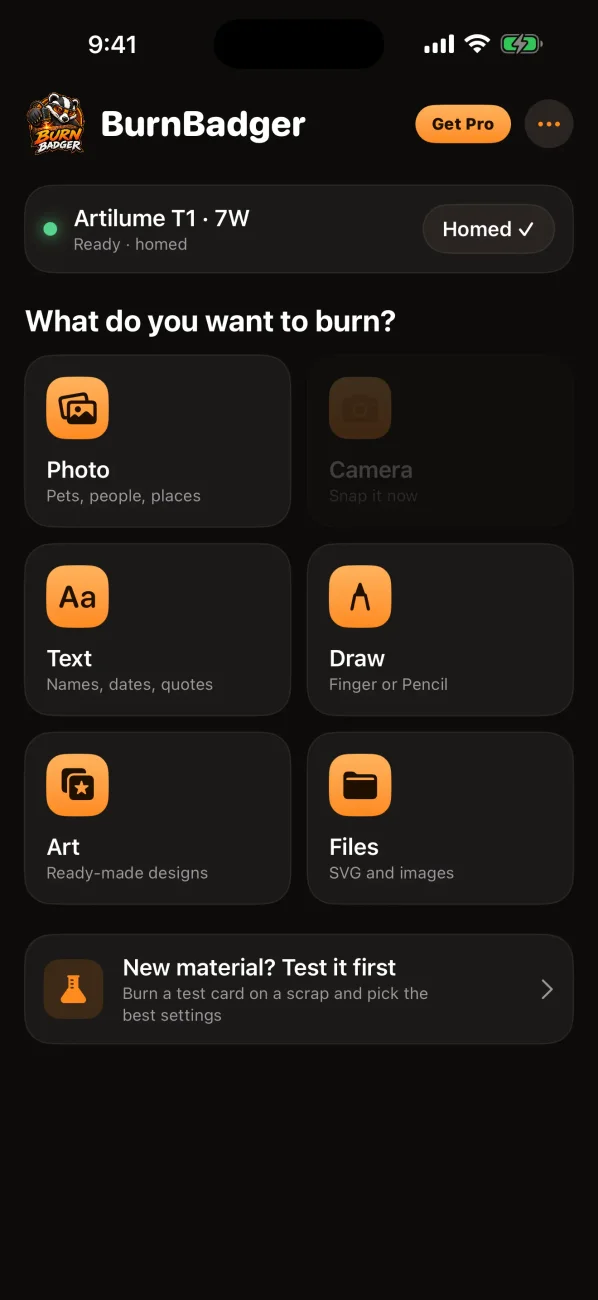
• Shapes and a built-in art library, including the BurnBadger mascot
• Draw with your finger or Apple Pencil
• Open SVG designs and images from Files
• Photos and camera shots, turned into dots or shading made for laser engraving
GET IT RIGHT THE FIRST TIME
• Pick your laser (3W, 7W or 12W) and your material, and BurnBadger starts from settings that work: wood, slate, leather, leatherette patches and more
• Slate and other dark materials: photos burn as a negative automatically, and the preview shows light marks on dark stone
• Fit to my material: type your coaster or patch size and the design fills it
• The BurnBadger test card and the power × speed grid show what a new material does before you waste a good piece
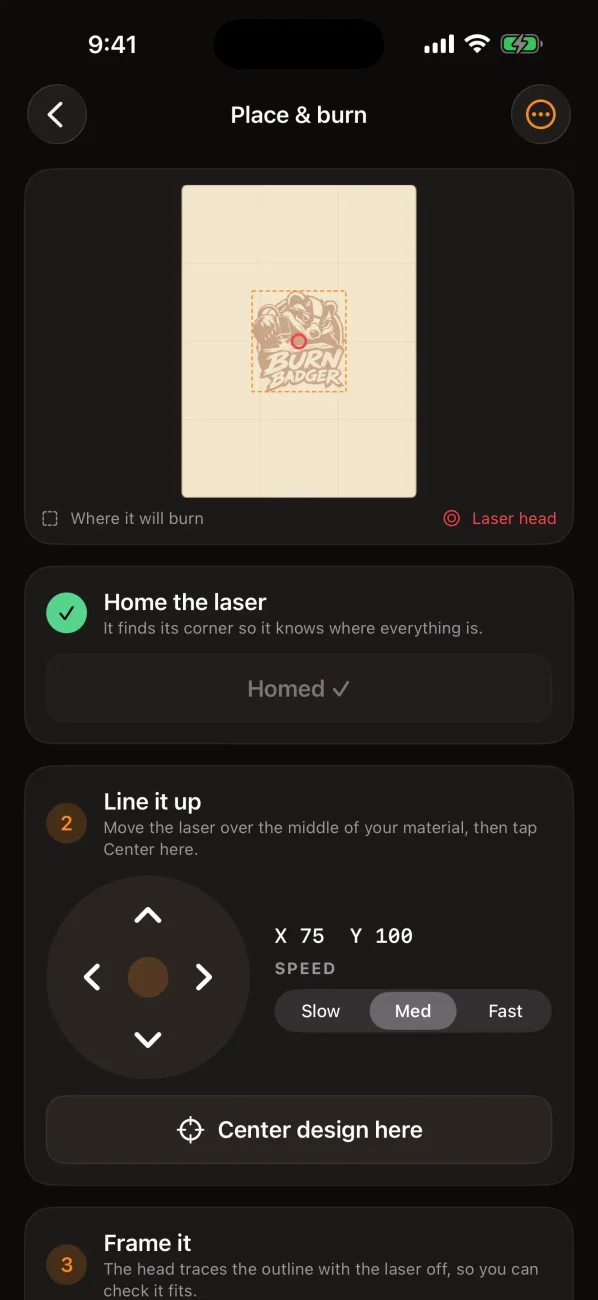
• A bed map shows exactly where the design will land
• Frame the outline on your material, then burn. Pause and resume at any time
BURNBADGER PRO
A one-time purchase, with no subscription. Try it free for 7 days first.
• Burn your photos, camera shots and drawings
• Make any photo laser-ready in one tap
• One-tap background removal
• AI art: describe a design, or turn a photo into a sketch (needs Apple Intelligence)
• Save and reopen your designs
WHAT YOU NEED
An Artilume T1 or K4 with Wi-Fi (the "with App" models), or another GRBL 1.1 diode laser that has Wi-Fi. Always follow your laser's safety instructions and never leave a running laser unattended.
BurnBadger is an independent app and isn't affiliated with Artilume.
新機能
バージョン 1.0.2 · 2026/11/17
• Presets on iPhone: change Power, Speed and Passes for one burn, or save your own presets (Pro).
• New lasers with their makers' own starting settings: SainSmart Jinsoku LE-1620, Creality Falcon 2 22W, BlazeX M3 Pro, Laser Tree 80W, AlgoLaser DIY Kit, and the ACMER P1 S Pro 20W.
• Starting settings never ask for more speed than your laser can do.
• Place & burn: size boxes stay above the keyboard, with Next and Done.
• Home again any time, plus Laser to bed center and Design to bed center.
• A switch for the "Burn Badger!" call when a burn finishes.
• The home screen widget keeps its artwork on Clear and Tinted home screens.
アプリのプライバシー
このアプリのデータの取り扱いについて、APPsynth SoftwareがApp Storeで申告している内容です。
-
ユーザーに関連付けられないデータ
収集される場合がありますが、ユーザーの識別情報には関連付けられません。
- ID
プライバシーの取り扱いは、ご利用の機能やお客様の年齢などに応じて異なる場合があります。
情報
- 販売元
- Mike Matthews
- カテゴリ
- グラフィック/デザイン
- バージョン
- 1.0.2
- 更新日
- 2026/11/17
- リリース
- 2026/11/4
- サイズ
- 13.9 MB
- 必要条件
- iOS 17.0以降
- 対象年齢
- 4+
- 価格
- 無料
- アプリ内課金
- あり
- 言語
- 英語
- 著作権
- © 2026 BurnBadger
こちらもおすすめ
-
 Bernie – Laser Engravingグラフィック/デザイン
-
 Dusty – CNC Millingグラフィック/デザイン
-
 Raymoto Studioレーザー彫刻をかんたんに
-
 Laser Photo Prep: EngravePrepグラフィック/デザイン
-
 EngraveKit: Laser Engraving写真のディザリングとSVGトレース
-
 AI Laser Engraving Designerグラフィック/デザイン
-
 CNC Wood Designer Proグラフィック/デザイン
-
 StateViewグラフィック/デザイン
-
 AI Image Generator - Draw AIグラフィック/デザイン
-
 Pyrography Patternsグラフィック/デザイン