CC Flute
Ingenious instrument app
Conçue pour iPhone, iPad, iPod touch
Gratuit · Achats intégrés
- Classification d’âge4+
- CatégorieMusique
- DéveloppeurKazuo Kamata
- LanguesAnglais+ 1 de plus
- Taille15,5 Mo
Renvoie vers la page App Store officielle
Download.org n’héberge aucun fichier de CC Flute. Le bouton ouvre la page de l’application sur App Store, où Kazuo Kamata la publie. Fiche vérifiée pour la dernière fois le 18/11/2026.
Captures d’écran

À propos
Le développeur n’a pas fourni ce texte dans votre langue.
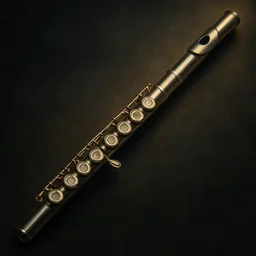
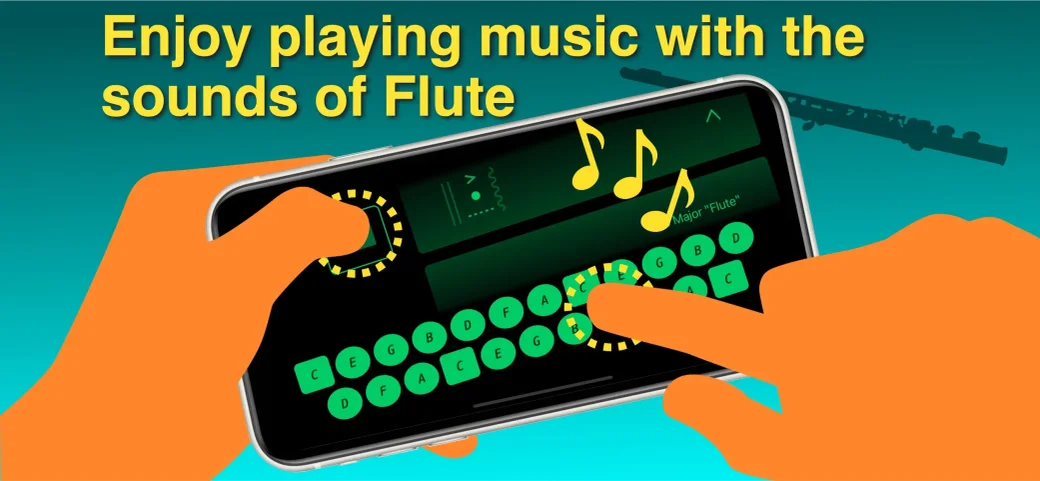
CC Flute is a musical instrument app that allows you to enjoy playing with the sounds and expressions unique to flute-type instruments. It is especially designed for ease of play and use in live performances. Since it uses a synthetic sound source method, it does not burden memory or storage.
Features
- The tone of the flute.
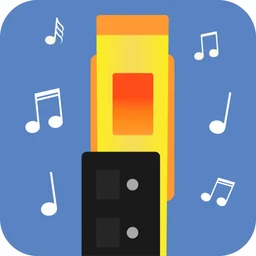
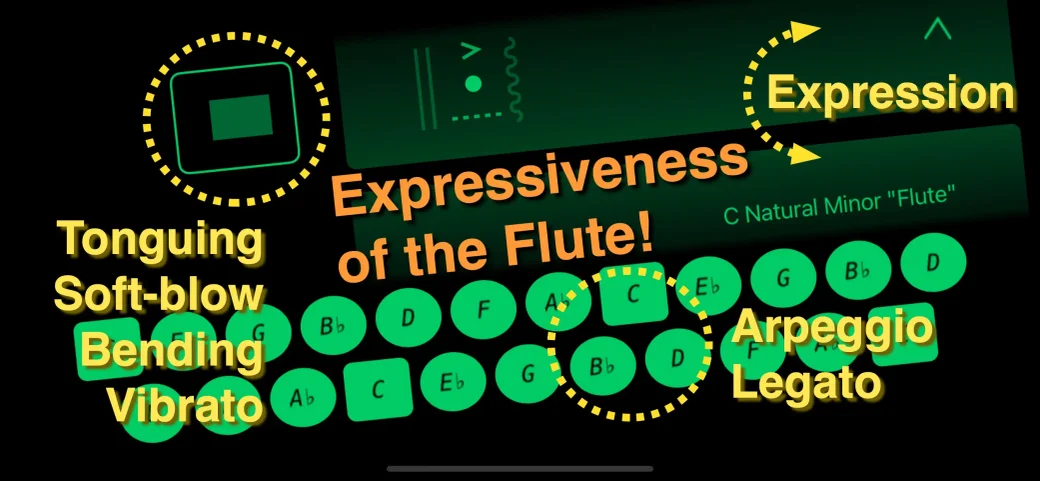
- With a unique button-bar layout, you can play scales and arpeggios of over 3 octaves smoothly.
- Button-bar supports two fingerings, so you can play leap legato smoothly.
- The sound controller allows you to express musical expressions such as tonguing, bending, and vibrato.
- Two touch plates that act as semitone keys.
- The screen can be flipped left and right for left-handed.
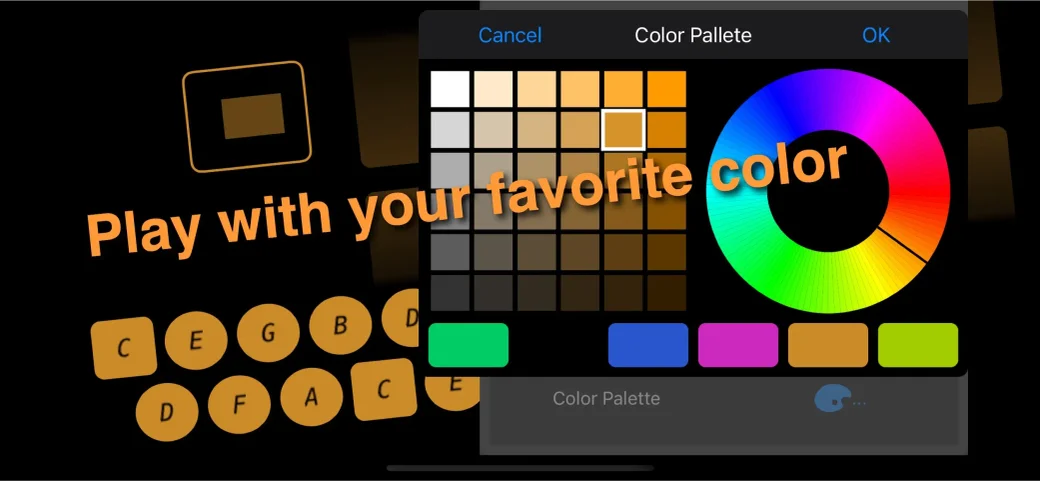
- You can change the screen color to your liking.
- Supports dark mode.
- A detailed user guide is built in and ready to go.
In-app purchases adds the following extra features:
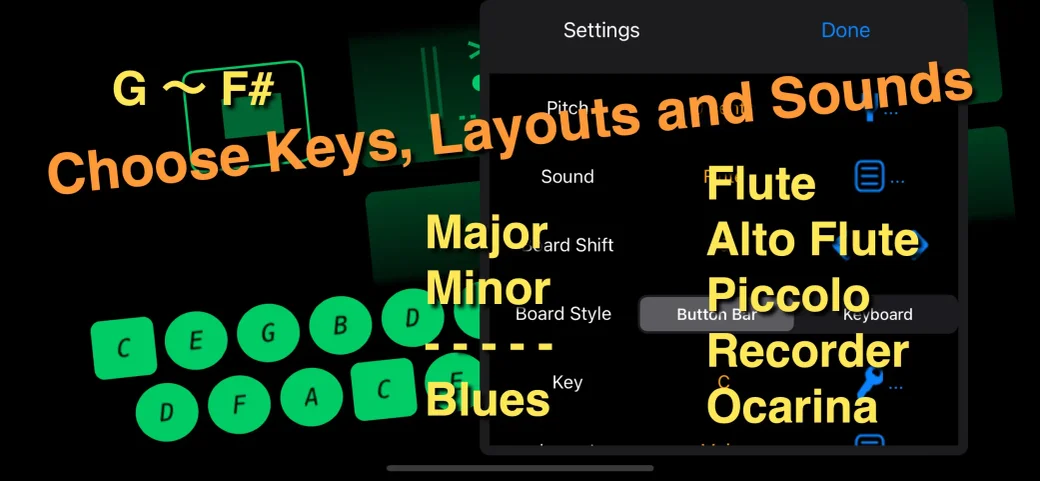
- Sounds of alto flute, piccolo, recorder, and ocarina.
- A variety of layouts including major, minor, and blues scales.
- The note range of the sound button can be shifted in 3 steps of high and low.
- All 12 keys from G to F # can be selected.
- Button-bar notation for convenient when playing: note name, interval, solfeggio, etc.
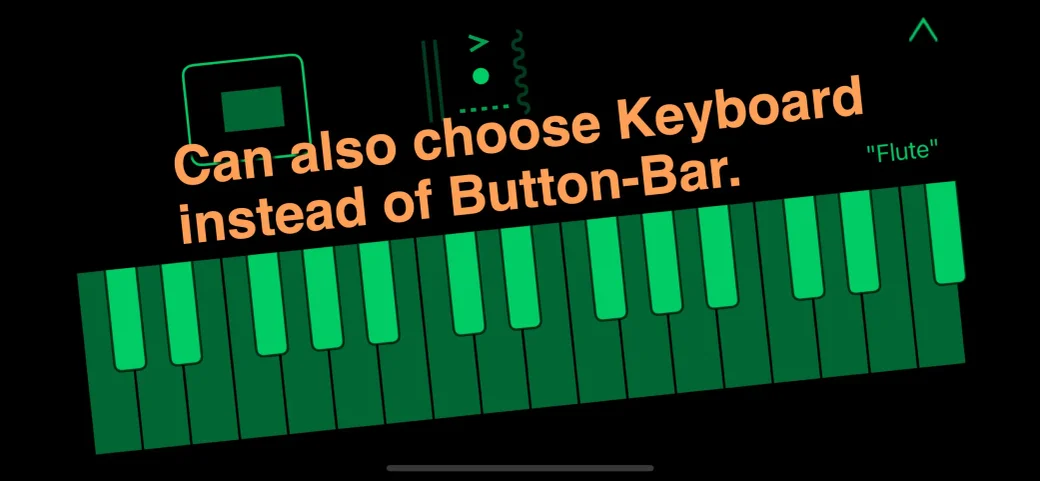
- You can use a keyboard type instead of a button-bar as a playing board.
- A reverb effect can be applied.
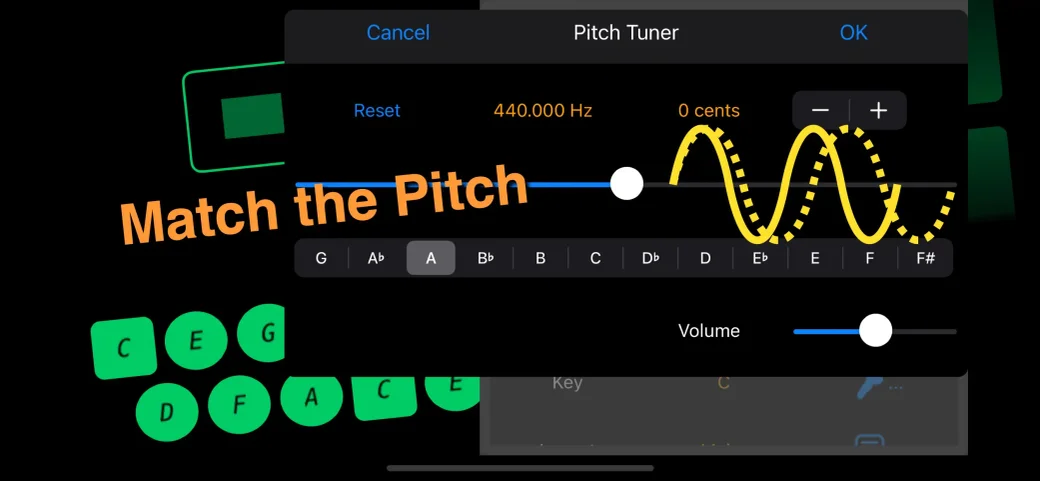
- With a built-in pitch tuner, you can finely and accurately adjust the pitch.
- Ensemble performance with two voices.
- Expression of the music dynamics by tilting the device.
- Adjustable airy sound peculiar to wind instruments.
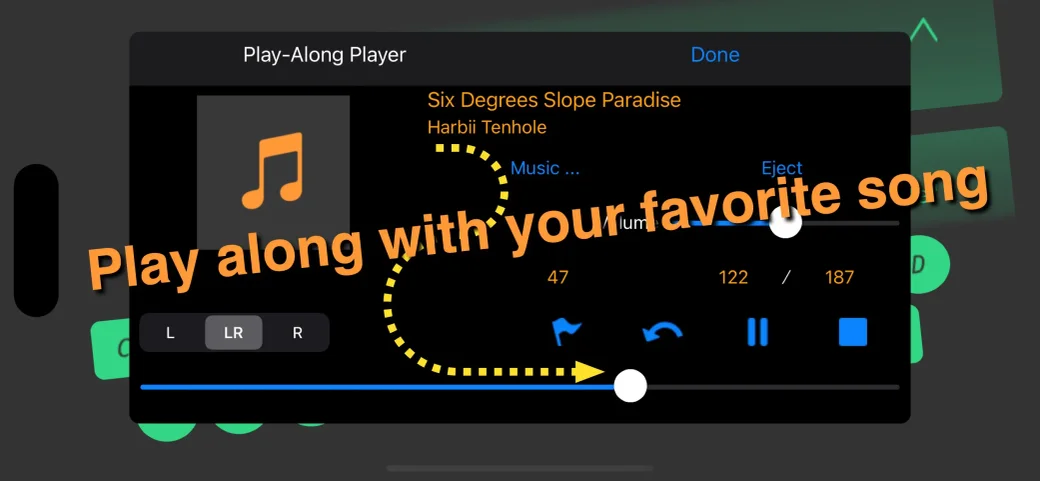
- Play along with songs from your device's music library with the play-along player.
Try out the extra features for 2 weeks with a free trial of the in-app purchase.
* This is not an app designed to assist you in practice playing a real instrument.
* Any interworking functions such as Inter-App Audio, AUv3, and MIDI, and function for recording and playback the performance are currently not supported.
Detailed features and usage of CC Flute are explained in the User Guide.
If you have any questions or concerns, feel free to contact us at support@chord-city.com
Nouveautés
Version 1.2.0 · 09/12/2025
- Revised user interface.
- A keyboard type has been added as a playing board.
Confidentialité de l’application
Ce que Kazuo Kamata déclare sur l’App Store au sujet du traitement des données par cette application.
-
Données non collectées
Le développeur ne collecte aucune donnée à partir de cette application.
Les pratiques en matière de confidentialité peuvent varier, notamment en fonction des fonctionnalités que vous utilisez ou de votre âge.
Informations
- Vendeur
- Kazuo Kamata
- Catégorie
- Musique
- Version
- 1.2.0
- Mis à jour
- 09/12/2025
- Publié
- 12/04/2022
- Taille
- 15,5 Mo
- Nécessite
- iOS 12.0 ou version ultérieure
- Classification d’âge
- 4+
- Prix
- Gratuit
- Achats intégrés
- Oui
- Langues
- Anglais, Japonais
- Copyright
- © 2021 Chord-Works