CC Flute
Ingenious instrument app
Được thiết kế cho iPhone, iPad, iPod touch
Miễn phí · Mua hàng trong ứng dụng
- Độ tuổi4+
- Danh mụcNhạc
- Nhà phát triểnKazuo Kamata
- Ngôn ngữTiếng Anh+ 1 ngôn ngữ khác
- Kích thước15,5 MB
Liên kết đến trang App Store chính thức
Download.org không lưu trữ tệp nào của CC Flute. Nút này mở trang ứng dụng trên App Store, nơi Kazuo Kamata phát hành ứng dụng. Trang được kiểm tra lần cuối: 18/11/2026.
Ảnh chụp màn hình

Giới thiệu
Nhà phát triển chưa cung cấp nội dung này bằng ngôn ngữ của bạn.
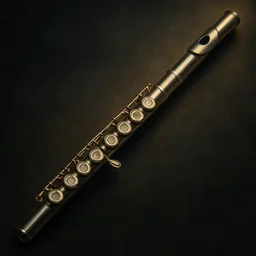
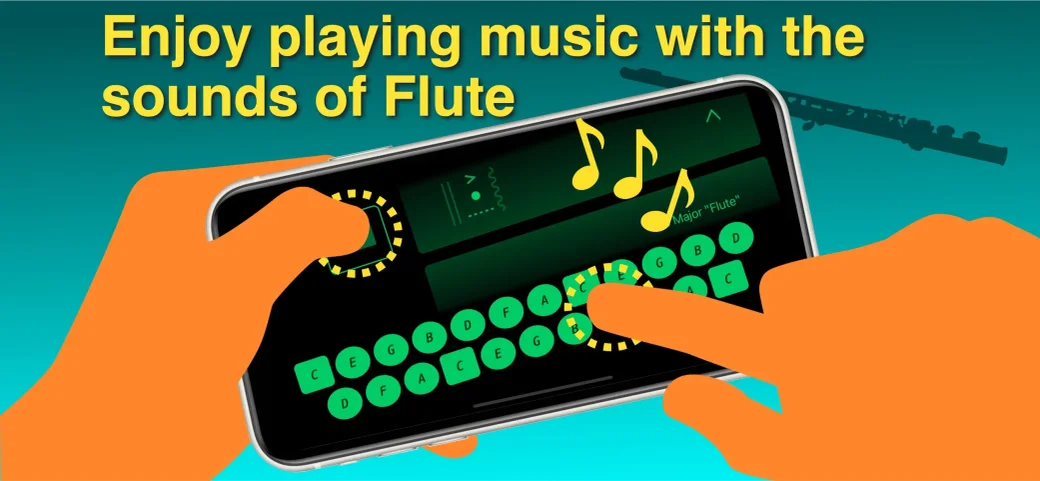
CC Flute is a musical instrument app that allows you to enjoy playing with the sounds and expressions unique to flute-type instruments. It is especially designed for ease of play and use in live performances. Since it uses a synthetic sound source method, it does not burden memory or storage.
Features
- The tone of the flute.
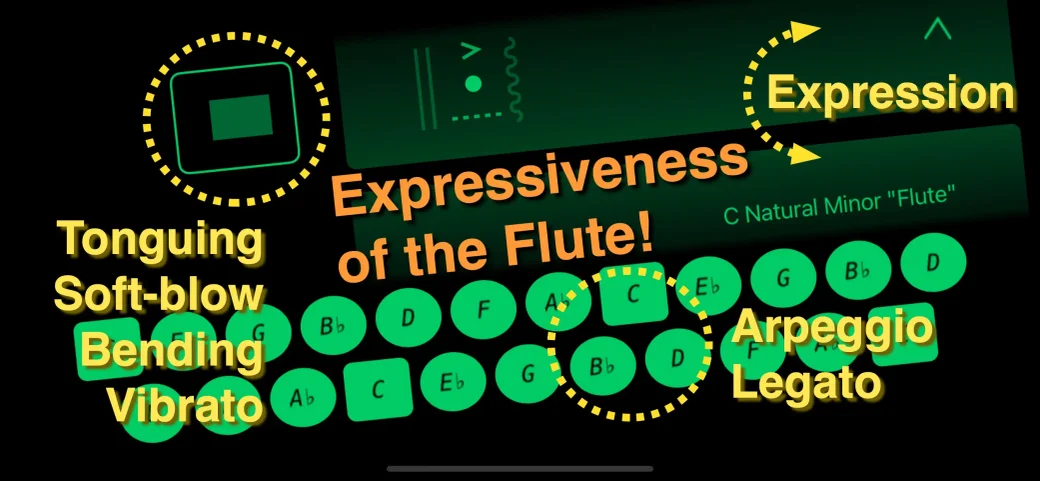
- With a unique button-bar layout, you can play scales and arpeggios of over 3 octaves smoothly.
- Button-bar supports two fingerings, so you can play leap legato smoothly.
- The sound controller allows you to express musical expressions such as tonguing, bending, and vibrato.
- Two touch plates that act as semitone keys.
- The screen can be flipped left and right for left-handed.
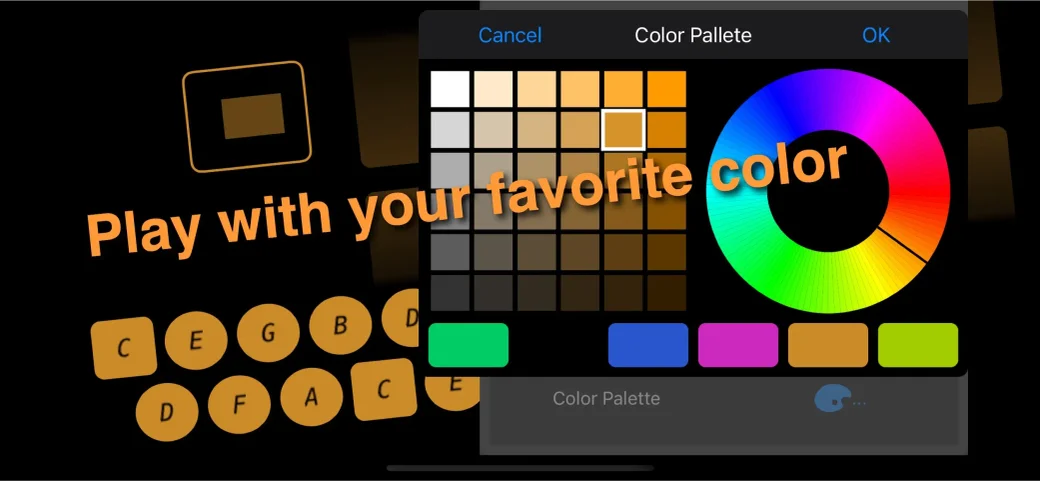
- You can change the screen color to your liking.
- Supports dark mode.
- A detailed user guide is built in and ready to go.
In-app purchases adds the following extra features:
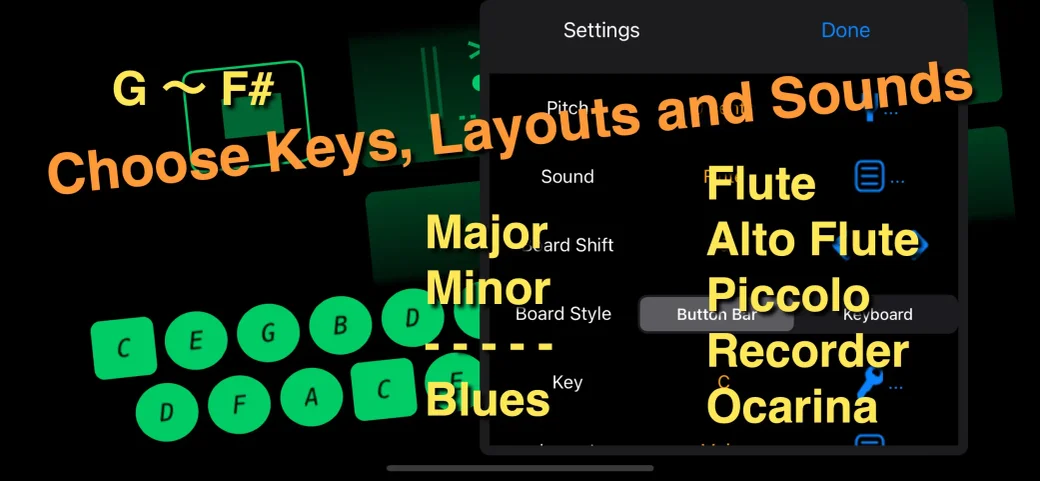
- Sounds of alto flute, piccolo, recorder, and ocarina.
- A variety of layouts including major, minor, and blues scales.
- The note range of the sound button can be shifted in 3 steps of high and low.
- All 12 keys from G to F # can be selected.
- Button-bar notation for convenient when playing: note name, interval, solfeggio, etc.
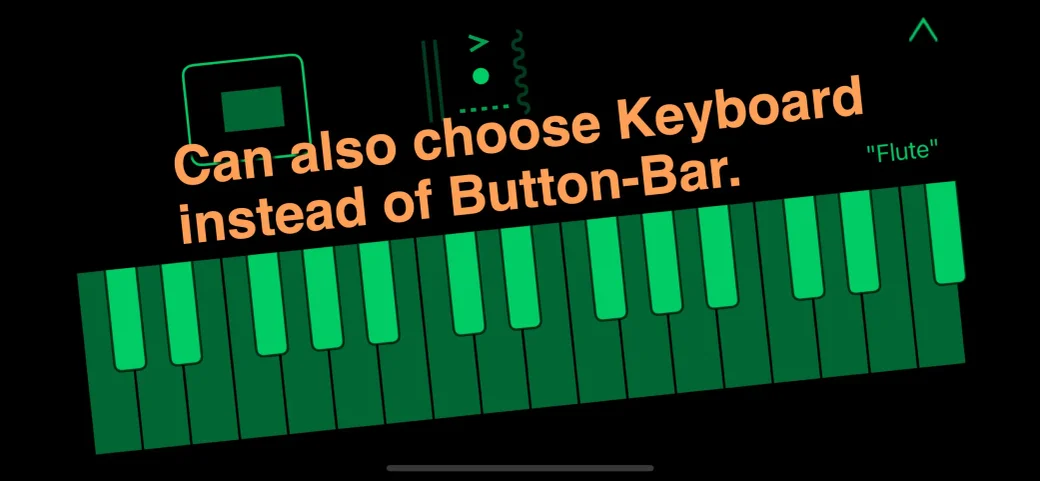
- You can use a keyboard type instead of a button-bar as a playing board.
- A reverb effect can be applied.
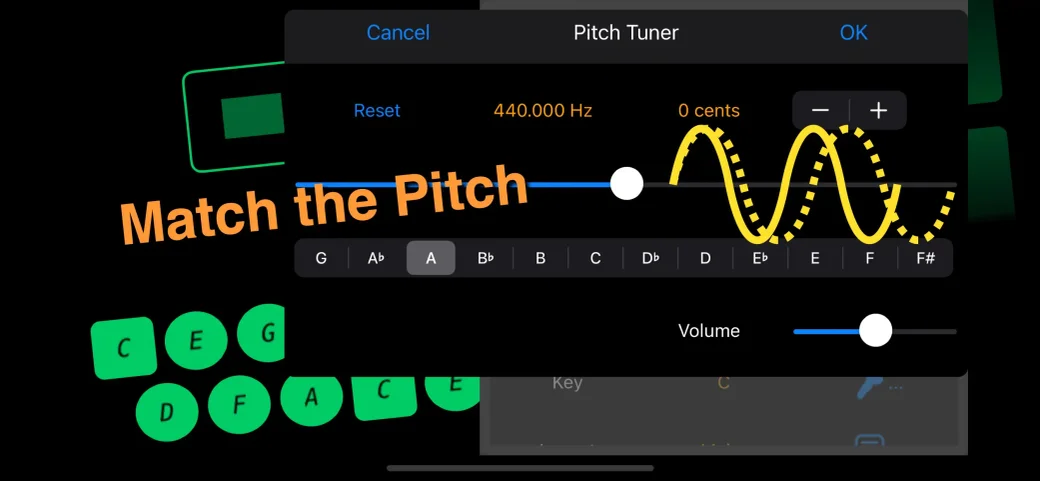
- With a built-in pitch tuner, you can finely and accurately adjust the pitch.
- Ensemble performance with two voices.
- Expression of the music dynamics by tilting the device.
- Adjustable airy sound peculiar to wind instruments.
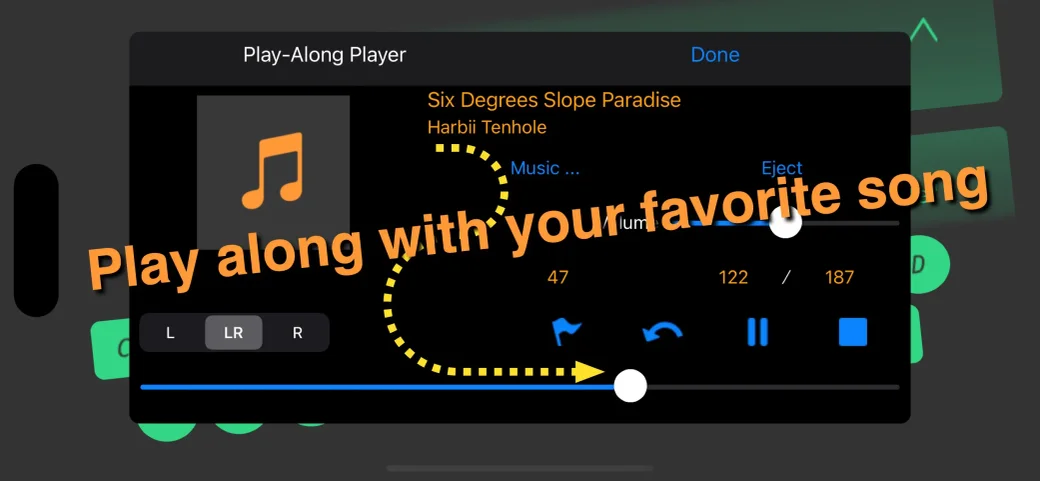
- Play along with songs from your device's music library with the play-along player.
Try out the extra features for 2 weeks with a free trial of the in-app purchase.
* This is not an app designed to assist you in practice playing a real instrument.
* Any interworking functions such as Inter-App Audio, AUv3, and MIDI, and function for recording and playback the performance are currently not supported.
Detailed features and usage of CC Flute are explained in the User Guide.
If you have any questions or concerns, feel free to contact us at support@chord-city.com
Có gì mới
Phiên bản 1.2.0 · 09/12/2025
- Revised user interface.
- A keyboard type has been added as a playing board.
Quyền riêng tư của ứng dụng
Những gì Kazuo Kamata khai báo trên App Store về cách ứng dụng này xử lý dữ liệu.
-
Dữ liệu không được thu thập
Nhà phát triển không thu thập bất kỳ dữ liệu nào từ ứng dụng này.
Phương thức đảm bảo quyền riêng tư có thể khác nhau, chẳng hạn như tuỳ theo các tính năng bạn sử dụng hoặc độ tuổi của bạn.
Thông tin
- Người bán
- Kazuo Kamata
- Danh mục
- Nhạc
- Phiên bản
- 1.2.0
- Cập nhật
- 09/12/2025
- Phát hành
- 12/04/2022
- Kích thước
- 15,5 MB
- Yêu cầu
- iOS 12.0 trở lên
- Độ tuổi
- 4+
- Giá
- Miễn phí
- Mua hàng trong ứng dụng
- Có
- Ngôn ngữ
- Tiếng Anh, Tiếng Nhật
- Bản quyền
- © 2021 Chord-Works