- Classification d’âge4+
- CatégorieJeux de société
- DéveloppeurJack McCormack
- LanguesAnglais
- Taille15,8 Mo
Renvoie vers la page App Store officielle
Download.org n’héberge aucun fichier de ChessMatch2. Le bouton ouvre la page de l’application sur App Store, où Jack McCormack la publie. Fiche vérifiée pour la dernière fois le 18/11/2026.
Captures d’écran
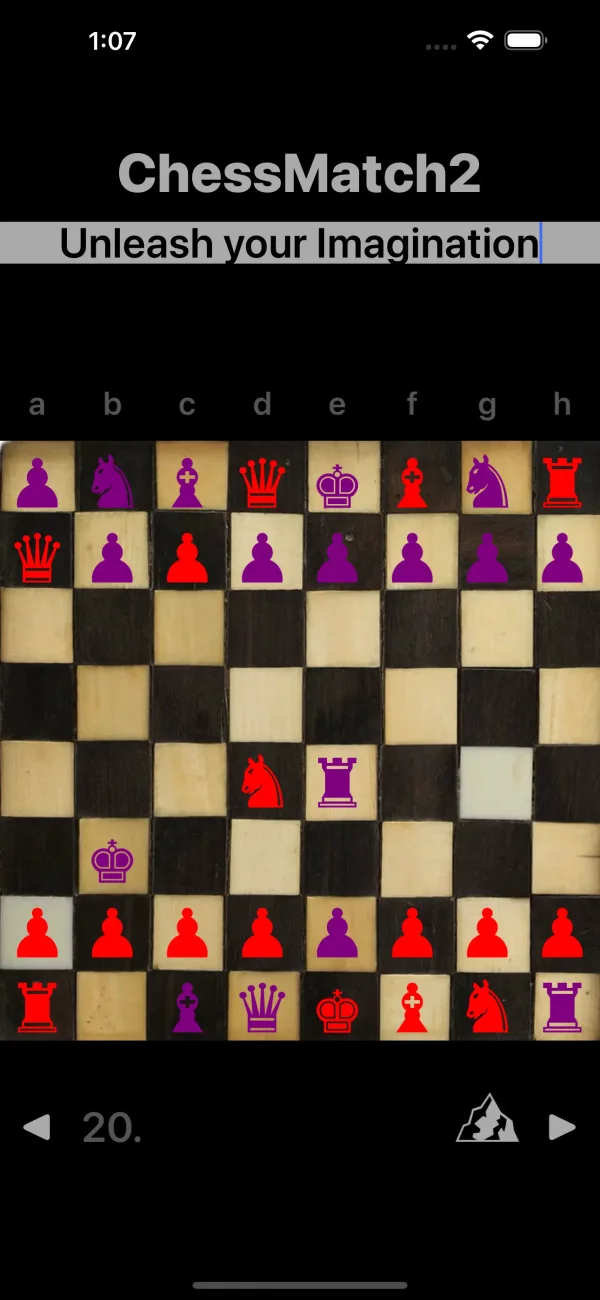
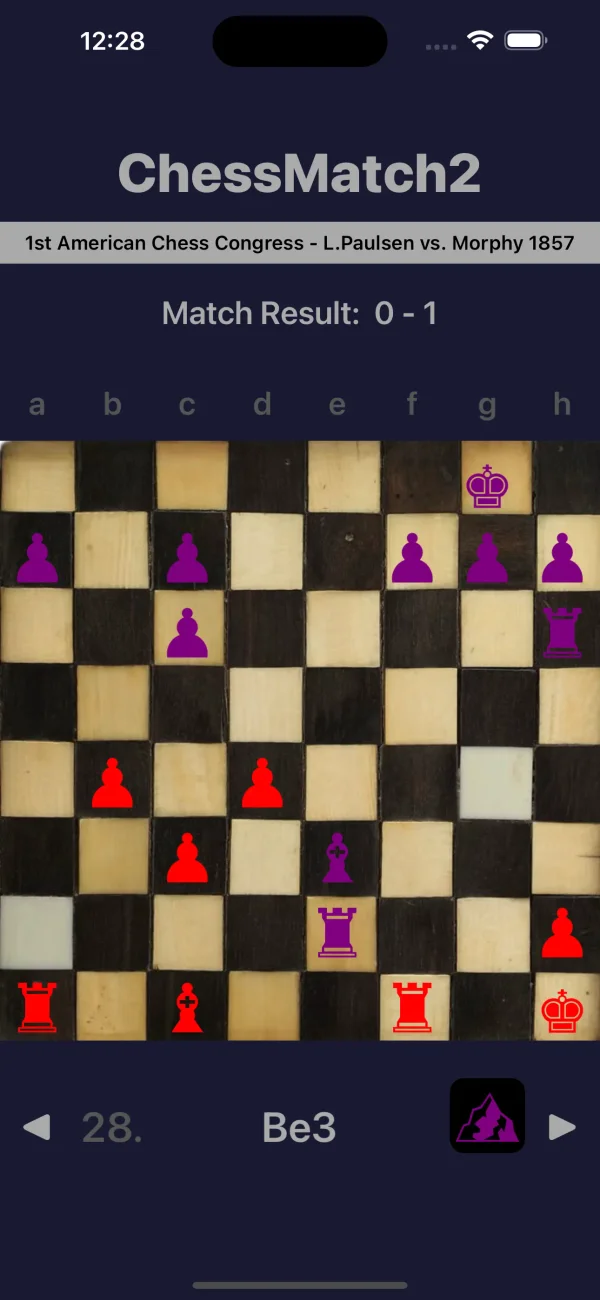

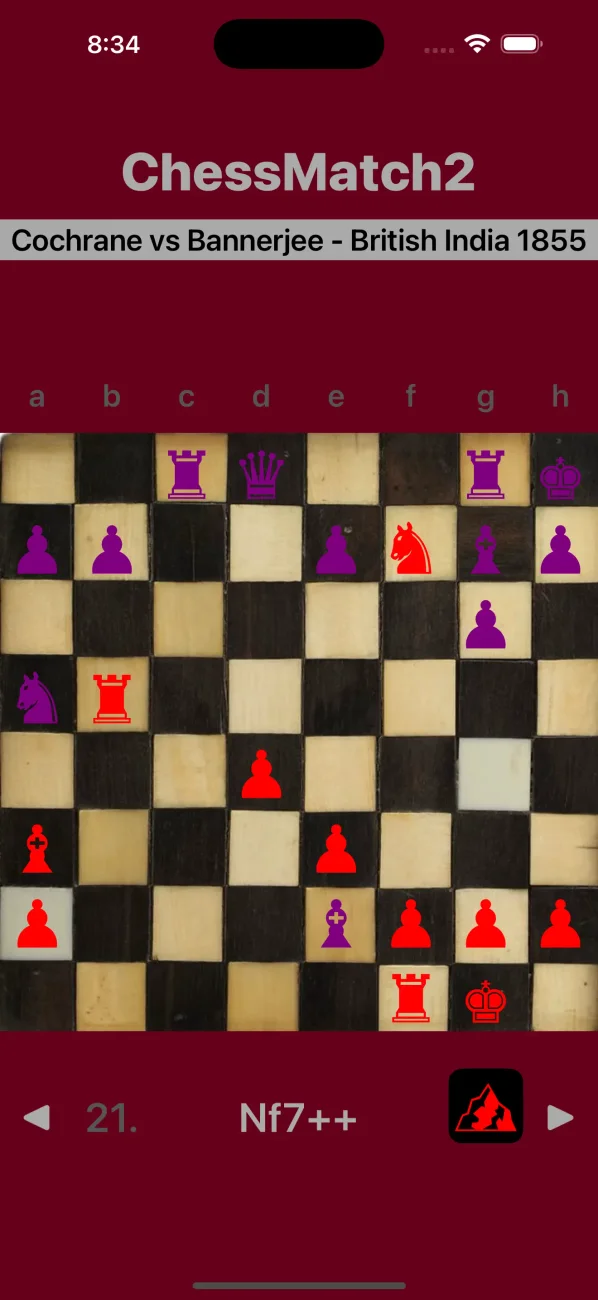

À propos
Le développeur n’a pas fourni ce texte dans votre langue.
>>>Welcome to ChessMatch2++ -> Chess Club of Champions!!~
->Featuring VARIABLE SPEED Annotated Match REPLAY & Fully INTERACTIVE Chessboard w/ Z-Override
-Play Chess REMOTELY in Real-Time via FaceTime Screen Sharing from ANYWHERE in the Entire WORLD!~
FaceTime Chess!! -> to Play Chess via FaceTime Screen Sharing: [Connect via FaceTime] -> [Select "SHARE MY SCREEN" Option] -> [Press NEW Button] -> [Create New Annotated MOVES LIST Match] or [Tap Chess Pieces to MOVE] >>> it's so EASY!~
-Play CORRESPONDENCE Chess via TextMessage or Email -> w/ Algebraic Notation Match Moves Lists or by using GALLERY of Chessboards
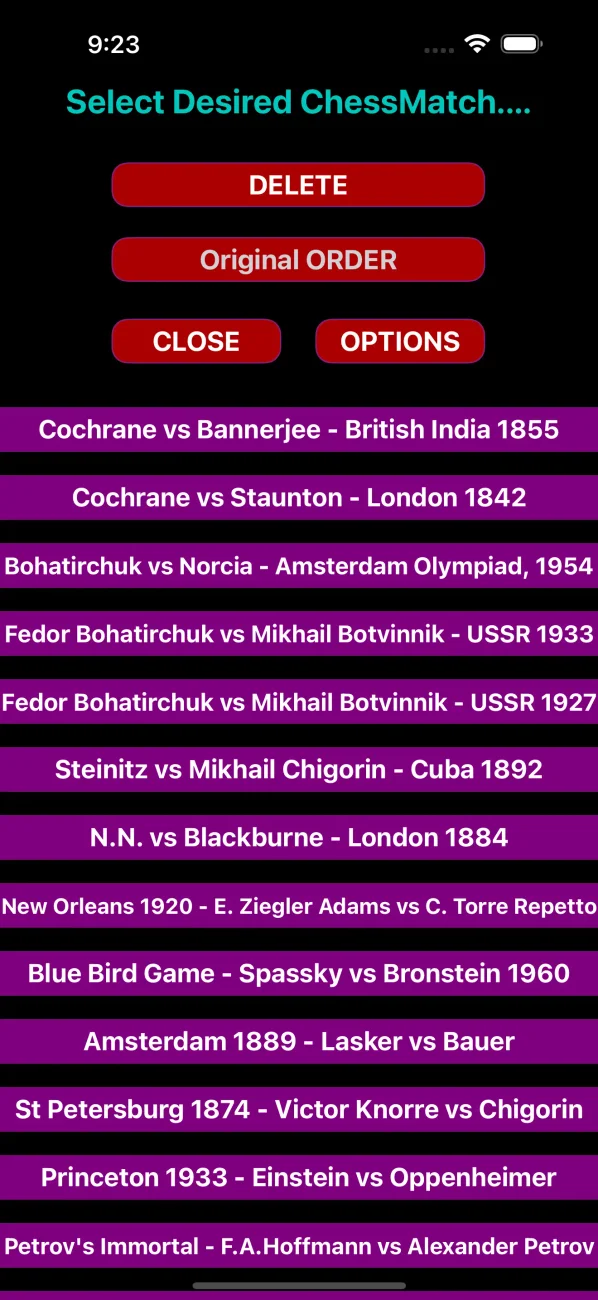
->With Over 230+ Annotated Matches & Chess Openings Included, there is Plenty of Room to Grow
[Press GAMES -> Select a Match -> Press REPLAY to Move the Chess Pieces Automatically!~ ]
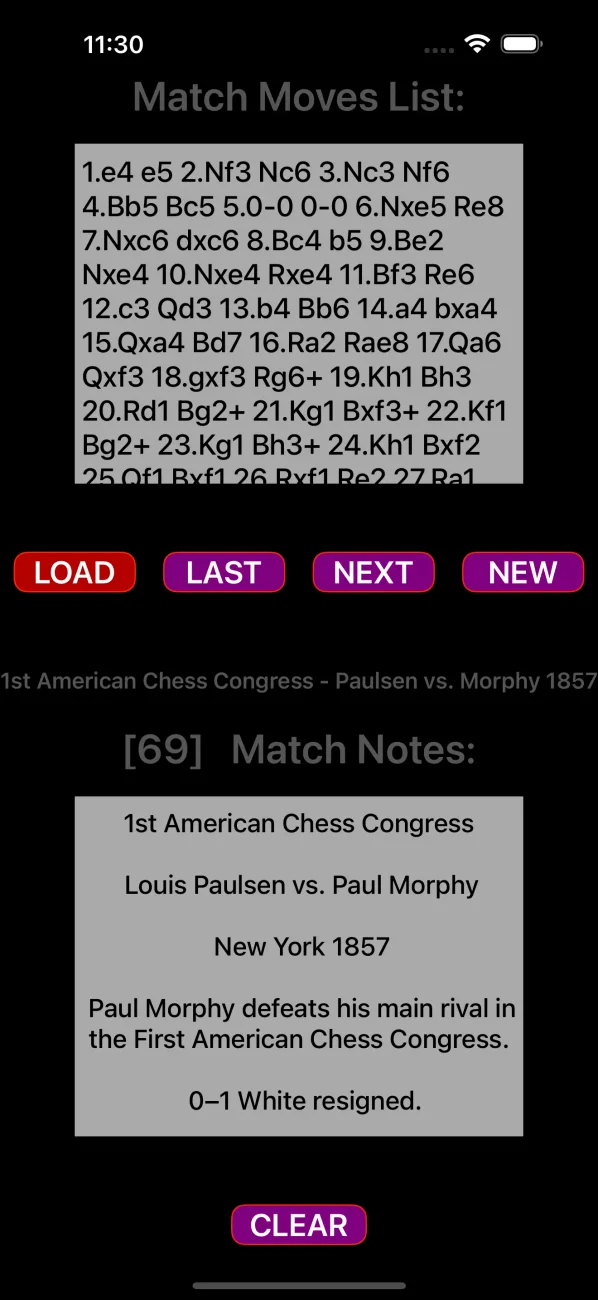
1) GAMES -> ALGEBRAIC NOTATION Play:......COPY & PASTE Entire Chess Matches into the "MATCH MOVES LIST"
****Tap "LOAD" button to Update MOVES List Changes
****Use "Qa1c3Z" notation style to OVERRIDE Normal Play......add or remove ANY Chess pieces.....Intended for Use by PROMOTED PAWNS....add a "Z"
***Navigate Match MOVES using Forwards & Backwards --> ARROW Buttons......Tap "GALLERY" Button to EXIT REPLAY Mode
******Go FAST, Go Slow or even Go Backwards!~
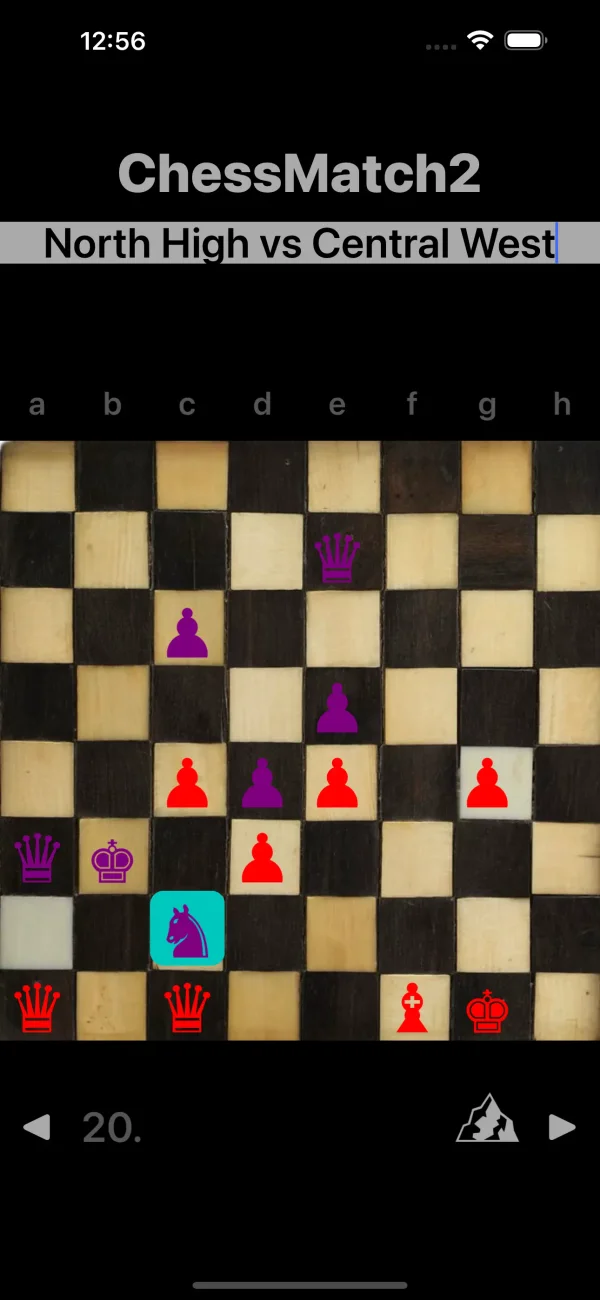
2) GALLERY of Chessboards......just like a REAL Chess Set........just TAP "FROM" Square & "TO" Square
***to SAVE Progress -> Press COPY....*GALLERY Chessboards RETURN to ORIGINAL Mint Condition on Exit
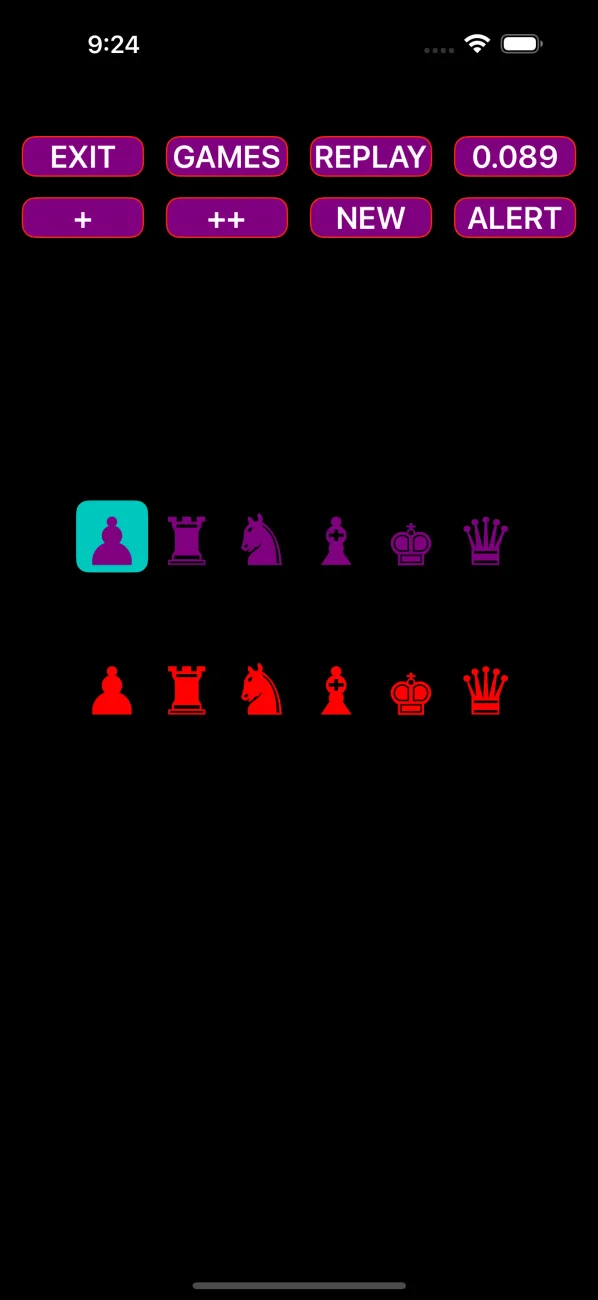
***Navigate Stored CHESS GAMES using ARROW Buttons ......Add Pieces by Tapping Mountain for MENU
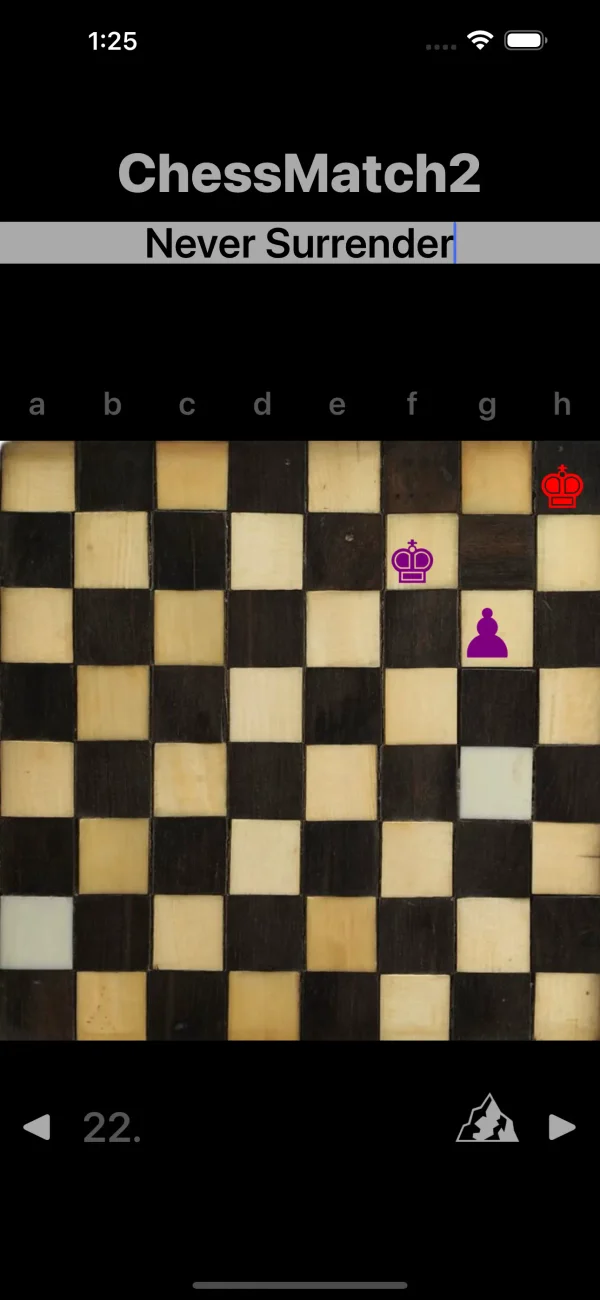
-> MOUNTAIN Menu (Icon) -> REPLAY Variable Speed Adjust (ex. 0.089) / SILENT Option / Purple & Red Pieces for Manual Chessboard Demonstrations
-ChessMatch2 is Designed to use Standard FIDE Formatting....[*Z-Override for PAWNs which have been PROMOTED]
**Q = Queen, K = King, B = Bishop, R = Rook, N = Knight & (P = Pawn for Z-Override Moves)
**Promoted Pawn Pieces use the simple “Qa1c3Z” format -> [Chess Piece + SquareOne + SquareTwo + Z]
-MATCH NOTES TextField is Provided for COMMENTARY Purposes ONLY & Plays NO ROLE in Actually Moving the Chess Pieces
-Practice Speed Chess Decision Making & Convenience with ADJUSTABLE Time Delay REPLAY (located in Mountain Menu)
**If a Chess Piece is NOT Moving…or is Coming Back to Life…..check for NOTATION Formatting Error or Match Rule Breaking issue
***Common Notation MIstakes: 1) not including “x” in Qxd3 -> when Capturing a Piece, 2) Illegal Move without Using Z-Override -> Pawn Moving too many Squares / Knight moving to illegal Square / Row Numbering 1 - 8 / etc
***Common Wrong Piece Moved Issue: Two Knights & Two Rooks OVERLAP -> If Both Knights or Both Rooks can Legally Move to the Square, just Add Initial ROW or COLUMN Designator to Specify Desired ACTIVE Chess Piece -> ex. Rxdb3 or Rx4b3
->To Force an illegal Chess Move, use the Qb3d5Z style OVERRIDE method provided….ChessMatch2 is great for Special Demonstrations & Student Instruction
-> for iPads: ADVANCE Chess Pieces by Tapping the Left & Right Edges of the Screen when Enjoying an Annotated ChessMatch in LANDSCAPE Mode!
**Playing via MOVES LIST MATCH is Recommended -> [Modify MOVES LIST] -> [Press LOAD Button] -> [Press REPLAY Button] -> [Enjoy!] -> [Repeat]
**to Adjust Annotated Match REPLAY Speed: [Press GAMES] -> [Press OPTIONS] -> [Scroll Down & Press "Mountain MENU"] -> [Modify Decimal Number -> Smaller is Faster!] -> [Press REPLAY]
***During a Moves List Match, ALL of the Chess Pieces can be Moved or Modified without Interfering with the Match -> this makes ChessMatch2 Perfect for Demonstrations / Departures / Practice / & LEARNING -> or even Do-Over's!~
-> Chess CLOCK -> Fischer Increment / Bronstein Delay / Sudden Chess / & US Delay! -> [GAMES] -> [OPTIONS] -> [Chess CLOCK]
-> the Chessboard dates back to the 1600s & the Oldest Match is from 1475
----------> ChessMatch2 is your BEST MOVE!++
Nouveautés
Version 4.9 · 10/09/2026
Introducing 2 Superb Examples of the Ultra-Rare "W-manuever" Checkmate using ONLY King, Knight & Bishop:
-[193] Ljubomir Ljubojevic vs Judit Polgar - Monaco, 1994
**Judith Polgar pulls off an Ultra-Rare "W-Manuever" Bishop & Knight Checkmate in Monaco during a "Blind" Round of the Melody Amber Chess Tournament
-[194] Tal Shaked vs Alexander Morozevich - Poland, 1997
**Tal Shaked successfully avoids a "Draw" by implementing the "W-Manuever", Winning the 1997 World Junior Championship
~100 move Chess Matches Never Looked so Good!!
>>> ChessMatch2++: the BEST Chess in History Unleashed!~
Confidentialité de l’application
Ce que Jack McCormack déclare sur l’App Store au sujet du traitement des données par cette application.
-
Données non collectées
Le développeur ne collecte aucune donnée à partir de cette application.
Les pratiques en matière de confidentialité peuvent varier, notamment en fonction des fonctionnalités que vous utilisez ou de votre âge.
Informations
- Vendeur
- Jack McCormack
- Catégorie
- Jeux de société
- Version
- 4.9
- Mis à jour
- 10/09/2026
- Publié
- 30/09/2024
- Taille
- 15,8 Mo
- Nécessite
- iOS 17.0 ou version ultérieure
- Classification d’âge
- 4+
- Prix
- 0,99 €
- Langues
- Anglais
- Copyright
- © 2024 Jack Philip McCormack
Vous aimerez peut-être aussi
-
 Dames - Jeu Offline1-2 joueurs. Sans pub.
-
 Closet Sort Goods Match 3DJeux de société
-
 Two Player Games - DuoPlayParties rapides
-
 SmallFish Chess for StockfishJeux de société
-
 Échecs - Apprenez & EntraîneurFormateur avec 150 niveaux.
-
 Screw Master : Jeux de VisPuzzle de Boulons & Écrous
-
 Échecs- Apprendre et JouerJouez en ligne avec des amis!