- 対象年齢4+
- カテゴリボード
- 開発元Jack McCormack
- 言語英語
- サイズ15.8 MB
App Storeの公式ページにリンクしています
Download.orgはChessMatch2のファイルを一切ホストしていません。ボタンを押すと、Jack McCormackが公開しているApp Storeのアプリページが開きます。ページの最終確認:2026/11/18。
スクリーンショット


概要
開発元はこのテキストをお使いの言語で提供していません。
>>>Welcome to ChessMatch2++ -> Chess Club of Champions!!~
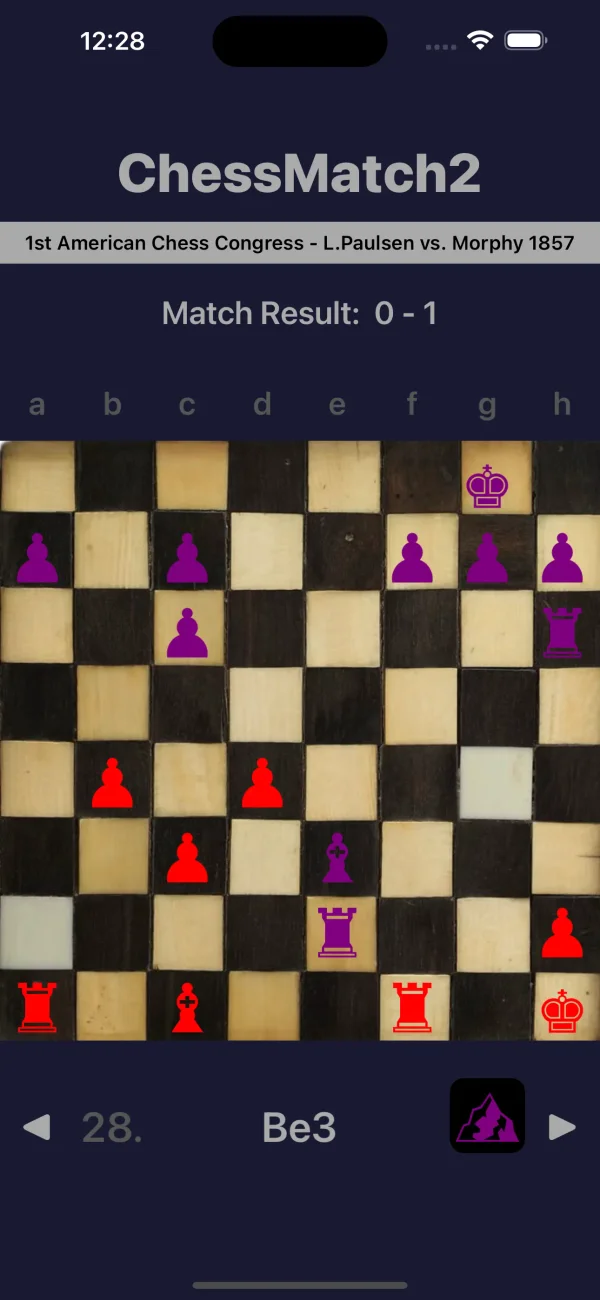
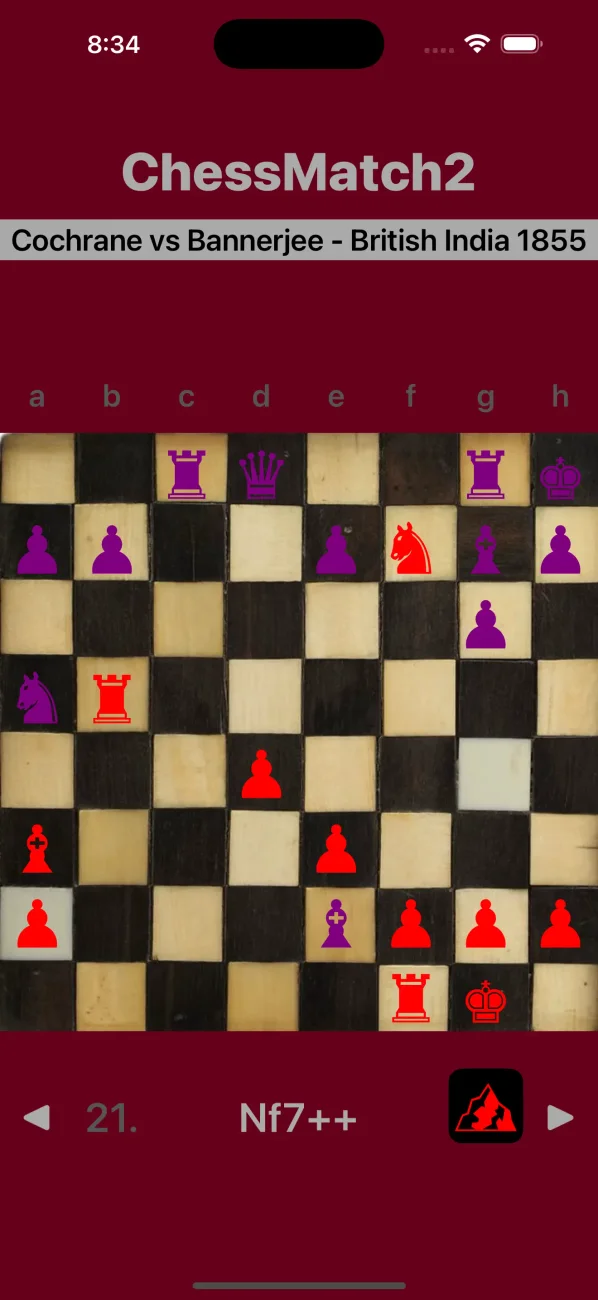
->Featuring VARIABLE SPEED Annotated Match REPLAY & Fully INTERACTIVE Chessboard w/ Z-Override
-Play Chess REMOTELY in Real-Time via FaceTime Screen Sharing from ANYWHERE in the Entire WORLD!~
FaceTime Chess!! -> to Play Chess via FaceTime Screen Sharing: [Connect via FaceTime] -> [Select "SHARE MY SCREEN" Option] -> [Press NEW Button] -> [Create New Annotated MOVES LIST Match] or [Tap Chess Pieces to MOVE] >>> it's so EASY!~
-Play CORRESPONDENCE Chess via TextMessage or Email -> w/ Algebraic Notation Match Moves Lists or by using GALLERY of Chessboards
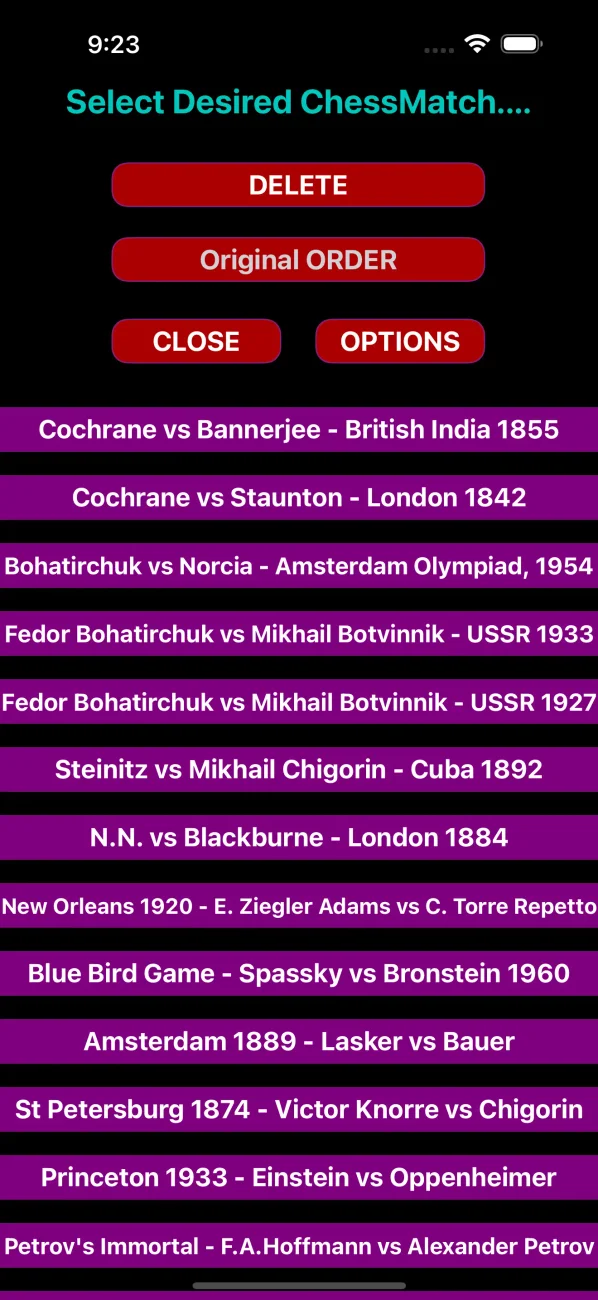
->With Over 230+ Annotated Matches & Chess Openings Included, there is Plenty of Room to Grow
[Press GAMES -> Select a Match -> Press REPLAY to Move the Chess Pieces Automatically!~ ]
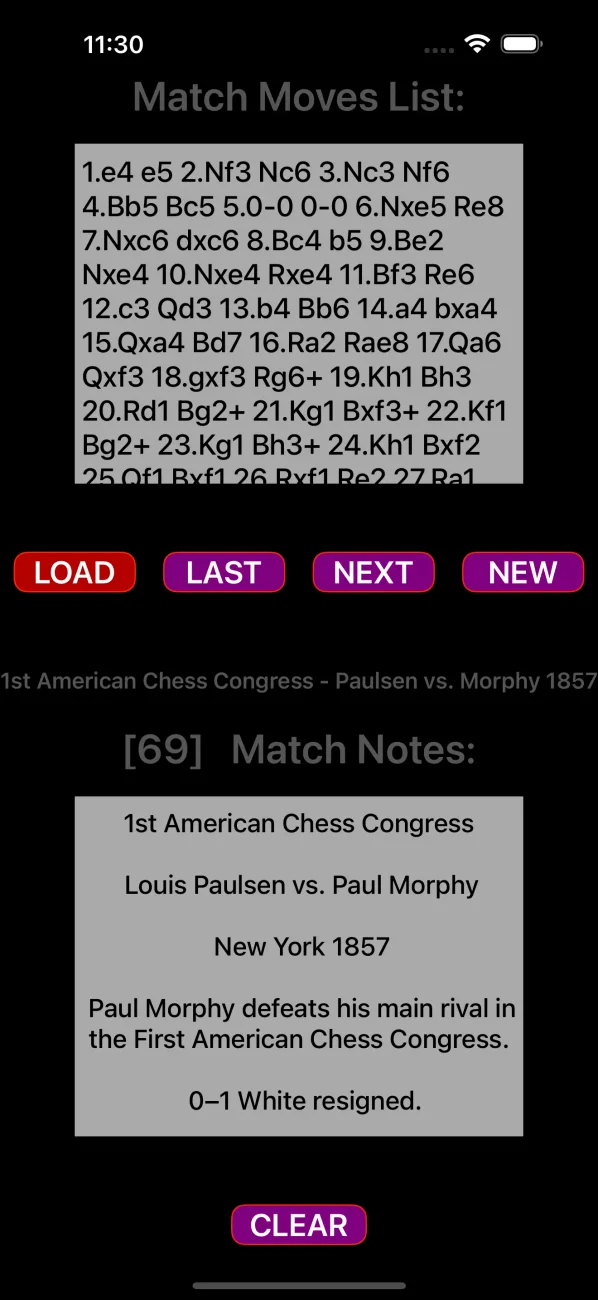
1) GAMES -> ALGEBRAIC NOTATION Play:......COPY & PASTE Entire Chess Matches into the "MATCH MOVES LIST"
****Tap "LOAD" button to Update MOVES List Changes
****Use "Qa1c3Z" notation style to OVERRIDE Normal Play......add or remove ANY Chess pieces.....Intended for Use by PROMOTED PAWNS....add a "Z"
***Navigate Match MOVES using Forwards & Backwards --> ARROW Buttons......Tap "GALLERY" Button to EXIT REPLAY Mode
******Go FAST, Go Slow or even Go Backwards!~
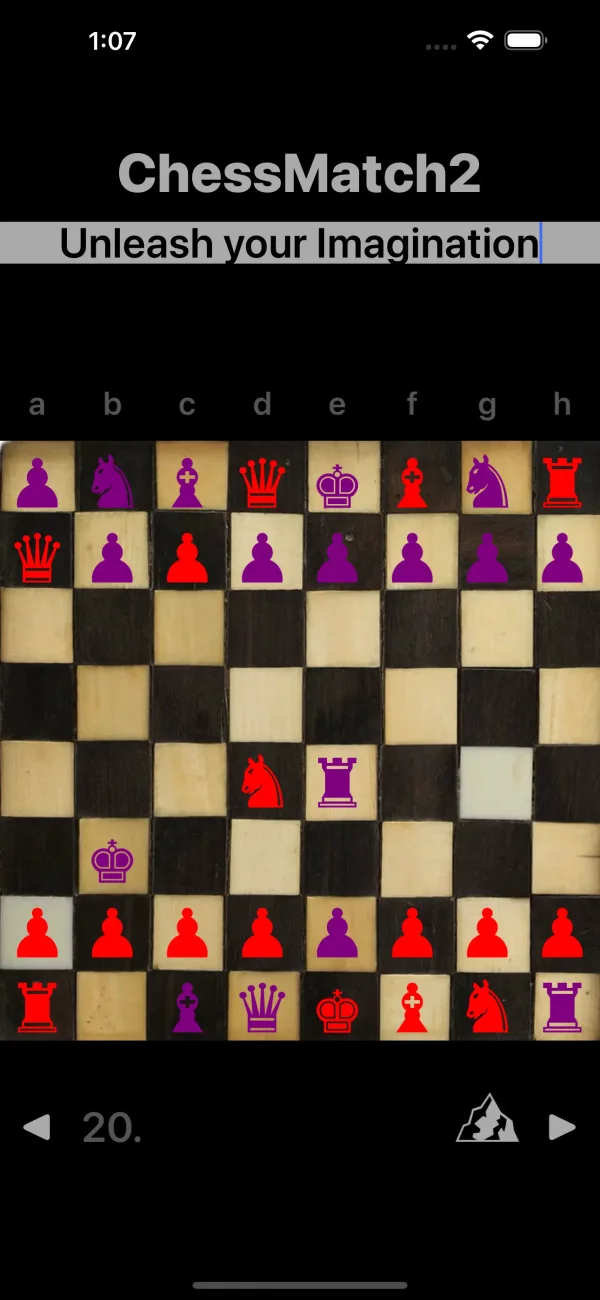
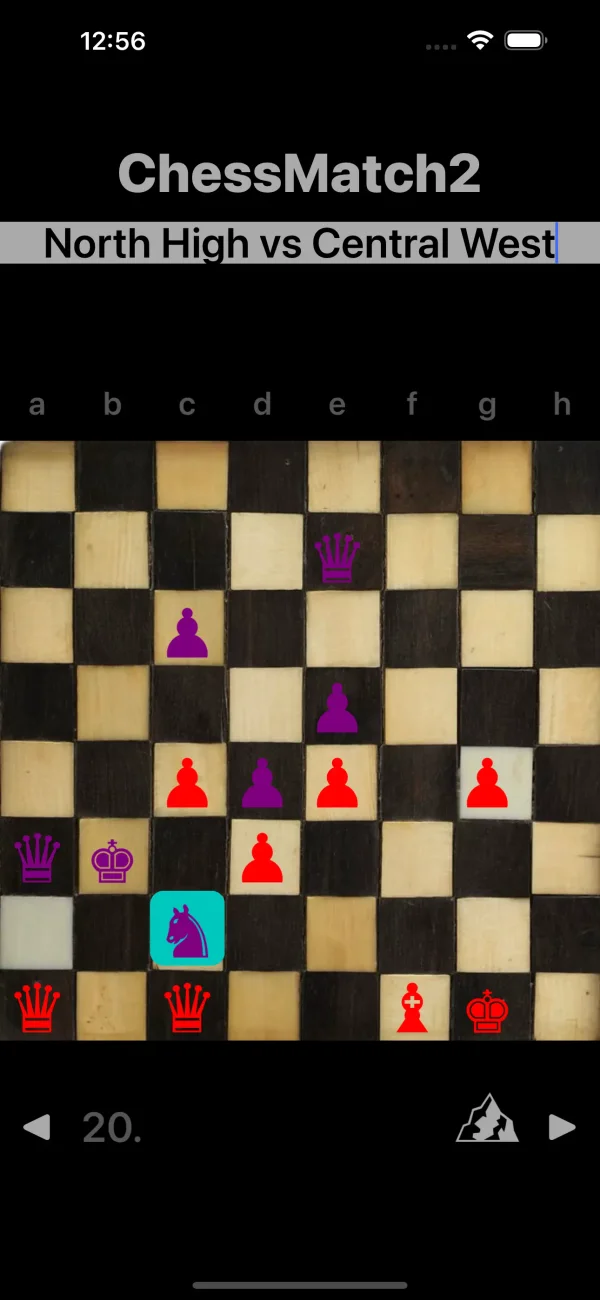
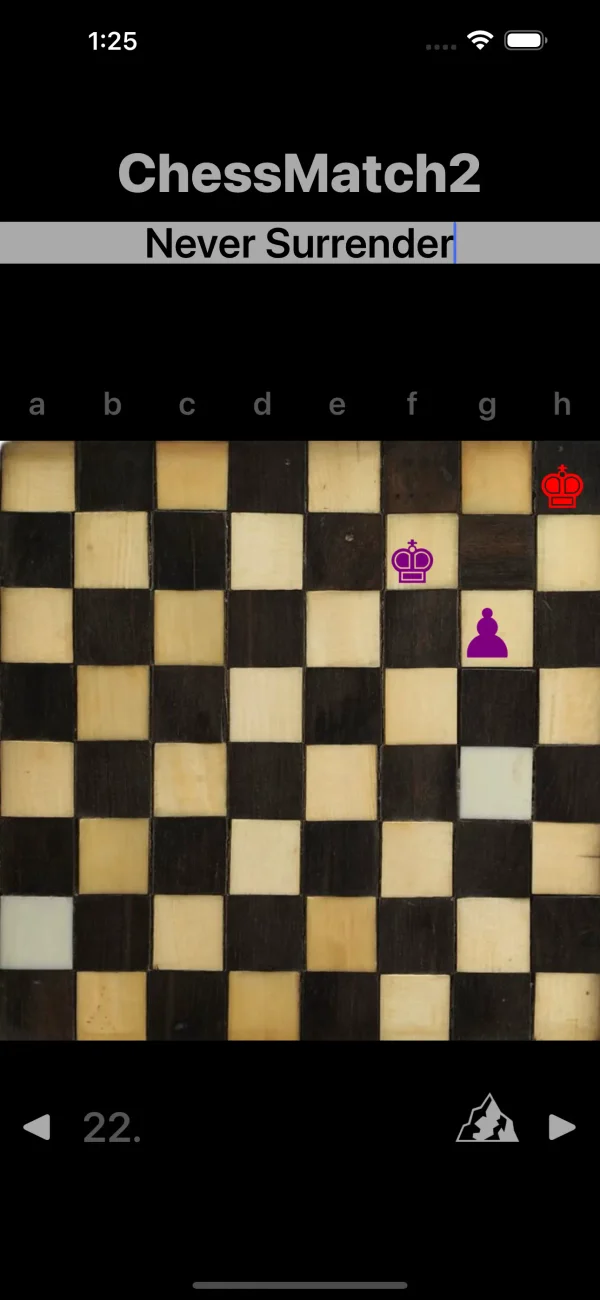
2) GALLERY of Chessboards......just like a REAL Chess Set........just TAP "FROM" Square & "TO" Square
***to SAVE Progress -> Press COPY....*GALLERY Chessboards RETURN to ORIGINAL Mint Condition on Exit
***Navigate Stored CHESS GAMES using ARROW Buttons ......Add Pieces by Tapping Mountain for MENU
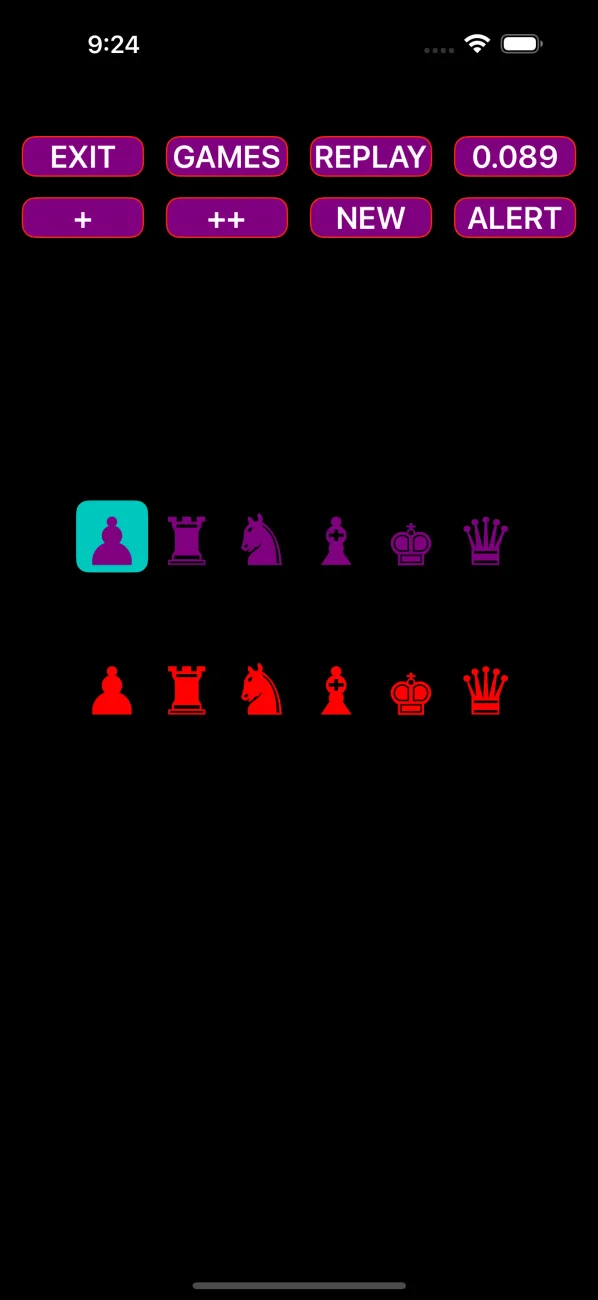
-> MOUNTAIN Menu (Icon) -> REPLAY Variable Speed Adjust (ex. 0.089) / SILENT Option / Purple & Red Pieces for Manual Chessboard Demonstrations
-ChessMatch2 is Designed to use Standard FIDE Formatting....[*Z-Override for PAWNs which have been PROMOTED]
**Q = Queen, K = King, B = Bishop, R = Rook, N = Knight & (P = Pawn for Z-Override Moves)
**Promoted Pawn Pieces use the simple “Qa1c3Z” format -> [Chess Piece + SquareOne + SquareTwo + Z]
-MATCH NOTES TextField is Provided for COMMENTARY Purposes ONLY & Plays NO ROLE in Actually Moving the Chess Pieces
-Practice Speed Chess Decision Making & Convenience with ADJUSTABLE Time Delay REPLAY (located in Mountain Menu)
**If a Chess Piece is NOT Moving…or is Coming Back to Life…..check for NOTATION Formatting Error or Match Rule Breaking issue
***Common Notation MIstakes: 1) not including “x” in Qxd3 -> when Capturing a Piece, 2) Illegal Move without Using Z-Override -> Pawn Moving too many Squares / Knight moving to illegal Square / Row Numbering 1 - 8 / etc
***Common Wrong Piece Moved Issue: Two Knights & Two Rooks OVERLAP -> If Both Knights or Both Rooks can Legally Move to the Square, just Add Initial ROW or COLUMN Designator to Specify Desired ACTIVE Chess Piece -> ex. Rxdb3 or Rx4b3
->To Force an illegal Chess Move, use the Qb3d5Z style OVERRIDE method provided….ChessMatch2 is great for Special Demonstrations & Student Instruction
-> for iPads: ADVANCE Chess Pieces by Tapping the Left & Right Edges of the Screen when Enjoying an Annotated ChessMatch in LANDSCAPE Mode!
**Playing via MOVES LIST MATCH is Recommended -> [Modify MOVES LIST] -> [Press LOAD Button] -> [Press REPLAY Button] -> [Enjoy!] -> [Repeat]
**to Adjust Annotated Match REPLAY Speed: [Press GAMES] -> [Press OPTIONS] -> [Scroll Down & Press "Mountain MENU"] -> [Modify Decimal Number -> Smaller is Faster!] -> [Press REPLAY]
***During a Moves List Match, ALL of the Chess Pieces can be Moved or Modified without Interfering with the Match -> this makes ChessMatch2 Perfect for Demonstrations / Departures / Practice / & LEARNING -> or even Do-Over's!~
-> Chess CLOCK -> Fischer Increment / Bronstein Delay / Sudden Chess / & US Delay! -> [GAMES] -> [OPTIONS] -> [Chess CLOCK]
-> the Chessboard dates back to the 1600s & the Oldest Match is from 1475
----------> ChessMatch2 is your BEST MOVE!++
新機能
バージョン 4.9 · 2026/9/10
Introducing 2 Superb Examples of the Ultra-Rare "W-manuever" Checkmate using ONLY King, Knight & Bishop:
-[193] Ljubomir Ljubojevic vs Judit Polgar - Monaco, 1994
**Judith Polgar pulls off an Ultra-Rare "W-Manuever" Bishop & Knight Checkmate in Monaco during a "Blind" Round of the Melody Amber Chess Tournament
-[194] Tal Shaked vs Alexander Morozevich - Poland, 1997
**Tal Shaked successfully avoids a "Draw" by implementing the "W-Manuever", Winning the 1997 World Junior Championship
~100 move Chess Matches Never Looked so Good!!
>>> ChessMatch2++: the BEST Chess in History Unleashed!~
アプリのプライバシー
このアプリのデータの取り扱いについて、Jack McCormackがApp Storeで申告している内容です。
-
データの収集なし
開発元はこのアプリからデータを収集しません。
プライバシーの取り扱いは、ご利用の機能やお客様の年齢などに応じて異なる場合があります。
情報
- 販売元
- Jack McCormack
- カテゴリ
- ボード
- バージョン
- 4.9
- 更新日
- 2026/9/10
- リリース
- 2024/9/30
- サイズ
- 15.8 MB
- 必要条件
- iOS 17.0以降
- 対象年齢
- 4+
- 価格
- ¥150
- 言語
- 英語
- 著作権
- © 2024 Jack Philip McCormack