
ClassNotes: My smart notebook
Your smart notebook
Conçue pour iPhone, iPad
Gratuit · Achats intégrés
- Classification d’âge4+
- CatégorieÉducation
- DéveloppeurTony Aboud
- LanguesAnglais
- Taille29,3 Mo
Renvoie vers la page App Store officielle
Download.org n’héberge aucun fichier de ClassNotes: My smart notebook. Le bouton ouvre la page de l’application sur App Store, où Tony Aboud la publie. Fiche vérifiée pour la dernière fois le 23/11/2026.
Captures d’écran
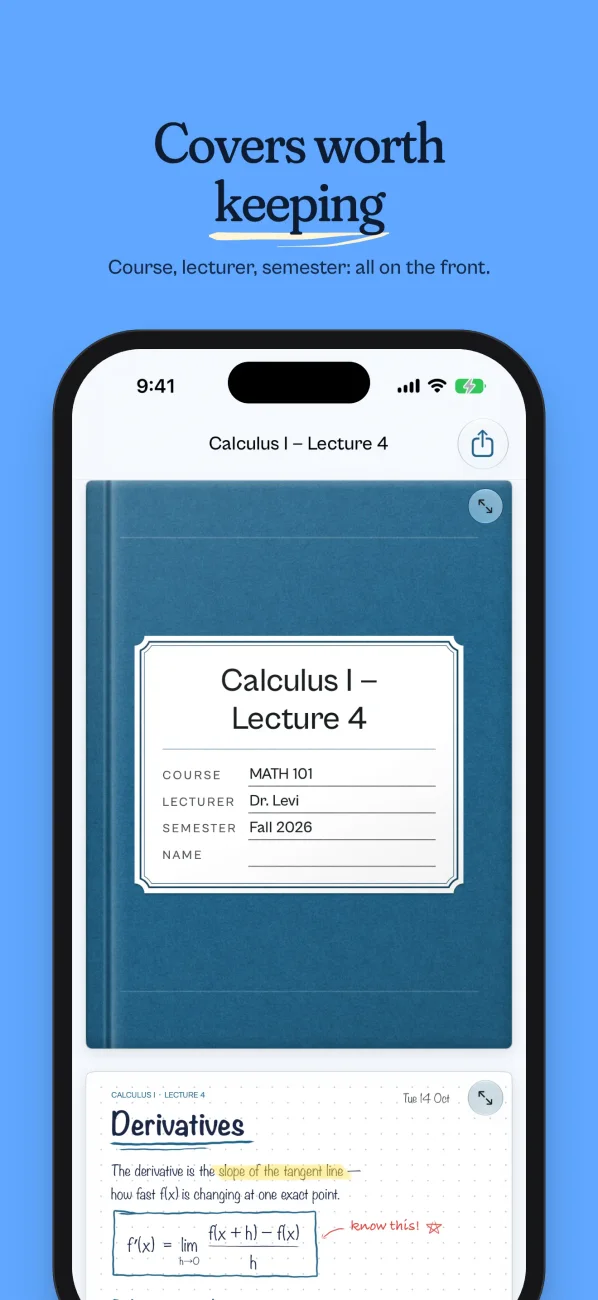
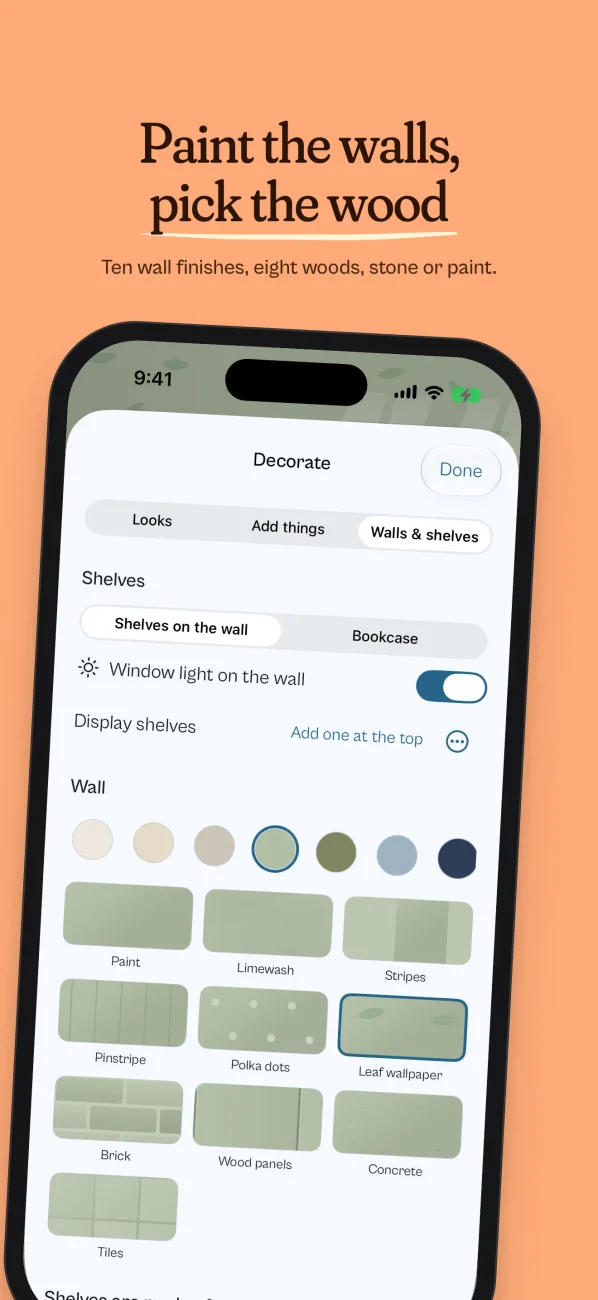
À propos
Le développeur n’a pas fourni ce texte dans votre langue.
ClassNotes is a handwriting-first notebook for iPad. What you write with Apple Pencil is exactly what stays on the page: no smoothing, no reshaping, nothing "cleaned up" behind your back. The core writing tools are free, you don't need an account, and every plan starts with a 14-day free trial.
WRITE THE WAY YOU THINK
• Nine pens: pen, fineliner, pencil, fountain pen, calligraphy, marker, brush and two highlighters, each in your own colours
• Hold a shape steady and it snaps into a clean line, circle, rectangle or triangle, still adjustable until you lift the pencil
• A two-finger ruler, a paint bucket that fills under your ink, and scribble to erase
• Lasso to move, resize, turn, recolour, copy and paste anything, onto any page
• Double-tap with two or three fingers to undo or redo, if you switch it on
• Optional live beautification turns your handwriting into neat type as you go
MORE THAN INK
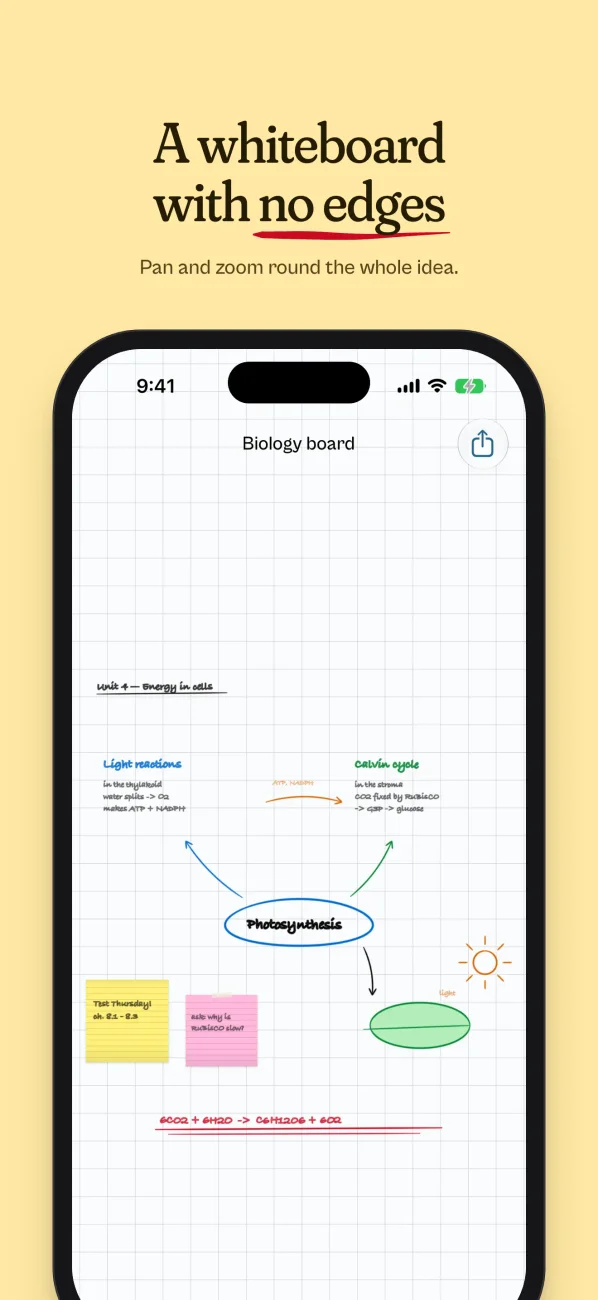
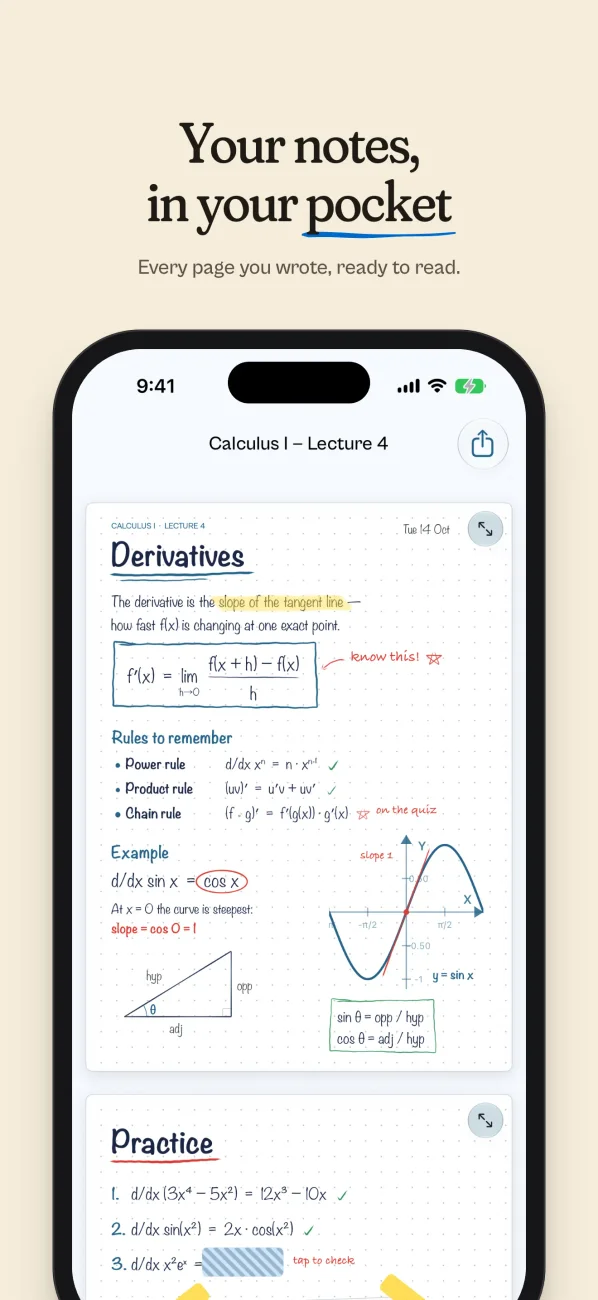
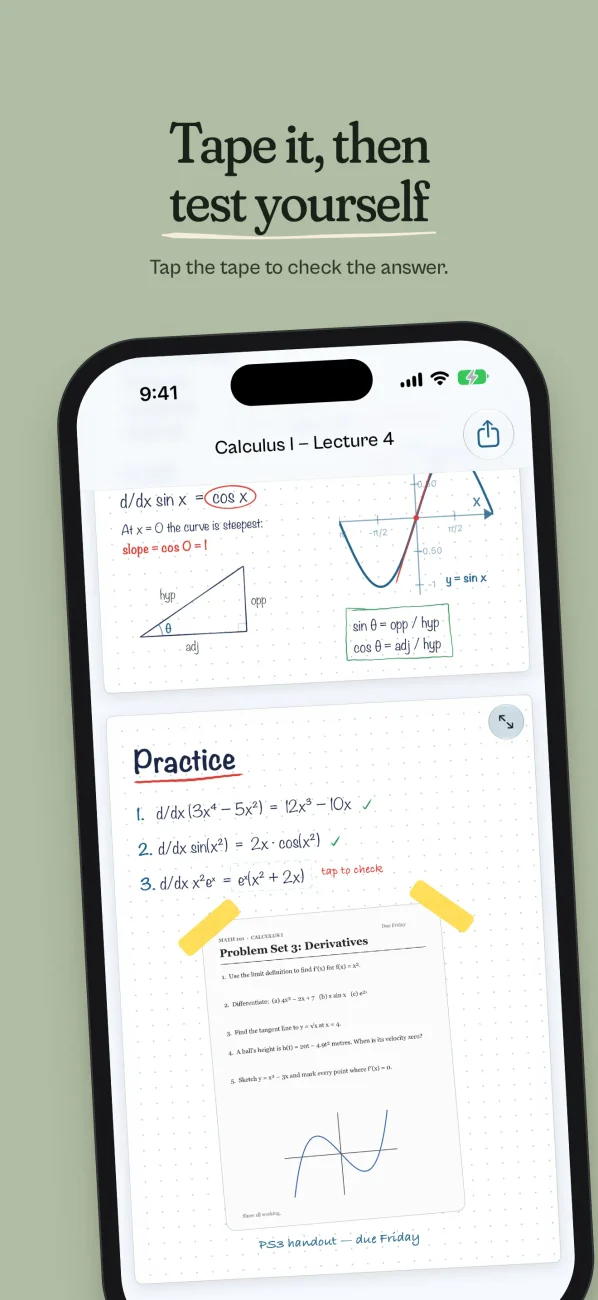
• Text boxes, photos, files, voice notes, sticky notes, tape that hides answers, graphs, and links to other pages
• Code blocks that run: Python, JavaScript, C and C++ right in your notes, offline
• Import PDFs and EPUB books as pages you can write on
• 24 paper templates, any paper and line colour, and 51 cover designs with subject artwork and lines for your course and name
A LIBRARY THAT FEELS LIKE ONE
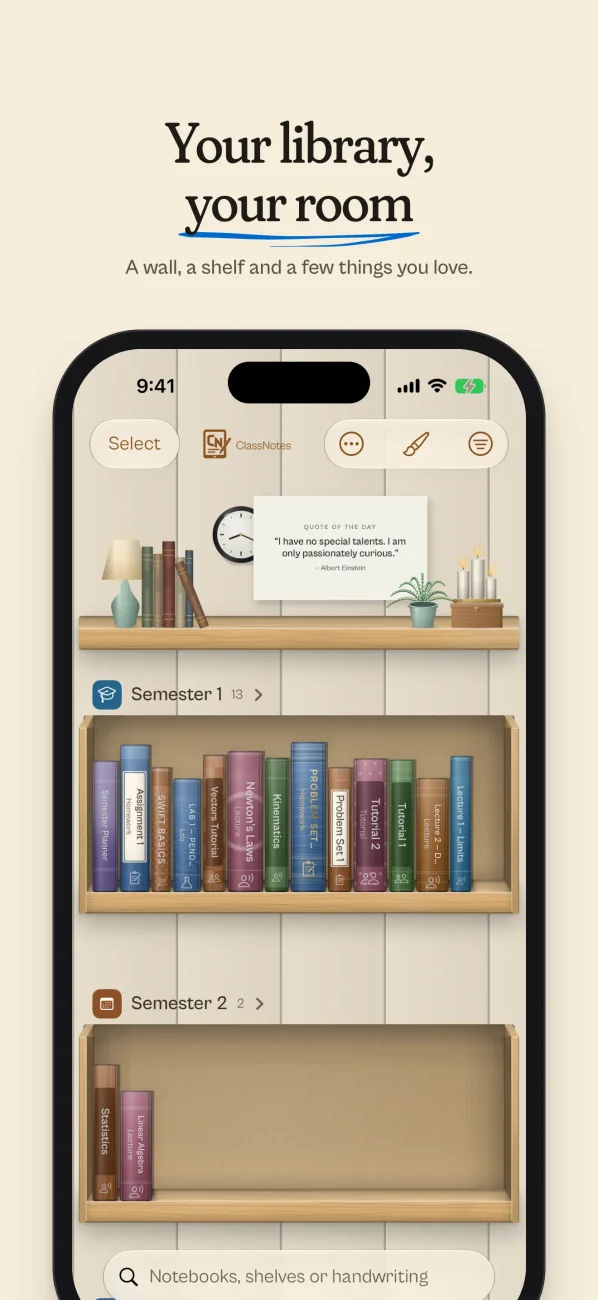
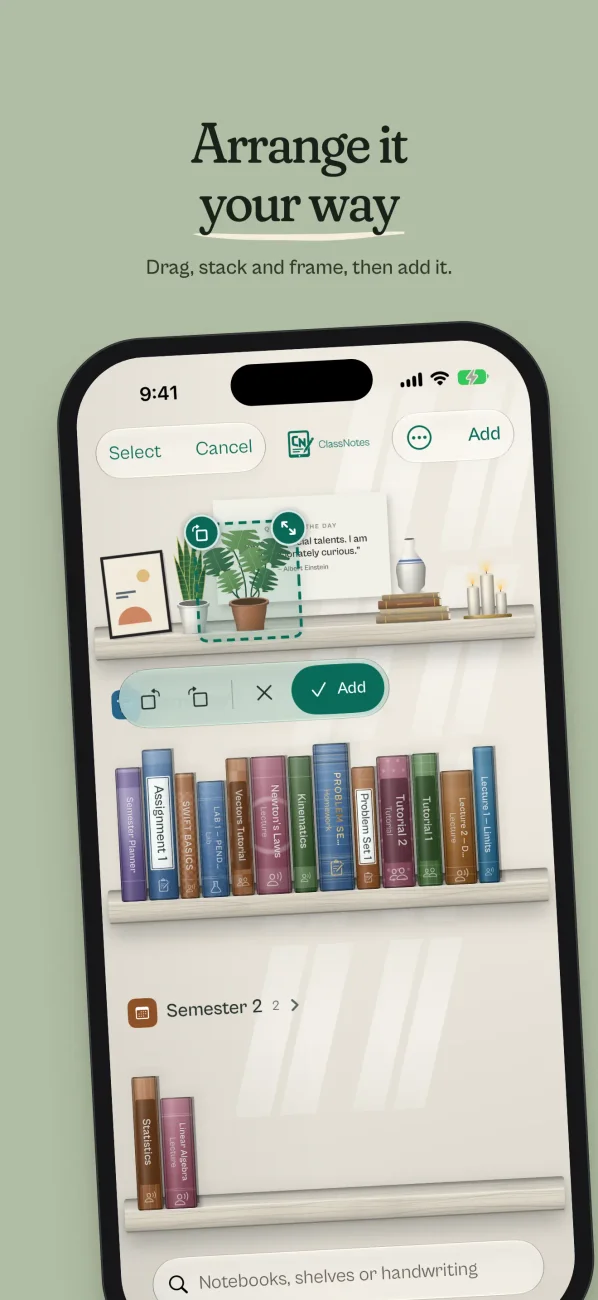
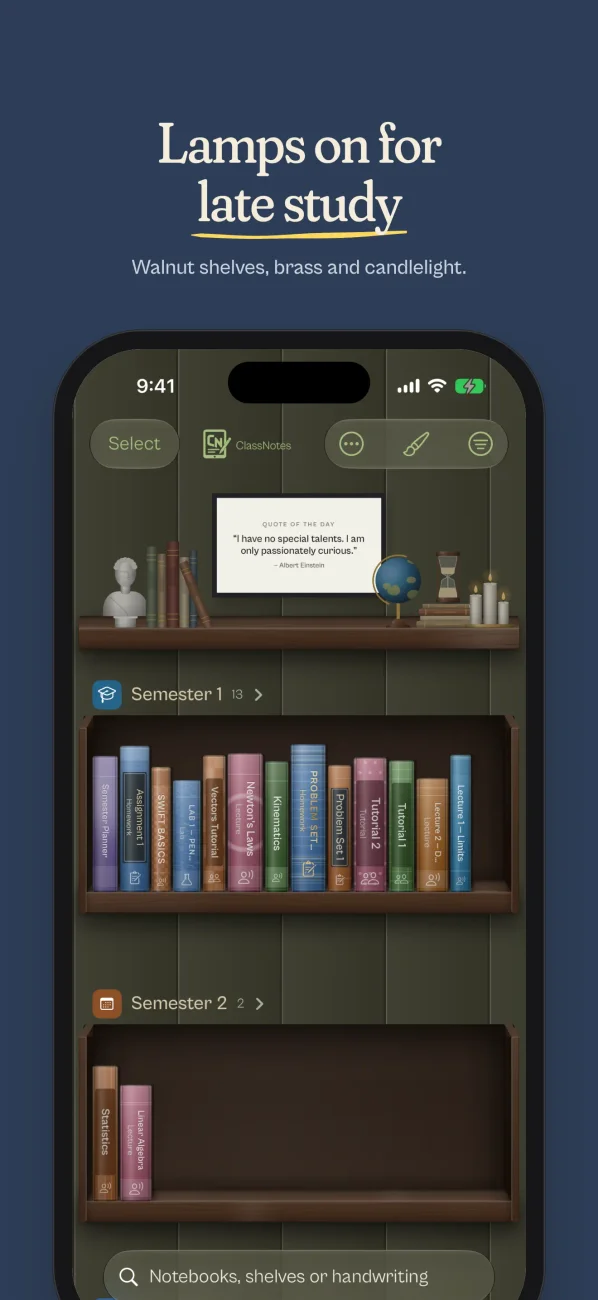
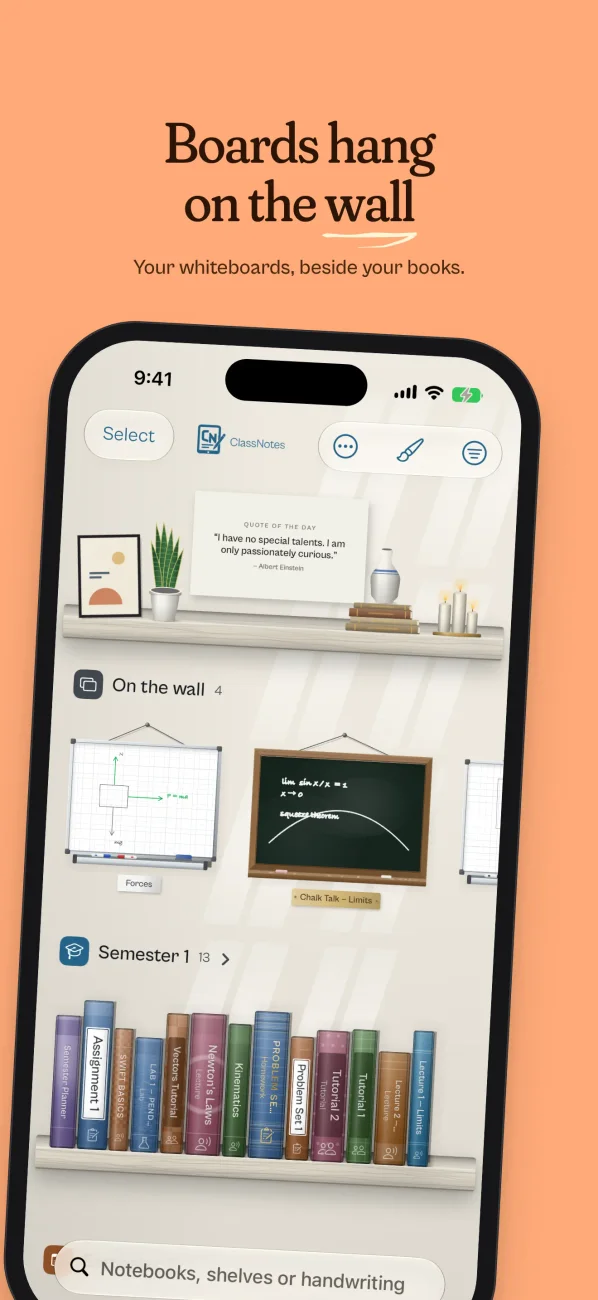
Notebooks stand on shelves in a bookcase, open with a turn of the cover, and can sit on several shelves at once. Search finds words in your own handwriting, even on pages you never typed on.
A CALENDAR FOR YOUR NOTES
Write on any day with every pen, put pages from any notebook on a day, and see a month of your notes at a glance. Plan a day in Daymark straight from the calendar.
NOVA, YOUR STUDY ASSISTANT
Circle a diagram, an equation or a paragraph and ask NOVA about it: it sees exactly what you circled. Or let it read a whole notebook and answer from your own notes, citing the page. NOVA asks your permission before anything is sent. It comes with every plan, and every plan starts with a free trial.
YOURS, ON YOUR DEVICES
Notebooks are files on your iPad. iCloud sync keeps your iPad and iPhone in step through your own iCloud, and the iPhone app is a fast viewer for your whole library. With a plan, share a notebook with classmates and write in it together, live. Export any notebook as a PDF.
PLANS
Free: the core tools (every pen, the eraser, lasso, shapes, pages, PDF import and export, iCloud sync), and up to 3 notebooks you make.
Basic ($2.49 a month or $21.99 a year): every tool, 20 notebooks, NOVA with 15 answers a day from Anthropic's Claude, sharing notebooks, and a 500 MB copy of your library for your other devices.
Plus ($3.99 a month or $34.99 a year): unlimited notebooks and 30 Claude answers a day.
Max ($7.99 a month or $69.99 a year): unlimited notebooks, 50 Claude answers a day, 2 GB of room, and Study: NOVA turns a notebook into flashcards or a practice quiz.
Every plan starts with a 14-day free trial. Your notebooks are always yours: on any plan, or none, they open, you can write in them, export them and sync them. If you used ClassNotes before version 1.19, you keep every tool and unlimited notebooks, free.
After the day's Claude answers, NOVA carries on with a lighter model. Answer packs of 50, 200 or 500 Claude answers never expire, and a storage add-on gives you 2 GB or 10 GB more room on ClassNotes' server. Subscriptions renew automatically unless cancelled at least 24 hours before the end of the period or the free trial; manage or cancel them in your Apple Account settings.
No ads, no tracking.
Terms of Use: https://tony11-dot.github.io/classnotes/terms.html
Privacy Policy: https://tony11-dot.github.io/classnotes/privacy.html
Nouveautés
Version 1.21 · 20/11/2026
Lay your library out your way, and set ClassNotes up in a minute when you start.
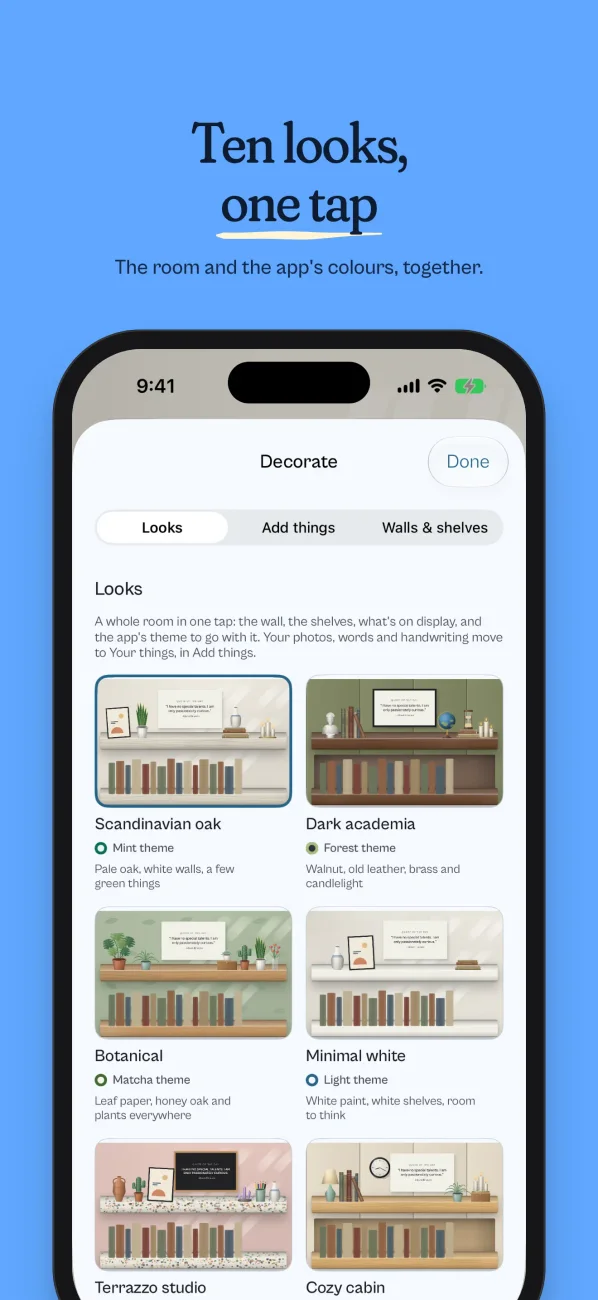
- Library layouts: keep the bookcase, or lay your notebooks out as pages (each notebook's first page, in a grid), covers, or a list. Choose in Settings > Appearance, or with the layout button at the top of the library. Shelves open as folders in every layout.
- A one-minute setup the first time you open ClassNotes: your theme and paper tone, how your library looks, what your Apple Pencil's double-tap and squeeze do, and your subjects, which become shelves. Then the tour, if you'd like it. You can skip any of it and change all of it later.
- The tool bar moves with you: pens slide out under the pointer, tools lift, and the bar opens out from its middle and folds back into it.
- Ink you delete stays deleted, even when the same notebook is also open on your iPhone.
- The lasso takes everything you circle: no more missing letter when the loop crosses itself or its edge cuts a word.
- Something dragged onto another page lands exactly where you let go of it.
- Pinching past the closest or farthest zoom keeps the page where your fingers moved it.
- A notebook's menu scrolls smoothly from the first try.
- Study with NOVA is included with the Pro plan.
Confidentialité de l’application
Ce que Tony Aboud déclare sur l’App Store au sujet du traitement des données par cette application.
-
Données établissant un lien avec vous
Peuvent être collectées et liées à votre identité.
- Achats
- Coordonnées
- Contenu utilisateur
- Identifiants
Les pratiques en matière de confidentialité peuvent varier, notamment en fonction des fonctionnalités que vous utilisez ou de votre âge.
Informations
- Vendeur
- Tony Aboud
- Catégorie
- Éducation
- Version
- 1.21
- Mis à jour
- 20/11/2026
- Publié
- 31/10/2026
- Taille
- 29,3 Mo
- Nécessite
- iOS 26.0 ou version ultérieure
- Classification d’âge
- 4+
- Prix
- Gratuit
- Achats intégrés
- Oui
- Langues
- Anglais
- Copyright
- © 2026 Tony Aboud
Vous aimerez peut-être aussi
-
 WeakspotÉducation
-
 Writease: AI Note TakerÉducation
-
 Pencora: Handwriting NotesÉducation
-
 CourseBotÉducation
-
 Bloom Future – Careers & MoreÉducation
-
 Every RoundÉducation
-
 Simple Power GraderÉducation
-
 Notes de cours universitairesNouvelles notes pour la fac
-
 AI Flashcards - Study & LearnÉducation
-
 TiktekÉducation