ClassNotes: My smart notebook
Your smart notebook
Projetado para iPhone, iPad
Grátis · Compras no app
- Classificação etária4+
- CategoriaEducação
- DesenvolvedorTony Aboud
- IdiomasInglês
- Tamanho29,4 MB
Leva à página oficial na App Store
O Download.org não hospeda nenhum arquivo de ClassNotes: My smart notebook. O botão abre a página do app na App Store, onde Tony Aboud o publica. Página verificada pela última vez em 29/11/2026.
Capturas de tela
Sobre
O desenvolvedor não forneceu este texto no seu idioma.
ClassNotes is a handwriting-first notebook for iPad. What you write with Apple Pencil is exactly what stays on the page: no smoothing, no reshaping, nothing "cleaned up" behind your back. The core writing tools are free, you don't need an account, and every plan starts with a 14-day free trial.
WRITE THE WAY YOU THINK
• Nine pens: pen, fineliner, pencil, fountain pen, calligraphy, marker, brush and two highlighters, each in your own colours
• Hold a shape steady and it snaps into a clean line, circle, rectangle or triangle, still adjustable until you lift the pencil
• A two-finger ruler, a paint bucket that fills under your ink, and scribble to erase
• Lasso to move, resize, turn, recolour, copy and paste anything, onto any page
• Double-tap with two or three fingers to undo or redo, if you switch it on
• Optional live beautification turns your handwriting into neat type as you go
MORE THAN INK
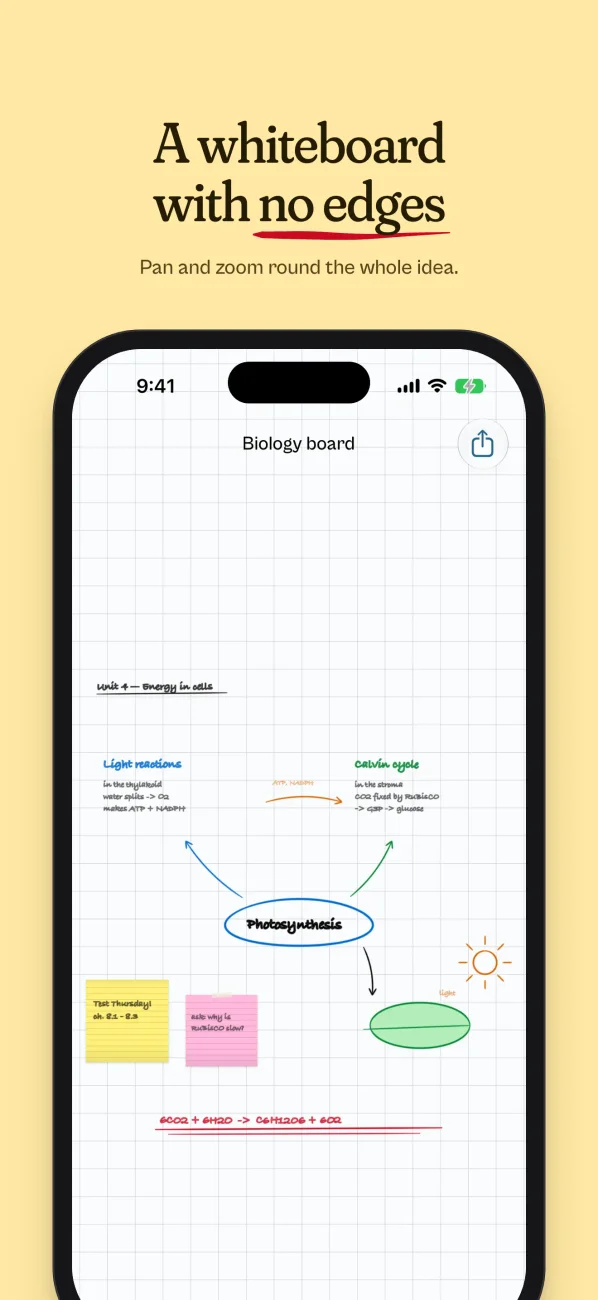
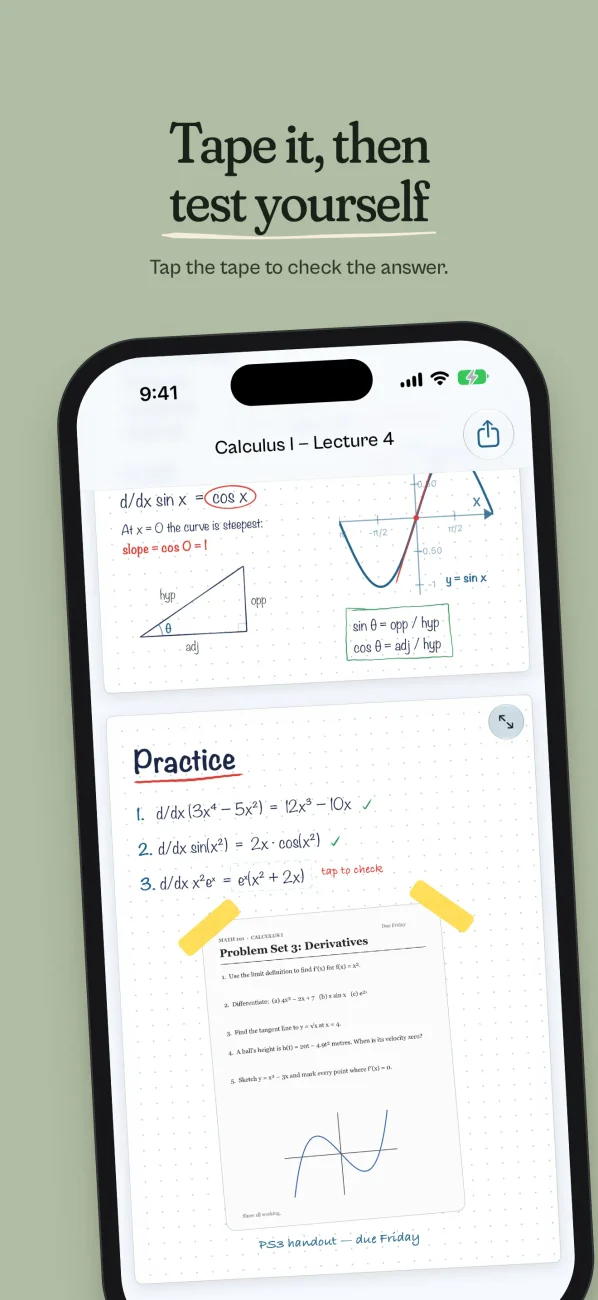
• Text boxes, photos, files, voice notes, sticky notes, tape that hides answers, graphs, and links to other pages
• Code blocks that run: Python, JavaScript, C and C++ right in your notes, offline
• Import PDFs and EPUB books as pages you can write on
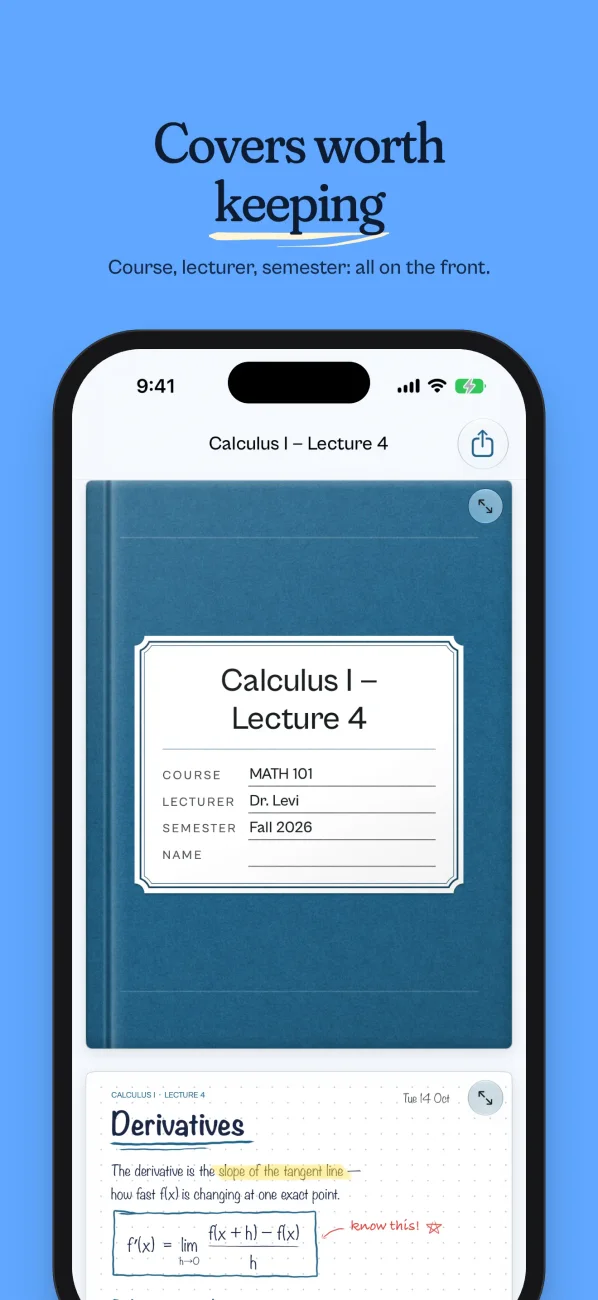
• 24 paper templates, any paper and line colour, and 51 cover designs with subject artwork and lines for your course and name
A LIBRARY THAT FEELS LIKE ONE
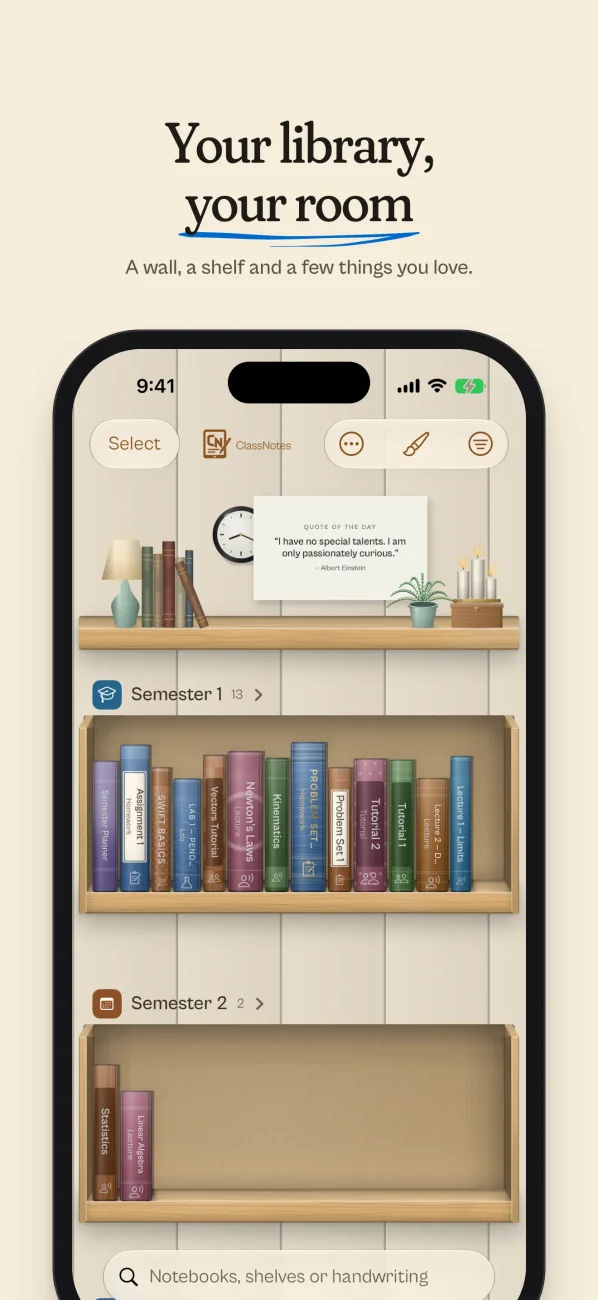
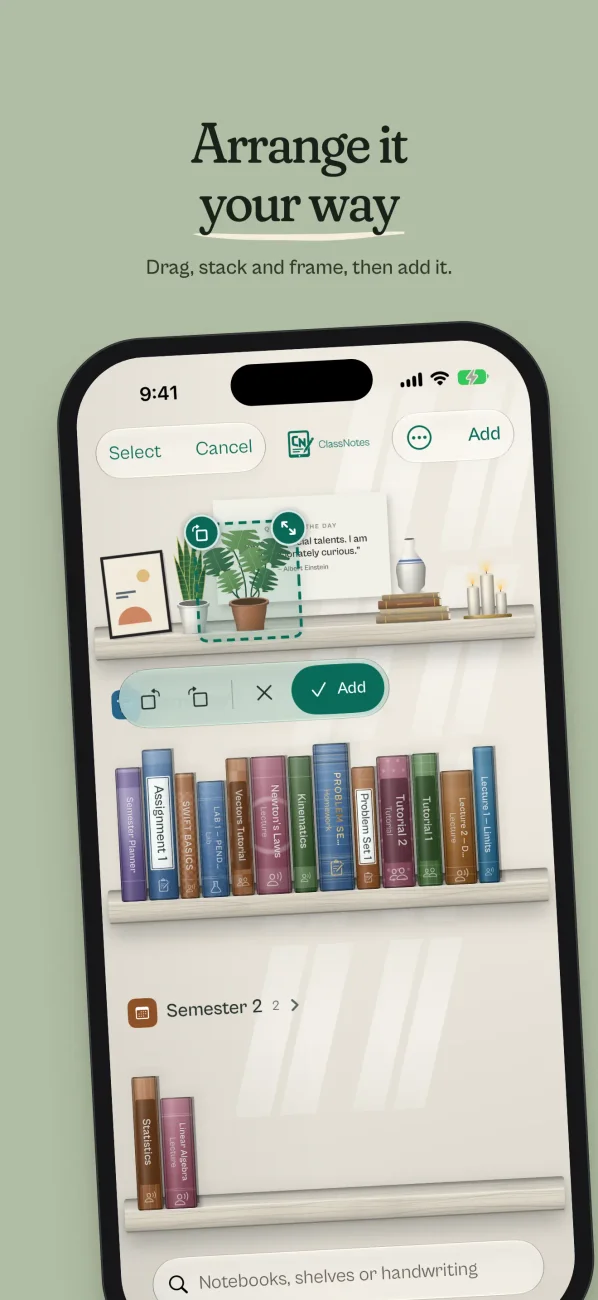
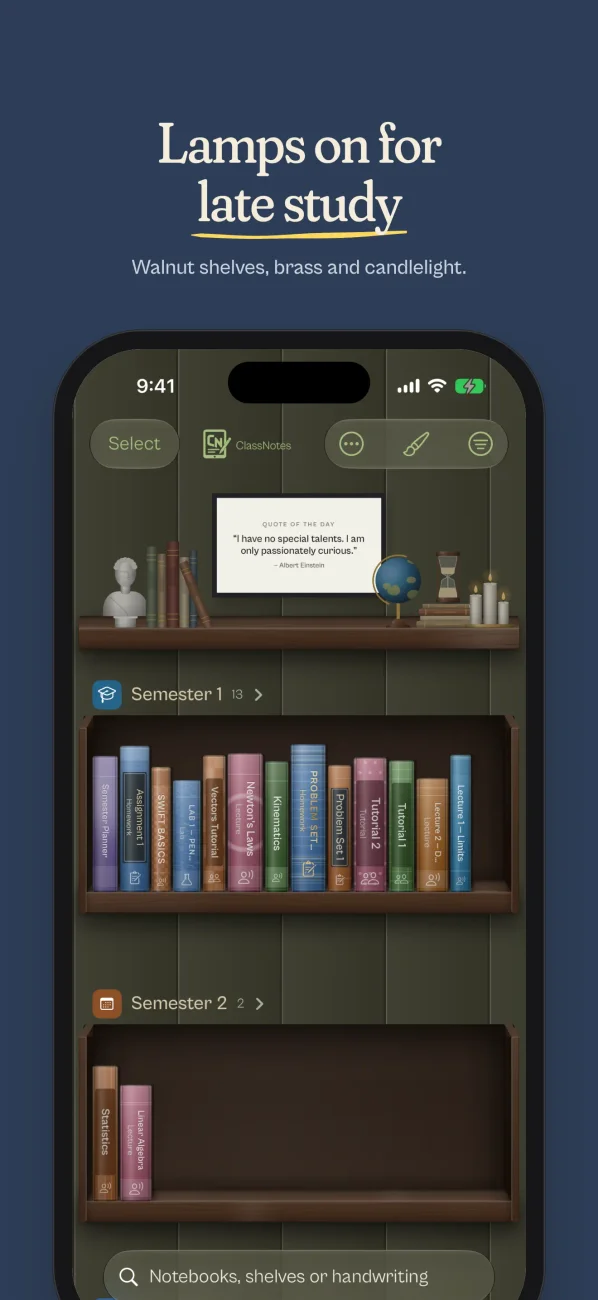
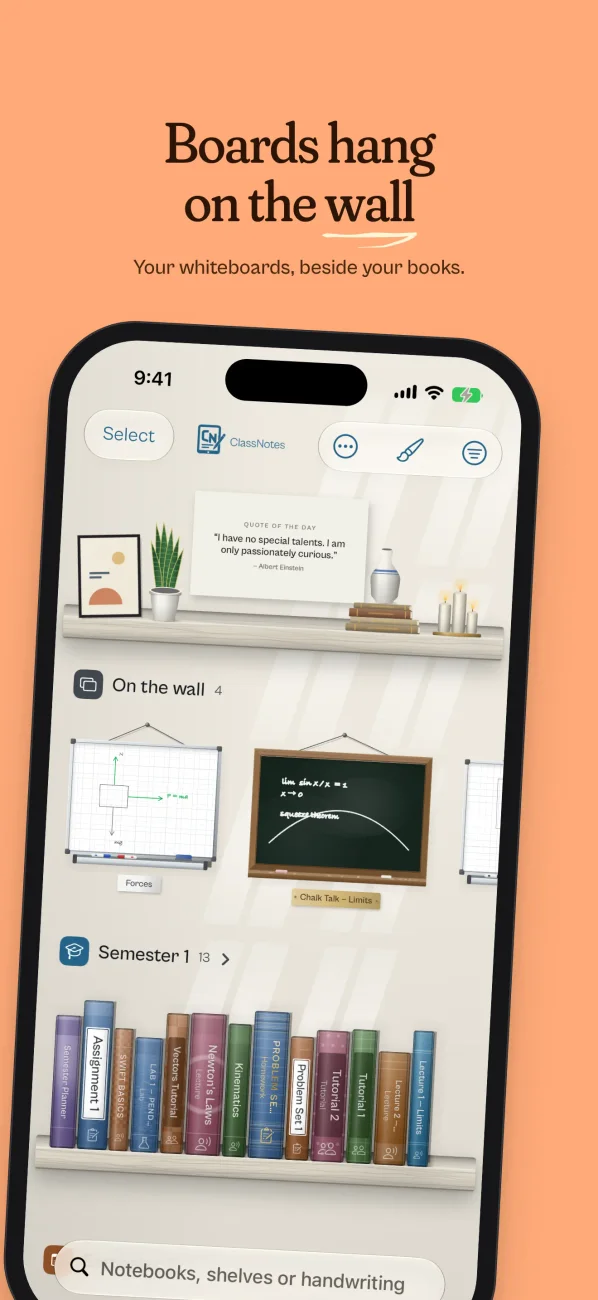
Notebooks stand on shelves in a bookcase, open with a turn of the cover, and can sit on several shelves at once. Search finds words in your own handwriting, even on pages you never typed on.
A CALENDAR FOR YOUR NOTES
Write on any day with every pen, put pages from any notebook on a day, and see a month of your notes at a glance. Plan a day in Daymark straight from the calendar.
NOVA, YOUR STUDY ASSISTANT
Circle a diagram, an equation or a paragraph and ask NOVA about it: it sees exactly what you circled. Or let it read a whole notebook and answer from your own notes, citing the page. NOVA asks your permission before anything is sent. It comes with every plan, and every plan starts with a free trial.
YOURS, ON YOUR DEVICES
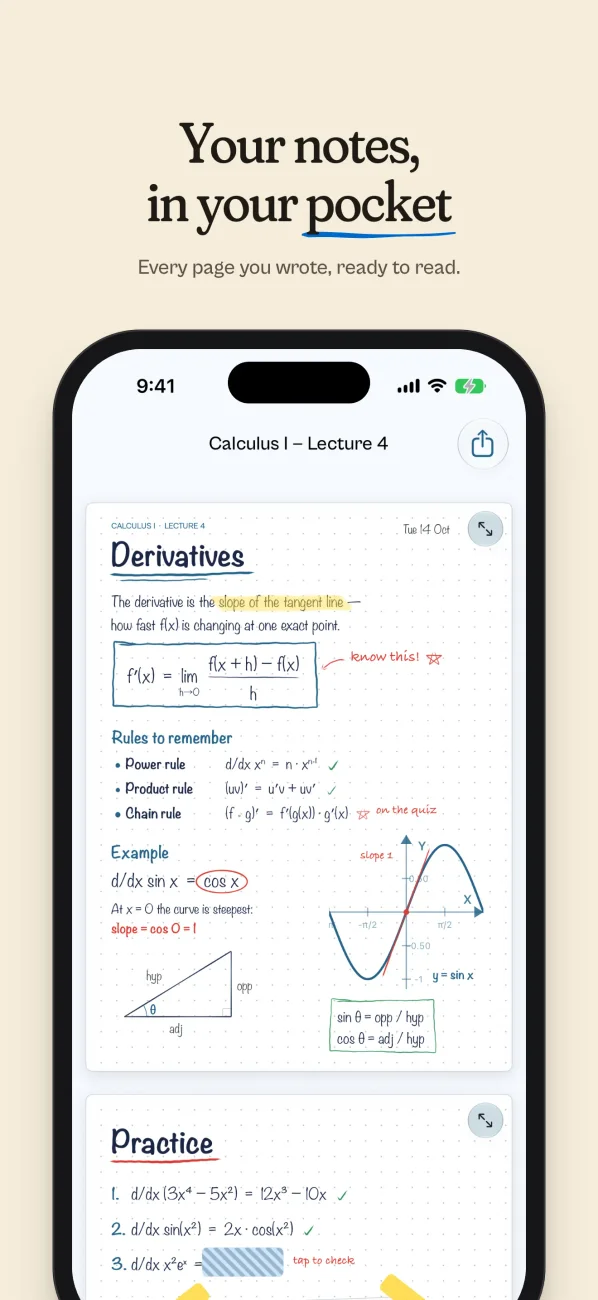
Notebooks are files on your iPad. iCloud sync keeps your iPad and iPhone in step through your own iCloud, and the iPhone app is a fast viewer for your whole library. With a plan, share a notebook with classmates and write in it together, live. Export any notebook as a PDF.
PLANS
Free: the core tools (every pen, the eraser, lasso, shapes, pages, PDF import and export, iCloud sync), and up to 3 notebooks you make.
Basic ($2.49 a month or $21.99 a year): every tool, 20 notebooks, NOVA with 15 answers a day from Anthropic's Claude, sharing notebooks, and a 500 MB copy of your library for your other devices.
Plus ($3.99 a month or $34.99 a year): unlimited notebooks and 30 Claude answers a day.
Max ($7.99 a month or $69.99 a year): unlimited notebooks, 50 Claude answers a day, 2 GB of room, and Study: NOVA turns a notebook into flashcards or a practice quiz.
Every plan starts with a 14-day free trial. Your notebooks are always yours: on any plan, or none, they open, you can write in them, export them and sync them. If you used ClassNotes before version 1.19, you keep every tool and unlimited notebooks, free.
After the day's Claude answers, NOVA carries on with a lighter model. Answer packs of 50, 200 or 500 Claude answers never expire, and a storage add-on gives you 2 GB or 10 GB more room on ClassNotes' server. Subscriptions renew automatically unless cancelled at least 24 hours before the end of the period or the free trial; manage or cancel them in your Apple Account settings.
No ads, no tracking.
Terms of Use: https://tony11-dot.github.io/classnotes/terms.html
Privacy Policy: https://tony11-dot.github.io/classnotes/privacy.html
Novidades
Versão 1.23 · 28/11/2026
A cleaner, more confident look, selections you can trust, notebooks that open where you left them, and smoother running while iCloud is busy.
- Every notebook opens on the page you were on when you closed it.
- ClassNotes no longer stops for a moment while iCloud brings your theme, settings, room or NOVA chats over from another device. On a slow connection that pause could hold up anything on screen, such as the progress bar while a PDF is being made.
- Solid tool bar, tab bar, panels and buttons: nothing see-through borrowing its colour from the page behind it.
- Hold a code block, graph, photo, text box, sticky note or link to pick it out: a clean outline that follows its own corners, the resize handle right on its corner, and its actions in a list just below it or beside it, pointing at it.
- What you circle with the lasso opens its actions the same way.
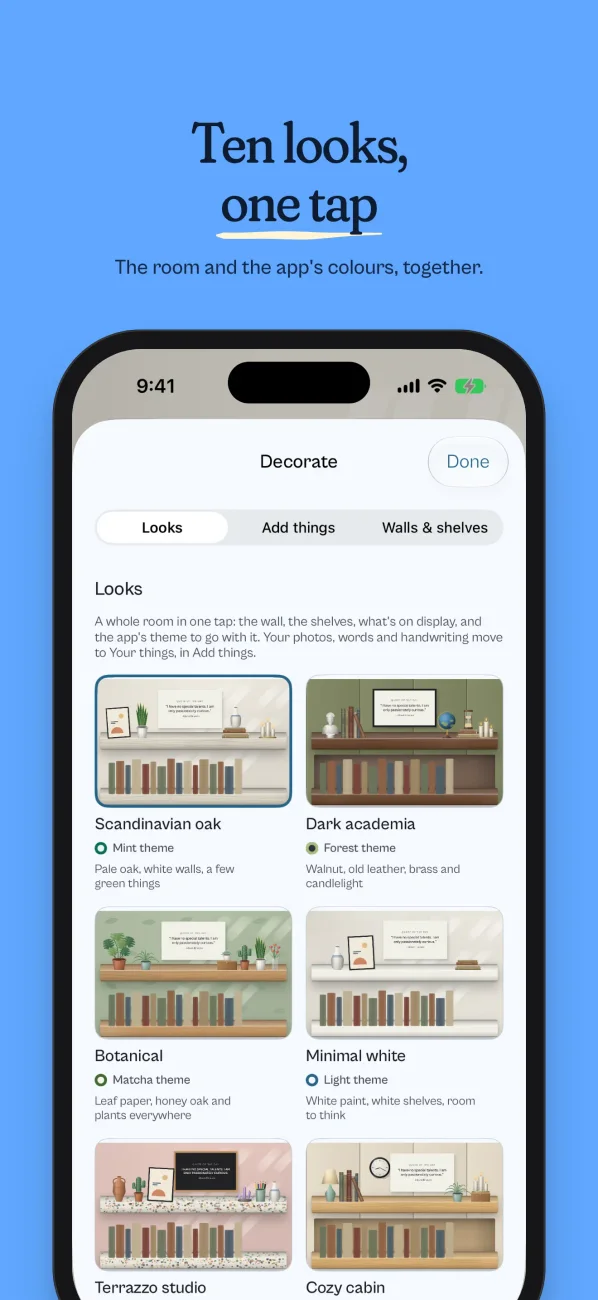
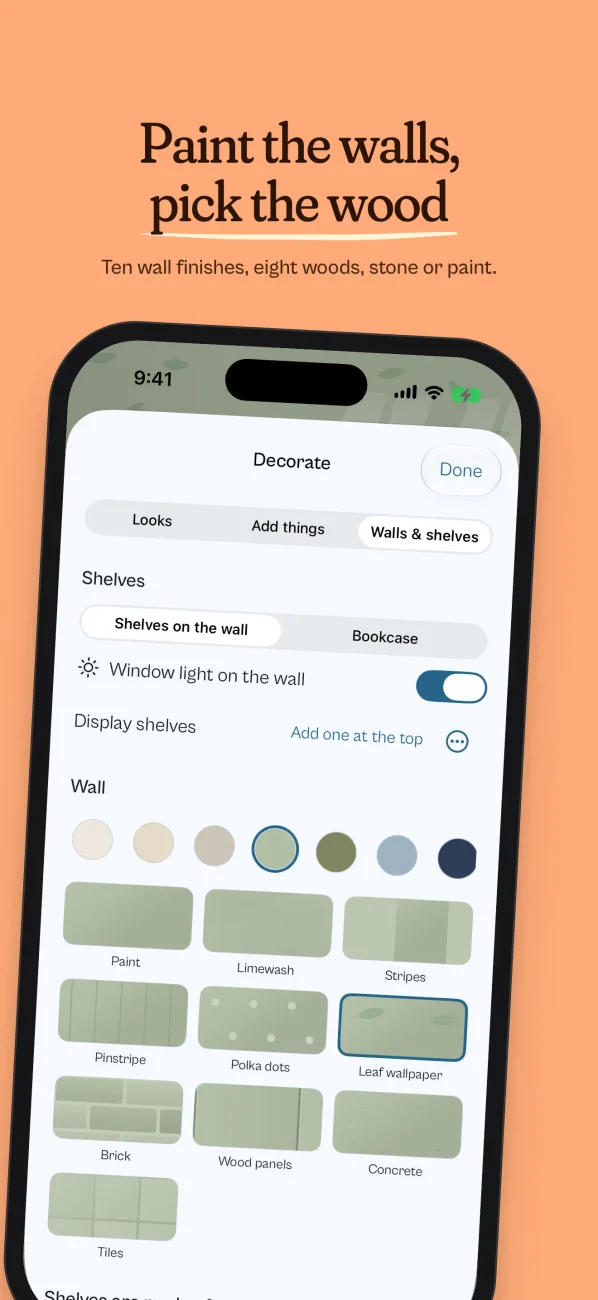
- Themes and library layouts are tiles, and the one you chose is outlined in your accent colour.
- Page thumbnails, picked notebooks and colour swatches show they're selected the same way everywhere.
- Holding a notebook, a day, a theme or a colour lifts just that thing, in its own shape.
- NOVA's message box is solid too.
Privacidade do app
O que Tony Aboud declara na App Store sobre como este app lida com os dados.
-
Dados vinculados a você
Podem ser coletados e vinculados à sua identidade.
- Compras
- Informações de contato
- Conteúdo do usuário
- Identificadores
As práticas de privacidade podem variar, por exemplo, com base nos recursos que você usa ou na sua idade.
Informações
- Vendedor
- Tony Aboud
- Categoria
- Educação
- Versão
- 1.23
- Atualizado
- 28/11/2026
- Lançamento
- 31/10/2026
- Tamanho
- 29,4 MB
- Requer
- iOS 26.0 ou posterior
- Classificação etária
- 4+
- Preço
- Grátis
- Compras no app
- Sim
- Idiomas
- Inglês
- Copyright
- © 2026 Tony Aboud