
ClutterCoach: Declutter & Sell
AI room scan: keep or donate
Conçue pour iPhone, iPad, iPod touch
Gratuit · Achats intégrés
- Classification d’âge4+
- CatégorieStyle de vie
- DéveloppeurHigh Pro Media, LLC.
- LanguesAnglais
- Taille22,1 Mo
Renvoie vers la page App Store officielle
Download.org n’héberge aucun fichier de ClutterCoach: Declutter & Sell. Le bouton ouvre la page de l’application sur App Store, où High Pro Media, LLC. la publie. Fiche vérifiée pour la dernière fois le 13/11/2026.
Captures d’écran
À propos
Le développeur n’a pas fourni ce texte dans votre langue.
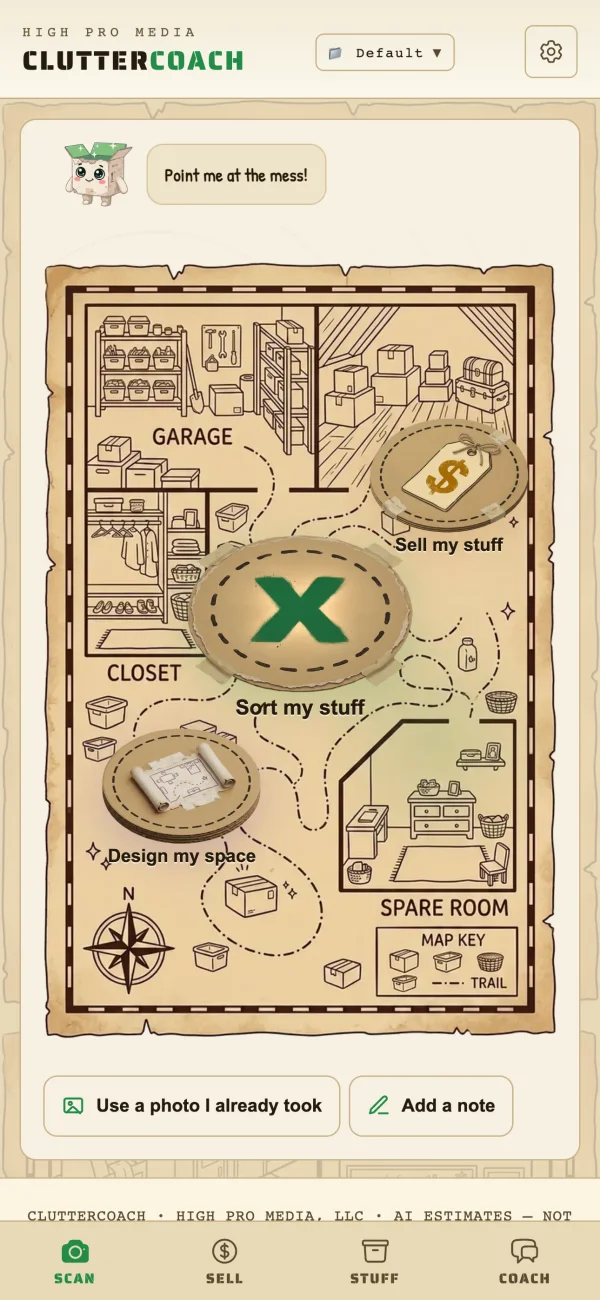
Point your camera at the mess. Get a plan — and get paid.
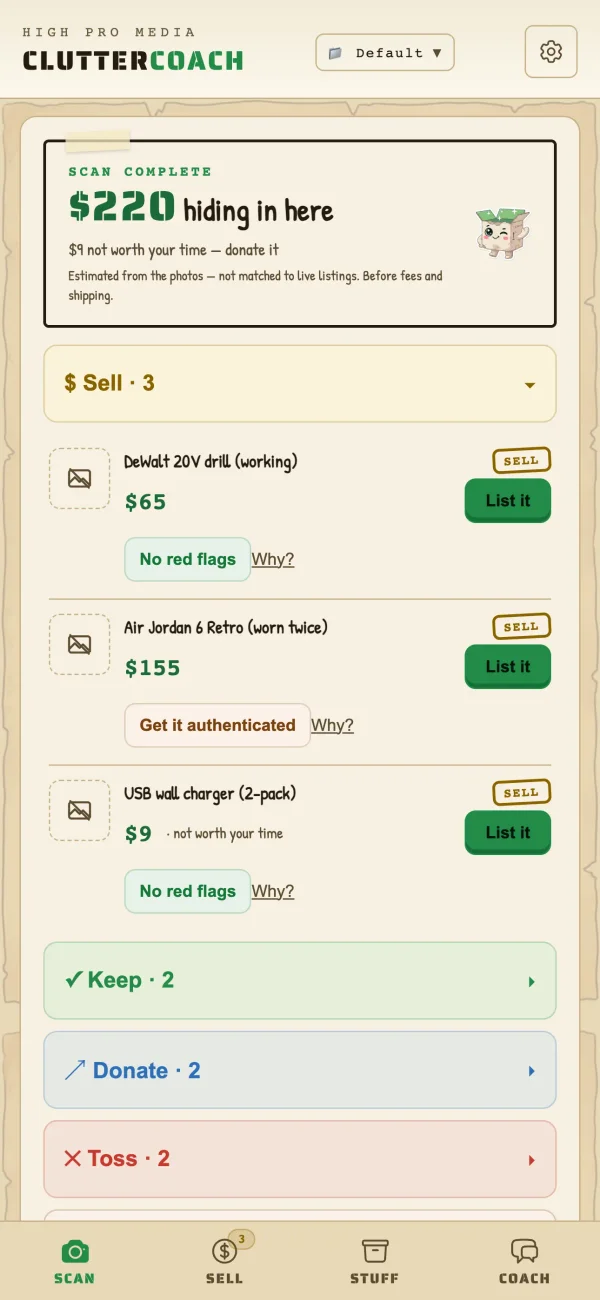
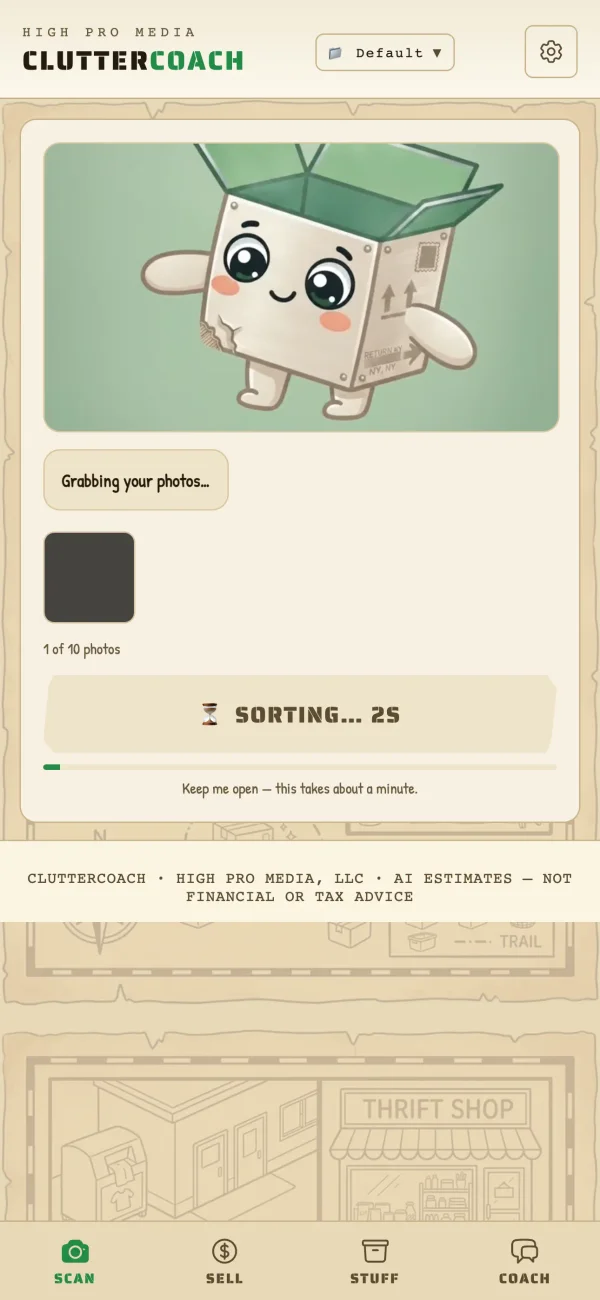
ClutterCoach is an AI home-organization coach. Photograph any room, closet, garage, junk drawer, or pile, and the AI identifies every visible item and sorts it into four clear piles: KEEP, DONATE, SELL, or TOSS — each with plain-English reasoning, so you always know why. Anything you'd be better off replacing than keeping gets flagged inside Keep.
FIND THE MONEY HIDING IN YOUR CLUTTER
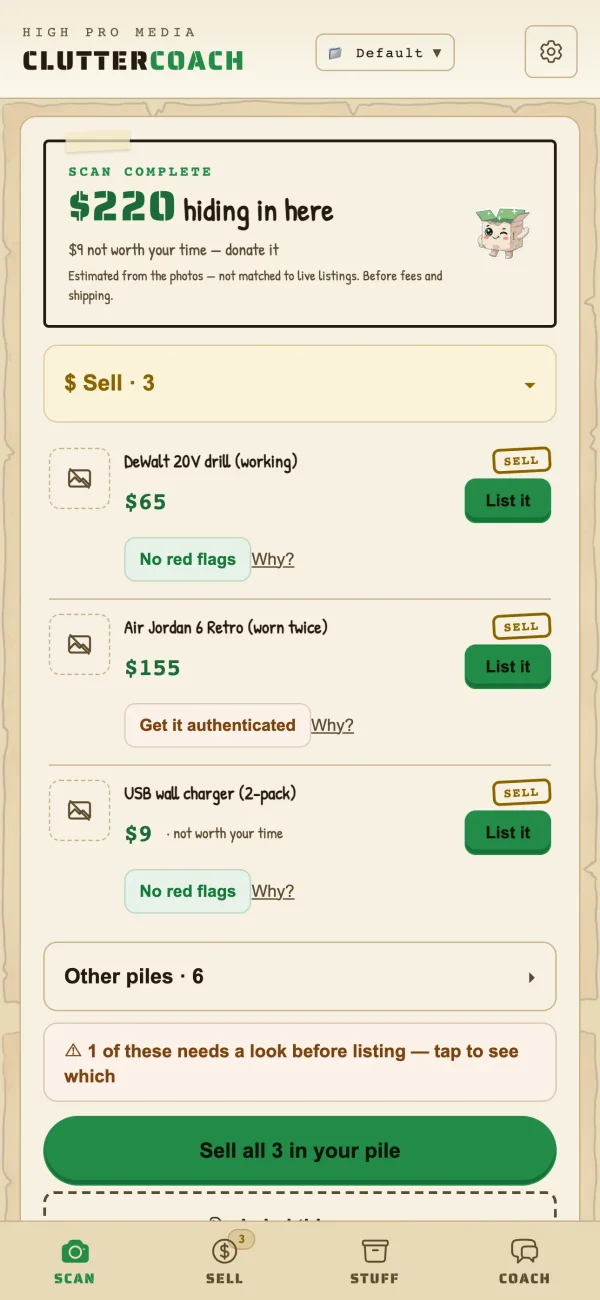
• Items worth selling are flagged automatically, with realistic price estimates anchored to live marketplace comparables.
• One tap drafts a complete resale listing — title, description, price band, condition notes, and per-platform tips.
• Publish helper for 8 marketplaces: eBay, Facebook Marketplace, Mercari, OfferUp, Poshmark, Depop, Vinted, and Craigslist. ClutterCoach copies your finished listing and opens the marketplace's sell page — you stay in control and post it yourself.
• Quick Sell mode: photograph a single item and get a marketplace-ready listing in one pass.
DECLUTTER WITH A COACH, NOT A CHECKLIST
• Talk it through: push back on any classification and the AI coach responds with reasoning, not rules.
• Donation report: fair-market-value estimates for donated items, ready to export for your records.
• Moving Mode: pick a move date and get a time-sequenced plan — what to sell before the truck comes, what to donate, what to pack.
• Design Mode: working with an empty or sparse space? Get additive recommendations instead.
• Spaces: keep the garage, a move, and a parent's house apart — each with its own history and decisions.
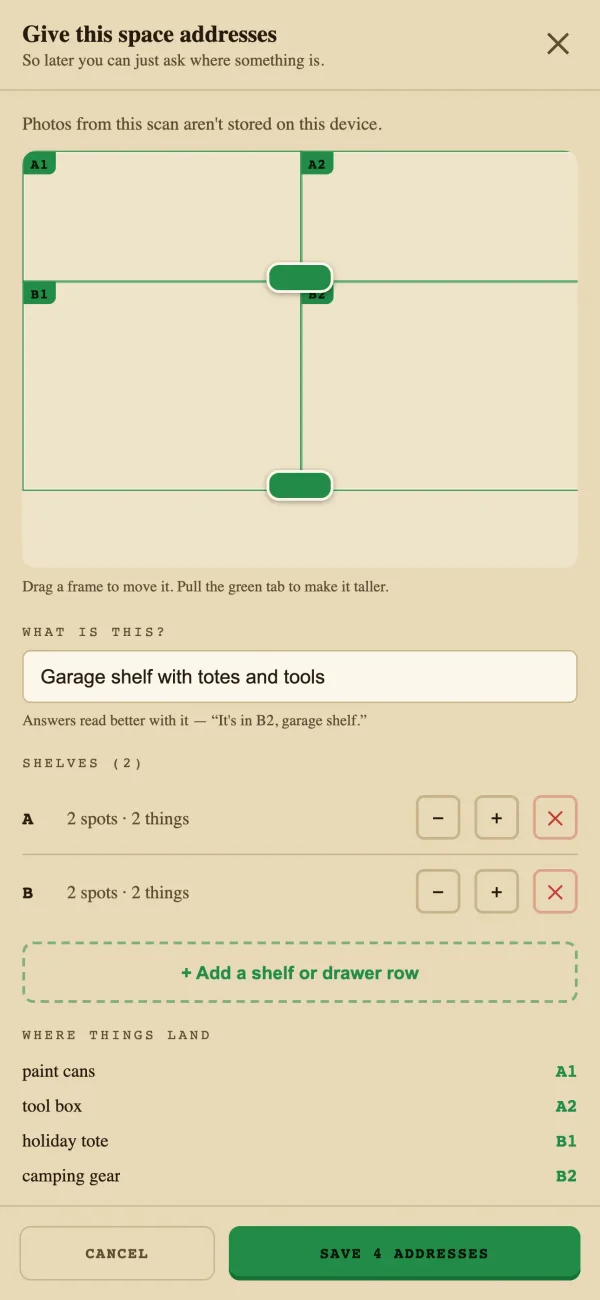
• Find it later: give every shelf and bin a real address, file what you kept into it, and print 51×25 mm labels — then search "plumbing supplies" and get an address back.
• Carbon impact (optional): switch it on to see the estimated footprint of each disposal path, including what reselling saves.
• Storage picks for what you keep, with curated product suggestions.
YOUR DATA, YOUR CALL
• Sign in with Apple keeps your subscription and history in sync across devices — no passwords, no spam.
• No ads. No tracking across other apps. Photos are analyzed to power the features above, not sold.
FREE TO TRY
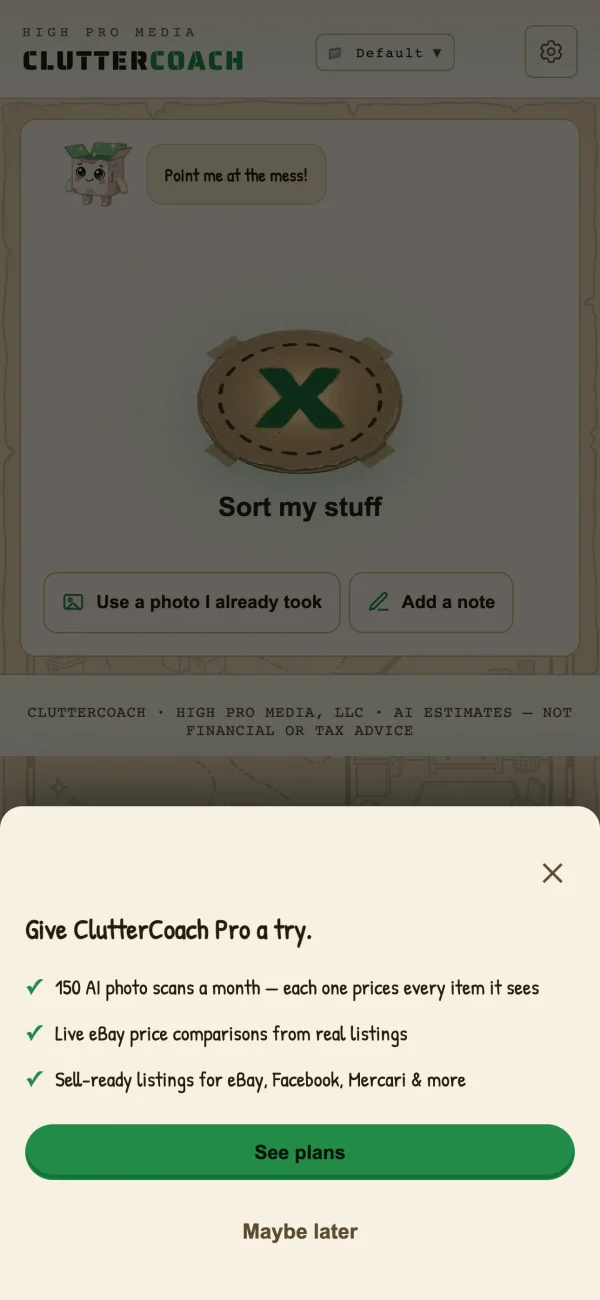
Your first 5 scans are free — no account required.
SUBSCRIPTIONS
Every plan includes every feature — what a subscription buys is how many room scans you get.
• Free: 5 room scans, lifetime.
• Pro — $9.99/month or $49.99/year: 150 room scans a month.
• Reseller — $24.99/month or $249.99/year: 1,000 room scans a month, plus priority processing.
Payment is charged to your Apple Account at confirmation of purchase. Subscriptions renew automatically unless auto-renew is turned off at least 24 hours before the end of the current period. Manage or cancel anytime in Settings > Apple Account > Subscriptions. Prices may vary by region.
Terms of Use: https://cluttercoach.app/terms
Privacy Policy: https://cluttercoach.app/privacy
AI-generated suggestions (classifications, price estimates, donation values, carbon estimates) are advisory only — not legal, tax, or professional advice. Storage-product links open retailer search pages; if they ever carry affiliate parameters, ClutterCoach may earn a commission at no extra cost to you.
Nouveautés
Version 1.7 · 16/09/2026
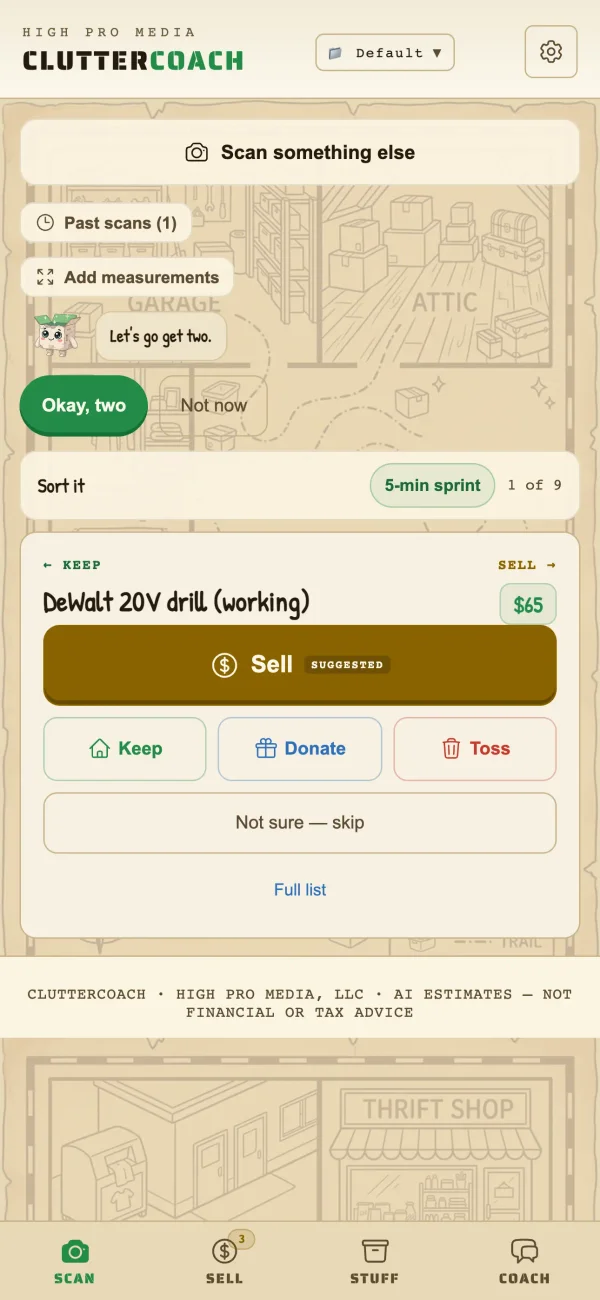
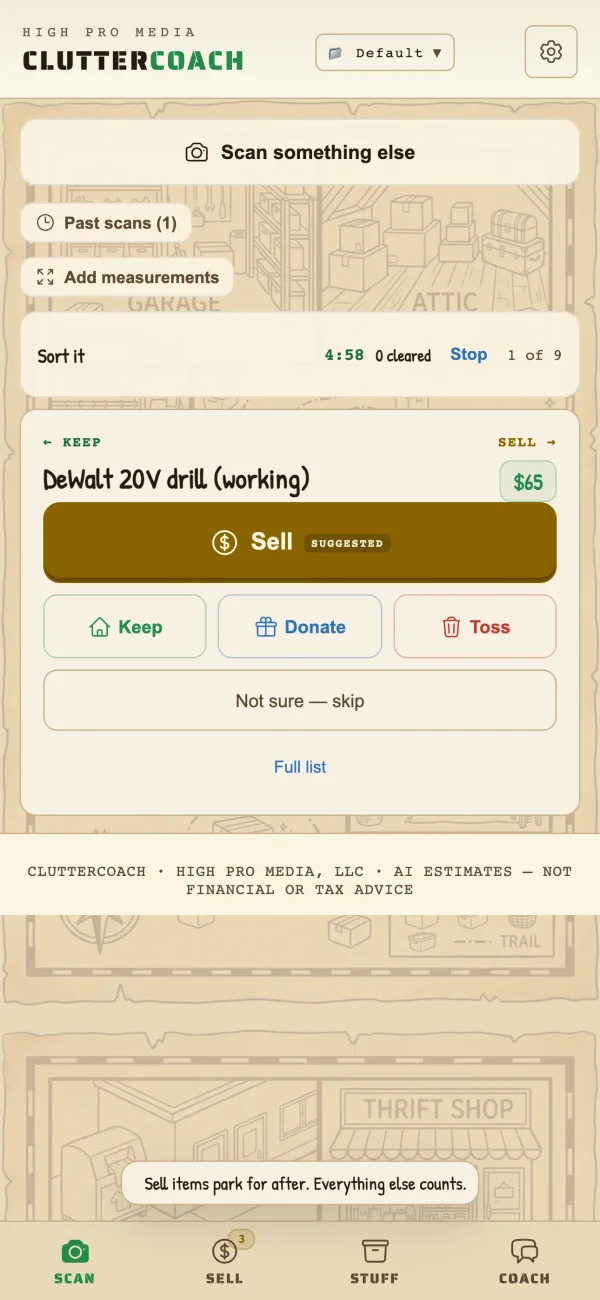
• The five-minute sprint. Tap "5-min sprint" over the sorting deck and a clock runs beside the count. Every Keep, Donate and Toss counts. Sell items park on a list for after — a price is not a call to hurry. When the time is up you get one card: what you cleared, your record, the parked items, and a way straight to your Sell pile. You can share the run.
• Ruggles sticks around while you sort. He asks for a few items, waits for a yes, then counts down against the decisions you actually make. Go quiet and the next ask gets smaller, never louder; at one item he offers to stop rather than ask again. Settings has a switch — off, and the cards work exactly the same.
• "One item, right now." Pick when you are usually home and free — mornings, afternoons, evenings or weekends — and once a day inside those hours, at a minute you cannot predict, you get a nudge about one thing you never decided on. Tap it: that item, one decision, done. No location is used, only the hours you picked. The notification itself is always quiet; what happens when you open it is yours to set. It never asks you to make a money call, and if three go unopened it pauses itself until you start it again.
• Not worth your time. The floor starts at $15 — there is nothing to switch on. Under it, an item the app suggested selling is labelled "not worth your time" and pointed at Donate: on the card, in its sheet, and on the Sell pile row. Settings moves the floor to $25 or turns it off. Photographing a thing, writing it up and meeting a stranger costs the same twenty minutes whether it is worth $9 or $90. The money line leads with what is actually worth listing, and says plainly what the rest is and where it should go.
• Three boxes, one clear spot. Before a declutter scan, a card names what to have ready: boxes or bags for Keep, Donate and Toss, and a clear spot for Sell, because those get photographed instead of boxed. "Got them" retires the card for good, and so do three "Not now"s.
• Sell prices are checked against live eBay listings wherever a match is found. The line under the total still says where the prices came from — live listings, a read of the photos, or how many of each. Every figure is an estimate, before fees and shipping.
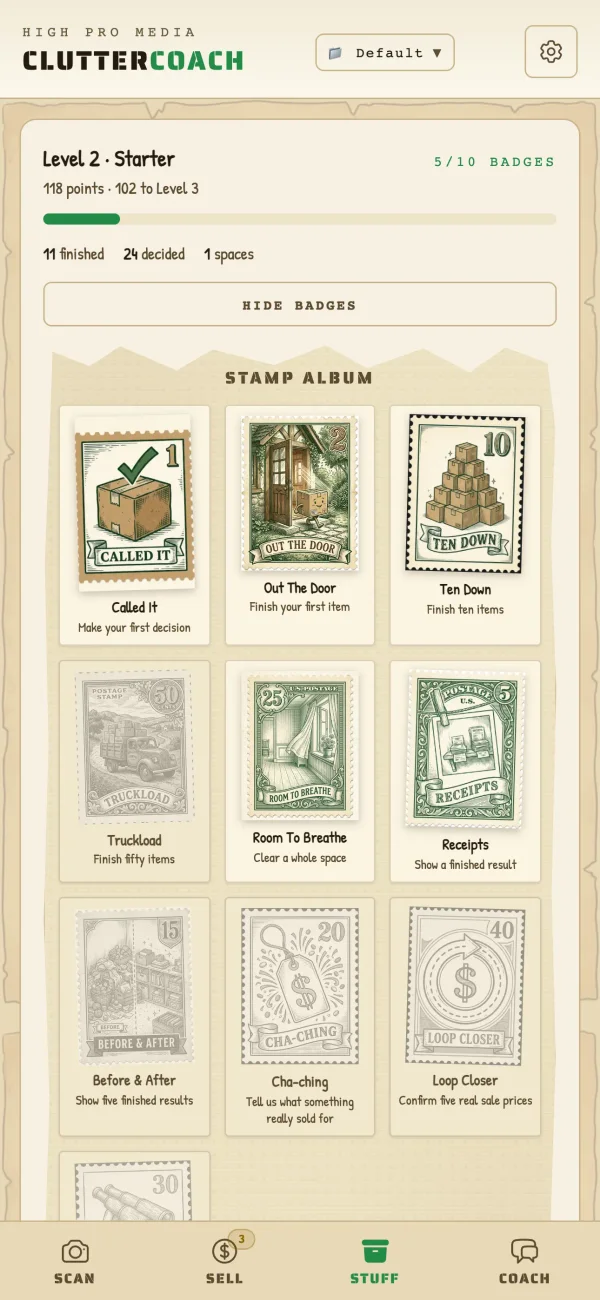
• Sorting a card in the deck earns points now, the way every other decision in the app already did.
• A badge you earn no longer lands on "Storage ideas", "List now" and Undo. The buttons keep the space; the badge waits its turn.
• A sprint ends when you leave the deck, instead of running on another tab where Stop is out of reach.
• The Sell banner no longer puts two different dollar figures under one claim.
• Cancel and Save on the space-addresses sheet, and the bottom of the sale check and the drop-off list, sit clear of the home indicator.
• The header and tab bar keep their spacing when the screen changes shape — rotating, unfolding, or putting the keyboard away mid-sentence.
• Bug fixes.
Confidentialité de l’application
Ce que High Pro Media, LLC. déclare sur l’App Store au sujet du traitement des données par cette application.
-
Données établissant un lien avec vous
Peuvent être collectées et liées à votre identité.
- Achats
- Coordonnées
- Contenu utilisateur
- Identifiants
Les pratiques en matière de confidentialité peuvent varier, notamment en fonction des fonctionnalités que vous utilisez ou de votre âge.
Informations
- Vendeur
- High Pro Media, LLC
- Catégorie
- Style de vie
- Version
- 1.7
- Mis à jour
- 16/09/2026
- Publié
- 21/08/2026
- Taille
- 22,1 Mo
- Nécessite
- iOS 15.0 ou version ultérieure
- Classification d’âge
- 4+
- Prix
- Gratuit
- Achats intégrés
- Oui
- Langues
- Anglais
- Copyright
- © 2026 High Pro Media, LLC
Vous aimerez peut-être aussi
-
 OneLess: Decluttering ToolStyle de vie
-
 FitCheck - AI StylistScore de tenue par IA
-
 Voice Prayer App - OrisonlyPrières audio pour vous
-
 DeclutterlyMoins, mais l'essentiel.
-
 Shake Alarm - Wake Up ClockRéveillez-vous en secouant
-
 One Little Declutter: FrugalStyle de vie
-
 Vesper: Bible WidgetStyle de vie
-
 KeepJoy: Declutter & OrganizeStyle de vie
-
 OneMinuteClean: Tidy Habit AppStyle de vie
-
 Declutter: Trier, Don, RangerInventaire Maison & Garde-Robe