
ClutterCoach: Declutter & Sell
AI room scan: keep or donate
Được thiết kế cho iPhone, iPad, iPod touch
Miễn phí · Mua hàng trong ứng dụng
- Độ tuổi4+
- Danh mụcLối Sống
- Nhà phát triểnHigh Pro Media, LLC.
- Ngôn ngữTiếng Anh
- Kích thước22,1 MB
Liên kết đến trang App Store chính thức
Download.org không lưu trữ tệp nào của ClutterCoach: Declutter & Sell. Nút này mở trang ứng dụng trên App Store, nơi High Pro Media, LLC. phát hành ứng dụng. Trang được kiểm tra lần cuối: 13/11/2026.
Ảnh chụp màn hình
Giới thiệu
Nhà phát triển chưa cung cấp nội dung này bằng ngôn ngữ của bạn.
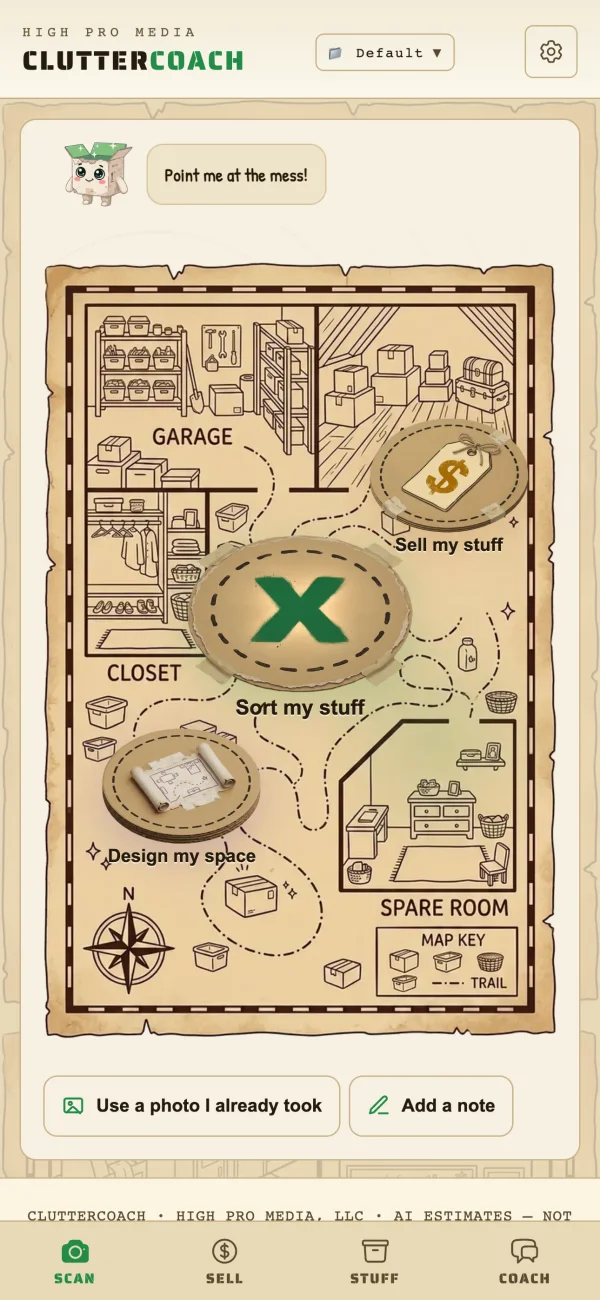
Point your camera at the mess. Get a plan — and get paid.
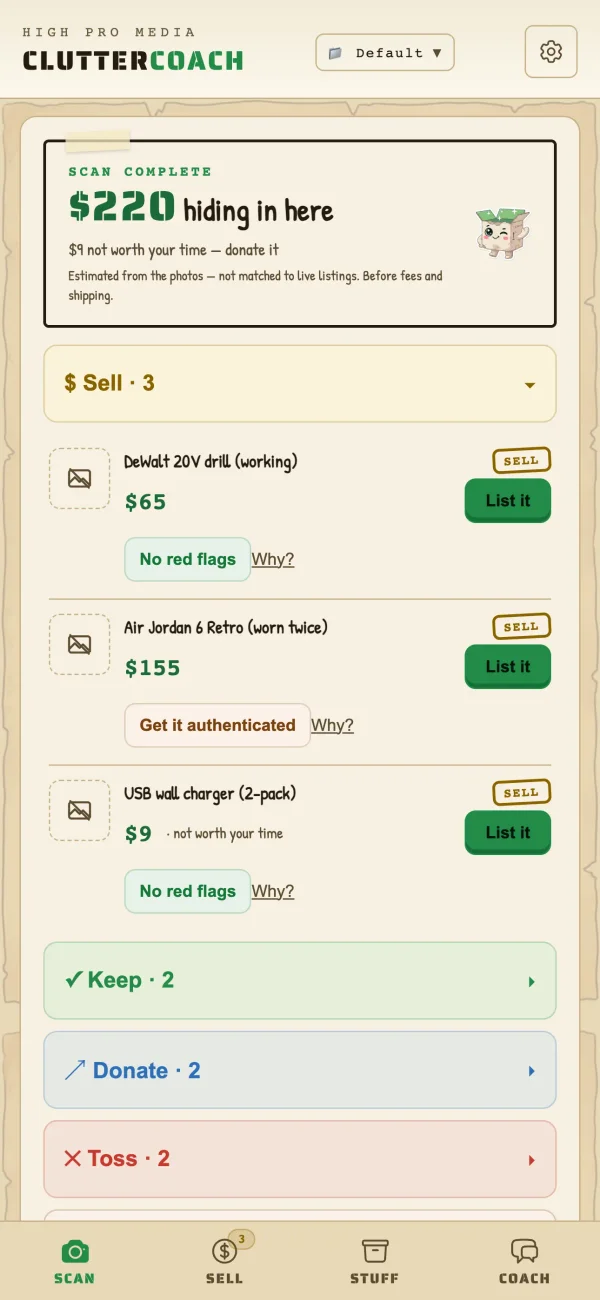
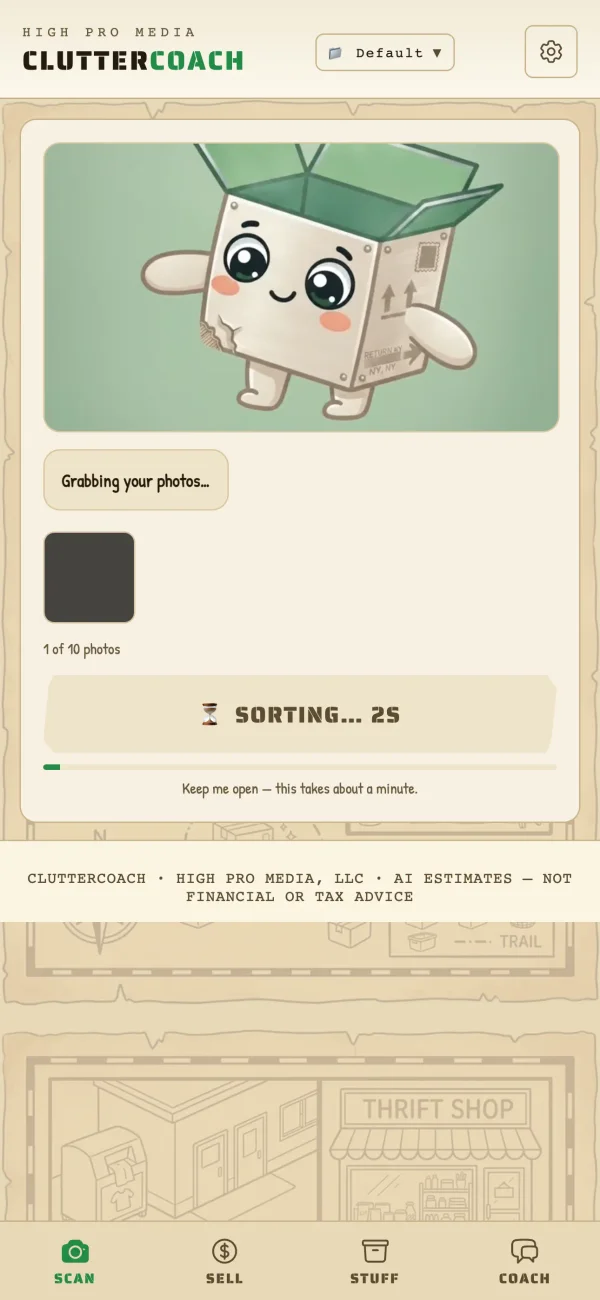
ClutterCoach is an AI home-organization coach. Photograph any room, closet, garage, junk drawer, or pile, and the AI identifies every visible item and sorts it into four clear piles: KEEP, DONATE, SELL, or TOSS — each with plain-English reasoning, so you always know why. Anything you'd be better off replacing than keeping gets flagged inside Keep.
FIND THE MONEY HIDING IN YOUR CLUTTER
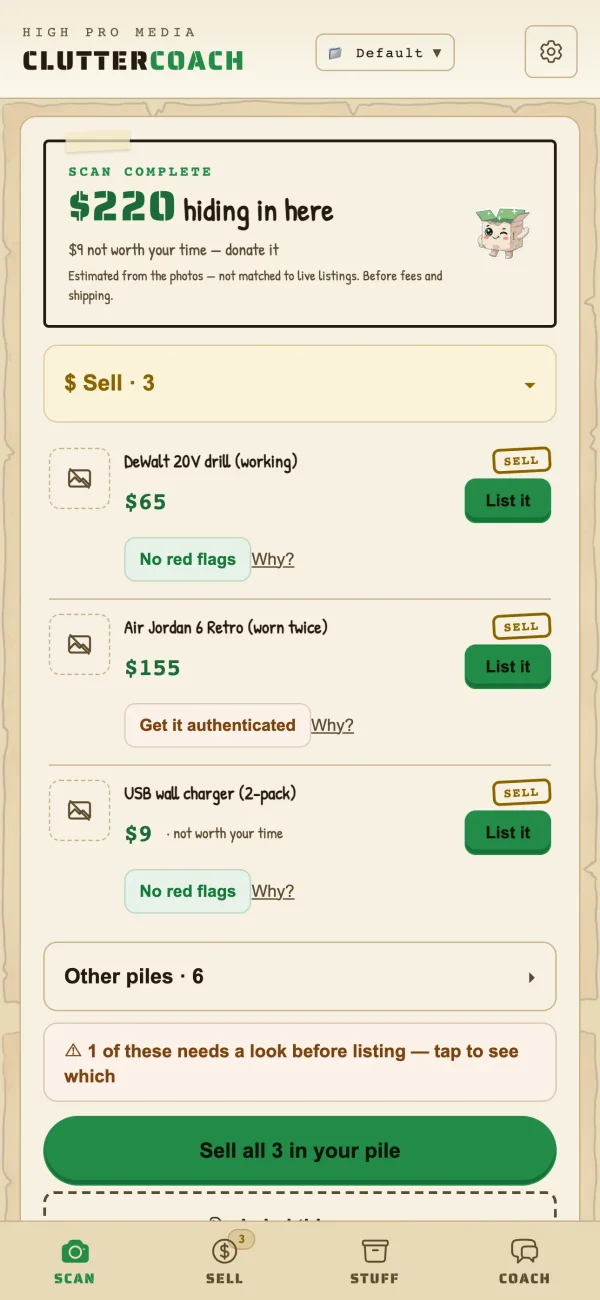
• Items worth selling are flagged automatically, with realistic price estimates anchored to live marketplace comparables.
• One tap drafts a complete resale listing — title, description, price band, condition notes, and per-platform tips.
• Publish helper for 8 marketplaces: eBay, Facebook Marketplace, Mercari, OfferUp, Poshmark, Depop, Vinted, and Craigslist. ClutterCoach copies your finished listing and opens the marketplace's sell page — you stay in control and post it yourself.
• Quick Sell mode: photograph a single item and get a marketplace-ready listing in one pass.
DECLUTTER WITH A COACH, NOT A CHECKLIST
• Talk it through: push back on any classification and the AI coach responds with reasoning, not rules.
• Donation report: fair-market-value estimates for donated items, ready to export for your records.
• Moving Mode: pick a move date and get a time-sequenced plan — what to sell before the truck comes, what to donate, what to pack.
• Design Mode: working with an empty or sparse space? Get additive recommendations instead.
• Spaces: keep the garage, a move, and a parent's house apart — each with its own history and decisions.
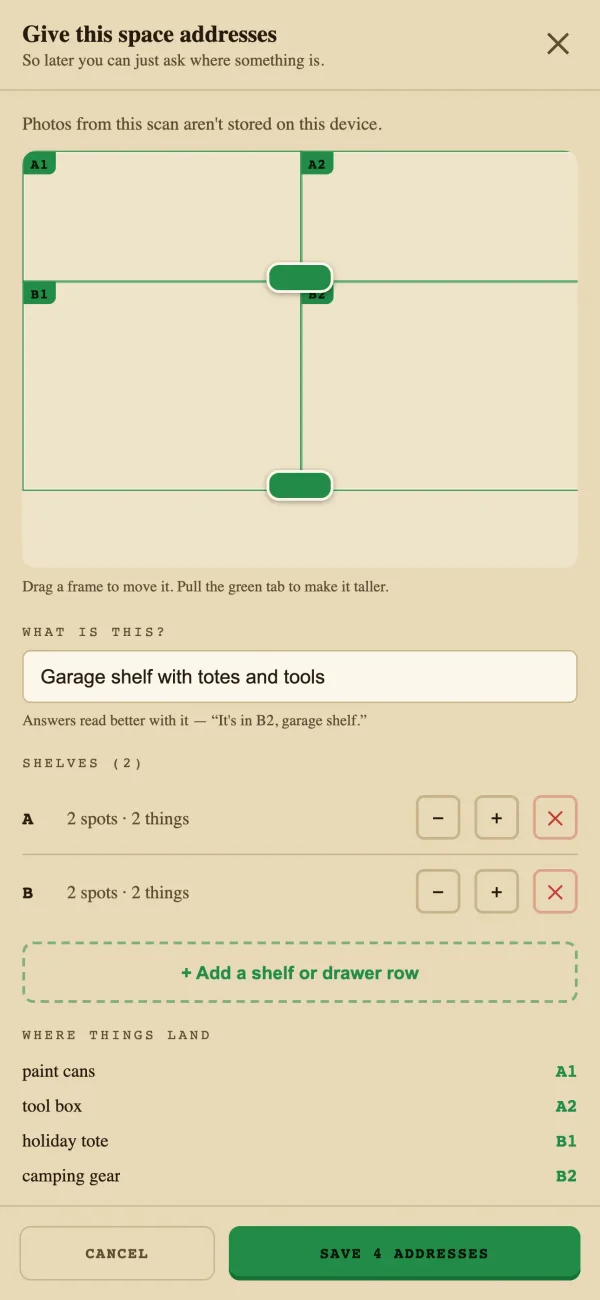
• Find it later: give every shelf and bin a real address, file what you kept into it, and print 51×25 mm labels — then search "plumbing supplies" and get an address back.
• Carbon impact (optional): switch it on to see the estimated footprint of each disposal path, including what reselling saves.
• Storage picks for what you keep, with curated product suggestions.
YOUR DATA, YOUR CALL
• Sign in with Apple keeps your subscription and history in sync across devices — no passwords, no spam.
• No ads. No tracking across other apps. Photos are analyzed to power the features above, not sold.
FREE TO TRY
Your first 5 scans are free — no account required.
SUBSCRIPTIONS
Every plan includes every feature — what a subscription buys is how many room scans you get.
• Free: 5 room scans, lifetime.
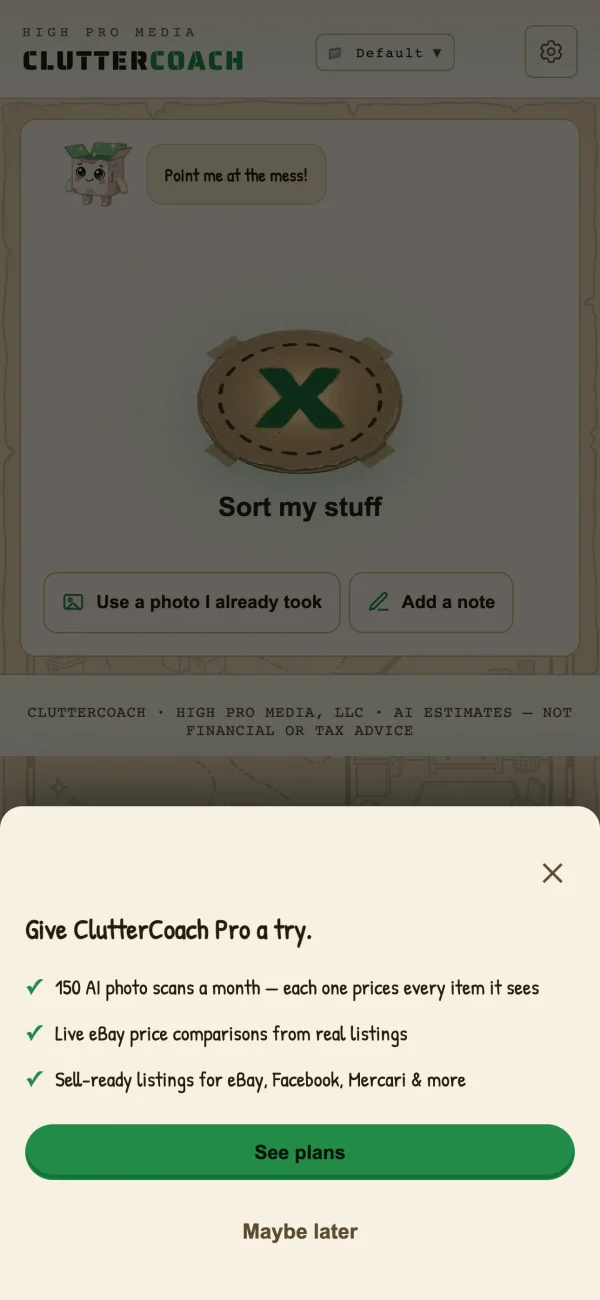
• Pro — $9.99/month or $49.99/year: 150 room scans a month.
• Reseller — $24.99/month or $249.99/year: 1,000 room scans a month, plus priority processing.
Payment is charged to your Apple Account at confirmation of purchase. Subscriptions renew automatically unless auto-renew is turned off at least 24 hours before the end of the current period. Manage or cancel anytime in Settings > Apple Account > Subscriptions. Prices may vary by region.
Terms of Use: https://cluttercoach.app/terms
Privacy Policy: https://cluttercoach.app/privacy
AI-generated suggestions (classifications, price estimates, donation values, carbon estimates) are advisory only — not legal, tax, or professional advice. Storage-product links open retailer search pages; if they ever carry affiliate parameters, ClutterCoach may earn a commission at no extra cost to you.
Có gì mới
Phiên bản 1.7 · 16/09/2026
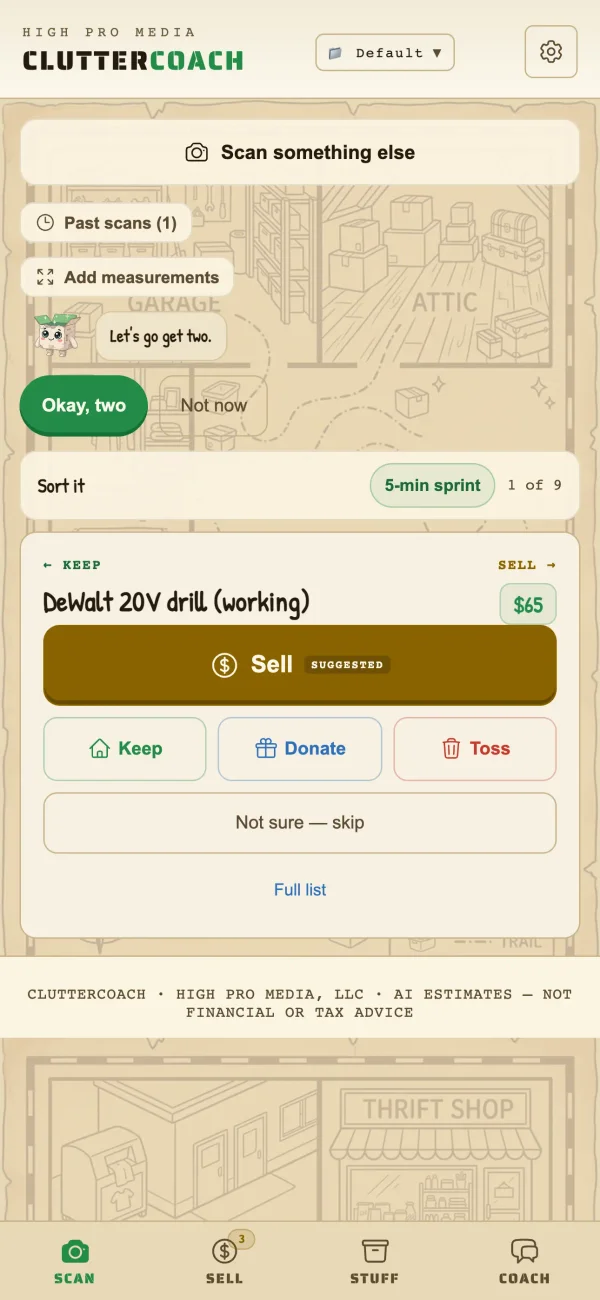
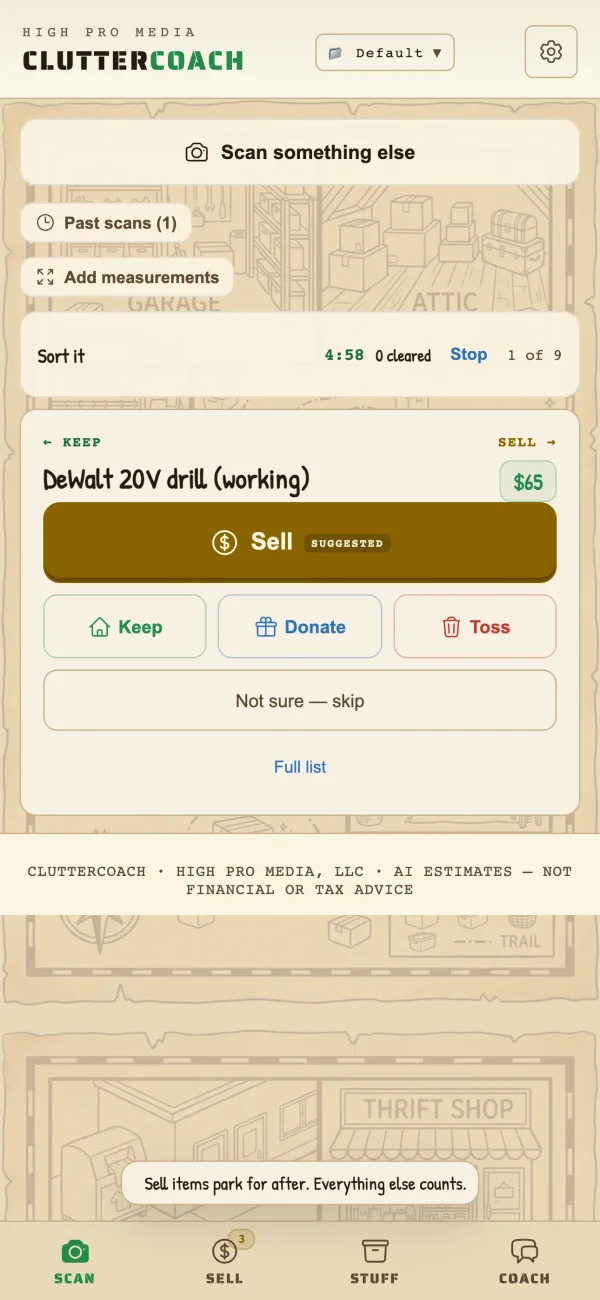
• The five-minute sprint. Tap "5-min sprint" over the sorting deck and a clock runs beside the count. Every Keep, Donate and Toss counts. Sell items park on a list for after — a price is not a call to hurry. When the time is up you get one card: what you cleared, your record, the parked items, and a way straight to your Sell pile. You can share the run.
• Ruggles sticks around while you sort. He asks for a few items, waits for a yes, then counts down against the decisions you actually make. Go quiet and the next ask gets smaller, never louder; at one item he offers to stop rather than ask again. Settings has a switch — off, and the cards work exactly the same.
• "One item, right now." Pick when you are usually home and free — mornings, afternoons, evenings or weekends — and once a day inside those hours, at a minute you cannot predict, you get a nudge about one thing you never decided on. Tap it: that item, one decision, done. No location is used, only the hours you picked. The notification itself is always quiet; what happens when you open it is yours to set. It never asks you to make a money call, and if three go unopened it pauses itself until you start it again.
• Not worth your time. The floor starts at $15 — there is nothing to switch on. Under it, an item the app suggested selling is labelled "not worth your time" and pointed at Donate: on the card, in its sheet, and on the Sell pile row. Settings moves the floor to $25 or turns it off. Photographing a thing, writing it up and meeting a stranger costs the same twenty minutes whether it is worth $9 or $90. The money line leads with what is actually worth listing, and says plainly what the rest is and where it should go.
• Three boxes, one clear spot. Before a declutter scan, a card names what to have ready: boxes or bags for Keep, Donate and Toss, and a clear spot for Sell, because those get photographed instead of boxed. "Got them" retires the card for good, and so do three "Not now"s.
• Sell prices are checked against live eBay listings wherever a match is found. The line under the total still says where the prices came from — live listings, a read of the photos, or how many of each. Every figure is an estimate, before fees and shipping.
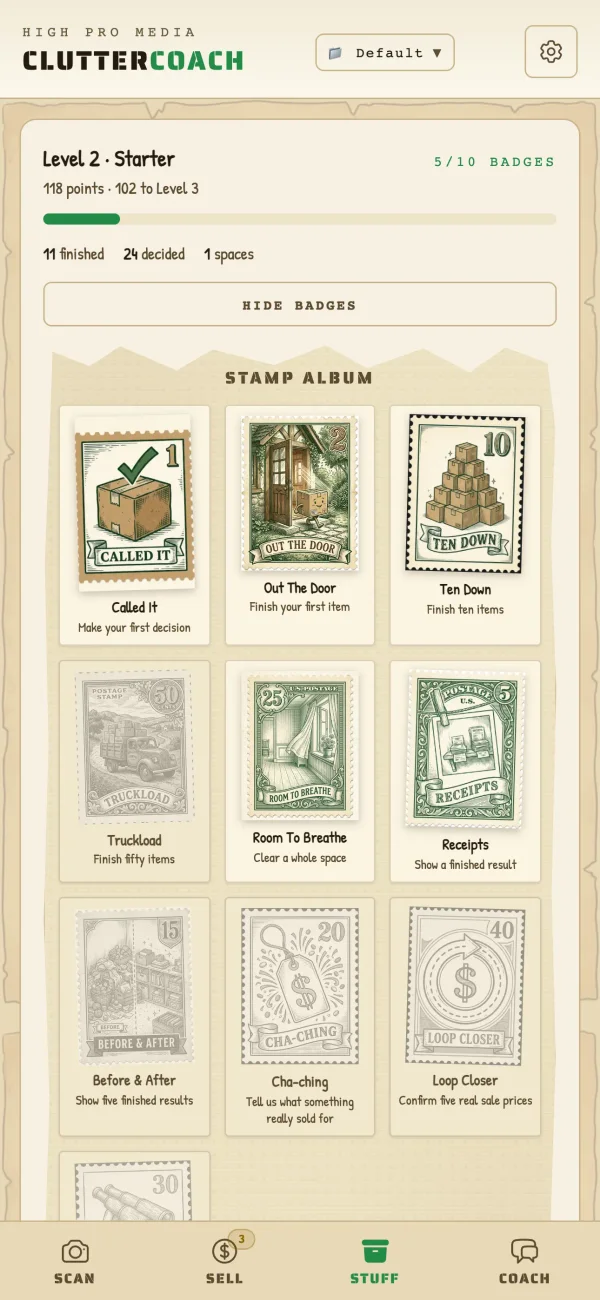
• Sorting a card in the deck earns points now, the way every other decision in the app already did.
• A badge you earn no longer lands on "Storage ideas", "List now" and Undo. The buttons keep the space; the badge waits its turn.
• A sprint ends when you leave the deck, instead of running on another tab where Stop is out of reach.
• The Sell banner no longer puts two different dollar figures under one claim.
• Cancel and Save on the space-addresses sheet, and the bottom of the sale check and the drop-off list, sit clear of the home indicator.
• The header and tab bar keep their spacing when the screen changes shape — rotating, unfolding, or putting the keyboard away mid-sentence.
• Bug fixes.
Quyền riêng tư của ứng dụng
Những gì High Pro Media, LLC. khai báo trên App Store về cách ứng dụng này xử lý dữ liệu.
-
Dữ liệu liên kết với bạn
Có thể được thu thập và liên kết với danh tính của bạn.
- Mục mua
- Thông tin liên hệ
- Nội dung của người dùng
- Mã định danh
Phương thức đảm bảo quyền riêng tư có thể khác nhau, chẳng hạn như tuỳ theo các tính năng bạn sử dụng hoặc độ tuổi của bạn.
Thông tin
- Người bán
- High Pro Media, LLC
- Danh mục
- Lối Sống
- Phiên bản
- 1.7
- Cập nhật
- 16/09/2026
- Phát hành
- 21/08/2026
- Kích thước
- 22,1 MB
- Yêu cầu
- iOS 15.0 trở lên
- Độ tuổi
- 4+
- Giá
- Miễn phí
- Mua hàng trong ứng dụng
- Có
- Ngôn ngữ
- Tiếng Anh
- Bản quyền
- © 2026 High Pro Media, LLC
Có thể bạn cũng thích
-
 OneLess: Decluttering ToolLối Sống
-
 FitCheck - AI StylistChấm điểm outfit bằng AI
-
 Voice Prayer App - OrisonlyCầu nguyện có giọng đọc
-
 DeclutterlyLối Sống
-
 Shake Alarm - Wake Up ClockThức dậy bằng cách lắc
-
 One Little Declutter: FrugalLối Sống
-
 Vesper: Bible WidgetLối Sống
-
 KeepJoy: Declutter & OrganizeLối Sống
-
 OneMinuteClean: Tidy Habit AppLối Sống
-
 Declutter: Simplify & KeepsakeLối Sống