- Classification d’âge4+
- CatégorieProductivité
- DéveloppeurMP Filtri UK Limited
- LanguesAnglais
- Taille37,3 Mo
Renvoie vers la page App Store officielle
Download.org n’héberge aucun fichier de CMP View. Le bouton ouvre la page de l’application sur App Store, où MP Filtri UK Limited la publie. Fiche vérifiée pour la dernière fois le 17/11/2026.
Captures d’écran



À propos
Le développeur n’a pas fourni ce texte dans votre langue.
CMP View
Welcome to CMP View – the dedicated iOS solution for monitoring and managing your Contamination Monitoring Products on the go. This initial version has been designed for ease of use, reliability, and efficient performance on iOS devices.
Key Features
Streamlined Installation & Onboarding:
Easy installation via App Store.
Guided onboarding to help you quickly get acquainted with the app.
Optimised for iOS:
Built to run on iOS 16 and later, ensuring a smooth experience across a wide range of devices.
Responsive and intuitive design for both iPhone and iPad.
Real-Time Data Visualisation:
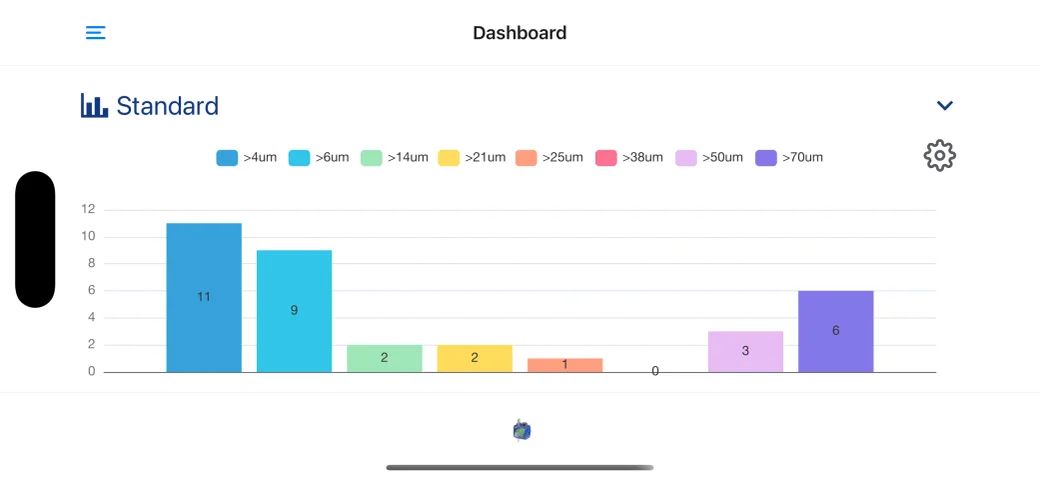
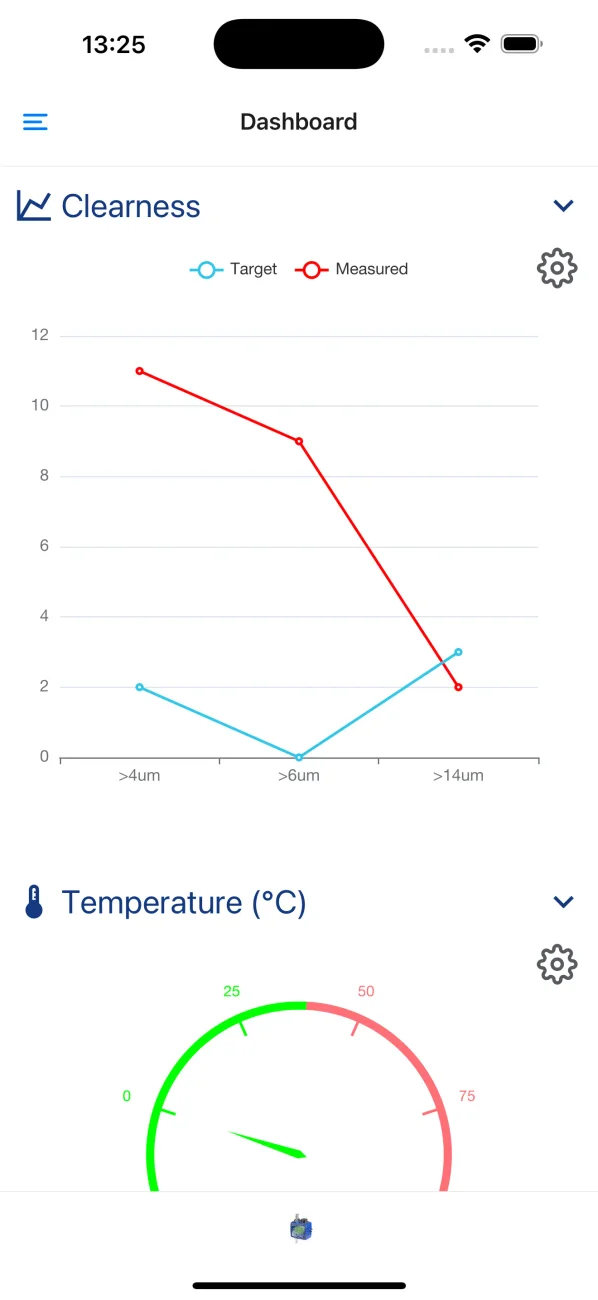
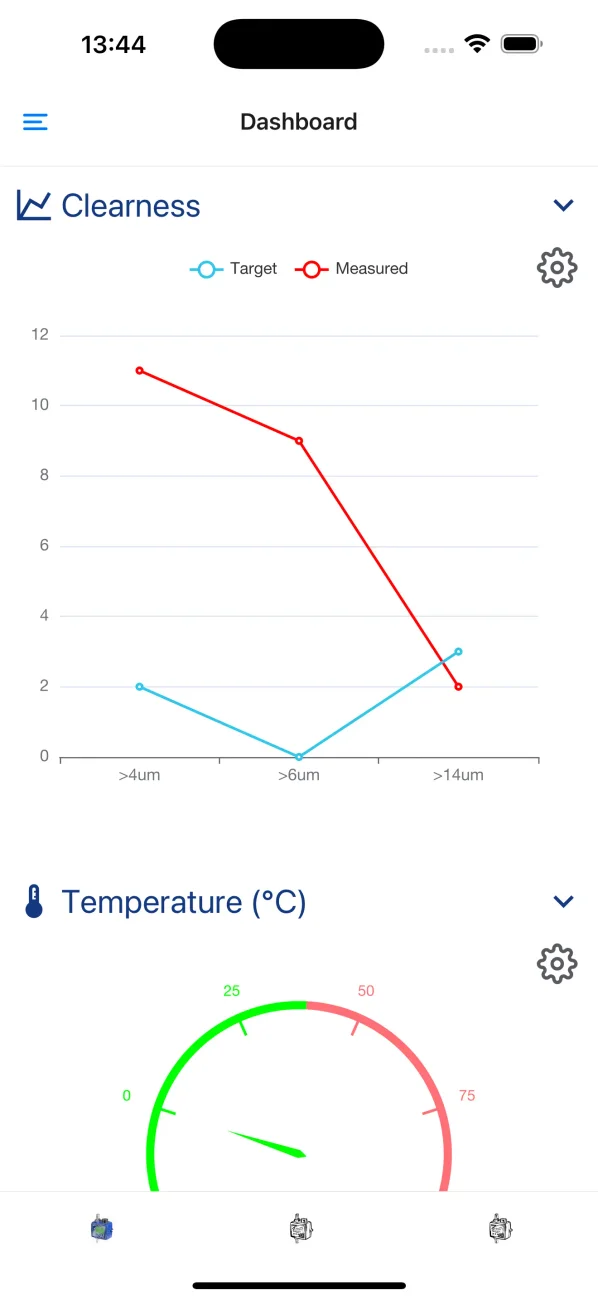
Dynamic dashboard that displays real-time measurements and performance data including metrics such as relative humidity, temperature, and pressure.
Comprehensive Data Management:
Effortlessly view, filter, and manage your collected data.
Generate and export files directly from your mobile device.
Device Settings:
Support for remote device settings customisation.
User-Friendly Interface:
Intuitive navigation with clearly defined sections for data monitoring, settings, and support.
Quick access to device connection and measurement controls.
Planned Features & Future Enhancements
While this release focuses on core monitoring functionalities, please note that some features are not yet supported in this version:
Reports Creation and Sharing:
The ability to generate, edit, and share detailed reports is coming soon.
Enhanced Graph Screen:
In upcoming releases, the graph screen will be expanded to allow selection of different measurement types. You will be able to generate a variety of graphs based on particle counts, standard codes, humidity, temperature, and pressure.
Getting Started
Installation:
Install the app through App Store.
2. Device Connection and Initial Setup:
Power On & Wi‑Fi Activation:
Before launching the app, power on your contamination monitoring device and ensure its Wi‑Fi broadcasting is enabled.
Connect Your iOS Device to the Device’s Wi‑Fi:
On your iOS device, navigate to Settings > Wi‑Fi. Look for the network name broadcast by your device (the network should be displayed as, “MP Filter ICM ********”) and connect. Connection will take you to the Configure Wi-Fi setup portal or, for first time set up of a specific ICM4.0 Wi-Fi module, a password is required. This is a one time password when setting up on a new phone/tablet and for each new device. The password is ‘mpfiltri’. Once input this, will take you to the Configure Wi-Fi setup portal page.
Configure Wi-Fi setup portal:
On “Network” field select the very same Wi-Fi network that the CMP View application will use, fill the network credentials in the “Password” field, and press “Save & Test”. Once an IP is assigned the display LED on the front of the ICM flashes once cyan every five seconds.
3. Connection Within the App:
Once connected to the device’s Wi‑Fi network, open CMP View Mobile, and press ‘Connect’ button. Pick the device IP address - will be visible on the Diagnostics 1 -System Info device display page under a IP address.
4. Ready for Monitoring:
After confirming the connection and configuration, you can begin real-time monitoring of your device’s measurements via the interactive dashboard.
5. Using the App:
Connect your measurement device and start monitoring your data in real time using the interactive dashboard.
6. Feedback & Support:
We’re eager to hear about your experience. Please share your feedback to help us improve future versions.
Nouveautés
Version 1.0.4 · 17/06/2026
Graph Screen and virtual device settings.
Confidentialité de l’application
Ce que MP Filtri UK Limited déclare sur l’App Store au sujet du traitement des données par cette application.
-
Données non collectées
Le développeur ne collecte aucune donnée à partir de cette application.
Les pratiques en matière de confidentialité peuvent varier, notamment en fonction des fonctionnalités que vous utilisez ou de votre âge.
Informations
- Vendeur
- MP Filtri UK Limited
- Catégorie
- Productivité
- Version
- 1.0.4
- Mis à jour
- 17/06/2026
- Publié
- 26/09/2025
- Taille
- 37,3 Mo
- Nécessite
- iOS 15.1 ou version ultérieure
- Classification d’âge
- 4+
- Prix
- Gratuit
- Langues
- Anglais
- Copyright
- © MP Filtri UK Ltd
Vous aimerez peut-être aussi
-
 QuickCert®+Productivité
-
 Sylvac AnywhereProductivité
-
 Kitchen Pal: Inventaire FrigoAnti Gaspillage, Liste courses
-
 Meeting OwlProductivité
-
 VPN US using Free VPN .org™VPN USA : Fast & Secure Proxy
-
 Home Design 3D Outdoor&GardenCréez Jardin, Terrasse, Patio
-
 Microsoft OneNoteCapturez notes, idées et mémos
-
 PadletOutil de collaboration visuel
-
 Listed AI - Créer des annoncesRevente d'occasion en 2 photos
-
 Calculatrice heure de travailEmploi du temps et Salaire