- Độ tuổi4+
- Danh mụcHiệu Suất
- Nhà phát triểnMP Filtri UK Limited
- Ngôn ngữTiếng Anh
- Kích thước37,3 MB
Liên kết đến trang App Store chính thức
Download.org không lưu trữ tệp nào của CMP View. Nút này mở trang ứng dụng trên App Store, nơi MP Filtri UK Limited phát hành ứng dụng. Trang được kiểm tra lần cuối: 17/11/2026.
Ảnh chụp màn hình


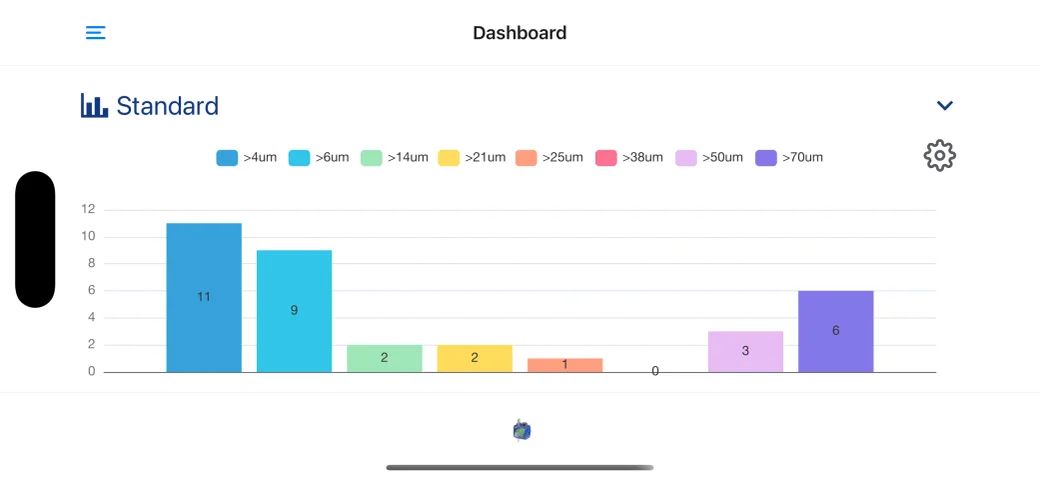

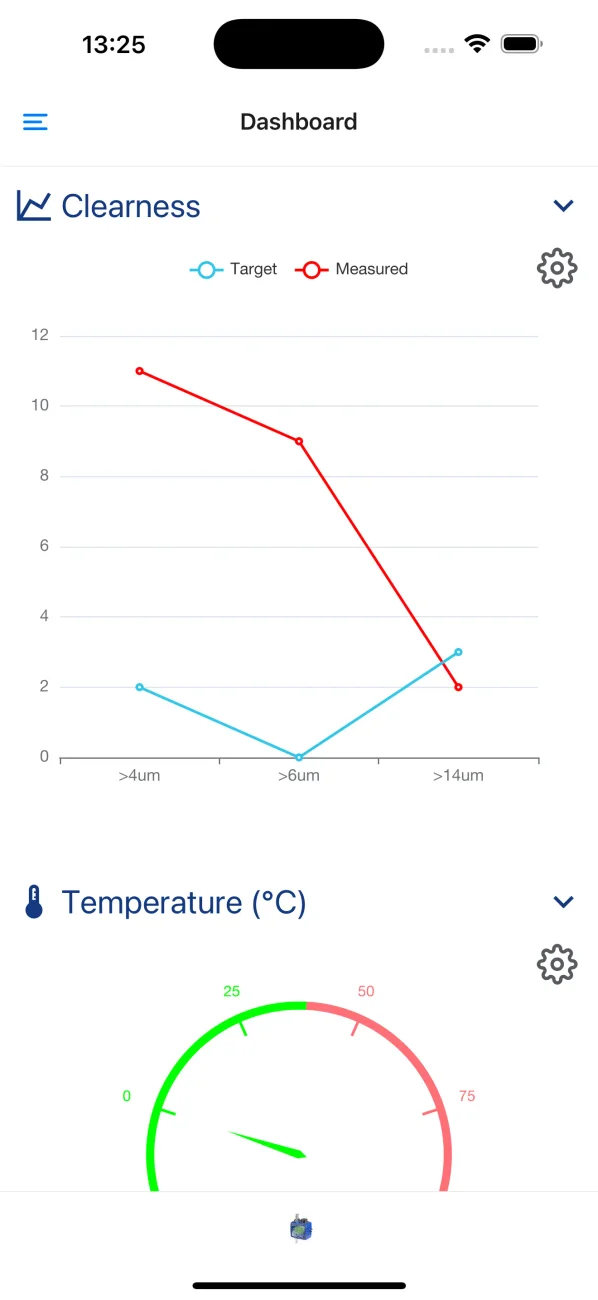
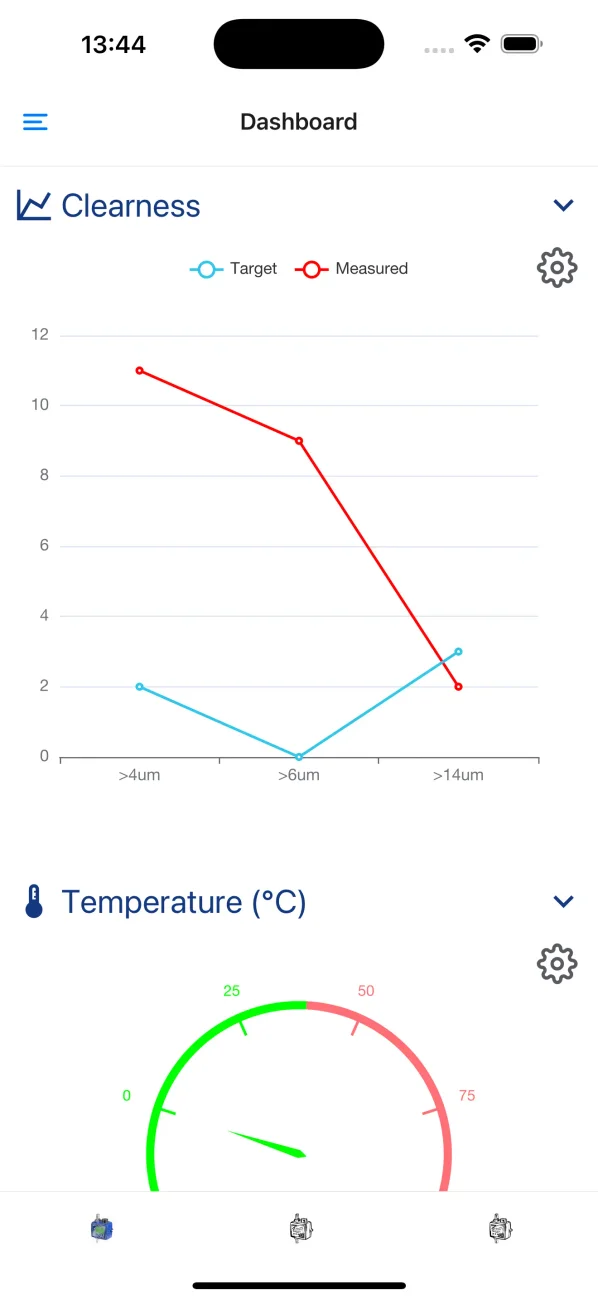
Giới thiệu
Nhà phát triển chưa cung cấp nội dung này bằng ngôn ngữ của bạn.
CMP View
Welcome to CMP View – the dedicated iOS solution for monitoring and managing your Contamination Monitoring Products on the go. This initial version has been designed for ease of use, reliability, and efficient performance on iOS devices.
Key Features
Streamlined Installation & Onboarding:
Easy installation via App Store.
Guided onboarding to help you quickly get acquainted with the app.
Optimised for iOS:
Built to run on iOS 16 and later, ensuring a smooth experience across a wide range of devices.
Responsive and intuitive design for both iPhone and iPad.
Real-Time Data Visualisation:
Dynamic dashboard that displays real-time measurements and performance data including metrics such as relative humidity, temperature, and pressure.
Comprehensive Data Management:
Effortlessly view, filter, and manage your collected data.
Generate and export files directly from your mobile device.
Device Settings:
Support for remote device settings customisation.
User-Friendly Interface:
Intuitive navigation with clearly defined sections for data monitoring, settings, and support.
Quick access to device connection and measurement controls.
Planned Features & Future Enhancements
While this release focuses on core monitoring functionalities, please note that some features are not yet supported in this version:
Reports Creation and Sharing:
The ability to generate, edit, and share detailed reports is coming soon.
Enhanced Graph Screen:
In upcoming releases, the graph screen will be expanded to allow selection of different measurement types. You will be able to generate a variety of graphs based on particle counts, standard codes, humidity, temperature, and pressure.
Getting Started
Installation:
Install the app through App Store.
2. Device Connection and Initial Setup:
Power On & Wi‑Fi Activation:
Before launching the app, power on your contamination monitoring device and ensure its Wi‑Fi broadcasting is enabled.
Connect Your iOS Device to the Device’s Wi‑Fi:
On your iOS device, navigate to Settings > Wi‑Fi. Look for the network name broadcast by your device (the network should be displayed as, “MP Filter ICM ********”) and connect. Connection will take you to the Configure Wi-Fi setup portal or, for first time set up of a specific ICM4.0 Wi-Fi module, a password is required. This is a one time password when setting up on a new phone/tablet and for each new device. The password is ‘mpfiltri’. Once input this, will take you to the Configure Wi-Fi setup portal page.
Configure Wi-Fi setup portal:
On “Network” field select the very same Wi-Fi network that the CMP View application will use, fill the network credentials in the “Password” field, and press “Save & Test”. Once an IP is assigned the display LED on the front of the ICM flashes once cyan every five seconds.
3. Connection Within the App:
Once connected to the device’s Wi‑Fi network, open CMP View Mobile, and press ‘Connect’ button. Pick the device IP address - will be visible on the Diagnostics 1 -System Info device display page under a IP address.
4. Ready for Monitoring:
After confirming the connection and configuration, you can begin real-time monitoring of your device’s measurements via the interactive dashboard.
5. Using the App:
Connect your measurement device and start monitoring your data in real time using the interactive dashboard.
6. Feedback & Support:
We’re eager to hear about your experience. Please share your feedback to help us improve future versions.
Có gì mới
Phiên bản 1.0.4 · 17/06/2026
Graph Screen and virtual device settings.
Quyền riêng tư của ứng dụng
Những gì MP Filtri UK Limited khai báo trên App Store về cách ứng dụng này xử lý dữ liệu.
-
Dữ liệu không được thu thập
Nhà phát triển không thu thập bất kỳ dữ liệu nào từ ứng dụng này.
Phương thức đảm bảo quyền riêng tư có thể khác nhau, chẳng hạn như tuỳ theo các tính năng bạn sử dụng hoặc độ tuổi của bạn.
Thông tin
- Người bán
- MP Filtri UK Limited
- Danh mục
- Hiệu Suất
- Phiên bản
- 1.0.4
- Cập nhật
- 17/06/2026
- Phát hành
- 26/09/2025
- Kích thước
- 37,3 MB
- Yêu cầu
- iOS 15.1 trở lên
- Độ tuổi
- 4+
- Giá
- Miễn phí
- Ngôn ngữ
- Tiếng Anh
- Bản quyền
- © MP Filtri UK Ltd
Có thể bạn cũng thích
-
 QuickCert®+Hiệu Suất
-
 Sylvac AnywhereHiệu Suất
-
 KitchenPal Shared Grocery ListHiệu Suất
-
 Meeting OwlHiệu Suất
-
 VPN US using Free VPN .org™VPN USA : Fast & Secure Proxy
-
 Home Design 3D Outdoor&GardenThiết kế sân vườn của bạn
-
 Microsoft OneNoteLưu ghi chú, ý tưởng & ghi nhớ
-
 PadletCông cụ cộng tác trực quan
-
 Listed AI - Listing GeneratorHiệu Suất
-
 Work Hours Tracker - TimesheetHiệu Suất