Codedas
Membership codes, three taps
Conçue pour iPhone
Gratuit · Achats intégrés
- Classification d’âge4+
- CatégorieUtilitaires
- DéveloppeurDaichi Sasaki
- LanguesAnglais+ 1 de plus
- Taille9,8 Mo
Renvoie vers la page App Store officielle
Download.org n’héberge aucun fichier de Codedas. Le bouton ouvre la page de l’application sur App Store, où Daichi Sasaki la publie. Fiche vérifiée pour la dernière fois le 13/11/2026.
Captures d’écran

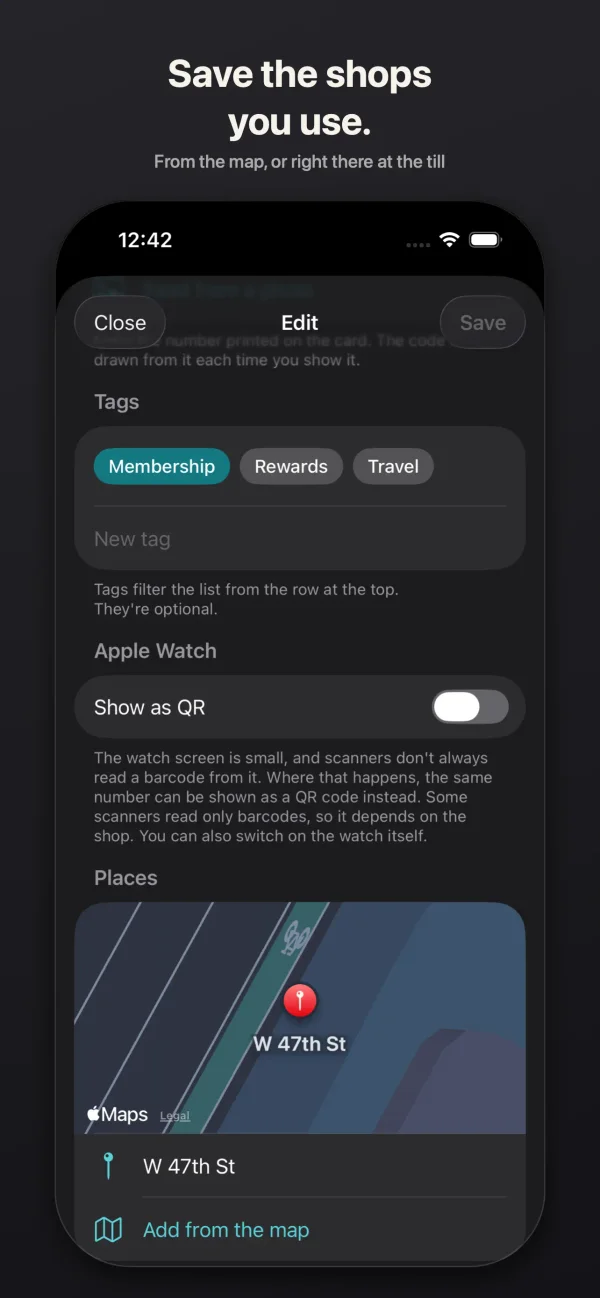
À propos
Le développeur n’a pas fourni ce texte dans votre langue.
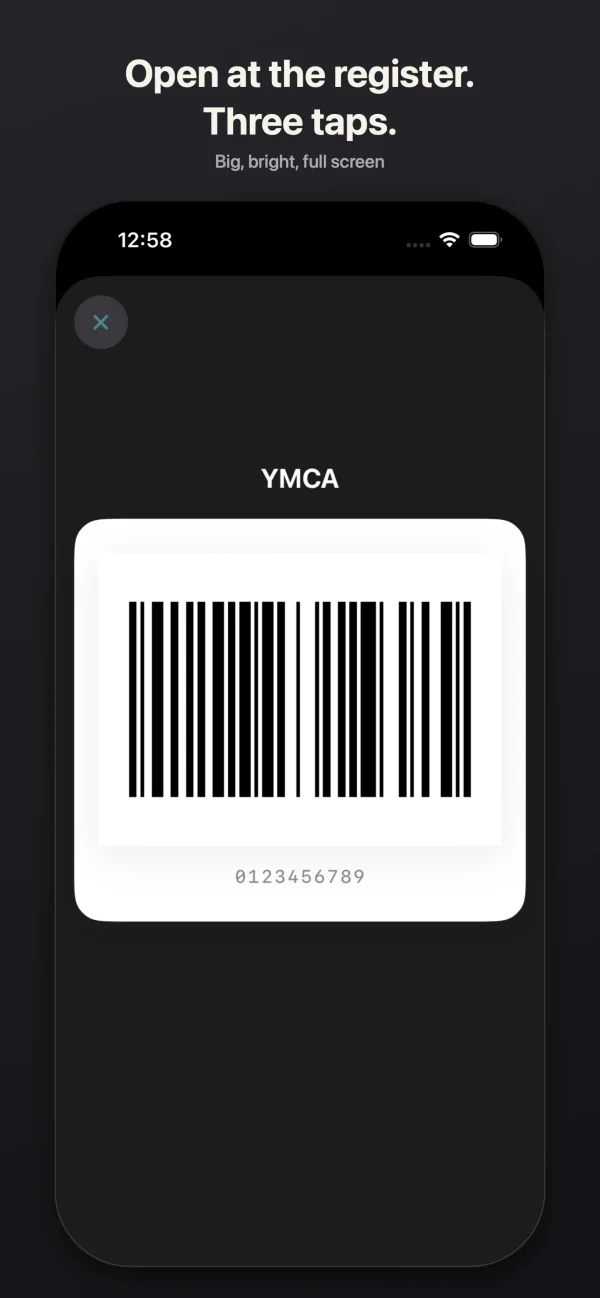
Codedas keeps the barcodes and QR codes from your membership and loyalty cards, and shows them in three taps at the register.
Easy to add
Type the number, or read it from the camera or a photo. QR, Code 128, Code 39, and EAN-13.
Scans first time
Full screen, full brightness. The number sits under the code, so if a scanner won't read it, you can show the cashier.
Official apps in the same list
Some codes only exist inside an app, like PayPay. Pick those from a list, or add any app by URL scheme or a Shortcut.
No hunting
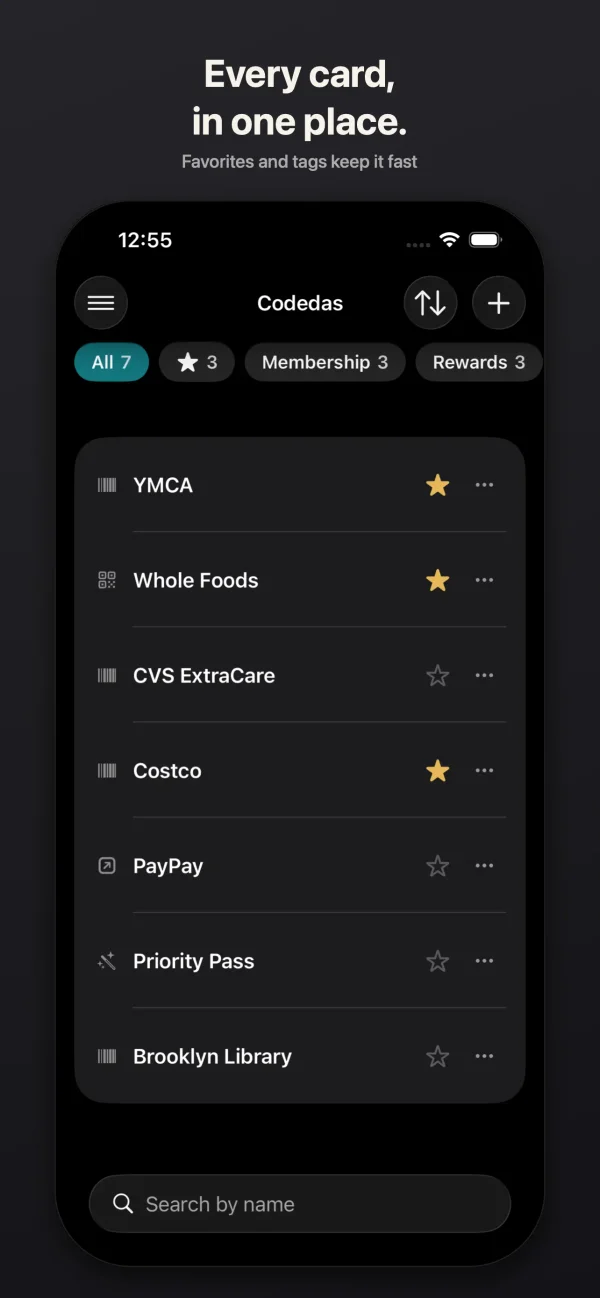
Favorites and tags narrow the list. Open the app and your top three favorites appear on the Lock Screen too.
Your data stays with you
Everything is stored on your device. Nothing is sent to our servers. Export a JSON backup any time.
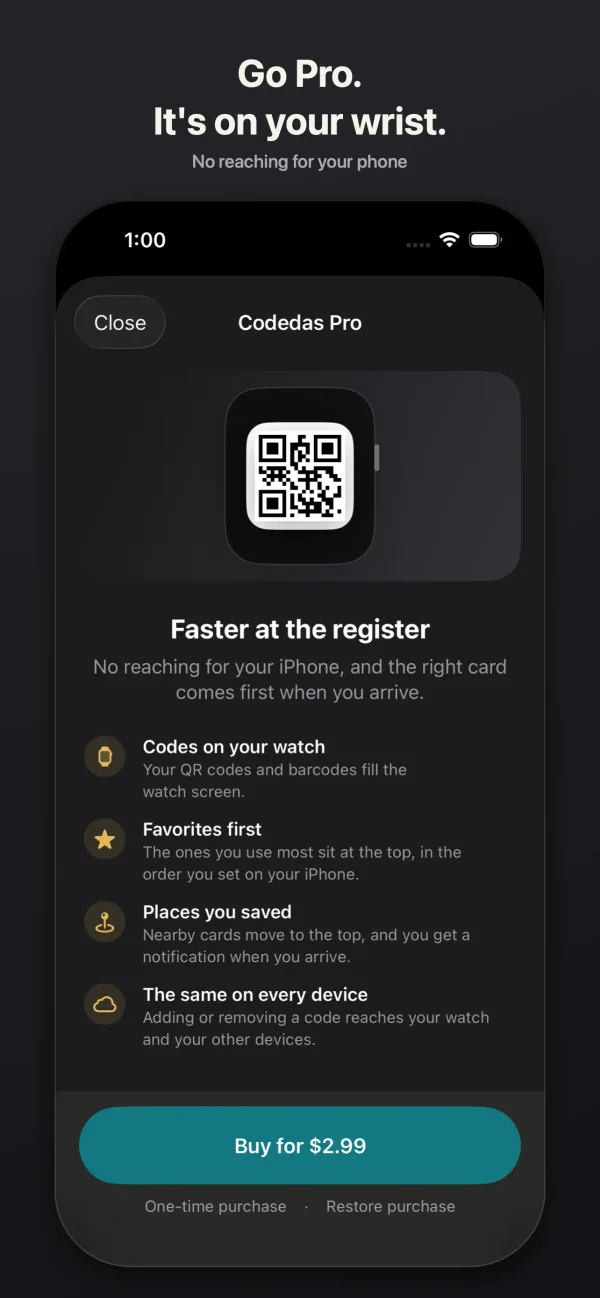
Codedas Pro (one-time purchase)
- Show codes on your Apple Watch. No reaching for your phone.
- Near a shop you saved, its card moves to the top. Arrive, and a notification comes.
- iCloud keeps every device on your Apple Account in step. Reinstall, and it all comes back.
No ads. No subscription. No account.
Nouveautés
Version 1.0.2 · 30/09/2026
• Add a note to any card, like where it works or whose card it is. Open it from View Note on the code screen, or from the … menu in the list.
• Duplicate a card from the … menu.
• Rename the places you've saved.
• A redesigned Add screen: choose what you're adding first. When the camera finds a code, it outlines it before closing.
• Only the tags on a card are shown now. Add more with Add Tag.
• The list shows how many items match the current filter.
• A short animation and sound at launch. The sound follows the mute switch and never stops your music.
• iCloud sync status is now a single row in Settings.
Fixes
• Screen brightness sometimes stayed high after closing a code opened from the Lock Screen.
• Show as QR on Apple Watch turned itself off after relaunching the app.
• Right after restarting the iPhone, arrival notifications could stop, and the app could crash.
• Some text appeared in Japanese on English devices.
Confidentialité de l’application
Ce que Daichi Sasaki déclare sur l’App Store au sujet du traitement des données par cette application.
-
Données non collectées
Le développeur ne collecte aucune donnée à partir de cette application.
Les pratiques en matière de confidentialité peuvent varier, notamment en fonction des fonctionnalités que vous utilisez ou de votre âge.
Informations
- Vendeur
- Daichi Sasaki
- Catégorie
- Utilitaires
- Version
- 1.0.2
- Mis à jour
- 30/09/2026
- Publié
- 21/09/2026
- Taille
- 9,8 Mo
- Nécessite
- iOS 18.0 ou version ultérieure
- Classification d’âge
- 4+
- Prix
- Gratuit
- Achats intégrés
- Oui
- Langues
- Anglais, Japonais
- Copyright
- © Kakumei 2026
Vous aimerez peut-être aussi
-
 Transcam : Traducteur IA PhotoVoix, caméra et conversation
-
 Apps Launcher with URL SchemeUtilitaires
-
 QR Tool - Reader & GeneratorUtilitaires
-
 ClearWave Pro : Éjecter l’eauSon étouffé après la pluie
-
 Audio SAUtilitaires
-
 QR Rapide Créer et LireLecteur QR simple
-
 CrossX - Send To X4Utilitaires
-
 Furigana Camera - Kanji ReaderUtilitaires
-
 Supprimer EXIF - Photo SecureMétadonnées photo et vidéo
-
 View NavigatorUtilitaires