- Age rating4+
- CategoryUtilities
- DeveloperDaichi Sasaki
- LanguagesEnglish+ 1 more
- Size9.8 MB
Links to the official App Store page
Download.org hosts no file of Codedas. The button opens its official App Store page, published by Daichi Sasaki. Listing last checked on Nov 13, 2026.
Screenshots

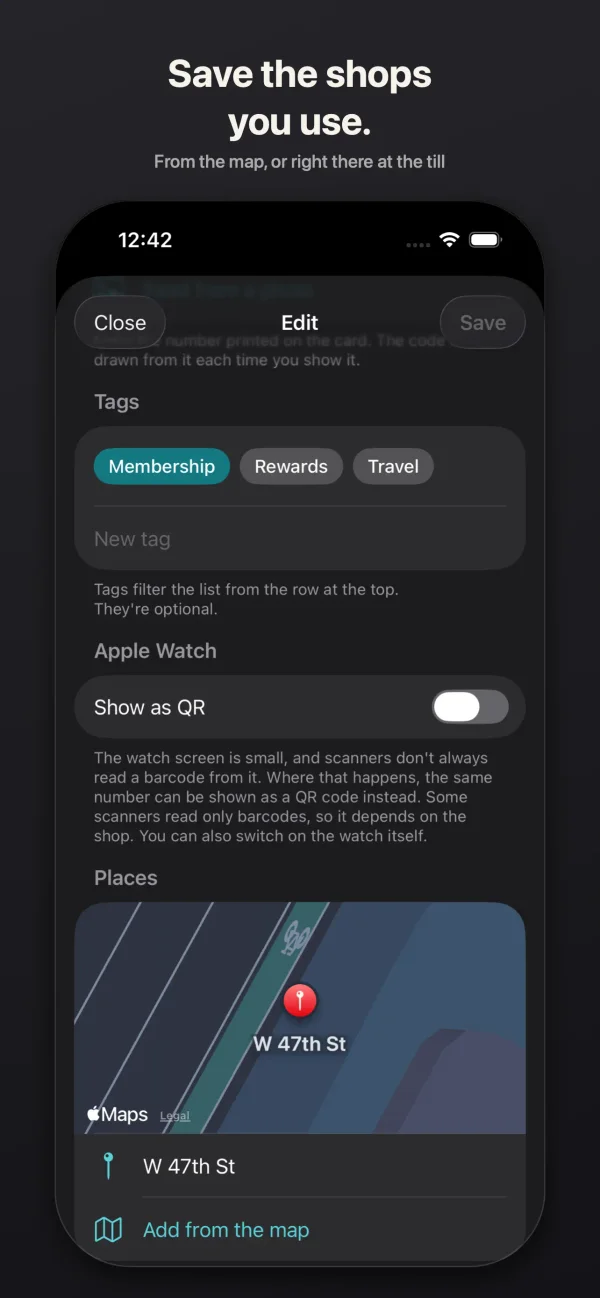
About
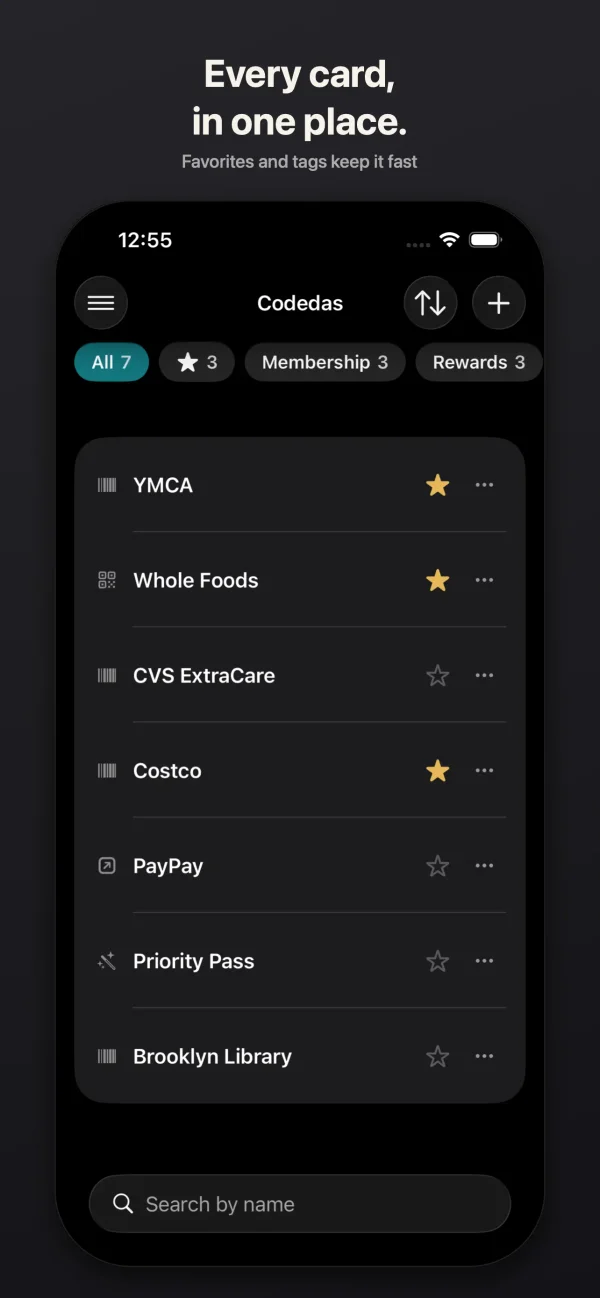
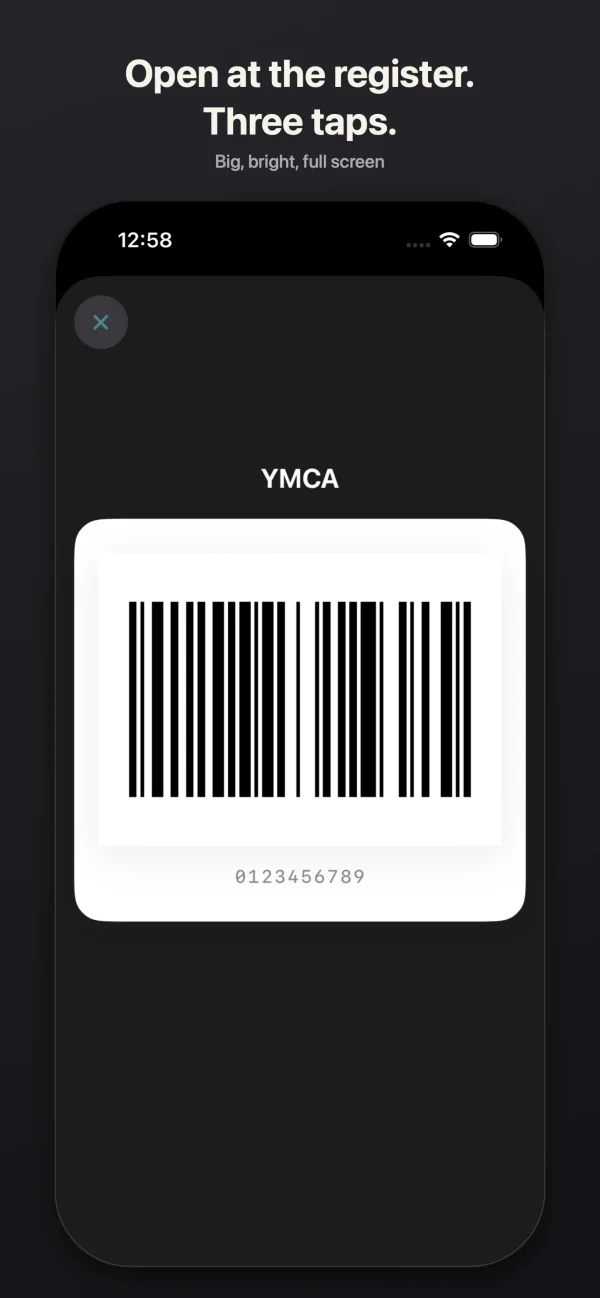
Codedas keeps the barcodes and QR codes from your membership and loyalty cards, and shows them in three taps at the register.
Easy to add
Type the number, or read it from the camera or a photo. QR, Code 128, Code 39, and EAN-13.
Scans first time
Full screen, full brightness. The number sits under the code, so if a scanner won't read it, you can show the cashier.
Official apps in the same list
Some codes only exist inside an app, like PayPay. Pick those from a list, or add any app by URL scheme or a Shortcut.
No hunting
Favorites and tags narrow the list. Open the app and your top three favorites appear on the Lock Screen too.
Your data stays with you
Everything is stored on your device. Nothing is sent to our servers. Export a JSON backup any time.
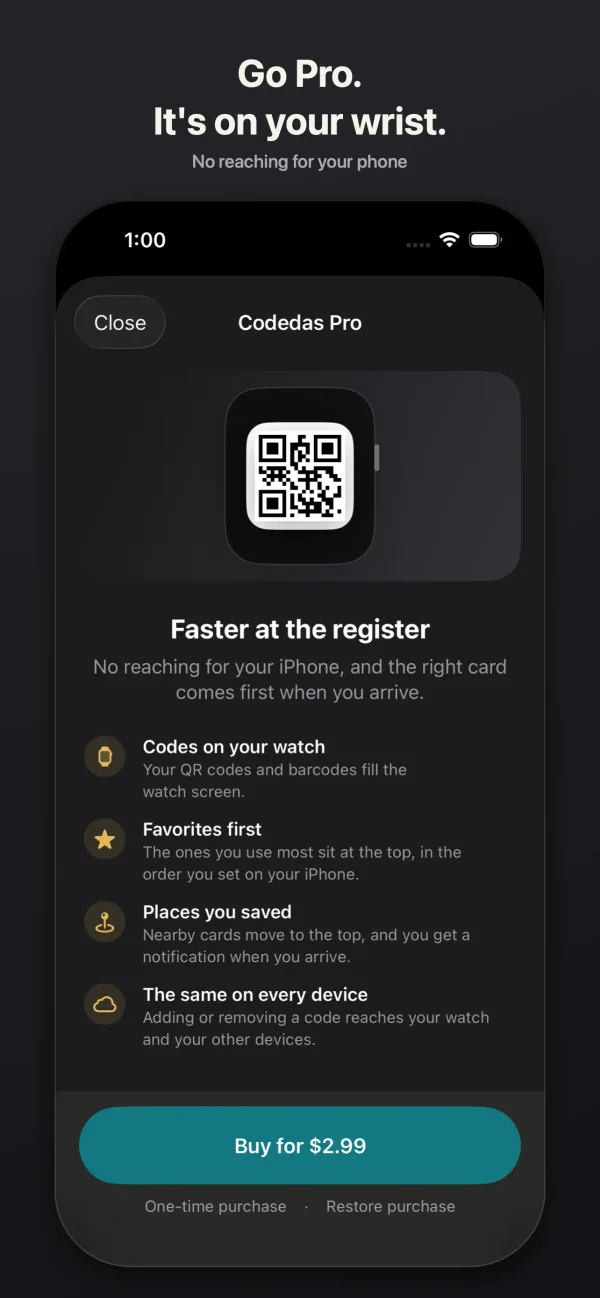
Codedas Pro (one-time purchase)
- Show codes on your Apple Watch. No reaching for your phone.
- Near a shop you saved, its card moves to the top. Arrive, and a notification comes.
- iCloud keeps every device on your Apple Account in step. Reinstall, and it all comes back.
No ads. No subscription. No account.
What’s new
Version 1.0.2 · Sep 30, 2026
• Add a note to any card, like where it works or whose card it is. Open it from View Note on the code screen, or from the … menu in the list.
• Duplicate a card from the … menu.
• Rename the places you've saved.
• A redesigned Add screen: choose what you're adding first. When the camera finds a code, it outlines it before closing.
• Only the tags on a card are shown now. Add more with Add Tag.
• The list shows how many items match the current filter.
• A short animation and sound at launch. The sound follows the mute switch and never stops your music.
• iCloud sync status is now a single row in Settings.
Fixes
• Screen brightness sometimes stayed high after closing a code opened from the Lock Screen.
• Show as QR on Apple Watch turned itself off after relaunching the app.
• Right after restarting the iPhone, arrival notifications could stop, and the app could crash.
• Some text appeared in Japanese on English devices.
App privacy
What Daichi Sasaki declares on the App Store about how this app handles data.
-
Data not collected
The developer does not collect any data from this app.
Privacy practices may vary, for example with the features you use or your age.
Information
- Seller
- Daichi Sasaki
- Category
- Utilities
- Version
- 1.0.2
- Updated
- Sep 30, 2026
- Released
- Sep 21, 2026
- Size
- 9.8 MB
- Requires
- iOS 18.0 or later
- Age rating
- 4+
- In-app purchases
- Yes
- Languages
- English, Japanese
- Copyright
- © Kakumei 2026
You might also like
-
 Transcam: Translator & CameraVoice, Photo & Text Translate
-
 Apps Launcher with URL SchemeUtilities
-
 QR Tool - Reader & GeneratorUtilities
-
 ClearWave Pro: Water EjectMuffled Phone Speaker?
-
 Audio SAspectrum analyzer
-
 Quick QR code Generate & ReadSimple and Easy QR reader
-
 CrossX - Send To X4Web to EPUB for Xteink X4
-
 Furigana Camera - Kanji ReaderJapanese book reading support
-
 EXIF Remover - Photo SecureRemove Photo & Video Metadata
-
 View NavigatorAims for productive