
- Classification d’âge4+
- CatégorieÉconomie et entreprise
- DéveloppeurCoperniq Inc.
- LanguesAnglais
- Taille247,3 Mo
Coperniq n’est peut-être pas disponible sur App Store pour le moment
La fiche de la boutique était inaccessible lors de notre dernière vérification. Le lien mène toujours à la page App Store officielle.
Captures d’écran
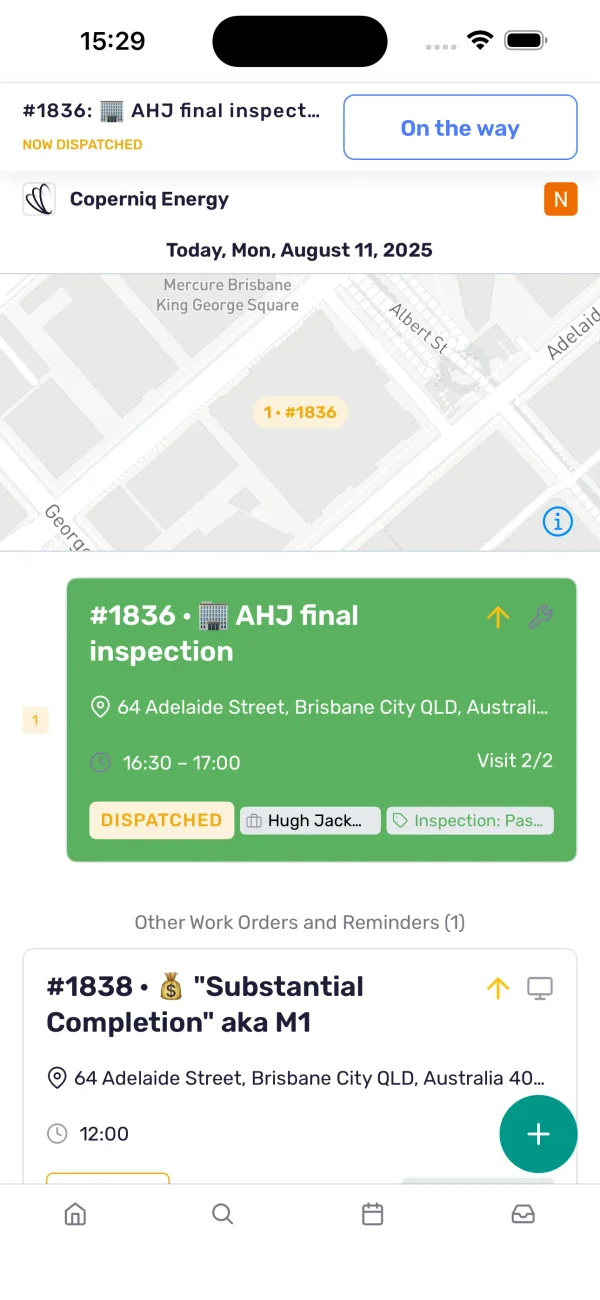
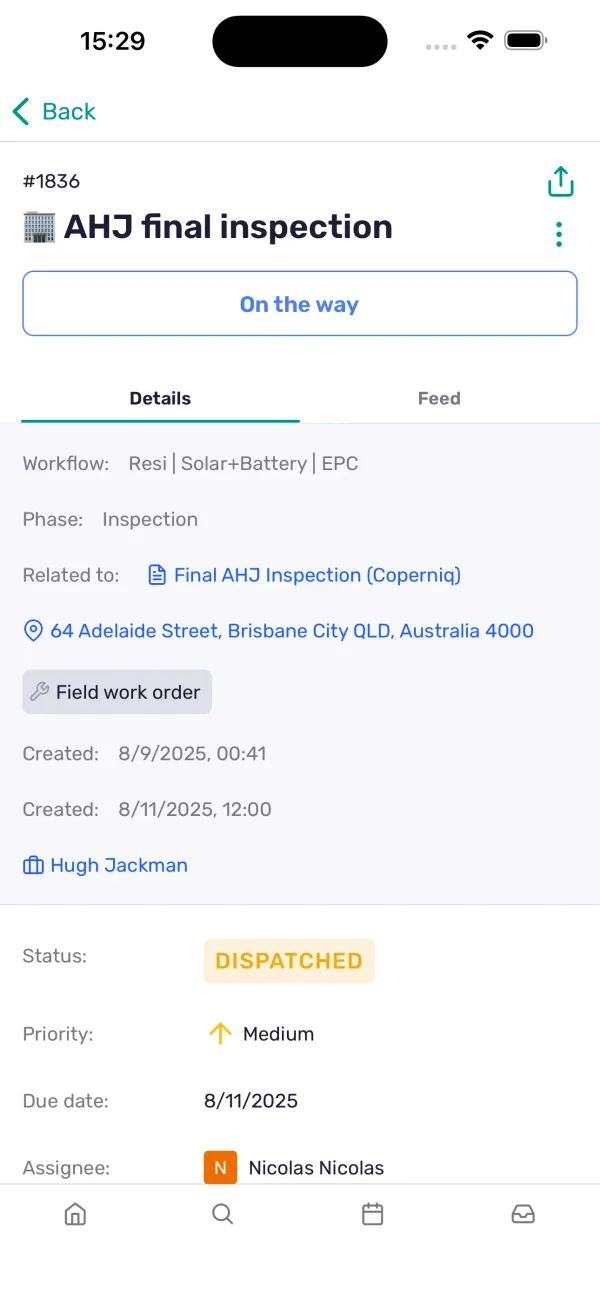
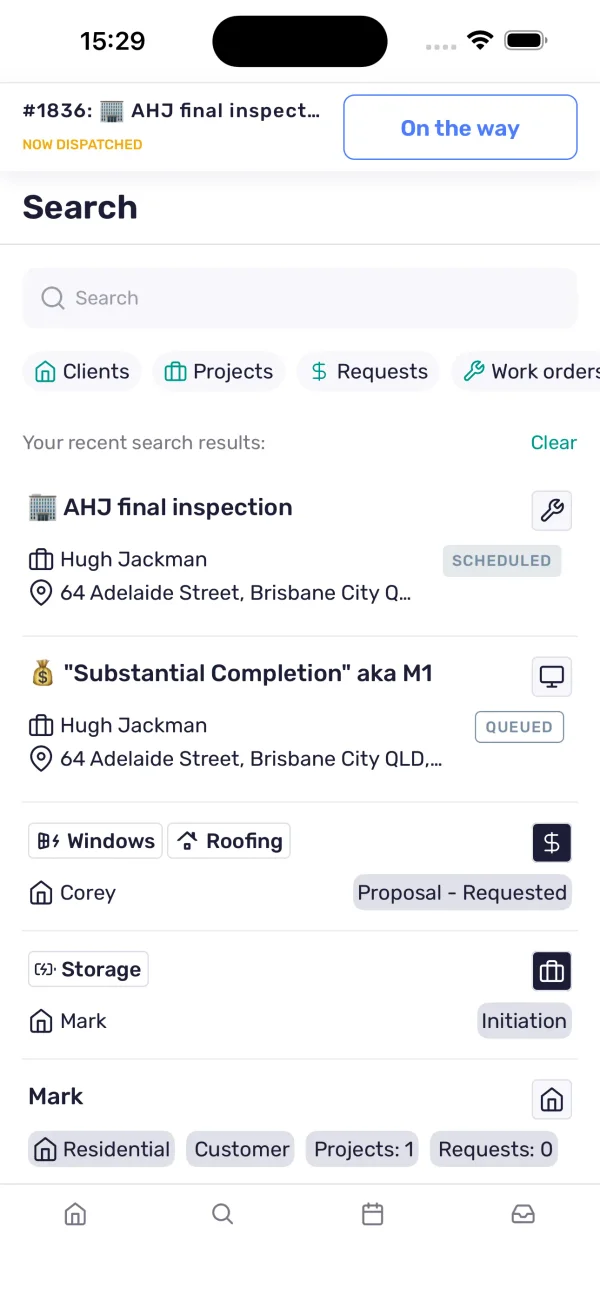
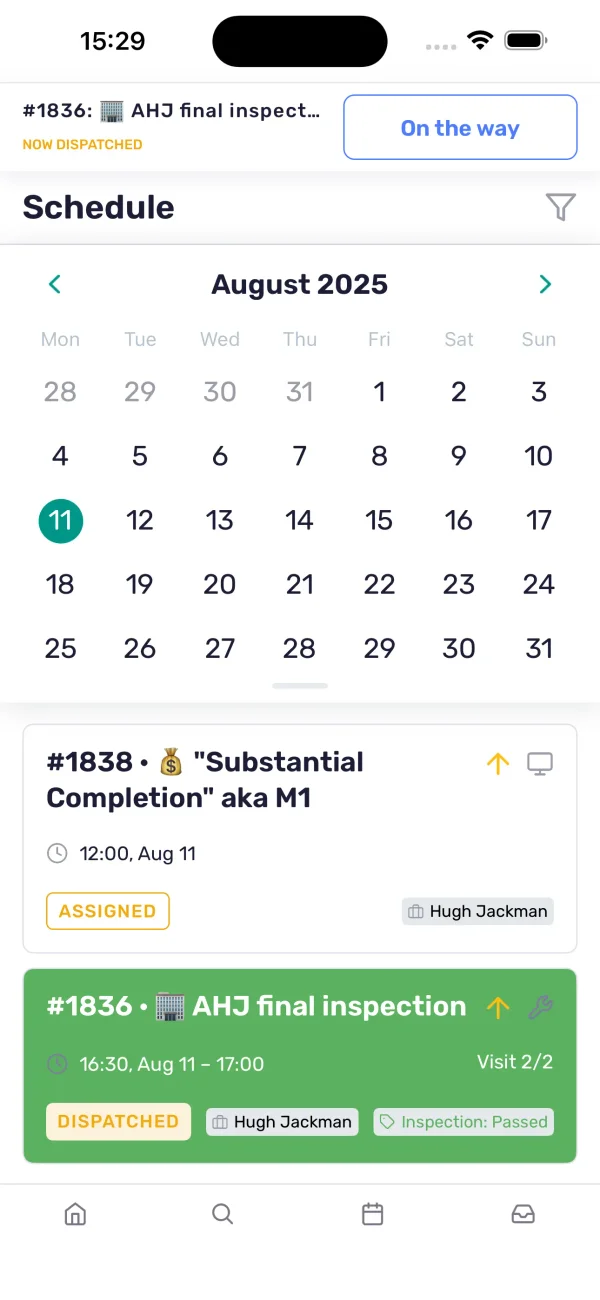
À propos
Le développeur n’a pas fourni ce texte dans votre langue.
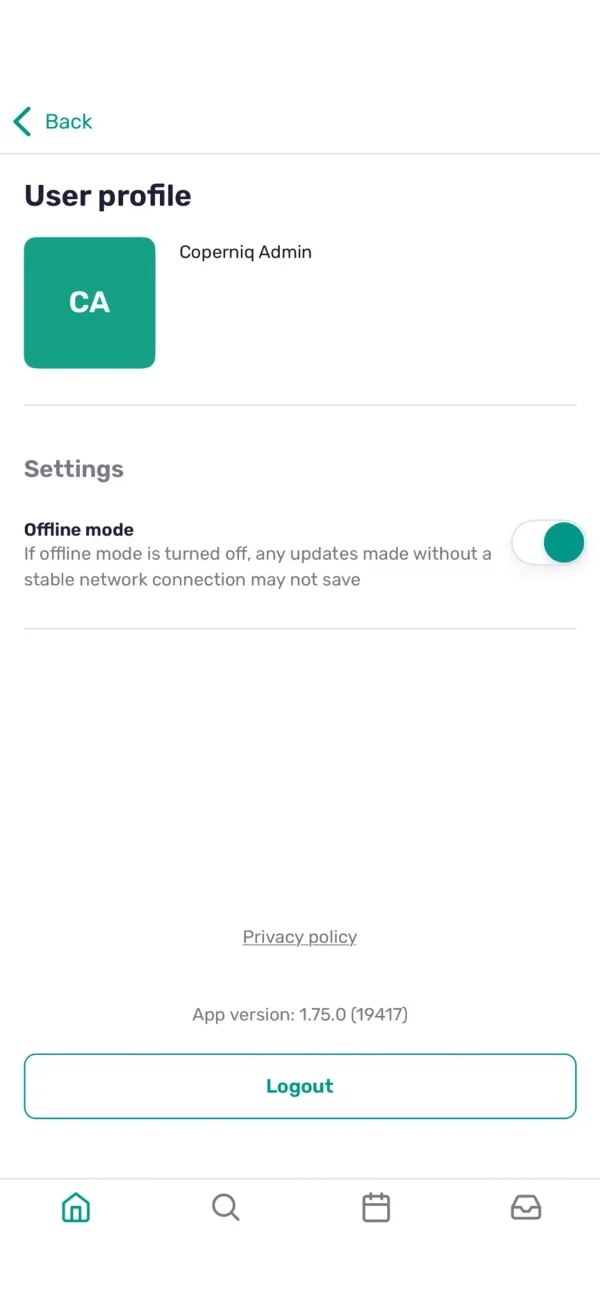
Workflow management software for solar & energy contractors. Manage your solar installation & service business on the go. Access project tracking, schedules, inspection forms, checklists, & more.
Nouveautés
Version 3.1.2 · 03/11/2026
Proposals
- Lines hidden from the customer on web are hidden in the mobile builder too, and you can hide a line from Edit Options. Totals do not change.
- Discounts show their name.
- “Sign now” in present mode jumps straight to the signing block.
Work orders
- The status now sits on the visit date line, and a work order in review gets a Mark as completed button. The action buttons have their full width back.
- Due dates saved without a time show just the date on Home, Schedule and Search.
- Sites show the address you typed, and “open in maps” navigates to it.
Forms
- New form screen: the work order link up top, a full-width Complete button and Form / Details tabs. Other status changes live in the ⋮ menu.
- Photo fields have new tiles: upload progress under each photo, a trash icon and a + tile to add more.
- The upload sheet is now “Upload files”: pick recent photos, your gallery or files.
- The field you are typing in stays in view while the keyboard is open.
- The keyboard Done bar only shows on number and phone pads.
- Required fields show a red asterisk.
- The dictation mic sits inside every text field. Tap it, talk, done.
- A cancelled form no longer offers Complete.
- Markup on photos and PDFs saves on its own, like on web. No Save button.
- Markup no longer shows twice on a photo.
Records and search
- Upload files to file properties, open them and remove them.
- Archived custom properties are hidden on create screens and read-only on records.
- Workflow and pipeline pickers no longer list archived workflows, and sort like web.
- Search results show the record’s photo in bordered cards, and long phase names no longer hide the title.
- The Create button stays at the bottom while you type instead of covering the form.
Polish
- Success messages now read “Site created”, “Form updated” and so on.
- The Create button keeps its label while saving.
- The template field is labelled Template.
- Sign in no longer shows asterisks on Email and Password.
Fixes
- Fixed a freeze when scrolling a record’s feed on iOS.
- Fixed a crash when adding large videos to a form on iOS.
- iOS: videos stored only in iCloud can now be picked from the gallery.
- Links opened with no connection wait for the network instead of failing.
- Plus other bug fixes and speed improvements.
Confidentialité de l’application
Ce que Coperniq Inc. déclare sur l’App Store au sujet du traitement des données par cette application.
-
Données établissant un lien avec vous
Peuvent être collectées et liées à votre identité.
- Emplacement
- Contenu utilisateur
- Diagnostic
Les pratiques en matière de confidentialité peuvent varier, notamment en fonction des fonctionnalités que vous utilisez ou de votre âge.
Informations
- Vendeur
- Coperniq Inc.
- Catégorie
- Économie et entreprise
- Version
- 3.1.2
- Mis à jour
- 03/11/2026
- Publié
- 06/04/2023
- Taille
- 247,3 Mo
- Nécessite
- iOS 17.0 ou version ultérieure
- Classification d’âge
- 4+
- Langues
- Anglais
- Copyright
- © Coperniq Inc.
Vous aimerez peut-être aussi
-
 Stakt CommissionsÉconomie et entreprise
-
 SiteCapture MobileÉconomie et entreprise
-
 Scanifly MobileÉconomie et entreprise
-
 ArrivyÉconomie et entreprise
-
 KnockbaseÉconomie et entreprise
-
 OpenSolarÉconomie et entreprise
-
 Ensite ServicesÉconomie et entreprise
-
 Scoop MAEÉconomie et entreprise
-
 Field Inspect (formerly Paiv)Économie et entreprise
-
 CallpilotProductivité