- Age rating4+
- CategoryBusiness
- DeveloperCoperniq Inc.
- LanguagesEnglish
- Size247.3 MB
Links to the official App Store page
Download.org hosts no file of Coperniq. The button opens its official App Store page, published by Coperniq Inc. Listing last checked on Nov 15, 2026.
Screenshots


About
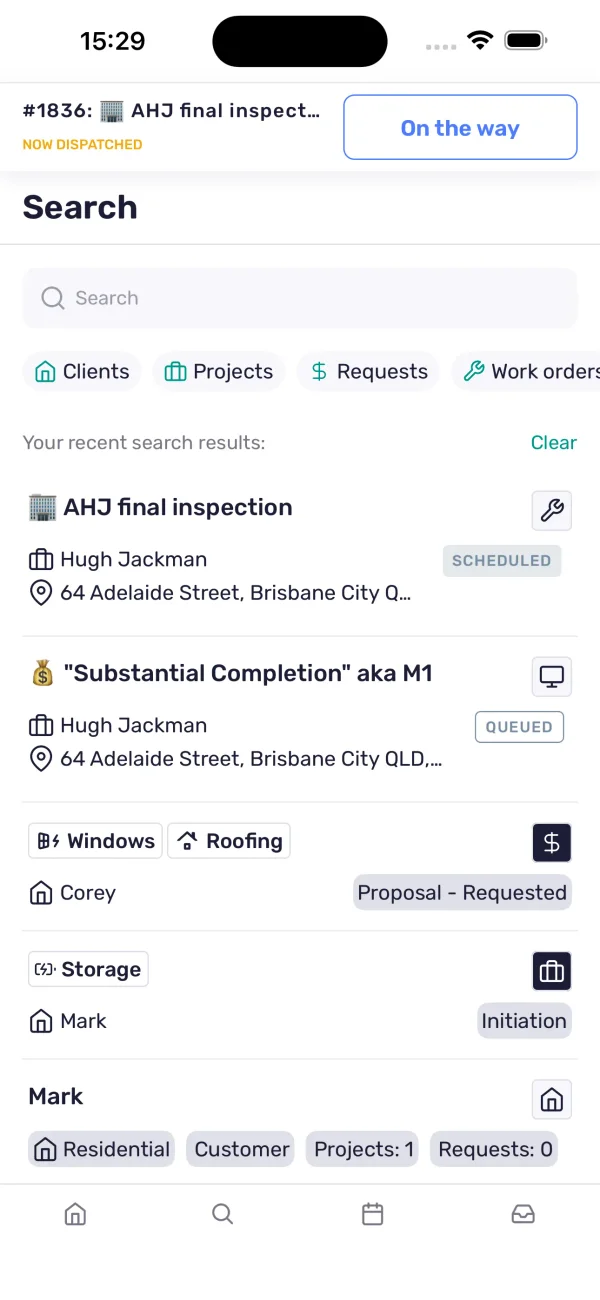
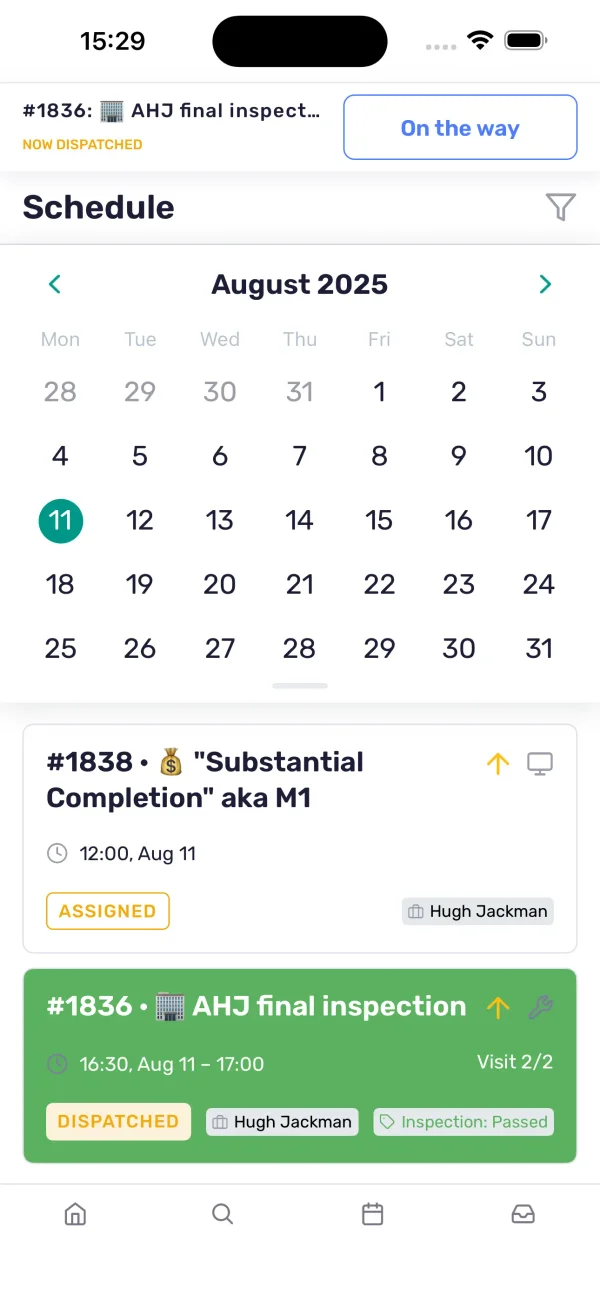
Workflow management software for solar & energy contractors. Manage your solar installation & service business on the go. Access project tracking, schedules, inspection forms, checklists, & more.
What’s new
Version 3.1.2 · Nov 3, 2026
Proposals
- Lines hidden from the customer on web are hidden in the mobile builder too, and you can hide a line from Edit Options. Totals do not change.
- Discounts show their name.
- “Sign now” in present mode jumps straight to the signing block.
Work orders
- The status now sits on the visit date line, and a work order in review gets a Mark as completed button. The action buttons have their full width back.
- Due dates saved without a time show just the date on Home, Schedule and Search.
- Sites show the address you typed, and “open in maps” navigates to it.
Forms
- New form screen: the work order link up top, a full-width Complete button and Form / Details tabs. Other status changes live in the ⋮ menu.
- Photo fields have new tiles: upload progress under each photo, a trash icon and a + tile to add more.
- The upload sheet is now “Upload files”: pick recent photos, your gallery or files.
- The field you are typing in stays in view while the keyboard is open.
- The keyboard Done bar only shows on number and phone pads.
- Required fields show a red asterisk.
- The dictation mic sits inside every text field. Tap it, talk, done.
- A cancelled form no longer offers Complete.
- Markup on photos and PDFs saves on its own, like on web. No Save button.
- Markup no longer shows twice on a photo.
Records and search
- Upload files to file properties, open them and remove them.
- Archived custom properties are hidden on create screens and read-only on records.
- Workflow and pipeline pickers no longer list archived workflows, and sort like web.
- Search results show the record’s photo in bordered cards, and long phase names no longer hide the title.
- The Create button stays at the bottom while you type instead of covering the form.
Polish
- Success messages now read “Site created”, “Form updated” and so on.
- The Create button keeps its label while saving.
- The template field is labelled Template.
- Sign in no longer shows asterisks on Email and Password.
Fixes
- Fixed a freeze when scrolling a record’s feed on iOS.
- Fixed a crash when adding large videos to a form on iOS.
- iOS: videos stored only in iCloud can now be picked from the gallery.
- Links opened with no connection wait for the network instead of failing.
- Plus other bug fixes and speed improvements.
App privacy
What Coperniq Inc. declares on the App Store about how this app handles data.
-
Data linked to you
May be collected and linked to your identity.
- Location
- User content
- Diagnostics
Privacy practices may vary, for example with the features you use or your age.
Information
- Seller
- Coperniq Inc.
- Category
- Business
- Version
- 3.1.2
- Updated
- Nov 3, 2026
- Released
- Apr 6, 2023
- Size
- 247.3 MB
- Requires
- iOS 17.0 or later
- Age rating
- 4+
- Price
- Free
- Languages
- English
- Copyright
- © Coperniq Inc.