- Classification d’âge4+
- CatégorieUtilitaires
- Développeur融 林
- LanguesAnglais+ 7 de plus
- Taille35,6 Mo
CrossSend n’est peut-être pas disponible sur App Store pour le moment
La fiche de la boutique était inaccessible lors de notre dernière vérification. Le lien mène toujours à la page App Store officielle.
Captures d’écran


À propos
Le développeur n’a pas fourni ce texte dans votre langue.
Move photos from your phone to your computer, or bring documents back the other way. Install CrossSend on one device and use a browser on the other to send files and text in both directions over the same local network.
One install. Two-way transfers.
• The other device only needs a browser—no additional app installation.
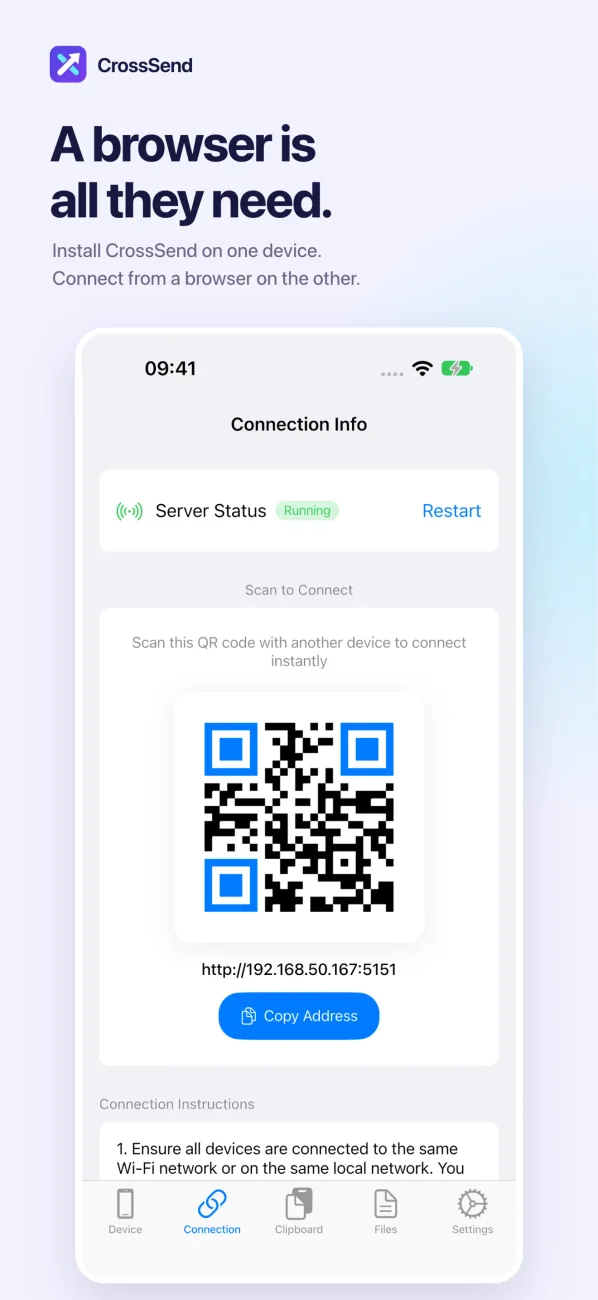
• Scan the QR code on the connection screen or enter the address in a browser.
• Basic local-network transfers do not require an account. When connection verification is enabled, enter the verification code to connect.
Photos, videos, documents and text
• Send files between phones, tablets and computers on the same network.
• Share links and notes alongside files in a device conversation.
• Preview received images in CrossSend and keep the conversation going.
Easy to find after you receive
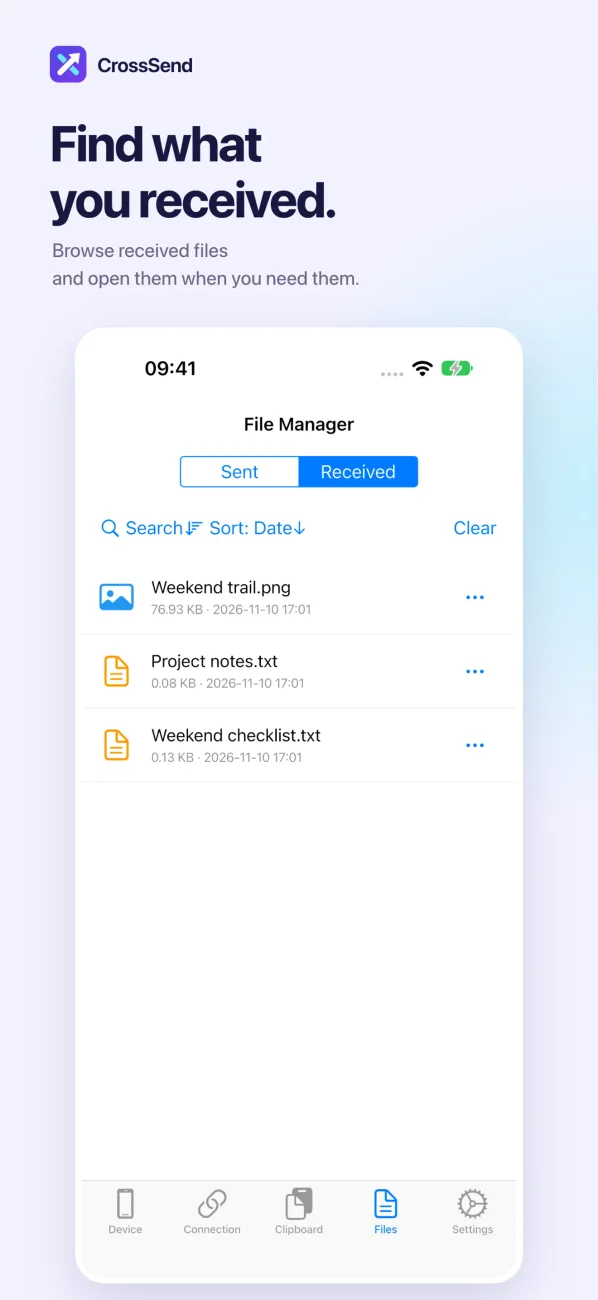
• Browse sent and received files in one place.
• Open or share a received file when you need it.
• On iPad and the unfolded iPhone Duo, see your device list and conversation side by side.
Get started in three steps
1. Connect your devices to the same Wi-Fi or local network that allows communication between devices.
2. Open the connection screen in CrossSend. On the other device, scan the QR code or enter the displayed address in a browser.
3. Follow the connection prompts, then send and receive files in either direction.
Keep CrossSend running and your devices connected during transfers. Guest Wi-Fi and some workplace networks may block connections between devices.
Nouveautés
Version 1.3.7 · 10/11/2026
Added support for iPhone Duo.
Confidentialité de l’application
Ce que 融 林 déclare sur l’App Store au sujet du traitement des données par cette application.
-
Données établissant un lien avec vous
Peuvent être collectées et liées à votre identité.
- Coordonnées
- Identifiants
-
Données n’établissant aucun lien avec vous
Peuvent être collectées, mais ne sont pas liées à votre identité.
- Identifiants
- Données d’utilisation
- Diagnostic
Les pratiques en matière de confidentialité peuvent varier, notamment en fonction des fonctionnalités que vous utilisez ou de votre âge.
Informations
- Vendeur
- 融 林
- Catégorie
- Utilitaires
- Version
- 1.3.7
- Mis à jour
- 10/11/2026
- Publié
- 13/05/2025
- Taille
- 35,6 Mo
- Nécessite
- iOS 15.0 ou version ultérieure
- Classification d’âge
- 4+
- Langues
- Anglais, Français, Allemand, Japonais, Coréen, Portugais, Chinois simplifié, Espagnol
- Copyright
- © 2025 Lin Rong