
Cteno
Your personal AI agent
Conçue pour iPhone, iPad, iPod touch
Achats intégrés
- Classification d’âge4+
- CatégorieUtilitaires
- Développeur真真 袁
- LanguesAnglais+ 10 de plus
- Taille123,7 Mo
Cteno n’est peut-être pas disponible sur App Store pour le moment
La fiche de la boutique était inaccessible lors de notre dernière vérification. Le lien mène toujours à la page App Store officielle.
Captures d’écran
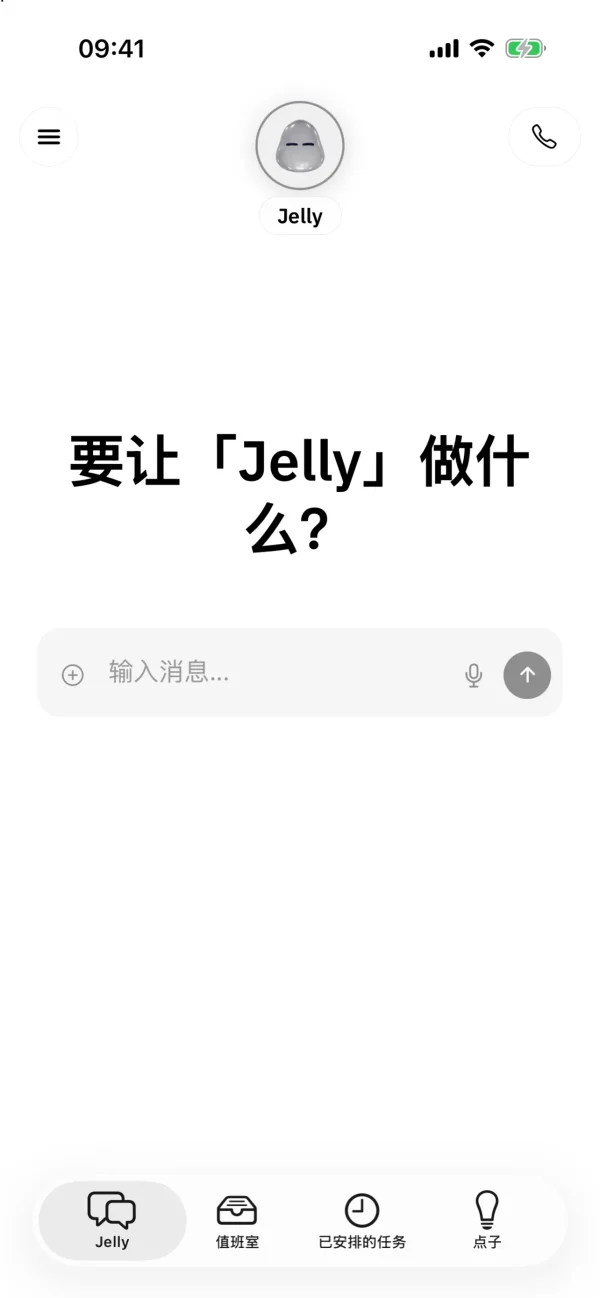
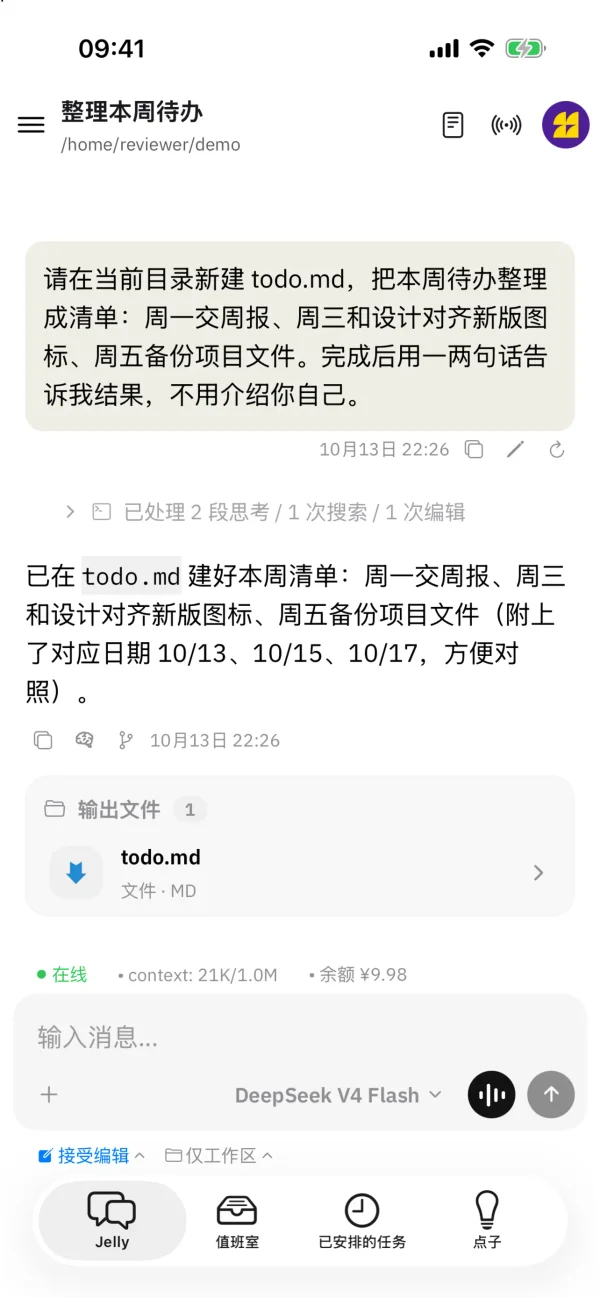


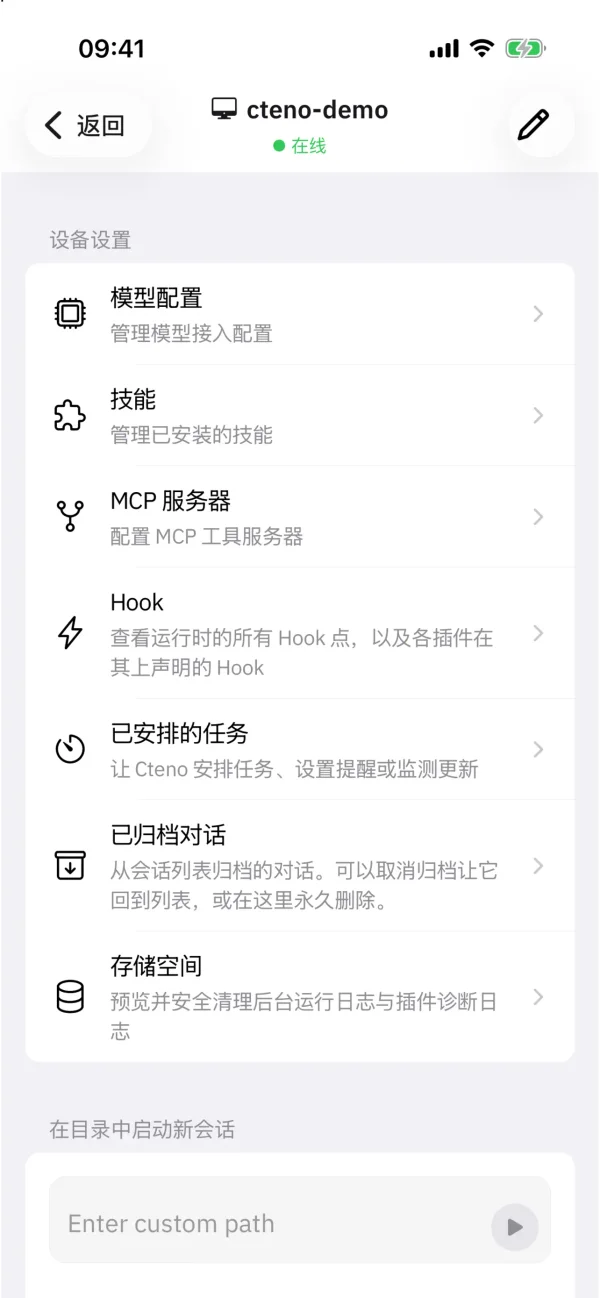
À propos
Le développeur n’a pas fourni ce texte dans votre langue.
Cteno is a local-first AI agent companion. Your agent runs on your own computer or Cteno Station, helping you organize files, write documents, run scripts, and work with websites. Use your phone to assign tasks, follow progress, review results, and approve important actions.
WHAT YOU CAN DO
• Assign tasks to your own agent remotely.
• Follow task progress, results, and to-dos.
• Review requests for confirmation before important actions, including running commands and writing files, according to your permission settings.
• Receive task updates and requests for your attention.
• Add devices by scanning a QR code, or discover a nearby Cteno Station over Bluetooth, configure its Wi-Fi, and link it to your account.
LOCAL FIRST
Your conversation history and working files stay on your own device rather than being stored on the connection relay server. This describes storage: when you use cloud models, online tools, or other external services you authorize, the content needed for the task is sent to those service providers.
MODELS AND USAGE
Configure your own model service on your computer, or use available managed model services. Managed model usage can be paid from your account balance, with top-ups available through Apple In-App Purchase. Availability depends on your account and configuration.
GETTING STARTED
Install and sign in to Cteno on your computer, or set up a Cteno Station. Sign in to the same account on your phone to connect and start assigning tasks. Station hardware is optional; the core computer-based experience does not require it.
Bluetooth is used when you choose to add a nearby Station, for discovery and network setup. It is not used for advertising tracking.
Nouveautés
Version 2.11.7 · 16/11/2026
1. Added native WeChat Sign-In and account linking on China Mainland servers (automatically hidden when WeChat is not installed), alongside Sign in with Apple and email sign-in.
2. Unified the Jelly and Workspace composer and message bubbles, and improved cold-start jump positioning for global search and quoted messages.
3. Improved in-app remote control stability and overall performance.
Confidentialité de l’application
Ce que 真真 袁 déclare sur l’App Store au sujet du traitement des données par cette application.
-
Données établissant un lien avec vous
Peuvent être collectées et liées à votre identité.
- Achats
- Coordonnées
- Contenu utilisateur
- Identifiants
- Données d’utilisation
- Diagnostic
Les pratiques en matière de confidentialité peuvent varier, notamment en fonction des fonctionnalités que vous utilisez ou de votre âge.
Informations
- Vendeur
- 真真 袁
- Catégorie
- Utilitaires
- Version
- 2.11.7
- Mis à jour
- 16/11/2026
- Publié
- 15/10/2026
- Taille
- 123,7 Mo
- Nécessite
- iOS 15.1 ou version ultérieure
- Classification d’âge
- 4+
- Achats intégrés
- Oui
- Langues
- Anglais, Français, Allemand, Italien, Japonais, Coréen, Portugais, Russe, Chinois simplifié, Espagnol, Chinois traditionnel
- Copyright
- © 2026 连接词智能体