Cteno
Your personal AI agent
Được thiết kế cho iPhone, iPad, iPod touch
Mua hàng trong ứng dụng
- Độ tuổi4+
- Danh mụcTiện Ích
- Nhà phát triển真真 袁
- Ngôn ngữTiếng Anh+ 10 ngôn ngữ khác
- Kích thước123,7 MB
Cteno hiện có thể không có trên App Store
Ở lần kiểm tra gần nhất, chúng tôi không truy cập được trang trên cửa hàng. Liên kết vẫn dẫn đến trang App Store chính thức.
Ảnh chụp màn hình


Giới thiệu
Nhà phát triển chưa cung cấp nội dung này bằng ngôn ngữ của bạn.
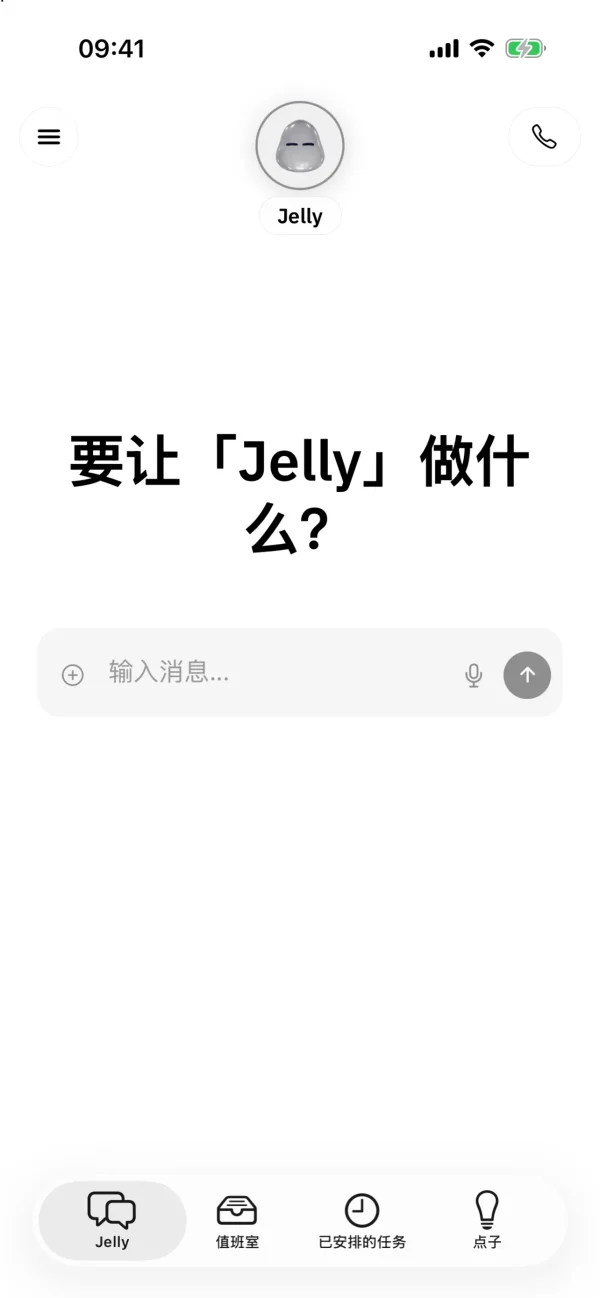
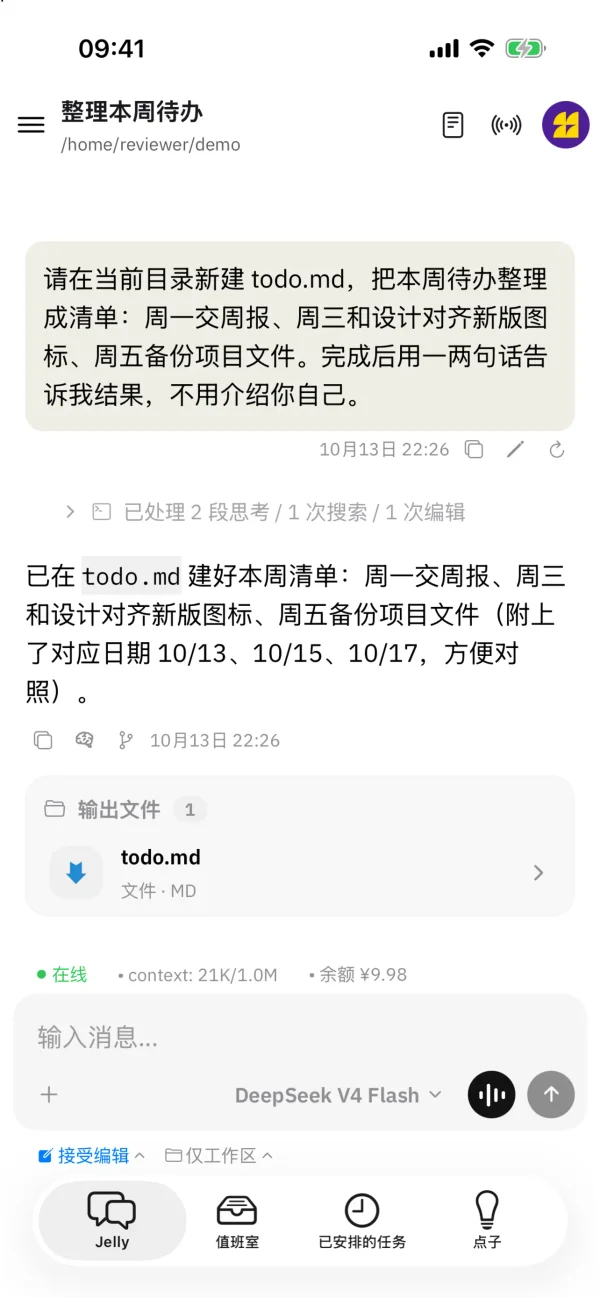
Cteno is a local-first AI agent companion. Your agent runs on your own computer or Cteno Station, helping you organize files, write documents, run scripts, and work with websites. Use your phone to assign tasks, follow progress, review results, and approve important actions.
WHAT YOU CAN DO
• Assign tasks to your own agent remotely.
• Follow task progress, results, and to-dos.
• Review requests for confirmation before important actions, including running commands and writing files, according to your permission settings.
• Receive task updates and requests for your attention.
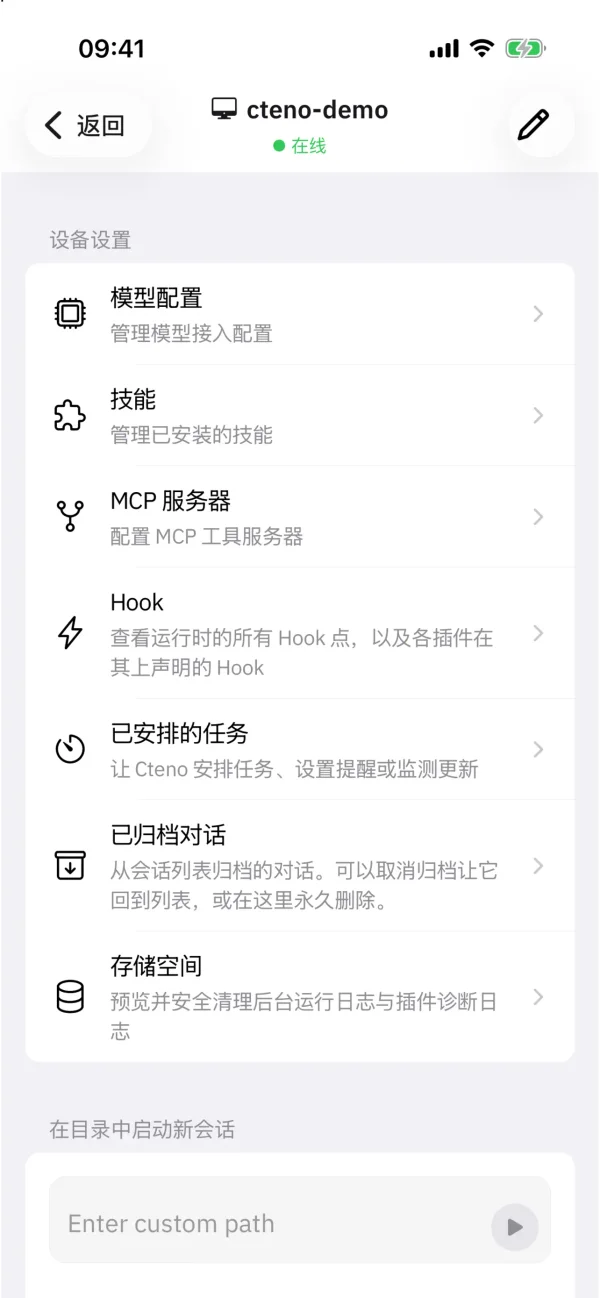
• Add devices by scanning a QR code, or discover a nearby Cteno Station over Bluetooth, configure its Wi-Fi, and link it to your account.
LOCAL FIRST
Your conversation history and working files stay on your own device rather than being stored on the connection relay server. This describes storage: when you use cloud models, online tools, or other external services you authorize, the content needed for the task is sent to those service providers.
MODELS AND USAGE
Configure your own model service on your computer, or use available managed model services. Managed model usage can be paid from your account balance, with top-ups available through Apple In-App Purchase. Availability depends on your account and configuration.
GETTING STARTED
Install and sign in to Cteno on your computer, or set up a Cteno Station. Sign in to the same account on your phone to connect and start assigning tasks. Station hardware is optional; the core computer-based experience does not require it.
Bluetooth is used when you choose to add a nearby Station, for discovery and network setup. It is not used for advertising tracking.
Có gì mới
Phiên bản 2.11.7 · 16/11/2026
1. Added native WeChat Sign-In and account linking on China Mainland servers (automatically hidden when WeChat is not installed), alongside Sign in with Apple and email sign-in.
2. Unified the Jelly and Workspace composer and message bubbles, and improved cold-start jump positioning for global search and quoted messages.
3. Improved in-app remote control stability and overall performance.
Quyền riêng tư của ứng dụng
Những gì 真真 袁 khai báo trên App Store về cách ứng dụng này xử lý dữ liệu.
-
Dữ liệu liên kết với bạn
Có thể được thu thập và liên kết với danh tính của bạn.
- Mục mua
- Thông tin liên hệ
- Nội dung của người dùng
- Mã định danh
- Dữ liệu sử dụng
- Chẩn đoán
Phương thức đảm bảo quyền riêng tư có thể khác nhau, chẳng hạn như tuỳ theo các tính năng bạn sử dụng hoặc độ tuổi của bạn.
Thông tin
- Người bán
- 真真 袁
- Danh mục
- Tiện Ích
- Phiên bản
- 2.11.7
- Cập nhật
- 16/11/2026
- Phát hành
- 15/10/2026
- Kích thước
- 123,7 MB
- Yêu cầu
- iOS 15.1 trở lên
- Độ tuổi
- 4+
- Mua hàng trong ứng dụng
- Có
- Ngôn ngữ
- Tiếng Anh, Tiếng Pháp, Tiếng Đức, Tiếng Ý, Tiếng Nhật, Tiếng Hàn, Tiếng Bồ Đào Nha, Tiếng Nga, Tiếng Trung Giản thể, Tiếng Tây Ban Nha, Tiếng Trung Phồn thể
- Bản quyền
- © 2026 连接词智能体