- Classification d’âge4+
- CatégoriePhoto et vidéo
- DéveloppeurJunziTech Solutions LLC
- LanguesAnglais
- Taille50,5 Mo
Renvoie vers la page App Store officielle
Download.org n’héberge aucun fichier de Darkroom Studios. Le bouton ouvre la page de l’application sur App Store, où JunziTech Solutions LLC la publie. Fiche vérifiée pour la dernière fois le 18/11/2026.
Captures d’écran
À propos
Le développeur n’a pas fourni ce texte dans votre langue.
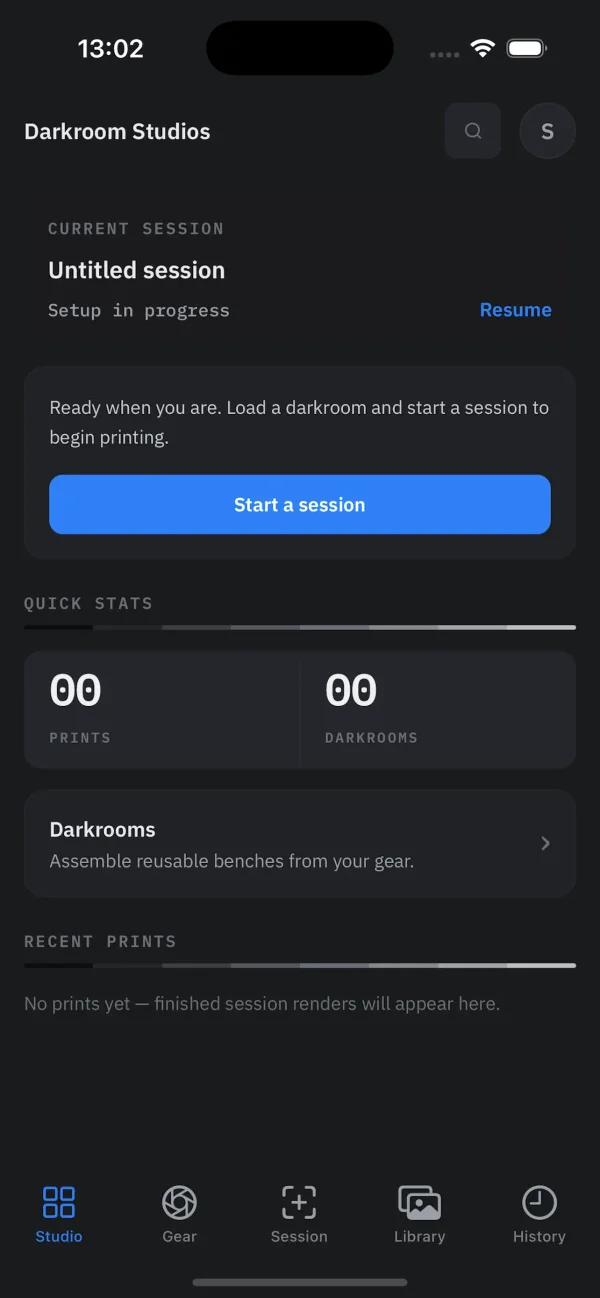
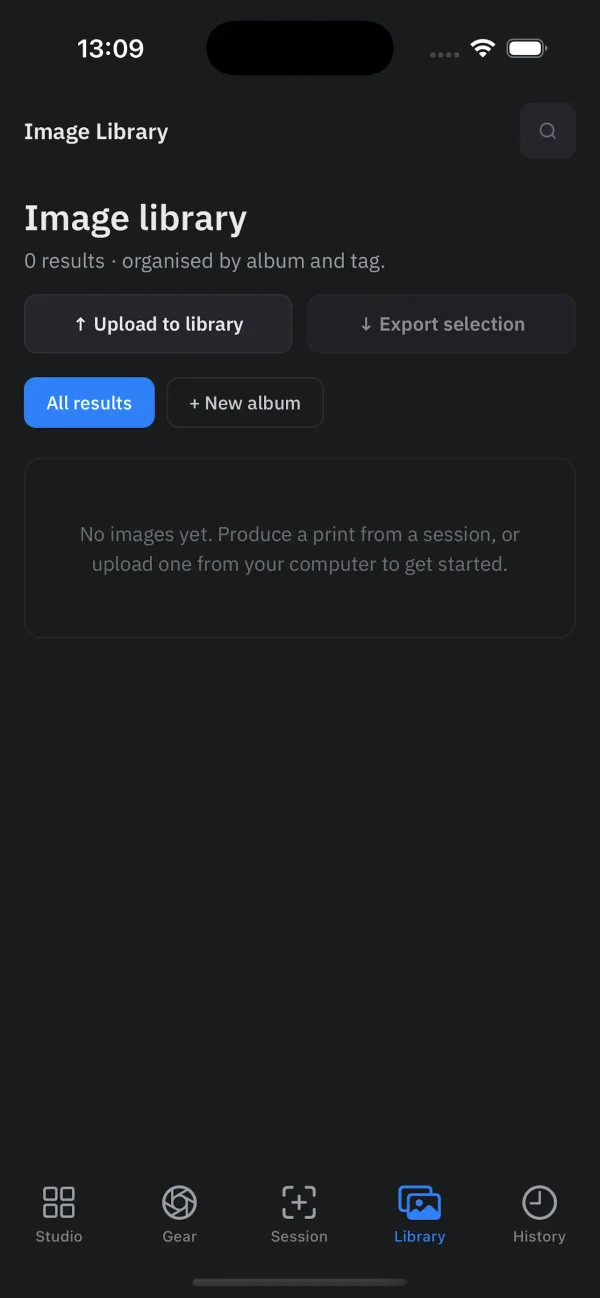
Darkroom Studios is a workbench for analog printing. It keeps track of the gear you
own, the darkrooms you build from it, and every print you pull — so a result you
liked six months ago is a setup you can repeat tonight.
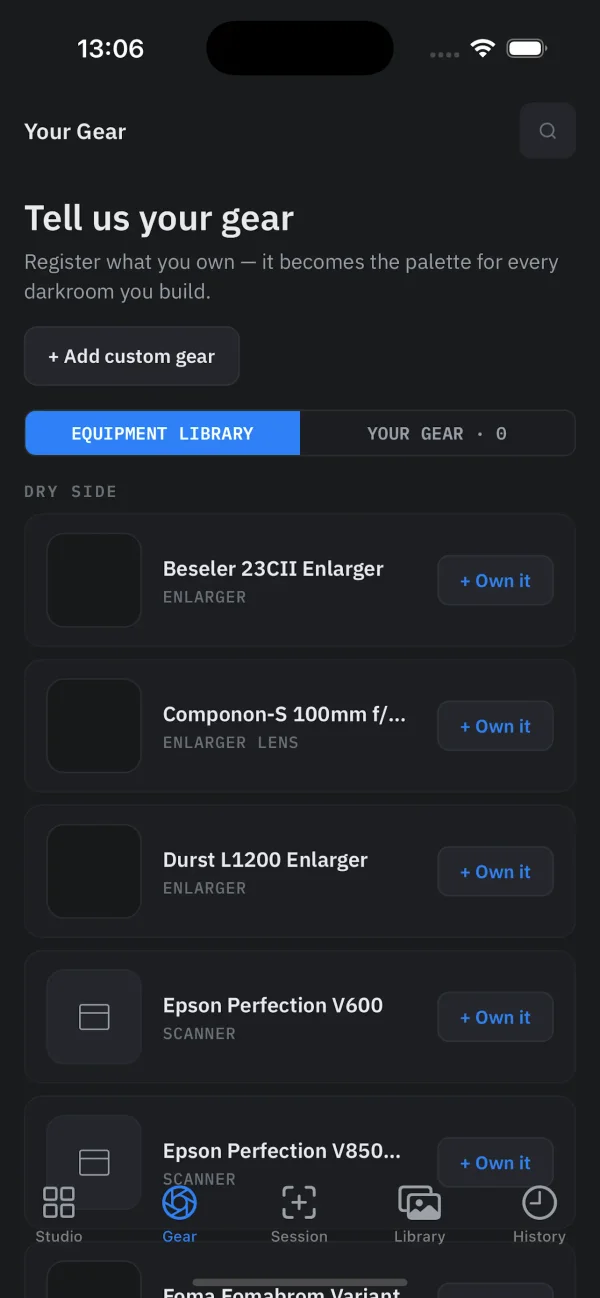
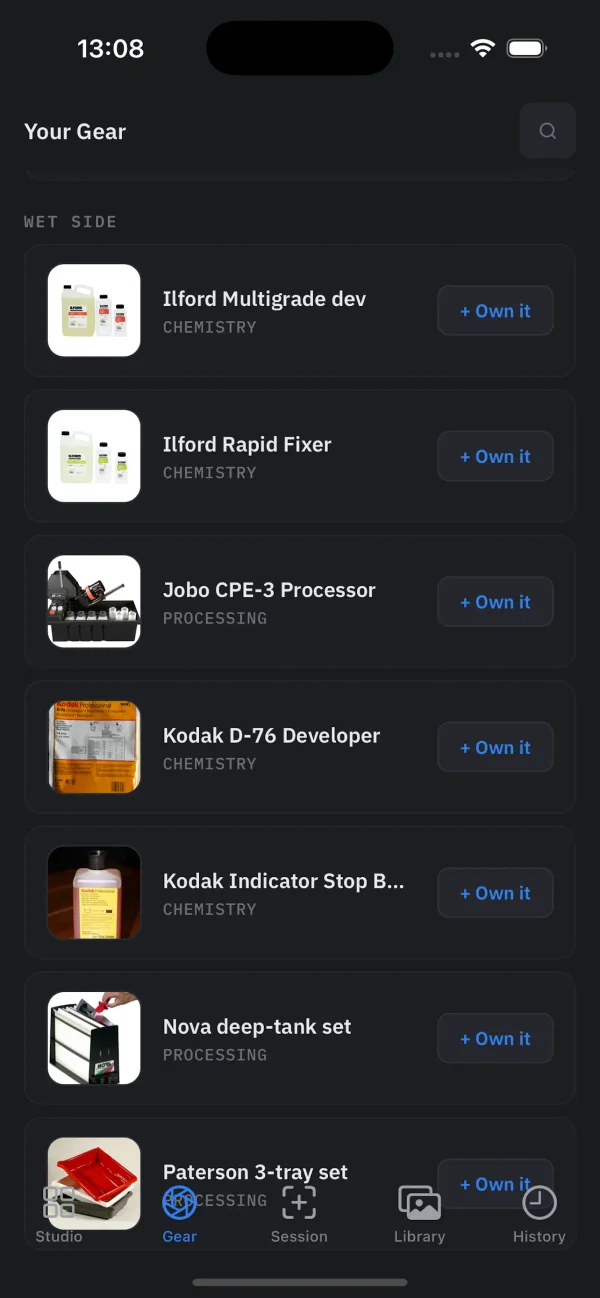
REGISTER YOUR GEAR
Add your enlargers, lenses, easels, timers, and chemistry. Each item carries the
details that actually matter at the baseboard, so you are not guessing which lens
was on the column for a print you made last spring.
BUILD REPEATABLE DARKROOMS
Group gear into named darkrooms — a full working setup you can select in one tap.
Set one as your default and every new session starts from known ground.
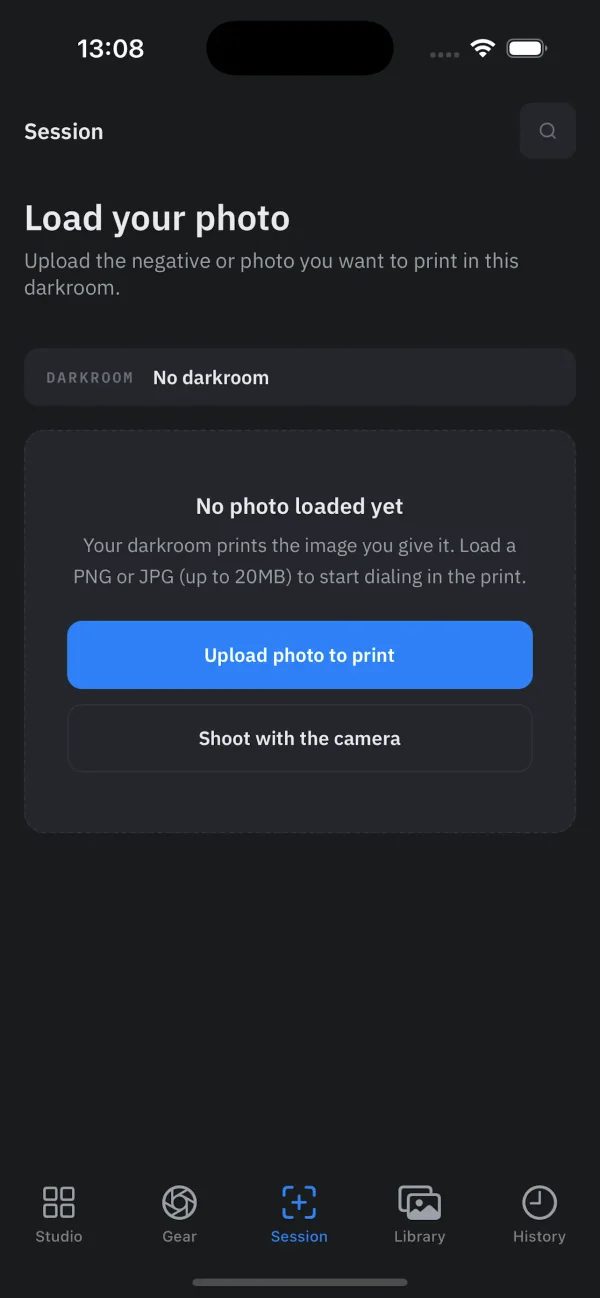
RUN GUIDED SESSIONS
A printing session walks through nine steps, from exposure to wash. Each stage is
timed against the wall clock, and the app notifies you when a stage is over, so you
can keep both hands on the print instead of watching a timer.
DIAL IN THE PRINT
Set contrast grade, exposure time, aperture, and darkness before you commit, and
see a live preview rendered from your own photograph. Burn and dodge to shape the
result. The preview works from the actual image you are printing — it is not a
stock simulation.
KEEP EVERY RESULT
Photograph the negative or the finished print with the camera, or pick an image
from your library. Each completed session is saved with a rendered print and the
full parameter set that produced it. Save finished prints back to your photo
library or share them.
NO ADS, NO TRACKING
There is no advertising in Darkroom Studios and no analytics or tracking SDK of
any kind. Your gear, your sessions, and your images are yours.
Nouveautés
Version 1.0.3 · 20/09/2026
Bugs fixed.
Confidentialité de l’application
Ce que JunziTech Solutions LLC déclare sur l’App Store au sujet du traitement des données par cette application.
-
Données non collectées
Le développeur ne collecte aucune donnée à partir de cette application.
Les pratiques en matière de confidentialité peuvent varier, notamment en fonction des fonctionnalités que vous utilisez ou de votre âge.
Informations
- Vendeur
- JunziTech Solutions LLC
- Catégorie
- Photo et vidéo
- Version
- 1.0.3
- Mis à jour
- 20/09/2026
- Publié
- 05/09/2026
- Taille
- 50,5 Mo
- Nécessite
- iOS 16.4 ou version ultérieure
- Classification d’âge
- 4+
- Prix
- Gratuit
- Langues
- Anglais
- Copyright
- © Junzitechsolutions
Vous aimerez peut-être aussi
-
 PaperDeveloperPhoto et vidéo
-
 KoolakL'appareil photo argentique.
-
 DarkroomLogPhoto et vidéo
-
 SilverlogPhoto et vidéo
-
 Darkroom AssistantPhoto et vidéo
-
 Safelight Darkroom TimerExposition par paliers
-
 Darkroom ToolkitPhoto et vidéo
-
 Simple PassePhoto et vidéo
-
 Z AssistVisée écran, scopes & contrôle
-
 Film Development AssistantPhoto et vidéo