DayBlocks - Countdown Widget
Days Until Tracker & Planner
Conçue pour iPhone, iPad
2,99 €
- Classification d’âge4+
- CatégorieProductivité
- DéveloppeurALAN D NAVARRO LOPEZ
- LanguesAnglais
- Taille36,5 Mo
Renvoie vers la page App Store officielle
Download.org n’héberge aucun fichier de DayBlocks - Countdown Widget. Le bouton ouvre la page de l’application sur App Store, où ALAN D NAVARRO LOPEZ la publie. Fiche vérifiée pour la dernière fois le 20/11/2026.
Captures d’écran

À propos
Le développeur n’a pas fourni ce texte dans votre langue.
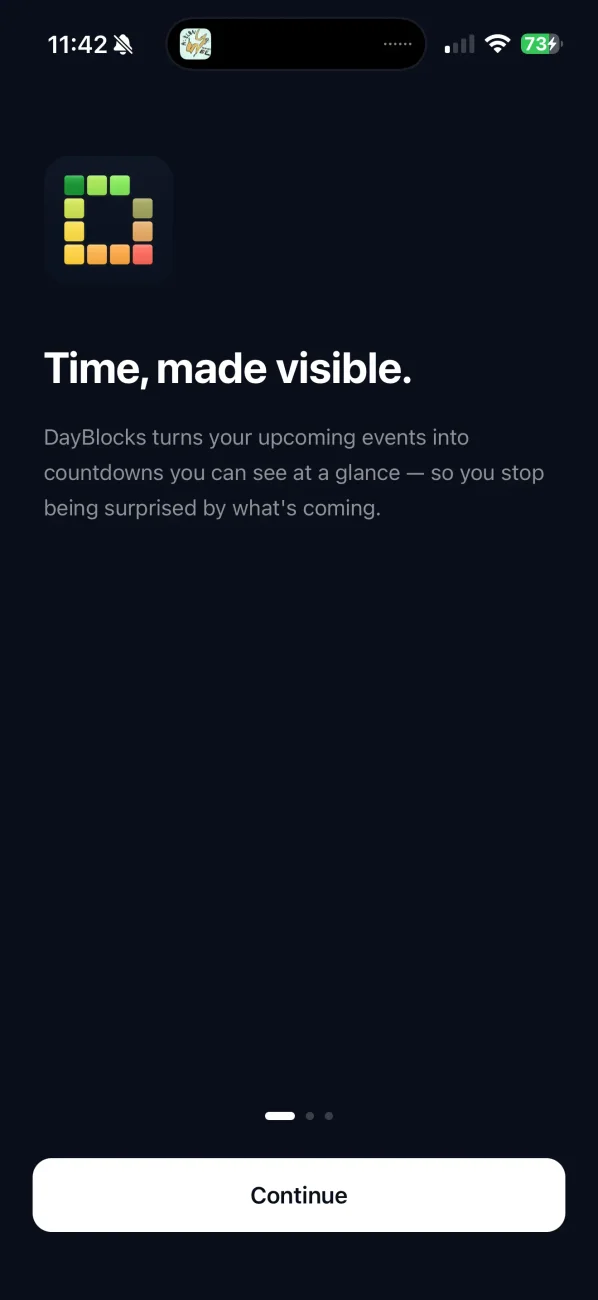
DayBlocks turns your upcoming calendar events and reminders into countdowns you can actually see.
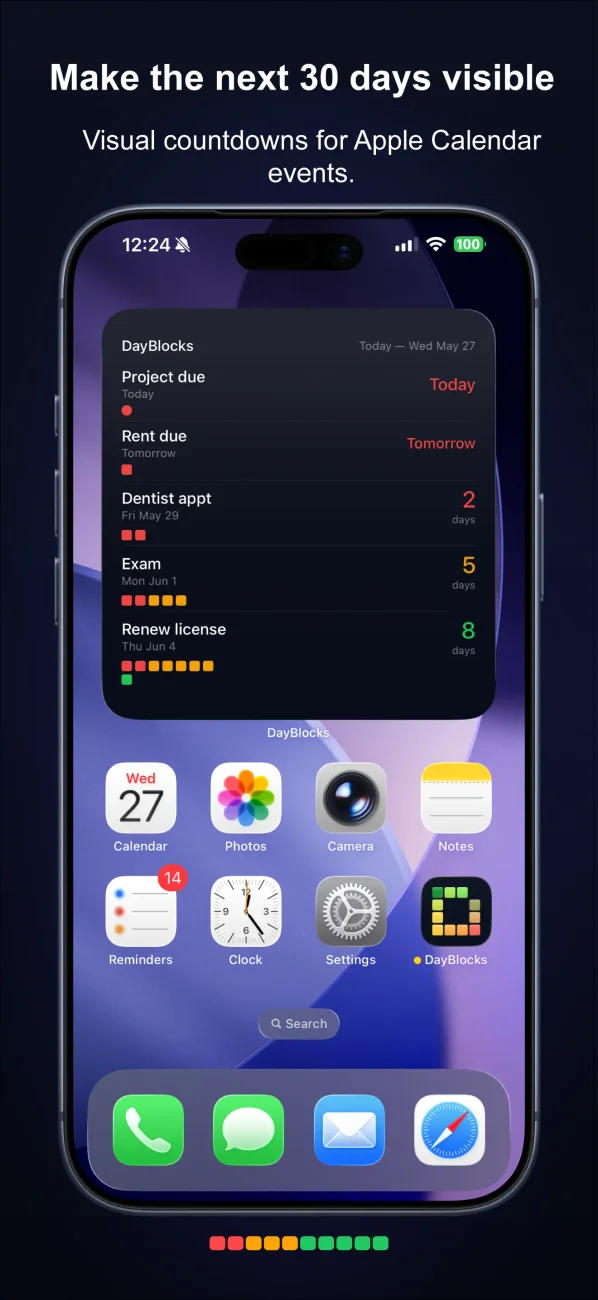
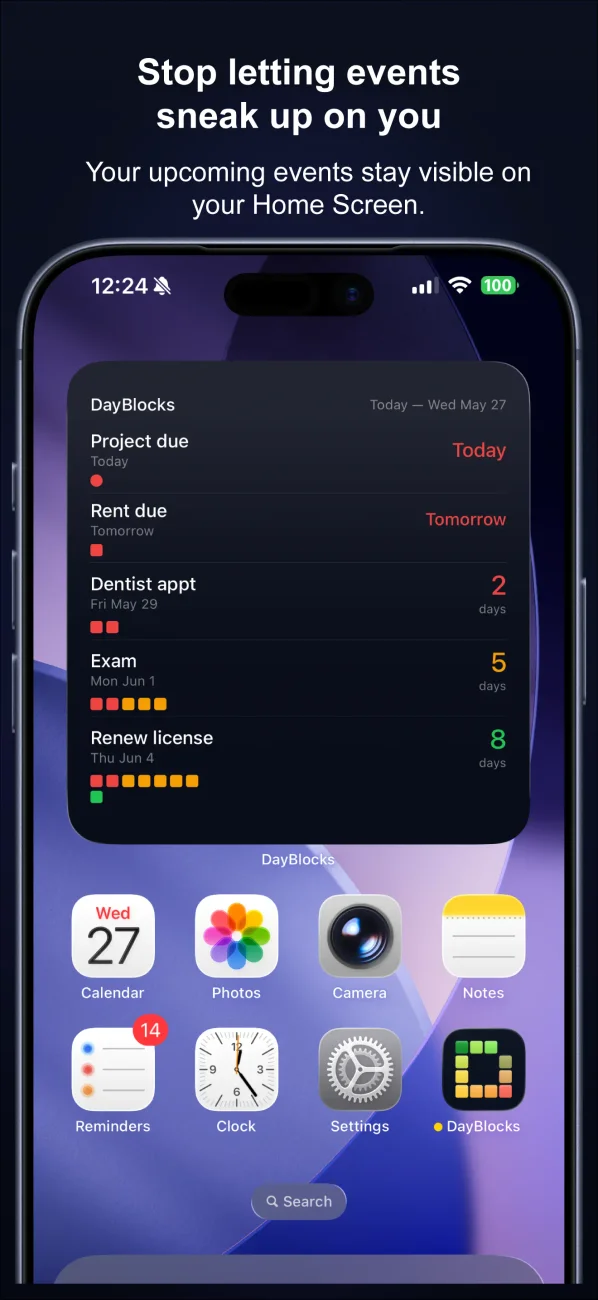
Time can feel slippery. "In three weeks" might as well mean "never" — until suddenly it's tomorrow and you're scrambling. DayBlocks changes that. Each upcoming event and due reminder becomes a row of colored blocks, with one block for every day remaining. Everything is sorted by what's coming next. As the date gets closer, the blocks shift from green to orange to red.
It's a simple way to make time feel real.
— FEATURES —
- Reads events from calendars already connected to Apple Calendar, including iCloud, Google, and Outlook. There's no second calendar to maintain.
- Works with Apple Reminders. Reminders with due dates appear alongside your calendar events as countdown blocks, so important deadlines don't slip past.
- Shows glanceable countdowns for today and the next 30 days. Events further away appear automatically when they enter the 30-day window.
- Uses color-coded urgency: red for today and tomorrow, orange for the next seven days, and green for later. The blocks tell you "soon" before you even read the event name.
- Includes Home Screen widgets in small, medium, and large, plus Lock Screen widgets. See what's coming without opening the app.
- Configure each widget individually. Long-press any widget to choose exactly which calendars and reminder lists it shows — keep a work widget on one page and a family widget on another.
- Lets you choose which calendars and reminder lists appear. Toggle family, work, holidays, and other lists on or off so DayBlocks only shows what matters to you.
- Designed for people who experience time blindness. No extra notifications, no clutter, and no productivity guilt. Just a clearer view of your time.
— PRIVACY —
DayBlocks accesses your calendars and reminders only to display your countdowns. Your calendar and reminder data is processed on your device. DayBlocks does not upload it to external servers, sell it, or use it for tracking. No account or login is required.
— PERFECT FOR —
- Anyone with ADHD or time blindness who needs to see time, not just count it
- Parents keeping track of birthdays, appointments, and school events
- Students whose deadlines often feel further away than they really are
- Anyone who has ever forgotten a vehicle registration renewal or another important deadline
Nouveautés
Version 1.0.7 · 19/07/2026
Widgets now refresh the moment you open DayBlocks — add or change an event in Calendar or Reminders, open the app, and your widgets update within seconds.
Confidentialité de l’application
Ce que ALAN D NAVARRO LOPEZ déclare sur l’App Store au sujet du traitement des données par cette application.
-
Données n’établissant aucun lien avec vous
Peuvent être collectées, mais ne sont pas liées à votre identité.
- Diagnostic
Les pratiques en matière de confidentialité peuvent varier, notamment en fonction des fonctionnalités que vous utilisez ou de votre âge.
Informations
- Vendeur
- ALAN D NAVARRO LOPEZ
- Catégorie
- Productivité
- Version
- 1.0.7
- Mis à jour
- 19/07/2026
- Publié
- 13/05/2026
- Taille
- 36,5 Mo
- Nécessite
- iOS 17.0 ou version ultérieure
- Classification d’âge
- 4+
- Prix
- 2,99 €
- Langues
- Anglais
- Copyright
- © 2026 Alan Navarro
Vous aimerez peut-être aussi
-
 CuebirdProductivité
-
 Recaply AI: Your News AgentProductivité
-
 Visual Time - Dotted LineProductivité
-
 Watermelist: Voice To-Do ListProductivité
-
 DayBlock: Build your dayProductivité
-
 Clippo - Presse-papiersCouteau suisse presse-papiers
-
 Digital Carrot Focus & GoalsProductivité
-
 Riverton ConnectProductivité
-
 Nyre - Suivi d’HabitudesRoutine, Habitudes, Objectifs
-
 StayGrayMoins scroller en gris