
- Classification d’âge4+
- CatégorieRéférences
- Développeur物書堂
- LanguesAnglais+ 1 de plus
- Taille64,7 Mo
Renvoie vers la page App Store officielle
Download.org n’héberge aucun fichier de Dictionaries. Le bouton ouvre la page de l’application sur App Store, où 物書堂 la publie. Fiche vérifiée pour la dernière fois le 26/11/2026.
Captures d’écran
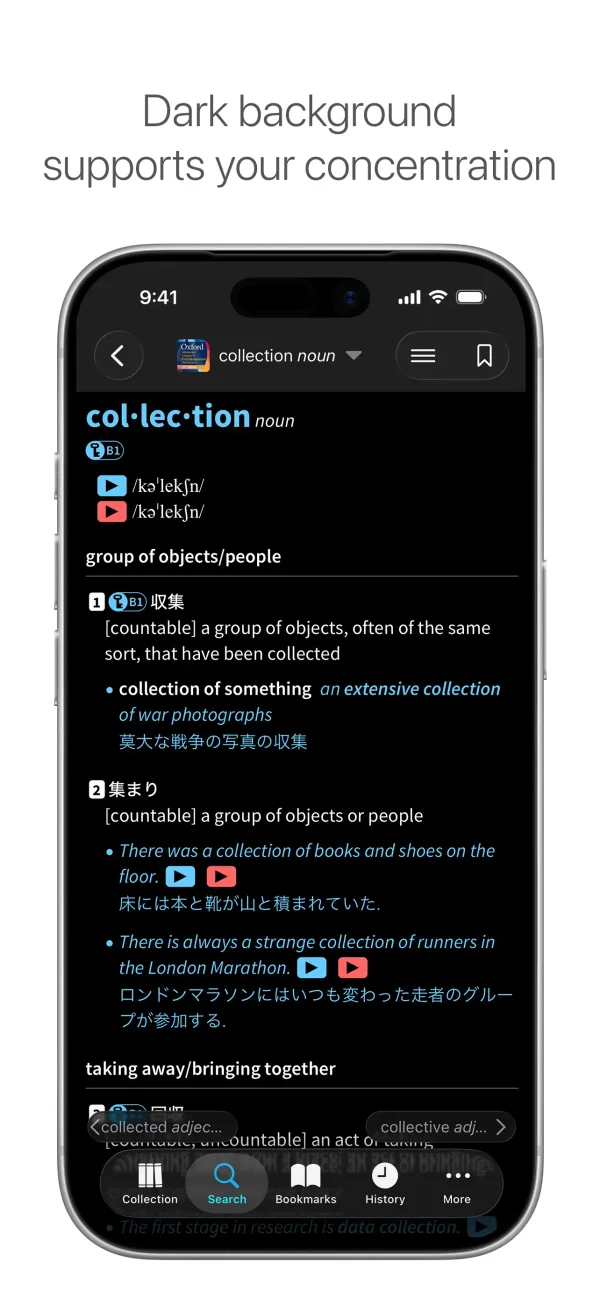
À propos
Le développeur n’a pas fourni ce texte dans votre langue.
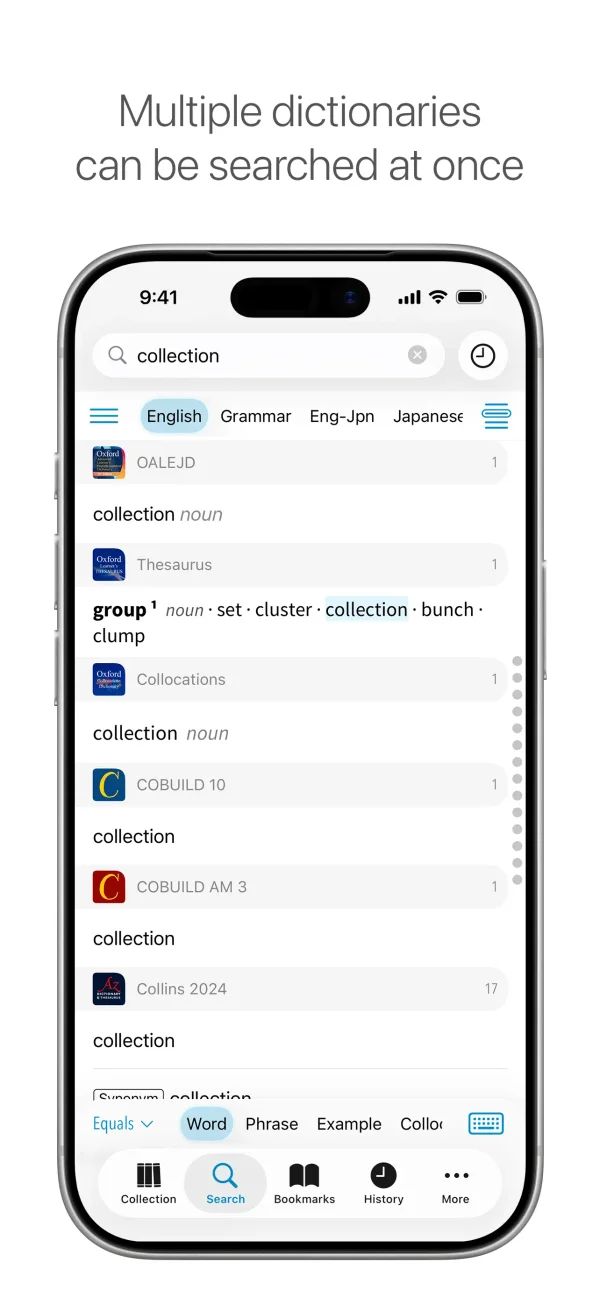
“Dictionaries” is an electronic dictionary viewer app made to allow users to efficiently use various dictionaries. Our popular standalone apps have been integrated into a single app where users can search multiple dictionaries at once.
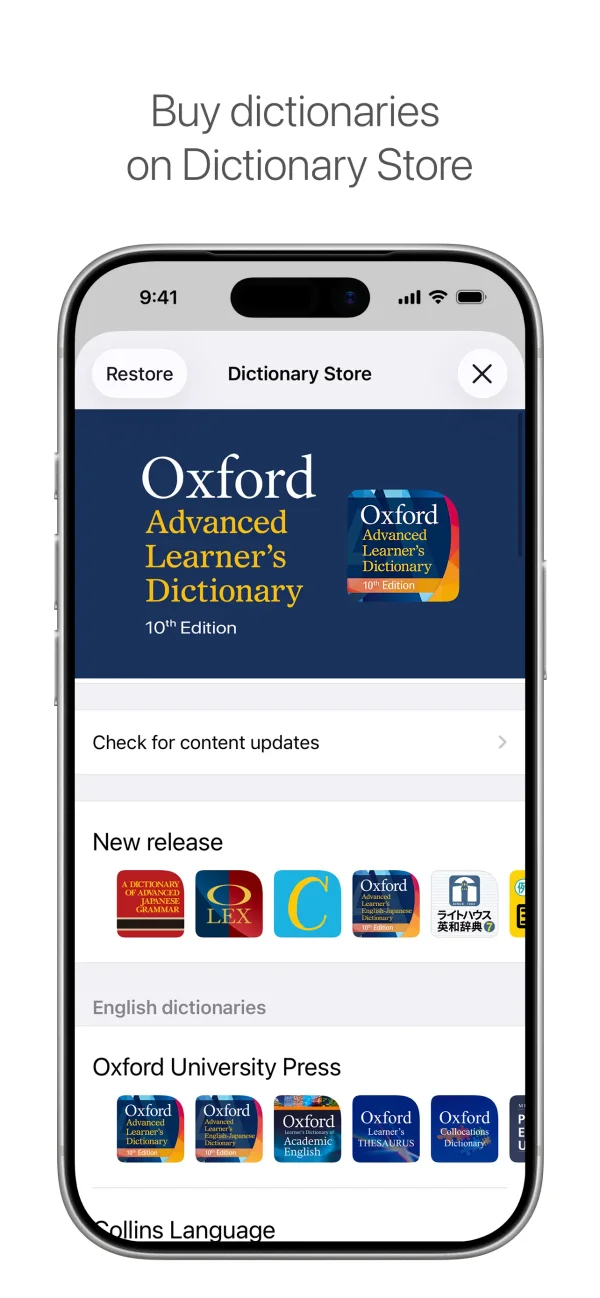
You can purchase and use a variety of dictionaries, including English, Japanese, French or other language dictionaries, from the “Dictionary Store” which can be accessed from within the app.
Searches
• Batch Search (Consolidated Search) allows users to search multiple dictionaries at once.
• The display order of dictionaries used in the batch search can be customized.
• The keyboard language switches automatically depending on dictionary search groups.
• Handwriting input is possible for Japanese, Old Japanese, Kanji, Chinese, Korean, and Russian dictionaries.
• Using Pattern Search, users can search for words even if a part of the spelling is unknown.
Trace and Jump
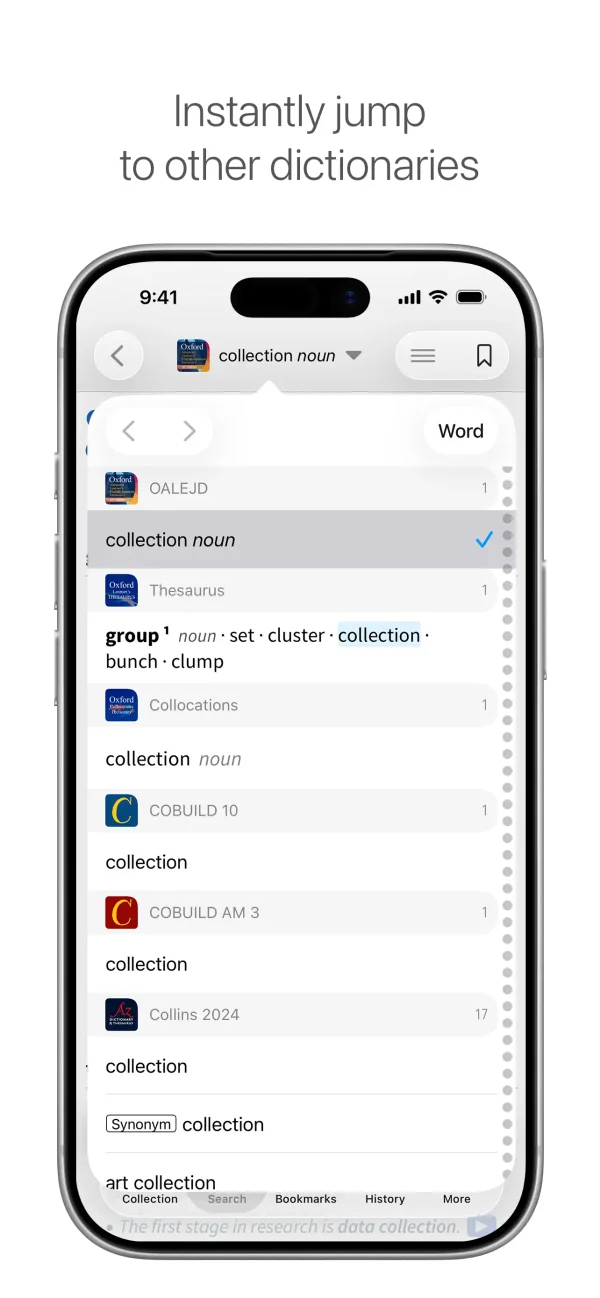
• Users can easily jump to not only other words in the same dictionary but other dictionaries as well simply by tracing words in a definition, allowing users to go on a journey of intellectual curiosity through the dictionary as their hearts desire.
Collection
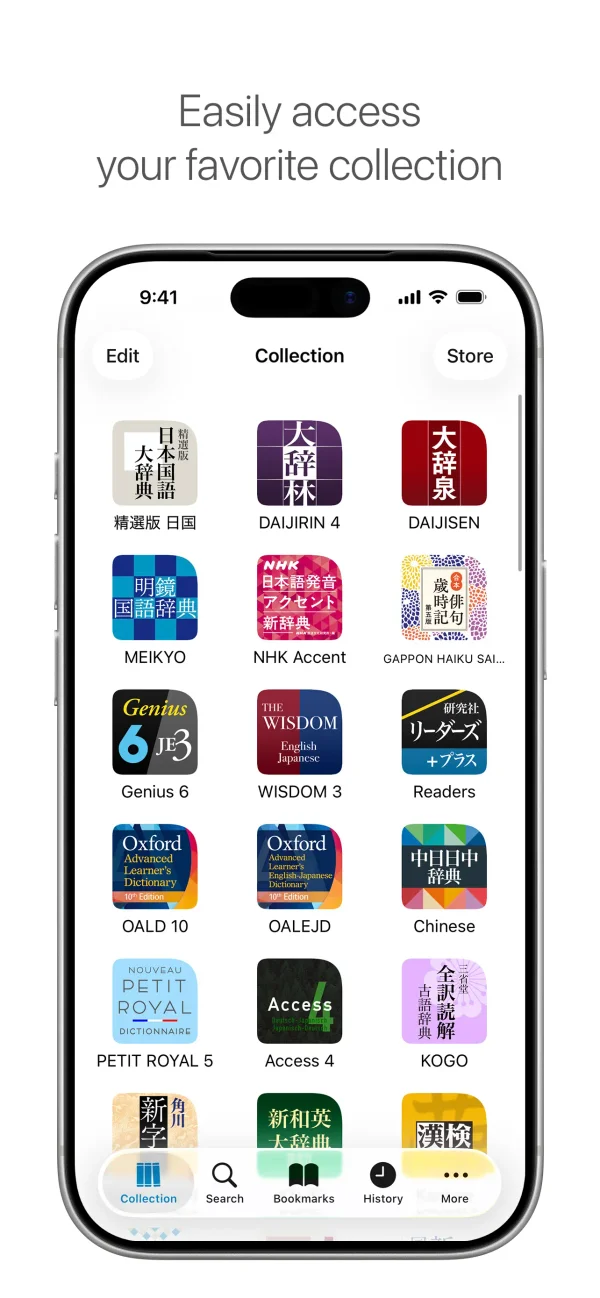
• Purchased dictionaries are shown as icons on the Collection screen.
• By opening a dictionary from the Collection screen, users can also carefully go through a single dictionary. Even in this case, users can use the “Trace and Jump” function to easily jump to another dictionary.
• The display order of dictionary icons on the Collection screen can be changed to the user's preference.
Bookmarks
• Users can bookmark their favorite words. In addition, users can also efficiently categorize these bookmarks using the Bookmark Folder.
• By turning on Quick Bookmark, users can quickly add/remove bookmarks simply by tapping the Bookmark icon.
Search History
• In History, display frequency is automatically recorded so that users can immediately recognize words they search for repeatedly.
iCloud
• Users can synchronize Bookmark and History data among all devices by turning on iCloud.
Multitasking
• Users can display websites, documents, and more alongside their dictionary by using the Multitasking function on the iPad. By turning on Clipboard Search, users simply have to copy the word they wish to look up in order for the app to find that word in multiple dictionaries.
Substantial Lineup
• The Dictionary Store carries a large number of full-scale dictionaries, and we plan to further improve this selection in the future as well.
• The following English dictionaries are available. Check in the Dictionary Store, which can be accessed from within the app, for more information on each of these items.
- Oxford Advanced Learner’s Dictionary 10th edition (OALD)
- Oxford Learner’s Dictionary of Academic English
- Oxford Learner’s Thesaurus
- Oxford Collocations Dictionary
- Practical English Usage
- Collins COBUILD Advanced Learner’s Dictionary 10th edition
- Collins COBUILD Advanced American English Dictionary 3rd edition
- Collins COBUILD Intermediate Learner’s Dictionary 4th edition
- Collins English Dictionary with Thesaurus
An internet connection is required to purchase content.Usage fees and terms of use may apply.
Nouveautés
Version 1.4.8 · 26/10/2026
• Fixed an issue where tapping links or tracing to jump sometimes didn’t work correctly on iPhone Duo.
• Fixed an issue where the appendix sometimes didn’t display correctly when iPhone Duo was folded closed.
Confidentialité de l’application
Ce que 物書堂 déclare sur l’App Store au sujet du traitement des données par cette application.
-
Données n’établissant aucun lien avec vous
Peuvent être collectées, mais ne sont pas liées à votre identité.
- Diagnostic
Les pratiques en matière de confidentialité peuvent varier, notamment en fonction des fonctionnalités que vous utilisez ou de votre âge.
Informations
- Vendeur
- MONOKAKIDO Co. Ltd.
- Catégorie
- Références
- Version
- 1.4.8
- Mis à jour
- 26/10/2026
- Publié
- 04/03/2019
- Taille
- 64,7 Mo
- Nécessite
- iOS 17.0 ou version ultérieure
- Classification d’âge
- 4+
- Prix
- Gratuit
- Achats intégrés
- Oui
- Langues
- Anglais, Japonais
- Copyright
- © 2019 MONOKAKIDO Co. Ltd.
Vous aimerez peut-être aussi
-
 Weblio国語辞典 - 辞書や辞典を多数掲載Références
-
 Weblio英語辞書 - 英和辞典 - 和英辞典を多数掲載Références
-
 英語辞書・英和辞典・翻訳 - 英辞郎 on the WEBRéférences
-
 10ten Japanese ReaderRéférences
-
 JAccent: Japanese dict with AIRéférences
-
 Nihongo Dictionnaire japonaisDictionnaire, cartes mémoire
-
 Learn Japanese: Manabi ReaderÉducation
-
 EBPocket LiteRéférences
-
 Bunpro SRS JaponaisSimplifier le japonais
-
 Shirabe JishoRéférences