
Dictionaries
Được thiết kế cho iPhone, iPad, Mac
Miễn phí · Mua hàng trong ứng dụng
- Độ tuổi4+
- Danh mụcTham Khảo
- Nhà phát triển物書堂
- Ngôn ngữTiếng Anh+ 1 ngôn ngữ khác
- Kích thước64,7 MB
Liên kết đến trang App Store chính thức
Download.org không lưu trữ tệp nào của Dictionaries. Nút này mở trang ứng dụng trên App Store, nơi 物書堂 phát hành ứng dụng. Trang được kiểm tra lần cuối: 26/11/2026.
Ảnh chụp màn hình
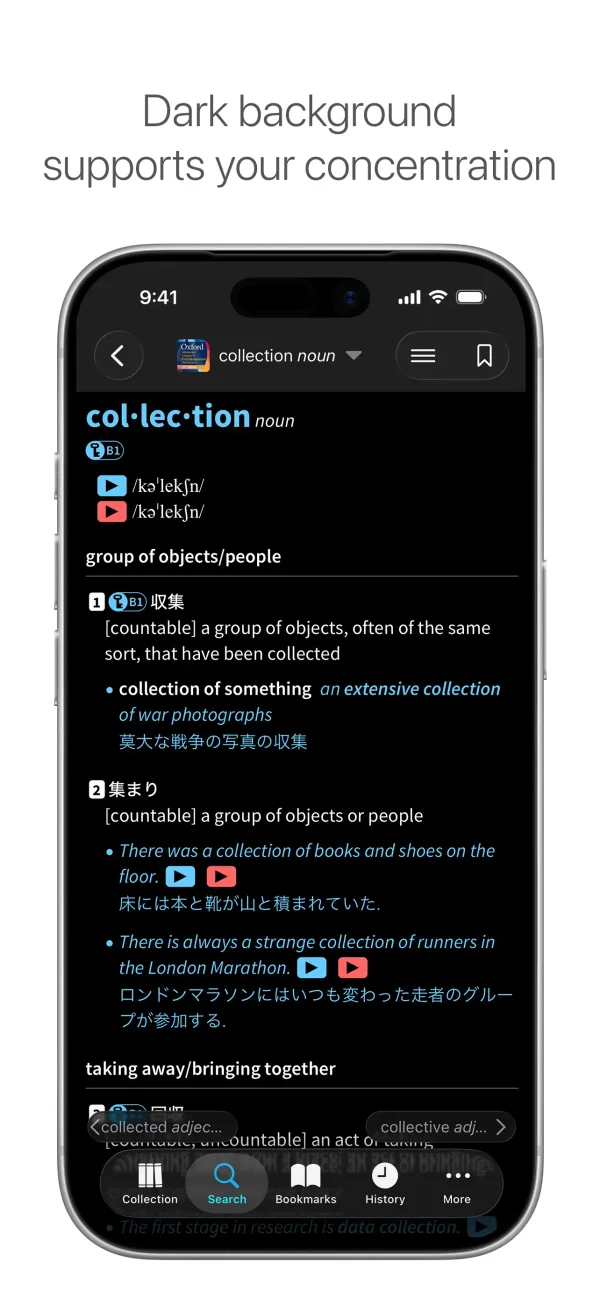
Giới thiệu
Nhà phát triển chưa cung cấp nội dung này bằng ngôn ngữ của bạn.
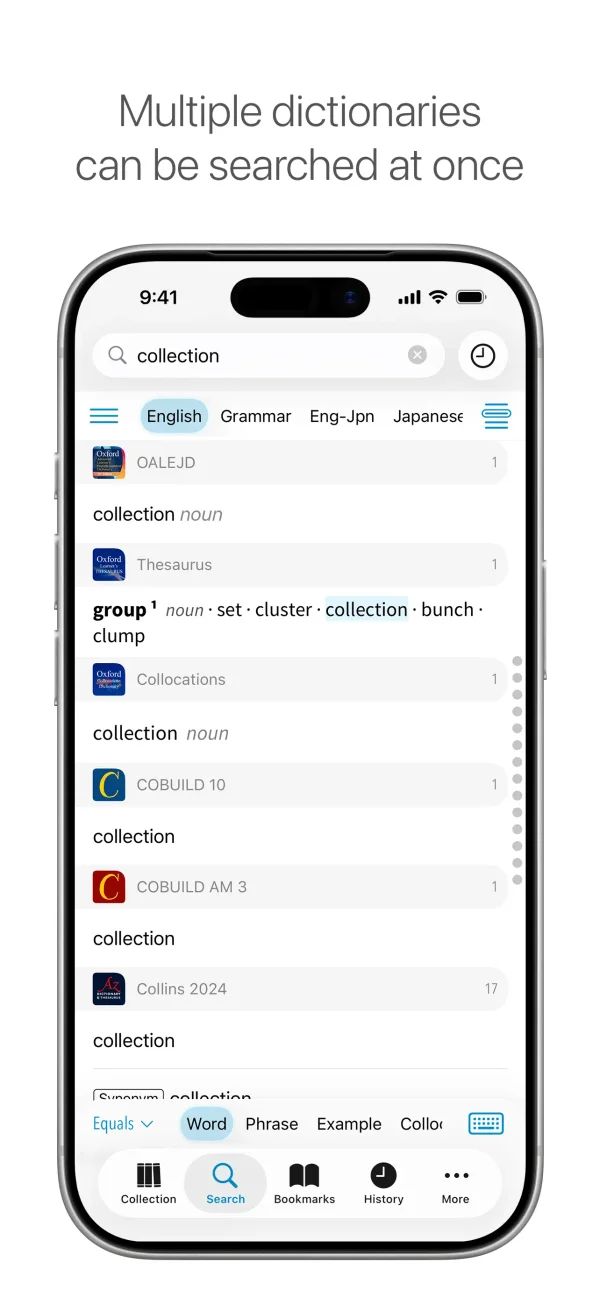
“Dictionaries” is an electronic dictionary viewer app made to allow users to efficiently use various dictionaries. Our popular standalone apps have been integrated into a single app where users can search multiple dictionaries at once.
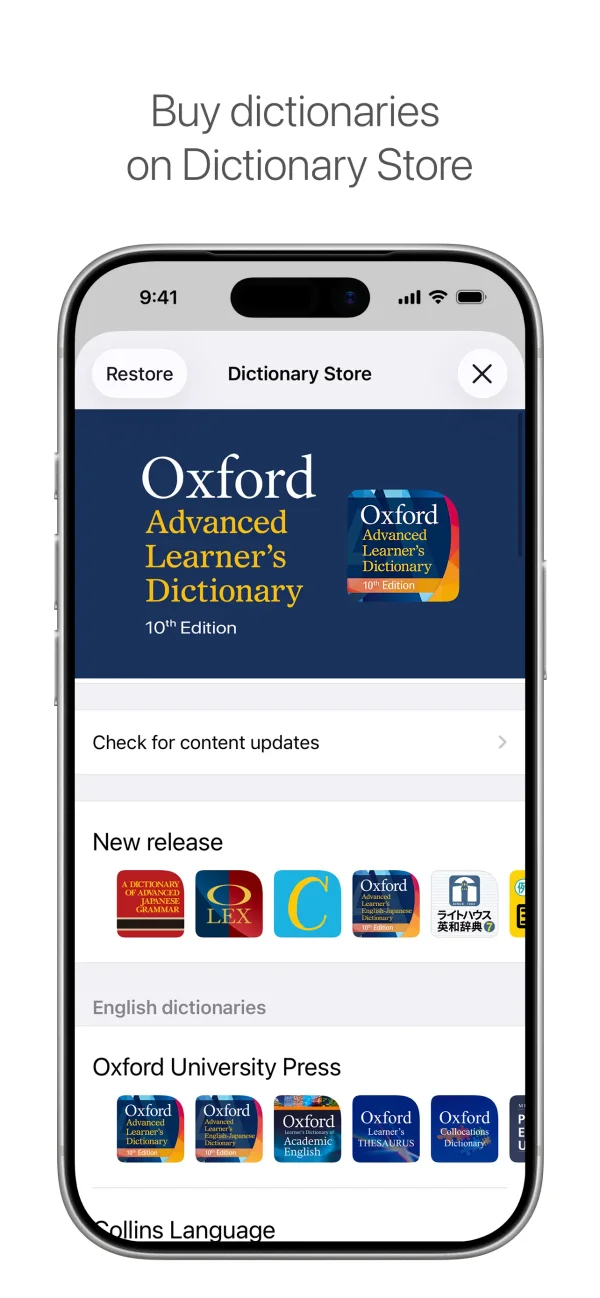
You can purchase and use a variety of dictionaries, including English, Japanese, French or other language dictionaries, from the “Dictionary Store” which can be accessed from within the app.
Searches
• Batch Search (Consolidated Search) allows users to search multiple dictionaries at once.
• The display order of dictionaries used in the batch search can be customized.
• The keyboard language switches automatically depending on dictionary search groups.
• Handwriting input is possible for Japanese, Old Japanese, Kanji, Chinese, Korean, and Russian dictionaries.
• Using Pattern Search, users can search for words even if a part of the spelling is unknown.
Trace and Jump
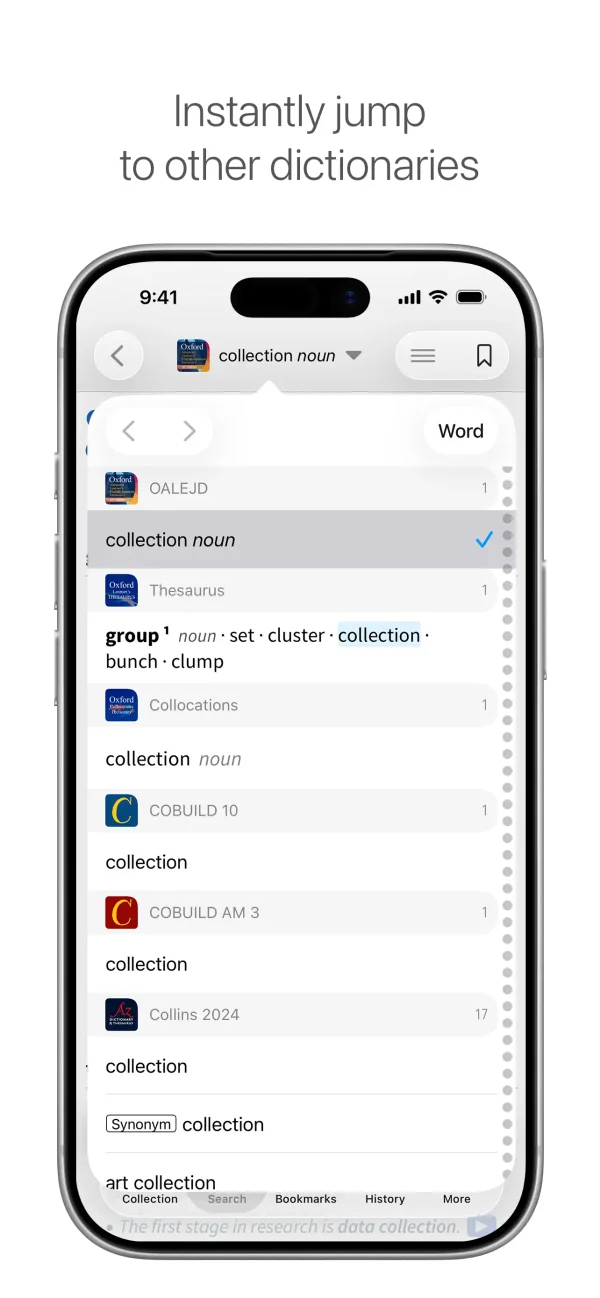
• Users can easily jump to not only other words in the same dictionary but other dictionaries as well simply by tracing words in a definition, allowing users to go on a journey of intellectual curiosity through the dictionary as their hearts desire.
Collection
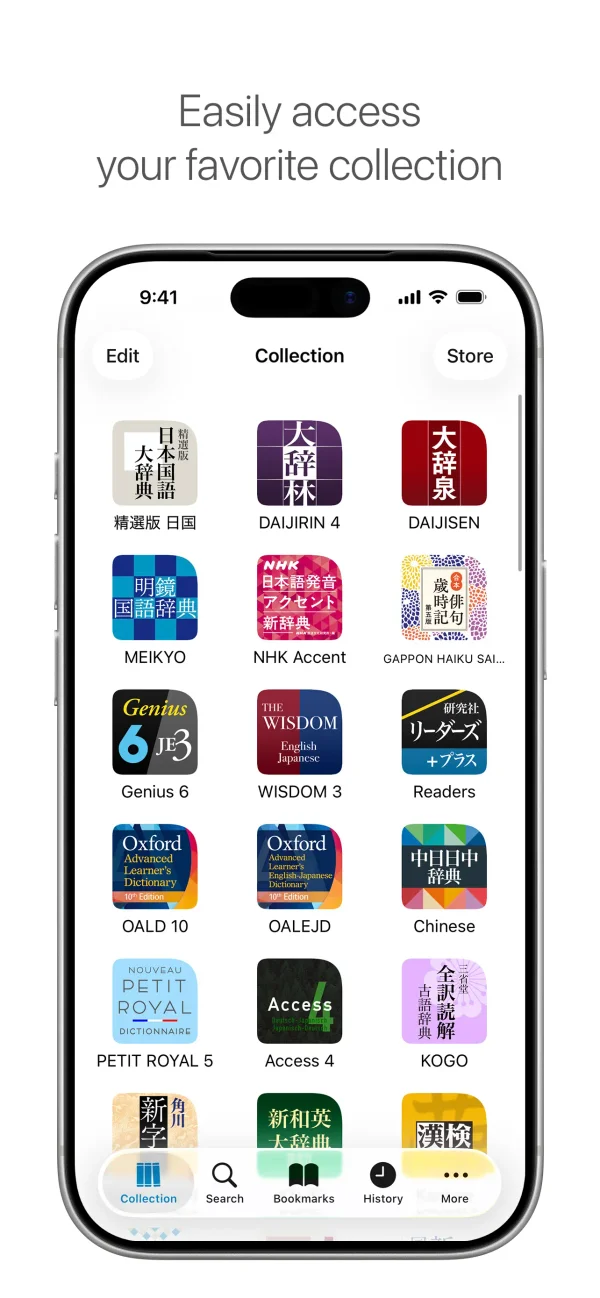
• Purchased dictionaries are shown as icons on the Collection screen.
• By opening a dictionary from the Collection screen, users can also carefully go through a single dictionary. Even in this case, users can use the “Trace and Jump” function to easily jump to another dictionary.
• The display order of dictionary icons on the Collection screen can be changed to the user's preference.
Bookmarks
• Users can bookmark their favorite words. In addition, users can also efficiently categorize these bookmarks using the Bookmark Folder.
• By turning on Quick Bookmark, users can quickly add/remove bookmarks simply by tapping the Bookmark icon.
Search History
• In History, display frequency is automatically recorded so that users can immediately recognize words they search for repeatedly.
iCloud
• Users can synchronize Bookmark and History data among all devices by turning on iCloud.
Multitasking
• Users can display websites, documents, and more alongside their dictionary by using the Multitasking function on the iPad. By turning on Clipboard Search, users simply have to copy the word they wish to look up in order for the app to find that word in multiple dictionaries.
Substantial Lineup
• The Dictionary Store carries a large number of full-scale dictionaries, and we plan to further improve this selection in the future as well.
• The following English dictionaries are available. Check in the Dictionary Store, which can be accessed from within the app, for more information on each of these items.
- Oxford Advanced Learner’s Dictionary 10th edition (OALD)
- Oxford Learner’s Dictionary of Academic English
- Oxford Learner’s Thesaurus
- Oxford Collocations Dictionary
- Practical English Usage
- Collins COBUILD Advanced Learner’s Dictionary 10th edition
- Collins COBUILD Advanced American English Dictionary 3rd edition
- Collins COBUILD Intermediate Learner’s Dictionary 4th edition
- Collins English Dictionary with Thesaurus
An internet connection is required to purchase content.Usage fees and terms of use may apply.
Có gì mới
Phiên bản 1.4.8 · 26/10/2026
• Fixed an issue where tapping links or tracing to jump sometimes didn’t work correctly on iPhone Duo.
• Fixed an issue where the appendix sometimes didn’t display correctly when iPhone Duo was folded closed.
Quyền riêng tư của ứng dụng
Những gì 物書堂 khai báo trên App Store về cách ứng dụng này xử lý dữ liệu.
-
Dữ liệu không liên kết với bạn
Có thể được thu thập nhưng không liên kết với danh tính của bạn.
- Chẩn đoán
Phương thức đảm bảo quyền riêng tư có thể khác nhau, chẳng hạn như tuỳ theo các tính năng bạn sử dụng hoặc độ tuổi của bạn.
Thông tin
- Người bán
- MONOKAKIDO Co. Ltd.
- Danh mục
- Tham Khảo
- Phiên bản
- 1.4.8
- Cập nhật
- 26/10/2026
- Phát hành
- 04/03/2019
- Kích thước
- 64,7 MB
- Yêu cầu
- iOS 17.0 trở lên
- Độ tuổi
- 4+
- Giá
- Miễn phí
- Mua hàng trong ứng dụng
- Có
- Ngôn ngữ
- Tiếng Anh, Tiếng Nhật
- Bản quyền
- © 2019 MONOKAKIDO Co. Ltd.
Có thể bạn cũng thích
-
 Weblio国語辞典 - 辞書や辞典を多数掲載Tham Khảo
-
 Weblio英語辞書 - 英和辞典 - 和英辞典を多数掲載Tham Khảo
-
 英語辞書・英和辞典・翻訳 - 英辞郎 on the WEBTham Khảo
-
 10ten Japanese ReaderTham Khảo
-
 JAccent: Japanese dict with AITham Khảo
-
 Nihongo - Japanese DictionaryTham Khảo
-
 Learn Japanese: Manabi ReaderGiáo Dục
-
 EBPocket LiteTham Khảo
-
 Bunpro Japanese SRSGiáo Dục
-
 Shirabe JishoTham Khảo