DocClear: PDF Scanner & OCR
Scan documents, sign & share
Conçue pour iPhone, iPad
Gratuit · Achats intégrés
- Classification d’âge4+
- CatégorieProductivité
- DéveloppeurJUAN SALMERON
- LanguesAnglais+ 1 de plus
- Taille2,3 Mo
Renvoie vers la page App Store officielle
Download.org n’héberge aucun fichier de DocClear: PDF Scanner & OCR. Le bouton ouvre la page de l’application sur App Store, où JUAN SALMERON la publie. Fiche vérifiée pour la dernière fois le 07/11/2026.
Captures d’écran

À propos
Le développeur n’a pas fourni ce texte dans votre langue.
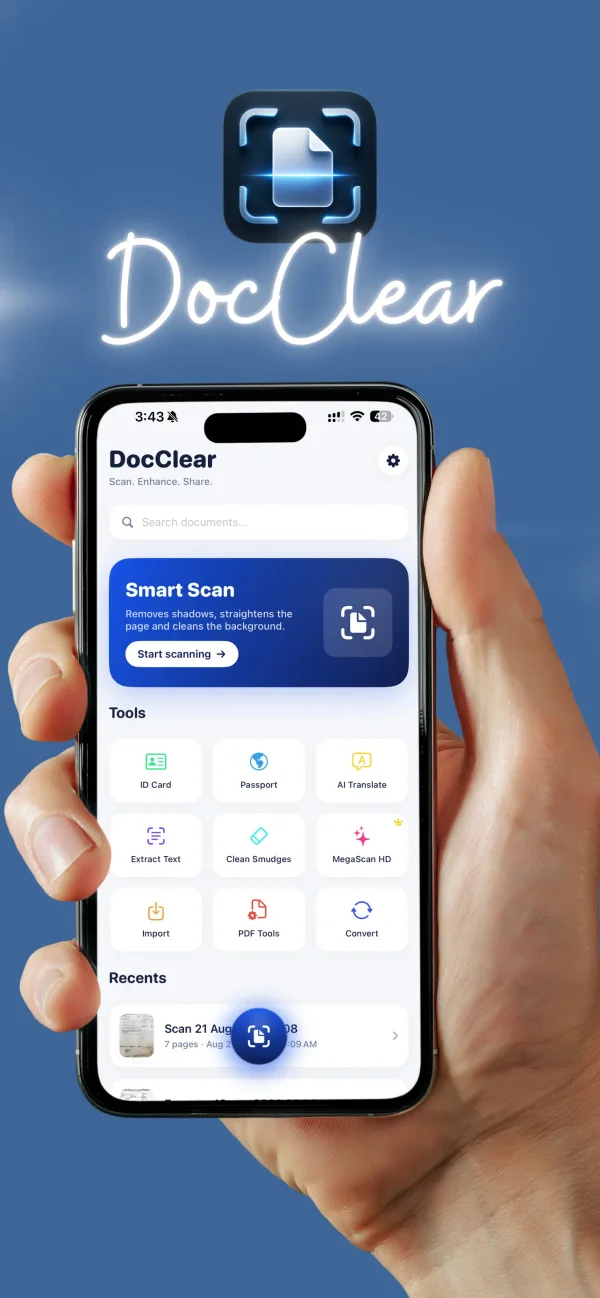
DocClear turns your iPhone into a professional document scanner. Frame the page, capture it, and get a clean, sharp, perfectly cropped document that is ready to send as a PDF.
BUILT FOR REAL PAPER
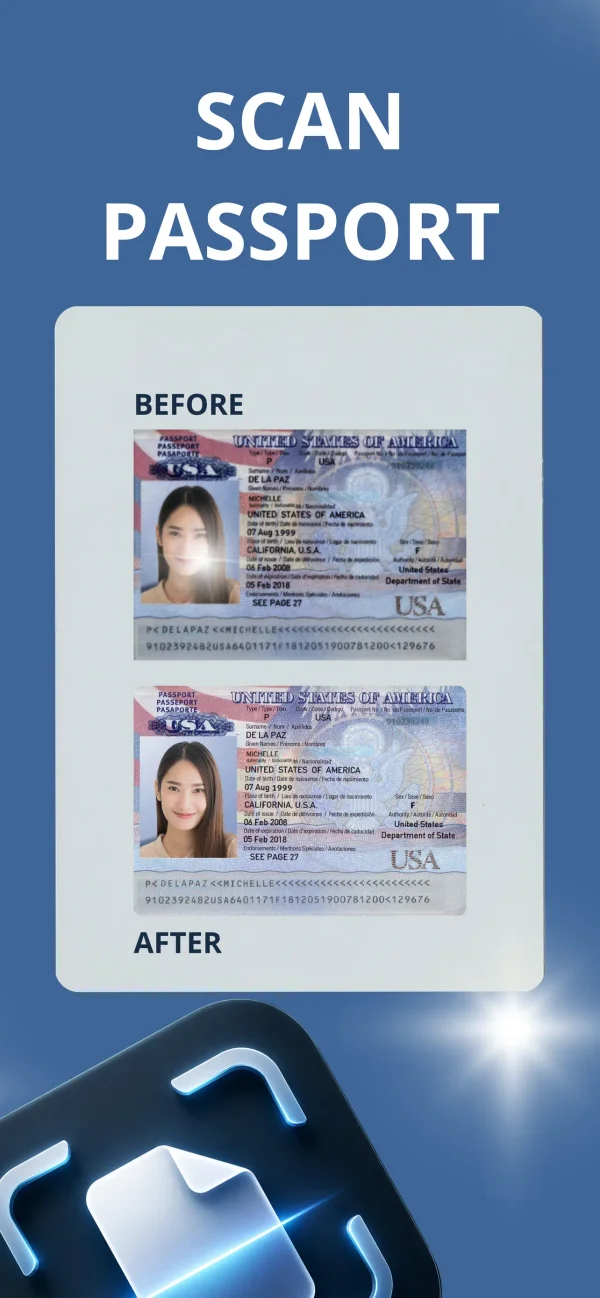
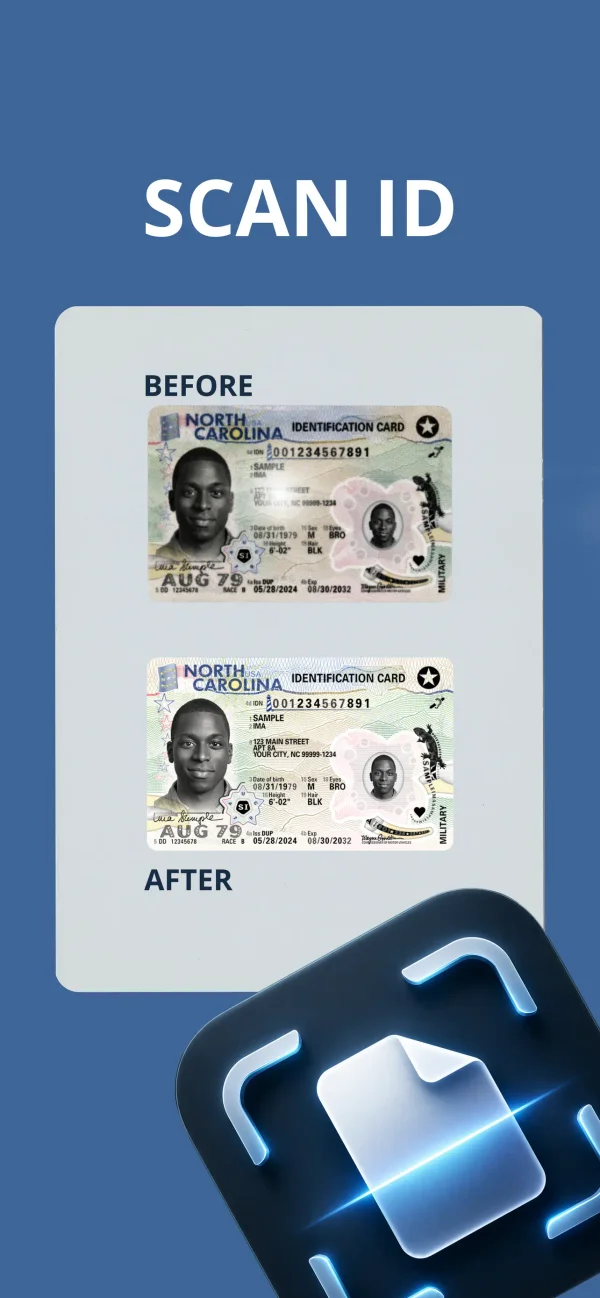
Automatic edge detection finds the sheet and crops the background out, so what you send is the document and nothing else. Perspective correction squares up the page even when you shoot at an angle. The cleanup pass evens out shadows and deepens the blacks, so the text reads dark and crisp instead of gray and washed out, on contracts, IDs, receipts, forms, notes and handwriting alike.
WHAT YOU CAN DO
Scan one page or many into a single document.
Export to PDF or to JPG in one tap.
Read the text with OCR in Spanish and English, then copy it or search it.
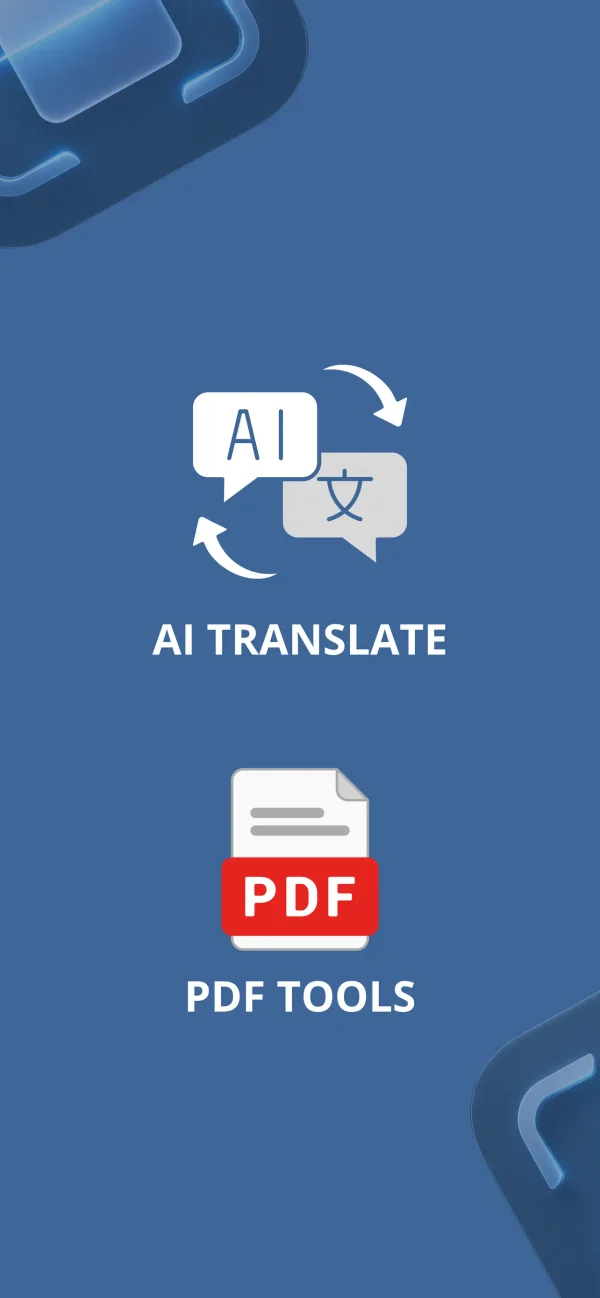
Restore damaged pages with AI: stains, shadows, creases and faded ink.
Translate a document between Spanish and English.
Convert a PDF to Word (RTF) or to plain TXT.
Share by message, mail or AirDrop straight from the app.
Switch the whole app between Spanish and English instantly, from Settings.
NO ACCOUNT NEEDED
DocClear asks for no email, no phone number and no password. Your scans are stored on your device, encrypted at rest, and they are never uploaded anywhere unless you choose to use one of the AI features.
DOCCLEAR PRO
Scanning, PDF and JPG export, OCR, PDF to Word (RTF) and PDF to TXT are free, with no monthly limit. Documents exported on the free tier carry a small "Scanned with DocClear" mark.
DocClear PRO adds:
AI restoration of damaged pages.
AI document translation between Spanish and English.
MegaScan HD, the highest-detail scan mode.
No watermark on the document.
Priority email support.
New PRO features at no extra cost.
SUBSCRIPTION DETAILS
Title: DocClear PRO.
Length and price: 1 month for USD 9.99, or 1 year for USD 39.99.
Free trial: both plans include a 7-day free trial, offered only to customers who have not already used an introductory offer in this subscription group.
Payment is charged to your Apple Account when you confirm the purchase. The subscription renews automatically at the price in effect unless auto-renew is turned off at least 24 hours before the end of the current period. Your account is charged for the renewal within the 24 hours before the current period ends. You can manage the subscription and turn off auto-renewal in your Apple Account settings after the purchase; deleting the app does not cancel it. Any unused part of a free trial is forfeited when you buy a subscription.
Terms of Use (EULA): https://www.apple.com/legal/internet-services/itunes/dev/stdeula/
Terms of Use: https://tramistepsus-ship-it.github.io/docclear-legal/terminos.html
Privacy Policy: https://tramistepsus-ship-it.github.io/docclear-legal/privacidad.html
ABOUT THE AI FEATURES
AI restoration and document translation are optional and run on a server. Nothing is sent until you tap the button and accept the notice. Our server acts as a secure relay and keeps no copy of your document. These features are subject to fair-use limits so the service stays available for everyone. AI can make mistakes: the result is not a certified translation or legal advice, and it does not replace a certified translator, an attorney or a notary. Review it before using it for any official filing.
Support: salmeronstudiosllc@gmail.com
Nouveautés
Version 3.11 · 02/09/2026
AI restoration and AI document translation are now part of DocClear PRO.
Everything else stays free, with no monthly limit: scanning with automatic edge detection, manual edge correction, cleanup, OCR in Spanish and English, multi-page documents, PDF and JPG export, PDF to Word (RTF) and PDF to TXT, and sharing.
This version also improves scan quality:
- PDFs now export at higher resolution, so small print stays sharp when you print or forward them.
- Faint marks are no longer erased. Pencil notes, worn stamps and light ink survive the background cleanup instead of being pushed to white.
- Black-and-white photos inside a document keep their detail. ID photos, camera images and grey seals are no longer washed out.
- Shadow removal is smoother, without the visible blocky edges along the edge of a shadow.
- Text rendering is cleaner at small sizes, and thin table lines no longer break up.
Confidentialité de l’application
Ce que JUAN SALMERON déclare sur l’App Store au sujet du traitement des données par cette application.
-
Données n’établissant aucun lien avec vous
Peuvent être collectées, mais ne sont pas liées à votre identité.
- Contenu utilisateur
- Identifiants
- Données d’utilisation
Les pratiques en matière de confidentialité peuvent varier, notamment en fonction des fonctionnalités que vous utilisez ou de votre âge.
Informations
- Vendeur
- JUAN SALMERON
- Catégorie
- Productivité
- Version
- 3.11
- Mis à jour
- 02/09/2026
- Publié
- 12/08/2026
- Taille
- 2,3 Mo
- Nécessite
- iOS 17.0 ou version ultérieure
- Classification d’âge
- 4+
- Prix
- Gratuit
- Achats intégrés
- Oui
- Langues
- Anglais, Espagnol
- Copyright
- © 2026 SALMERON STUDIOS LLC
Vous aimerez peut-être aussi
-
 PDF Document Scanner: PageoraProductivité
-
 PDF Toolkit: PDF Editor & ScanProductivité
-
 Gestion de Documents, ÉditeurScanner, éditeur PDF · DocID
-
 PureScan Doc ScannerProductivité
-
 JD Business and AccountingProductivité
-
 MaheNoeProductivité
-
 FormsProductivité
-
 Notes IA, mémos vocaux, résuméTexte,dictaphone,transcription
-
 Remove Handwriting AIProductivité
-
 PDF Enhance: Scan HD & ProAffinage de texte et document