- 対象年齢4+
- カテゴリ仕事効率化
- 開発元JUAN SALMERON
- 言語英語ほか1言語
- サイズ2.3 MB
App Storeの公式ページにリンクしています
Download.orgはDocClear: PDF Scanner & OCRのファイルを一切ホストしていません。ボタンを押すと、JUAN SALMERONが公開しているApp Storeのアプリページが開きます。ページの最終確認:2026/11/7。
スクリーンショット

概要
開発元はこのテキストをお使いの言語で提供していません。
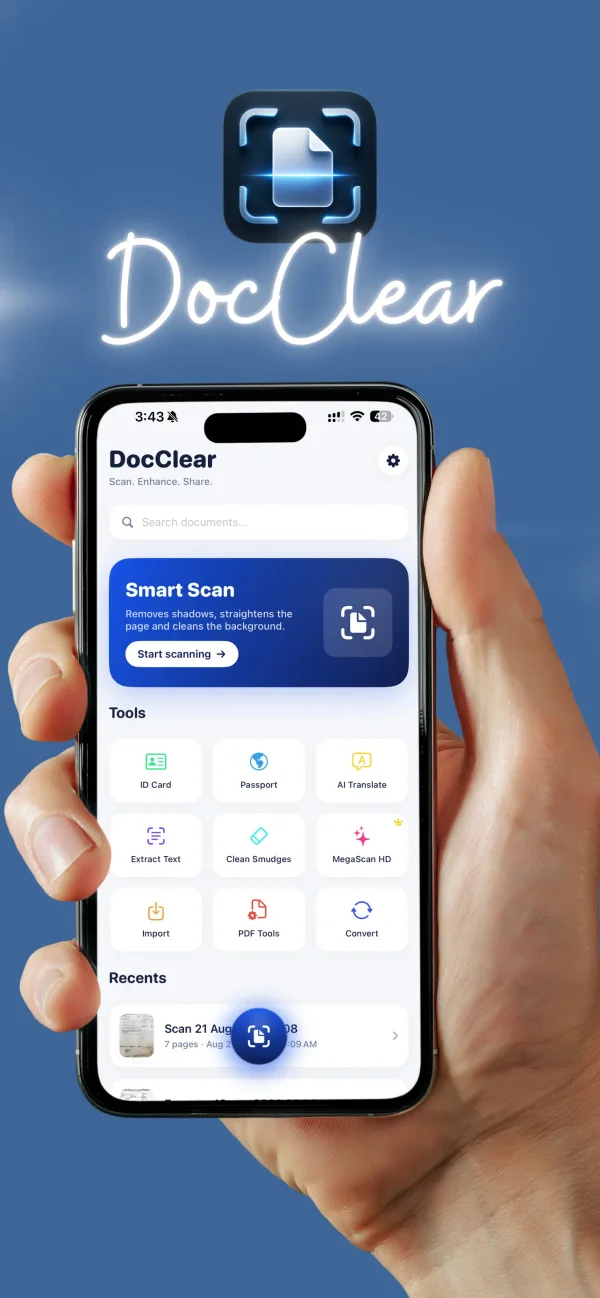
DocClear turns your iPhone into a professional document scanner. Frame the page, capture it, and get a clean, sharp, perfectly cropped document that is ready to send as a PDF.
BUILT FOR REAL PAPER
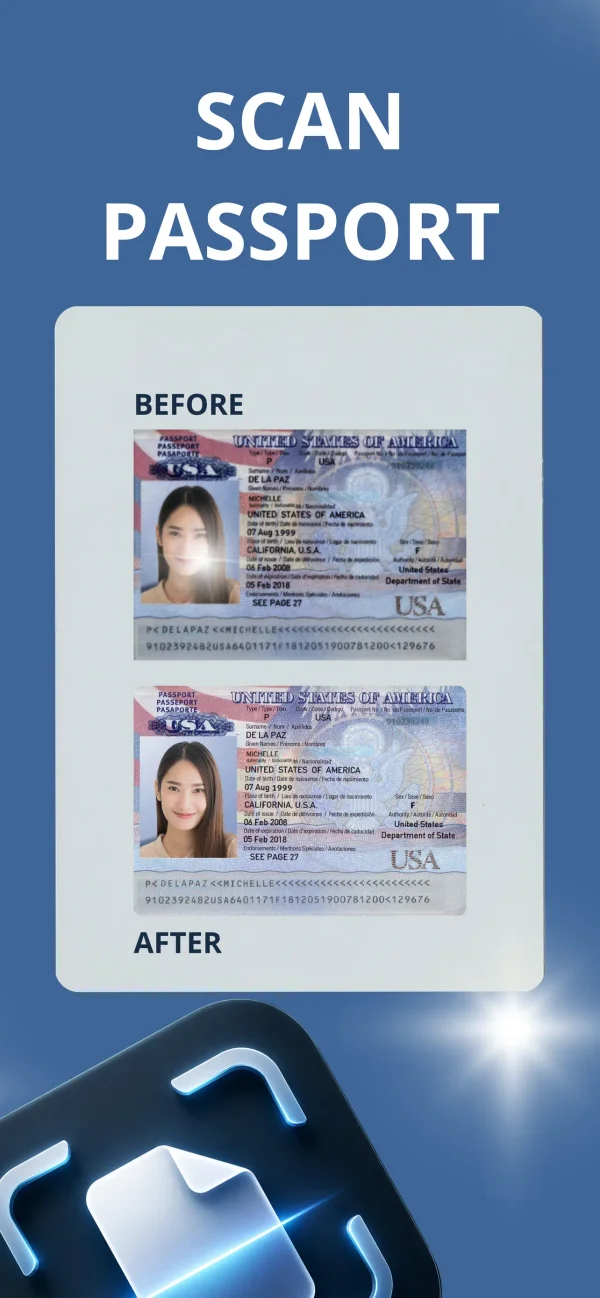
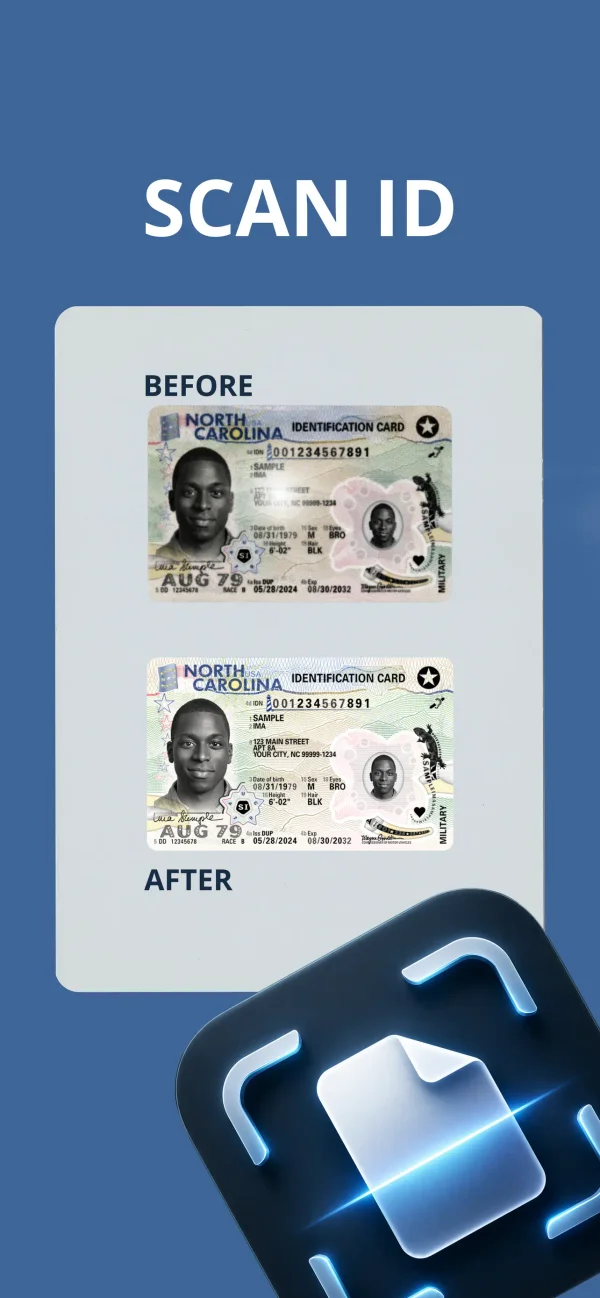
Automatic edge detection finds the sheet and crops the background out, so what you send is the document and nothing else. Perspective correction squares up the page even when you shoot at an angle. The cleanup pass evens out shadows and deepens the blacks, so the text reads dark and crisp instead of gray and washed out, on contracts, IDs, receipts, forms, notes and handwriting alike.
WHAT YOU CAN DO
Scan one page or many into a single document.
Export to PDF or to JPG in one tap.
Read the text with OCR in Spanish and English, then copy it or search it.
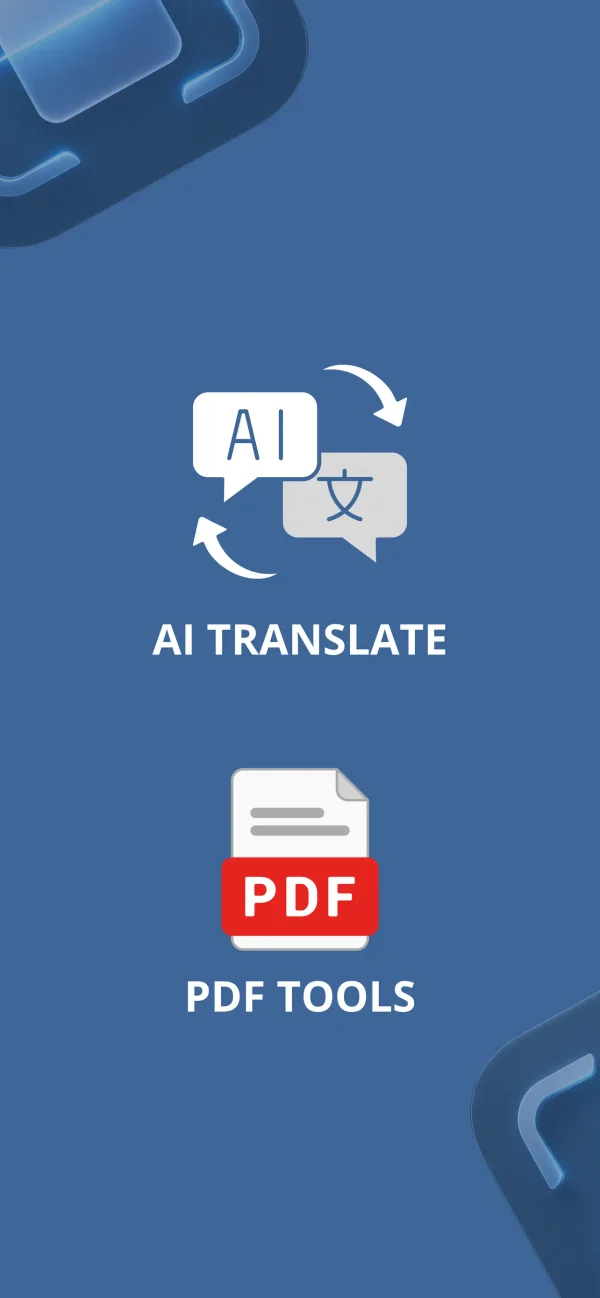
Restore damaged pages with AI: stains, shadows, creases and faded ink.
Translate a document between Spanish and English.
Convert a PDF to Word (RTF) or to plain TXT.
Share by message, mail or AirDrop straight from the app.
Switch the whole app between Spanish and English instantly, from Settings.
NO ACCOUNT NEEDED
DocClear asks for no email, no phone number and no password. Your scans are stored on your device, encrypted at rest, and they are never uploaded anywhere unless you choose to use one of the AI features.
DOCCLEAR PRO
Scanning, PDF and JPG export, OCR, PDF to Word (RTF) and PDF to TXT are free, with no monthly limit. Documents exported on the free tier carry a small "Scanned with DocClear" mark.
DocClear PRO adds:
AI restoration of damaged pages.
AI document translation between Spanish and English.
MegaScan HD, the highest-detail scan mode.
No watermark on the document.
Priority email support.
New PRO features at no extra cost.
SUBSCRIPTION DETAILS
Title: DocClear PRO.
Length and price: 1 month for USD 9.99, or 1 year for USD 39.99.
Free trial: both plans include a 7-day free trial, offered only to customers who have not already used an introductory offer in this subscription group.
Payment is charged to your Apple Account when you confirm the purchase. The subscription renews automatically at the price in effect unless auto-renew is turned off at least 24 hours before the end of the current period. Your account is charged for the renewal within the 24 hours before the current period ends. You can manage the subscription and turn off auto-renewal in your Apple Account settings after the purchase; deleting the app does not cancel it. Any unused part of a free trial is forfeited when you buy a subscription.
Terms of Use (EULA): https://www.apple.com/legal/internet-services/itunes/dev/stdeula/
Terms of Use: https://tramistepsus-ship-it.github.io/docclear-legal/terminos.html
Privacy Policy: https://tramistepsus-ship-it.github.io/docclear-legal/privacidad.html
ABOUT THE AI FEATURES
AI restoration and document translation are optional and run on a server. Nothing is sent until you tap the button and accept the notice. Our server acts as a secure relay and keeps no copy of your document. These features are subject to fair-use limits so the service stays available for everyone. AI can make mistakes: the result is not a certified translation or legal advice, and it does not replace a certified translator, an attorney or a notary. Review it before using it for any official filing.
Support: salmeronstudiosllc@gmail.com
新機能
バージョン 3.11 · 2026/9/2
AI restoration and AI document translation are now part of DocClear PRO.
Everything else stays free, with no monthly limit: scanning with automatic edge detection, manual edge correction, cleanup, OCR in Spanish and English, multi-page documents, PDF and JPG export, PDF to Word (RTF) and PDF to TXT, and sharing.
This version also improves scan quality:
- PDFs now export at higher resolution, so small print stays sharp when you print or forward them.
- Faint marks are no longer erased. Pencil notes, worn stamps and light ink survive the background cleanup instead of being pushed to white.
- Black-and-white photos inside a document keep their detail. ID photos, camera images and grey seals are no longer washed out.
- Shadow removal is smoother, without the visible blocky edges along the edge of a shadow.
- Text rendering is cleaner at small sizes, and thin table lines no longer break up.
アプリのプライバシー
このアプリのデータの取り扱いについて、JUAN SALMERONがApp Storeで申告している内容です。
-
ユーザーに関連付けられないデータ
収集される場合がありますが、ユーザーの識別情報には関連付けられません。
- ユーザーコンテンツ
- ID
- 使用状況データ
プライバシーの取り扱いは、ご利用の機能やお客様の年齢などに応じて異なる場合があります。
情報
- 販売元
- JUAN SALMERON
- カテゴリ
- 仕事効率化
- バージョン
- 3.11
- 更新日
- 2026/9/2
- リリース
- 2026/8/12
- サイズ
- 2.3 MB
- 必要条件
- iOS 17.0以降
- 対象年齢
- 4+
- 価格
- 無料
- アプリ内課金
- あり
- 言語
- 英語, スペイン語
- 著作権
- © 2026 SALMERON STUDIOS LLC
こちらもおすすめ
-
 PDF Document Scanner: Pageora仕事効率化
-
 PDF Toolkit: PDF Editor & Scan仕事効率化
-
 ドキュメント管理,エディター,スキャン:DocIDPDF変換・圧縮・結合、証明写真、期限管理
-
 PureScan純粋スキャン・保存・共有
-
 JD Business and Accounting仕事効率化
-
 MaheNoe仕事効率化
-
 Forms仕事効率化
-
 oO: Meeting Summary & Notes AINote Taker,Record & Transcribe
-
 Remove Handwriting AI仕事効率化
-
 PDF修復:高画質スキャン文字を鮮明に、書類を再構築