
Documenta – Word Processor
Write and edit Word & ODT docs
Conçue pour iPhone, iPad
Gratuit
- Classification d’âge12+
- CatégorieProductivité
- DéveloppeurEmanuele Spagnoli
- LanguesAnglais+ 1 de plus
- Taille9,4 Mo
Renvoie vers la page App Store officielle
Download.org n’héberge aucun fichier de Documenta – Word Processor. Le bouton ouvre la page de l’application sur App Store, où Emanuele Spagnoli la publie. Fiche vérifiée pour la dernière fois le 17/11/2026.
Captures d’écran
À propos
Le développeur n’a pas fourni ce texte dans votre langue.
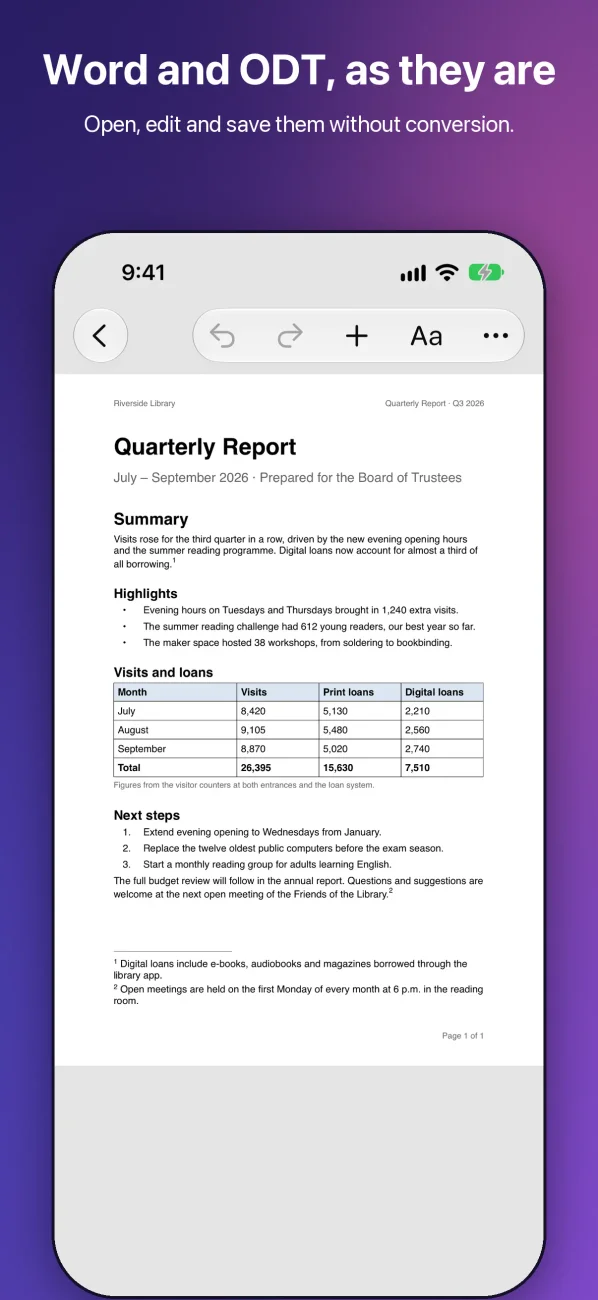
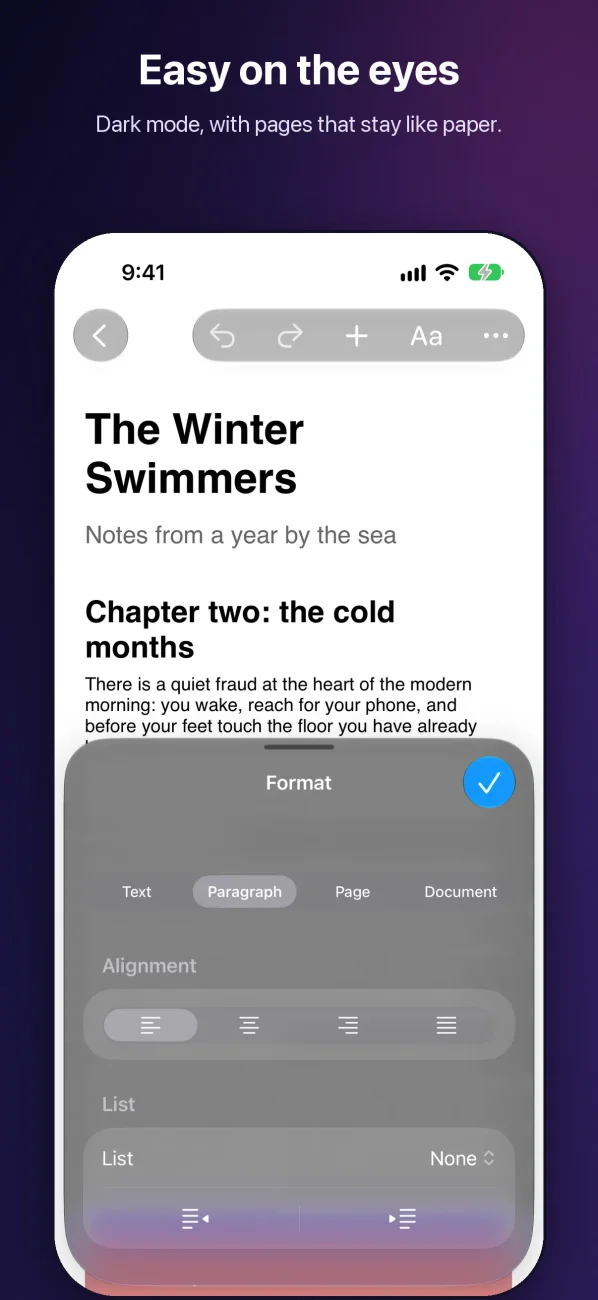
Documenta brings a real word processor to iPhone and iPad: open, edit and save the Word, OpenDocument and RTF documents you receive, on paginated pages that look like paper.
YOUR FORMATS, NO CONVERSION
• Word documents (.docx), OpenDocument (.odt), RTF and plain text; older .doc files open as a new Word document.
• Styles, lists, tables, images, notes, headers, fields, comments and tracked changes all stay in place.
• Export to PDF, Word, OpenDocument, RTF, EPUB, web page, Markdown and plain text; share with AirDrop, Mail or Files, and print with the system panel.
GET STARTED RIGHT AWAY
• Ten ready-made templates: letter, report, thesis, notes, minutes, manuscript, résumé, quote, self-declaration or a blank page.
• New documents in the Documenta folder in iCloud Drive or on your device, as Word, OpenDocument or RTF, with the paper, margins and font you choose; open the rest from the Files app.
PAGES OR FREE-FLOWING TEXT
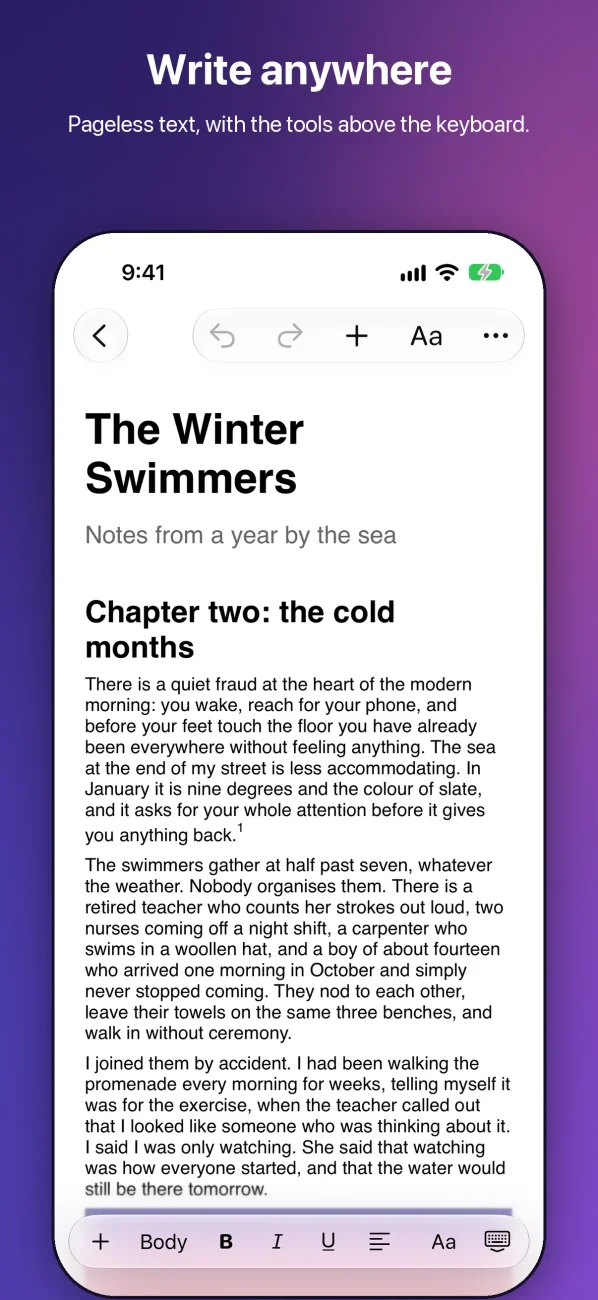
• Real pages with margins that you pinch to zoom, or pageless text as wide as the screen, handy on a phone.
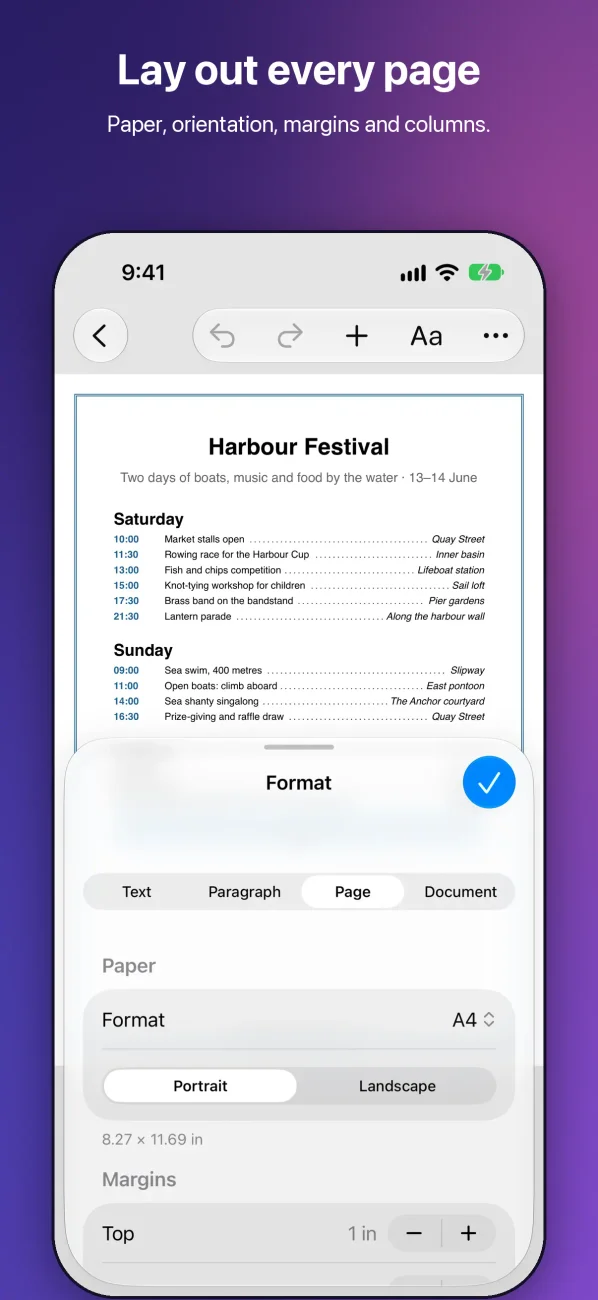
• A4, Letter and other paper sizes, orientation, margins and up to three columns.
• Page and section breaks; your documents' headers, footers, notes and watermarks show on the page.
• A light page, a dark page for the evening, or one that follows the system; measurements in inches, centimeters or points.
ON IPAD, LIKE A COMPUTER
• Heading outline on the left, pages in the middle, inspector on the right.
• Menu bar and keyboard shortcuts with a keyboard.
• Apple Pencil: handwrite into the text with Scribble and add pencil drawings.
SCAN AND RECOGNIZE
• Scan paper sheets with the camera: the text becomes editable text, or the pages go in as images.
• Grab the text from a photo in your library.
BUILT FOR LONG DOCUMENTS
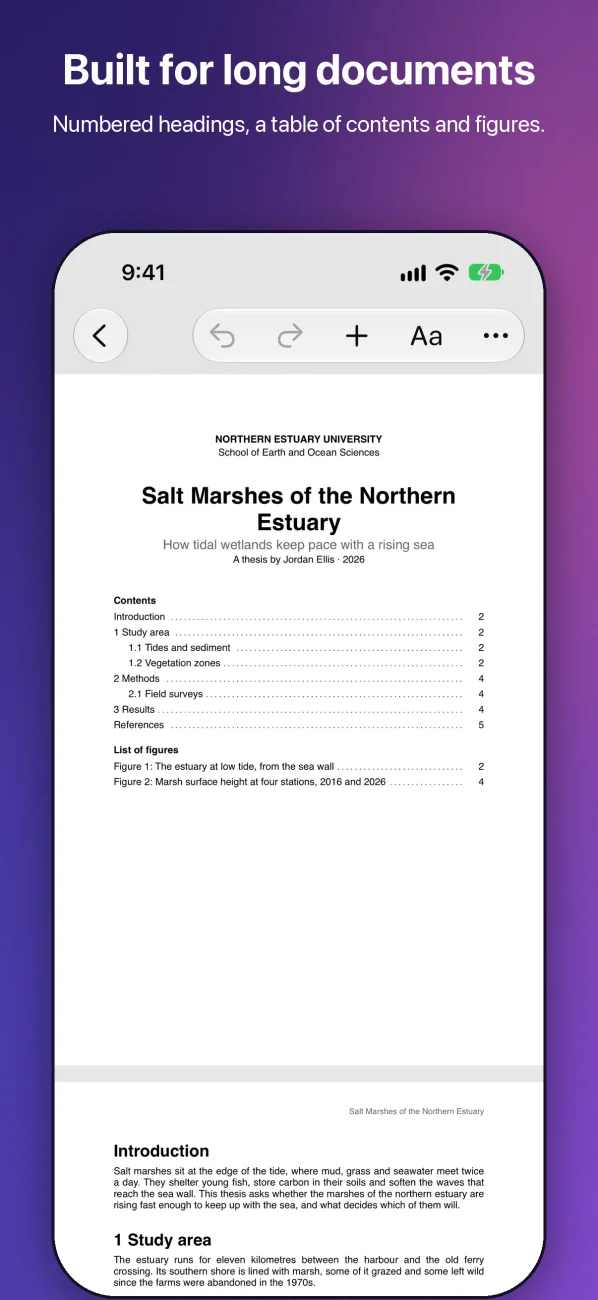
• Numbered headings, a table of contents and a table of figures.
• Numbered captions, cross-references, footnotes and endnotes, bookmarks and links.
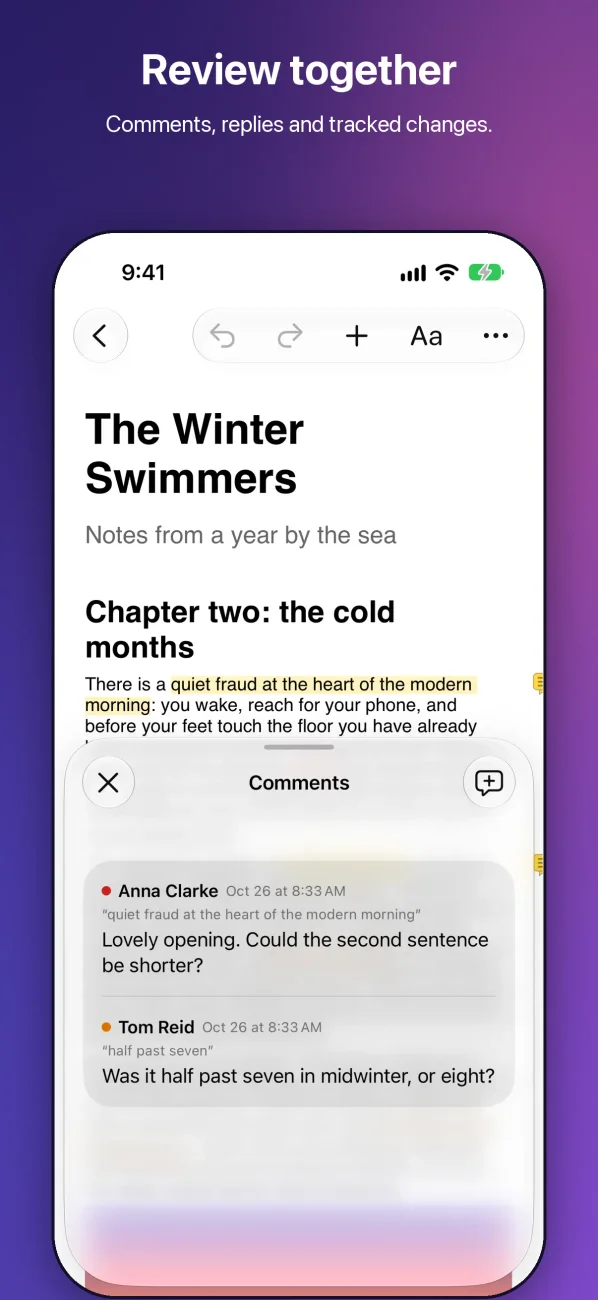
• Comments with replies and track changes like in Word: record your edits, accept or reject everyone else's.
TABLES AND OBJECTS
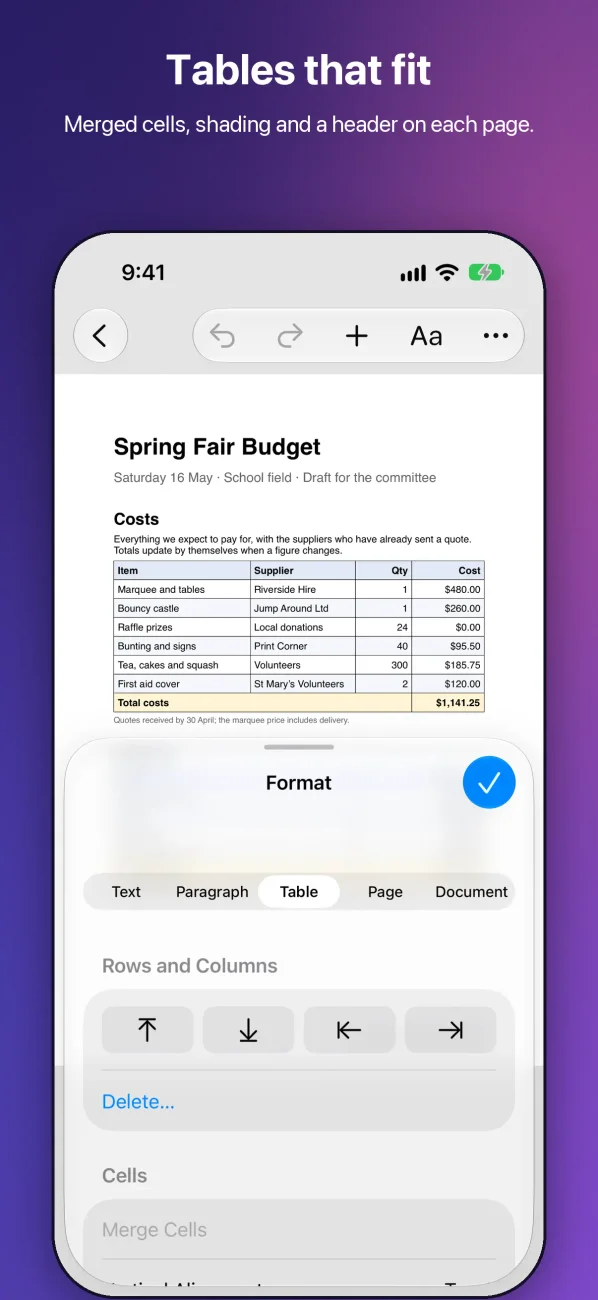
• Tables with merged cells, borders and shading, ready-made styles, a header row repeated on every page and sortable rows.
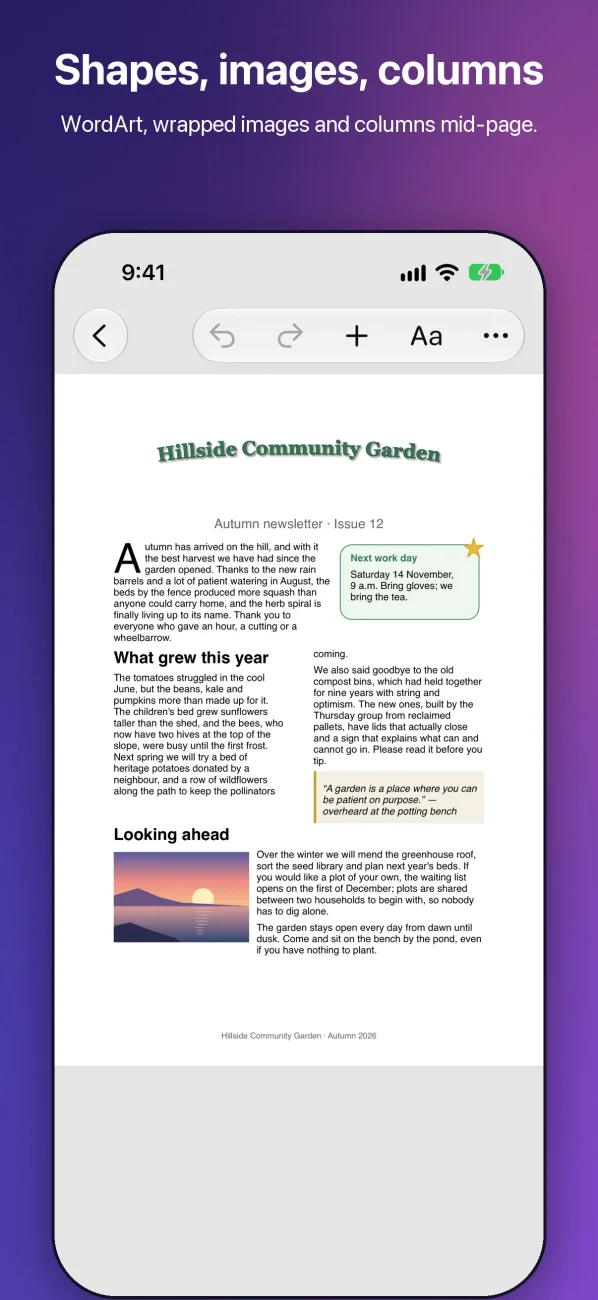
• Text boxes, shapes and images on the page with text wrapping around: move, rotate, group and align them.
COMPLETE FORMATTING
• A bar above the keyboard with style, bold, italic, underline, alignment and lists.
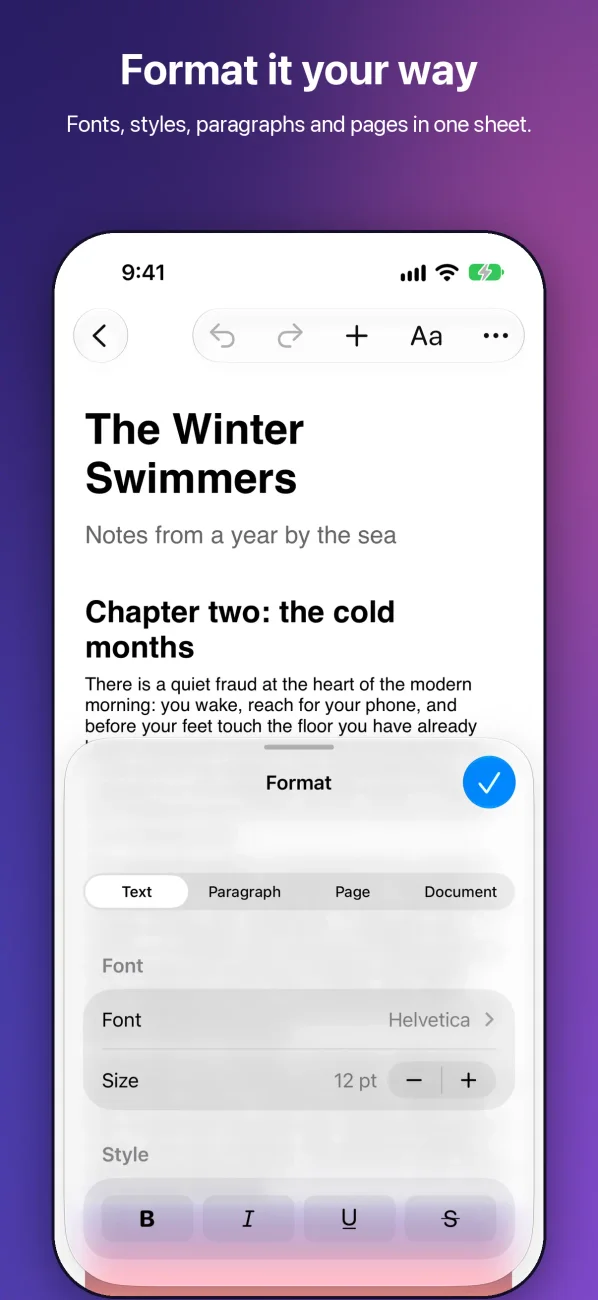
• Paragraph and character styles, color and highlight, superscript and subscript, small caps.
• Line spacing, paragraph spacing, indents, tab stops with dot leaders, paragraph borders and shading, drop caps.
• Find and replace, by formatting too and with regular expressions.
• Spell checking in the language of each part of the text, a personal dictionary, text replacements and links as you type, and read aloud in the voice you prefer.
• Words, characters, reading time, a word goal and a readability score.
WITH YOUR MAC, IN PRIVATE
• With iCloud Drive and Handoff, pick up on your Mac the document you're writing, and back again.
• No account and no data collected: your documents stay on your device or in your iCloud Drive.
• VoiceOver, dark mode, and an interface in English and Italian.
Confidentialité de l’application
Ce que Emanuele Spagnoli déclare sur l’App Store au sujet du traitement des données par cette application.
-
Données non collectées
Le développeur ne collecte aucune donnée à partir de cette application.
Les pratiques en matière de confidentialité peuvent varier, notamment en fonction des fonctionnalités que vous utilisez ou de votre âge.
Informations
- Vendeur
- Emanuele Spagnoli
- Catégorie
- Productivité
- Version
- 1.0
- Mis à jour
- 08/11/2026
- Publié
- 08/11/2026
- Taille
- 9,4 Mo
- Nécessite
- iOS 26.0 ou version ultérieure
- Classification d’âge
- 12+
- Prix
- Gratuit
- Langues
- Anglais, Italien
- Copyright
- © dimpemekug
Vous aimerez peut-être aussi
-
 Sorcerer's NoteProductivité
-
 mimosa: Notes, PDF & ScannerCahier d'erreurs et révisions
-
 Pronotes: Notes & PDFProductivité
-
 My LinkKeeperProductivité
-
 Better Notes: HandwritingProductivité
-
 Papyrus: Research LibraryProductivité
-
 Lemon Notes: Pdf, Docs, StudyRead PDFs, Take Notes & Study
-
 Bloc Note: Notes, Agenda, MemoJournal intime, To Do, Post it
-
 AxNote: Note TakingProductivité
-
 Bookmarks - Send To SelfProductivité