
Documenta – Word Processor
Write and edit Word & ODT docs
Được thiết kế cho iPhone, iPad
Miễn phí
- Độ tuổi12+
- Danh mụcHiệu Suất
- Nhà phát triểnEmanuele Spagnoli
- Ngôn ngữTiếng Anh+ 1 ngôn ngữ khác
- Kích thước9,4 MB
Liên kết đến trang App Store chính thức
Download.org không lưu trữ tệp nào của Documenta – Word Processor. Nút này mở trang ứng dụng trên App Store, nơi Emanuele Spagnoli phát hành ứng dụng. Trang được kiểm tra lần cuối: 17/11/2026.
Ảnh chụp màn hình
Giới thiệu
Nhà phát triển chưa cung cấp nội dung này bằng ngôn ngữ của bạn.
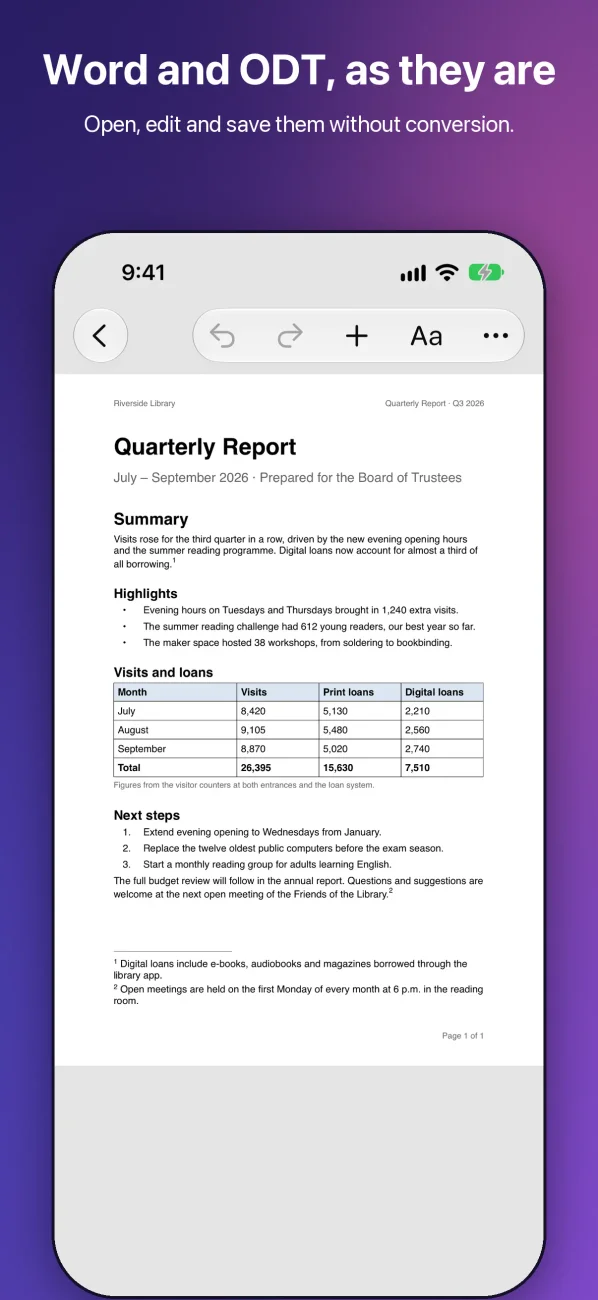
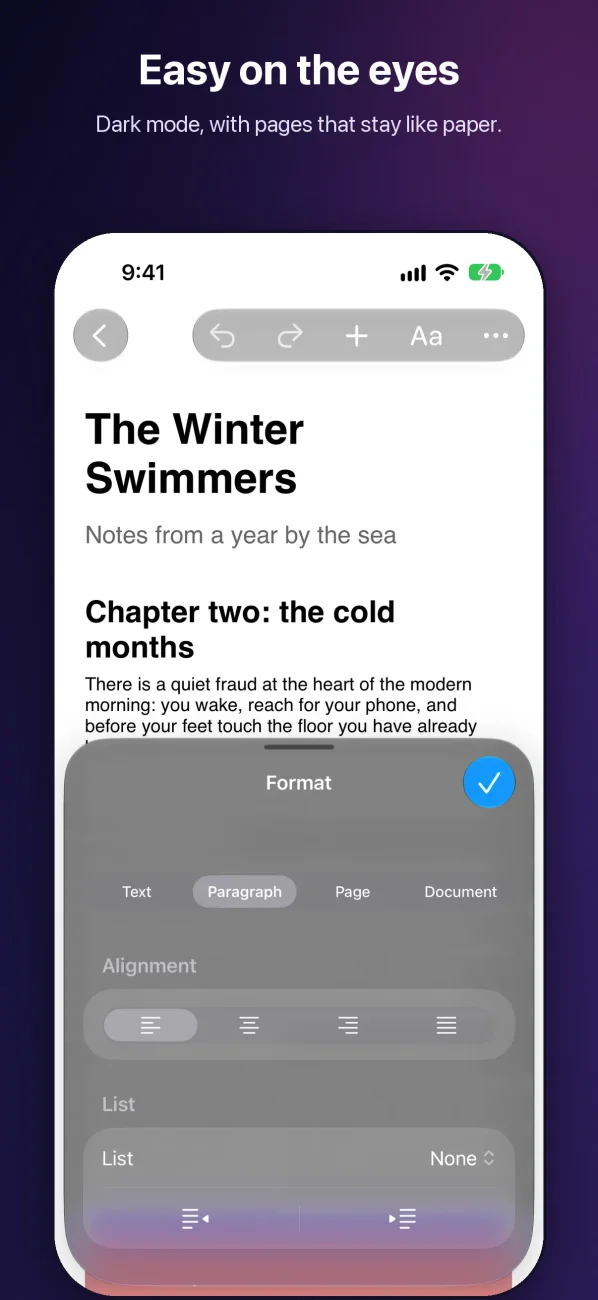
Documenta brings a real word processor to iPhone and iPad: open, edit and save the Word, OpenDocument and RTF documents you receive, on paginated pages that look like paper.
YOUR FORMATS, NO CONVERSION
• Word documents (.docx), OpenDocument (.odt), RTF and plain text; older .doc files open as a new Word document.
• Styles, lists, tables, images, notes, headers, fields, comments and tracked changes all stay in place.
• Export to PDF, Word, OpenDocument, RTF, EPUB, web page, Markdown and plain text; share with AirDrop, Mail or Files, and print with the system panel.
GET STARTED RIGHT AWAY
• Ten ready-made templates: letter, report, thesis, notes, minutes, manuscript, résumé, quote, self-declaration or a blank page.
• New documents in the Documenta folder in iCloud Drive or on your device, as Word, OpenDocument or RTF, with the paper, margins and font you choose; open the rest from the Files app.
PAGES OR FREE-FLOWING TEXT
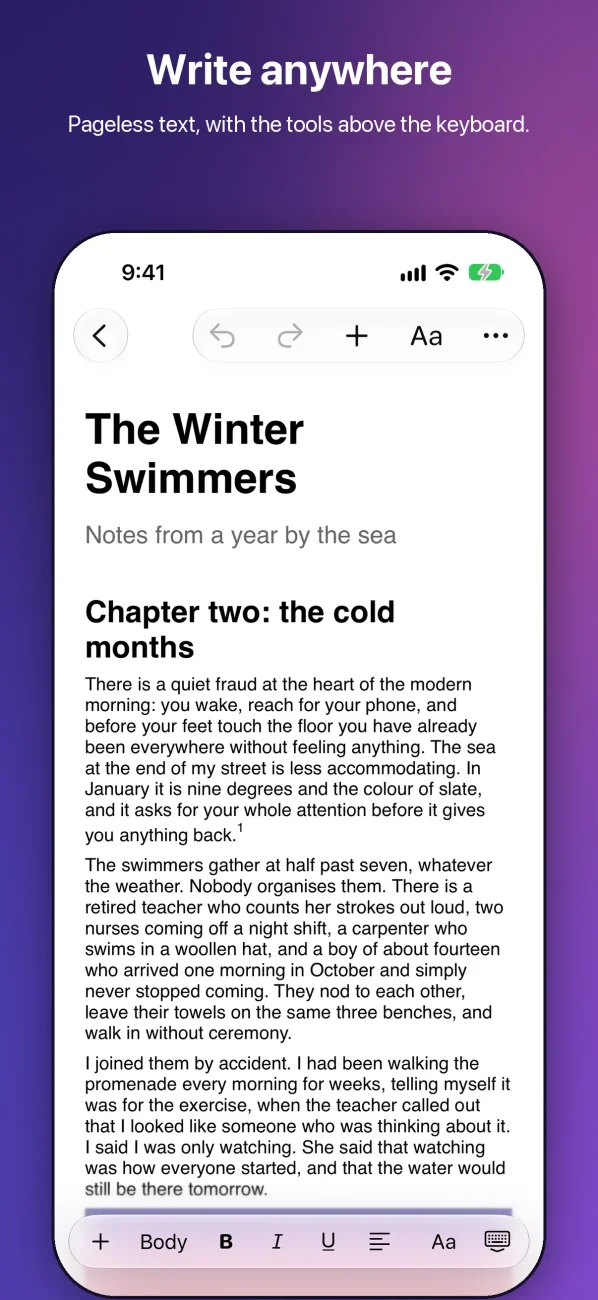
• Real pages with margins that you pinch to zoom, or pageless text as wide as the screen, handy on a phone.
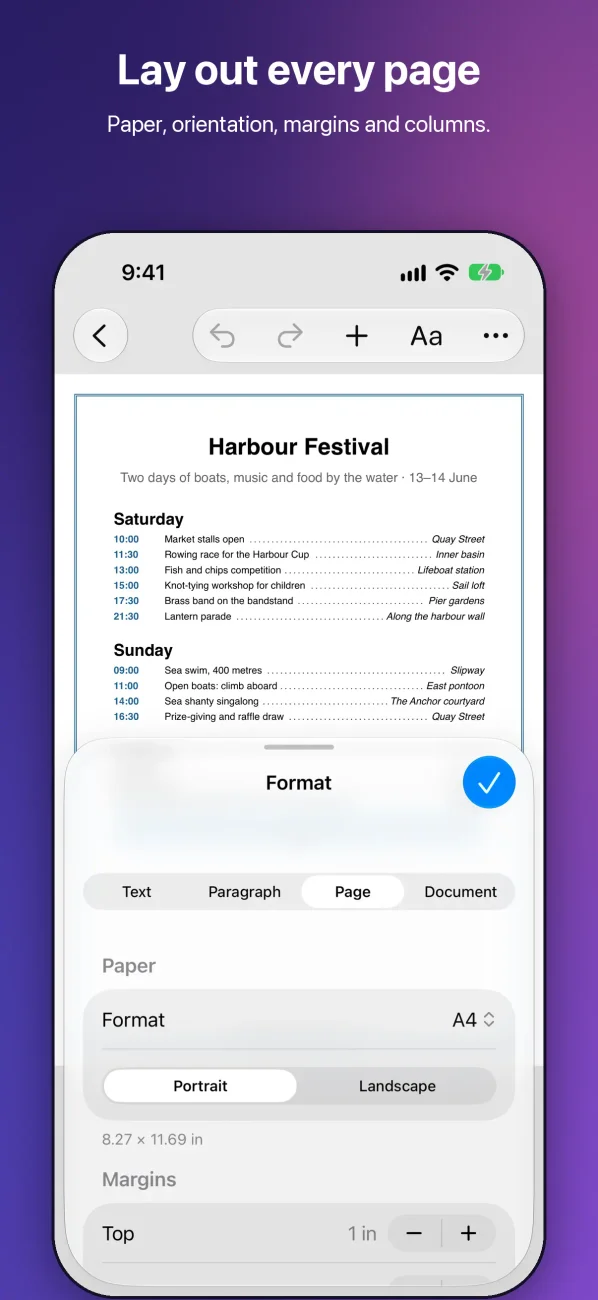
• A4, Letter and other paper sizes, orientation, margins and up to three columns.
• Page and section breaks; your documents' headers, footers, notes and watermarks show on the page.
• A light page, a dark page for the evening, or one that follows the system; measurements in inches, centimeters or points.
ON IPAD, LIKE A COMPUTER
• Heading outline on the left, pages in the middle, inspector on the right.
• Menu bar and keyboard shortcuts with a keyboard.
• Apple Pencil: handwrite into the text with Scribble and add pencil drawings.
SCAN AND RECOGNIZE
• Scan paper sheets with the camera: the text becomes editable text, or the pages go in as images.
• Grab the text from a photo in your library.
BUILT FOR LONG DOCUMENTS
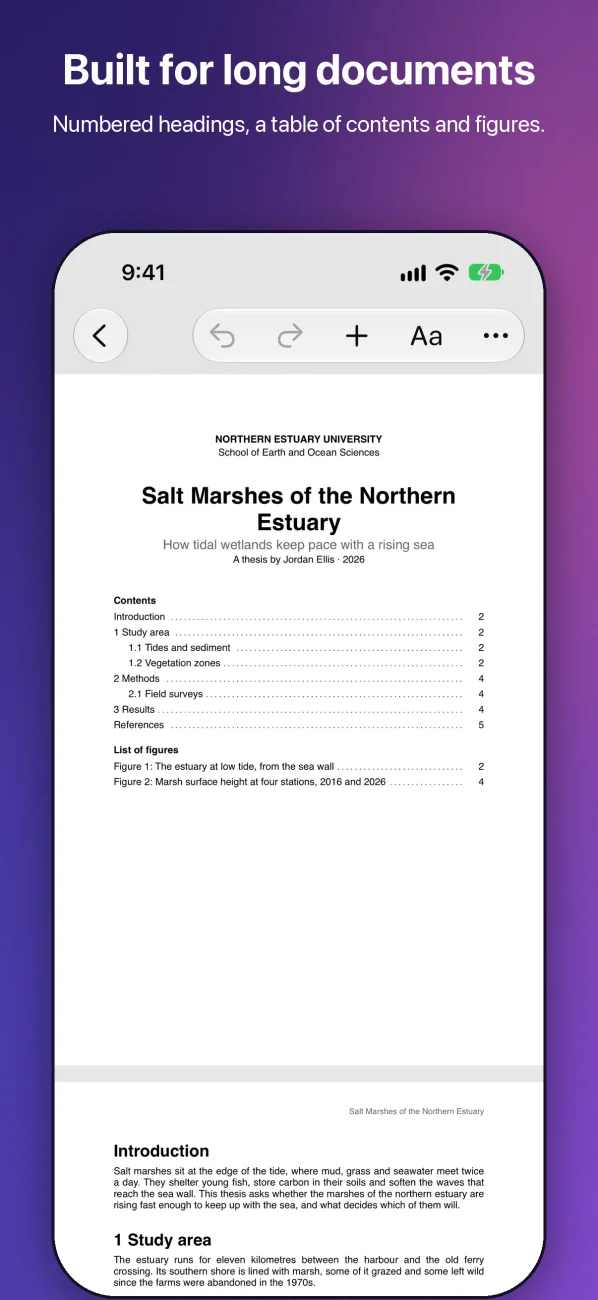
• Numbered headings, a table of contents and a table of figures.
• Numbered captions, cross-references, footnotes and endnotes, bookmarks and links.
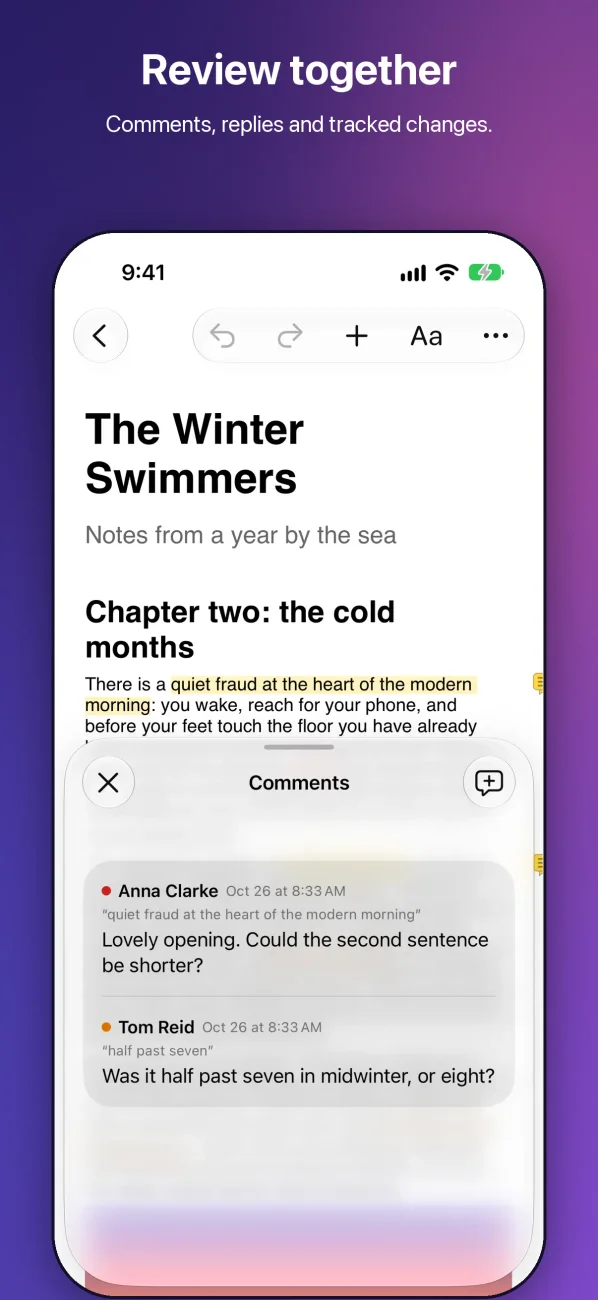
• Comments with replies and track changes like in Word: record your edits, accept or reject everyone else's.
TABLES AND OBJECTS
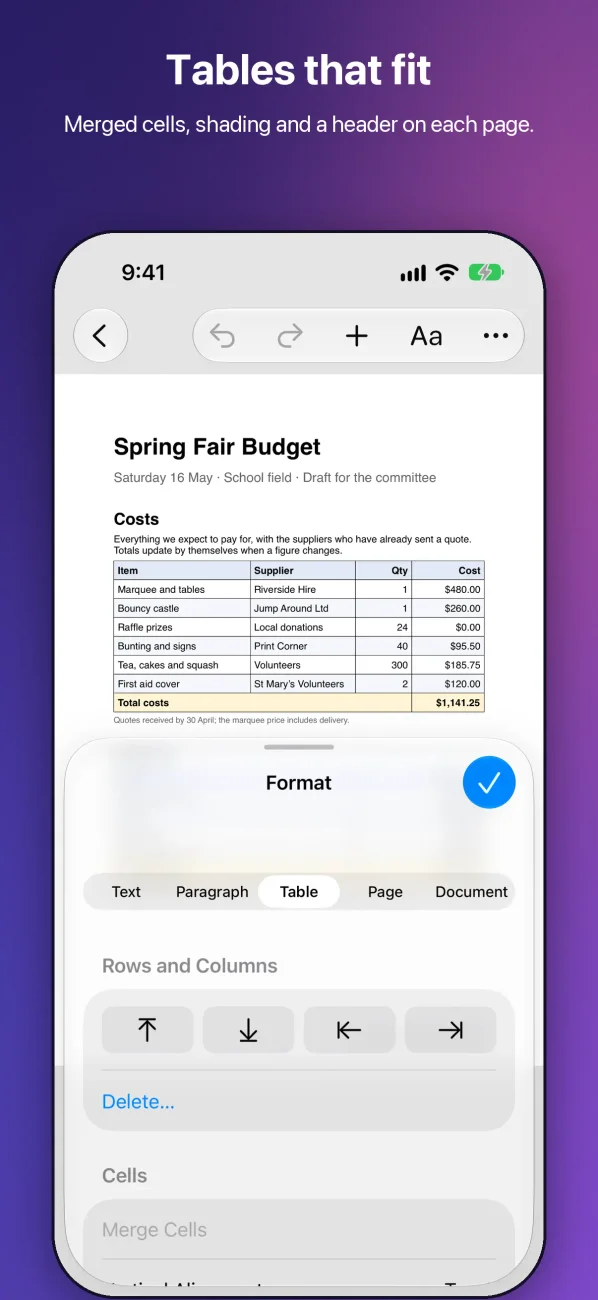
• Tables with merged cells, borders and shading, ready-made styles, a header row repeated on every page and sortable rows.
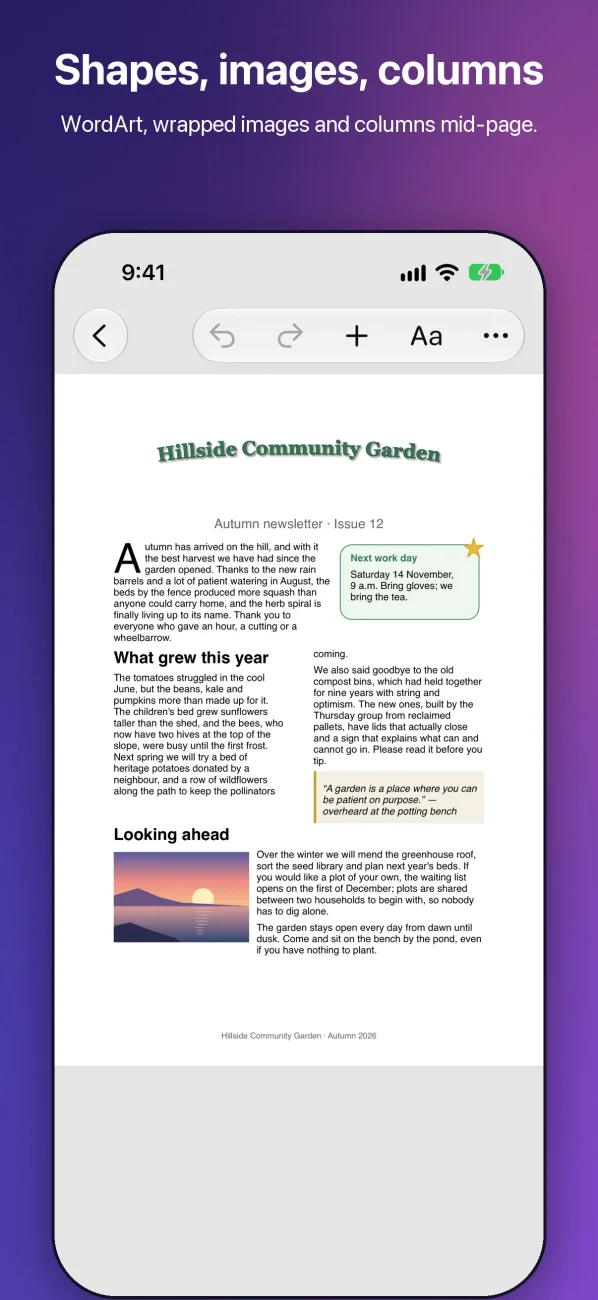
• Text boxes, shapes and images on the page with text wrapping around: move, rotate, group and align them.
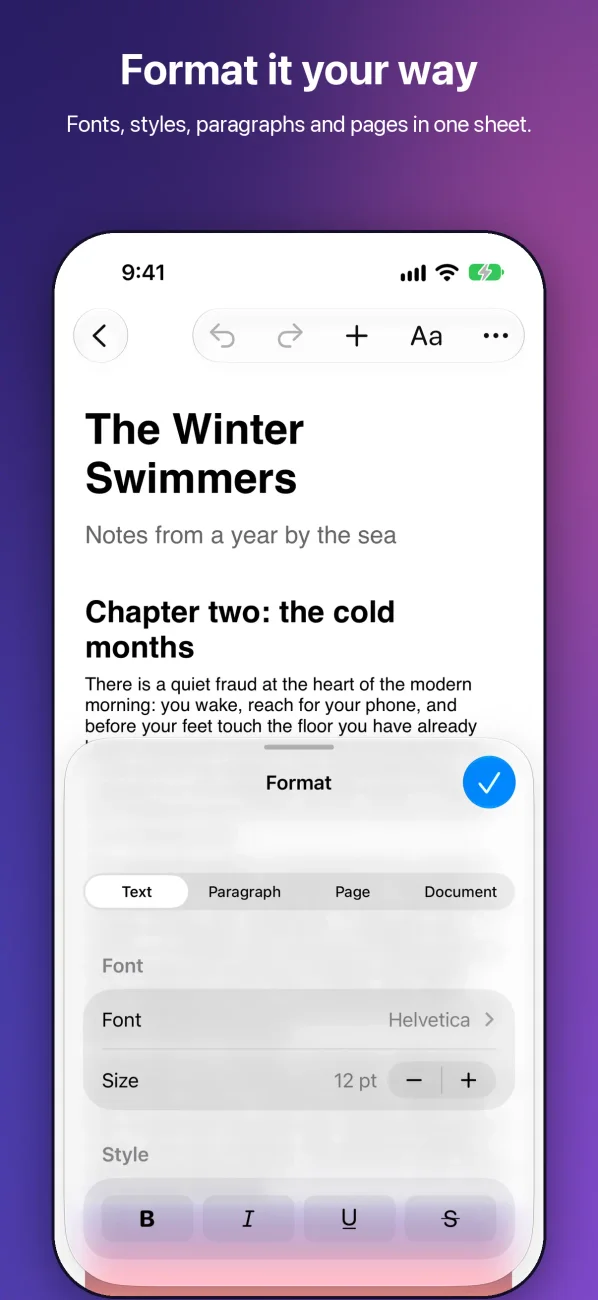
COMPLETE FORMATTING
• A bar above the keyboard with style, bold, italic, underline, alignment and lists.
• Paragraph and character styles, color and highlight, superscript and subscript, small caps.
• Line spacing, paragraph spacing, indents, tab stops with dot leaders, paragraph borders and shading, drop caps.
• Find and replace, by formatting too and with regular expressions.
• Spell checking in the language of each part of the text, a personal dictionary, text replacements and links as you type, and read aloud in the voice you prefer.
• Words, characters, reading time, a word goal and a readability score.
WITH YOUR MAC, IN PRIVATE
• With iCloud Drive and Handoff, pick up on your Mac the document you're writing, and back again.
• No account and no data collected: your documents stay on your device or in your iCloud Drive.
• VoiceOver, dark mode, and an interface in English and Italian.
Quyền riêng tư của ứng dụng
Những gì Emanuele Spagnoli khai báo trên App Store về cách ứng dụng này xử lý dữ liệu.
-
Dữ liệu không được thu thập
Nhà phát triển không thu thập bất kỳ dữ liệu nào từ ứng dụng này.
Phương thức đảm bảo quyền riêng tư có thể khác nhau, chẳng hạn như tuỳ theo các tính năng bạn sử dụng hoặc độ tuổi của bạn.
Thông tin
- Người bán
- Emanuele Spagnoli
- Danh mục
- Hiệu Suất
- Phiên bản
- 1.0
- Cập nhật
- 08/11/2026
- Phát hành
- 08/11/2026
- Kích thước
- 9,4 MB
- Yêu cầu
- iOS 26.0 trở lên
- Độ tuổi
- 12+
- Giá
- Miễn phí
- Ngôn ngữ
- Tiếng Anh, Tiếng Ý
- Bản quyền
- © dimpemekug
Có thể bạn cũng thích
-
 Sorcerer's NoteHiệu Suất
-
 mimosa: Notes, PDF & ScannerHiệu Suất
-
 Pronotes: Notes & PDFHiệu Suất
-
 My LinkKeeperHiệu Suất
-
 Better Notes: HandwritingHiệu Suất
-
 Papyrus: Research LibraryHiệu Suất
-
 Lemon Notes: Pdf, Docs, StudyHiệu Suất
-
 Ghi Chú – Sổ Tay, Nhật Ký NoteTo Do List, Nhắc Nhở, Ghi Nhớ
-
 AxNote: Note TakingHiệu Suất
-
 Bookmarks - Send To SelfHiệu Suất