
Documentally - Word Count Note
Supporting restricted writing
Conçue pour iPhone, iPod touch
Gratuit · Achats intégrés
- Classification d’âge4+
- CatégorieÉconomie et entreprise
- DéveloppeurYoshinori Tsuchiya
- LanguesAnglais+ 3 de plus
- Taille36,7 Mo
Renvoie vers la page App Store officielle
Download.org n’héberge aucun fichier de Documentally - Word Count Note. Le bouton ouvre la page de l’application sur App Store, où Yoshinori Tsuchiya la publie. Fiche vérifiée pour la dernière fois le 14/11/2026.
Captures d’écran

À propos
Le développeur n’a pas fourni ce texte dans votre langue.
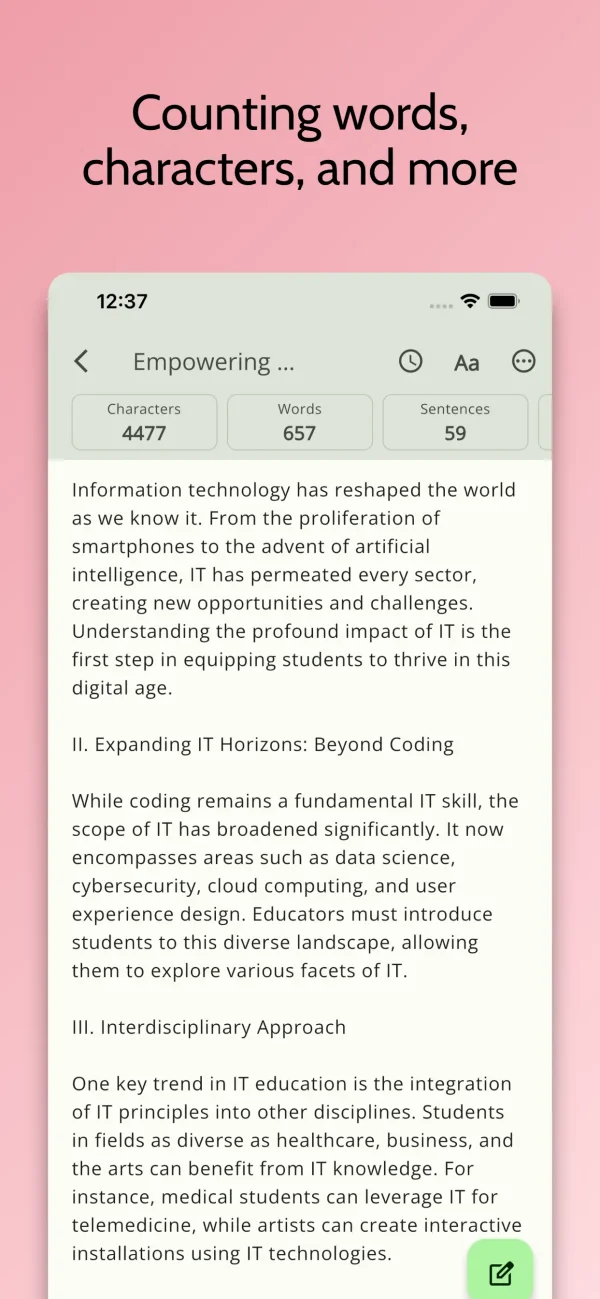
In addition to "Word count", it also provides counts for "Characters", "Sentences", "Lines", "Paragraphs", and "Bytes". This app is especially handy when you need to adhere to specific word or character limits, such as for reports, essays, columns, speech scripts, novels, and more.
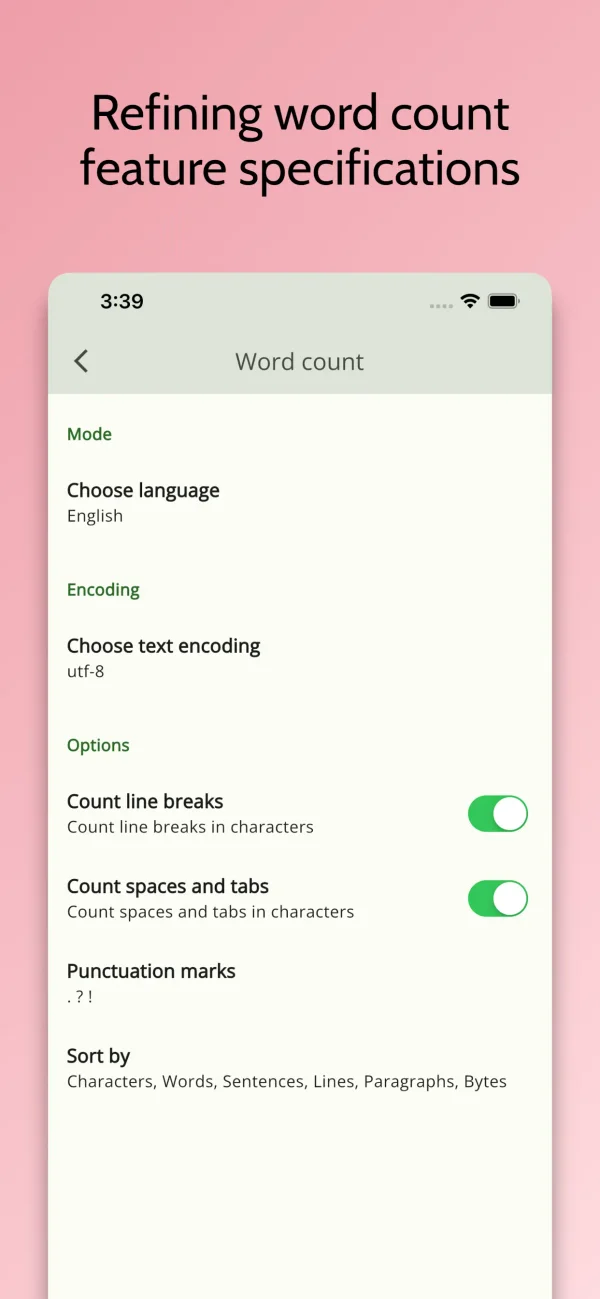
SELECT WORD COUNT FEATURE
You can customize the word count feature based on the text by switching languages. You can also configure text encoding, punctuation, and more.
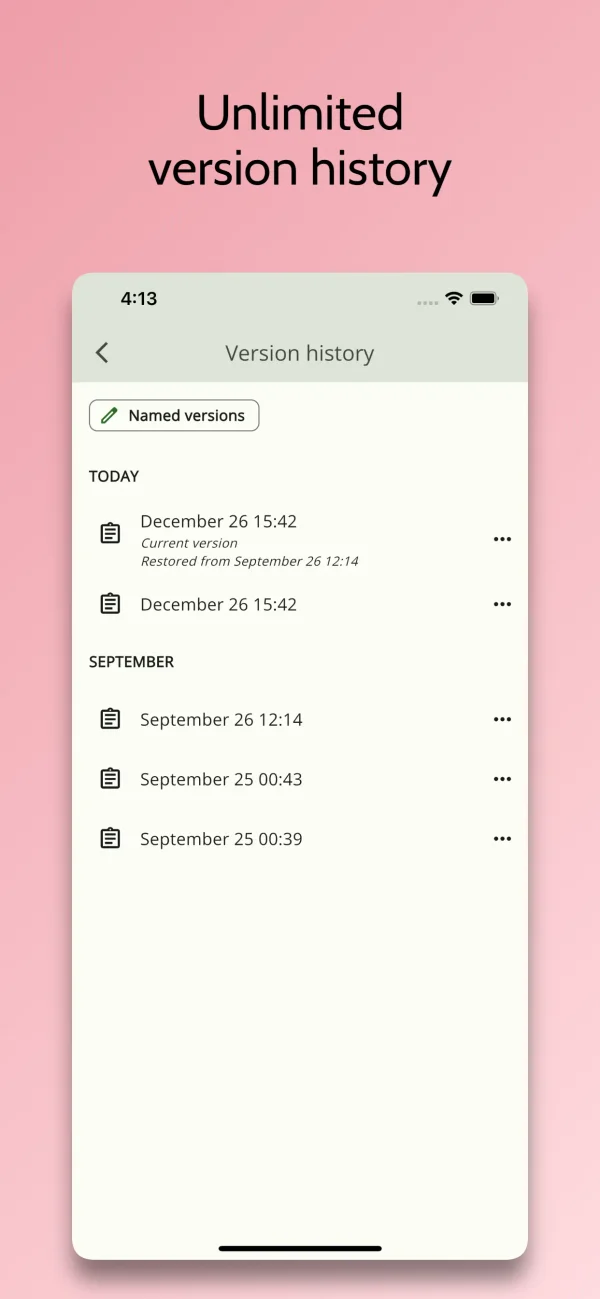
UNLIMITED VERSION HISTORY
Track changes made to your documents and undo anything you choose.
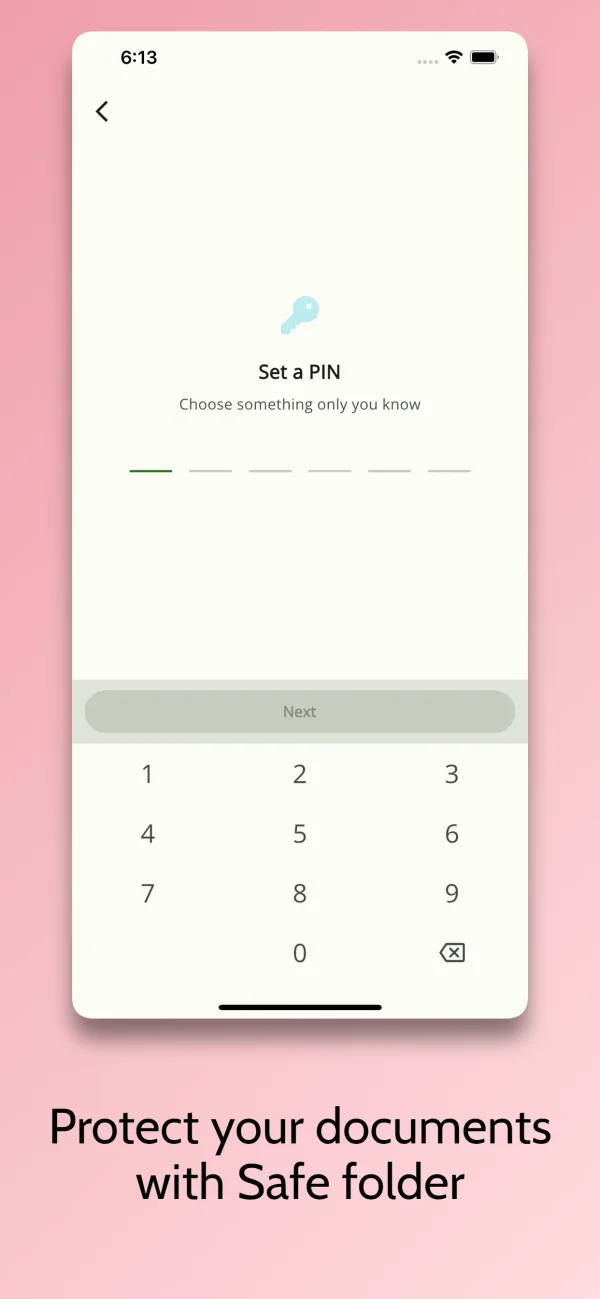
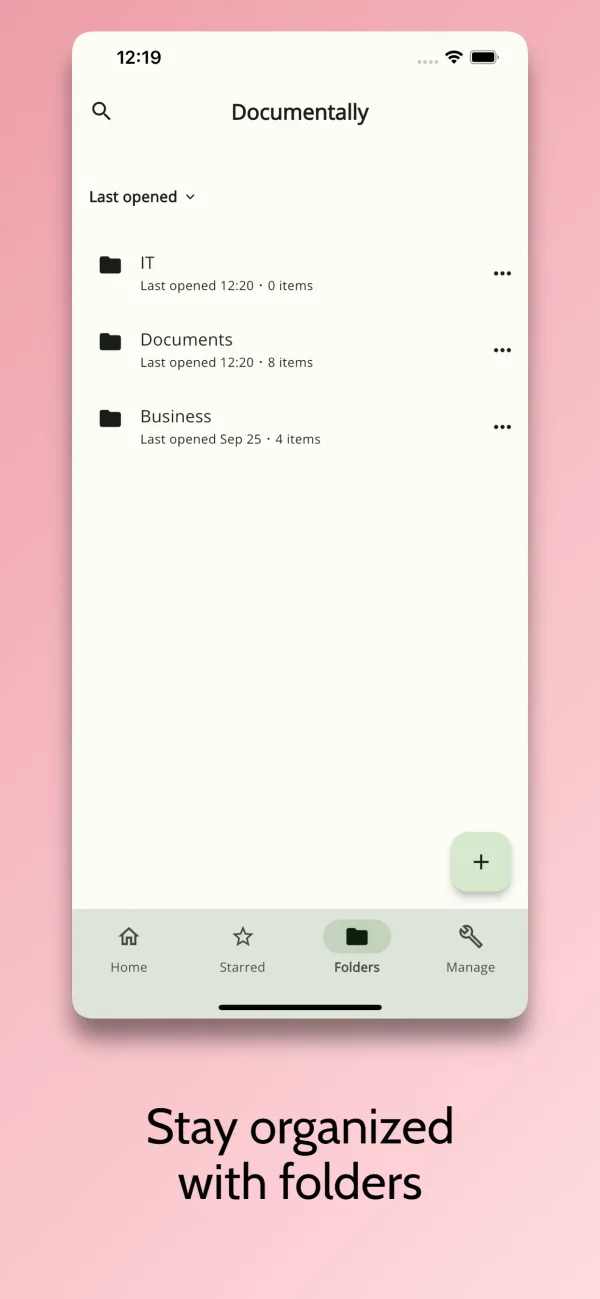
PROTECT YOUR DOCUMENTS WITH SAFE FOLDER
You can hide documents in your Safe folder and control access with a PIN. Screenshots of the Safe folder can’t be taken.
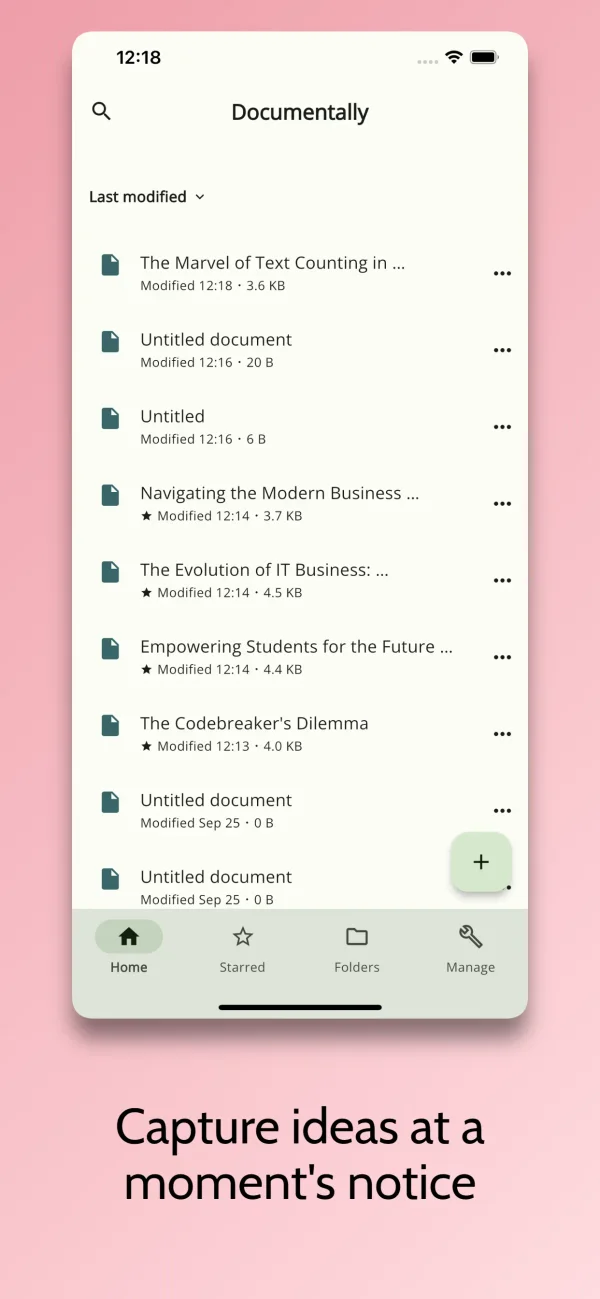
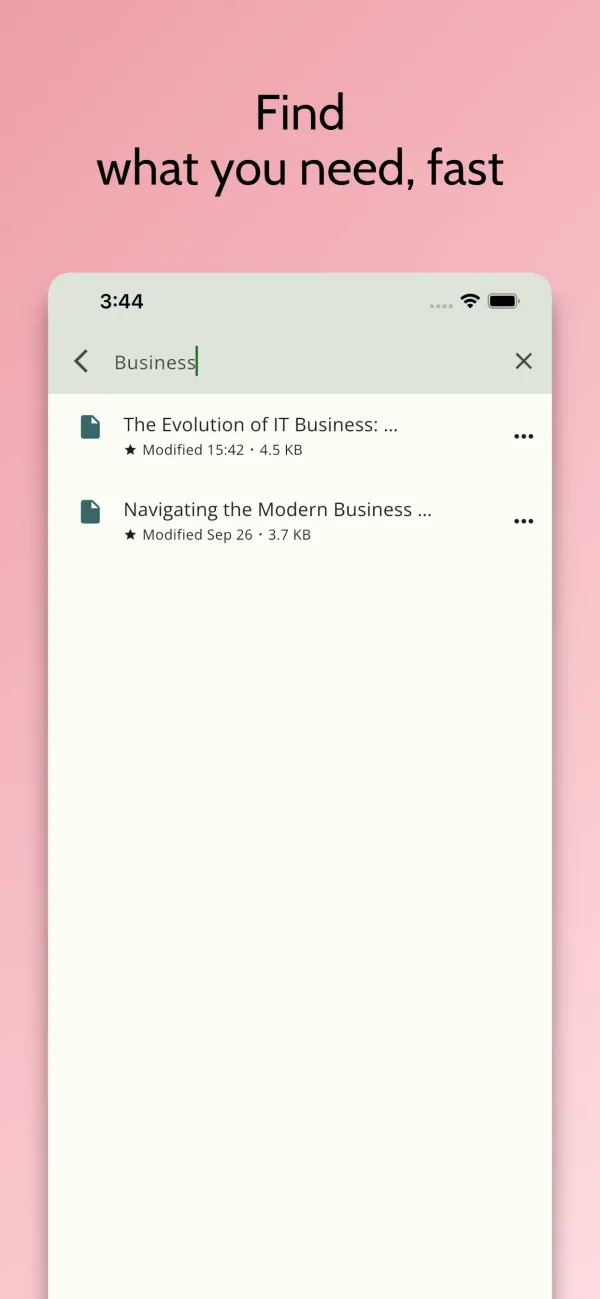
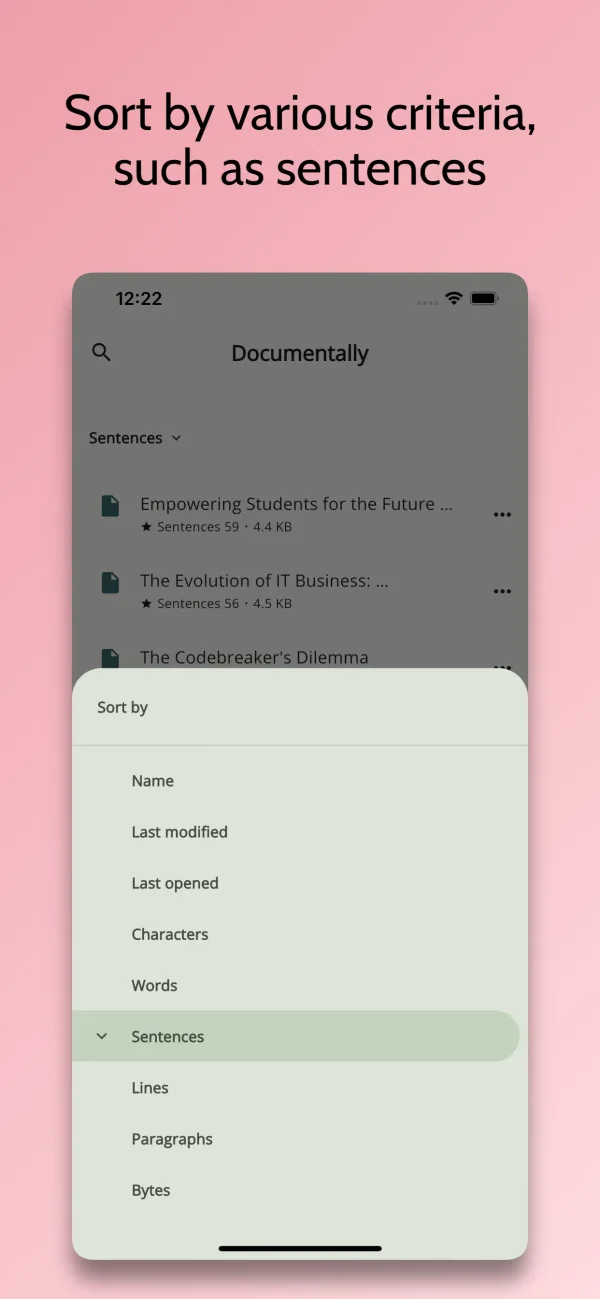
FIND YOUR DOCUMENTS
Please enter keywords in the search bar to locate your documents.
SORT OPTIONS
You can sort your notes alphabetically, numerically, or by date.
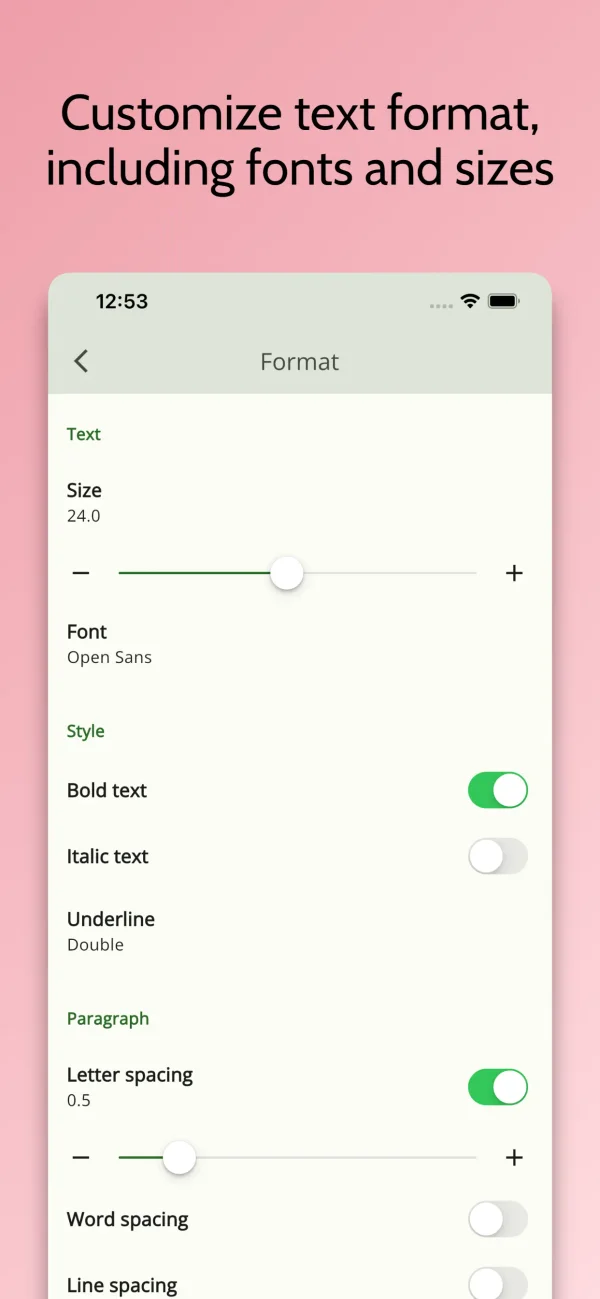
ADJUST FONT SIZE
You have the option to change the font size for better visibility on your screen.
Word Count: Counts the number of words as you type
• Example 1: "Word Count in Documents" -> 4
• Example 2: "I'm you." -> 2
• Example 3: "Do you live in real-time???" -> 5
Character Count: Displays the total number of characters as you type
• Example 1: "Green" -> 5
• Example 2: "Word Counter in Documents" -> 25
• Example 3: "I am a pencil." -> 14
Here are the main functions:
• Count the "number of bytes" as you write.
• Create new documents or edit existing files.
• Working, with or without Internet.
• Export your work in .txt format.
• Undo / Redo your notes' input.
• Delete your notes whenever you like.
• You can print. However, your document may appear differently in the preview window. Instead, you can use "Print as Image".
• The character limit for input is determined by your smartphone device; the app does not impose any limits.
Settings:
• Sort by: Name / Last modified / Last opened / Date trashed / Items / Characters / Words / Sentences / Lines / Paragraphs / Bytes
• Font size: 12.0 - 40.0
• Font: Noto Sans / Open Sans / Roboto / Oswald / Courier Prime / Red Rose / M PLUS 1 / M PLUS 1p / M PLUS 1 Code / M PLUS 2 / M PLUS Rounded 1c / Sawarabi Gothic / Hina Mincho / Klee One / Kaisei HarunoUmi / Kaisei Tokumin / Kaisei Opti / Kaisei Decol / RocknRoll One / DotGothic16 / Zen Kurenaido / Zen Kaku Gothic New / Zen Maru Gothic / Zen Antique / Sunflower / Gothic A1 / Gowun Dodum / Gowun Batang / Song Myung / Poor Story / Hahmlet / IBM Plex Sans KR / Stylish
• Bold text: ON / OFF
• Italic text: ON / OFF
• Underline: None / Solid / Double / Dotted / Dashed / Wavy
• Letter spacing: -1.0 - 10.0
• Word spacing: -2.0 - 10.0
• Line spacing: 1.0 - 3.0
• Language: English / Japanese / Korean / Indonesian
• Count line breaks: ON / OFF
• Count spaces and tabs: ON / OFF
• Punctuation marks
• Text encoding: EUC-JP / ISO-2022-JP / ISO-2022-JP-1 / ISO-2022-JP-2 / Shift_JIS / ISO-8859-1 / ISO-8859-2 / ISO-8859-3 / ISO-8859-4 / ISO-8859-5 / ISO-8859-6 / ISO-8859-7 / ISO-8859-8 / ISO-8859-9 / ISO-8859-10 / ISO-8859-13 / ISO-8859-14 / ISO-8859-15 / UTF-7 / UTF-8 / UTF-16 / UTF-16BE / UTF-16LE / UTF-32 / UTF-32BE / UTF-32LE / US-ASCII / EUC-KR / ISO-2022-KR / windows-1250 / windows-1251 / windows-1252 / windows-1253 / windows-1254 / windows-1255 / windows-1256 / windows-1257 / windows-1258
Terms of Use: https://note.com/documentally/n/n0f4e75fd9170
Privacy Policy: https://note.com/documentally/n/n11df06d7073e
Nouveautés
Version 3.0.0 · 08/01/2024
• Safe folder - All documents in Safe folder are protected by a lock.
• Bug fixes and performance improvements.
Confidentialité de l’application
Ce que Yoshinori Tsuchiya déclare sur l’App Store au sujet du traitement des données par cette application.
-
Données utilisées pour vous suivre
Peuvent être utilisées pour vous suivre sur des applications et des sites web appartenant à d’autres sociétés.
- Identifiants
-
Données n’établissant aucun lien avec vous
Peuvent être collectées, mais ne sont pas liées à votre identité.
- Identifiants
Les pratiques en matière de confidentialité peuvent varier, notamment en fonction des fonctionnalités que vous utilisez ou de votre âge.
Informations
- Vendeur
- Yoshinori Tsuchiya
- Catégorie
- Économie et entreprise
- Version
- 3.0.0
- Mis à jour
- 08/01/2024
- Publié
- 27/09/2023
- Taille
- 36,7 Mo
- Nécessite
- iOS 15.0 ou version ultérieure
- Classification d’âge
- 4+
- Prix
- Gratuit
- Achats intégrés
- Oui
- Langues
- Anglais, Indonésien, Japonais, Coréen
- Copyright
- © 2023 Yoshinori Tsuchiya
Vous aimerez peut-être aussi
-
 Word Count Notes, Word CounterÉconomie et entreprise
-
 Compteur de mots NumeroteCompteur de caractères memo
-
 Word Count NotesCompteur de mots et caractères
-
 Word Counter - Count CharacterProductivité
-
 Word Counter & NotesProductivité
-
 Flexcil Note & Good PDF ReaderMerge, Modifier, Ecriture Doc
-
 Paper: Writing App, NotesProductivité
-
 Novelist - Écrivez des romansÉcris partout, quand tu veux.
-
 Documents (Office Docs)Document & Spreadsheet Editor
-
 Ulysses: App d'écritureLa meilleure app d’écriture