Documentally - Word Count Note
Supporting restricted writing
Designed for iPhone, iPod touch
Free · In-app purchases
- Age rating4+
- CategoryBusiness
- DeveloperYoshinori Tsuchiya
- LanguagesEnglish+ 3 more
- Size36.7 MB
Links to the official App Store page
Download.org hosts no file of Documentally - Word Count Note. The button opens its official App Store page, published by Yoshinori Tsuchiya. Listing last checked on Nov 14, 2026.
Screenshots

About
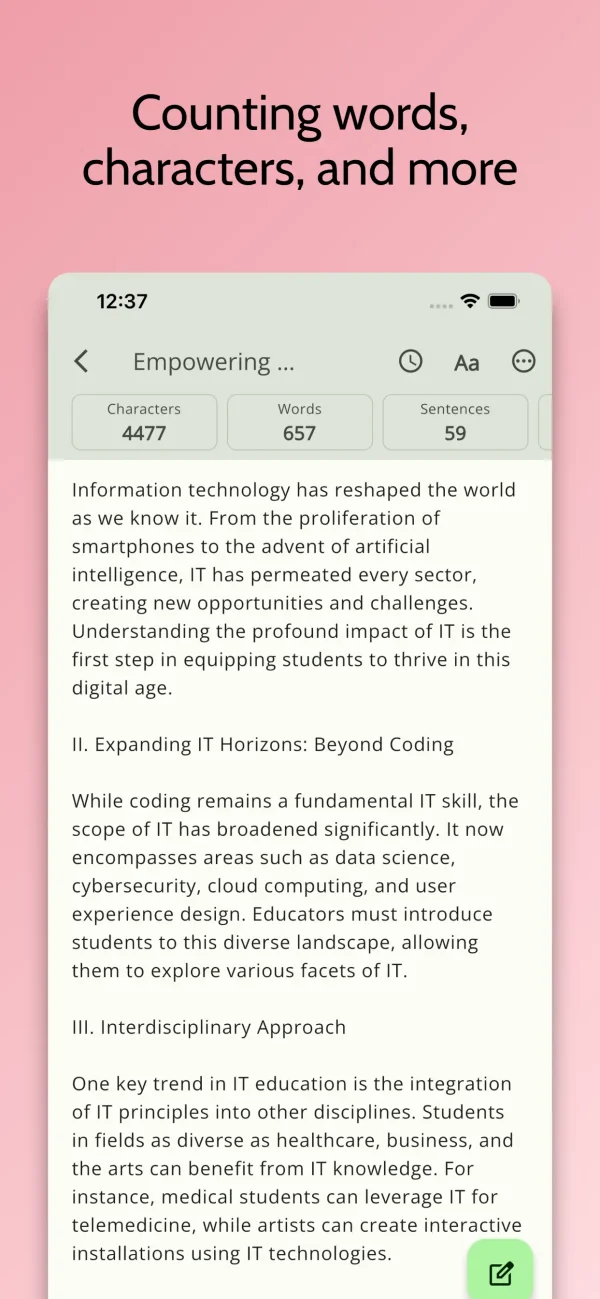
In addition to "Word count", it also provides counts for "Characters", "Sentences", "Lines", "Paragraphs", and "Bytes". This app is especially handy when you need to adhere to specific word or character limits, such as for reports, essays, columns, speech scripts, novels, and more.
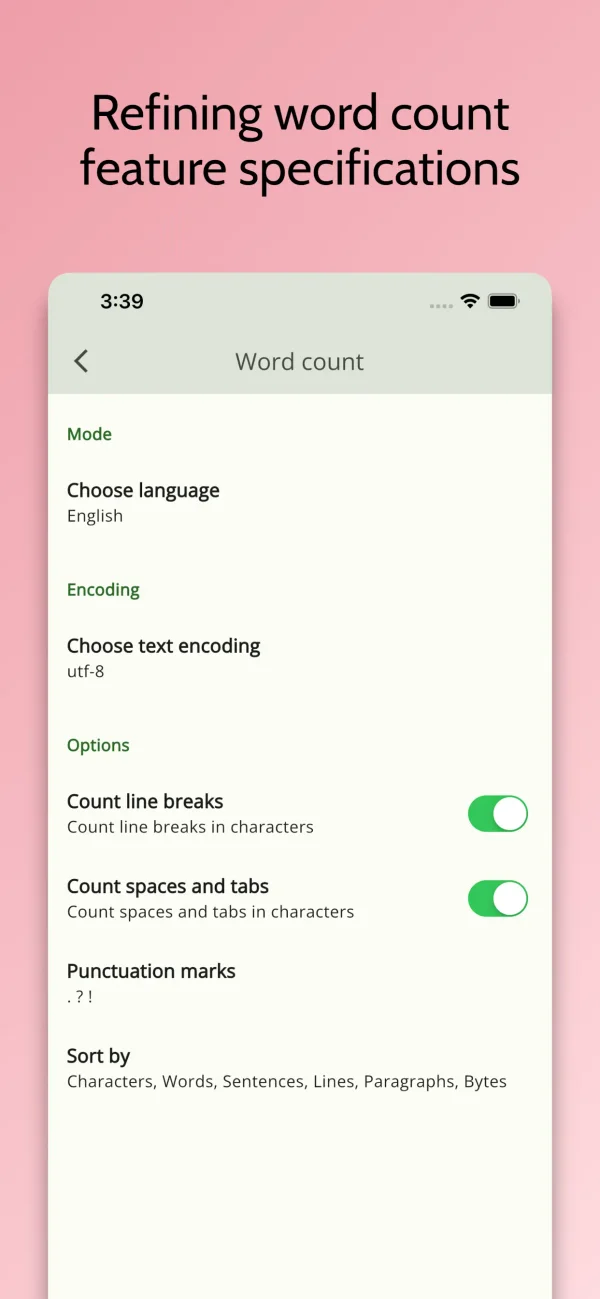
SELECT WORD COUNT FEATURE
You can customize the word count feature based on the text by switching languages. You can also configure text encoding, punctuation, and more.
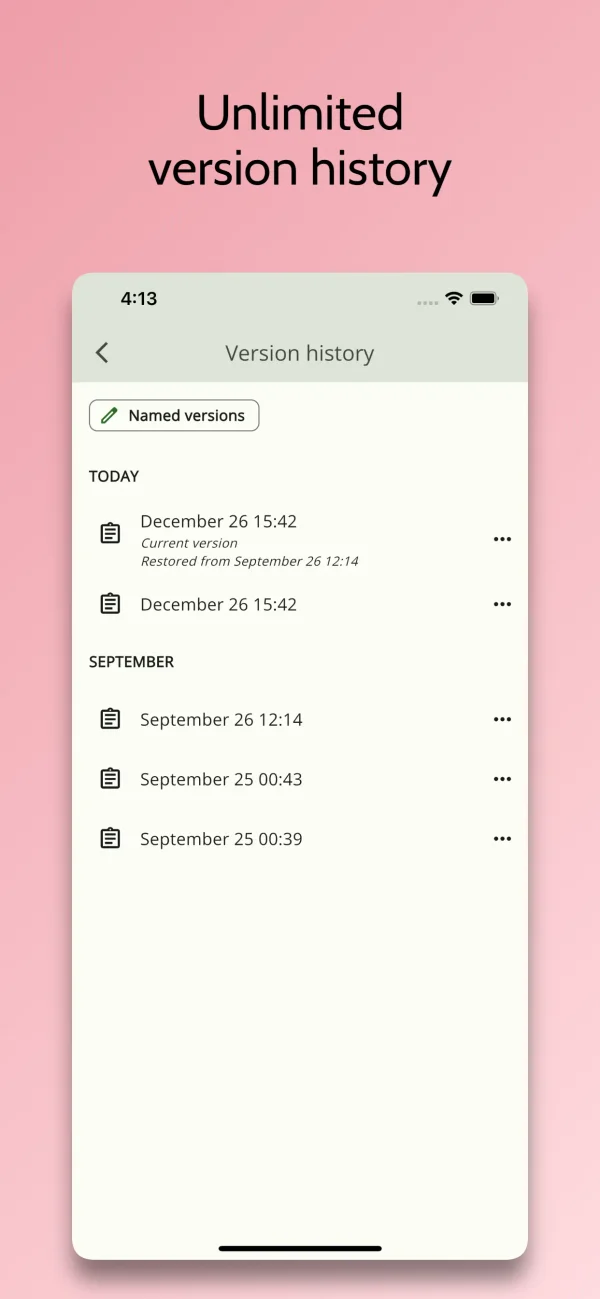
UNLIMITED VERSION HISTORY
Track changes made to your documents and undo anything you choose.
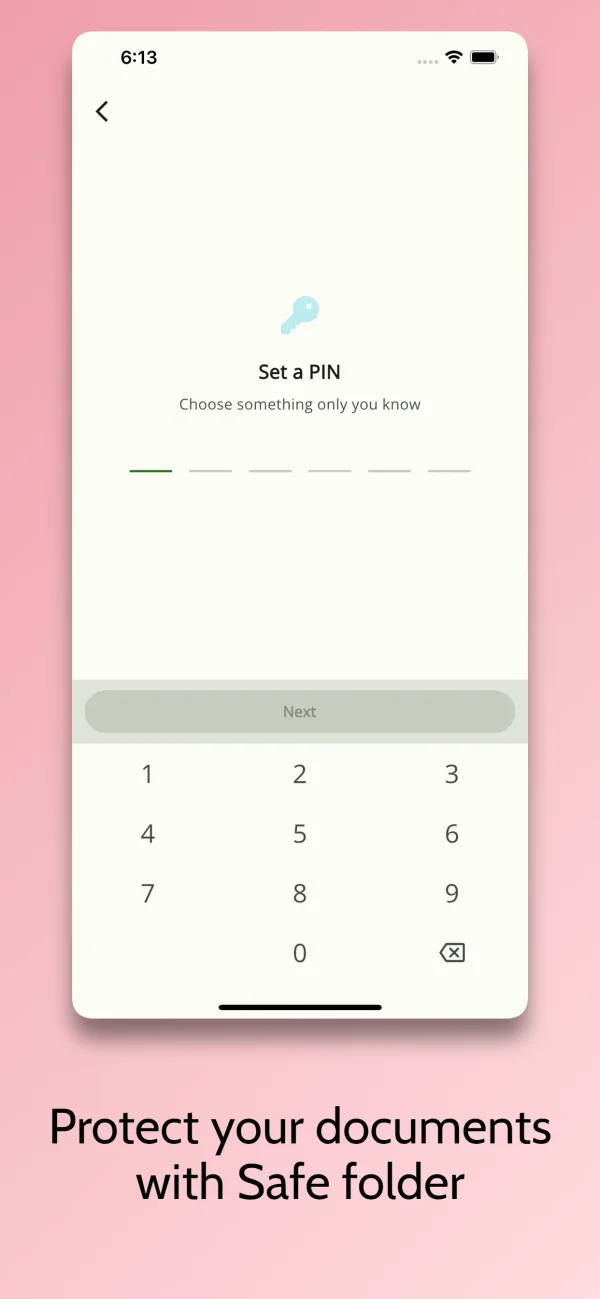
PROTECT YOUR DOCUMENTS WITH SAFE FOLDER
You can hide documents in your Safe folder and control access with a PIN. Screenshots of the Safe folder can’t be taken.
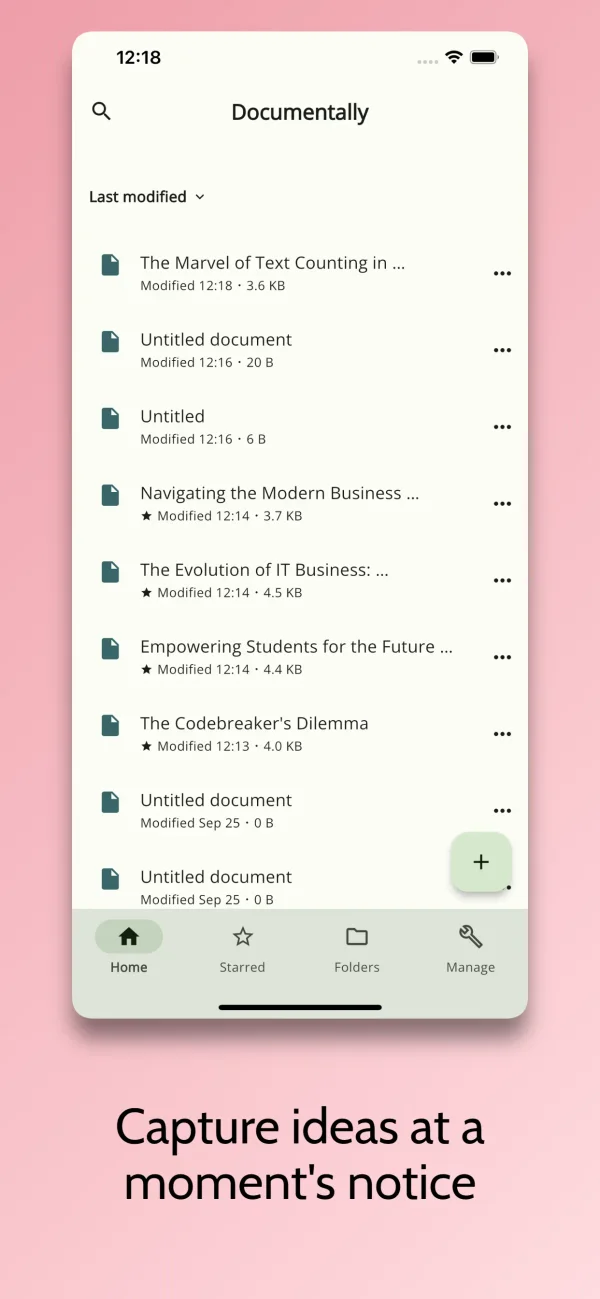
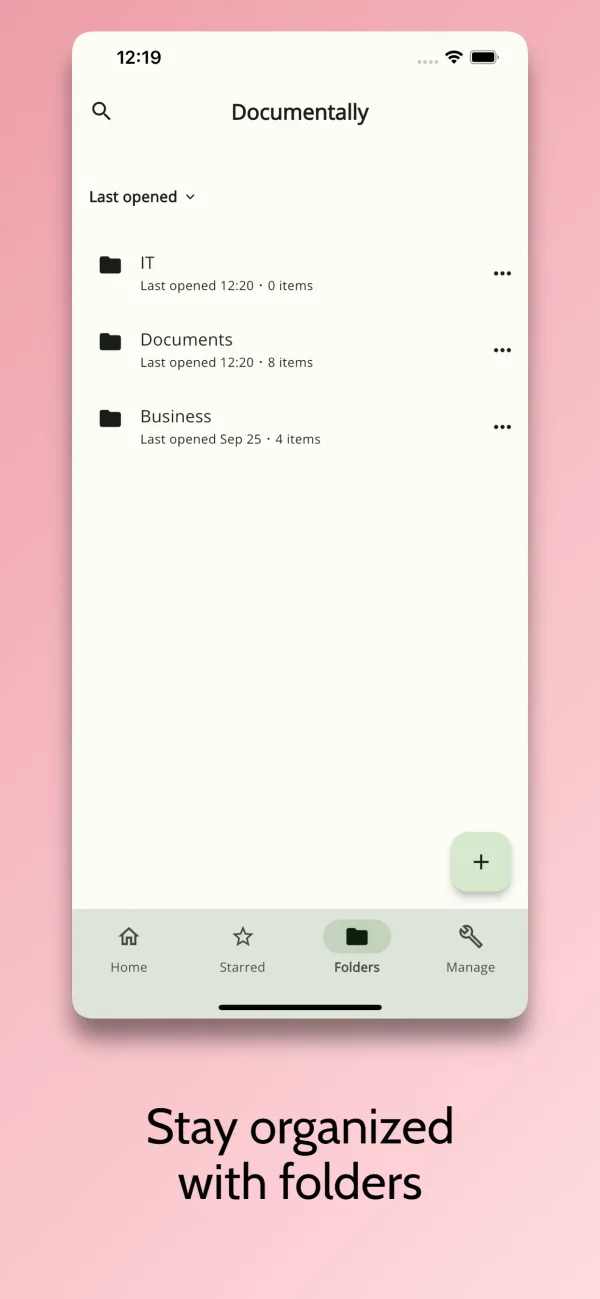
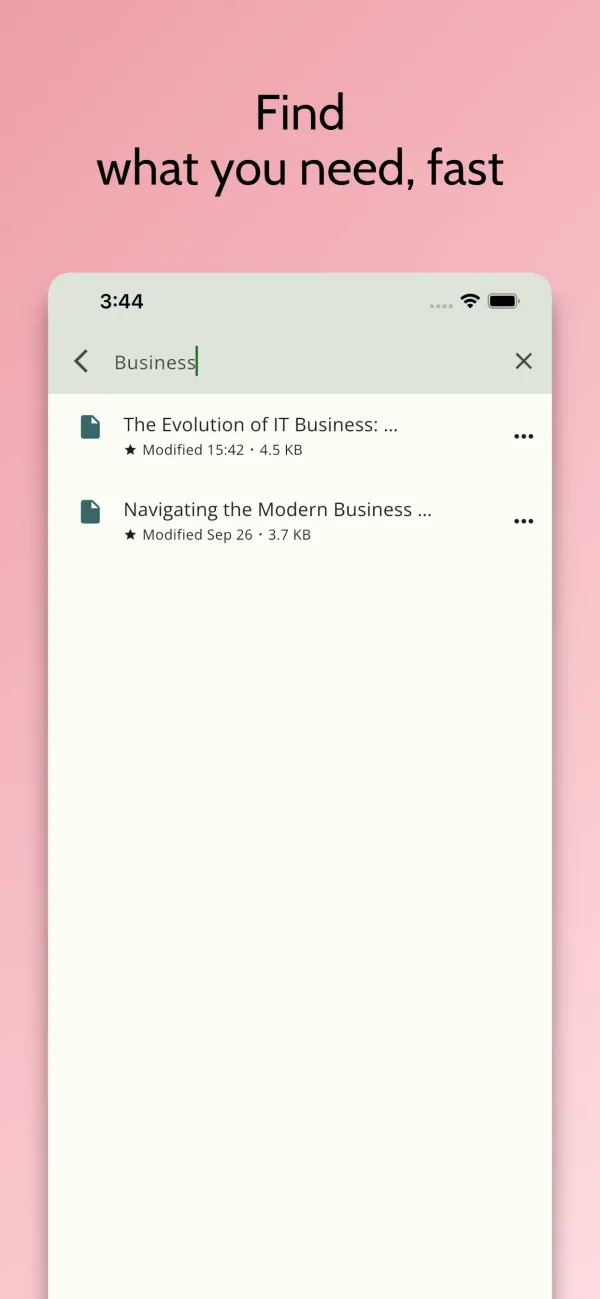
FIND YOUR DOCUMENTS
Please enter keywords in the search bar to locate your documents.
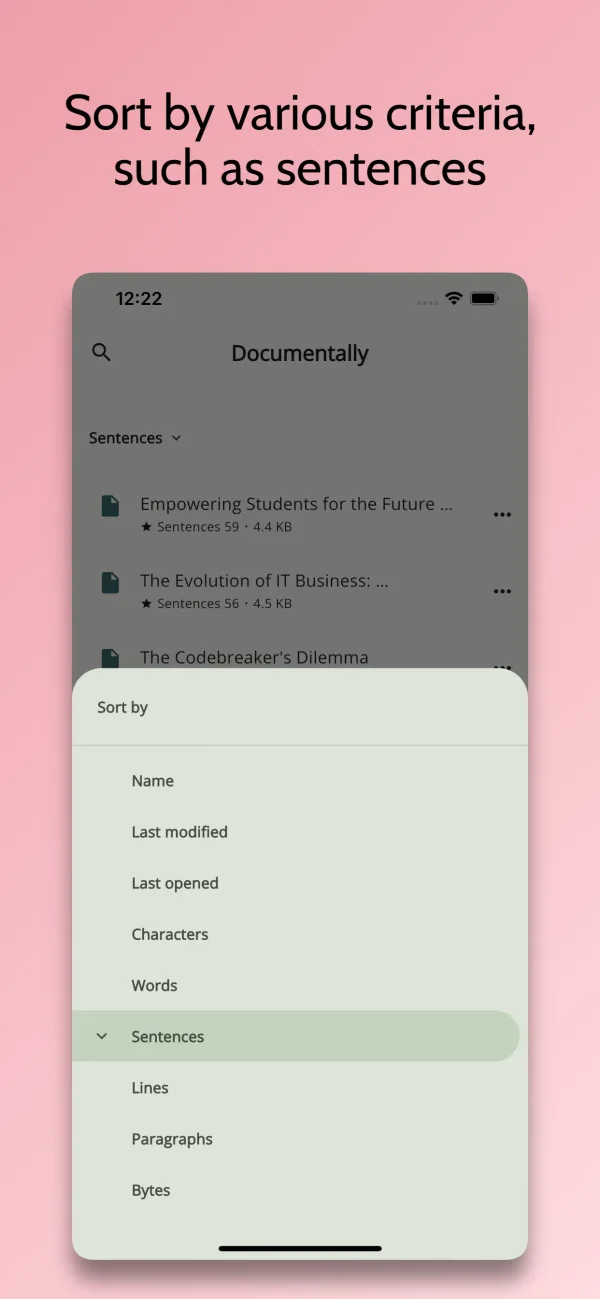
SORT OPTIONS
You can sort your notes alphabetically, numerically, or by date.
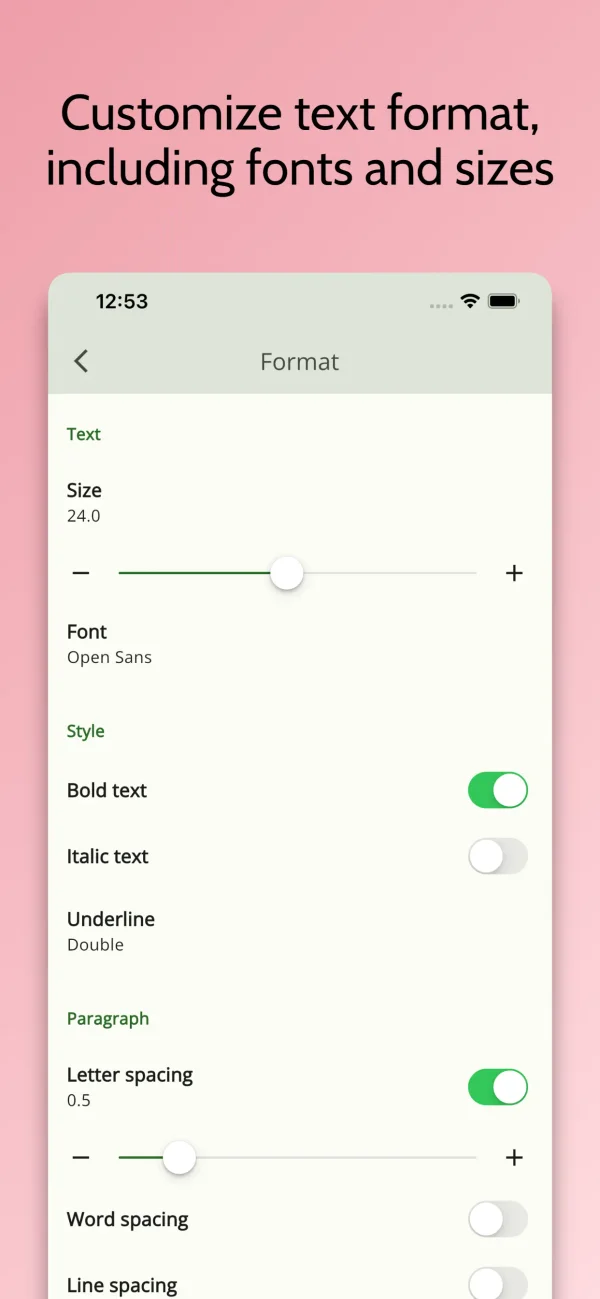
ADJUST FONT SIZE
You have the option to change the font size for better visibility on your screen.
Word Count: Counts the number of words as you type
• Example 1: "Word Count in Documents" -> 4
• Example 2: "I'm you." -> 2
• Example 3: "Do you live in real-time???" -> 5
Character Count: Displays the total number of characters as you type
• Example 1: "Green" -> 5
• Example 2: "Word Counter in Documents" -> 25
• Example 3: "I am a pencil." -> 14
Here are the main functions:
• Count the "number of bytes" as you write.
• Create new documents or edit existing files.
• Working, with or without Internet.
• Export your work in .txt format.
• Undo / Redo your notes' input.
• Delete your notes whenever you like.
• You can print. However, your document may appear differently in the preview window. Instead, you can use "Print as Image".
• The character limit for input is determined by your smartphone device; the app does not impose any limits.
Settings:
• Sort by: Name / Last modified / Last opened / Date trashed / Items / Characters / Words / Sentences / Lines / Paragraphs / Bytes
• Font size: 12.0 - 40.0
• Font: Noto Sans / Open Sans / Roboto / Oswald / Courier Prime / Red Rose / M PLUS 1 / M PLUS 1p / M PLUS 1 Code / M PLUS 2 / M PLUS Rounded 1c / Sawarabi Gothic / Hina Mincho / Klee One / Kaisei HarunoUmi / Kaisei Tokumin / Kaisei Opti / Kaisei Decol / RocknRoll One / DotGothic16 / Zen Kurenaido / Zen Kaku Gothic New / Zen Maru Gothic / Zen Antique / Sunflower / Gothic A1 / Gowun Dodum / Gowun Batang / Song Myung / Poor Story / Hahmlet / IBM Plex Sans KR / Stylish
• Bold text: ON / OFF
• Italic text: ON / OFF
• Underline: None / Solid / Double / Dotted / Dashed / Wavy
• Letter spacing: -1.0 - 10.0
• Word spacing: -2.0 - 10.0
• Line spacing: 1.0 - 3.0
• Language: English / Japanese / Korean / Indonesian
• Count line breaks: ON / OFF
• Count spaces and tabs: ON / OFF
• Punctuation marks
• Text encoding: EUC-JP / ISO-2022-JP / ISO-2022-JP-1 / ISO-2022-JP-2 / Shift_JIS / ISO-8859-1 / ISO-8859-2 / ISO-8859-3 / ISO-8859-4 / ISO-8859-5 / ISO-8859-6 / ISO-8859-7 / ISO-8859-8 / ISO-8859-9 / ISO-8859-10 / ISO-8859-13 / ISO-8859-14 / ISO-8859-15 / UTF-7 / UTF-8 / UTF-16 / UTF-16BE / UTF-16LE / UTF-32 / UTF-32BE / UTF-32LE / US-ASCII / EUC-KR / ISO-2022-KR / windows-1250 / windows-1251 / windows-1252 / windows-1253 / windows-1254 / windows-1255 / windows-1256 / windows-1257 / windows-1258
Terms of Use: https://note.com/documentally/n/n0f4e75fd9170
Privacy Policy: https://note.com/documentally/n/n11df06d7073e
What’s new
Version 3.0.0 · Jan 8, 2024
• Safe folder - All documents in Safe folder are protected by a lock.
• Bug fixes and performance improvements.
App privacy
What Yoshinori Tsuchiya declares on the App Store about how this app handles data.
-
Data used to track you
May be used to track you across apps and websites owned by other companies.
- Identifiers
-
Data not linked to you
May be collected but is not linked to your identity.
- Identifiers
Privacy practices may vary, for example with the features you use or your age.
Information
- Seller
- Yoshinori Tsuchiya
- Category
- Business
- Version
- 3.0.0
- Updated
- Jan 8, 2024
- Released
- Sep 27, 2023
- Size
- 36.7 MB
- Requires
- iOS 15.0 or later
- Age rating
- 4+
- Price
- Free
- In-app purchases
- Yes
- Languages
- English, Indonesian, Japanese, Korean
- Copyright
- © 2023 Yoshinori Tsuchiya
You might also like
-
 Word Count Notes, Word CounterWord Count Notepad, Notebook
-
 Word Counter NumeroteA character & text count memo
-
 Word Count Notes: Word CounterCharacter Counter for Essays
-
 Word Counter - Count CharacterLetter, Char, Sentence, Text
-
 Word Counter & NotesWords & character counter
-
 Flexcil Note & Good PDF ReaderProductivity
-
 Paper: Writing App, NotesWrite a book novel poem script
-
 Novelist - Write novelsYour novel, anytime, anywhere
-
 Documents (Office Docs)Edit Manage and Download Files
-
 Ulysses: Writing AppWrite a novel, story, book