Draft Light: Focused Writing
Notes, journals & Markdown
Conçue pour iPhone, iPad, Mac
Achats intégrés
- Classification d’âge12+
- CatégorieProductivité
- DéveloppeurMyworkingmemory LLC
- LanguesAnglais+ 3 de plus
- Taille4,7 Mo
Draft Light: Focused Writing n’est peut-être pas disponible sur App Store pour le moment
La fiche de la boutique était inaccessible lors de notre dernière vérification. Le lien mène toujours à la page App Store officielle.
Captures d’écran
À propos
Le développeur n’a pas fourni ce texte dans votre langue.
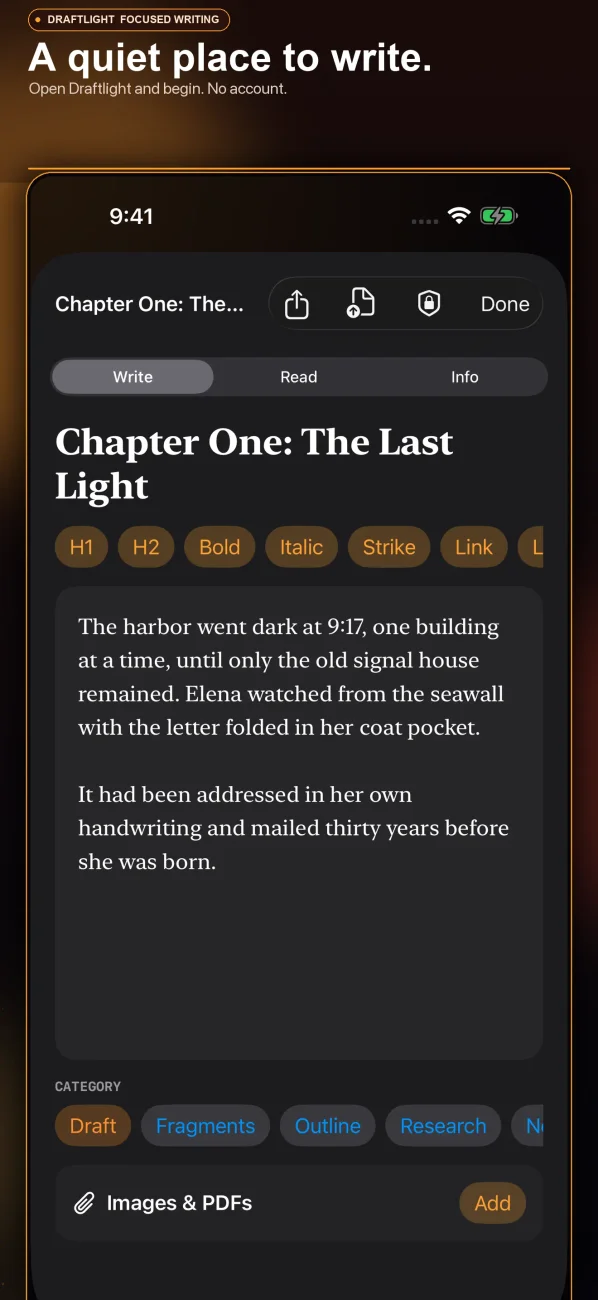
Write notes, journals, and stories in a quiet Markdown editor.
Draft Light gives you unlimited drafts, clean reading, and tools to keep your writing organized. Open it and write at once—no account, no signup, and no limit on drafts.
WRITE FREE
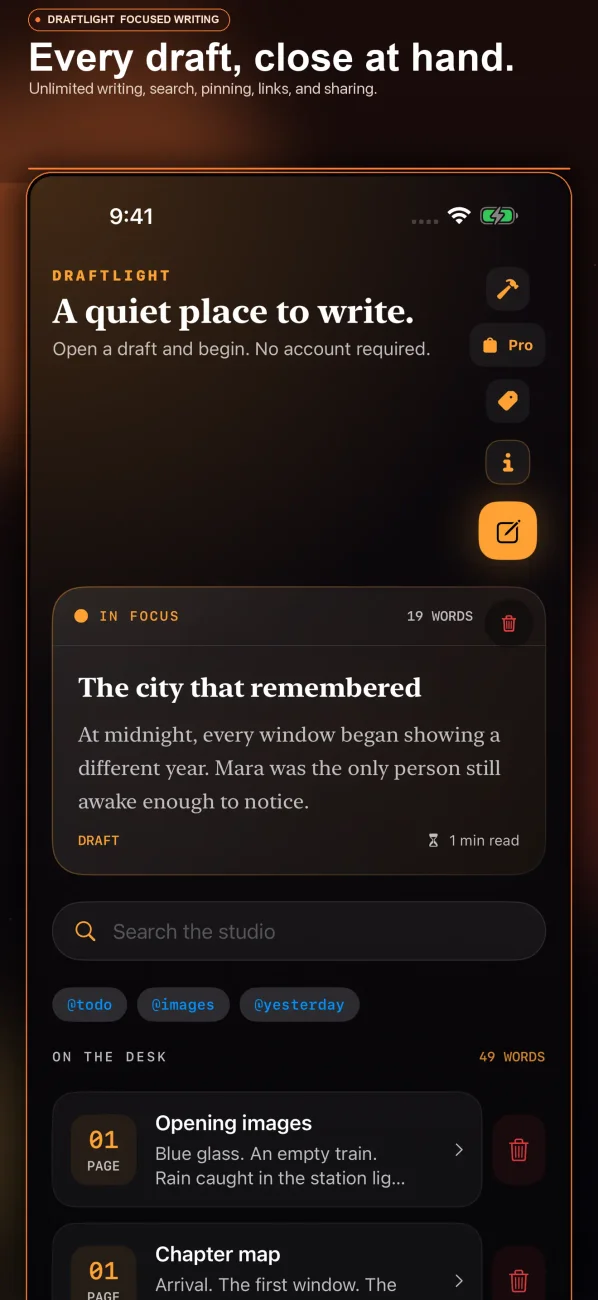
• Create, edit, pin, categorize, search, count, and share unlimited drafts.
• Format with Markdown headings, bold, italics, strikethrough, links, lists, and tables, then read cleanly with the marks hidden.
• Fold sections in long drafts.
• Link drafts, follow backlinks, and use a table of contents.
• Sketch on iPad with Apple Pencil and an extendable canvas.
• Save web links and selected text from the share sheet on iPhone and iPad.
• Append Apple Watch dictation to a recent draft on your paired iPhone.
• Create drafts with Siri and Shortcuts.
• Write in every script, including right-to-left languages.
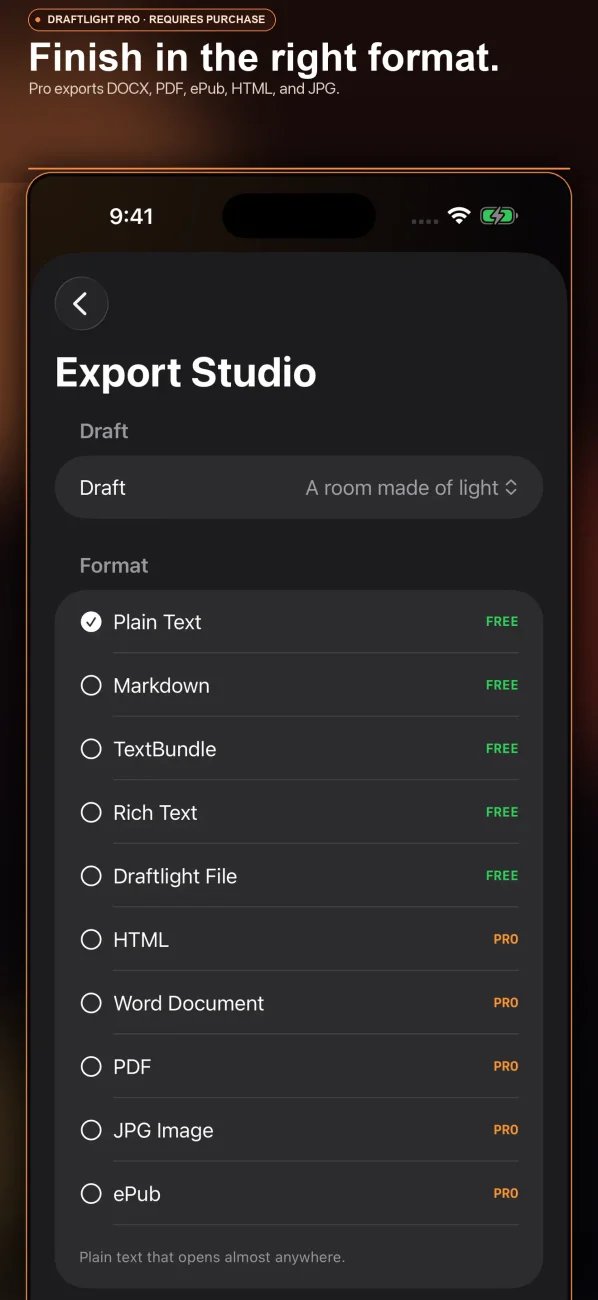
• Export plain text, Markdown, TextBundle, rich text, and Draftlight files, or use the system share sheet.
DRAFTLIGHT PRO —
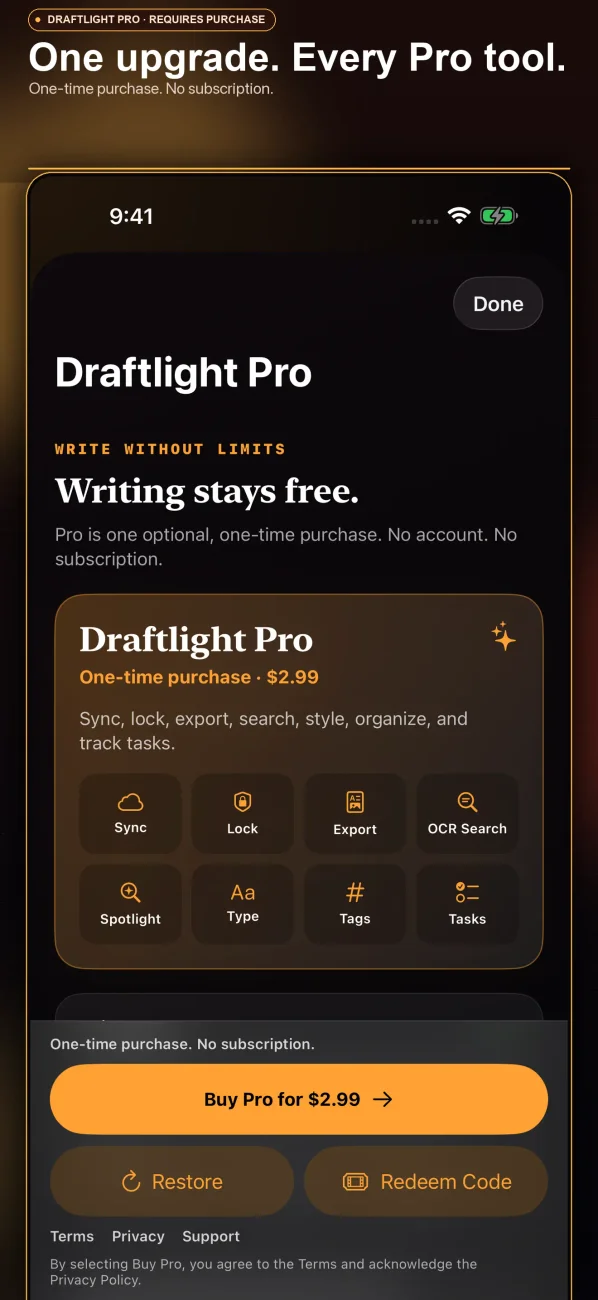
One non-consumable in-app purchase unlocks all eight Pro tools below. No subscription. See your local price in the app.
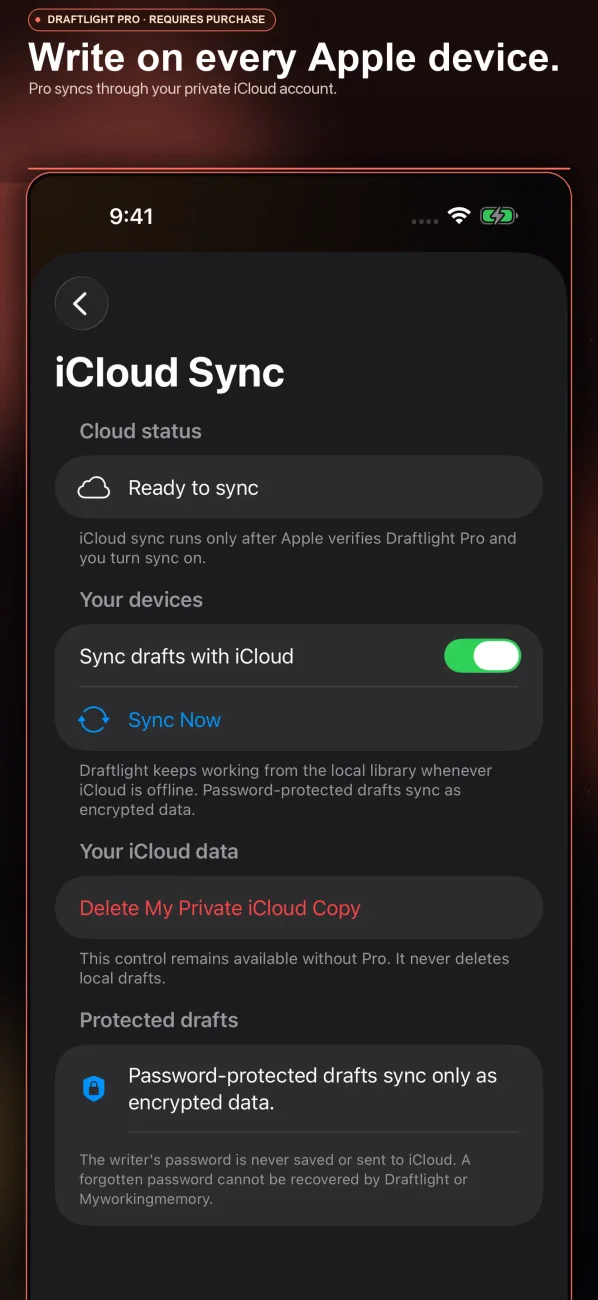
• Sync through your private iCloud account across iPhone, iPad, Mac, and Apple Vision Pro.
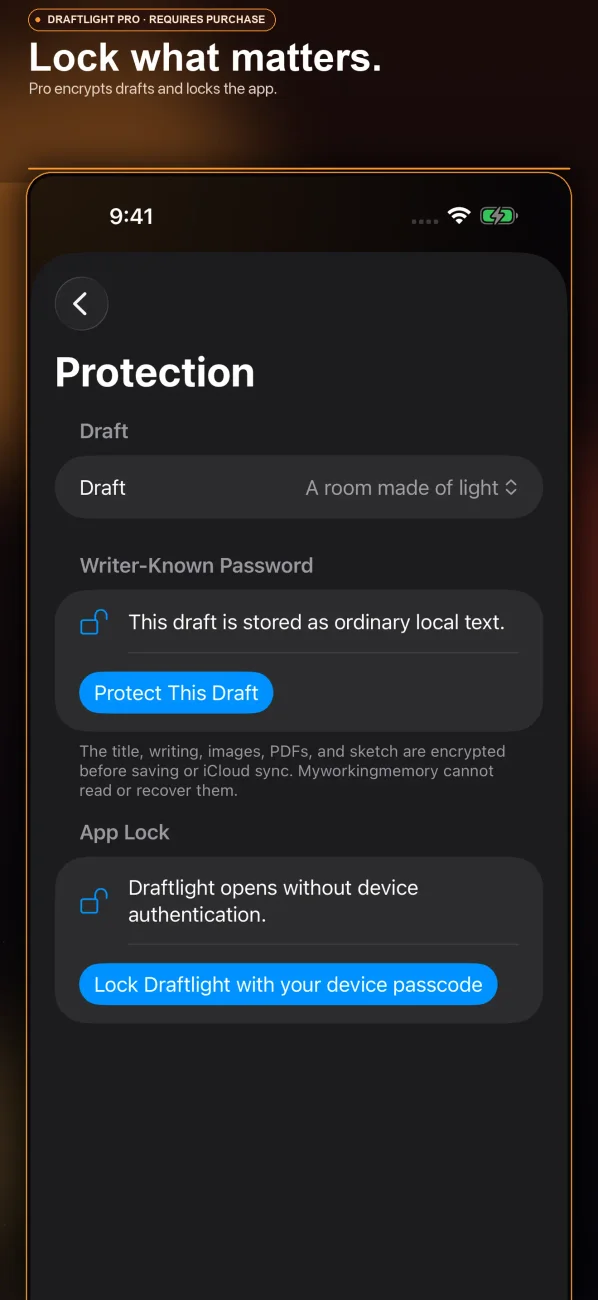
• Encrypt individual drafts with your own password. Lock the app with Face ID, Touch ID, Optic ID, or your device passcode/login password, depending on your device.
• Export HTML, DOCX, PDF, JPG, and ePub.
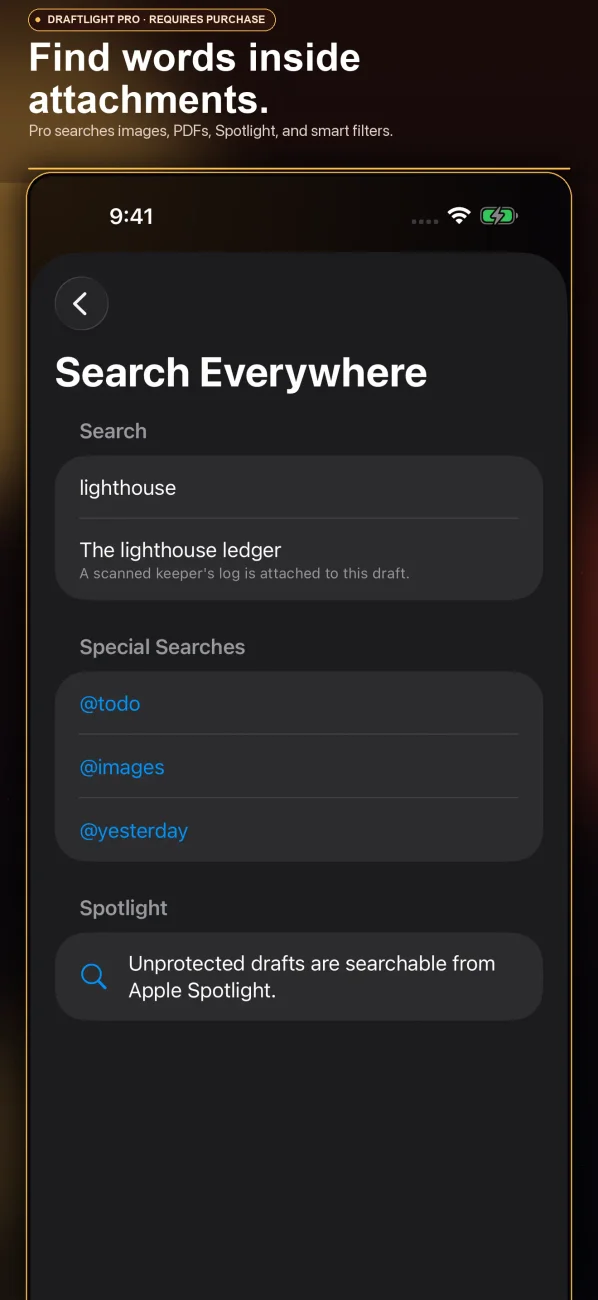
• Search text recognized inside attached images and PDFs.
• Find drafts with Apple Spotlight, @todo, @images, and @yesterday.
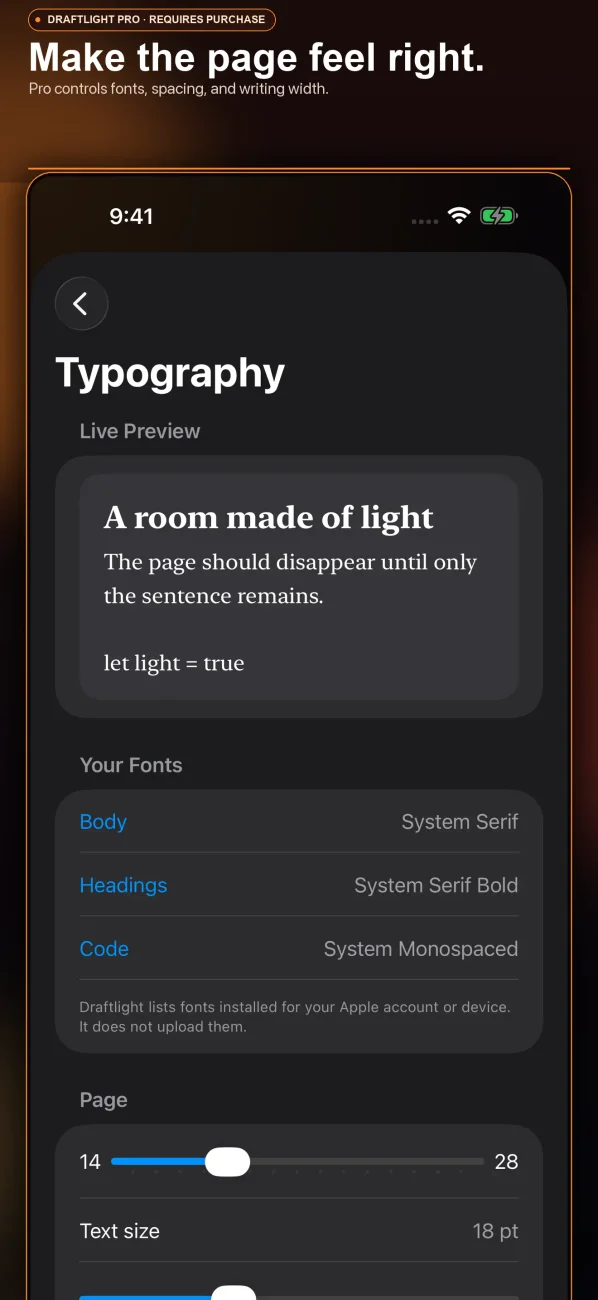
• Choose installed fonts for body text, headings, and code, plus line height, writing width, and paragraph spacing.
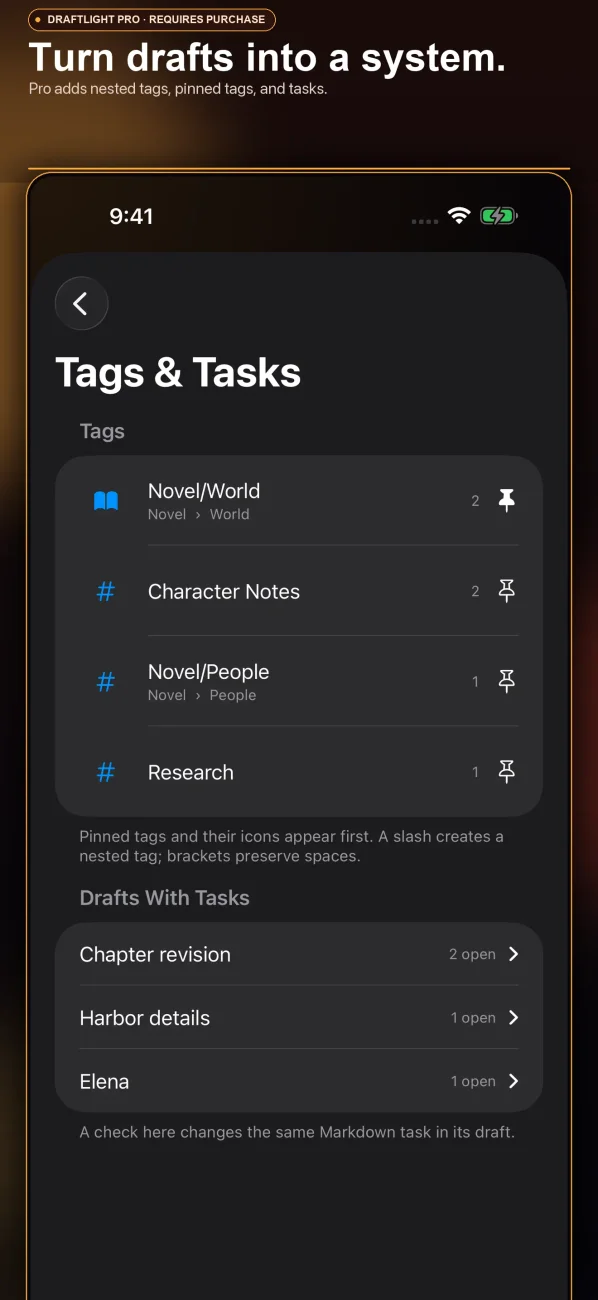
• Use multi-word and nested tags, pin tags, and give tags icons.
• Keep tasks inside drafts and open one view of every draft that contains tasks.
YOUR WRITING, YOUR CHOICE
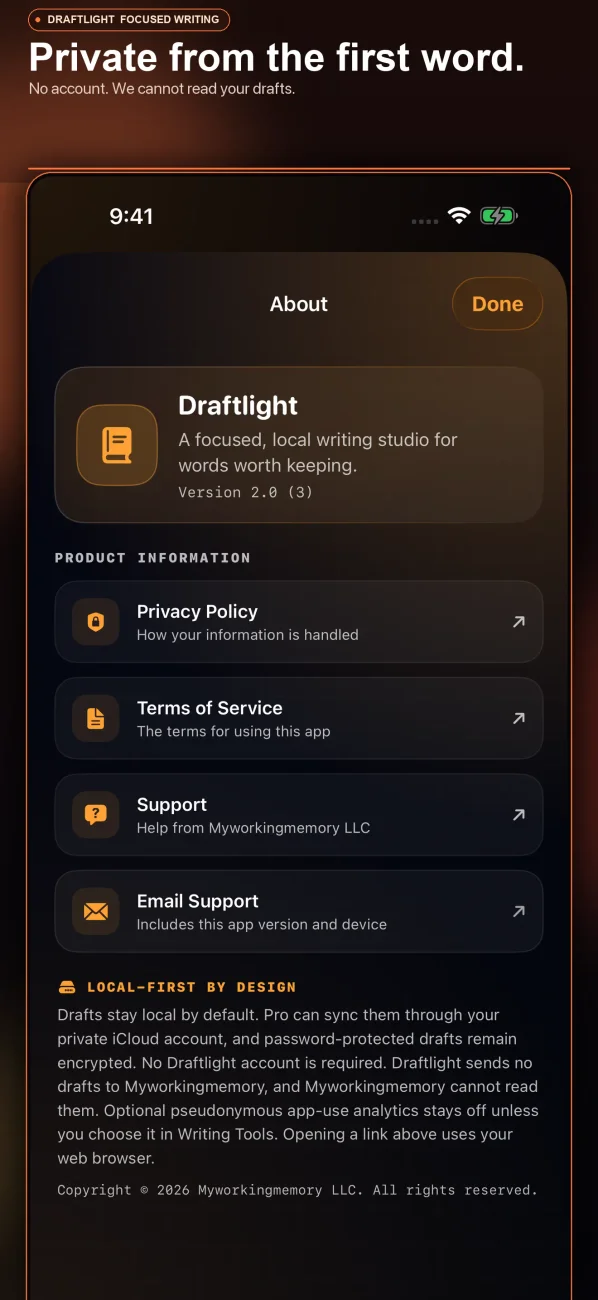
No Myworkingmemory account is required. Drafts are stored on your device by default. Pro iCloud sync uses your Apple iCloud account. Optional product-use analytics remains off unless you choose it and does not include your draft content.
Apple Pencil requires a compatible iPad and Pencil. Spotlight excludes locked drafts and is disabled while app lock is enabled. Existing paid-app buyers receive Pro after Apple verifies their earlier purchase.
Privacy: https://www.myworkingmemory.ai/draftlight-privacy.html
Terms: https://www.myworkingmemory.ai/draftlight-terms.html
Nouveautés
Version 2.0 · 07/09/2026
Draft Light 2.0 keeps unlimited writing free and adds one Draftlight Pro upgrade. Pro brings iCloud sync across Apple devices, password protection and app lock, five advanced export formats, image/PDF text search, Spotlight and special searches, detailed typography, nested and pinned tags, and tasks. Also new: clean Markdown reading, section folding, draft links and backlinks, a table of contents, Apple Pencil sketching, web clipping, Apple Watch dictation, Siri and Shortcuts, autosave, and safer deletion.
Confidentialité de l’application
Ce que Myworkingmemory LLC déclare sur l’App Store au sujet du traitement des données par cette application.
-
Données n’établissant aucun lien avec vous
Peuvent être collectées, mais ne sont pas liées à votre identité.
- Achats
- Données d’utilisation
- Diagnostic
Les pratiques en matière de confidentialité peuvent varier, notamment en fonction des fonctionnalités que vous utilisez ou de votre âge.
Informations
- Vendeur
- Myworkingmemory LLC
- Catégorie
- Productivité
- Version
- 2.0
- Mis à jour
- 07/09/2026
- Publié
- 20/07/2026
- Taille
- 4,7 Mo
- Nécessite
- iOS 17.0 ou version ultérieure
- Classification d’âge
- 12+
- Achats intégrés
- Oui
- Langues
- Anglais, Hongrois, Chinois simplifié, Espagnol
- Copyright
- © 2026 Myworkingmemory LLC. All Rights Reserved.
Vous aimerez peut-être aussi
-
 GroGuild - PermacultureConcevoir guildes végétales
-
 Compte à rebours - Till ThenNoël & compteur de jours
-
 SleepNote - Notes de sommeilRonflements et voix nocturnes
-
 CleanStreak HomeProductivité
-
 ConoP - Timestamp every copyProductivité
-
 AeroFlap Split-Flap Clock AI+Productivité
-
 Hourloom: World ClockProductivité
-
 NeatNotes : Notes et Post itnotebook, memo, reminders
-
 TomatoFlexProductivité
-
 MinpickMinutes perdues à choisir