Draft Light: Focused Writing
Notes, journals & Markdown
Designed for iPhone, iPad, Mac
Free · In-app purchases
- Age rating12+
- CategoryProductivity
- DeveloperMyworkingmemory LLC
- LanguagesEnglish+ 3 more
- Size4.7 MB
Links to the official App Store page
Download.org hosts no file of Draft Light: Focused Writing. The button opens its official App Store page, published by Myworkingmemory LLC. Listing last checked on Nov 12, 2026.
Screenshots



About
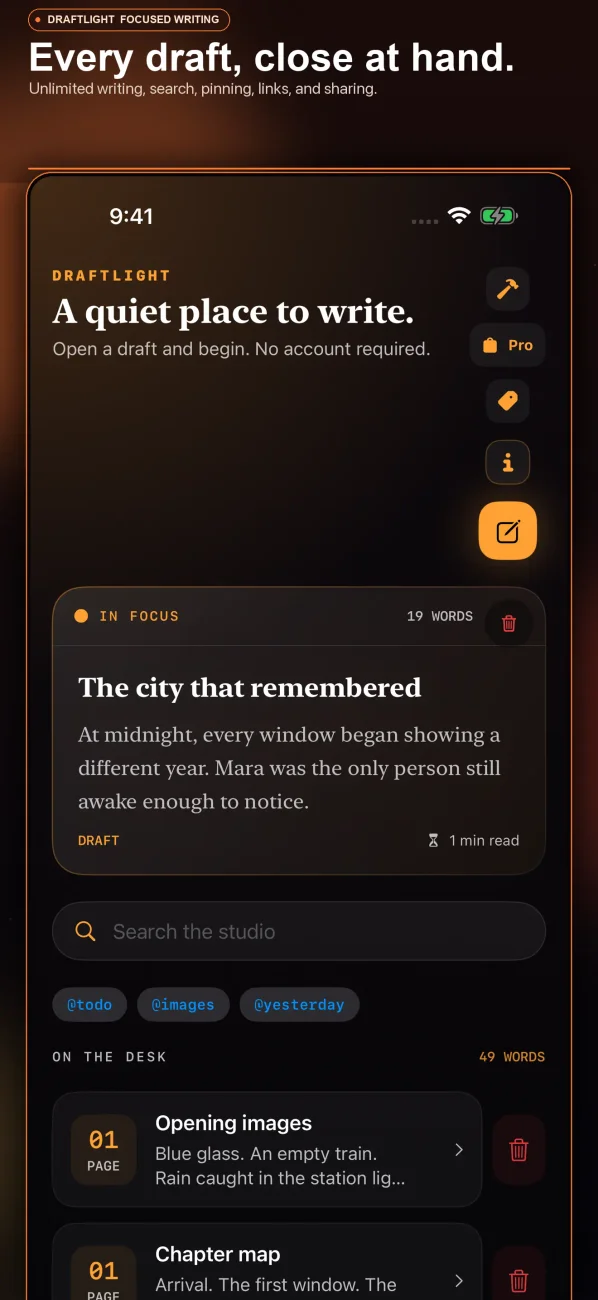
Write notes, journals, and stories in a quiet Markdown editor.
Draft Light gives you unlimited drafts, clean reading, and tools to keep your writing organized. Open it and write at once—no account, no signup, and no limit on drafts.
WRITE FREE
• Create, edit, pin, categorize, search, count, and share unlimited drafts.
• Format with Markdown headings, bold, italics, strikethrough, links, lists, and tables, then read cleanly with the marks hidden.
• Fold sections in long drafts.
• Link drafts, follow backlinks, and use a table of contents.
• Sketch on iPad with Apple Pencil and an extendable canvas.
• Save web links and selected text from the share sheet on iPhone and iPad.
• Append Apple Watch dictation to a recent draft on your paired iPhone.
• Create drafts with Siri and Shortcuts.
• Write in every script, including right-to-left languages.
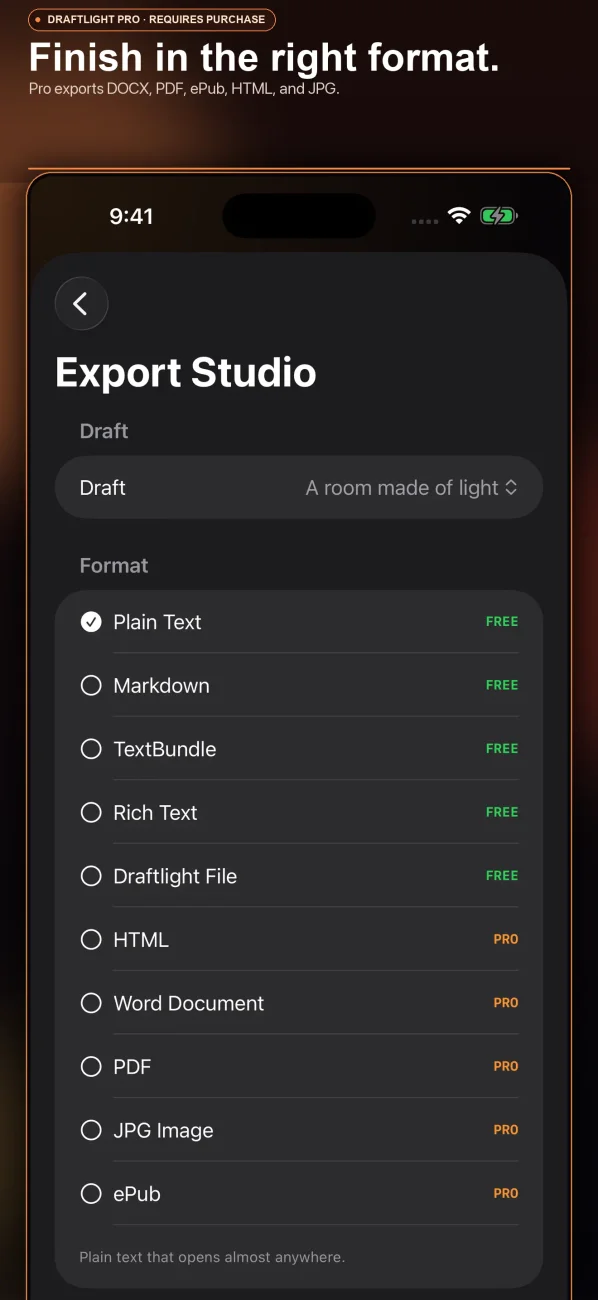
• Export plain text, Markdown, TextBundle, rich text, and Draftlight files, or use the system share sheet.
DRAFTLIGHT PRO —
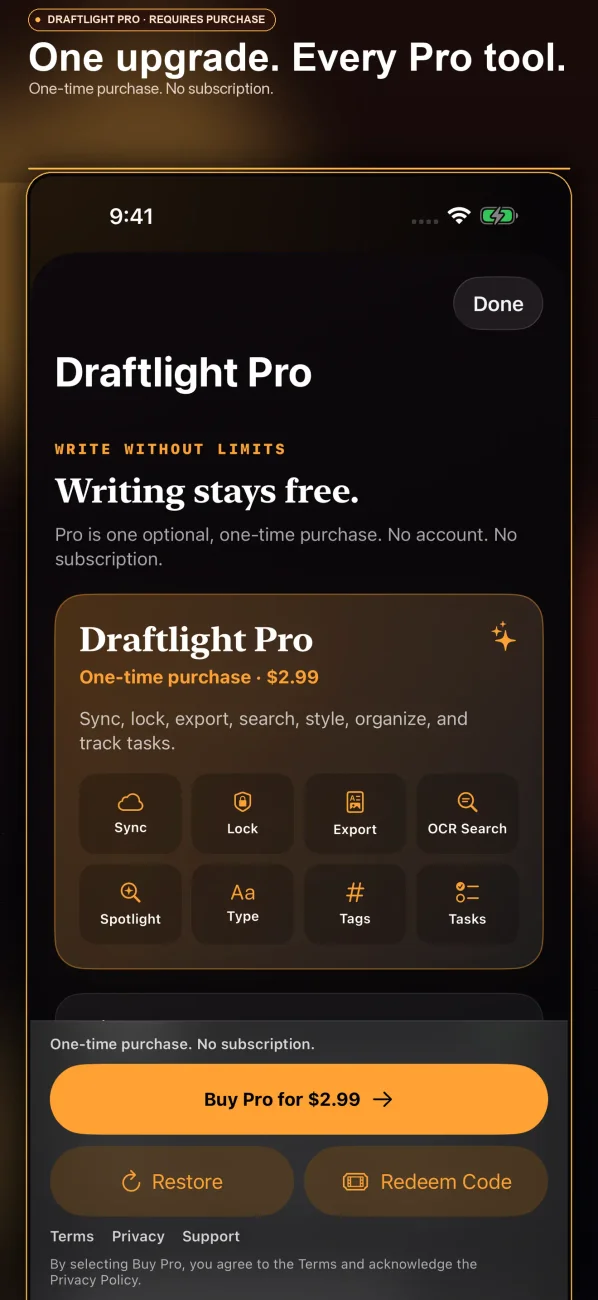
One non-consumable in-app purchase unlocks all eight Pro tools below. No subscription. See your local price in the app.
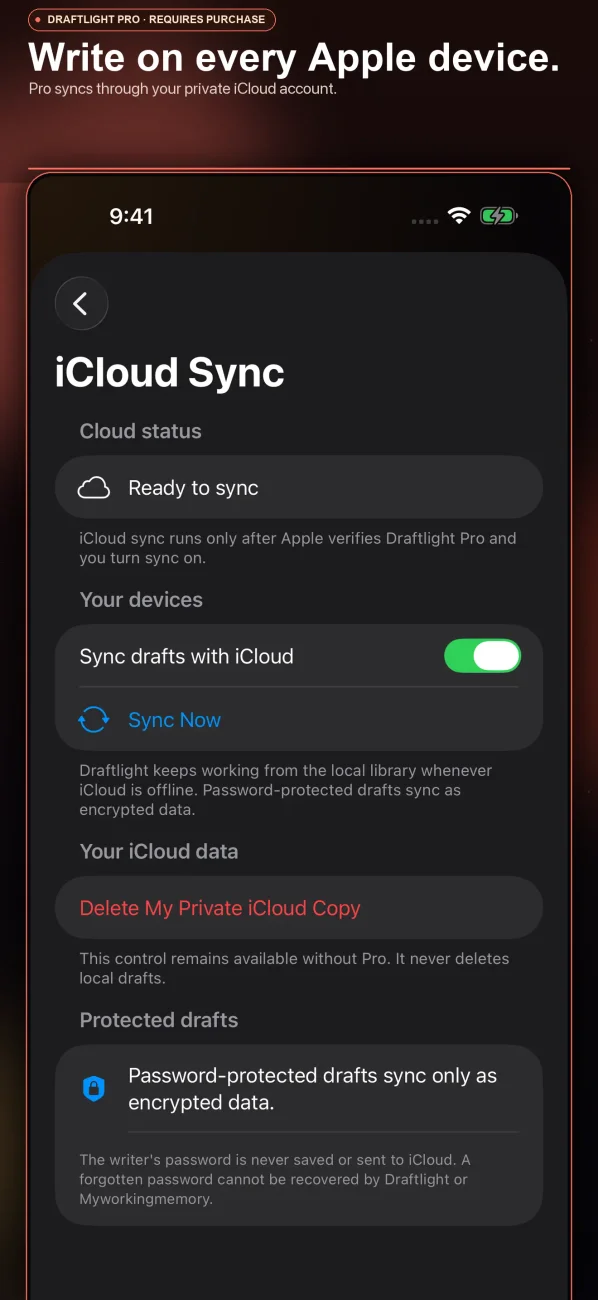
• Sync through your private iCloud account across iPhone, iPad, Mac, and Apple Vision Pro.
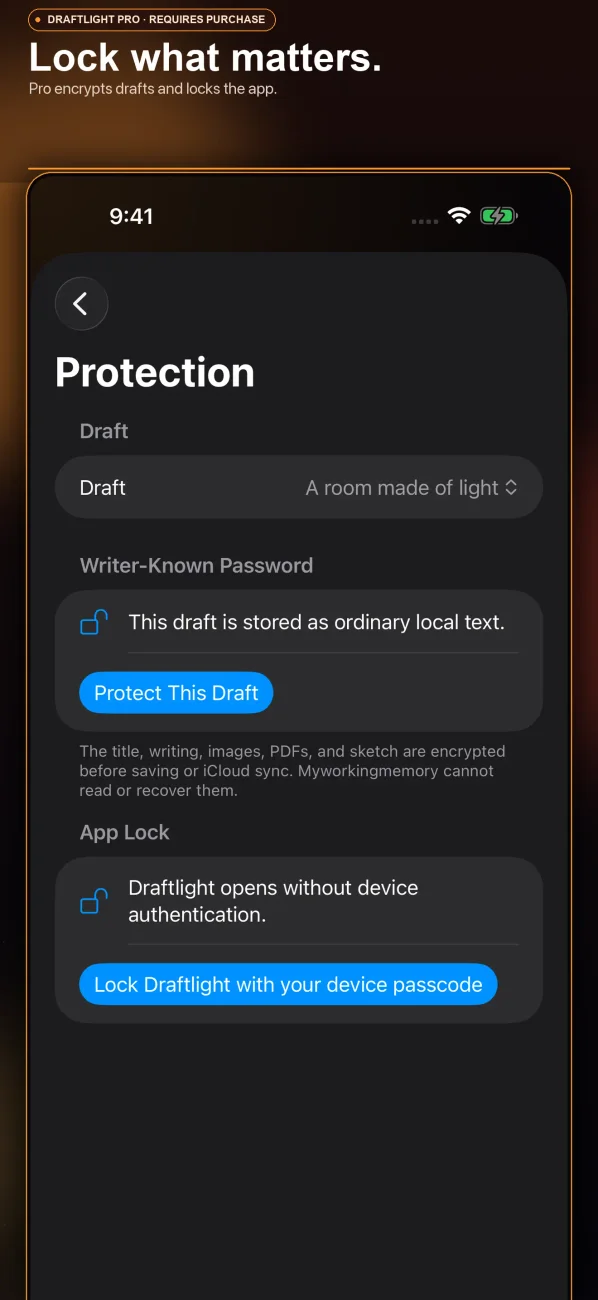
• Encrypt individual drafts with your own password. Lock the app with Face ID, Touch ID, Optic ID, or your device passcode/login password, depending on your device.
• Export HTML, DOCX, PDF, JPG, and ePub.
• Search text recognized inside attached images and PDFs.
• Find drafts with Apple Spotlight, @todo, @images, and @yesterday.
• Choose installed fonts for body text, headings, and code, plus line height, writing width, and paragraph spacing.
• Use multi-word and nested tags, pin tags, and give tags icons.
• Keep tasks inside drafts and open one view of every draft that contains tasks.
YOUR WRITING, YOUR CHOICE
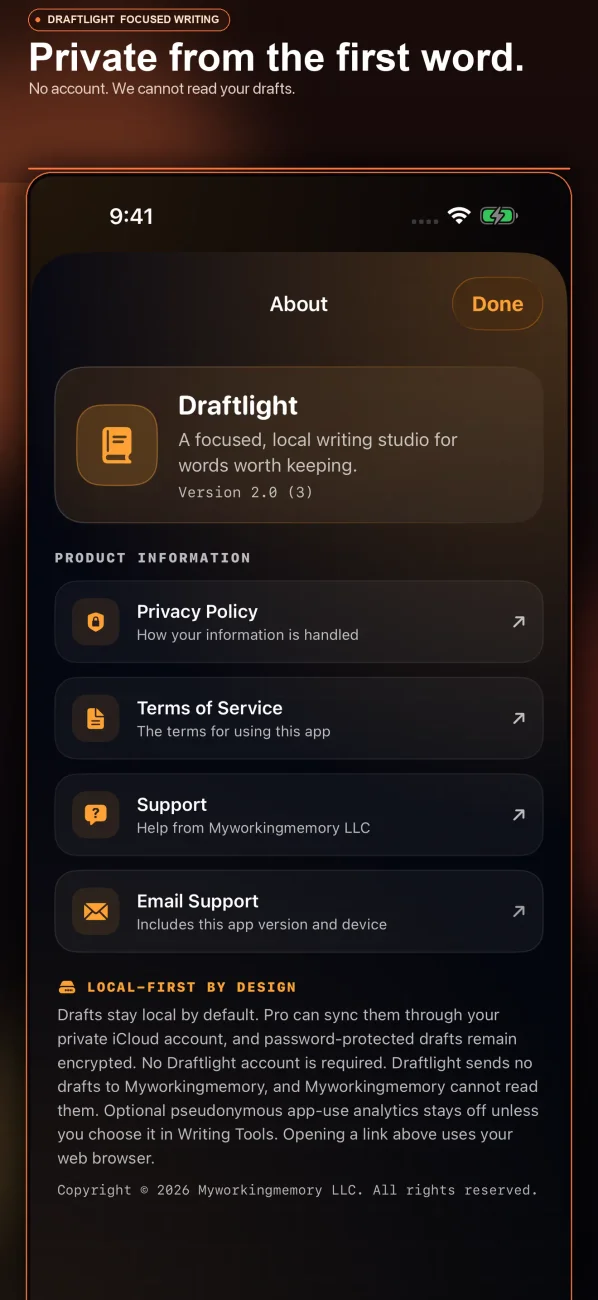
No Myworkingmemory account is required. Drafts are stored on your device by default. Pro iCloud sync uses your Apple iCloud account. Optional product-use analytics remains off unless you choose it and does not include your draft content.
Apple Pencil requires a compatible iPad and Pencil. Spotlight excludes locked drafts and is disabled while app lock is enabled. Existing paid-app buyers receive Pro after Apple verifies their earlier purchase.
Privacy: https://www.myworkingmemory.ai/draftlight-privacy.html
Terms: https://www.myworkingmemory.ai/draftlight-terms.html
What’s new
Version 2.0 · Sep 7, 2026
Draft Light 2.0 keeps unlimited writing free and adds one Draftlight Pro upgrade. Pro brings iCloud sync across Apple devices, password protection and app lock, five advanced export formats, image/PDF text search, Spotlight and special searches, detailed typography, nested and pinned tags, and tasks. Also new: clean Markdown reading, section folding, draft links and backlinks, a table of contents, Apple Pencil sketching, web clipping, Apple Watch dictation, Siri and Shortcuts, autosave, and safer deletion.
App privacy
What Myworkingmemory LLC declares on the App Store about how this app handles data.
-
Data not linked to you
May be collected but is not linked to your identity.
- Purchases
- Usage data
- Diagnostics
Privacy practices may vary, for example with the features you use or your age.
Information
- Seller
- Myworkingmemory LLC
- Category
- Productivity
- Version
- 2.0
- Updated
- Sep 7, 2026
- Released
- Jul 20, 2026
- Size
- 4.7 MB
- Requires
- iOS 17.0 or later
- Age rating
- 12+
- Price
- Free
- In-app purchases
- Yes
- Languages
- English, Hungarian, Simplified Chinese, Spanish
- Copyright
- © 2026 Myworkingmemory LLC. All Rights Reserved.
You might also like
-
 GroGuild: Permaculture PlannerSustainable Garden Designer
-
 Countdown Widget - Till ThenChristmas & Birthday Counter
-
 SleepNote - Night Talk & SnoreSleep Tracker、Recorder、Review
-
 CleanStreak HomeA cleaner home every day.
-
 ConoP - Timestamp every copymac Copy. note Auto. No Paste.
-
 AeroFlap Split-Flap Clock AI+Retro Display & Weather Board
-
 Hourloom: World ClockCompare time zones for calls
-
 NeatNotes : Notes and listsnotepad, stickies, reminders
-
 TomatoFlexPomodoro timer made simple.
-
 Minpick5 minutes lost just deciding