Draw Gestures: Pose Reference
Figure Drawing & Quick Sketch
Conçue pour iPhone, iPad
Gratuit · Achats intégrés
- Classification d’âge12+
- CatégorieÉducation
- DéveloppeurAvinash Kumawat
- LanguesAnglais+ 8 de plus
- Taille122,8 Mo
Renvoie vers la page App Store officielle
Download.org n’héberge aucun fichier de Draw Gestures: Pose Reference. Le bouton ouvre la page de l’application sur App Store, où Avinash Kumawat la publie. Fiche vérifiée pour la dernière fois le 26/11/2026.
Captures d’écran
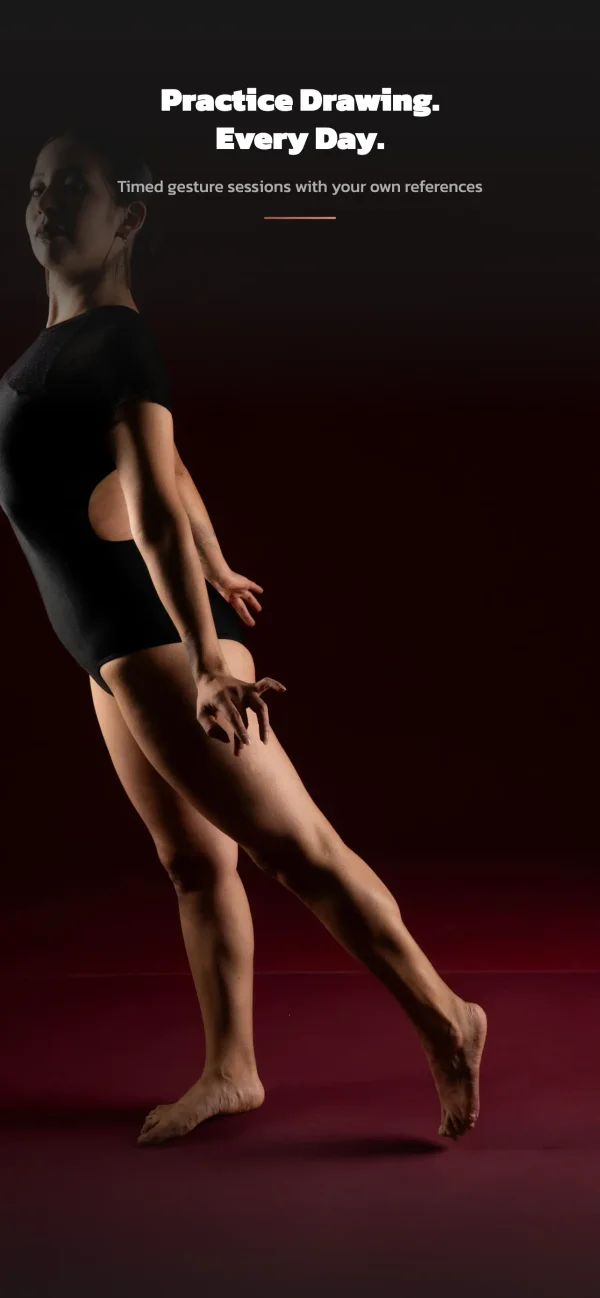
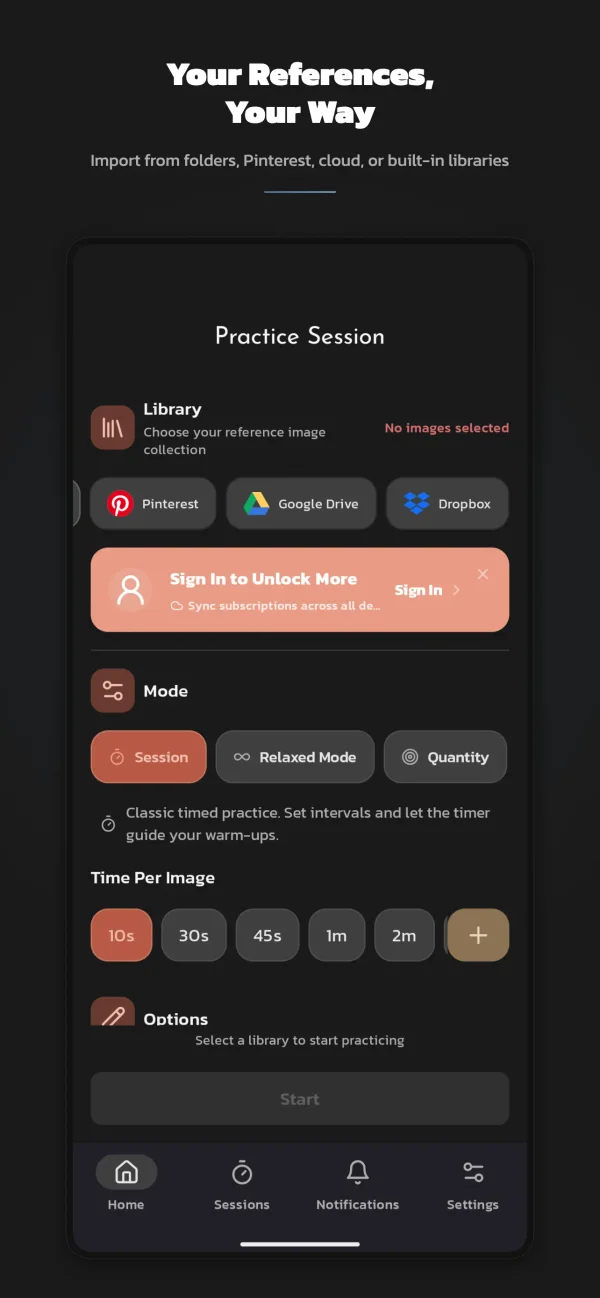
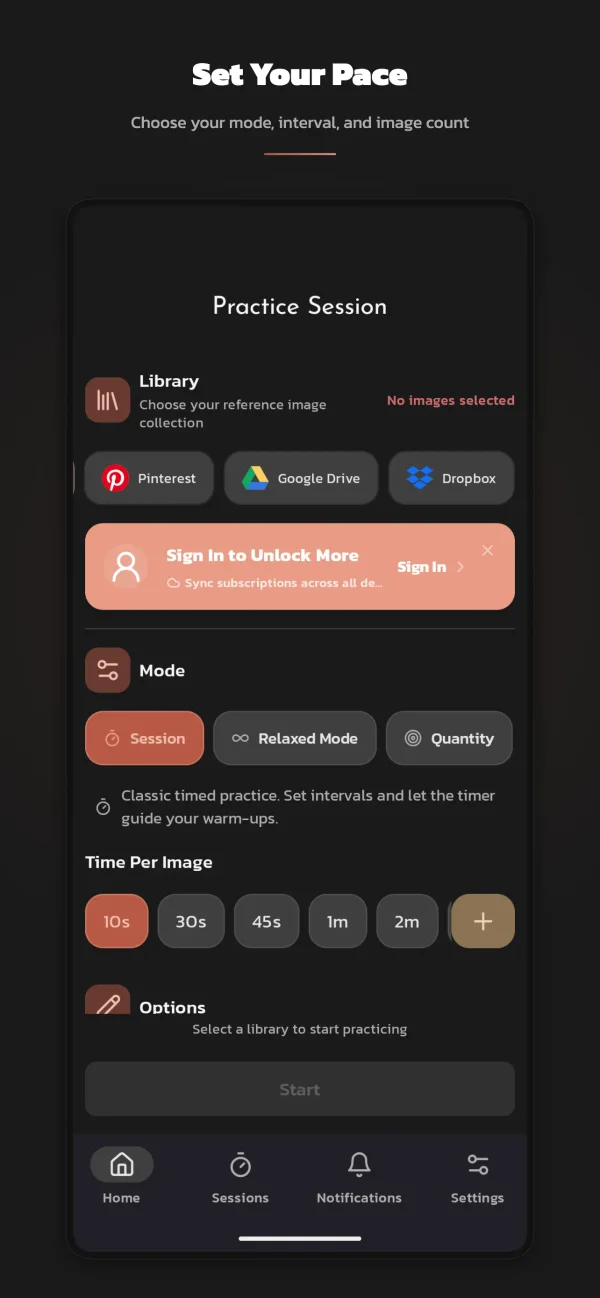
À propos
Le développeur n’a pas fourni ce texte dans votre langue.
Draw Gestures is a timed pose reference app for gesture and figure drawing practice. Pick a pose, set a timer, and quick sketch like you would in a real life drawing class.
For beginners learning figure drawing and for illustrators, animators and concept artists who want a structured daily warmup.
How it works
1. Choose your reference - figure drawing poses, animals, faces, hands, or your own photos
2. Set your timer - 30 seconds to 10 minutes per pose
3. Draw and improve - track your gesture drawing progress over time
Practice 15 minutes a day to build confidence, speed and flow in your figure drawing.
Included for everyone
- Timed gesture drawing sessions with a built-in drawing timer
- Built-in pose reference library, plus your own photos and files
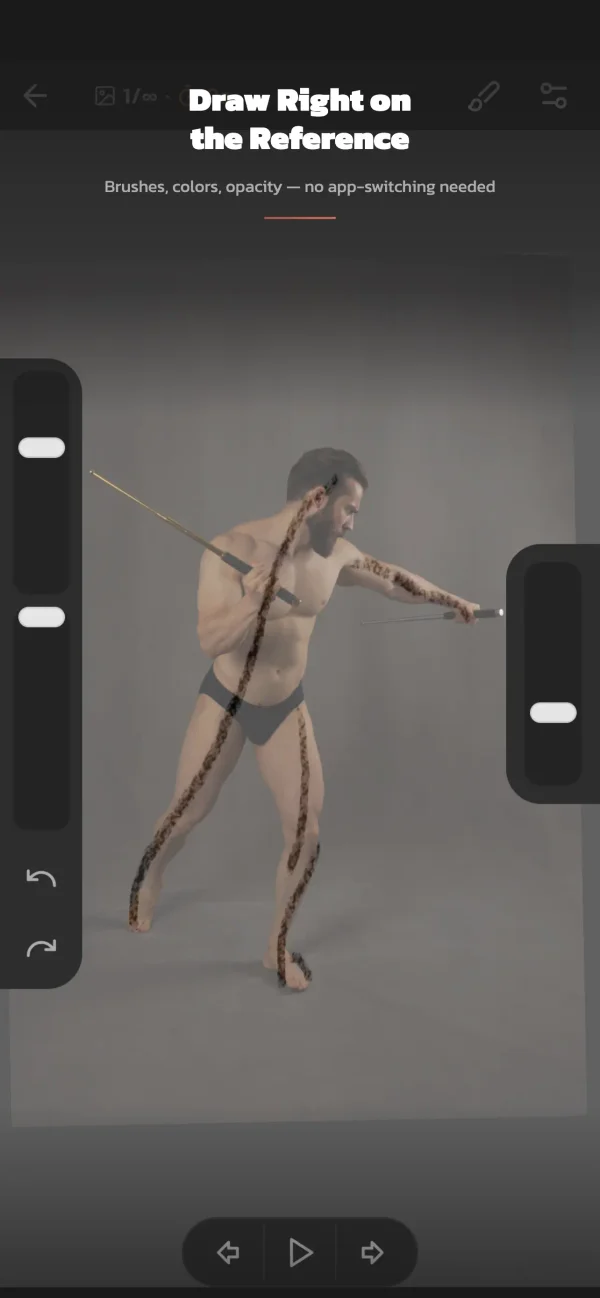
- Draw straight onto the reference image, with tracing mode included
- A real sketch canvas with brushes, layers, eraser and undo
- Grid overlay for proportions and line of action
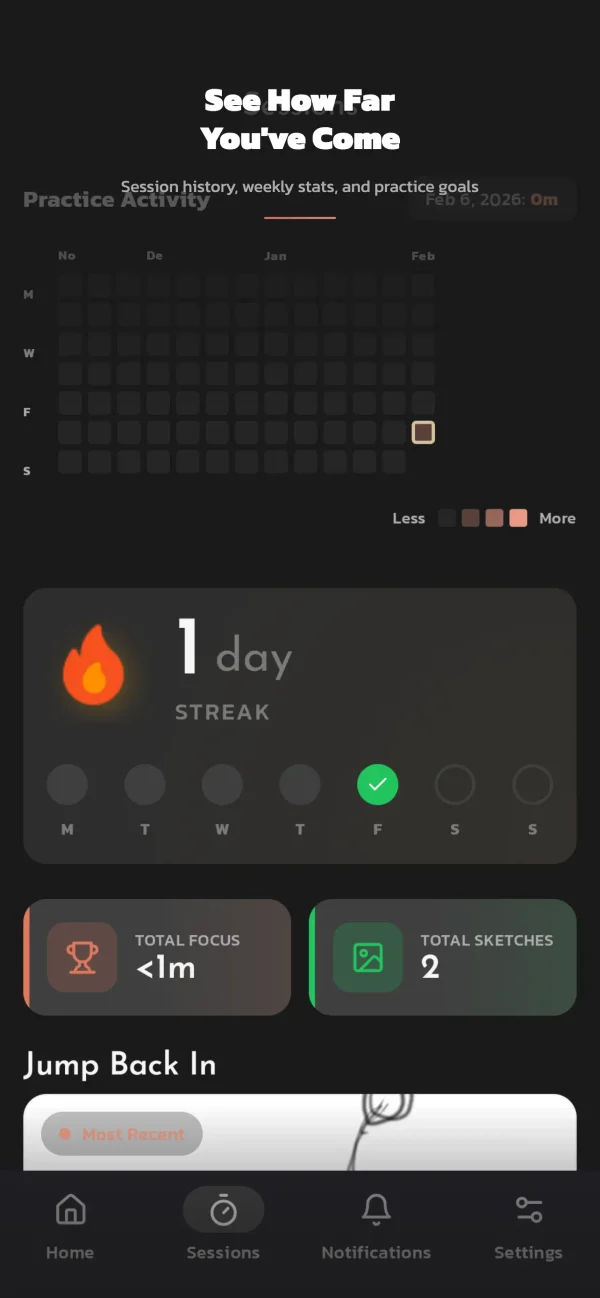
- Streaks, practice heatmap and full session history
- Daily practice reminders to build a drawing habit
- Sessions run up to 30 minutes with up to 20 reference images
Draw Gestures Pro
- Unlimited reference images and practice libraries
- Unlimited session length
- Cloud reference libraries from Pinterest, Google Drive and Dropbox
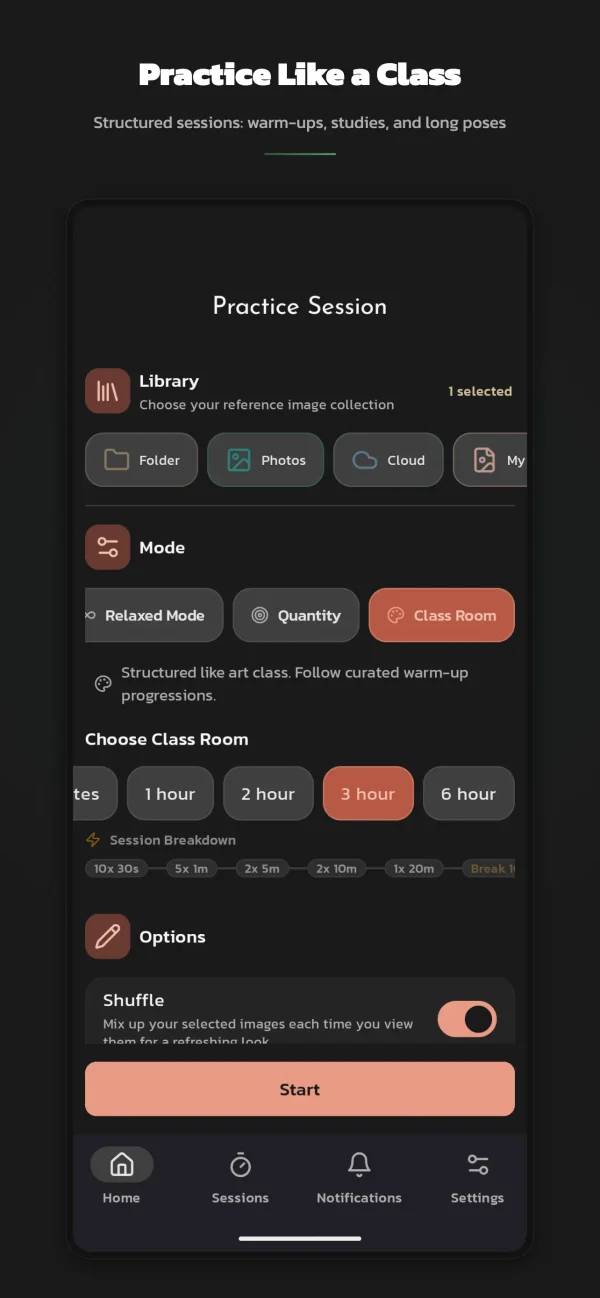
- Classroom mode to simulate art school life drawing sessions
- Quantity mode and custom intervals
- Relaxed mode to practice with no timer pressure
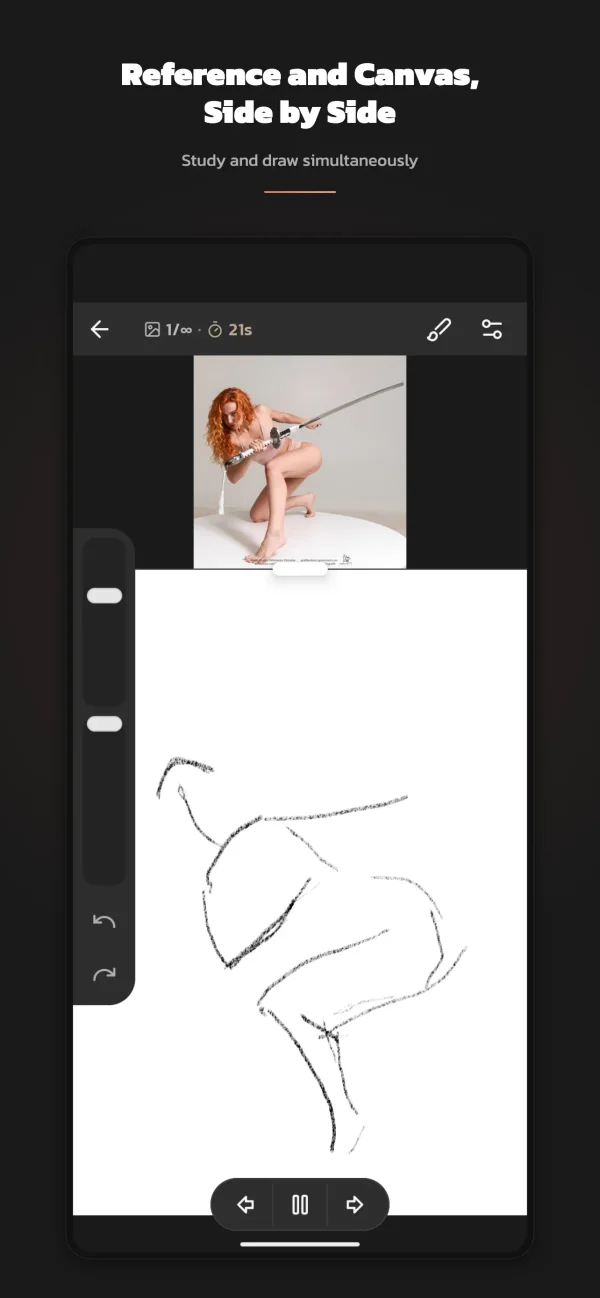
- Side-by-side and floating reference layouts
- Left-hand mode
- Shuffle your pose reference order
- Export without a watermark
- Import your own paper textures
Built for artists who practice
- Art students studying anatomy and figure drawing
- Illustrators and concept artists warming up
- Animators practicing gesture, movement and action poses
- Character designers studying poses and silhouettes
- Anyone doing daily croquis or 30-second gesture drills
Made for iPad and Apple Pencil
Pressure and tilt support, a stylus-only drawing option so your palm never leaves a mark, and a full-screen canvas for life drawing practice anywhere.
Your pose reference, your pace, your practice.
drawgestures.com
Subscriptions renew automatically unless cancelled at least 24 hours before the end of the current period. Manage or cancel in your Apple ID settings.
Terms: https://drawgestures.com/terms
Privacy: https://drawgestures.com/privacy
Nouveautés
Version 9.0.0 · 09/11/2026
What's New:
- A new drawing engine, with brush packs and brush import (.dgbrush, .dgpack)
- Fewer repeats: sessions start with the images you've drawn least
- Apple Pencil Pro: squeeze to open a tool arc, and barrel roll turns the brush
- Lasso tool: select, move and transform part of your drawing
- Change a session's length, pose count, class or layout while it runs
- Layer menu: lock, clear and merge down layers
- Delete single sketches, and practice with 15-second poses
- Erase with your finger, and a redesigned Settings
Confidentialité de l’application
Ce que Avinash Kumawat déclare sur l’App Store au sujet du traitement des données par cette application.
-
Données utilisées pour vous suivre
Peuvent être utilisées pour vous suivre sur des applications et des sites web appartenant à d’autres sociétés.
- Données d’utilisation
Les pratiques en matière de confidentialité peuvent varier, notamment en fonction des fonctionnalités que vous utilisez ou de votre âge.
Informations
- Vendeur
- Avinash Kumawat
- Catégorie
- Éducation
- Version
- 9.0.0
- Mis à jour
- 09/11/2026
- Publié
- 07/02/2021
- Taille
- 122,8 Mo
- Nécessite
- iOS 16.0 ou version ultérieure
- Classification d’âge
- 12+
- Prix
- Gratuit
- Achats intégrés
- Oui
- Langues
- Anglais, Français, Allemand, Japonais, Coréen, Portugais, Russe, Chinois simplifié, Espagnol
- Copyright
- Copyright © 2026 Draw Gestures
Vous aimerez peut-être aussi
-
 Artista - Drawing ReferenceÉducation
-
 Creature Art TeacherÉducation
-
 Zolly - Perspective ModelsÉducation
-
 Drawing FORCEÉducation
-
 Drawing from ReferencesÉducation
-
 Ecorche: Portrait AnatomyA 3D facial Ecorche Bust
-
 Head StudyÉducation
-
 Handy Art Reference ToolRéférence 3D pour les artistes
-
 IAMAG Master ClassesÉducation
-
 h2DrÉducation