Draw Gestures: Pose Reference
Figure Drawing & Quick Sketch
Designed for iPhone, iPad
Free · In-app purchases
- Age rating12+
- CategoryEducation
- DeveloperAvinash Kumawat
- LanguagesEnglish+ 8 more
- Size122.8 MB
Links to the official App Store page
Download.org hosts no file of Draw Gestures: Pose Reference. The button opens its official App Store page, published by Avinash Kumawat. Listing last checked on Nov 19, 2026.
Screenshots

About
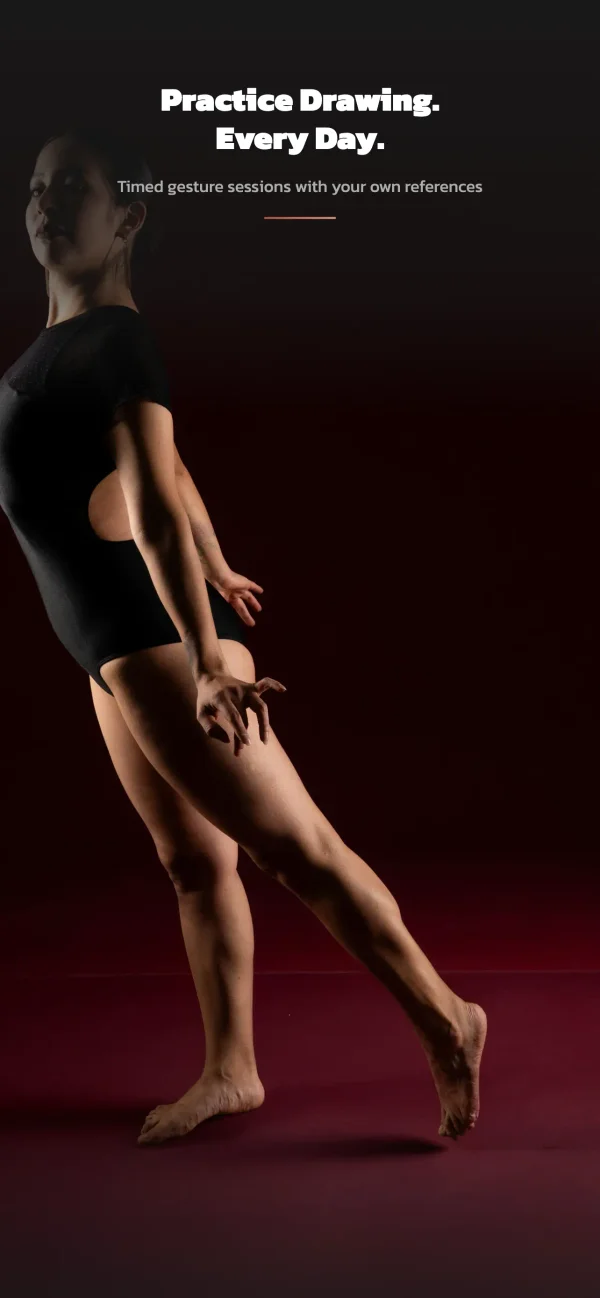
Draw Gestures is a timed pose reference app for gesture and figure drawing practice. Pick a pose, set a timer, and quick sketch like you would in a real life drawing class.
For beginners learning figure drawing and for illustrators, animators and concept artists who want a structured daily warmup.
How it works
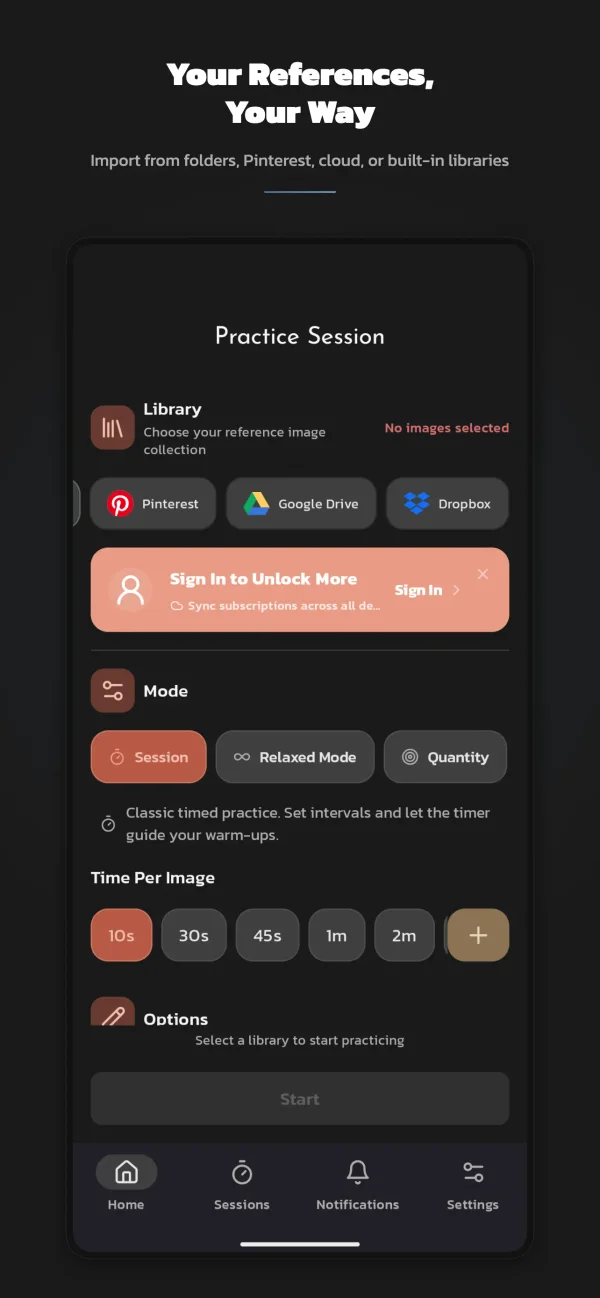
1. Choose your reference - figure drawing poses, animals, faces, hands, or your own photos
2. Set your timer - 30 seconds to 10 minutes per pose
3. Draw and improve - track your gesture drawing progress over time
Practice 15 minutes a day to build confidence, speed and flow in your figure drawing.
Included for everyone
- Timed gesture drawing sessions with a built-in drawing timer
- Built-in pose reference library, plus your own photos and files
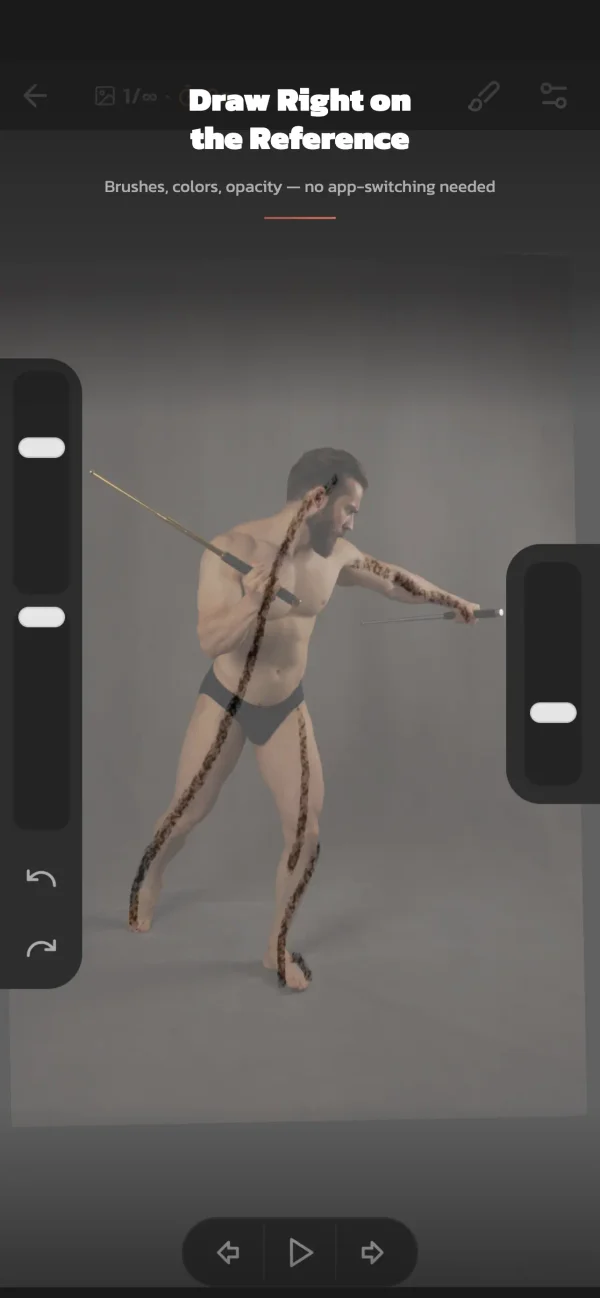
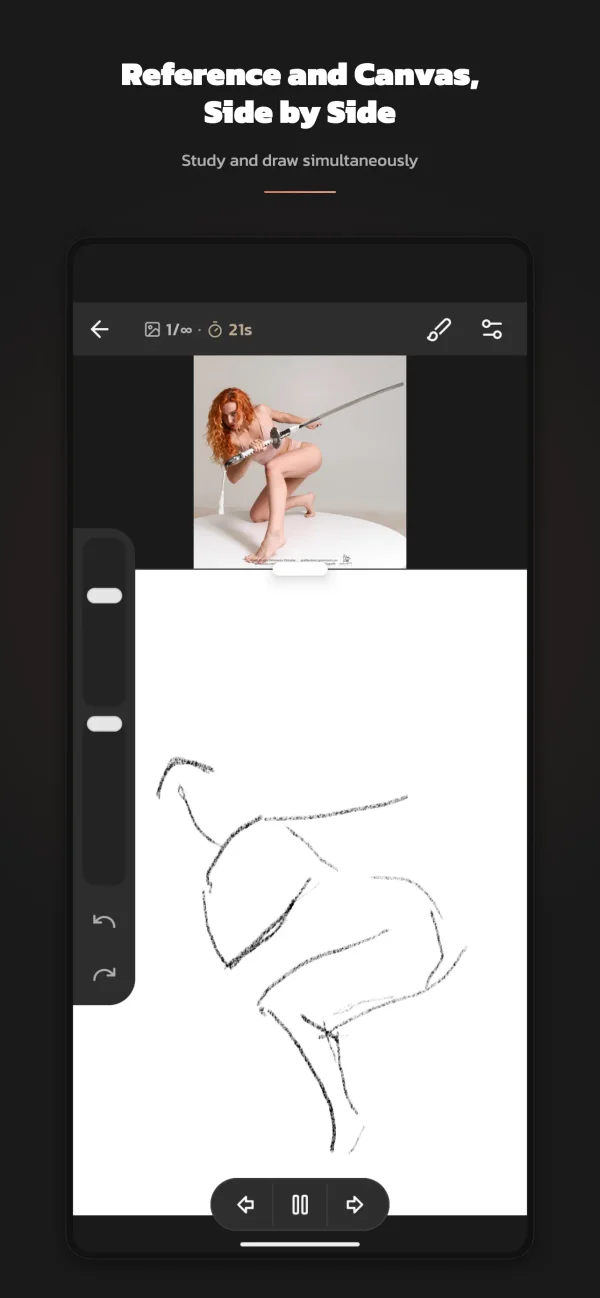
- Draw straight onto the reference image, with tracing mode included
- A real sketch canvas with brushes, layers, eraser and undo
- Grid overlay for proportions and line of action
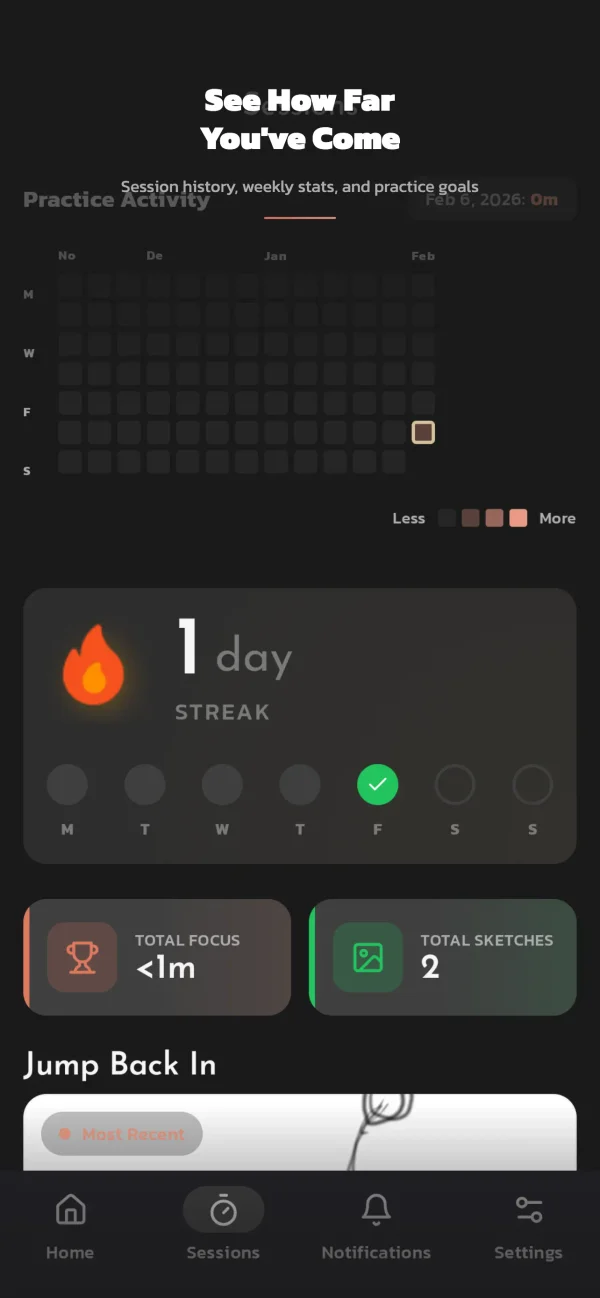
- Streaks, practice heatmap and full session history
- Daily practice reminders to build a drawing habit
- Sessions run up to 30 minutes with up to 20 reference images
Draw Gestures Pro
- Unlimited reference images and practice libraries
- Unlimited session length
- Cloud reference libraries from Pinterest, Google Drive and Dropbox
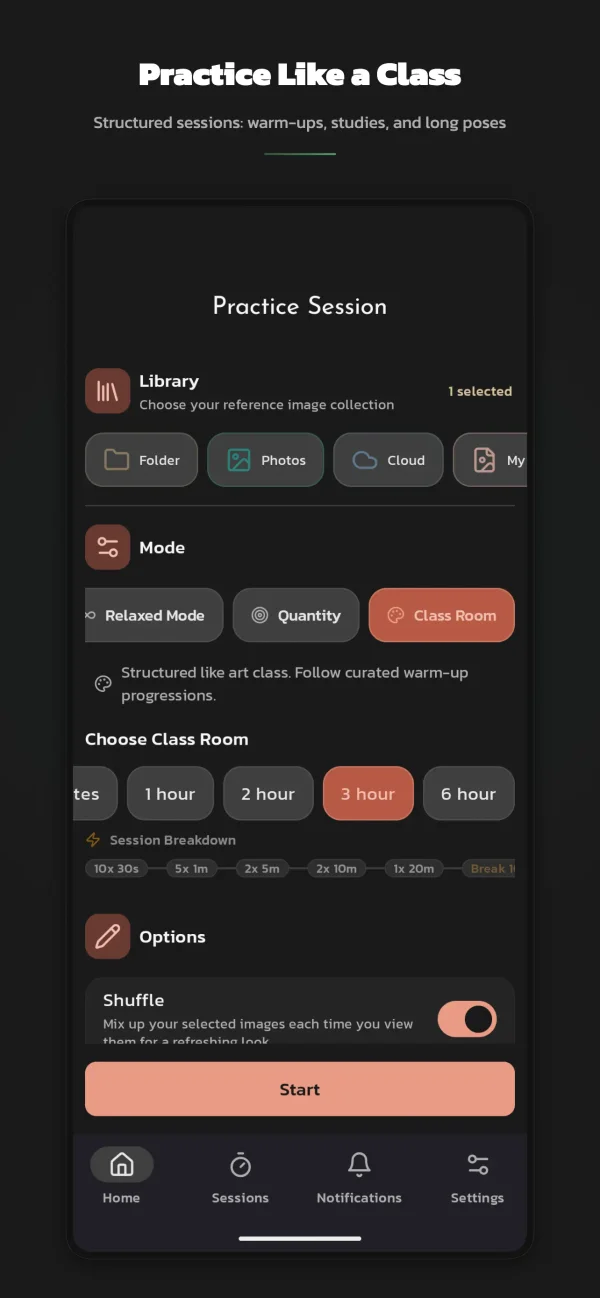
- Classroom mode to simulate art school life drawing sessions
- Quantity mode and custom intervals
- Relaxed mode to practice with no timer pressure
- Side-by-side and floating reference layouts
- Left-hand mode
- Shuffle your pose reference order
- Export without a watermark
- Import your own paper textures
Built for artists who practice
- Art students studying anatomy and figure drawing
- Illustrators and concept artists warming up
- Animators practicing gesture, movement and action poses
- Character designers studying poses and silhouettes
- Anyone doing daily croquis or 30-second gesture drills
Made for iPad and Apple Pencil
Pressure and tilt support, a stylus-only drawing option so your palm never leaves a mark, and a full-screen canvas for life drawing practice anywhere.
Your pose reference, your pace, your practice.
drawgestures.com
Subscriptions renew automatically unless cancelled at least 24 hours before the end of the current period. Manage or cancel in your Apple ID settings.
Terms: https://drawgestures.com/terms
Privacy: https://drawgestures.com/privacy
What’s new
Version 9.0.0 · Nov 9, 2026
What's New:
- A new drawing engine, with brush packs and brush import (.dgbrush, .dgpack)
- Fewer repeats: sessions start with the images you've drawn least
- Apple Pencil Pro: squeeze to open a tool arc, and barrel roll turns the brush
- Lasso tool: select, move and transform part of your drawing
- Change a session's length, pose count, class or layout while it runs
- Layer menu: lock, clear and merge down layers
- Delete single sketches, and practice with 15-second poses
- Erase with your finger, and a redesigned Settings
App privacy
What Avinash Kumawat declares on the App Store about how this app handles data.
-
Data used to track you
May be used to track you across apps and websites owned by other companies.
- Usage data
Privacy practices may vary, for example with the features you use or your age.
Information
- Seller
- Avinash Kumawat
- Category
- Education
- Version
- 9.0.0
- Updated
- Nov 9, 2026
- Released
- Feb 7, 2021
- Size
- 122.8 MB
- Requires
- iOS 16.0 or later
- Age rating
- 12+
- Price
- Free
- In-app purchases
- Yes
- Languages
- English, French, German, Japanese, Korean, Portuguese, Russian, Simplified Chinese, Spanish
- Copyright
- Copyright © 2026 Draw Gestures
You might also like
-
 Artista - Drawing ReferenceEducation
-
 Creature Art TeacherArt & Animation Training
-
 Zolly - Perspective ModelsPerspective Drawing Simplified
-
 Drawing FORCEAn Animator's Drawing Approach
-
 Drawing from ReferencesReal references, real practice
-
 Ecorche: Portrait AnatomyA 3D facial Ecorche Bust
-
 Head StudyEducation
-
 Handy Art Reference Tool3D Lit Reference for Artists!
-
 IAMAG Master ClassesLearn with the best Artists
-
 h2DrEducation