
- Classification d’âge4+
- CatégoriePhoto et vidéo
- DéveloppeurAn Kai Cheng
- LanguesAnglais+ 1 de plus
- Taille17,3 Mo
Renvoie vers la page App Store officielle
Download.org n’héberge aucun fichier de Eagle Pocket. Le bouton ouvre la page de l’application sur App Store, où An Kai Cheng la publie. Fiche vérifiée pour la dernière fois le 16/11/2026.
Captures d’écran

À propos
Le développeur n’a pas fourni ce texte dans votre langue.
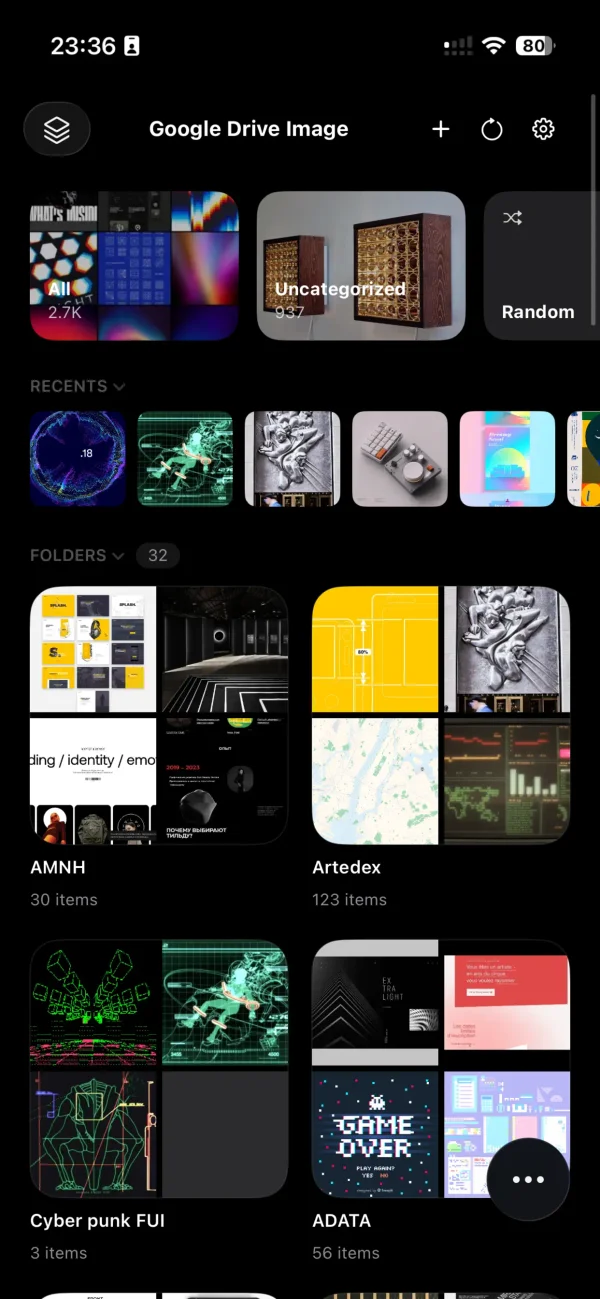
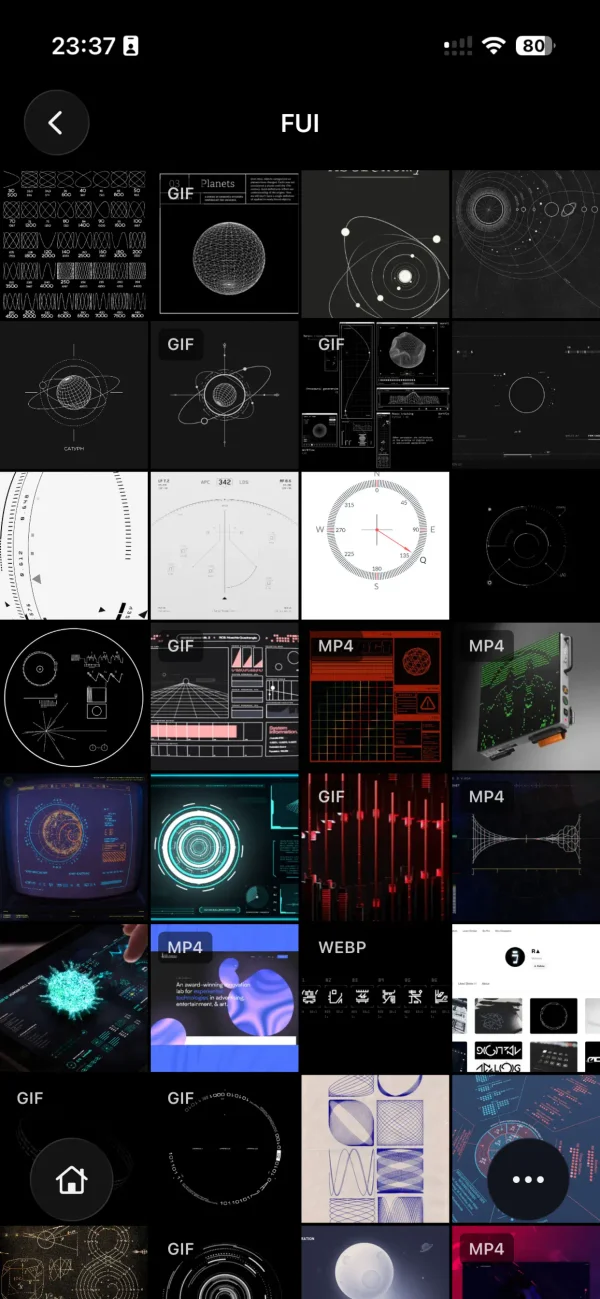
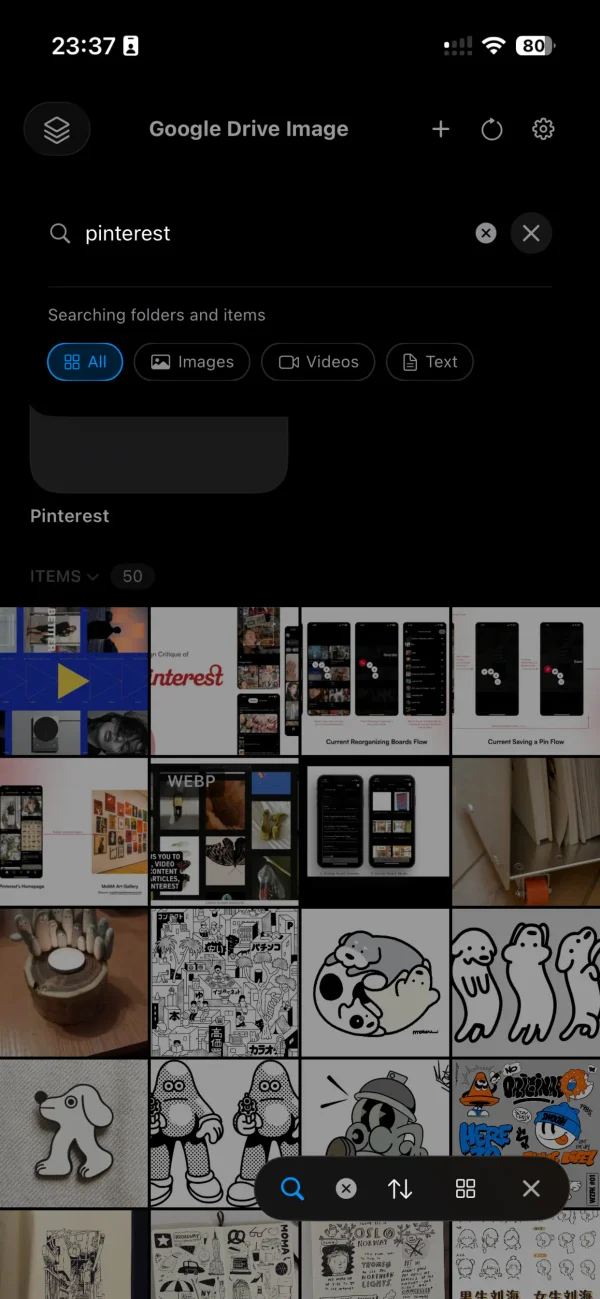
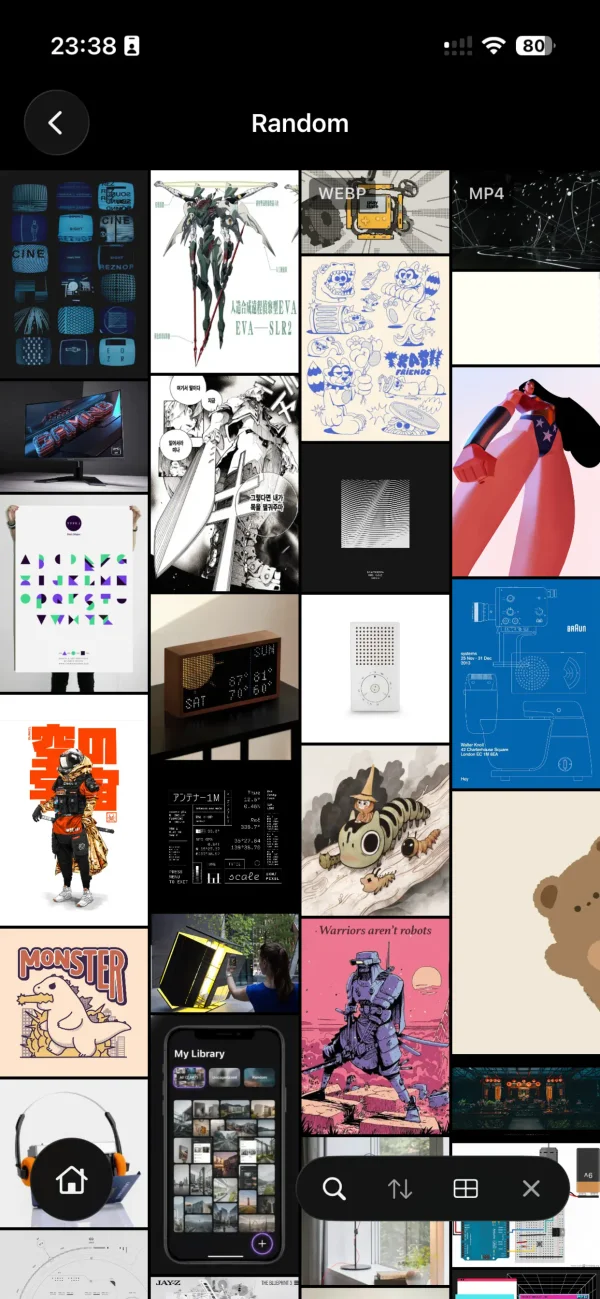
Browse your existing Eagle library on iPhone and iPad. Explore folders, search imported metadata, and view your saved assets on the go.
GOOGLE DRIVE — READ-ONLY
Connect your Google account and choose an existing .library folder under My Drive. Browse nested folders, thumbnails, tags, ratings and notes. Original files download when you need them for viewing.
After the first successful library sync, Eagle Pocket checks for updates about once per minute while the app is active and when you return to it, provided you are signed in. Changes made on your computer appear after the storage service finishes uploading them and the next sync succeeds. Continuous background updates are not guaranteed.
The direct Google Drive integration does not upload, edit, move or delete Drive files.
LIBRARIES THROUGH FILES
Open libraries from local storage, iCloud Drive, or supported network and storage providers through iOS Files. Editing and photo import are available where the storage provider permits writing.
OFFLINE VIEWING
Browse previously downloaded content offline. Original files that have not been downloaded require a connection.
PRIVACY
Library synchronization connects your device directly to your storage provider. Eagle Pocket does not operate a library-sync backend. Google Sign-In processes account and security information to authenticate your Google account; see our privacy policy for details.
REQUIREMENTS
An existing Eagle library created with Eagle for Mac or Windows. Google Drive is optional; successful Google authorization and access to the selected folder are required for a Drive connection.
Nouveautés
Version 1.0.3 · 22/10/2026
• Google Drive connections are now read-only. Browse existing Eagle libraries without uploading, editing, or deleting Drive files.
• Improved synchronization of nested folders and library assets. Desktop changes appear after the next successful sync.
• Added periodic update checks while the app is active and improved sign-in and sync error handling.
• Existing Google Drive users may need to reconnect with read-only permission.
Confidentialité de l’application
Ce que An Kai Cheng déclare sur l’App Store au sujet du traitement des données par cette application.
-
Données établissant un lien avec vous
Peuvent être collectées et liées à votre identité.
- Emplacement
- Coordonnées
- Identifiants
- Données d’utilisation
- Autres données
Les pratiques en matière de confidentialité peuvent varier, notamment en fonction des fonctionnalités que vous utilisez ou de votre âge.
Informations
- Vendeur
- An Kai Cheng
- Catégorie
- Photo et vidéo
- Version
- 1.0.3
- Mis à jour
- 22/10/2026
- Publié
- 19/03/2026
- Taille
- 17,3 Mo
- Nécessite
- iOS 18.6 ou version ultérieure
- Classification d’âge
- 4+
- Prix
- Gratuit
- Langues
- Anglais, Japonais
- Copyright
- © 2026 An-Kai Cheng
Vous aimerez peut-être aussi
-
 Eagle ViewerPhoto et vidéo
-
 Mylio PhotosPhoto and Video Organizer
-
 Log Cam: Open Gate by RAW CamPhoto et vidéo
-
 HashPhotosOrganisez, retouchez, profitez
-
 ImmichPhoto et vidéo
-
 Capture OneCréez sans limites
-
 No Fusion-Powerful Pro CamPhoto et vidéo
-
 KIRI Engine:3D Scanner & LiDARPhoto et vidéo
-
 Affinity Photo 2 for iPadCréez, retouchez et partagez
-
 Procreate DreamsEditez. Animez. Créez.