
- Age rating4+
- CategoryPhoto & Video
- DeveloperAn Kai Cheng
- LanguagesEnglish+ 1 more
- Size17.3 MB
Links to the official App Store page
Download.org hosts no file of Eagle Pocket. The button opens its official App Store page, published by An Kai Cheng. Listing last checked on Nov 16, 2026.
Screenshots
About
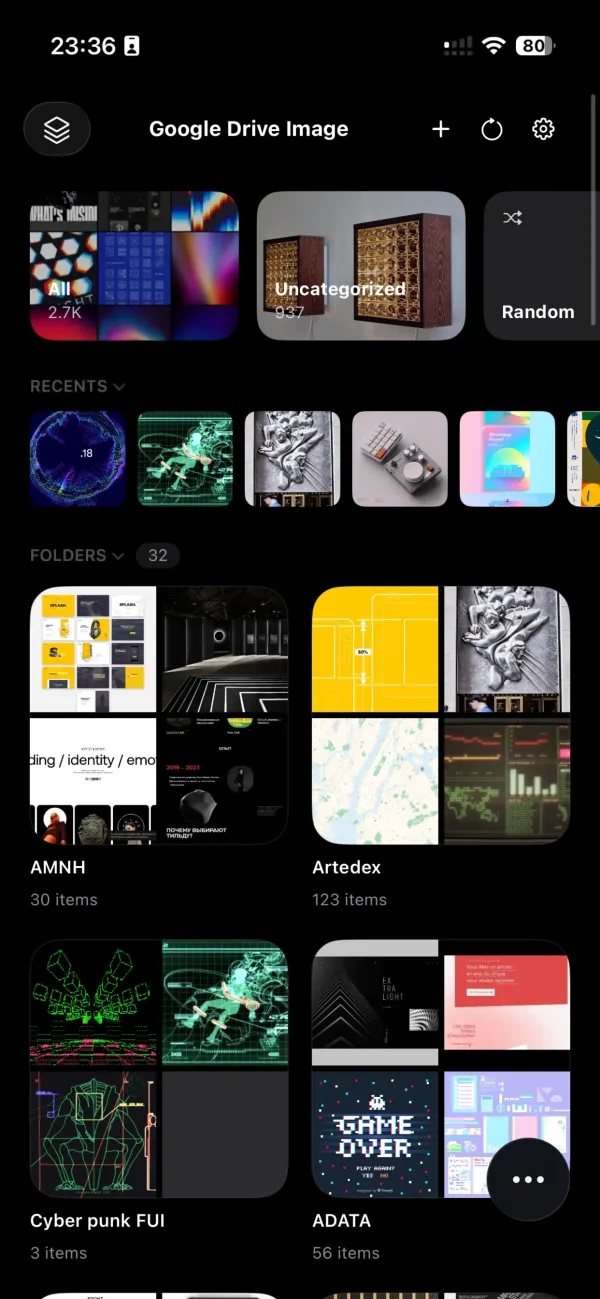
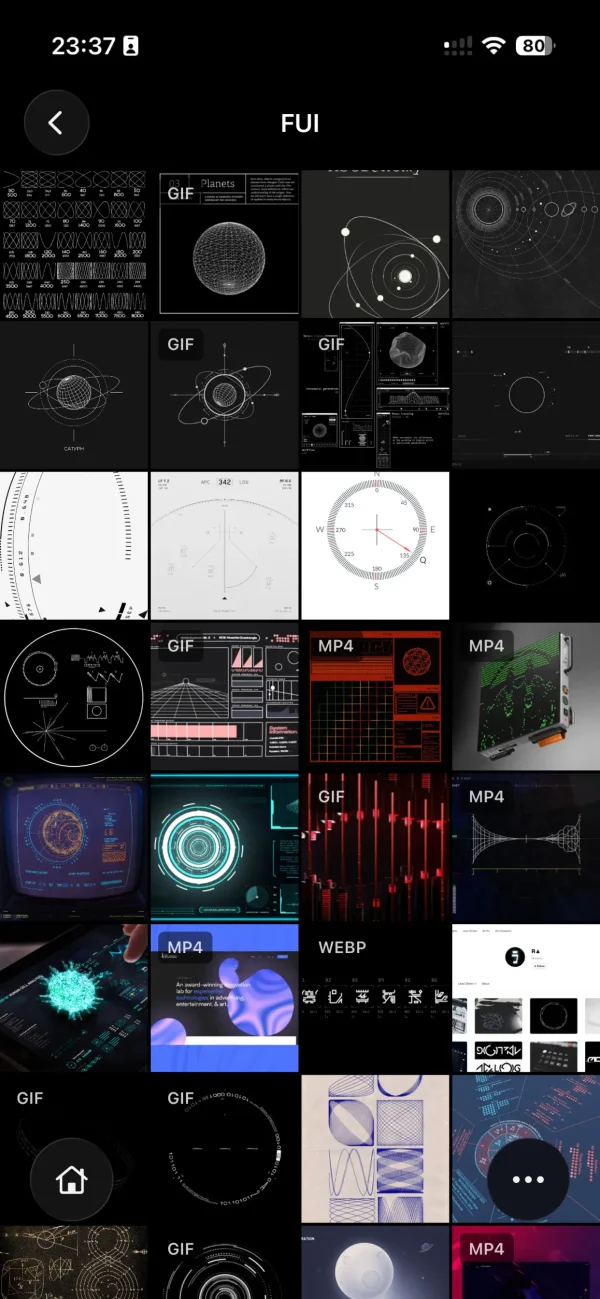
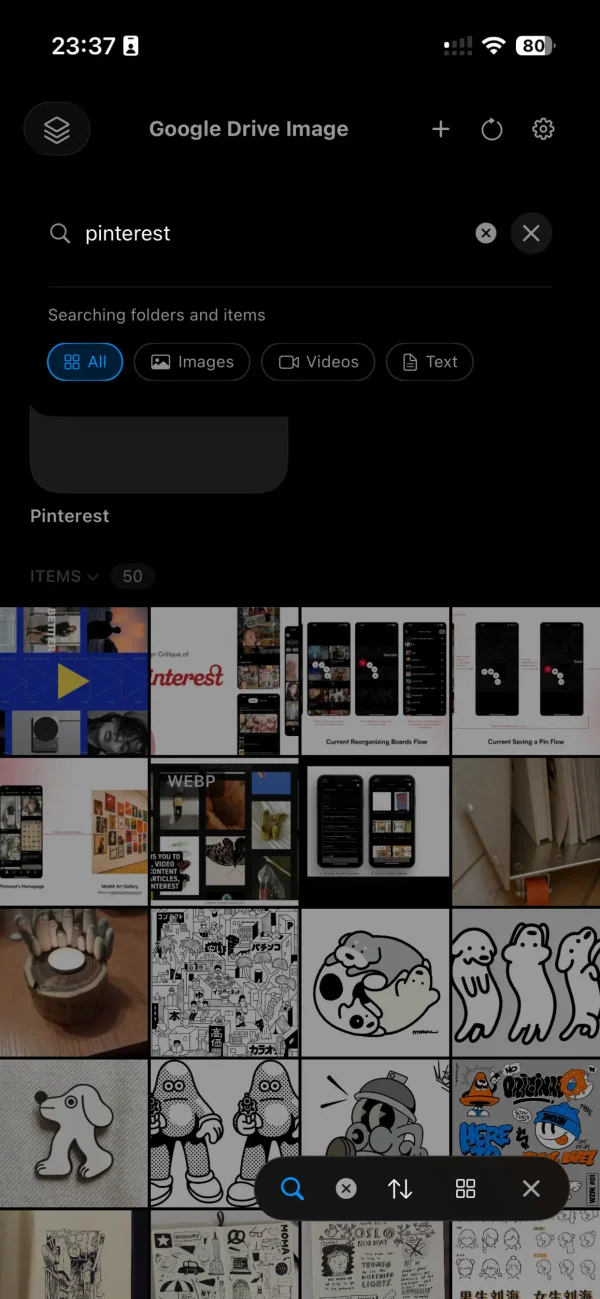
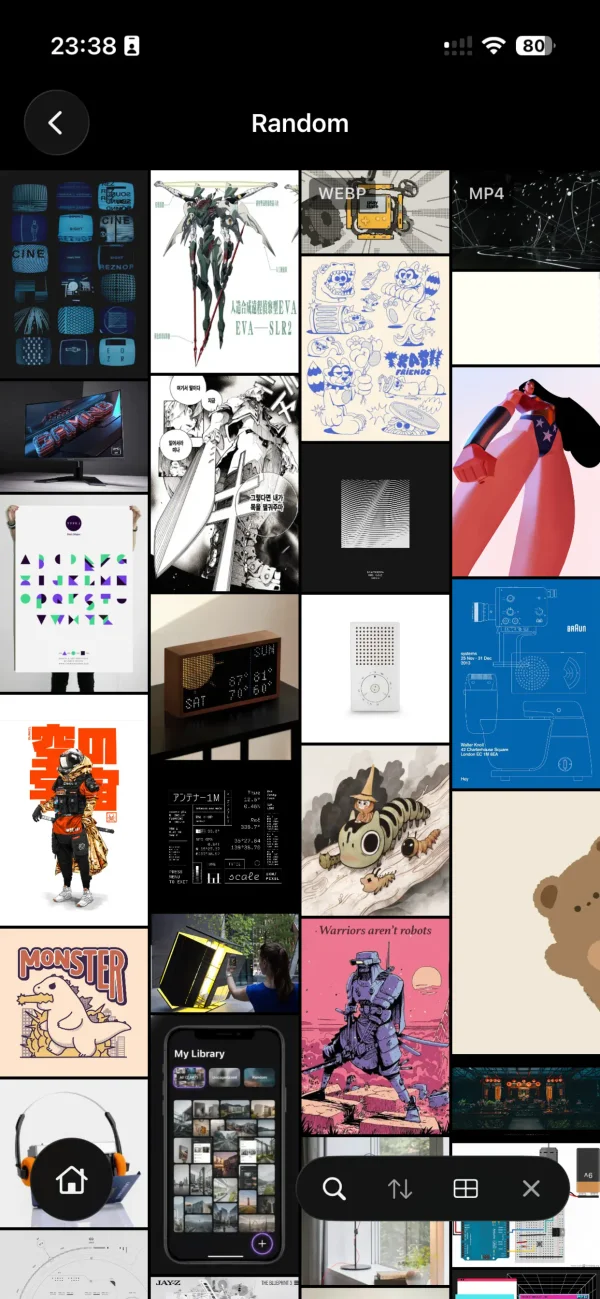
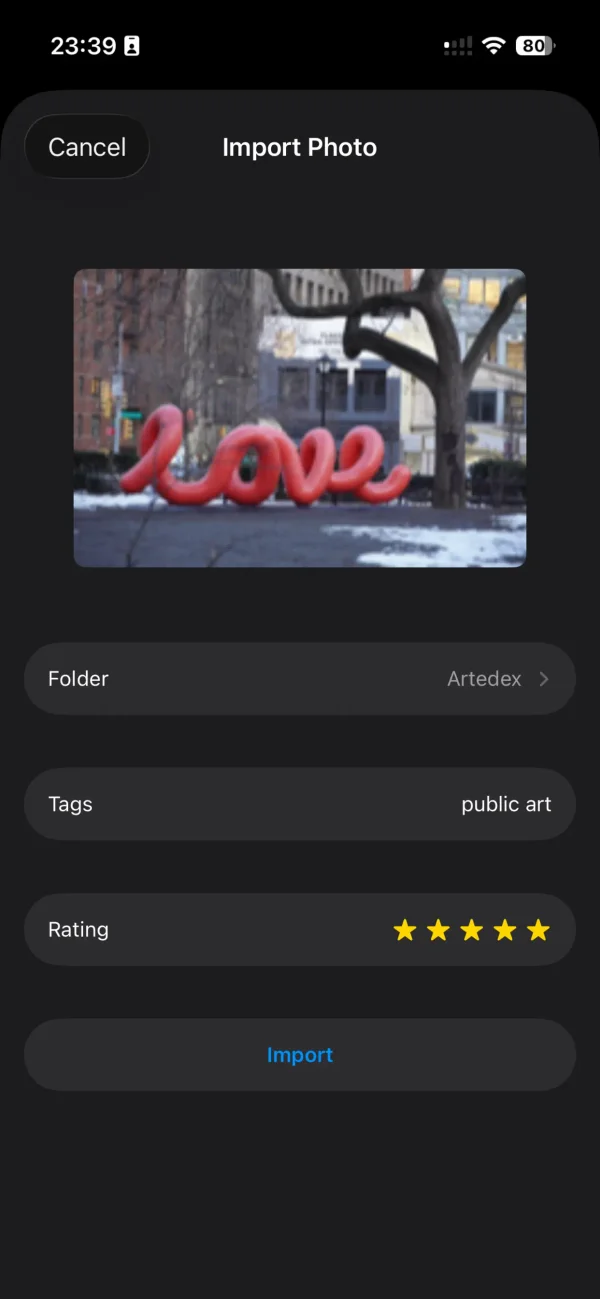
Browse your existing Eagle library on iPhone and iPad. Explore folders, search imported metadata, and view your saved assets on the go.
GOOGLE DRIVE — READ-ONLY
Connect your Google account and choose an existing .library folder under My Drive. Browse nested folders, thumbnails, tags, ratings and notes. Original files download when you need them for viewing.
After the first successful library sync, Eagle Pocket checks for updates about once per minute while the app is active and when you return to it, provided you are signed in. Changes made on your computer appear after the storage service finishes uploading them and the next sync succeeds. Continuous background updates are not guaranteed.
The direct Google Drive integration does not upload, edit, move or delete Drive files.
LIBRARIES THROUGH FILES
Open libraries from local storage, iCloud Drive, or supported network and storage providers through iOS Files. Editing and photo import are available where the storage provider permits writing.
OFFLINE VIEWING
Browse previously downloaded content offline. Original files that have not been downloaded require a connection.
PRIVACY
Library synchronization connects your device directly to your storage provider. Eagle Pocket does not operate a library-sync backend. Google Sign-In processes account and security information to authenticate your Google account; see our privacy policy for details.
REQUIREMENTS
An existing Eagle library created with Eagle for Mac or Windows. Google Drive is optional; successful Google authorization and access to the selected folder are required for a Drive connection.
What’s new
Version 1.0.3 · Oct 22, 2026
• Google Drive connections are now read-only. Browse existing Eagle libraries without uploading, editing, or deleting Drive files.
• Improved synchronization of nested folders and library assets. Desktop changes appear after the next successful sync.
• Added periodic update checks while the app is active and improved sign-in and sync error handling.
• Existing Google Drive users may need to reconnect with read-only permission.
App privacy
What An Kai Cheng declares on the App Store about how this app handles data.
-
Data linked to you
May be collected and linked to your identity.
- Location
- Contact info
- Identifiers
- Usage data
- Other data
Privacy practices may vary, for example with the features you use or your age.
Information
- Seller
- An Kai Cheng
- Category
- Photo & Video
- Version
- 1.0.3
- Updated
- Oct 22, 2026
- Released
- Mar 19, 2026
- Size
- 17.3 MB
- Requires
- iOS 18.6 or later
- Age rating
- 4+
- Price
- Free
- Languages
- English, Japanese
- Copyright
- © 2026 An-Kai Cheng
You might also like
-
 Eagle ViewerPhoto & Video
-
 Mylio PhotosOrganize & Protect Photos
-
 Log Cam: Open Gate by RAW CamCinematic Log Video Camera
-
 HashPhotosOrganize, Edit, Enjoy
-
 ImmichSelf-hosted Backup Tool
-
 Capture OneCreate without limits
-
 No Fusion-Powerful Pro CamLive, Portrait, RAW, HDR, Film
-
 KIRI Engine:3D Scanner & LiDARScanning your world with ease
-
 Affinity Photo 2 for iPadCreate, edit, retouch & share
-
 Procreate DreamsEdit. Animate. Create.