EaseConnect Remote
Desktop Access & Control
Conçue pour iPhone, iPad
Gratuit · Achats intégrés
- Classification d’âge4+
- CatégorieUtilitaires
- DéveloppeurJoaquin Garcia
- LanguesAnglais+ 1 de plus
- Taille22,2 Mo
Renvoie vers la page App Store officielle
Download.org n’héberge aucun fichier de EaseConnect Remote. Le bouton ouvre la page de l’application sur App Store, où Joaquin Garcia la publie. Fiche vérifiée pour la dernière fois le 12/11/2026.
Captures d’écran
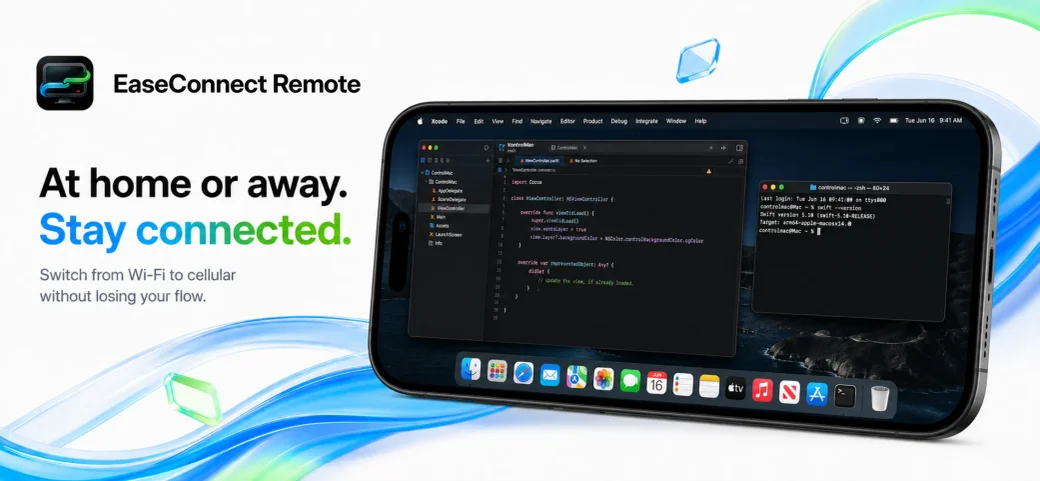
À propos
Le développeur n’a pas fourni ce texte dans votre langue.
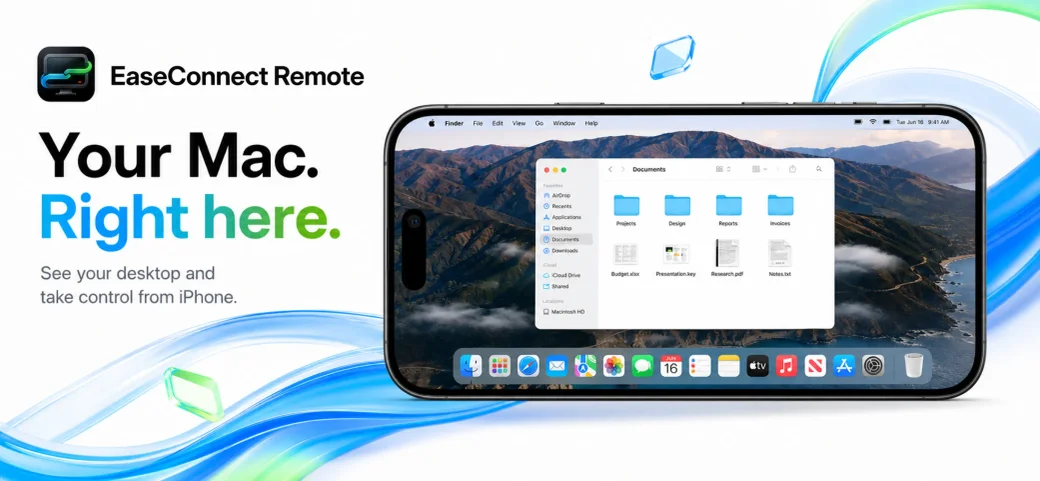
EaseConnect Remote turns your iPad into a responsive remote display and control surface for your computer.
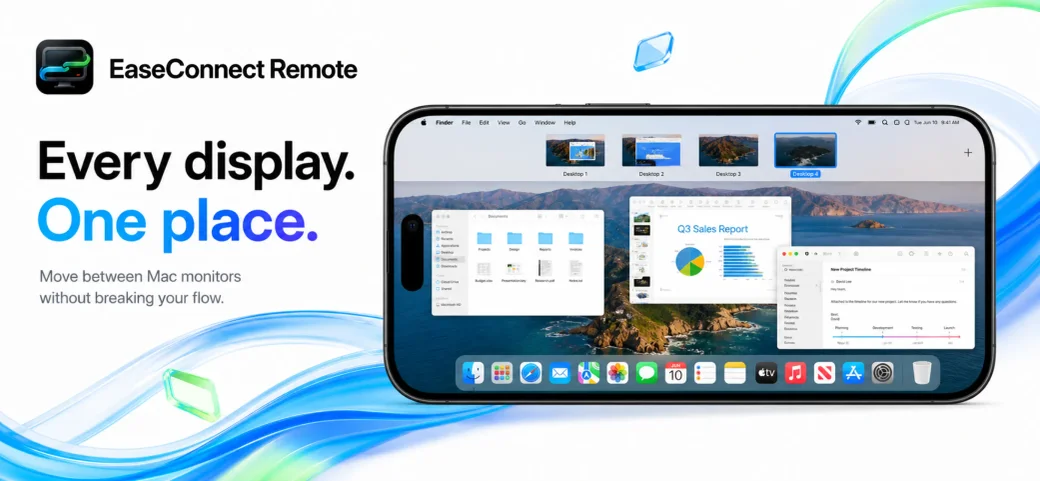
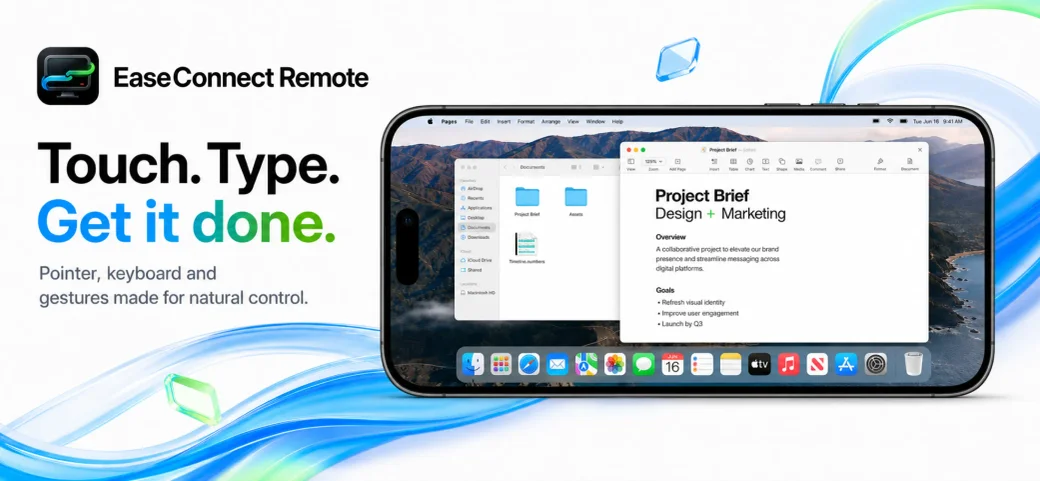
See and control your computer in real time with smooth video, system audio, precise pointer movement, keyboard input, scrolling, and multi-touch gestures. Switch between displays or view your complete workspace from one screen.
KEY FEATURES
• Low-latency desktop screen streaming
• System audio on iPad
• Precise pointer, click, scroll, and keyboard control
• Multiple display support
• Adaptive quality for changing network conditions
• Automatic discovery on local networks
• Secure direct connection
• No router configuration or port forwarding
Use EaseConnect Remote to keep working away from your desk, monitor long-running tasks, access desktop apps, present from anywhere in the room, or turn your iPad into a flexible desktop companion.
REQUIREMENTS
The free EaseConnect Remote companion app for macOS must be installed and running on the computer you want to control. Screen Recording and Accessibility permissions are required for streaming and remote control.
A paid subscription or the 3-day free trial is required to use this app.
Terms of Use (EULA): https://www.apple.com/legal/internet-services/itunes/dev/stdeula/
Nouveautés
Version 1.0.3 · 11/10/2026
Connecting your Mac is now much easier: open EaseConnect on your Mac, scan the QR code with your iPhone or iPad and you're done. No accounts or settings needed.
• Pair with a QR code, from the app or straight from the Camera app
• Simpler setup in two short screens
• Connects automatically once paired
• Fixed the pointer getting stuck after a click
Confidentialité de l’application
Ce que Joaquin Garcia déclare sur l’App Store au sujet du traitement des données par cette application.
-
Données n’établissant aucun lien avec vous
Peuvent être collectées, mais ne sont pas liées à votre identité.
- Diagnostic
Les pratiques en matière de confidentialité peuvent varier, notamment en fonction des fonctionnalités que vous utilisez ou de votre âge.
Informations
- Vendeur
- Joaquin Garcia
- Catégorie
- Utilitaires
- Version
- 1.0.3
- Mis à jour
- 11/10/2026
- Publié
- 16/08/2026
- Taille
- 22,2 Mo
- Nécessite
- iOS 17.0 ou version ultérieure
- Classification d’âge
- 4+
- Prix
- Gratuit
- Achats intégrés
- Oui
- Langues
- Anglais, Espagnol
- Copyright
- © 2026 Joaquín García
Vous aimerez peut-être aussi
-
 QuickLayout - Window ManagerAgencement et écrans multiples
-
 KBProBatchDFUUtilitaires
-
 Wobble Cast Live Caster sur TVPartage d'écran, Telecommande
-
 Yixuan ScreenUtilitaires
-
 BootboxUtilitaires
-
 Remote Desktop - by ThreadmarkUtilitaires
-
 EPPS CloudUtilitaires
-
 JetPilot: KVM, RDP & VNCUtilitaires
-
 Remote Mac Desktop ControlUtilitaires
-
 Compress Photos & ResizeUtilitaires