EaseConnect Remote
Desktop Access & Control
Designed for iPhone, iPad
In-app purchases
- Age rating4+
- CategoryUtilities
- DeveloperJoaquin Garcia
- LanguagesEnglish+ 1 more
- Size22.2 MB
Links to the official App Store page
Download.org hosts no file of EaseConnect Remote. The button opens its official App Store page, published by Joaquin Garcia. Listing last checked on Nov 12, 2026.
Screenshots
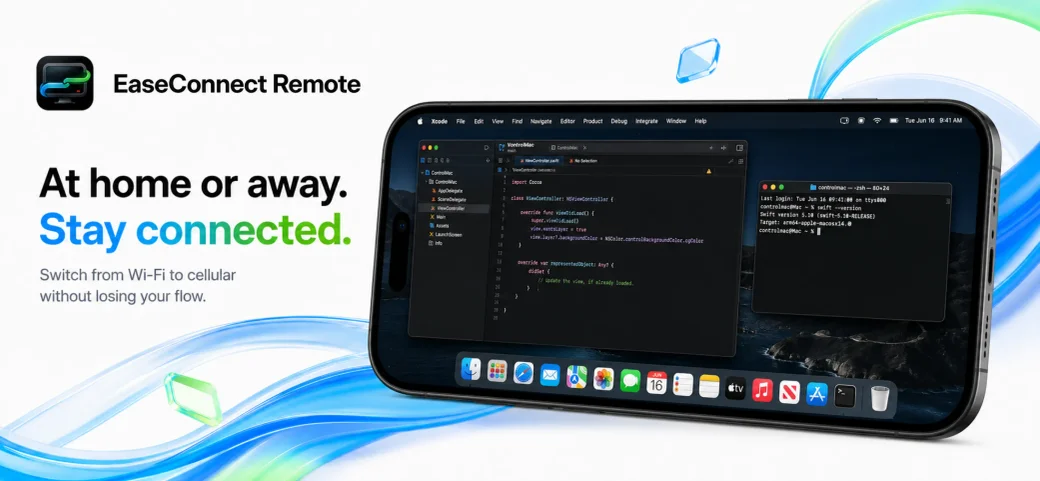
About
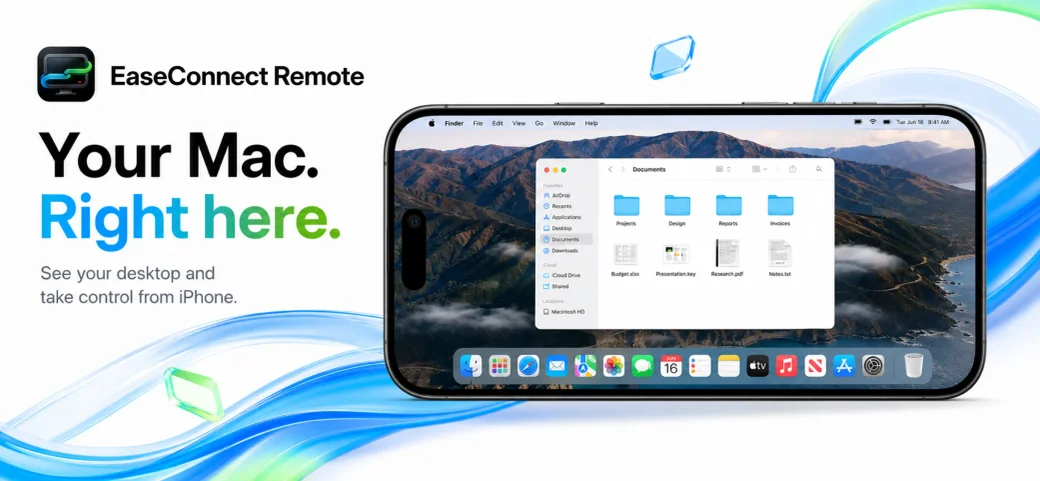
EaseConnect Remote turns your iPad into a responsive remote display and control surface for your computer.
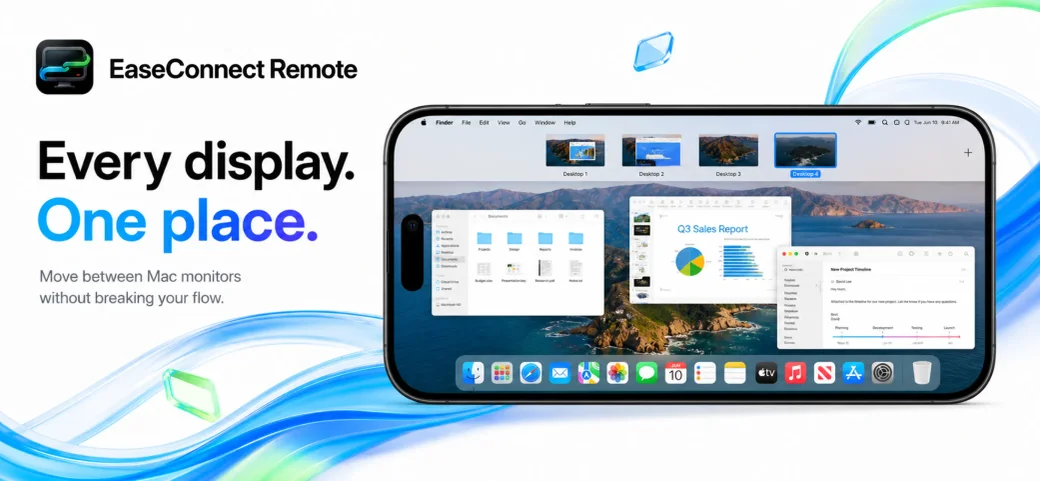
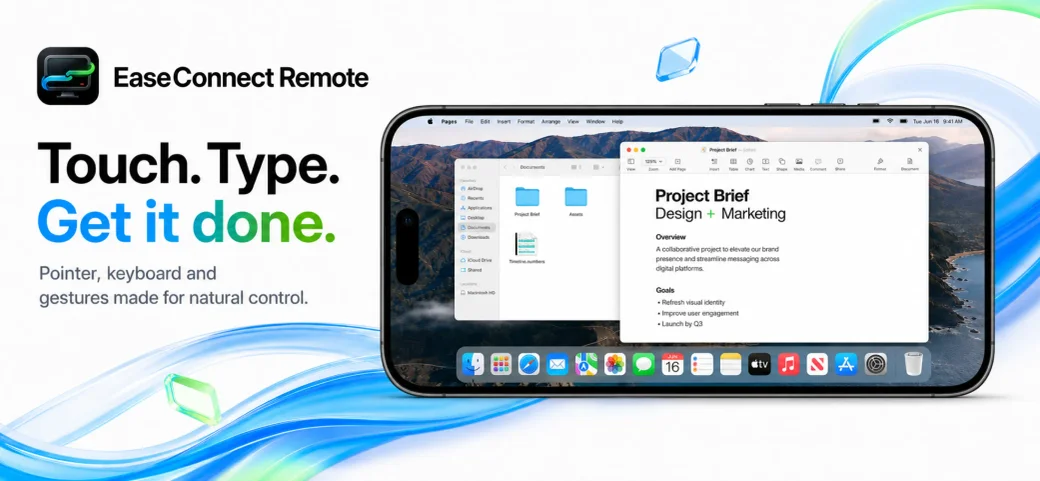
See and control your computer in real time with smooth video, system audio, precise pointer movement, keyboard input, scrolling, and multi-touch gestures. Switch between displays or view your complete workspace from one screen.
KEY FEATURES
• Low-latency desktop screen streaming
• System audio on iPad
• Precise pointer, click, scroll, and keyboard control
• Multiple display support
• Adaptive quality for changing network conditions
• Automatic discovery on local networks
• Secure direct connection
• No router configuration or port forwarding
Use EaseConnect Remote to keep working away from your desk, monitor long-running tasks, access desktop apps, present from anywhere in the room, or turn your iPad into a flexible desktop companion.
REQUIREMENTS
The free EaseConnect Remote companion app for macOS must be installed and running on the computer you want to control. Screen Recording and Accessibility permissions are required for streaming and remote control.
A paid subscription or the 3-day free trial is required to use this app.
Terms of Use (EULA): https://www.apple.com/legal/internet-services/itunes/dev/stdeula/
What’s new
Version 1.0.3 · Oct 11, 2026
Connecting your Mac is now much easier: open EaseConnect on your Mac, scan the QR code with your iPhone or iPad and you're done. No accounts or settings needed.
• Pair with a QR code, from the app or straight from the Camera app
• Simpler setup in two short screens
• Connects automatically once paired
• Fixed the pointer getting stuck after a click
App privacy
What Joaquin Garcia declares on the App Store about how this app handles data.
-
Data not linked to you
May be collected but is not linked to your identity.
- Diagnostics
Privacy practices may vary, for example with the features you use or your age.
Information
- Seller
- Joaquin Garcia
- Category
- Utilities
- Version
- 1.0.3
- Updated
- Oct 11, 2026
- Released
- Aug 16, 2026
- Size
- 22.2 MB
- Requires
- iOS 17.0 or later
- Age rating
- 4+
- In-app purchases
- Yes
- Languages
- English, Spanish
- Copyright
- © 2026 Joaquín García
You might also like
-
 QuickLayout - Window ManagerSave and restore layouts
-
 KBProBatchDFUUtilities
-
 Wobble Cast TV App: Smart ViewScreen Mirroring Photo, Video
-
 Yixuan ScreenUtilities
-
 BootboxRun Linux on a virtual PC
-
 Remote Desktop - by ThreadmarkNo-setup Remote Desktop
-
 EPPS CloudEPPS Cloud
-
 JetPilot: KVM, RDP & VNCOne remote for every screen
-
 Remote Mac Desktop ControlTrackpad, Keyboard and Screen
-
 Compress Photos & ResizeReduce Image Size & HEIC