Escher Blocks
An isometric sketchbook.
Conçue pour iPhone, iPad, iPod touch
Gratuit · Achats intégrés
- Classification d’âge4+
- CatégorieGraphisme et design
- DéveloppeurJeyprakash Michaelraj
- LanguesAnglais
- Taille23,6 Mo
Renvoie vers la page App Store officielle
Download.org n’héberge aucun fichier de Escher Blocks. Le bouton ouvre la page de l’application sur App Store, où Jeyprakash Michaelraj la publie. Fiche vérifiée pour la dernière fois le 17/11/2026.
Captures d’écran
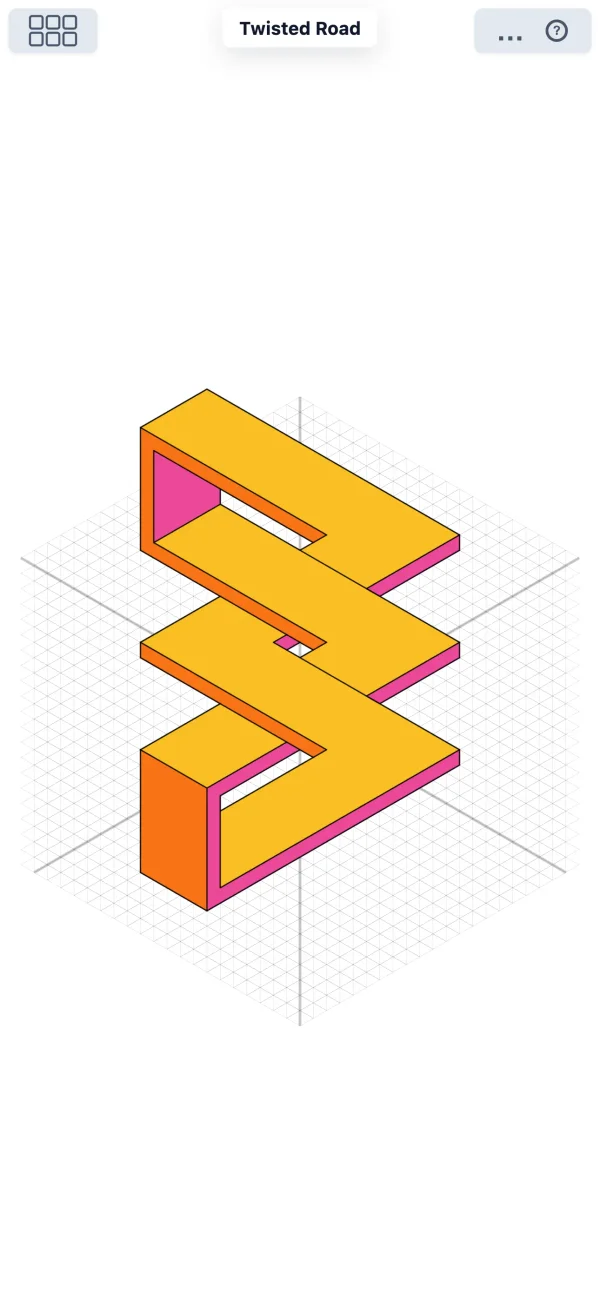
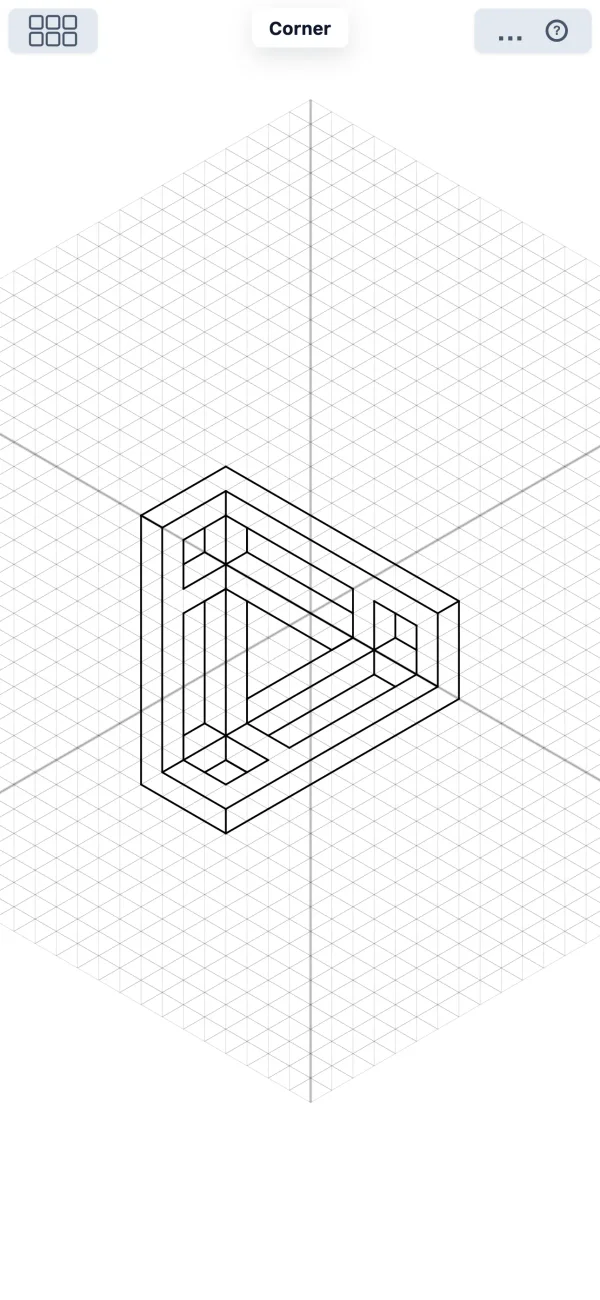

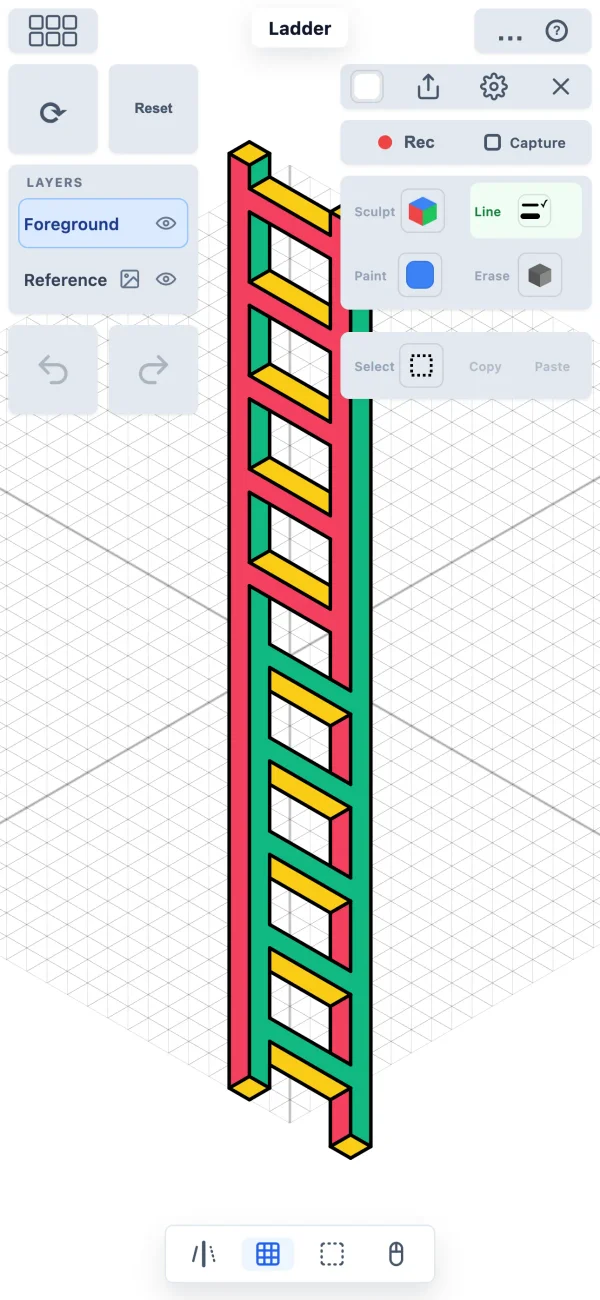
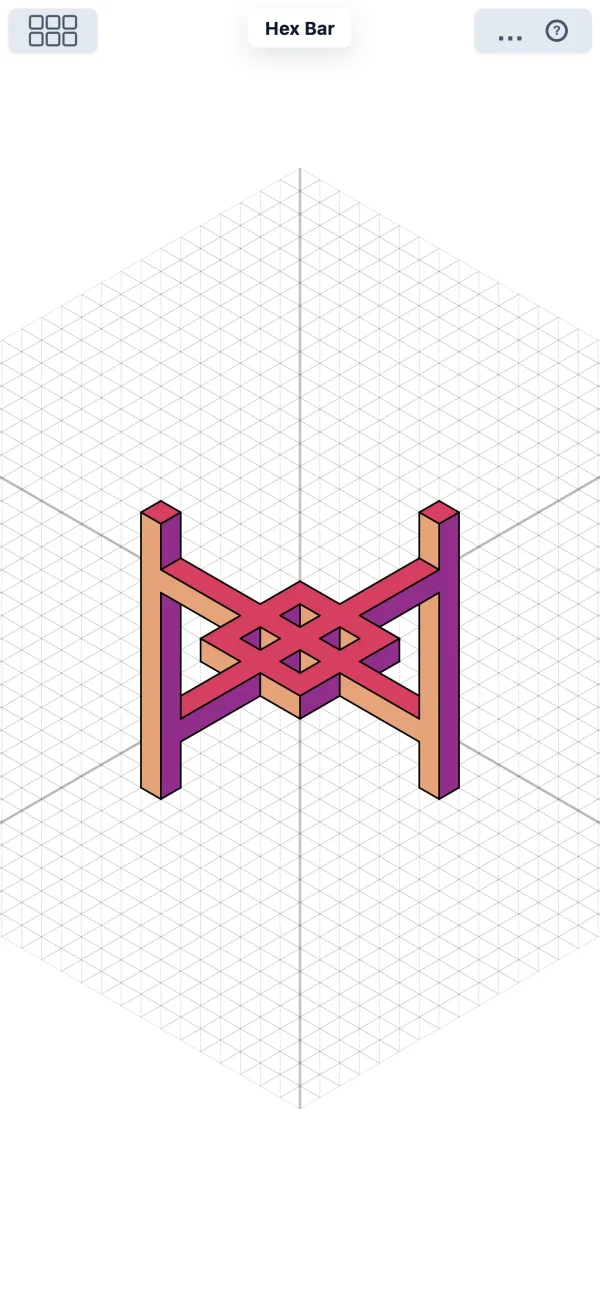
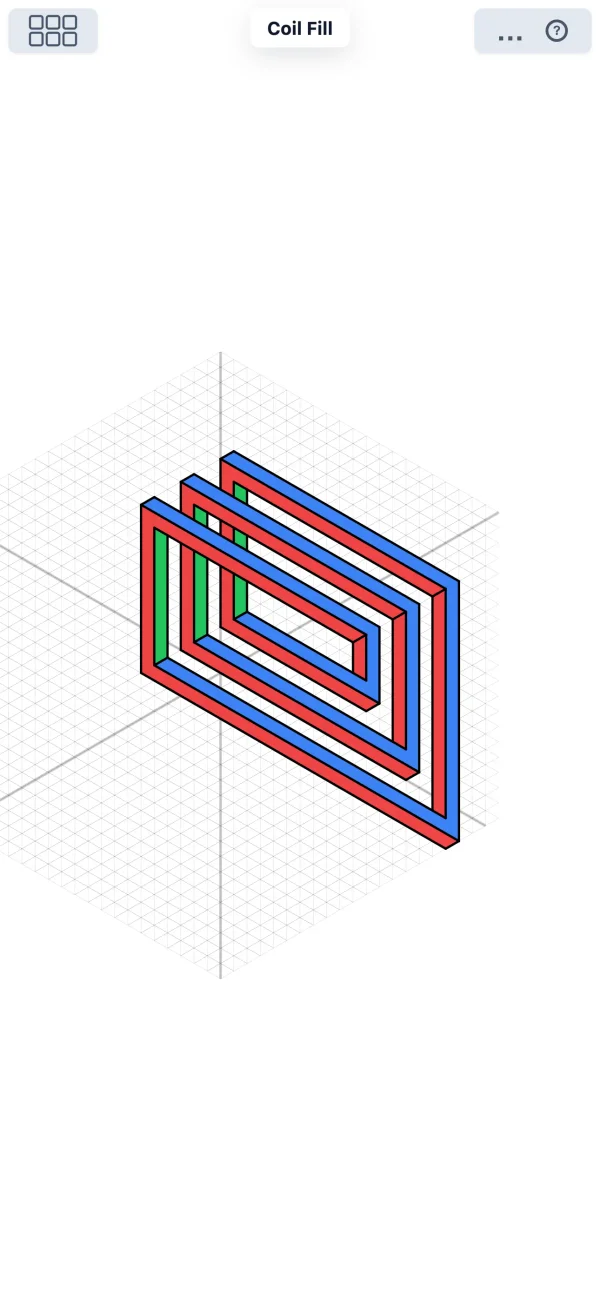
À propos
Le développeur n’a pas fourni ce texte dans votre langue.
Escher Blocks — An isometric sketchbook.
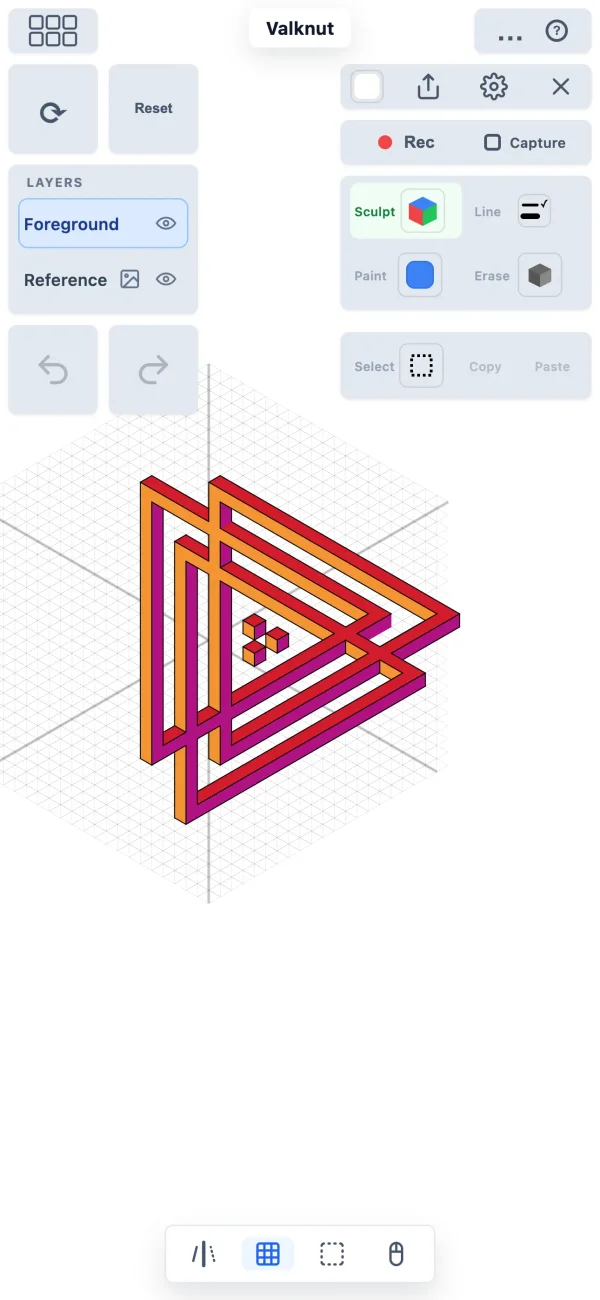
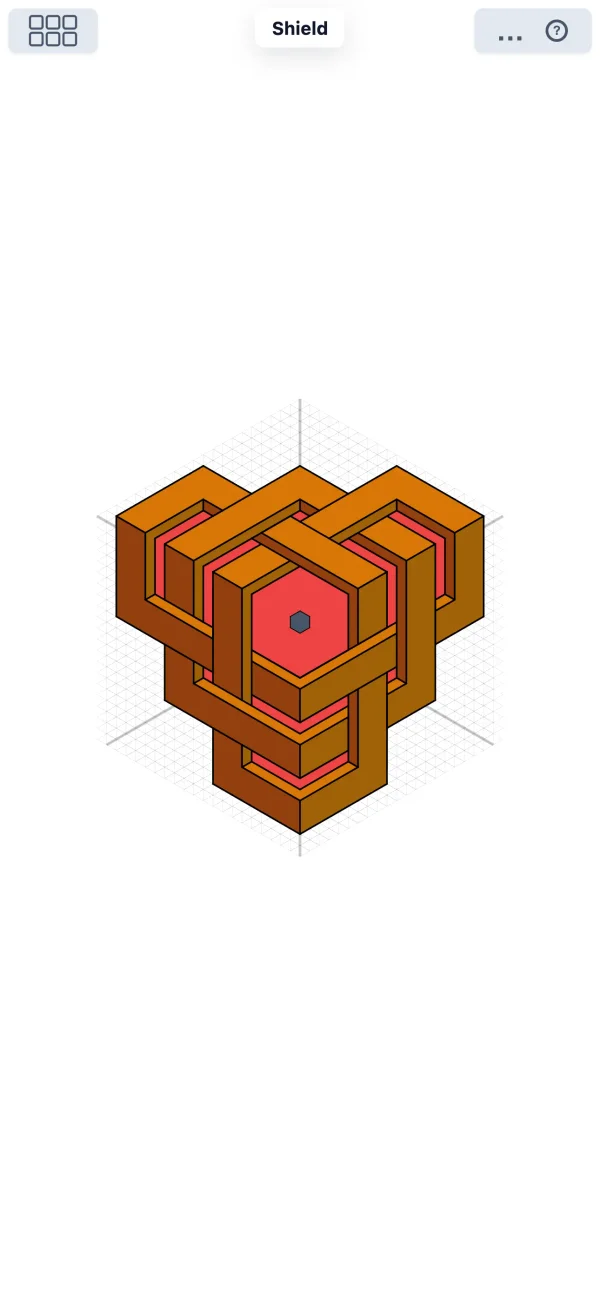
Escher Blocks is a drawing app for creating block-based 3D art and isometric line drawings. Stack colorful cubes to form shapes, then trace their edges to explore structure and depth. Start with blocks, move to lines, or draw directly in 3D—it’s entirely up to you.
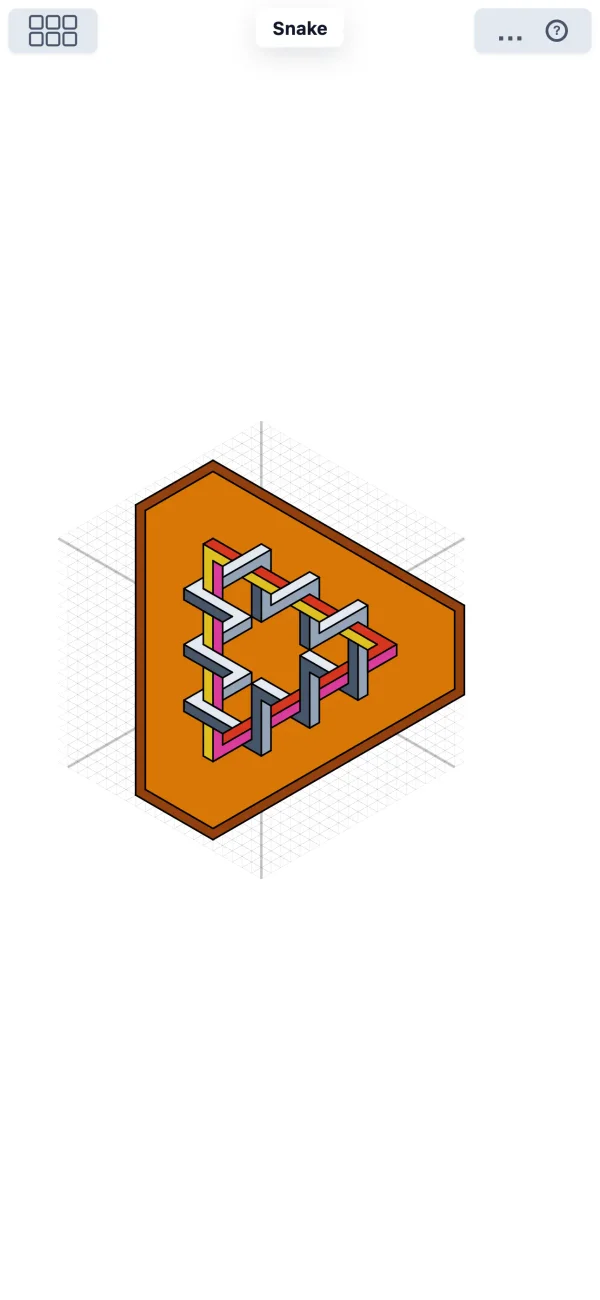
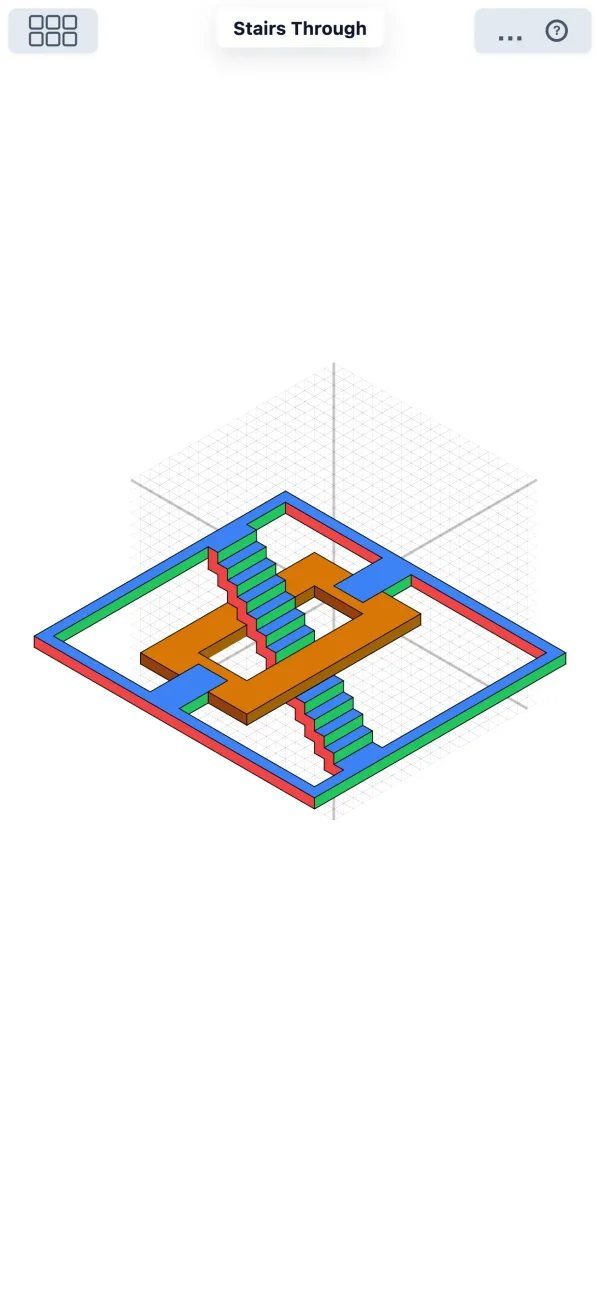
Use imagination and creativity to build impossible objects and optical illusions & forms that loop, twist, and gently challenge how depth and perspective are perceived, all within a clean isometric grid.
Whether you’re learning 3D perspective, practicing technical drawing, or simply doodling, Escher Blocks makes 3D drawing feel intuitive, expressive, and fun.
Key Features:
* Build 3D forms by stacking colored cubes
* Create impossible objects and paradoxical structures
* Convert blocks into clean isometric line drawings
* Draw edges and wireframes directly in 3D space
* Learn perspective by seeing blocks before drawing lines
* Lightweight, distraction-free drawing experience
* Designed for artists, students, and 3D enthusiasts
Nouveautés
Version 2.0.0 · 29/08/2026
Added multiple features in ver2.0
Reference layers
Trace over anything. Load a sample, or one of your own drawings, as a Reference layer, draw on top of it at 50% opacity, and keep the two apart. The reference never lands in your export.
Line editing
A new line select tool lets you grab individual segments, move and rotate them on their own, and copy a run of lines as one continuous polyline instead of loose stubs.
Gallery
A curated collection of drawings and recordings. Gallery pieces open read-only. Copy & Edit makes your own editable copy.
Also new
- Rename a drawing straight from the canvas title
- Collapse either side of the canvas UI for a clear view
- A compact playback controls
- The color picker shows a miniature of the cube you picked
- Samples grouped by type on the Projects screen
Fixed
- Drag-painting works again after a tap
- MP4 recordings keep safe framing with the grid off
- Hidden Foreground layers stay hidden in exports
- A failed sample import now rolls back cleanly
- Pro access refreshes on return
Confidentialité de l’application
Ce que Jeyprakash Michaelraj déclare sur l’App Store au sujet du traitement des données par cette application.
-
Données non collectées
Le développeur ne collecte aucune donnée à partir de cette application.
Les pratiques en matière de confidentialité peuvent varier, notamment en fonction des fonctionnalités que vous utilisez ou de votre âge.
Informations
- Vendeur
- Jeyprakash Michaelraj
- Catégorie
- Graphisme et design
- Version
- 2.0.0
- Mis à jour
- 29/08/2026
- Publié
- 04/03/2026
- Taille
- 23,6 Mo
- Nécessite
- iOS 14.0 ou version ultérieure
- Classification d’âge
- 4+
- Prix
- Gratuit
- Achats intégrés
- Oui
- Langues
- Anglais
- Copyright
- © ரசிகன்
Vous aimerez peut-être aussi
-
 IsometriaGraphisme et design
-
 Trazo StudioGraphisme et design
-
 Atelier de TuilesDessinez des pavages infinis
-
 Intersect StudioGraphisme et design
-
 Isometric DrawingGraphisme et design
-
 GlassVFXGraphisme et design
-
 Outframe: Video to SVGGraphisme et design
-
 Lineova : Dessin & PeintureCroquis, vectoriel & animation
-
 Iso EasyGraphisme et design
-
 TileodileGraphisme et design