Escher Blocks
An isometric sketchbook.
Dirancang untuk iPhone, iPad, iPod touch
Gratis · Pembelian dalam aplikasi
- Batasan usia4+
- KategoriGrafik & Desain
- PengembangJeyprakash Michaelraj
- BahasaInggris
- Ukuran23,6 MB
Tertaut ke halaman resmi App Store
Download.org tidak menyimpan file Escher Blocks apa pun. Tombol ini membuka halaman aplikasi di App Store, tempat Jeyprakash Michaelraj menerbitkannya. Halaman terakhir diperiksa pada 17/11/2026.
Tangkapan layar
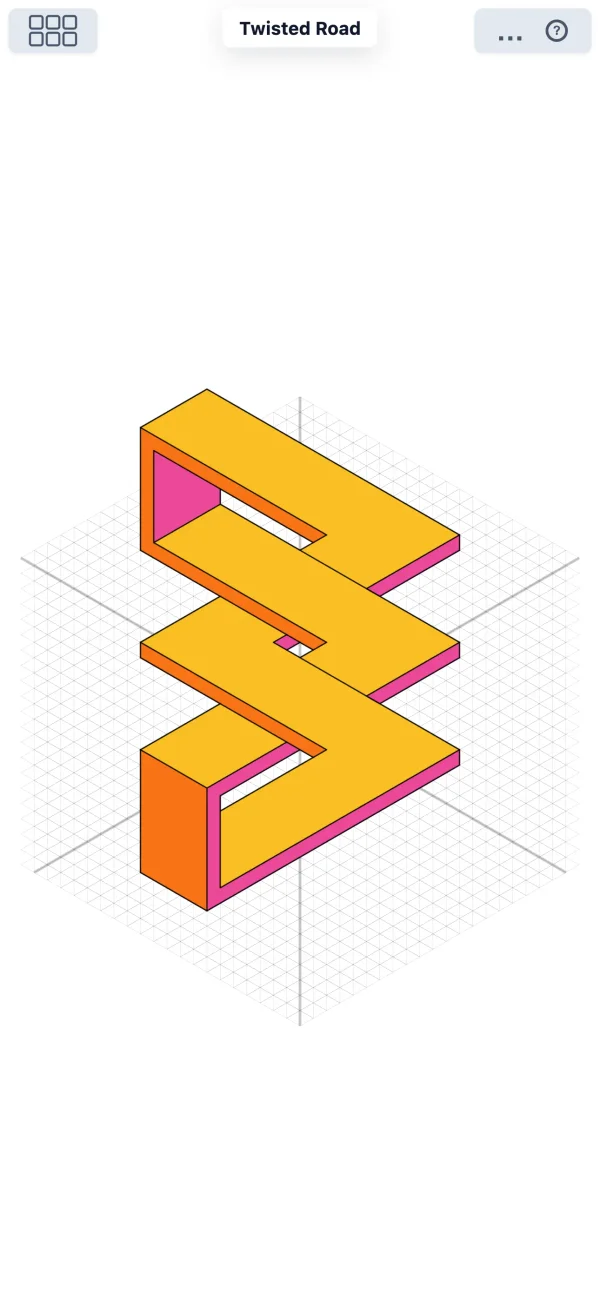
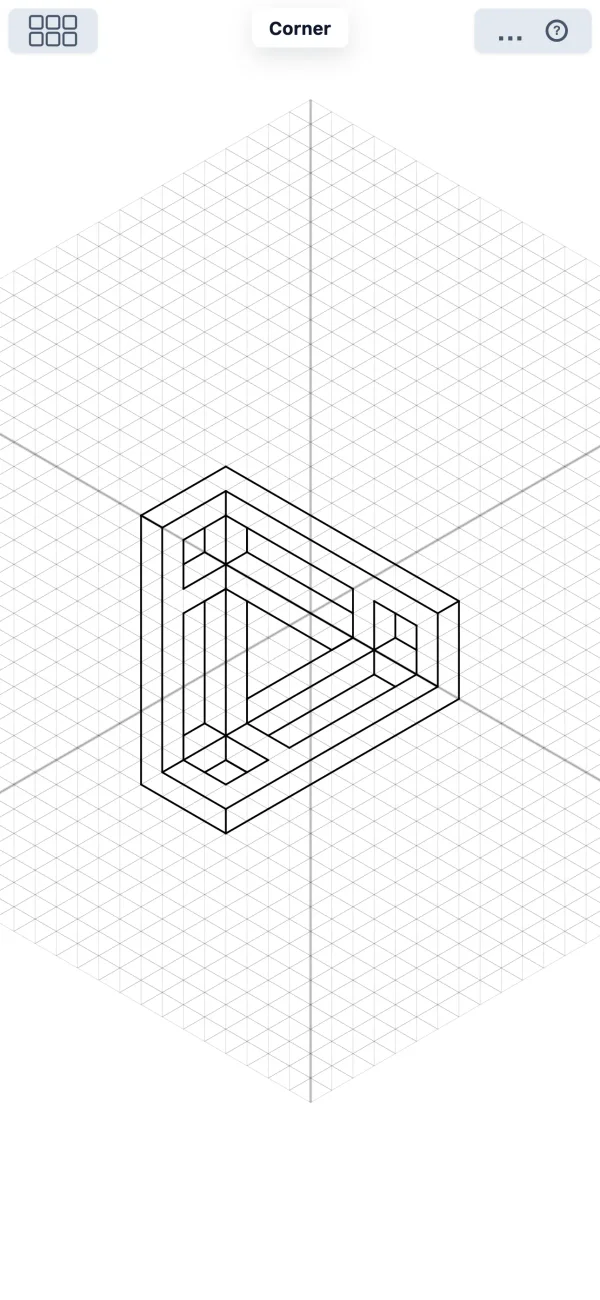

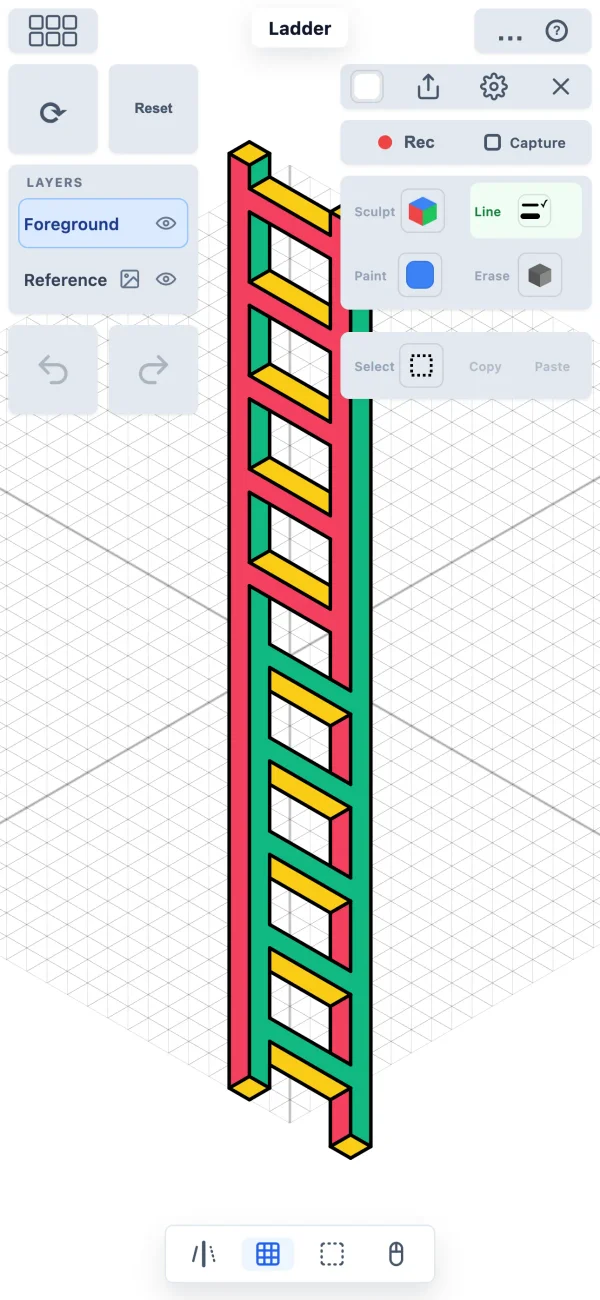
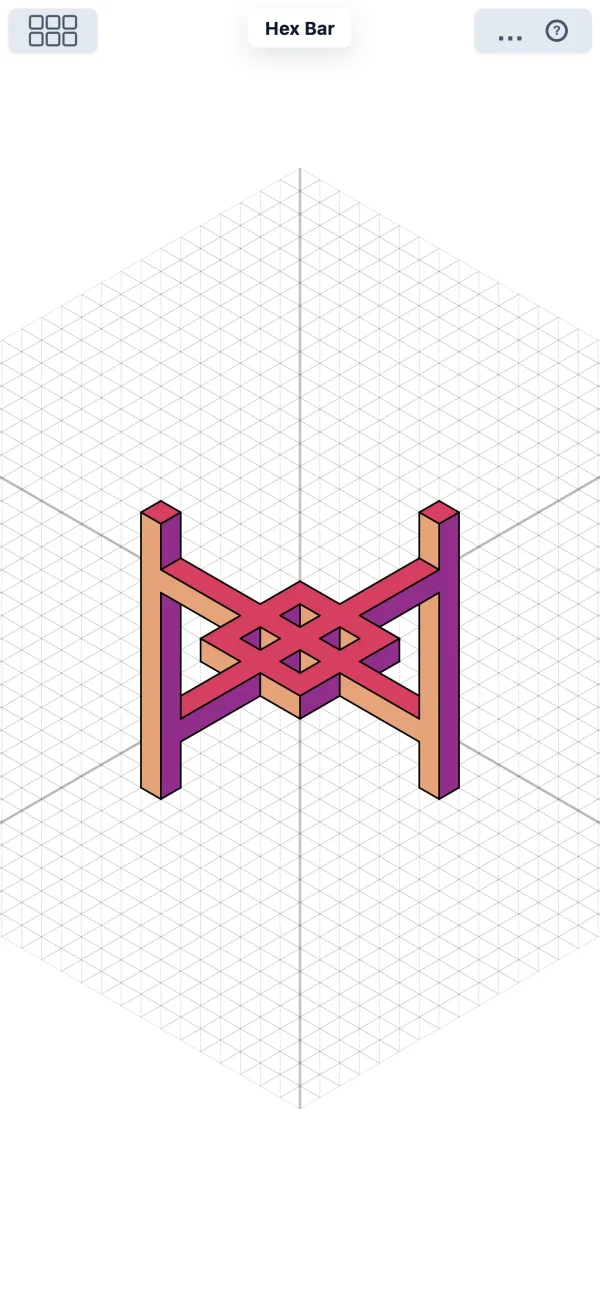
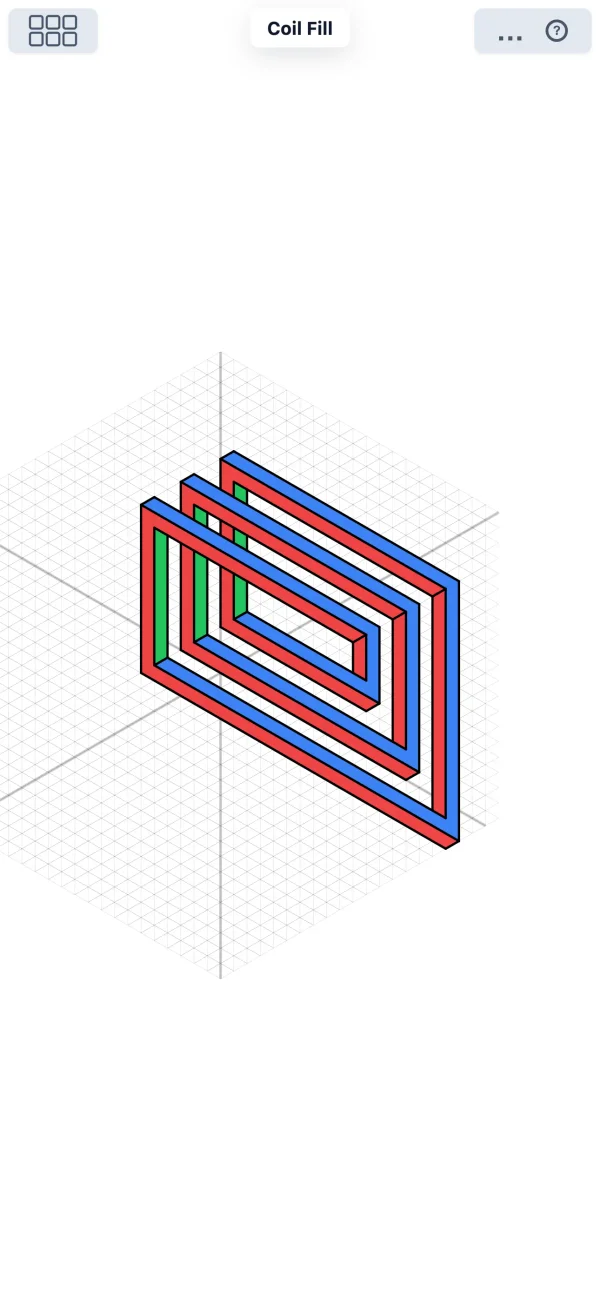
Tentang
Pengembang belum menyediakan teks ini dalam bahasa Anda.
Escher Blocks — An isometric sketchbook.
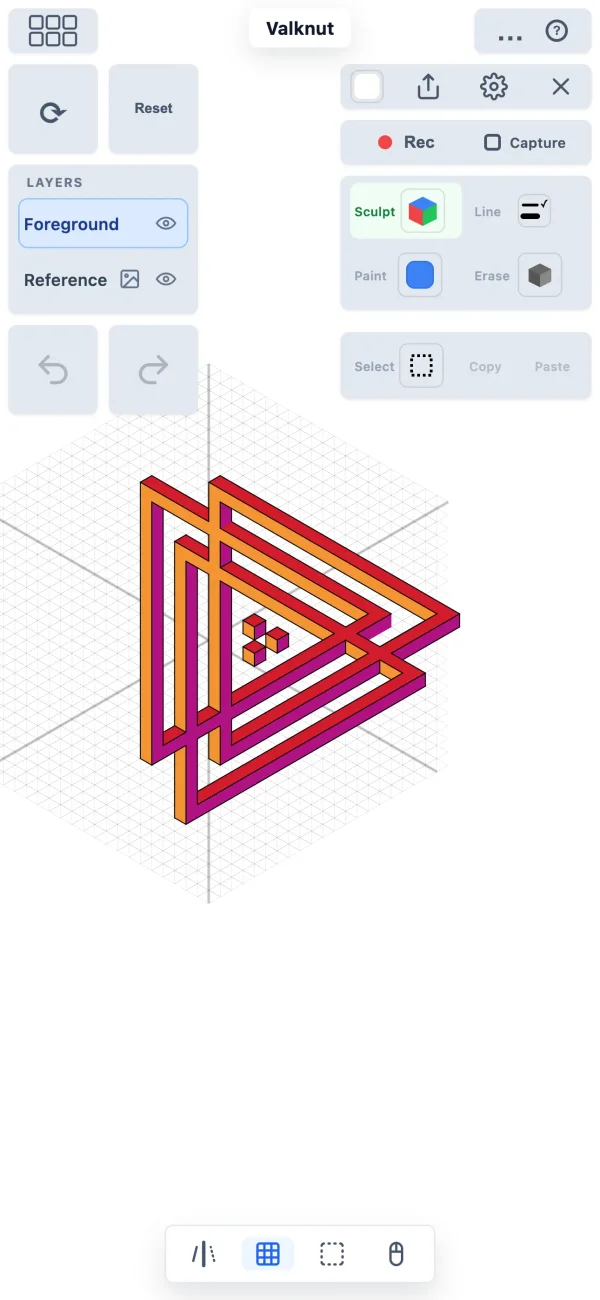
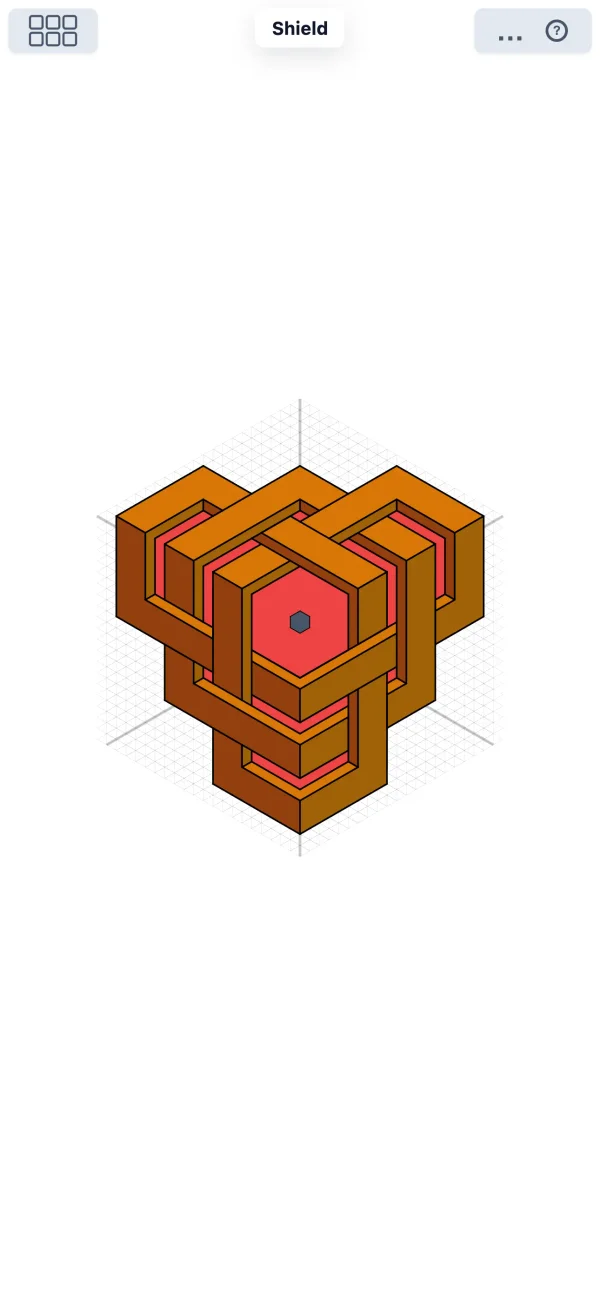
Escher Blocks is a drawing app for creating block-based 3D art and isometric line drawings. Stack colorful cubes to form shapes, then trace their edges to explore structure and depth. Start with blocks, move to lines, or draw directly in 3D—it’s entirely up to you.
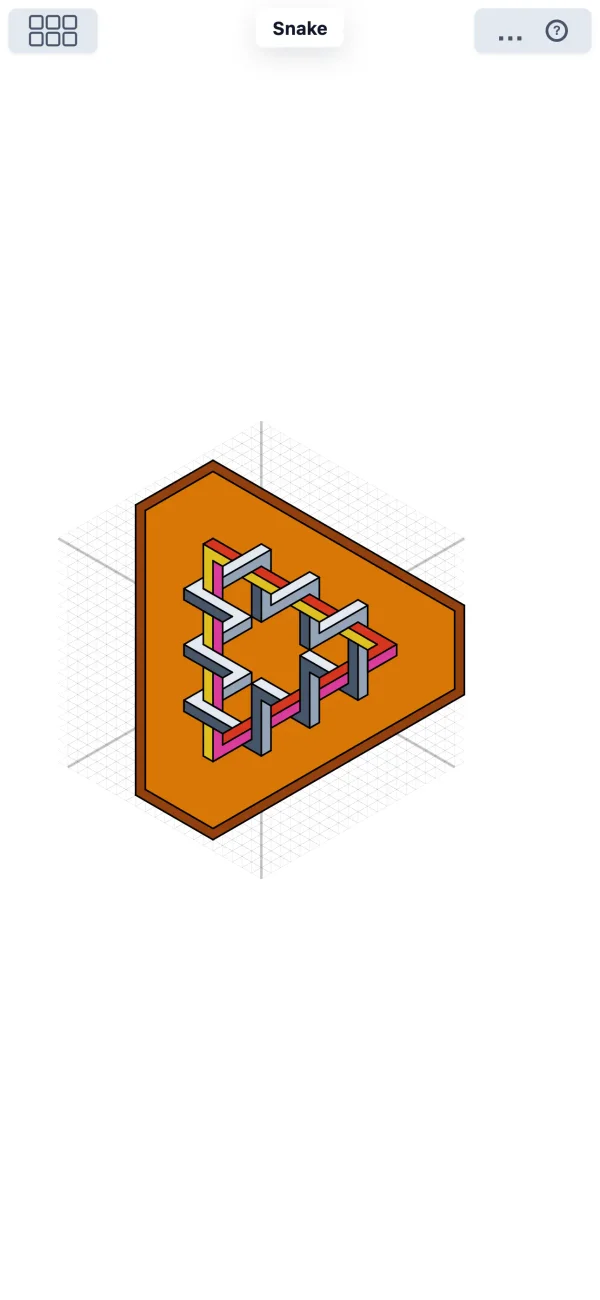
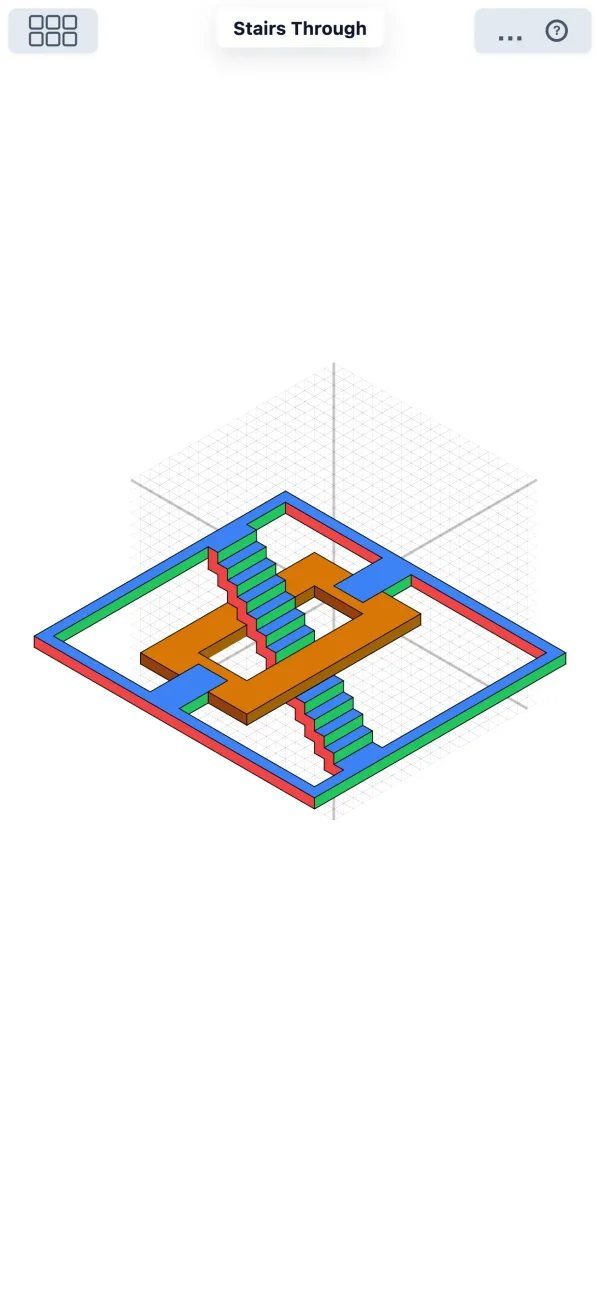
Use imagination and creativity to build impossible objects and optical illusions & forms that loop, twist, and gently challenge how depth and perspective are perceived, all within a clean isometric grid.
Whether you’re learning 3D perspective, practicing technical drawing, or simply doodling, Escher Blocks makes 3D drawing feel intuitive, expressive, and fun.
Key Features:
* Build 3D forms by stacking colored cubes
* Create impossible objects and paradoxical structures
* Convert blocks into clean isometric line drawings
* Draw edges and wireframes directly in 3D space
* Learn perspective by seeing blocks before drawing lines
* Lightweight, distraction-free drawing experience
* Designed for artists, students, and 3D enthusiasts
Yang baru
Versi 2.0.0 · 29/8/2026
Added multiple features in ver2.0
Reference layers
Trace over anything. Load a sample, or one of your own drawings, as a Reference layer, draw on top of it at 50% opacity, and keep the two apart. The reference never lands in your export.
Line editing
A new line select tool lets you grab individual segments, move and rotate them on their own, and copy a run of lines as one continuous polyline instead of loose stubs.
Gallery
A curated collection of drawings and recordings. Gallery pieces open read-only. Copy & Edit makes your own editable copy.
Also new
- Rename a drawing straight from the canvas title
- Collapse either side of the canvas UI for a clear view
- A compact playback controls
- The color picker shows a miniature of the cube you picked
- Samples grouped by type on the Projects screen
Fixed
- Drag-painting works again after a tap
- MP4 recordings keep safe framing with the grid off
- Hidden Foreground layers stay hidden in exports
- A failed sample import now rolls back cleanly
- Pro access refreshes on return
Privasi aplikasi
Yang dinyatakan Jeyprakash Michaelraj di App Store tentang cara aplikasi ini menangani data.
-
Data tidak dikumpulkan
Pengembang tidak mengumpulkan data apa pun dari aplikasi ini.
Praktik privasi dapat bervariasi, misalnya berdasarkan fitur yang Anda gunakan atau usia Anda.
Informasi
- Penjual
- Jeyprakash Michaelraj
- Kategori
- Grafik & Desain
- Versi
- 2.0.0
- Diperbarui
- 29/8/2026
- Dirilis
- 4/3/2026
- Ukuran
- 23,6 MB
- Memerlukan
- iOS 14.0 atau yang lebih baru
- Batasan usia
- 4+
- Harga
- Gratis
- Pembelian dalam aplikasi
- Ya
- Bahasa
- Inggris
- Hak cipta
- © ரசிகன்
Mungkin Anda juga suka
-
 IsometriaGrafik & Desain
-
 Trazo StudioGrafik & Desain
-
 Tile Studio: Escher PatternsGrafik & Desain
-
 Intersect StudioGrafik & Desain
-
 Isometric DrawingGrafik & Desain
-
 GlassVFXGrafik & Desain
-
 Outframe: Video to SVGGrafik & Desain
-
 Lineova: Drawing & PaintingGrafik & Desain
-
 Iso EasyGrafik & Desain
-
 TileodileGrafik & Desain