
EvernightBoard
A display-assistive tool
Conçue pour iPhone, iPad, Mac, iPod touch
Gratuit
- Classification d’âge4+
- CatégorieUtilitaires
- DéveloppeurXIAOCHI CHEN
- LanguesAnglais+ 3 de plus
- Taille31,3 Mo
Renvoie vers la page App Store officielle
Download.org n’héberge aucun fichier de EvernightBoard. Le bouton ouvre la page de l’application sur App Store, où XIAOCHI CHEN la publie. Fiche vérifiée pour la dernière fois le 19/11/2026.
Captures d’écran

À propos
Le développeur n’a pas fourni ce texte dans votre langue.
Gathering the brocaded words of the long night, transforming ten thousand thoughts into this space.
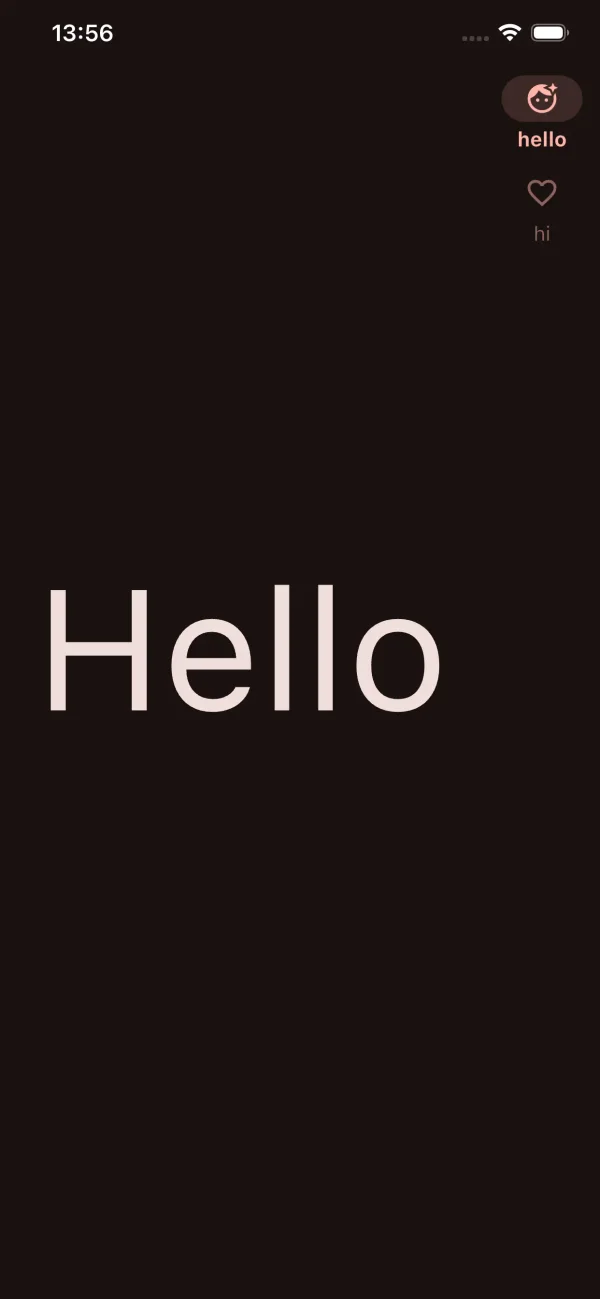
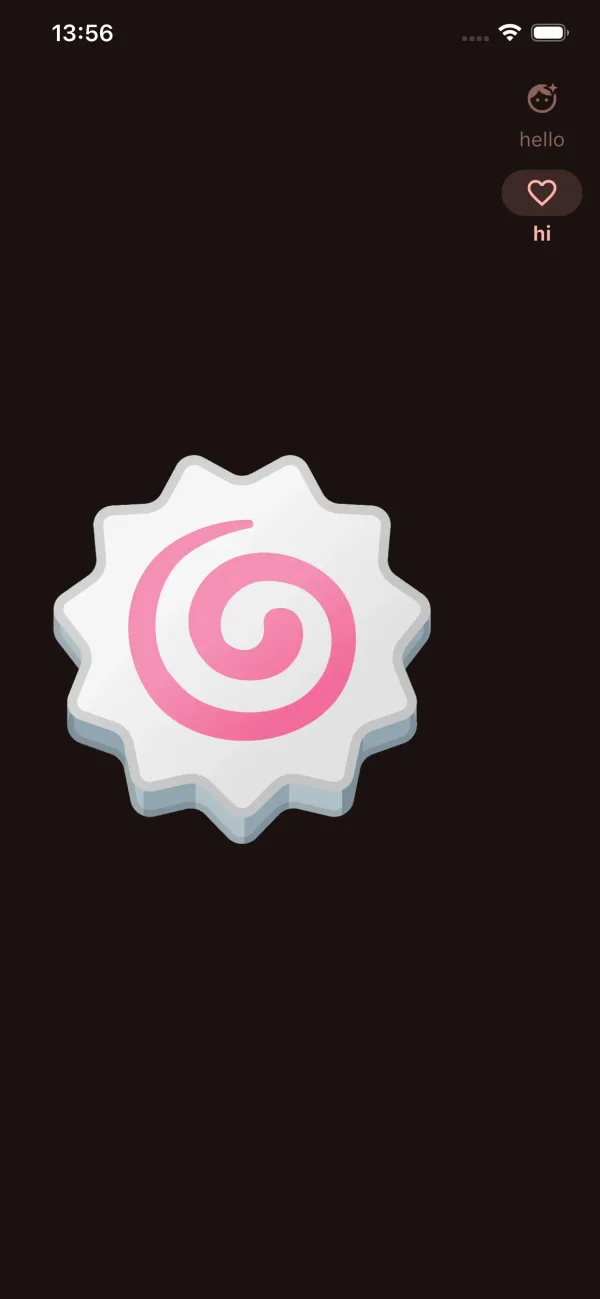
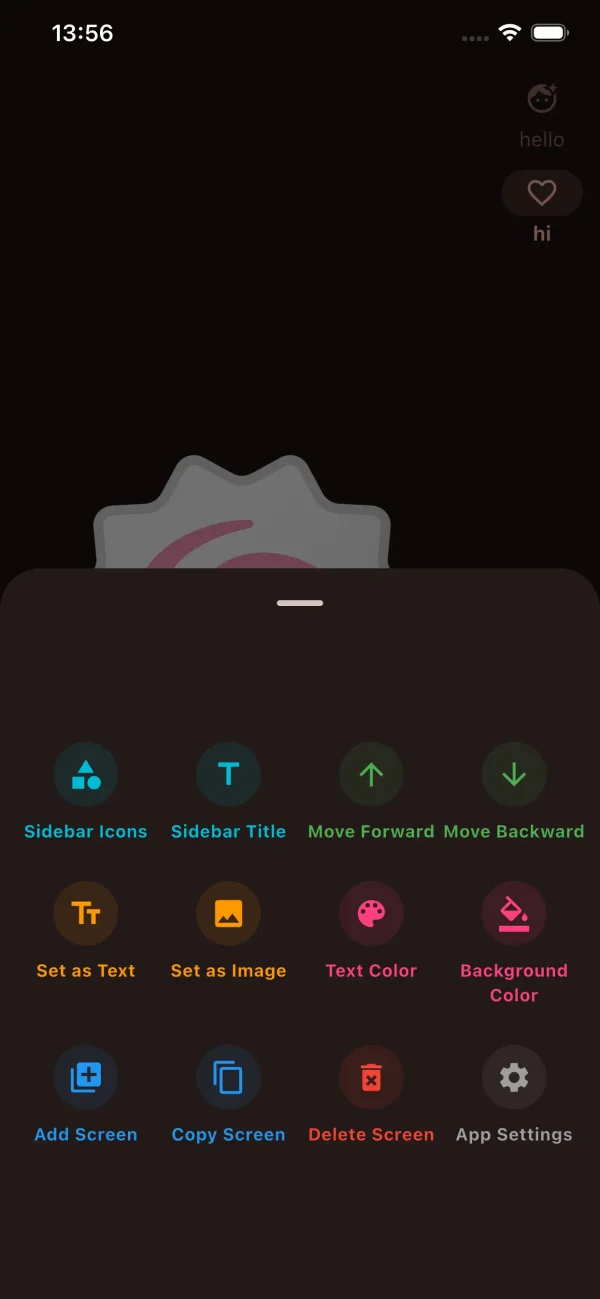
EvernightBoard is a display-assistive tool that prolongs your communication through preset images and text when both touchscreen access and verbal communication are limited.
* Use Cases:
- When verbal communication is limited and touchscreen precision is extremely low (e.g., wearing gloves) or the touchscreen is unusable, use preset large text or images to quickly convey information to others.
- Presenting prompts to the stage from offstage.
- Scenarios where you simply need to display text messages or images in large sizes on the screen and be able to turn pages.
* Supported Page-Turning Methods:
- Switch screens using icon buttons in the navigation bar: The most standard method for page navigation.
- In portrait mode, the navigation bar automatically shifts to the slightly tilted side of the phone, ensuring the thumb of either hand can easily reach it.
- In landscape mode, the navigation bar always remains at the bottom.
- Touch half of the screen to switch screens: Enables accurate page turning even with low touch precision.
- Portrait mode: Top and bottom halves.
- Landscape mode: Left and right halves.
- Use volume buttons to turn pages: Physical buttons serve as your most reliable backup. This feature must be enabled separately in the software settings.
Nouveautés
Version 1.1.0 · 20/04/2026
- Fixed an issue where the language settings reverted to "Auto" upon restarting the application after being manually specified.
- Adapted to the operating system's accessibility features.
- Suspends the navigation bar's auto-positioning feature when "VoiceOver" is enabled.
- Displays a prompt message and explains the reason when certain features are disabled.
Confidentialité de l’application
Ce que XIAOCHI CHEN déclare sur l’App Store au sujet du traitement des données par cette application.
-
Données non collectées
Le développeur ne collecte aucune donnée à partir de cette application.
Les pratiques en matière de confidentialité peuvent varier, notamment en fonction des fonctionnalités que vous utilisez ou de votre âge.
Informations
- Vendeur
- XIAOCHI CHEN
- Catégorie
- Utilitaires
- Version
- 1.1.0
- Mis à jour
- 20/04/2026
- Publié
- 07/04/2026
- Taille
- 31,3 Mo
- Nécessite
- iOS 13.0 ou version ultérieure
- Classification d’âge
- 4+
- Prix
- Gratuit
- Langues
- Anglais, Japonais, Chinois simplifié, Chinois traditionnel
- Copyright
- © Copyright (c) 2026 KagurazakaYashi(KagurazakaMiyabi)
Vous aimerez peut-être aussi
-
 MyOmniSightUtilitaires
-
 EchoSenseUtilitaires
-
 Vision Assistant AIUtilitaires
-
 EyeSearchUtilitaires
-
 InnoEbenUtilitaires
-
 FocusWindow-DeepFlowTimerUtilitaires
-
 Illuminance Pulsation MeterTrouvez le scintillement de la
-
 Sonneries: Créateur de TonsÉditeur Audio & Alarmes
-
 LED Sign SmartUtilitaires
-
 AI Guide DogUtilitaires