
EZ Notepad plus - Symple note
Reorder,color,read notes aloud
Conçue pour iPhone, iPad, Mac
Gratuit
- Classification d’âge4+
- CatégorieProductivité
- Développeurmobatan
- LanguesAnglais+ 1 de plus
- Taille1,3 Mo
Renvoie vers la page App Store officielle
Download.org n’héberge aucun fichier de EZ Notepad plus - Symple note. Le bouton ouvre la page de l’application sur App Store, où mobatan la publie. Fiche vérifiée pour la dernière fois le 16/11/2026.
Captures d’écran
À propos
Le développeur n’a pas fourni ce texte dans votre langue.
Extremely User-Friendly! Intuitive to Use.
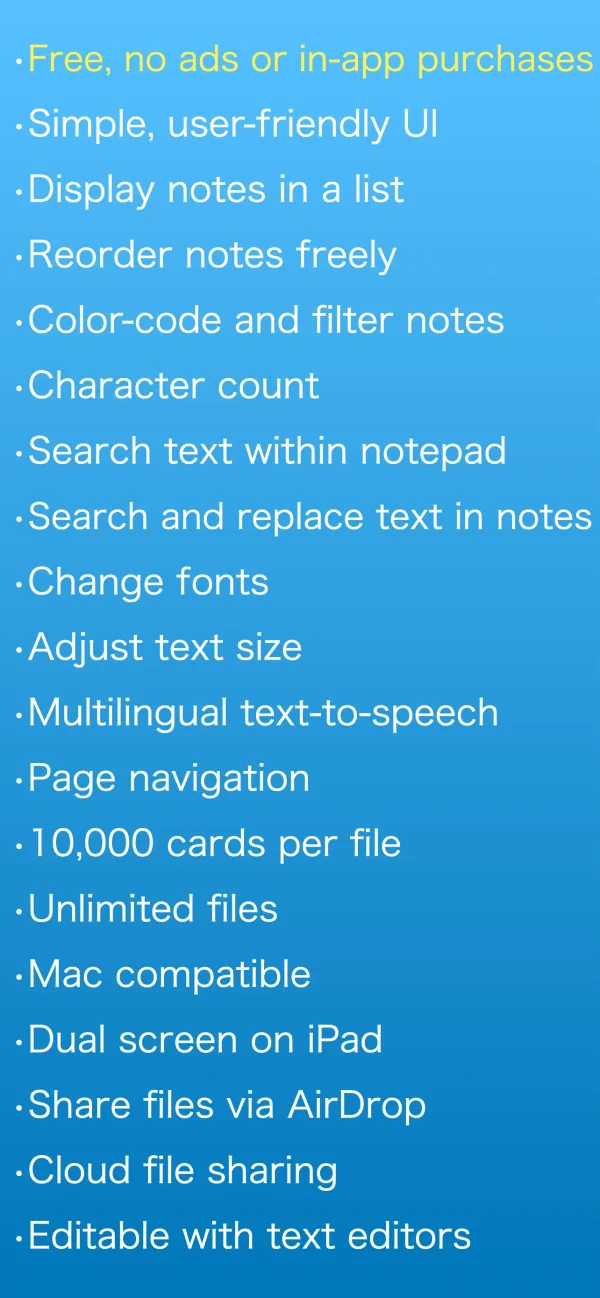
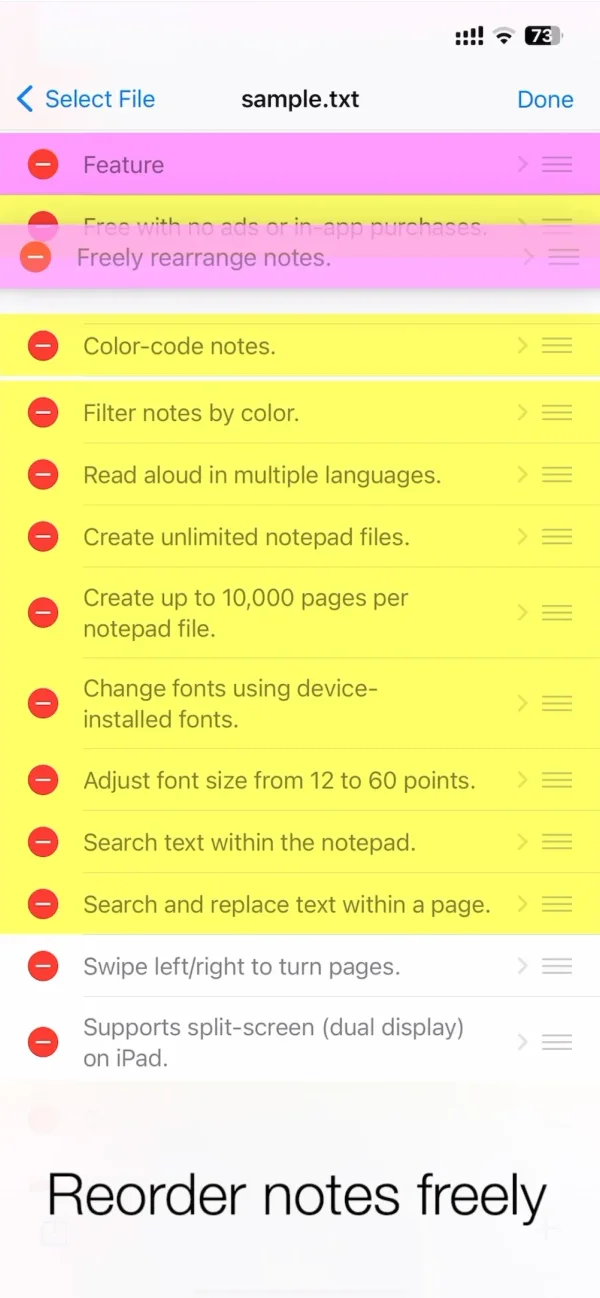
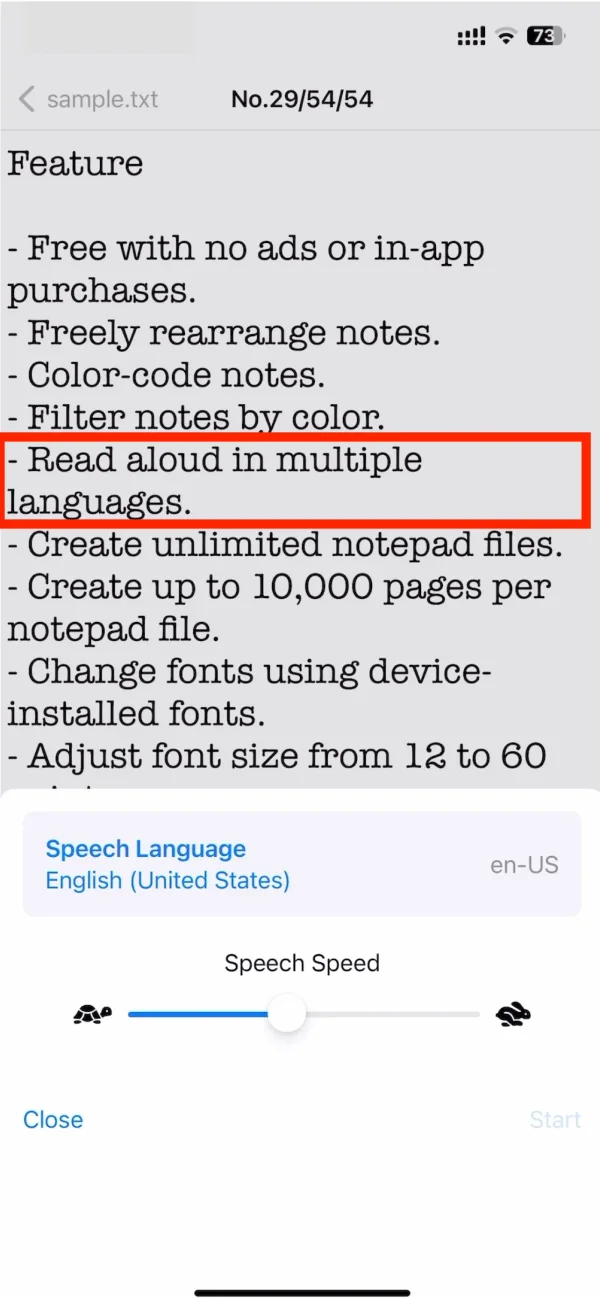
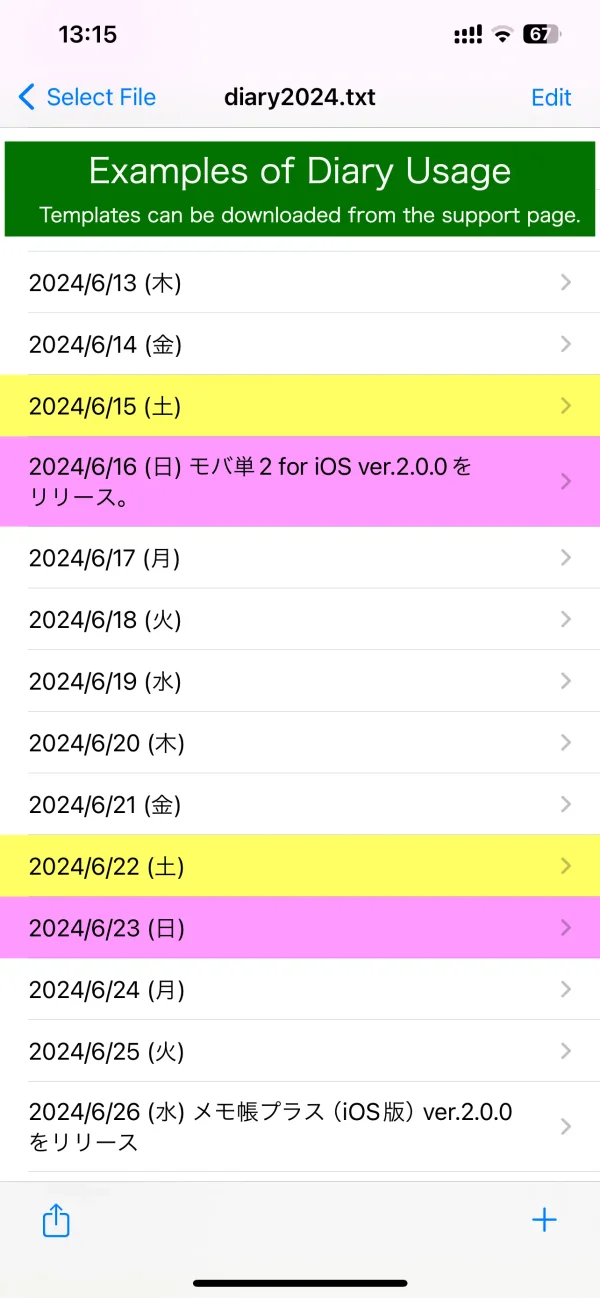
You can freely rearrange and color notes. Notes can be searched by text or filtered by color. It also supports read-aloud. Free with no ads or in-app purchases.
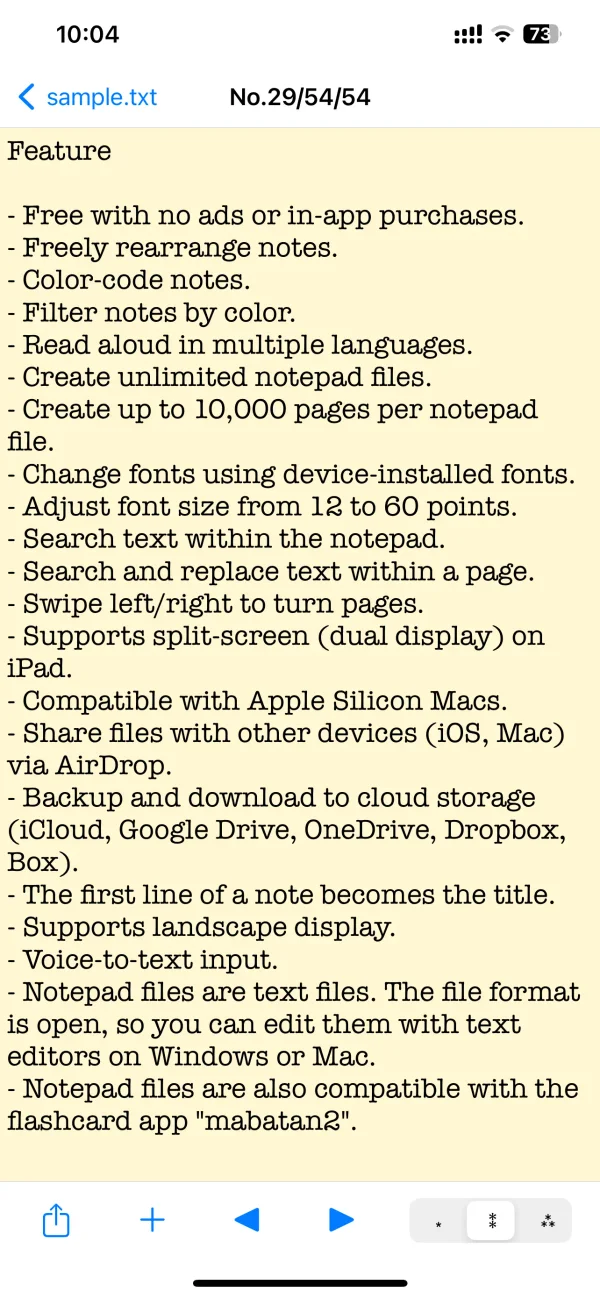
Features:
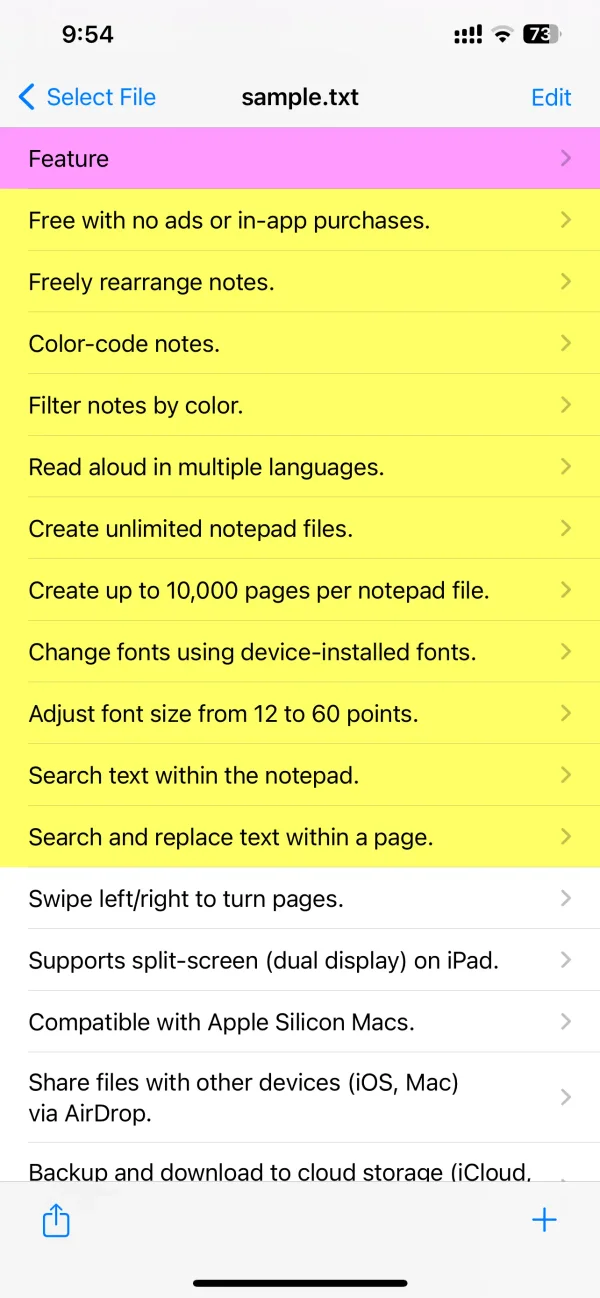
- Free with no ads or in-app purchases.
- Freely rearrange notes.
- Color-code notes.
- Filter notes by color.
- Real-time character count.
- Read aloud in multiple languages.
- Create unlimited notepad files.
- Create up to 10,000 pages per notepad file.
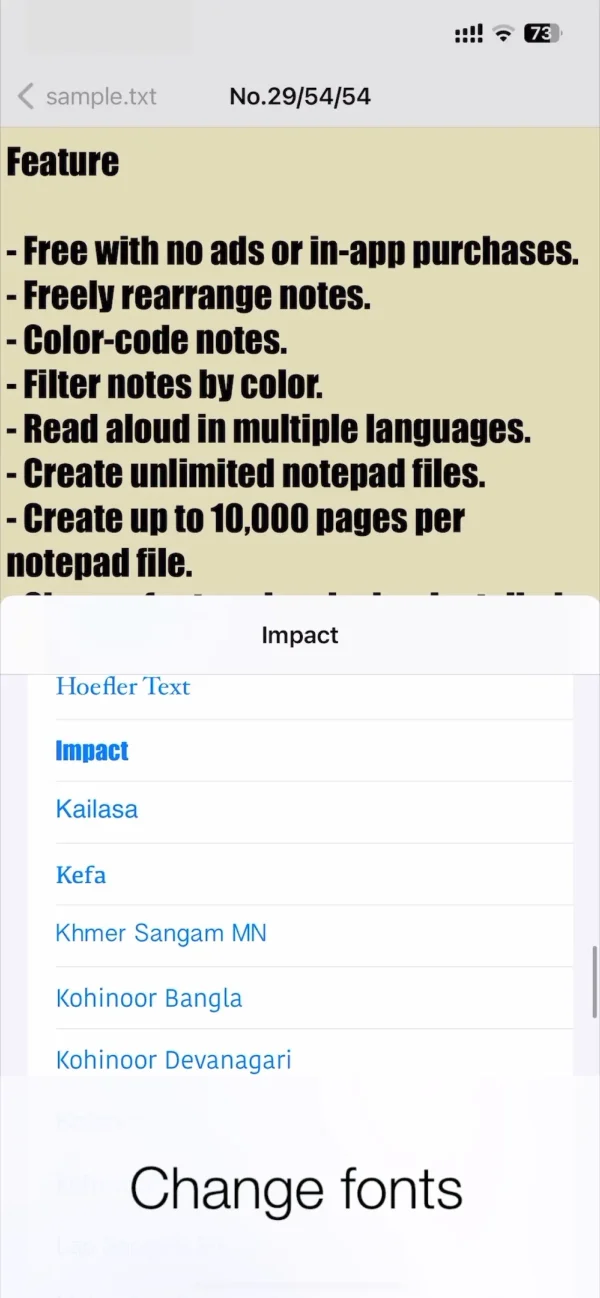
- Change fonts using device-installed fonts.
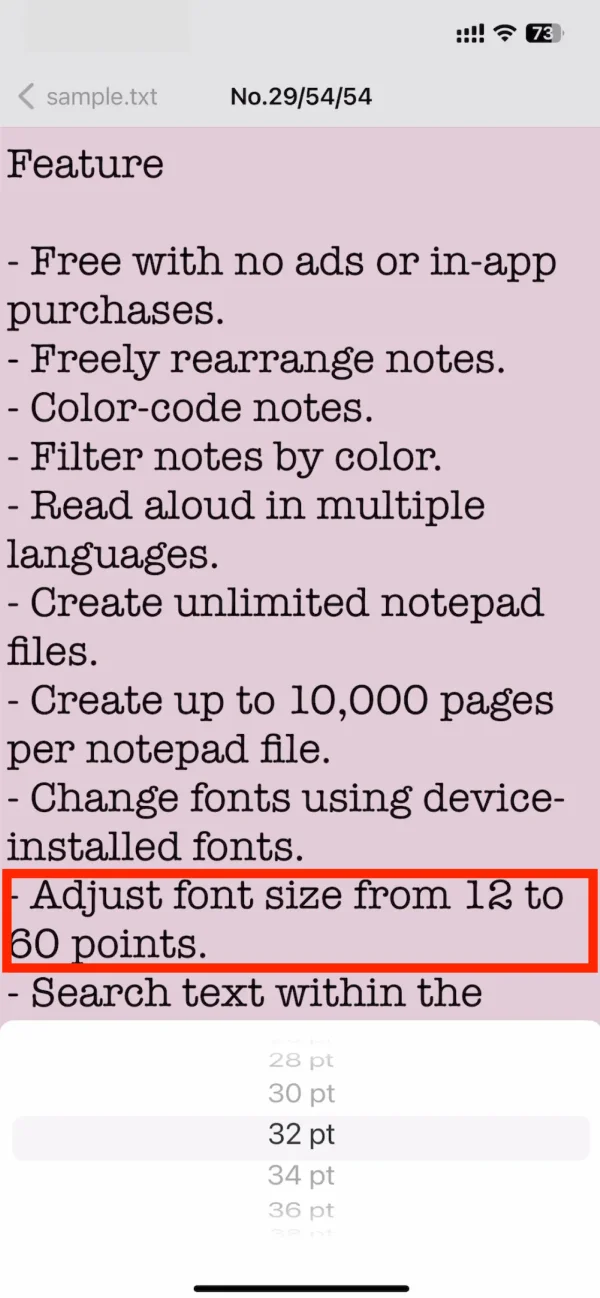
- Adjust font size from 12 to 60 points.
- Search text across all notes and within each note.
- Search and replace text within a page. (iOS, iPadOS)
- Page turning functionality.
- Supports split-screen (dual display) on iPad.
- Compatible with macOS.
- Share files with other devices via AirDrop.
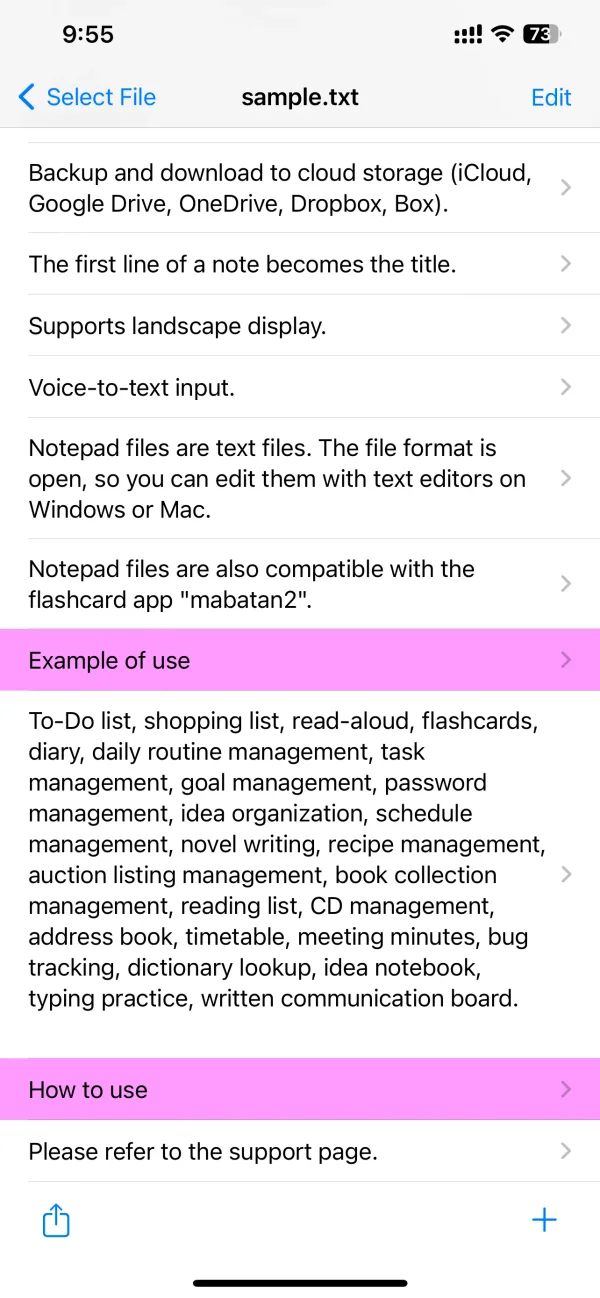
- Backup and download to cloud storage (iCloud, Google Drive, OneDrive, Dropbox, Box).
- The first line of a note becomes the title (Displayed in the memo list).
- Supports landscape display. (iOS, iPadOS)
- Voice-to-text input.
- Notepad files are text files. The file format is open, so you can edit it with text editors on Windows or Mac.
- Notepad files are also compatible with the flashcard app "mabatan2".
Example of use:
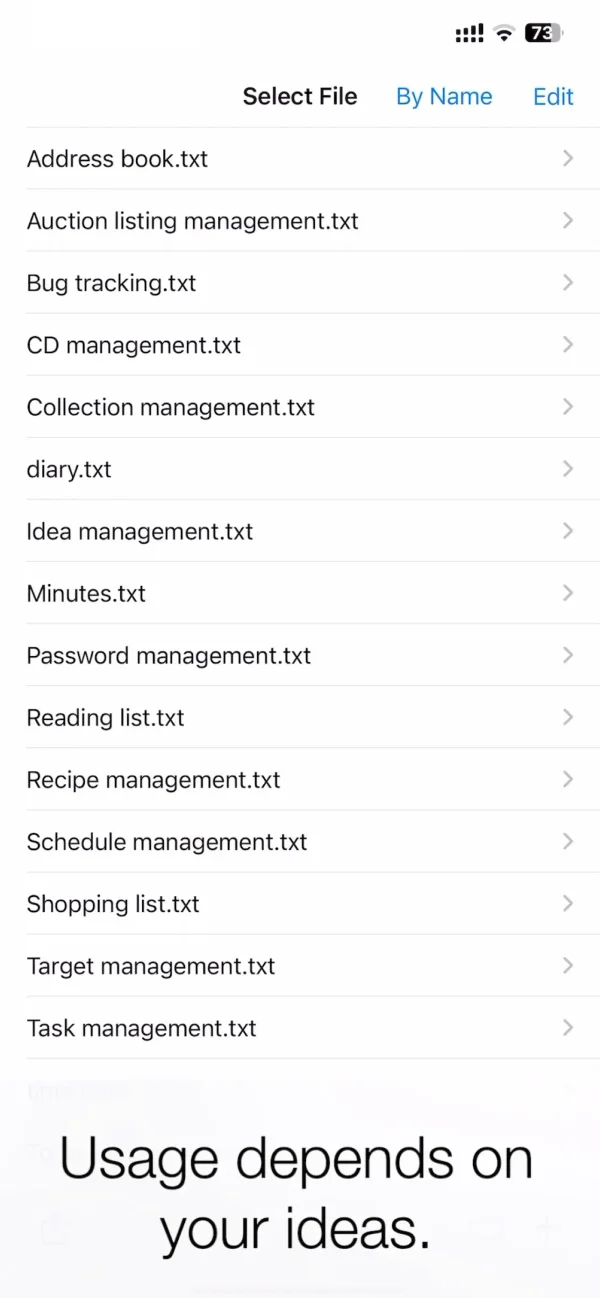
In addition to a regular notepad, there are various ways to use it depending on your ideas.
To-Do list, shopping list, Text-to-speech check , flashcards, diary, daily routine management, task management, goal management, password management, idea organization, schedule management, novel writing, recipe management, auction listing management, book collection management, reading list, CD management, address book, timetable, meeting minutes, bug tracking, dictionary lookup, idea notebook, typing practice, written communication board.
Note:
If you have any problems, please contact us from the support page (reviews are not checked all the time, so response may be delayed).
Nouveautés
Version 2.0.7 · 17/03/2026
Added a feature that allows you to insert a new memo before or after the selected memo in the memo list screen.
Updated the support page to HTTPS.
Confidentialité de l’application
Ce que mobatan déclare sur l’App Store au sujet du traitement des données par cette application.
-
Données non collectées
Le développeur ne collecte aucune donnée à partir de cette application.
Les pratiques en matière de confidentialité peuvent varier, notamment en fonction des fonctionnalités que vous utilisez ou de votre âge.
Informations
- Vendeur
- 俊之 酒井
- Catégorie
- Productivité
- Version
- 2.0.7
- Mis à jour
- 17/03/2026
- Publié
- 12/11/2020
- Taille
- 1,3 Mo
- Nécessite
- iOS 16.0 ou version ultérieure
- Classification d’âge
- 4+
- Prix
- Gratuit
- Langues
- Anglais, Japonais
- Copyright
- © 2024 mobatan
Vous aimerez peut-être aussi
-
 Split NotesProductivité
-
 TabPadProductivité
-
 MyNote -Simple note app-Productivité
-
 Notes Mot de passeMot de passe
-
 B.Notes/Chat-style NotepadProductivité
-
 Notepad Notes: Bloc-notesCarnet, Liste de tâches, Mémo
-
 Notepad Widget, Sticky NotesProductivité
-
 Color Notes - Beautiful NoteProductivité
-
 Notepad - AI Note TakerProductivité
-
 MyNotebook - simple note app -Productivité