
EZ Notepad plus - Symple note
Reorder,color,read notes aloud
Được thiết kế cho iPhone, iPad, Mac
Miễn phí
- Độ tuổi4+
- Danh mụcHiệu Suất
- Nhà phát triểnmobatan
- Ngôn ngữTiếng Anh+ 1 ngôn ngữ khác
- Kích thước1,3 MB
Liên kết đến trang App Store chính thức
Download.org không lưu trữ tệp nào của EZ Notepad plus - Symple note. Nút này mở trang ứng dụng trên App Store, nơi mobatan phát hành ứng dụng. Trang được kiểm tra lần cuối: 16/11/2026.
Ảnh chụp màn hình
Giới thiệu
Nhà phát triển chưa cung cấp nội dung này bằng ngôn ngữ của bạn.
Extremely User-Friendly! Intuitive to Use.
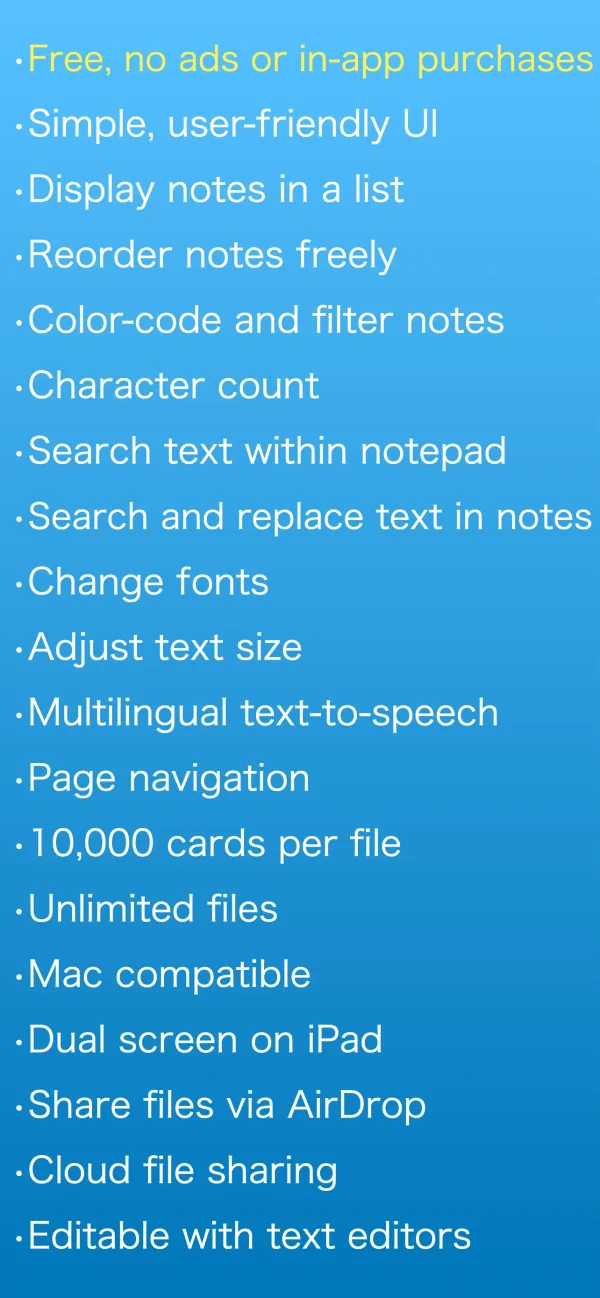
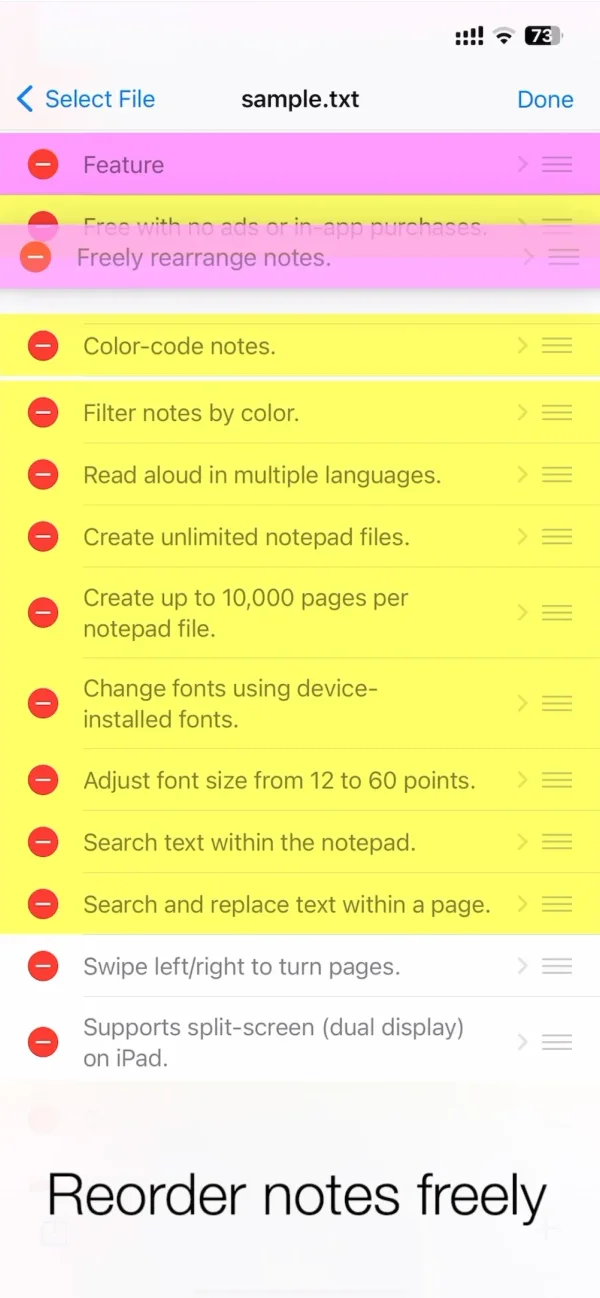
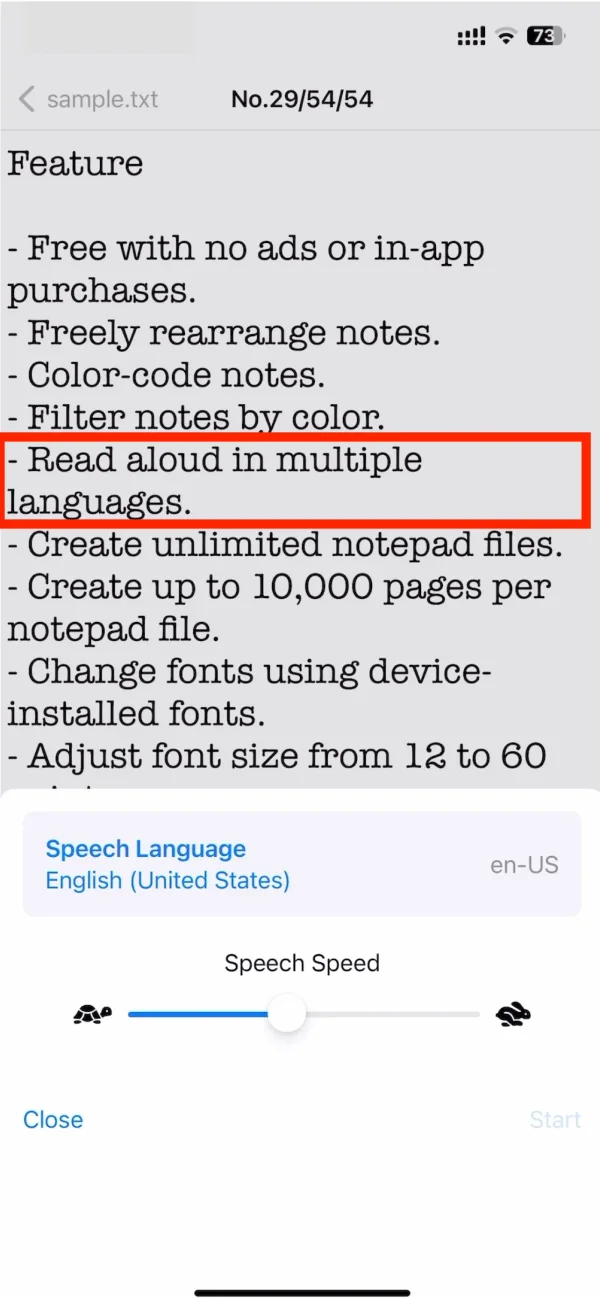
You can freely rearrange and color notes. Notes can be searched by text or filtered by color. It also supports read-aloud. Free with no ads or in-app purchases.
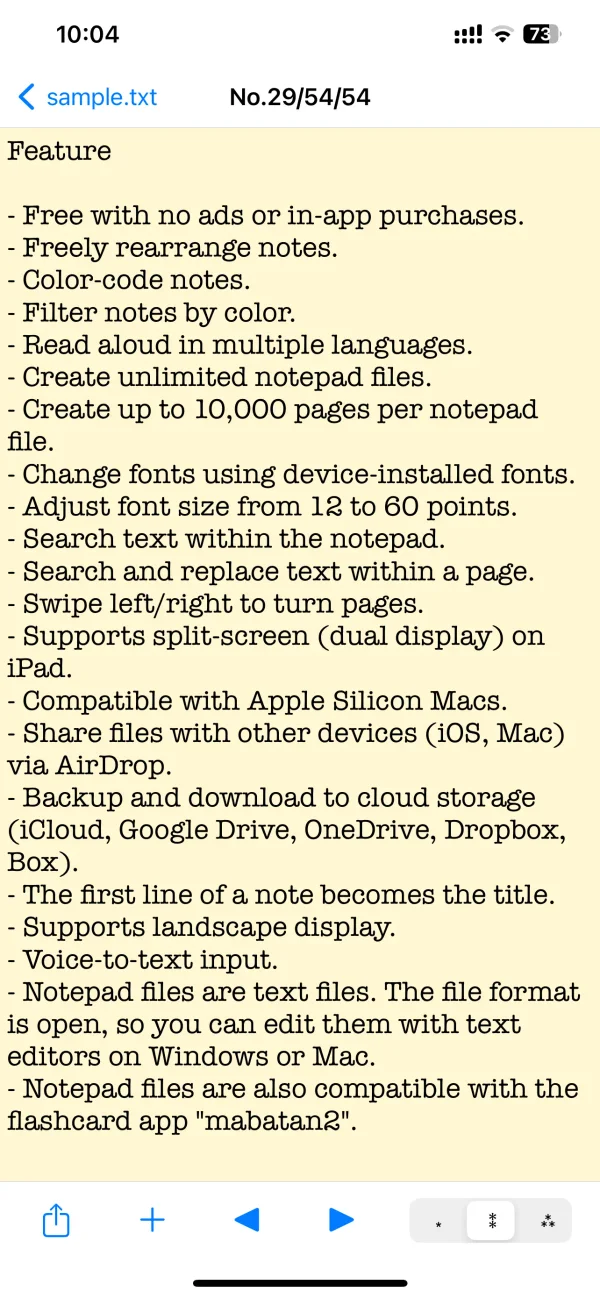
Features:
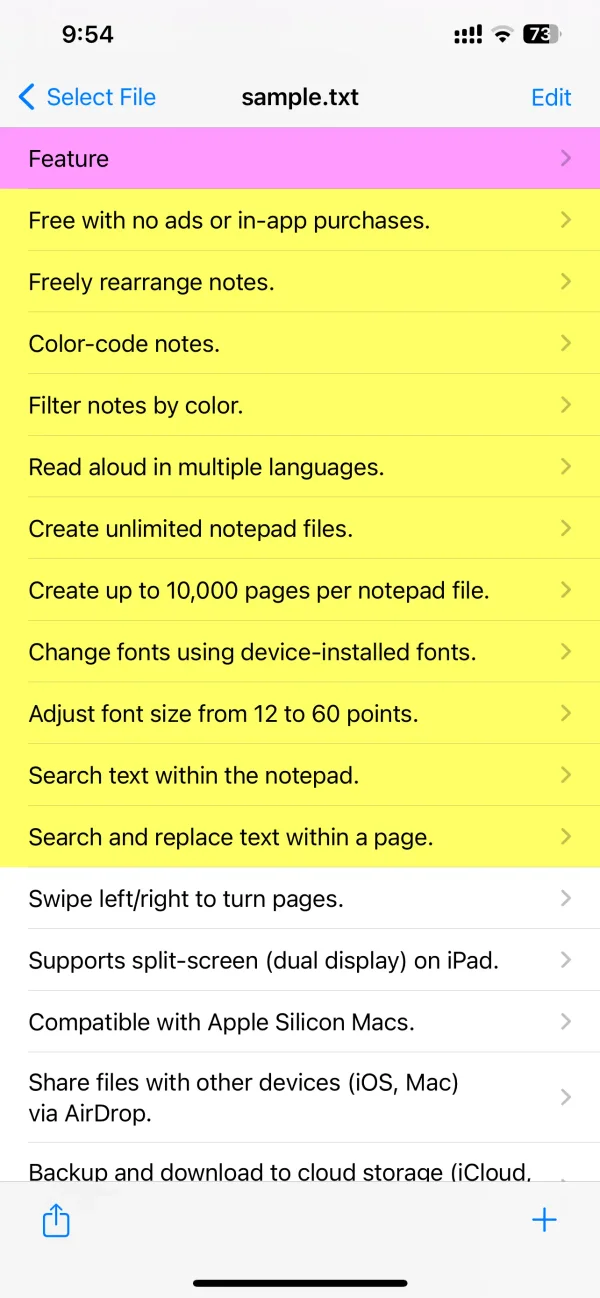
- Free with no ads or in-app purchases.
- Freely rearrange notes.
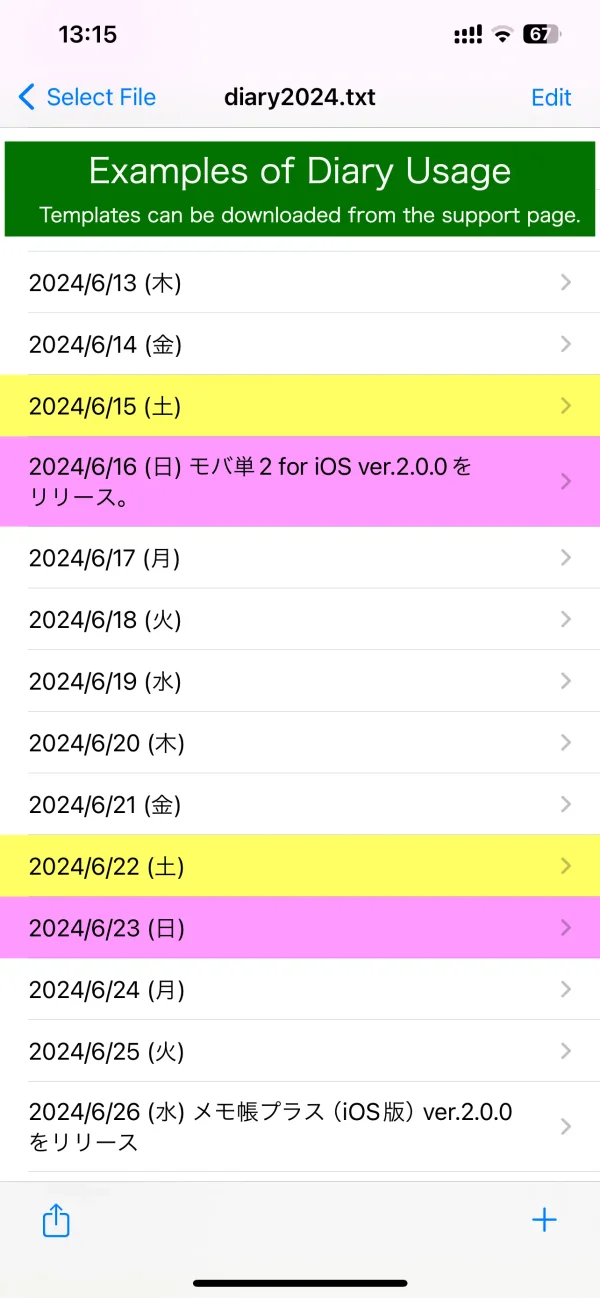
- Color-code notes.
- Filter notes by color.
- Real-time character count.
- Read aloud in multiple languages.
- Create unlimited notepad files.
- Create up to 10,000 pages per notepad file.
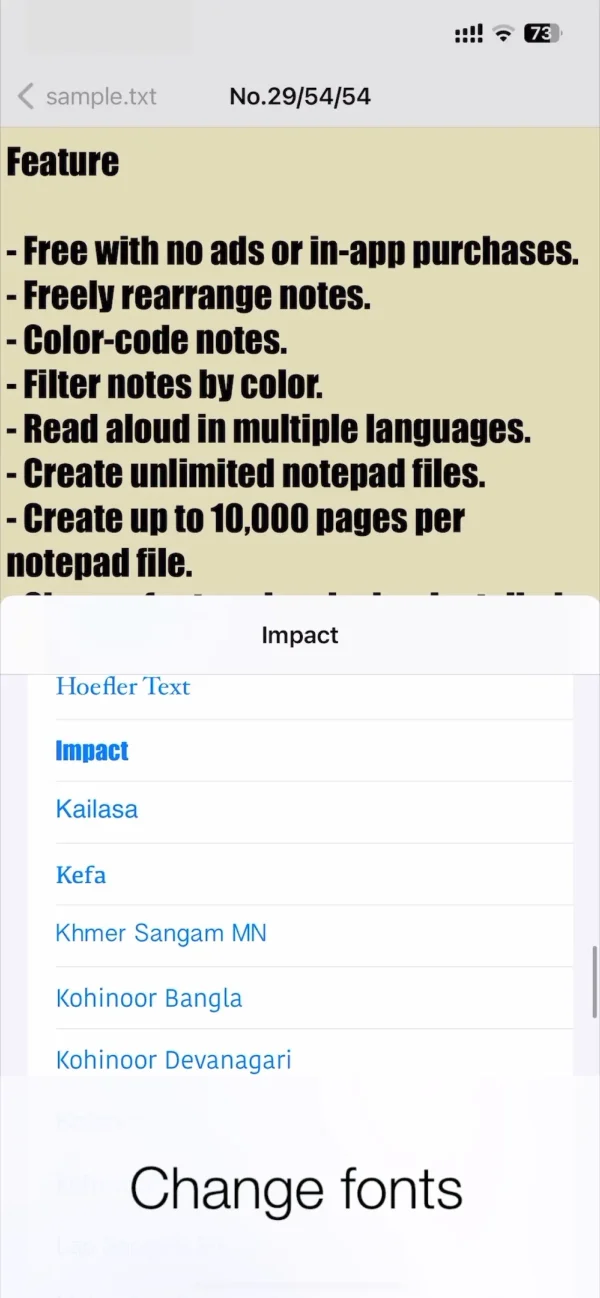
- Change fonts using device-installed fonts.
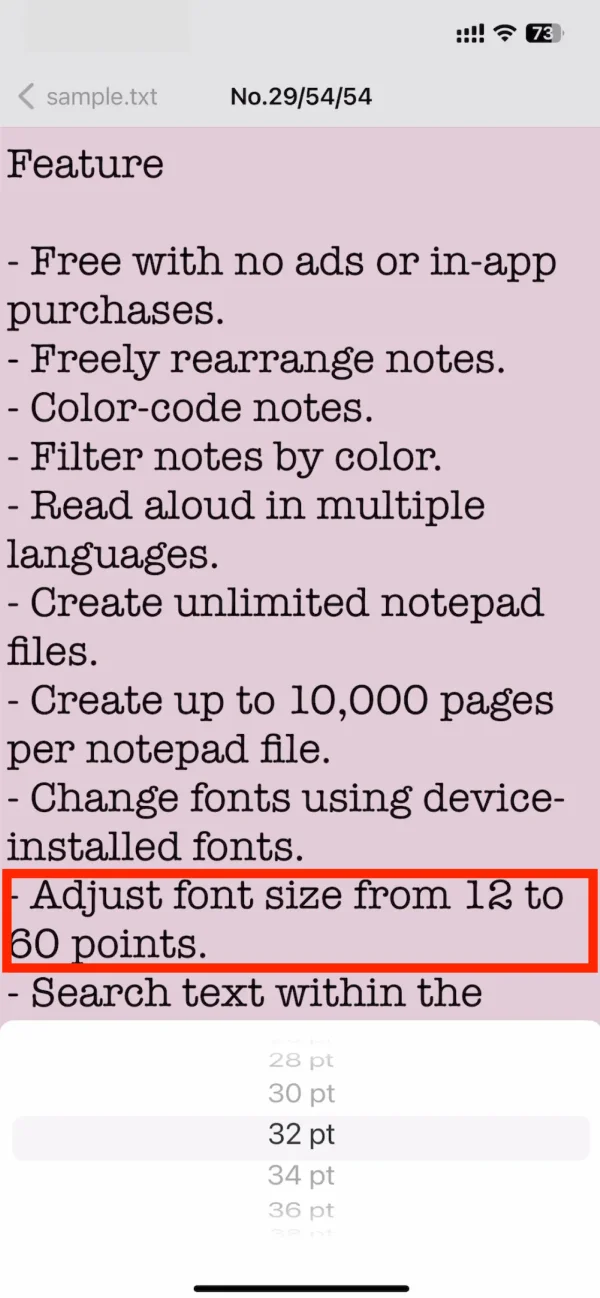
- Adjust font size from 12 to 60 points.
- Search text across all notes and within each note.
- Search and replace text within a page. (iOS, iPadOS)
- Page turning functionality.
- Supports split-screen (dual display) on iPad.
- Compatible with macOS.
- Share files with other devices via AirDrop.
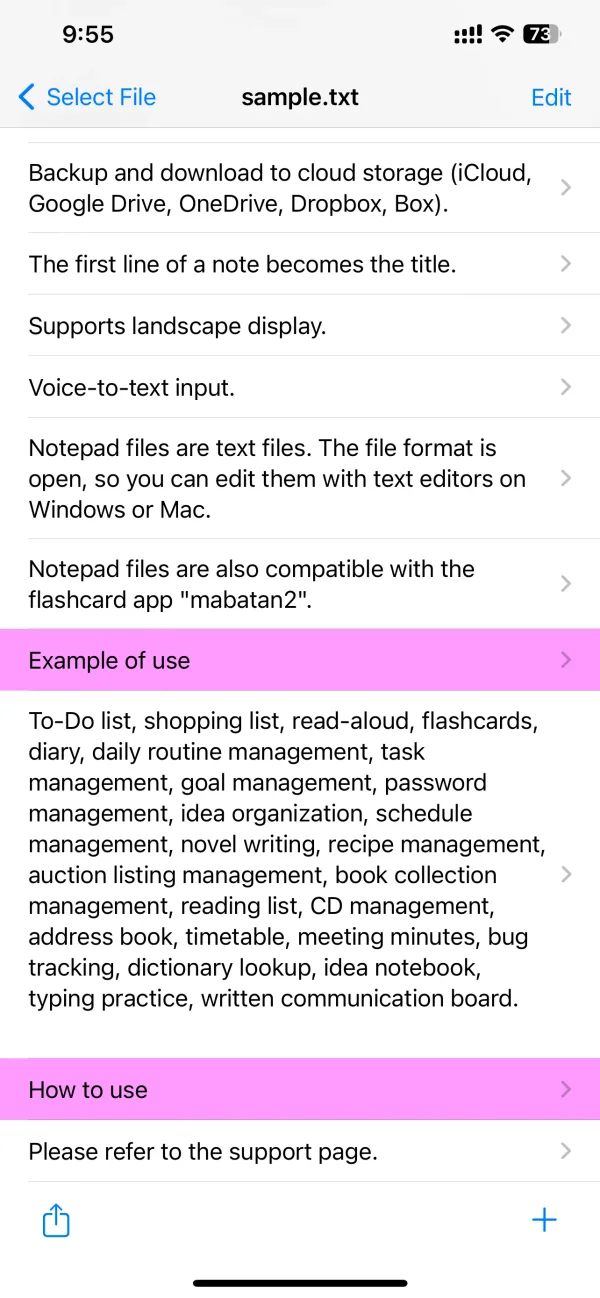
- Backup and download to cloud storage (iCloud, Google Drive, OneDrive, Dropbox, Box).
- The first line of a note becomes the title (Displayed in the memo list).
- Supports landscape display. (iOS, iPadOS)
- Voice-to-text input.
- Notepad files are text files. The file format is open, so you can edit it with text editors on Windows or Mac.
- Notepad files are also compatible with the flashcard app "mabatan2".
Example of use:
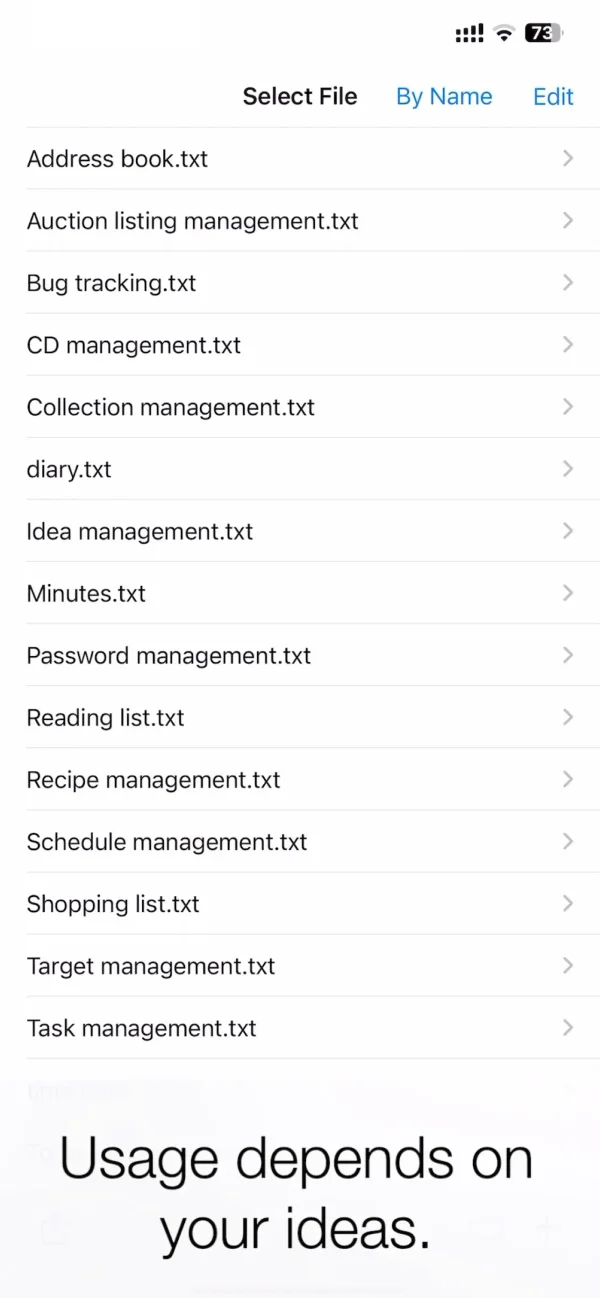
In addition to a regular notepad, there are various ways to use it depending on your ideas.
To-Do list, shopping list, Text-to-speech check , flashcards, diary, daily routine management, task management, goal management, password management, idea organization, schedule management, novel writing, recipe management, auction listing management, book collection management, reading list, CD management, address book, timetable, meeting minutes, bug tracking, dictionary lookup, idea notebook, typing practice, written communication board.
Note:
If you have any problems, please contact us from the support page (reviews are not checked all the time, so response may be delayed).
Có gì mới
Phiên bản 2.0.7 · 17/03/2026
Added a feature that allows you to insert a new memo before or after the selected memo in the memo list screen.
Updated the support page to HTTPS.
Quyền riêng tư của ứng dụng
Những gì mobatan khai báo trên App Store về cách ứng dụng này xử lý dữ liệu.
-
Dữ liệu không được thu thập
Nhà phát triển không thu thập bất kỳ dữ liệu nào từ ứng dụng này.
Phương thức đảm bảo quyền riêng tư có thể khác nhau, chẳng hạn như tuỳ theo các tính năng bạn sử dụng hoặc độ tuổi của bạn.
Thông tin
- Người bán
- 俊之 酒井
- Danh mục
- Hiệu Suất
- Phiên bản
- 2.0.7
- Cập nhật
- 17/03/2026
- Phát hành
- 12/11/2020
- Kích thước
- 1,3 MB
- Yêu cầu
- iOS 16.0 trở lên
- Độ tuổi
- 4+
- Giá
- Miễn phí
- Ngôn ngữ
- Tiếng Anh, Tiếng Nhật
- Bản quyền
- © 2024 mobatan
Có thể bạn cũng thích
-
 Split NotesGhi chú Tab, Chia màn hình
-
 TabPadHiệu Suất
-
 MyNote -Simple note app-Hiệu Suất
-
 đơn giản đếm Ghi chúmật khẩu
-
 B.Notes/Chat-style NotepadHiệu Suất
-
 Notepad Notes: Ghi Chú, Sổ TayViệc Cần Làm, Checklist & Memo
-
 Notepad Widget, Sticky NotesHiệu Suất
-
 Color Notes - Beautiful NoteGhi chú nhiều màu sắc tiện lợi
-
 Notepad - AI Note TakerHiệu Suất
-
 MyNotebook - simple note app -Hiệu Suất