Faro — Browser
Browse freely. Connect to Mac
Conçue pour iPhone, iPad
Gratuit · Achats intégrés
- Classification d’âge17+
- CatégorieUtilitaires
- DéveloppeurHernan Rosario
- LanguesAnglais+ 1 de plus
- Taille11,8 Mo
Renvoie vers la page App Store officielle
Download.org n’héberge aucun fichier de Faro — Browser. Le bouton ouvre la page de l’application sur App Store, où Hernan Rosario la publie. Fiche vérifiée pour la dernière fois le 23/11/2026.
Captures d’écran


À propos
Le développeur n’a pas fourni ce texte dans votre langue.
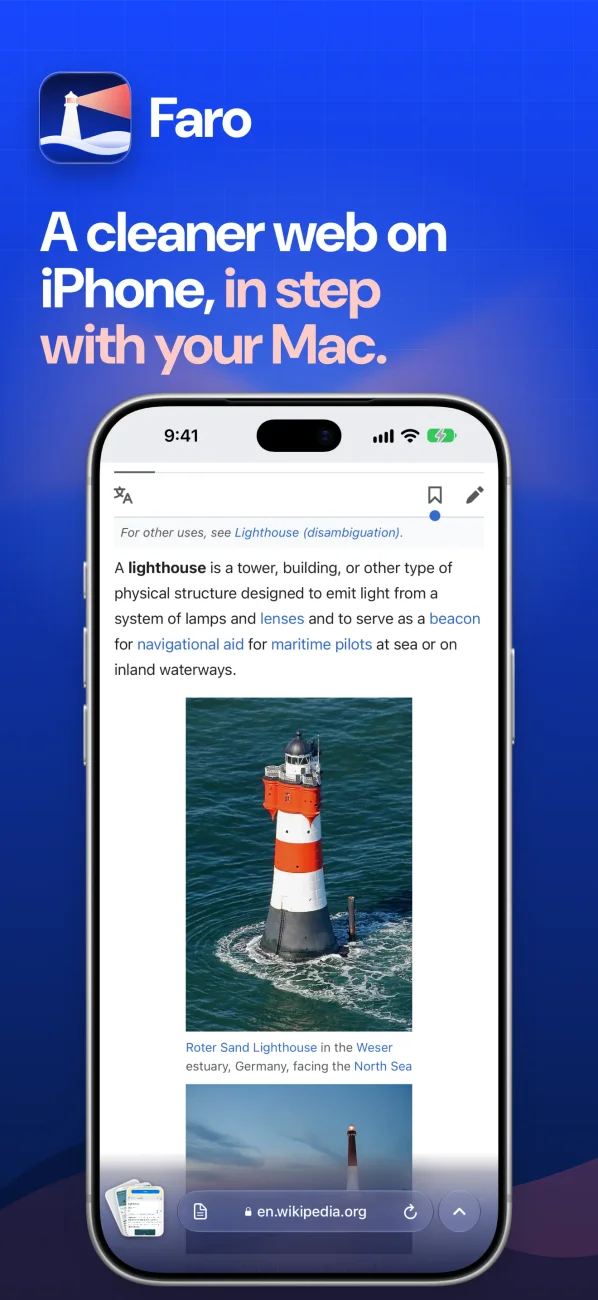
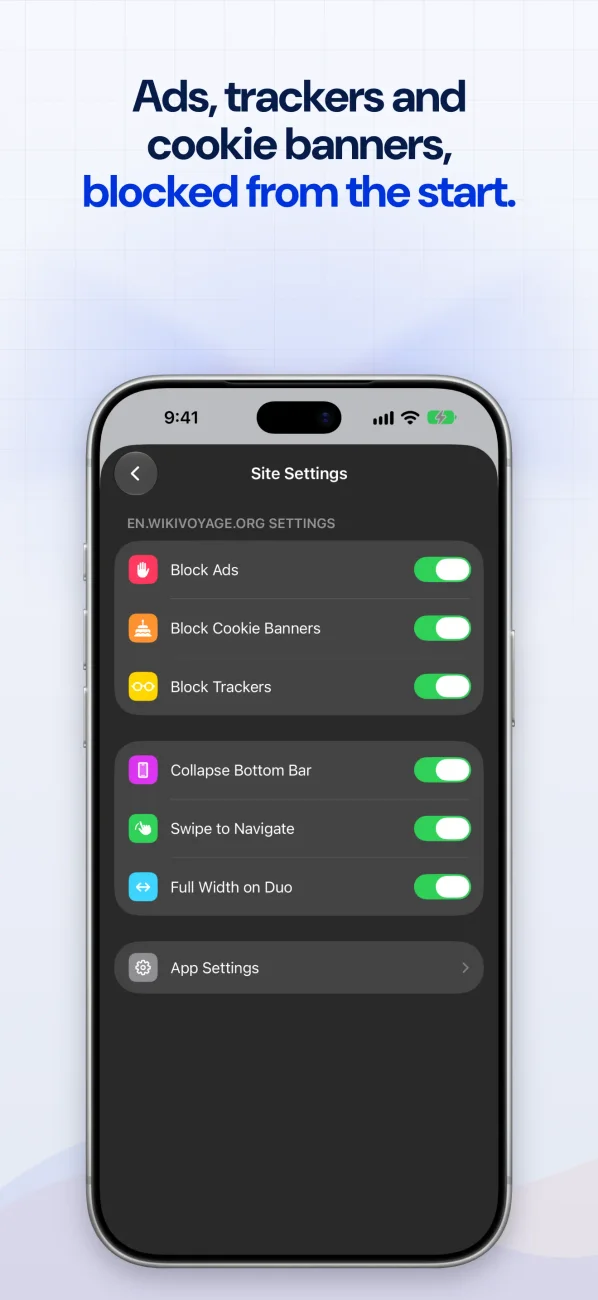
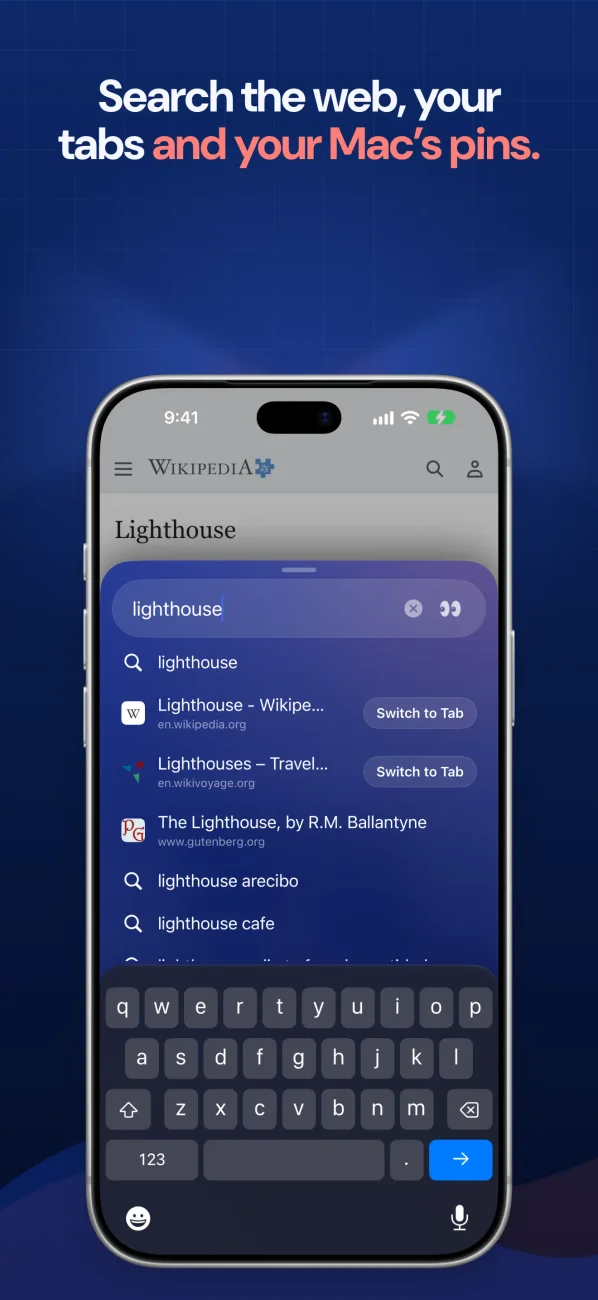
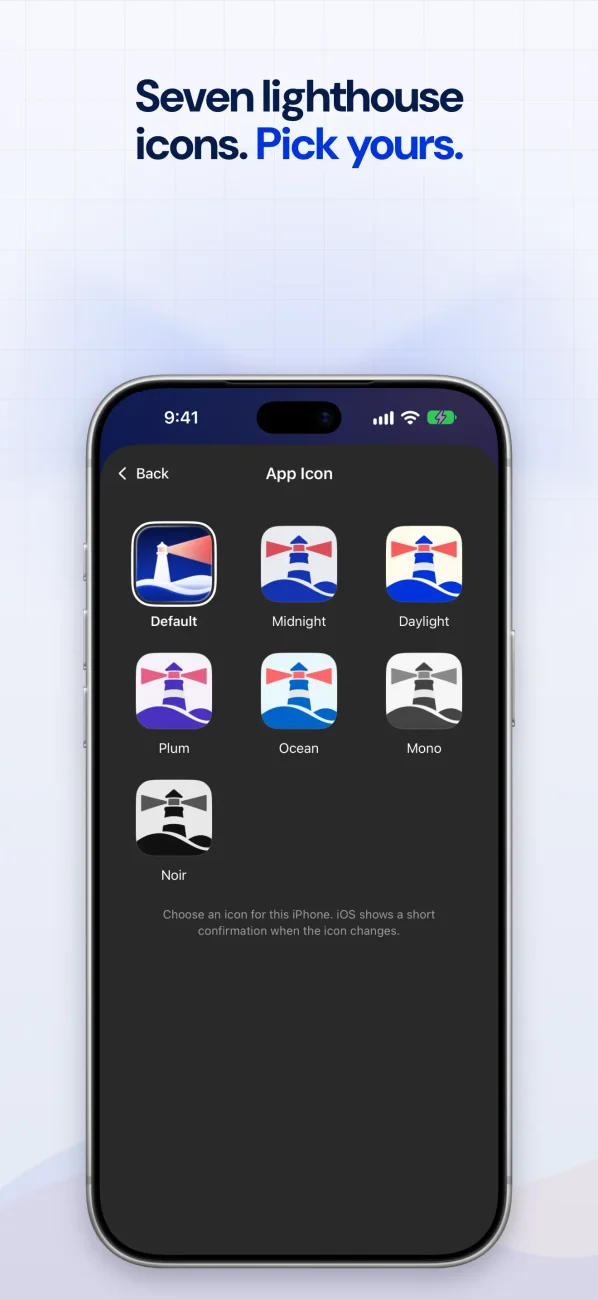
Browse freely on iPhone, iPad, and iPhone Duo. Faro keeps the web close at hand with fast tabs, private browsing, Reader, downloads, and controls for ads, trackers, and cookie banners.
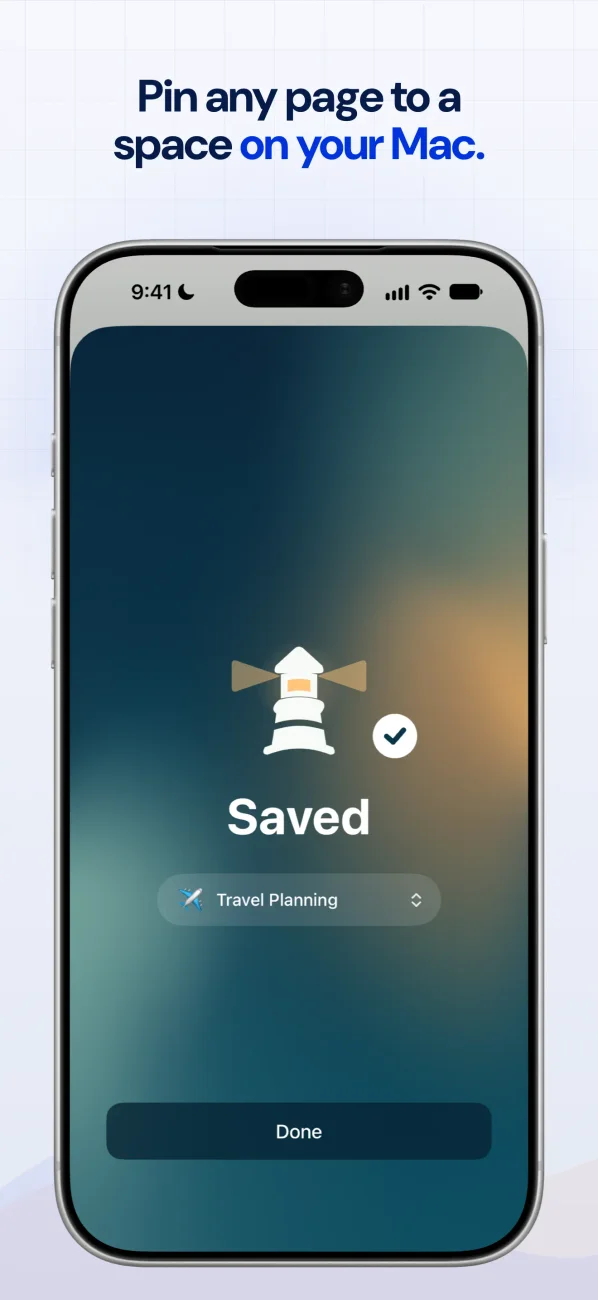
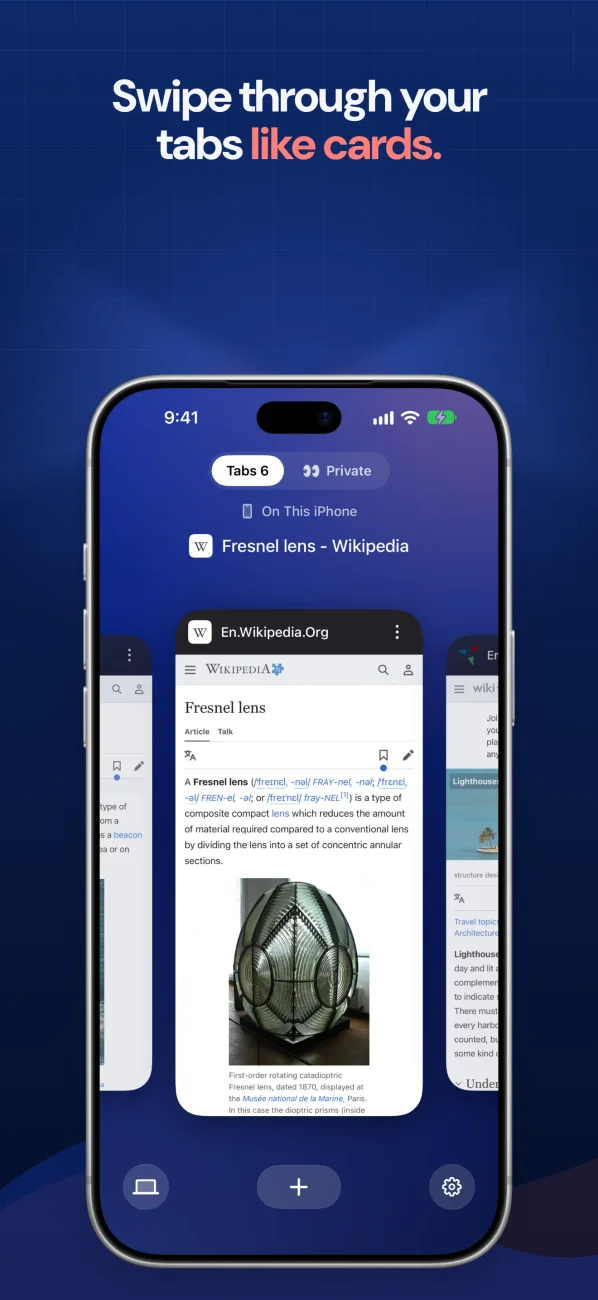
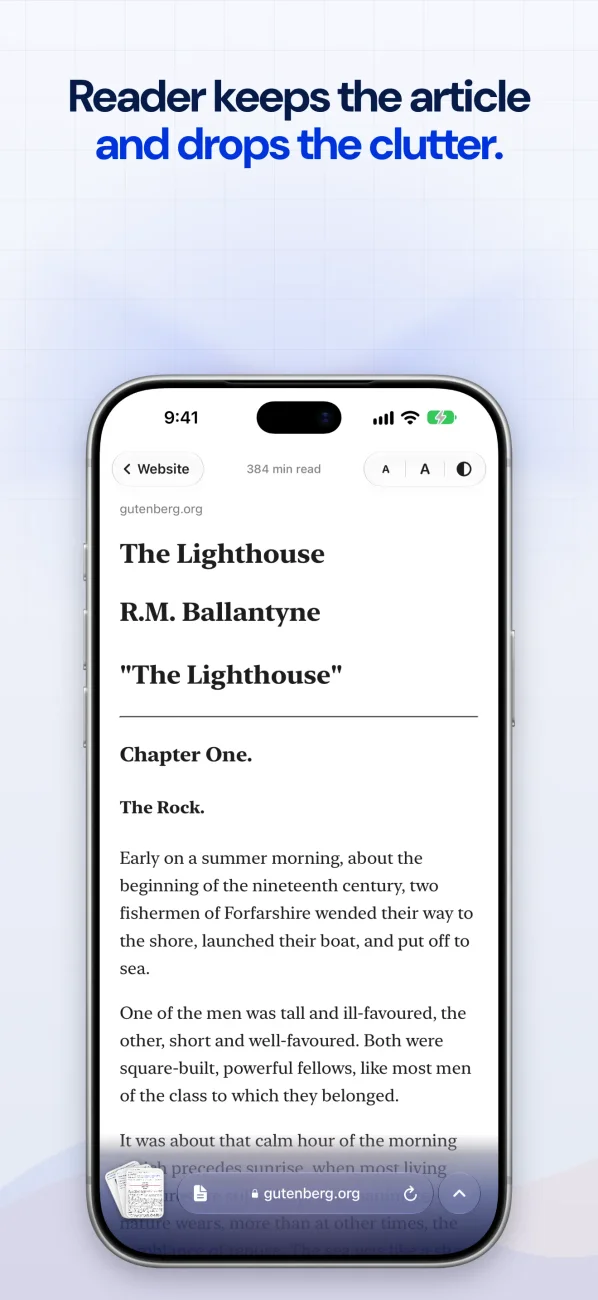
Make the page yours. Pin useful sites, move through tabs like cards, and remove distracting page elements when you want to focus. Reader presents supported articles in a clean, adjustable view.
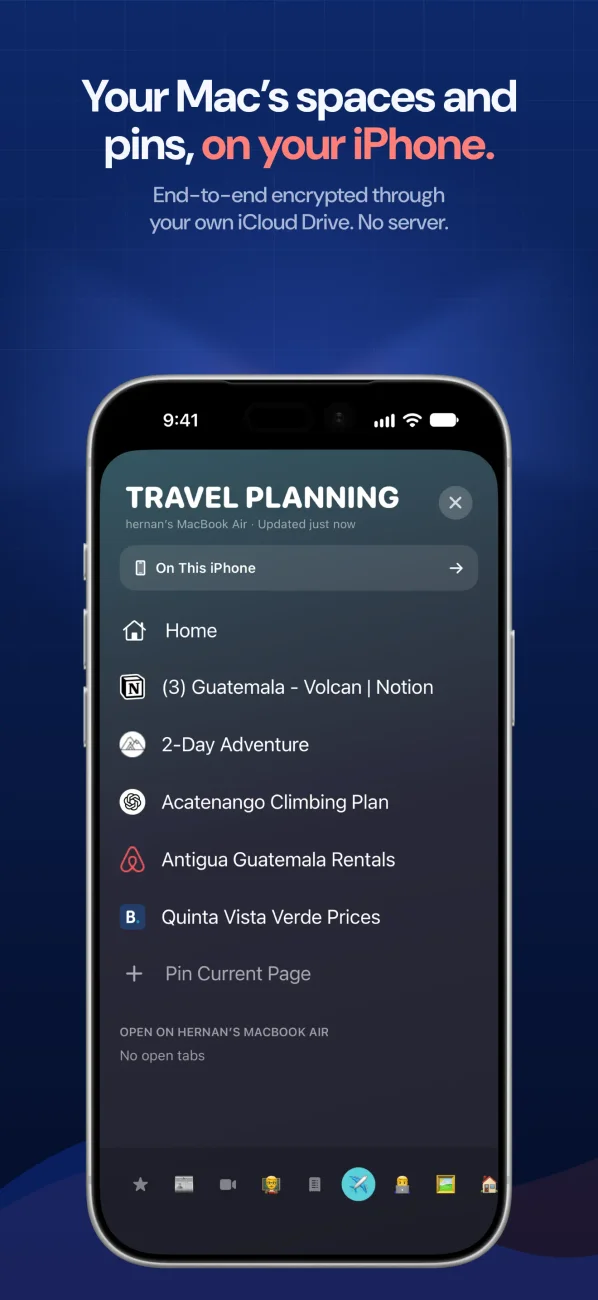
Faro Connect brings your Mac browser into the flow. Pair Faro on your iPhone or iPad with Faro on your Mac, see your Mac’s spaces, pinned tabs, and folders, and send pages to the right space from Faro or the share sheet. Faro Connect requires an optional subscription after its free trial. Browsing on each device remains free.
Terms of Use: https://www.apple.com/legal/internet-services/itunes/dev/stdeula/
Nouveautés
Version 1.2 · 20/11/2026
Several windows on iPad
• Open a tab in its own window: long-press it in the sidebar and choose Open in New Window, or press Cmd+N for a new window.
• Each window keeps its own tabs and Multi View. Settings, history and archived tabs are shared.
Pinned Multi View
• On iPad and the open iPhone Duo, pin a Multi View to your space. It stays above the line in the sidebar, like a pinned tab, and brings the same pages back side by side.
A friendlier error page
• When a site can't be found, Faro shows its lighthouse switched off, the site's name, and buttons to retry or search the web. It follows light and dark mode.
Fixes
• Private tabs now open right away after a successful Face ID or Touch ID unlock.
Confidentialité de l’application
Ce que Hernan Rosario déclare sur l’App Store au sujet du traitement des données par cette application.
-
Données non collectées
Le développeur ne collecte aucune donnée à partir de cette application.
Les pratiques en matière de confidentialité peuvent varier, notamment en fonction des fonctionnalités que vous utilisez ou de votre âge.
Informations
- Vendeur
- Hernan Rosario
- Catégorie
- Utilitaires
- Version
- 1.2
- Mis à jour
- 20/11/2026
- Publié
- 14/11/2026
- Taille
- 11,8 Mo
- Nécessite
- iOS 18.0 ou version ultérieure
- Classification d’âge
- 17+
- Prix
- Gratuit
- Achats intégrés
- Oui
- Langues
- Anglais, Espagnol
- Copyright
- © 2026 Hernan Rosario
Vous aimerez peut-être aussi
-
 Viewport Duo: Safari LayoutUtilitaires
-
 Gao BrowserUtilitaires
-
 BrowseWide: Full Screen WebUtilitaires
-
 ZEUS NavigateurOnglets privés, anti-traceurs
-
 OneBar BrowserUtilitaires
-
 WikBrowserUtilitaires
-
 Avodek: Private Browser + AIUtilitaires
-
 Halfsheet BrowserUtilitaires
-
 Sakubura - Ad Block BrowserUtilitaires
-
 Plop BrowserUtilitaires