Fleeting Thoughts
Private Capture for AI Agents
Conçue pour iPhone, iPad, Mac
9,99 €
- Classification d’âge4+
- CatégorieProductivité
- DéveloppeurDylan Russell
- LanguesAnglais
- Taille12,5 Mo
Renvoie vers la page App Store officielle
Download.org n’héberge aucun fichier de Fleeting Thoughts. Le bouton ouvre la page de l’application sur App Store, où Dylan Russell la publie. Fiche vérifiée pour la dernière fois le 20/11/2026.
Captures d’écran
À propos
Le développeur n’a pas fourni ce texte dans votre langue.
Your thoughts, ready for your tools.
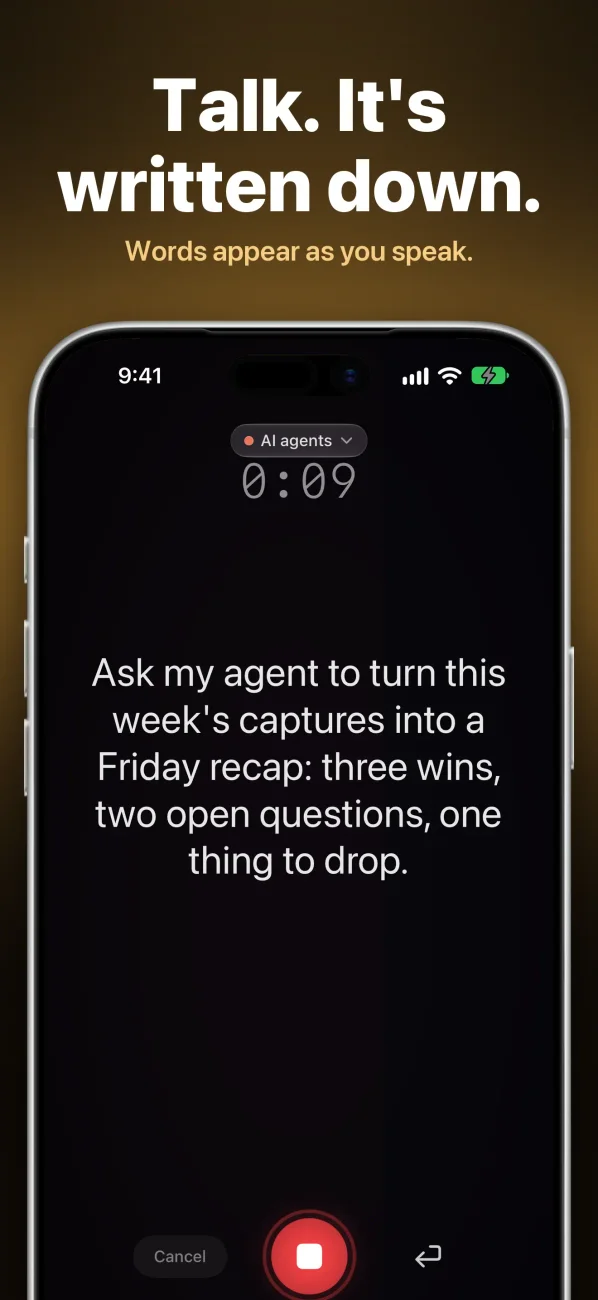
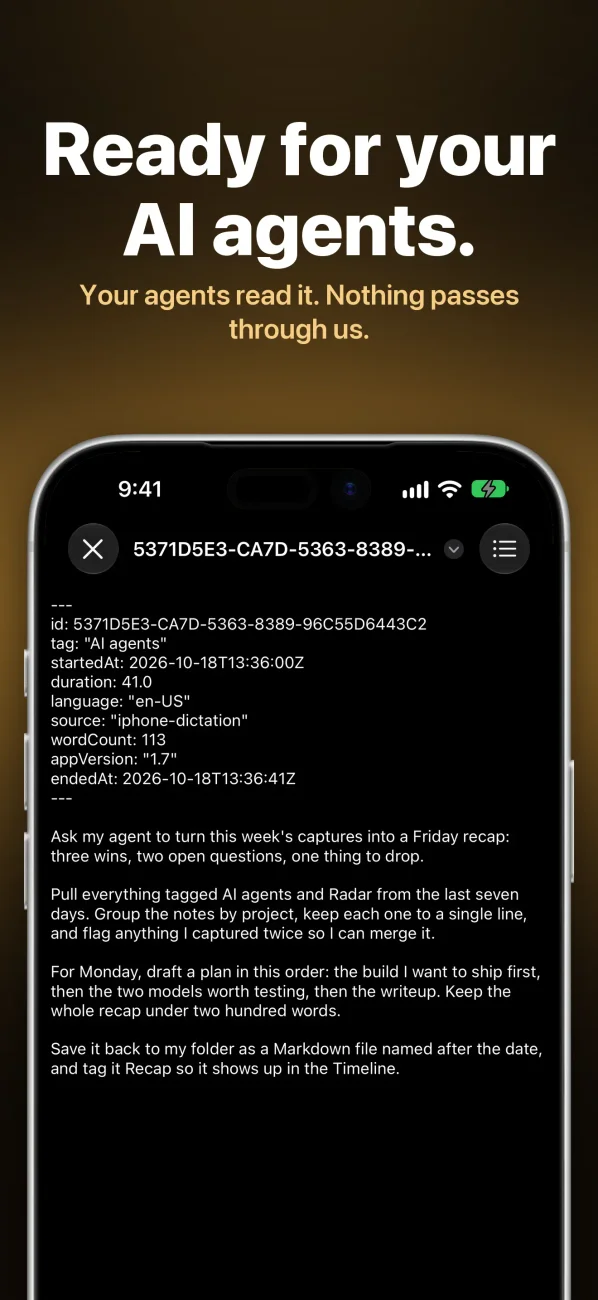
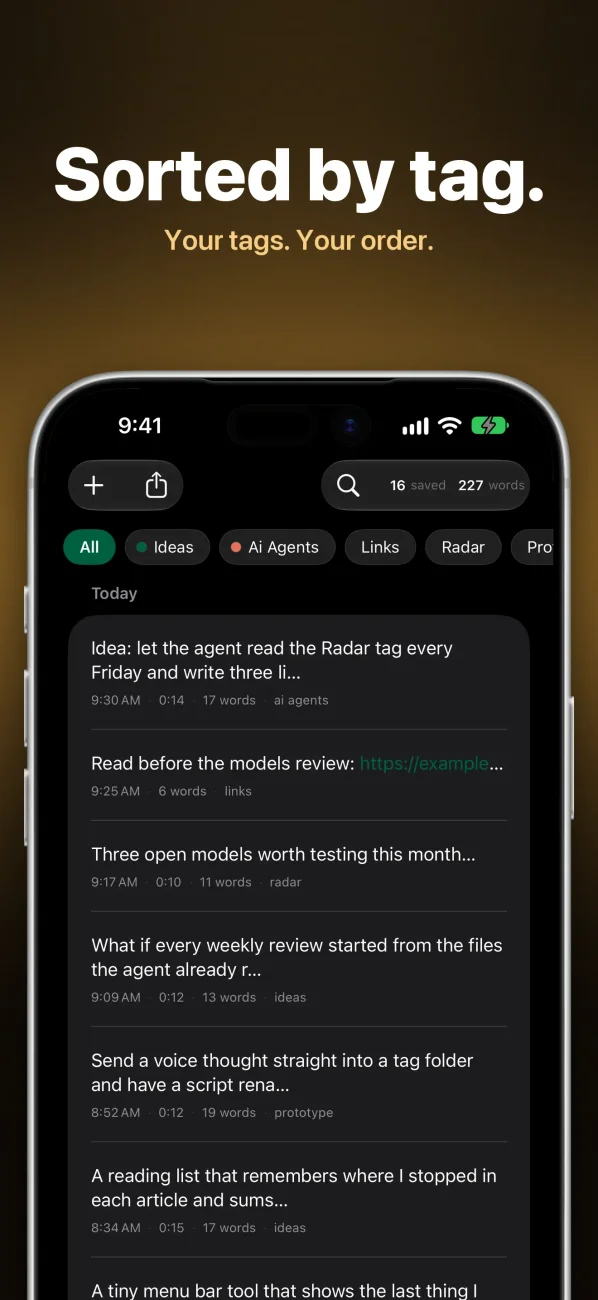
Speak an idea, type a note or share something worth keeping. Fleeting Thoughts captures it in the folder you choose, ready for your notes, scripts and AI agents to read.
CAPTURE IN THE MOMENT
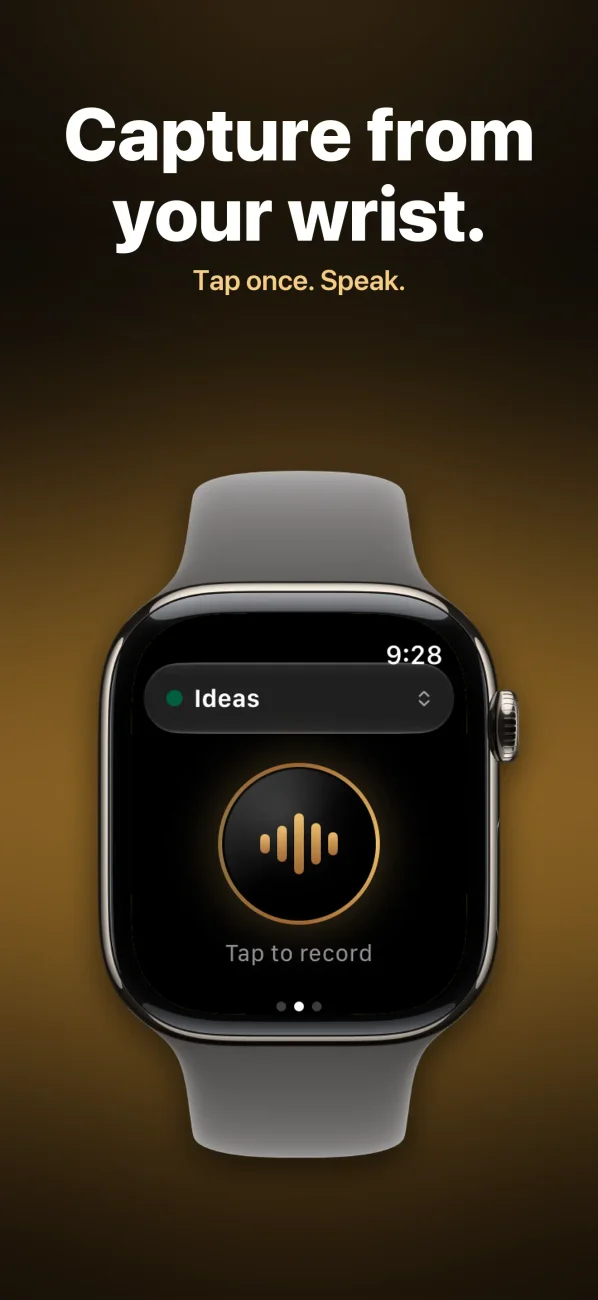
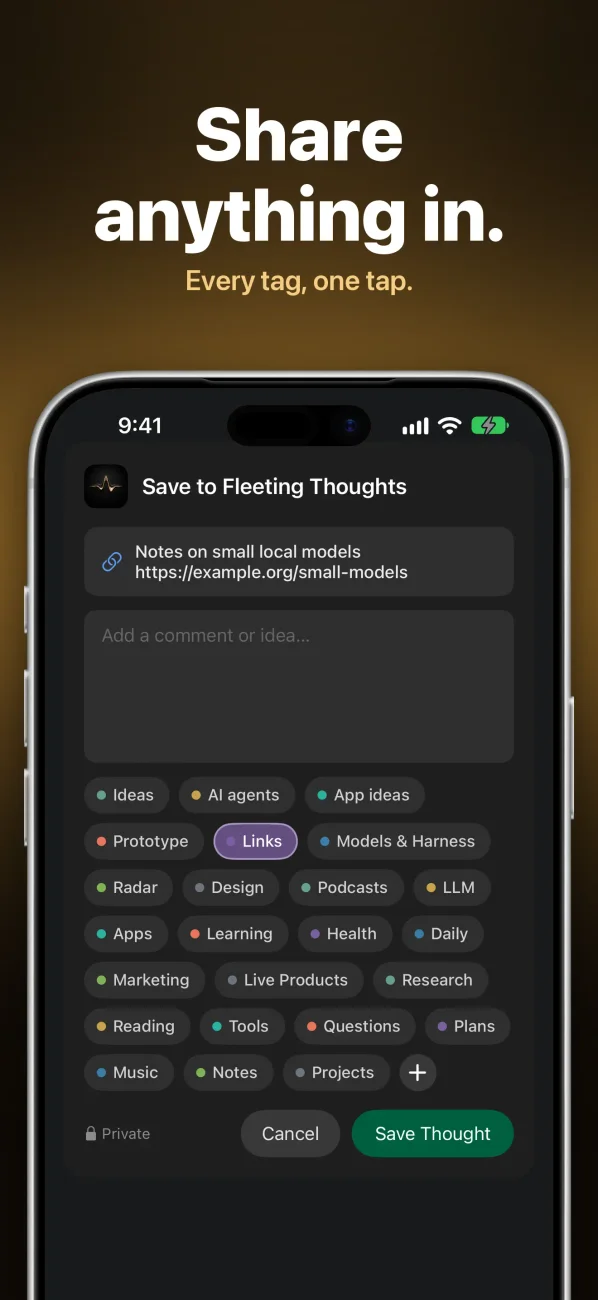
Record from your iPhone or Apple Watch. Type a quick thought, paste some text, or share a link, screenshot or image from another app. Add a tag so your tools know what it belongs to.
YOUR DEVICES, YOUR WORKFLOW
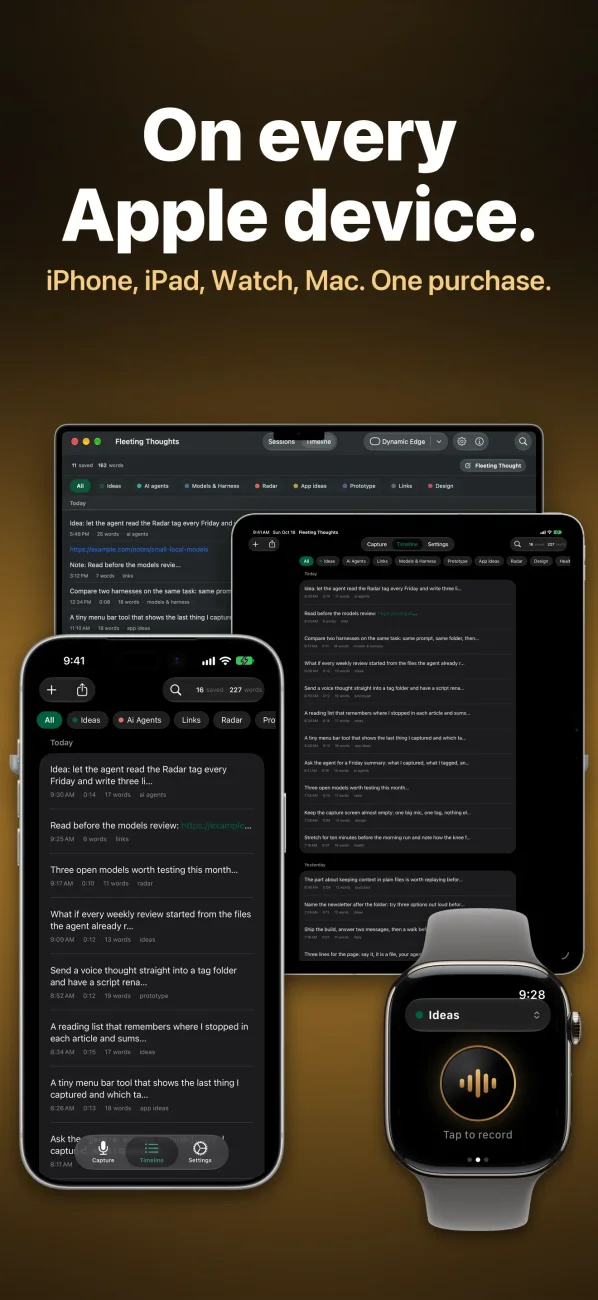
One purchase includes iPhone, iPad, Apple Watch and Mac. The iPad app also works on Apple Vision Pro. Apple Watch recordings are transcribed on the paired iPhone and saved to its chosen folder. The iPhone, iPad and Mac apps each keep their own capture history and folder choice.
YOUR FOLDER, YOUR TOOLS
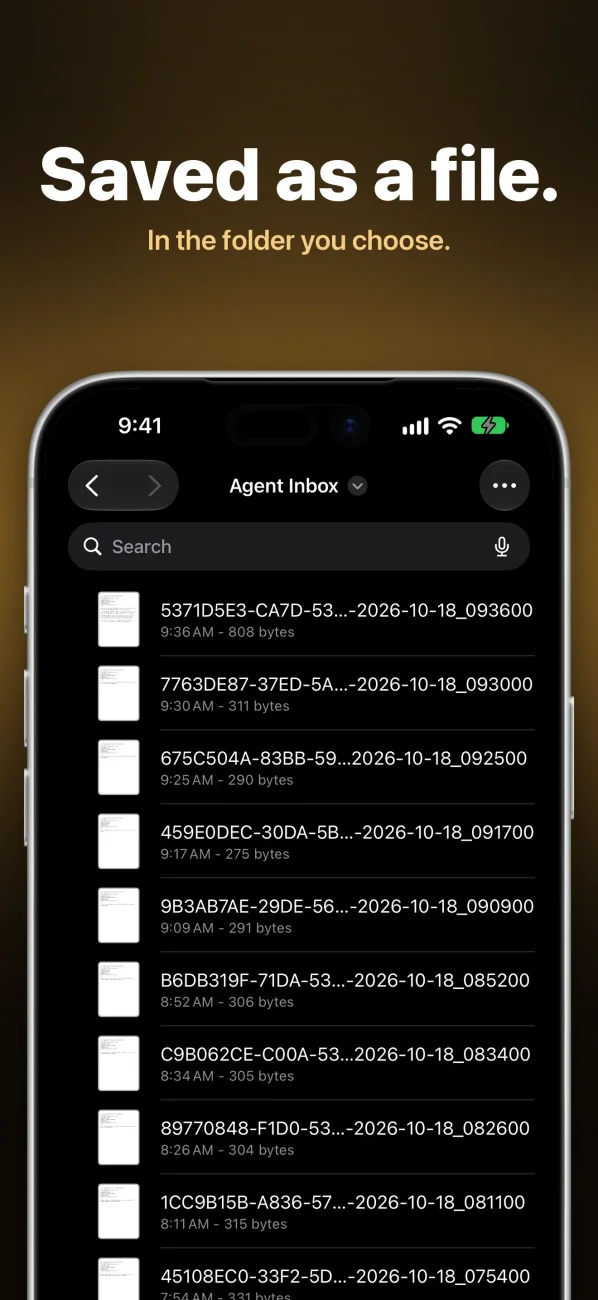
Keep files on your device or choose a location available through Files, including your cloud storage provider or a connected server. Captures are readable files with their attachments. You decide which tools or agents can access that folder; Fleeting Thoughts does not run those agents for you.
PRIVACY YOU CAN UNDERSTAND
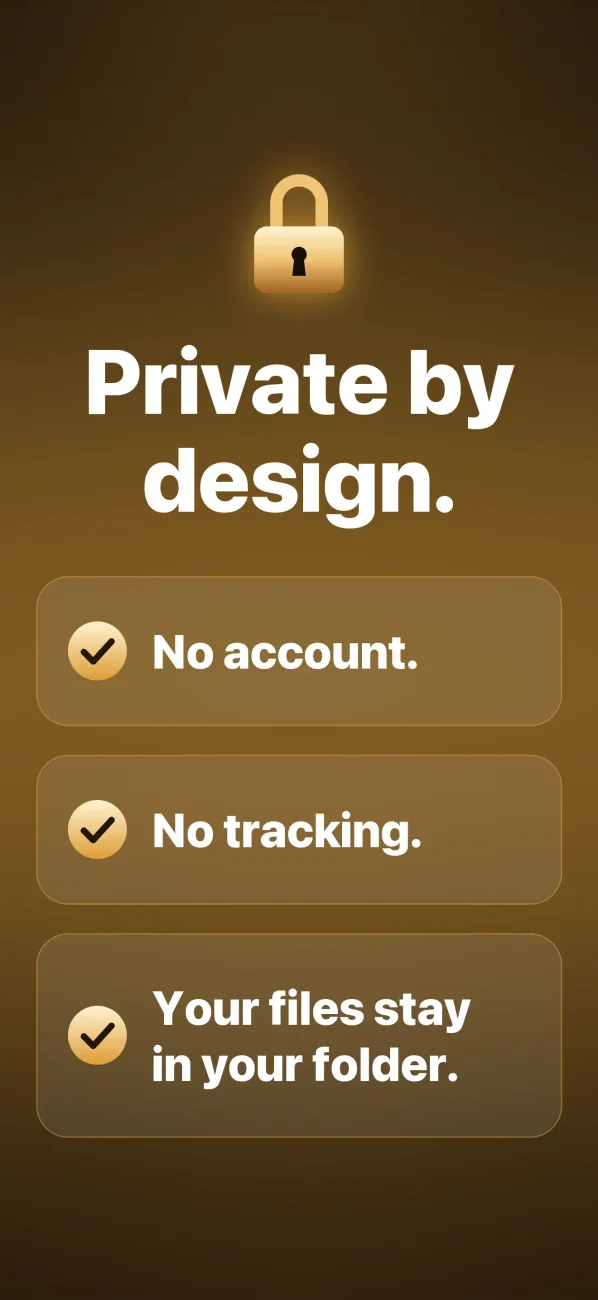
Fleeting Thoughts uses on-device speech recognition, with no developer-run capture server or tracking SDK. You do not need a Fleeting Thoughts account. Optional private iCloud sync shares tag names, colors and order across your devices; it does not synchronize your thought libraries or recordings.
Search and Siri access and saved-audio choices are yours to control in Settings. The app keeps local history and recovery data. Files in a shared or cloud folder are available according to that folder's access settings and provider; Fleeting Thoughts does not add file encryption. Cloud providers control upload timing, so remote arrival can vary.
FROM CAPTURE TO YOUR NEXT STEP
Keep your ideas, references and reminders together, ready for the workflow you choose. Capture by speaking or sharing. Keep the destination yours.
Nouveautés
Version 1.8 · 06/11/2026
YOUR THOUGHTS. YOUR CHOICES.
Privacy, by design
Your thoughts stay on your devices and in the folder you choose. No account, no tracking.
Clearer data controls
Intelligence & Siri and Audio now sit directly below Tags in Settings. A new How Your Data Moves guide explains local storage, your chosen folder, optional tag sync and file access.
Apple Watch
Your iPhone transcribes Watch recordings on-device. If one can't be transcribed, it is saved with its audio attached so you can listen to it. New Watch notes no longer wait behind an earlier recording. With the Glow button style, the button now takes your selected tag's color.
Smoother capture
Tap New Paragraph and "New paragraph ready" shows straight away. Reorder your tags from Settings › Tags › Reorder Tags.
Stronger share recovery
Shared items keep individual recovery records until the app saves them. Saved captures remain queued if the chosen folder is temporarily unavailable. Image and video shares finish processing when you open the app.
Tag sync follows your account
Optional iCloud tag sync stays tied to the Apple Account you approved. After changing accounts, turn it on again if you want that account to receive your tag list.
Your existing captures, folder selection and data preferences are preserved. Your folder provider controls when files become available on other devices.
Confidentialité de l’application
Ce que Dylan Russell déclare sur l’App Store au sujet du traitement des données par cette application.
-
Données non collectées
Le développeur ne collecte aucune donnée à partir de cette application.
Les pratiques en matière de confidentialité peuvent varier, notamment en fonction des fonctionnalités que vous utilisez ou de votre âge.
Informations
- Vendeur
- Dylan Russell
- Catégorie
- Productivité
- Version
- 1.8
- Mis à jour
- 06/11/2026
- Publié
- 22/04/2026
- Taille
- 12,5 Mo
- Nécessite
- iOS 26.0 ou version ultérieure
- Classification d’âge
- 4+
- Prix
- 9,99 €
- Langues
- Anglais
- Copyright
- © 2026 Unshackled Pursuit
Vous aimerez peut-être aussi
-
 Finished: Done List & JournalProductivité
-
 NeoFinderProductivité
-
 LifeFeed AI - Signets MalinsSauvez des Liens, Lisez Tard
-
 CC360°Productivité
-
 Recurring Checklist - CheckfulProductivité
-
 Strflow: Text Yourself NotesProductivité
-
 MemoketProductivité
-
 Zettelbox - Notes CartesOrganisation sans effort
-
 Today App: To-Do Lists & NotesProductivité
-
 aiReader: AI Text to SpeechProductivité