
Strflow: Text Yourself Notes
Timeline, Journal & Reminders
Conçue pour iPhone, iPad, Mac
Gratuit · Achats intégrés
- Classification d’âge4+
- CatégorieProductivité
- DéveloppeurShingo Eguchi
- LanguesAnglais
- Taille80,4 Mo
Renvoie vers la page App Store officielle
Download.org n’héberge aucun fichier de Strflow: Text Yourself Notes. Le bouton ouvre la page de l’application sur App Store, où Shingo Eguchi la publie. Fiche vérifiée pour la dernière fois le 18/11/2026.
Captures d’écran
À propos
Le développeur n’a pas fourni ce texte dans votre langue.
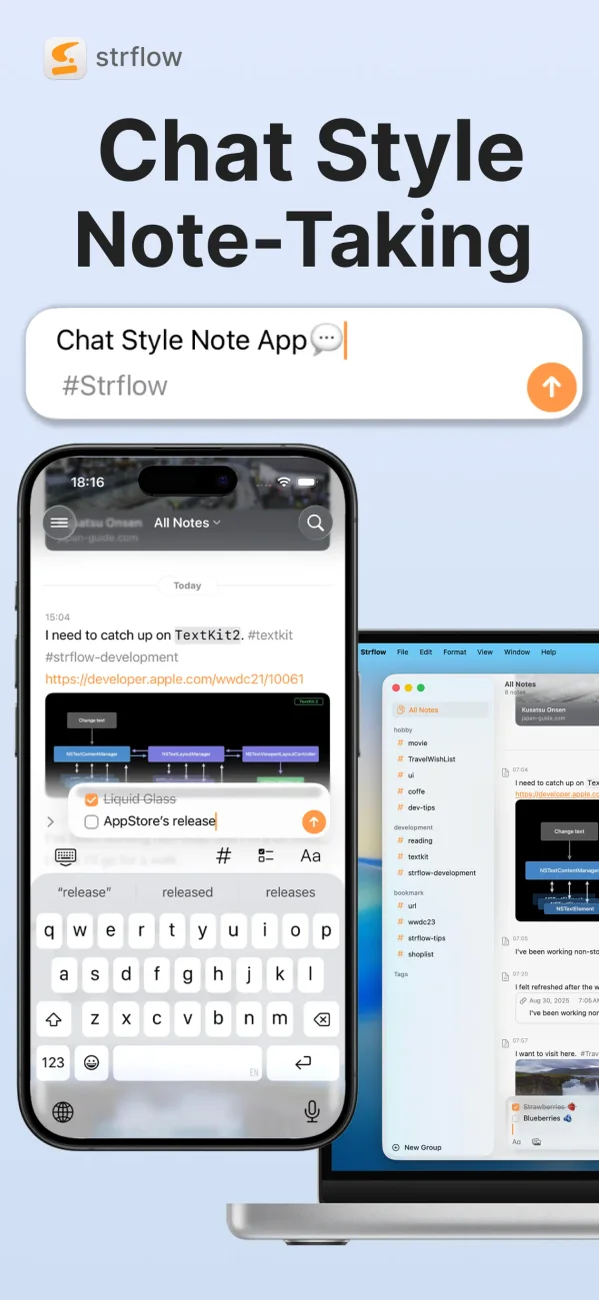
Strflow adopts a chat-style timeline format for incredibly simple and beautiful note-taking. Experience the simplicity of note-taking in a texting-yourself style.
# Build Your Timeline
As you jot down notes, a personal timeline naturally forms.
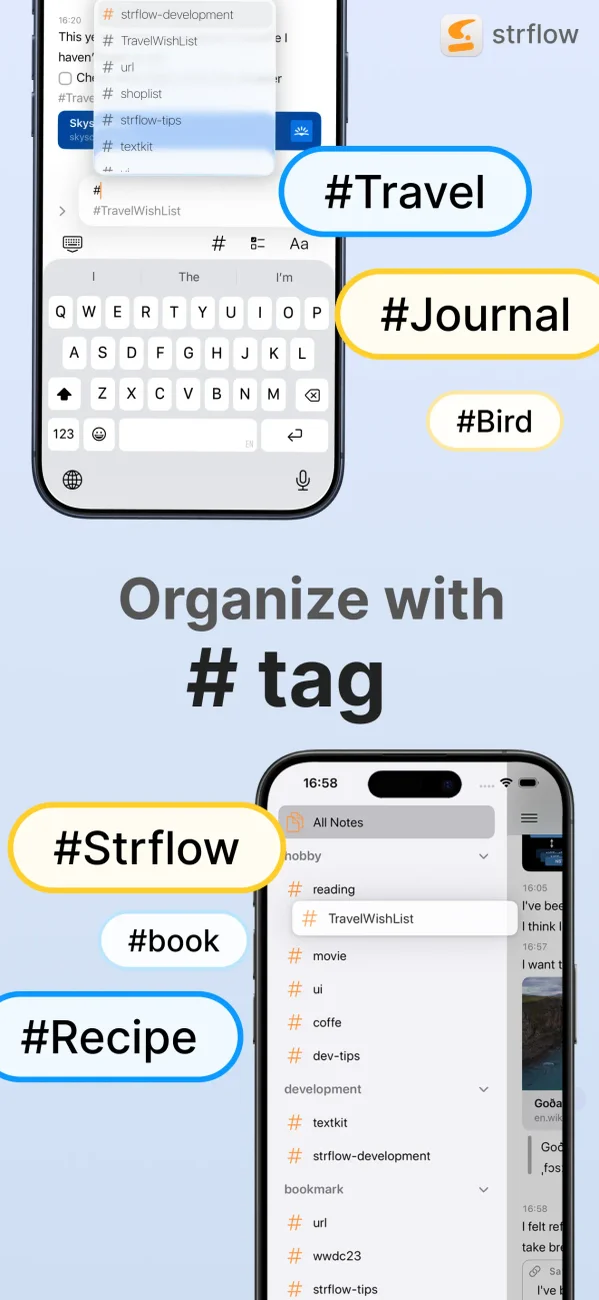
With tags, you can also create timelines focused on specific topics.
Tags can be attached or created from anywhere, and you can easily reorder them with drag & drop in the sidebar.
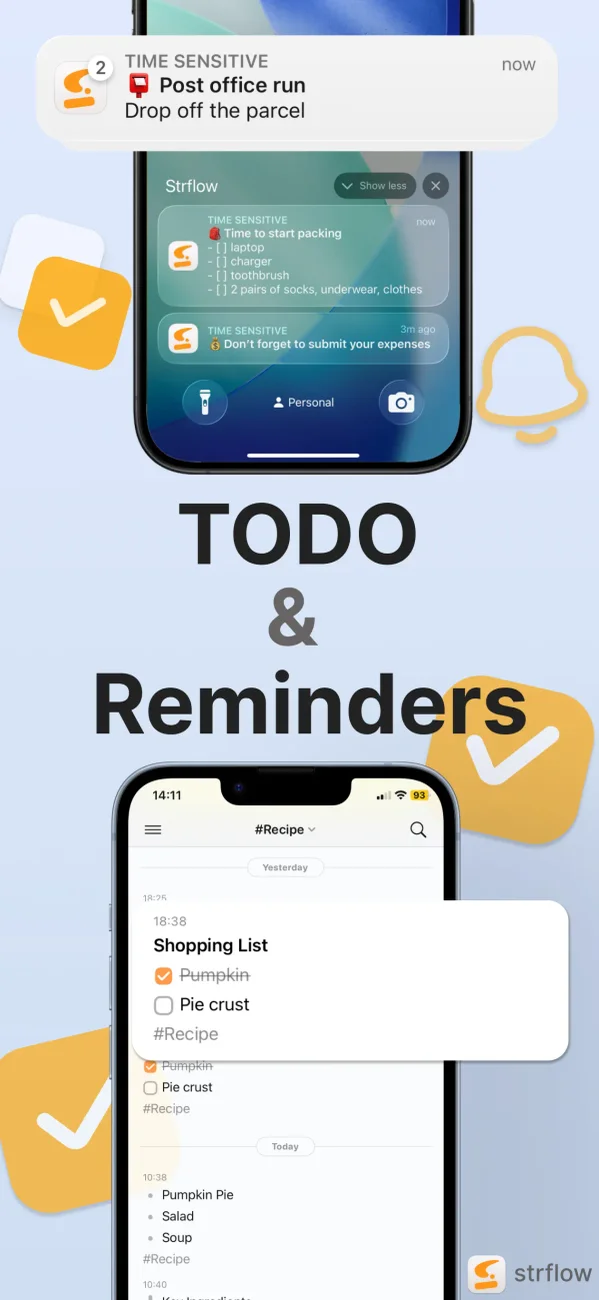
# Todo & Reminders, Naturally in Your Timeline
Strflow turns your checklists into a dedicated Todo timeline, so you can easily review tasks, check them off, and add new ones from a single view.
You can also set notes for future dates and use them as reminders.
Scheduled notes stay hidden until the right time, then gently surface with notifications—right when you need them.
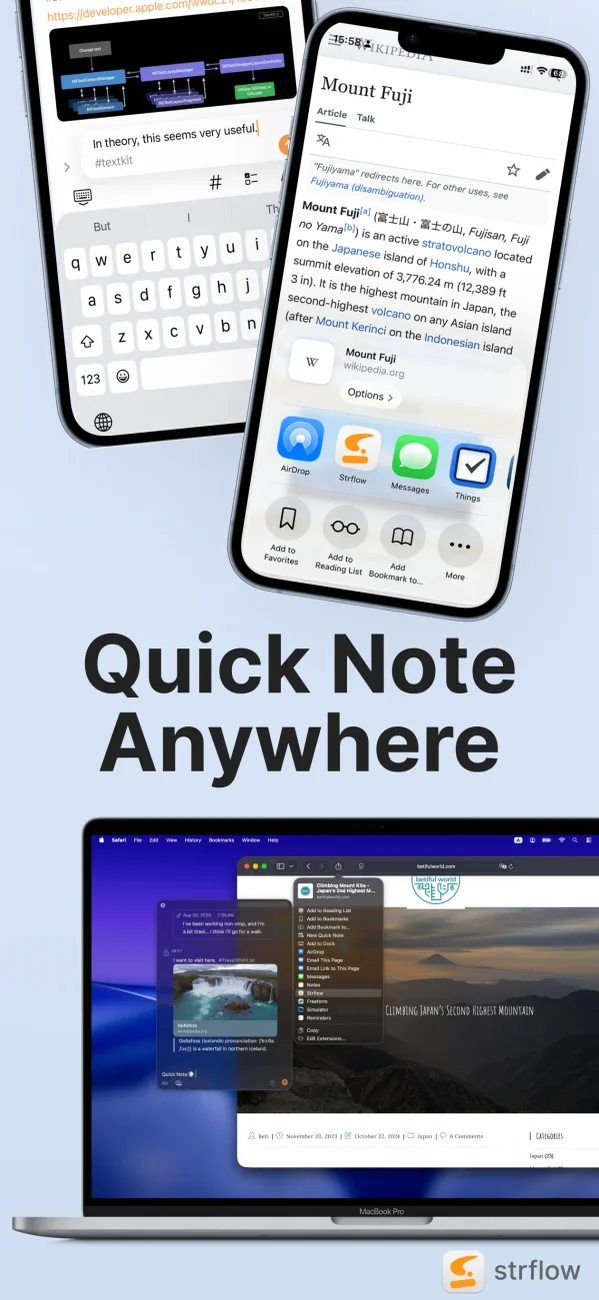
# Quick Notes Anywhere
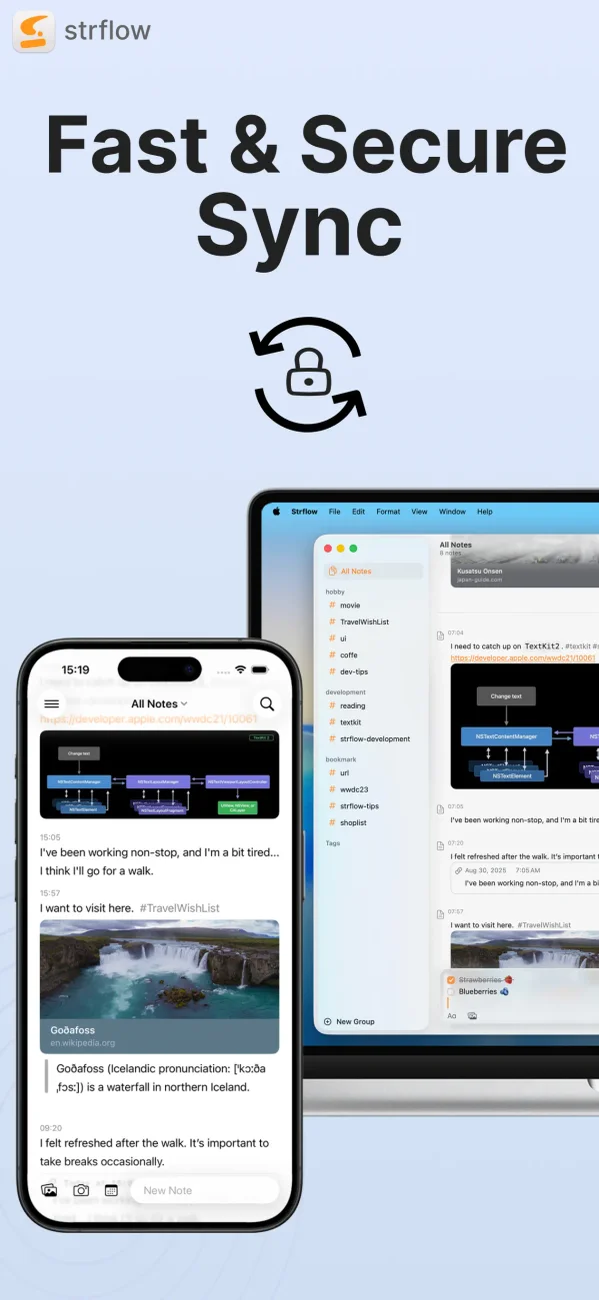
Sync quickly and capture notes from anywhere.
Open the app and start typing instantly, access Strflow from the share sheet — no need to switch apps.
# Native on iOS
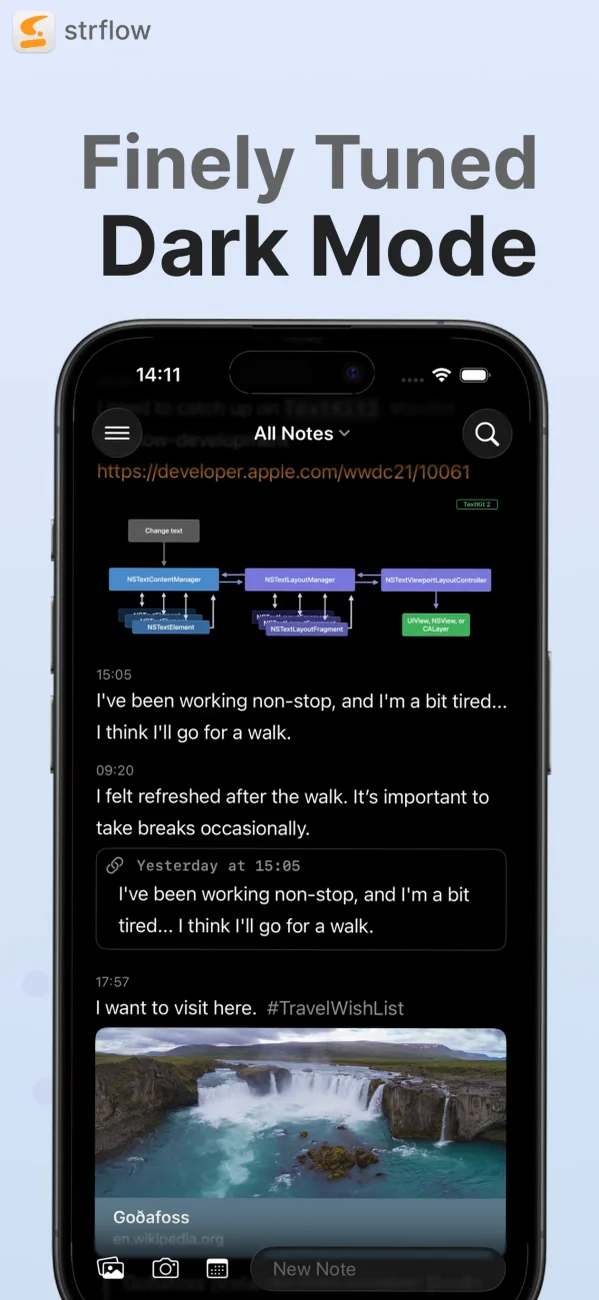
Strflow is designed natively for iOS, blending perfectly with its look and feel.
It also integrates with system features like Apple Shortcuts and the share sheet—making it easy to fit into your workflow.
# Your Data, 100% Yours
Your data is stored safely on your device and in iCloud.
When saved to iCloud, it’s encrypted with your iCloud Keychain. For those using iCloud’s Advanced Data Protection, enjoy the added security of end-to-end encryption.
All data can also be exported as Markdown, so you can take it anywhere with no lock-in.
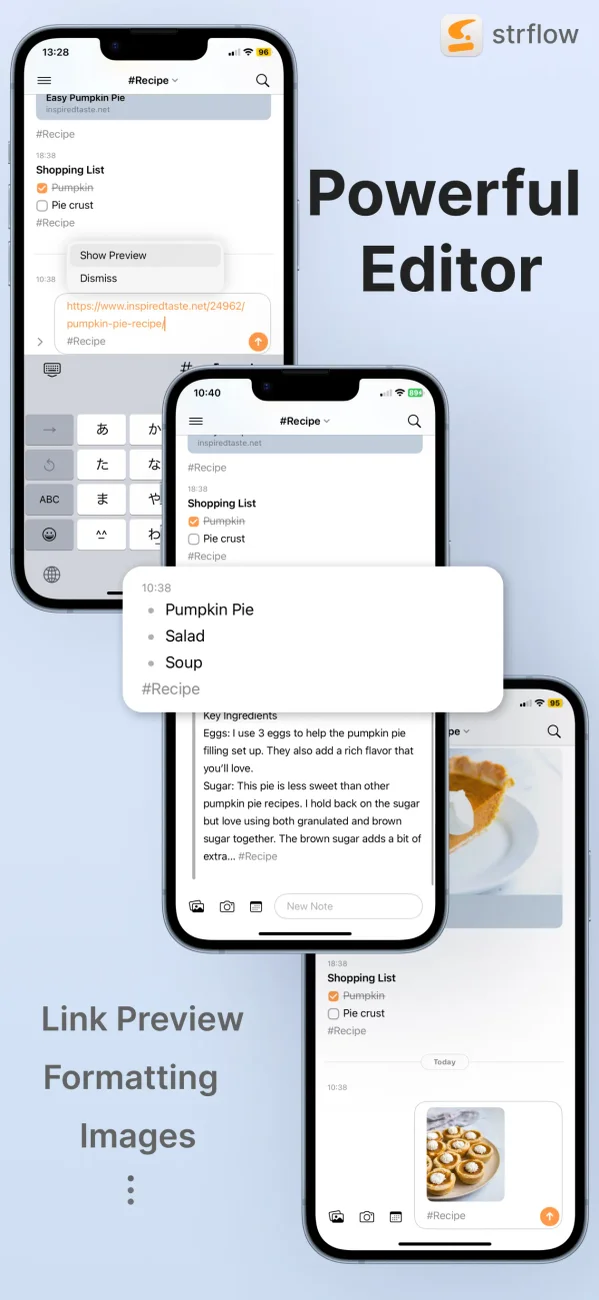
# A Powerful Editor
Strflow supports a wide range of rich-text editing features, including:
• Link previews
• Checklists
• Note links
• Inline formatting (bold, italic, etc.)
• Block-level formatting (lists, code blocks, quote blocks, etc.)
• Images
---
Strflow lets you take unlimited notes for free. By joining Strflow Plus, you’ll unlock encrypted sync and backup via iCloud.
Prices may vary by location. Subscriptions will be charged to your credit card via your App Store account. Your subscription will automatically renew unless canceled at least 24 hours before the end of the current period. Once activated, subscriptions cannot be canceled. Manage your subscriptions in your App Store Account Settings after purchase. Any unused portion of a free trial period, if offered, will be forfeited upon purchasing a subscription. The lifetime option is a one-time, non-renewing purchase that grants permanent access to Strflow Plus features.
---
For any questions or feedback, please feel free to contact us at support@strflow.app. We are eager to assist and connect with you!
Privacy policy: https://strflow.app/privacy-policy
Terms of use: https://strflow.app/terms
Nouveautés
Version 1.6.3 · 31/10/2026
Basic support for iPhone Duo
Confidentialité de l’application
Ce que Shingo Eguchi déclare sur l’App Store au sujet du traitement des données par cette application.
-
Données non collectées
Le développeur ne collecte aucune donnée à partir de cette application.
Les pratiques en matière de confidentialité peuvent varier, notamment en fonction des fonctionnalités que vous utilisez ou de votre âge.
Informations
- Vendeur
- Shingo Eguchi
- Catégorie
- Productivité
- Version
- 1.6.3
- Mis à jour
- 31/10/2026
- Publié
- 03/01/2024
- Taille
- 80,4 Mo
- Nécessite
- iOS 18.0 ou version ultérieure
- Classification d’âge
- 4+
- Prix
- Gratuit
- Achats intégrés
- Oui
- Langues
- Anglais
- Copyright
- © 2023 Shingo Eguchi
Vous aimerez peut-être aussi
-
 tetrify: Notes à soiCapturez les tâches par chat
-
 Quick Notes - SupasendProductivité
-
 Prism NotesProductivité
-
 Defer: Capture TasksProductivité
-
 Bebop: Quick NotesProductivité
-
 Luckynote: Message YourselfProductivité
-
 Quick Capture & Notes - QeptProductivité
-
 Godspeed – To Do ListProductivité
-
 Stash : liens et favorisÀ garder pour plus tard
-
 Quick Capture - Vault notesProductivité