- Classification d’âge4+
- CatégorieProductivité
- DéveloppeurNadejda Oprea
- LanguesAnglais
- Taille21,9 Mo
Renvoie vers la page App Store officielle
Download.org n’héberge aucun fichier de FlexiConvert. Le bouton ouvre la page de l’application sur App Store, où Nadejda Oprea la publie. Fiche vérifiée pour la dernière fois le 23/11/2026.
Captures d’écran
À propos
Le développeur n’a pas fourni ce texte dans votre langue.
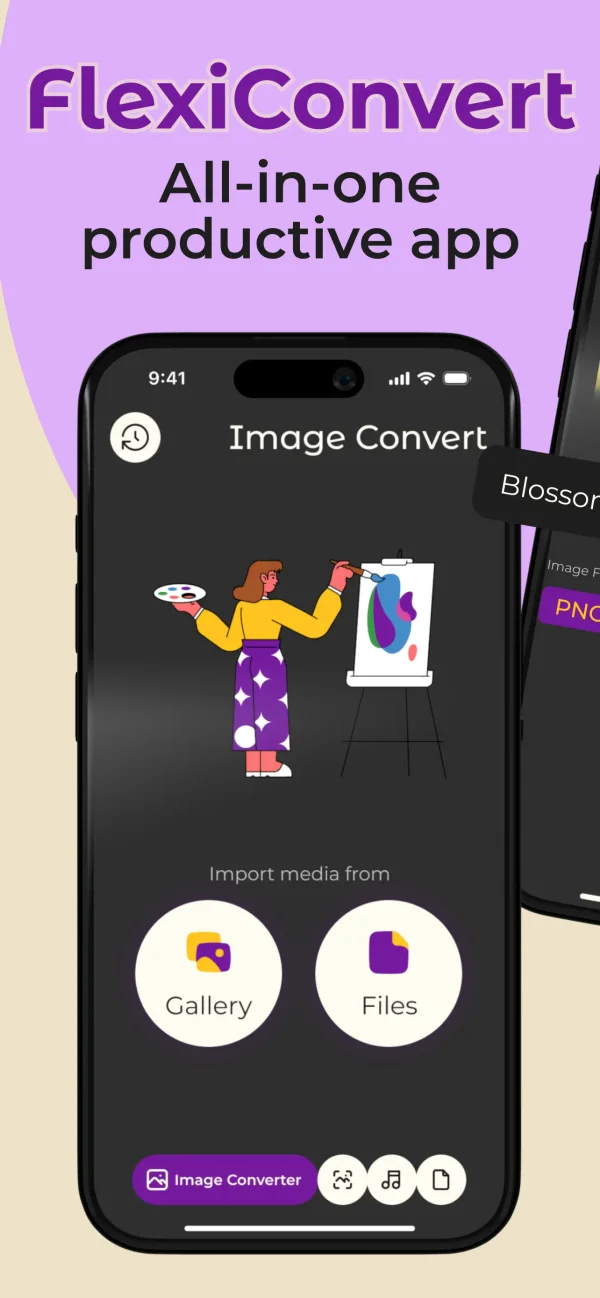
FlexiConvert is a powerful and easy-to-use media conversion toolkit that lets you manage, convert, and optimize your files directly from your device.
Designed for productivity and flexibility, it includes dedicated modules for images, videos, audio, and PDF files.
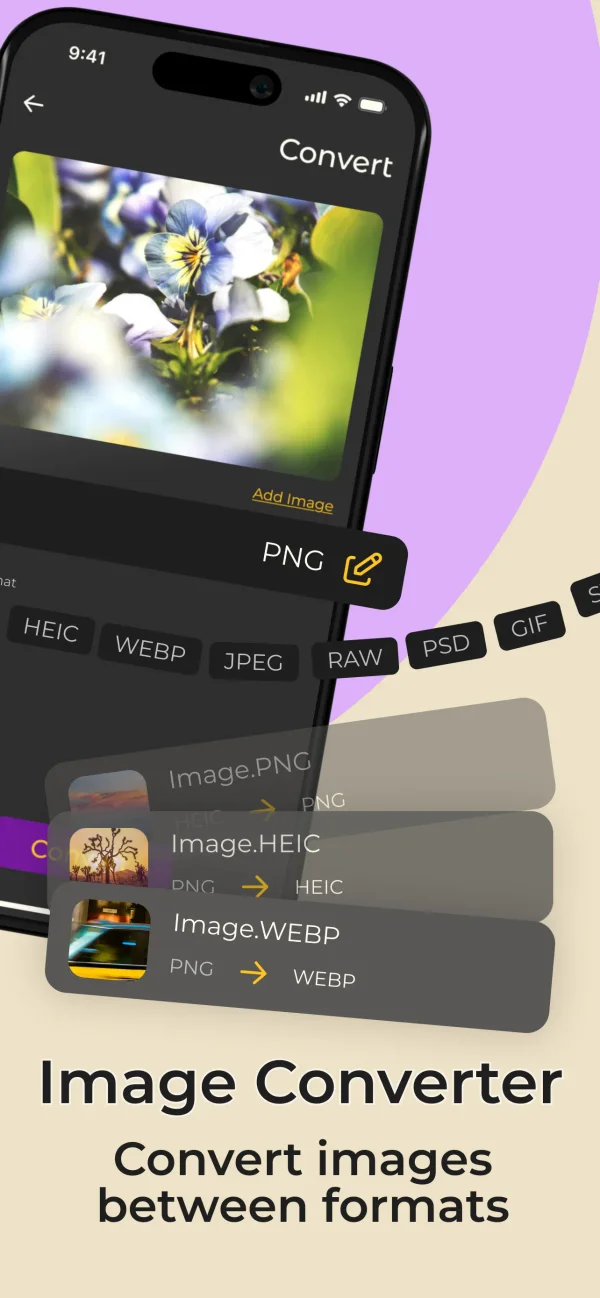
Image Convert
Convert images between popular formats like JPG, PNG, and WEBP. Import from gallery or files, edit as needed, choose the output format, then save, download, or share.
Every conversion is saved in the History section for future use.
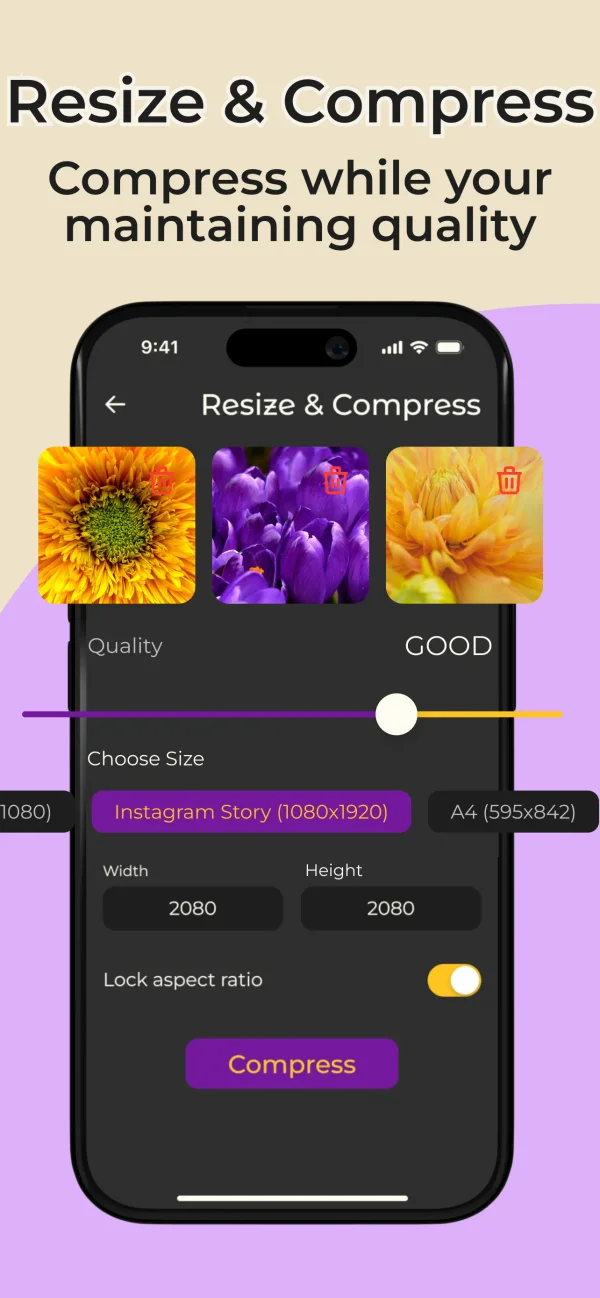
Image Resize
Resize images with custom dimensions and maintain the aspect ratio when needed. Adjust image quality to suit your needs.
Save space while preserving clarity. All results are available for download and sharing.
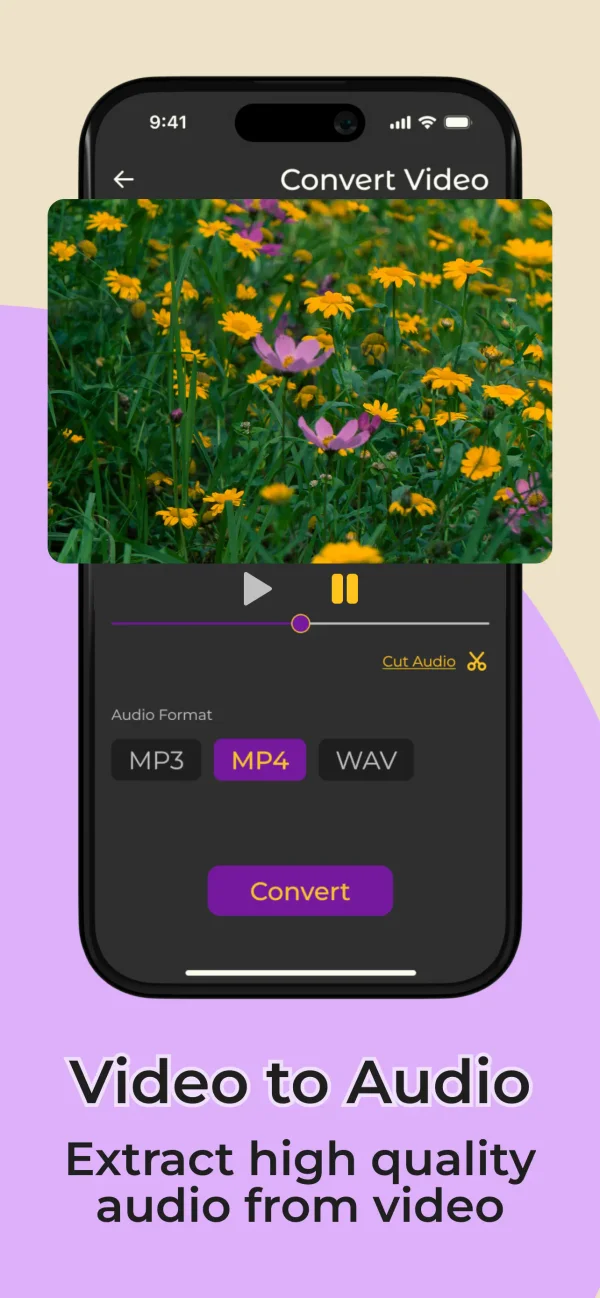
Video to Audio
Extract audio from videos in formats such as MP3, WAV, or MP4.
Trim the exact segment you need and convert it in seconds.
Manage and access all previous conversions from the built-in History manager with options to share or delete.
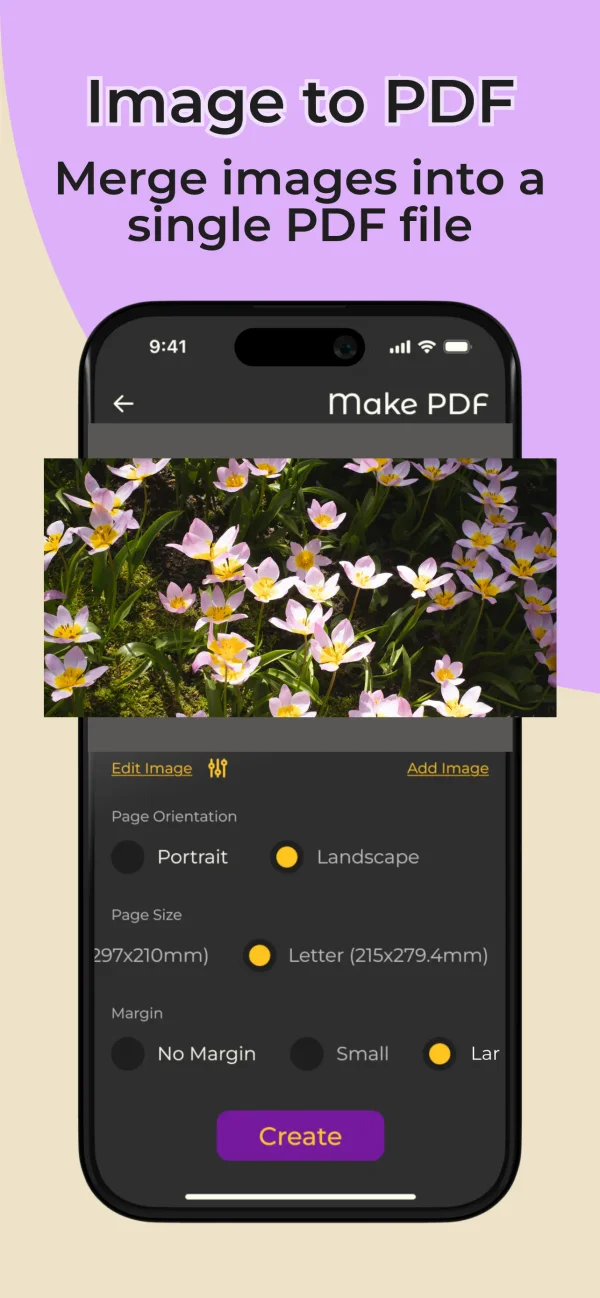
Image to PDF
Combine multiple images into a clean, customizable PDF.
Set page orientation, size, and margins. Edit brightness and contrast before finalizing.
Export high-quality PDFs instantly and share or save them to your files.
Free Features to Get You Started:
Convert up to 2 images with Image Convert
Resize up to 2 images with Resize
Turn 2 videos into audio files with Video to Audio
Try Image to PDF once — no sign-up needed
Need more? Unlock unlimited access with Premium.
Stay Ahead with FlexiConvert
Unlock exclusive updates and features with our subscription!
Automatic Renewal: Seamlessly stay subscribed unless canceled 24 hours before renewal.
Full Control: Manage your plan anytime in Account Settings.
Your Agreement: Subscribing means you agree to our Privacy Policy and Terms of Use.
Dive into innovation—visit our Privacy Policy and Terms of Use.
Learn more via the provided links.
FlexiConvert is designed to streamline your media workflow.
Whether you need to convert formats, resize files, extract audio, or create documents, FlexiConvert gives you the tools you need in one efficient app.
Fast, precise, and fully in your control.
Privacy Policy: https://docs.google.com/document/d/12X4yi6COhAcT16Lmcclr2DjuiVGQvYfoyh-kJqIoNes
Terms of Use: https://docs.google.com/document/d/1H65wawDPrbHg8FH4zAA-CCO5Fq6GUYu9AhoWebI8TRo
Nouveautés
Version 1.1 · 20/09/2025
Small improvements
Confidentialité de l’application
Ce que Nadejda Oprea déclare sur l’App Store au sujet du traitement des données par cette application.
-
Données non collectées
Le développeur ne collecte aucune donnée à partir de cette application.
Les pratiques en matière de confidentialité peuvent varier, notamment en fonction des fonctionnalités que vous utilisez ou de votre âge.
Informations
- Vendeur
- Nadejda Oprea
- Catégorie
- Productivité
- Version
- 1.1
- Mis à jour
- 20/09/2025
- Publié
- 17/09/2025
- Taille
- 21,9 Mo
- Nécessite
- iOS 16.0 ou version ultérieure
- Classification d’âge
- 4+
- Prix
- Gratuit
- Achats intégrés
- Oui
- Langues
- Anglais
- Copyright
- © Oprea2025
Vous aimerez peut-être aussi
-
 GreySpace : transfert fichiersEnvoie photos et vidéos au PC
-
 GEONIX PROGestion de flotte, maintenance
-
 Site Web vers App/NavigationConvertir en application
-
 RakazoProductivité
-
 Leaper: Mobile to PC ShareProductivité
-
 Master Wifi -Wifi Password KeyProductivité
-
 Paraphraser - Reformuler TexteParaphrase Tool & Reword Text
-
 MobiScan : Scanner PDF et OCRNumériser・Signer des documents
-
 AI Agent Assistant: Agentic AIProductivité
-
 Guard GateProductivité