- Age rating4+
- CategoryProductivity
- DeveloperNadejda Oprea
- LanguagesEnglish
- Size21.9 MB
Links to the official App Store page
Download.org hosts no file of FlexiConvert. The button opens its official App Store page, published by Nadejda Oprea. Listing last checked on Nov 23, 2026.
Screenshots
About
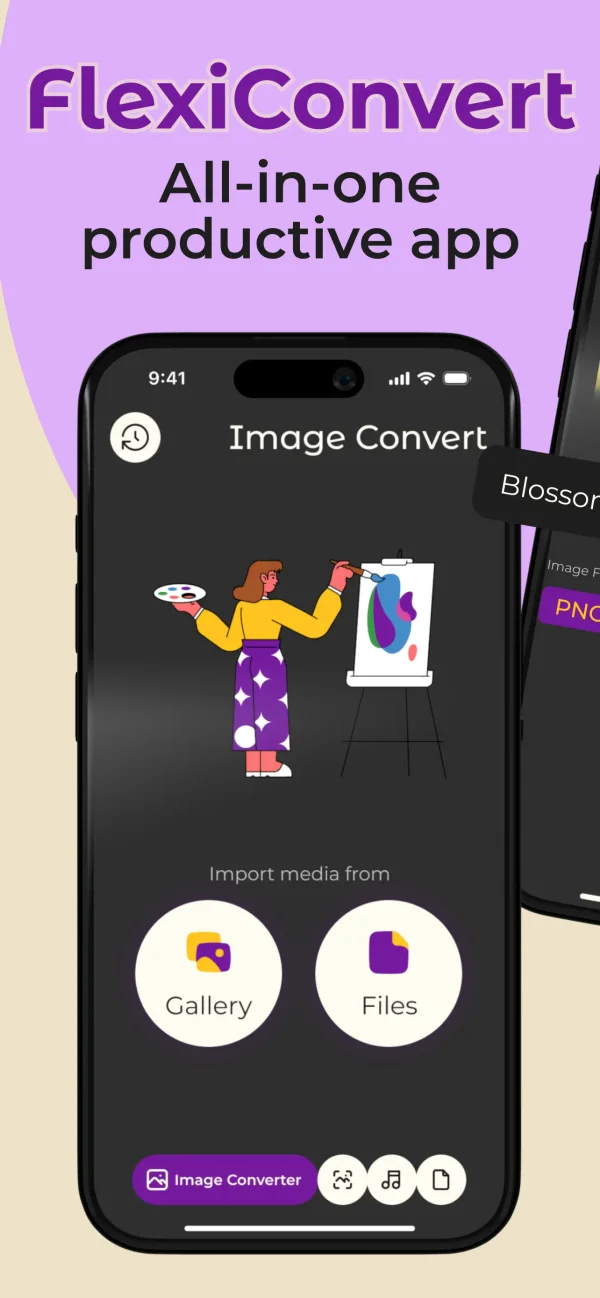
FlexiConvert is a powerful and easy-to-use media conversion toolkit that lets you manage, convert, and optimize your files directly from your device.
Designed for productivity and flexibility, it includes dedicated modules for images, videos, audio, and PDF files.
Image Convert
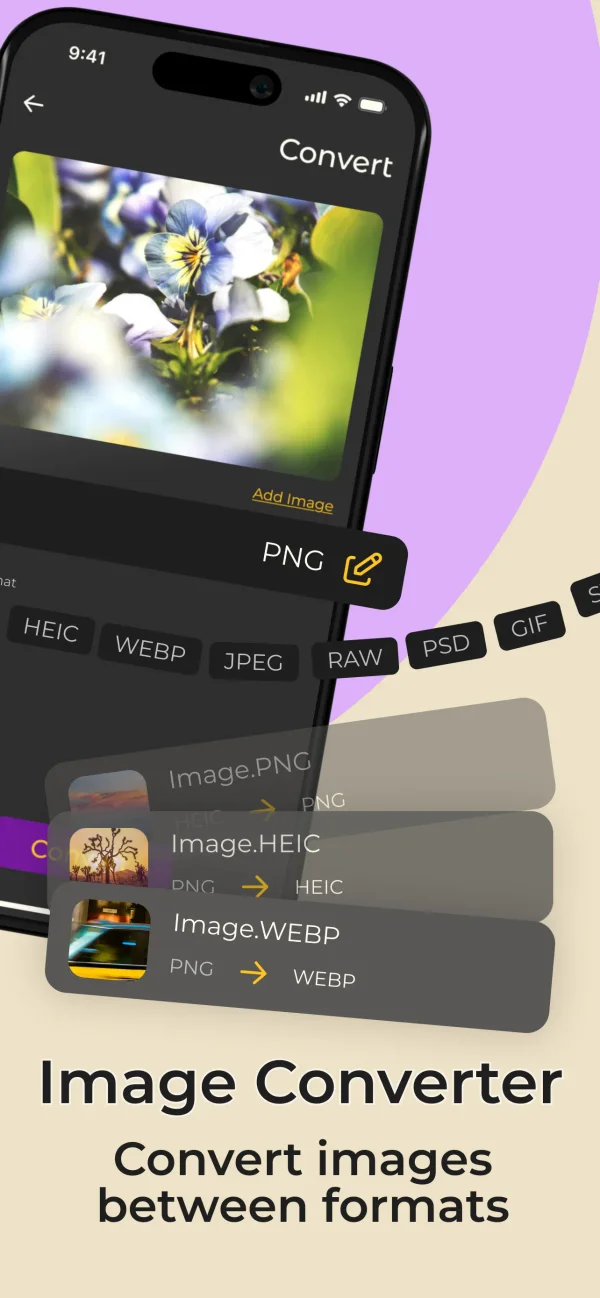
Convert images between popular formats like JPG, PNG, and WEBP. Import from gallery or files, edit as needed, choose the output format, then save, download, or share.
Every conversion is saved in the History section for future use.
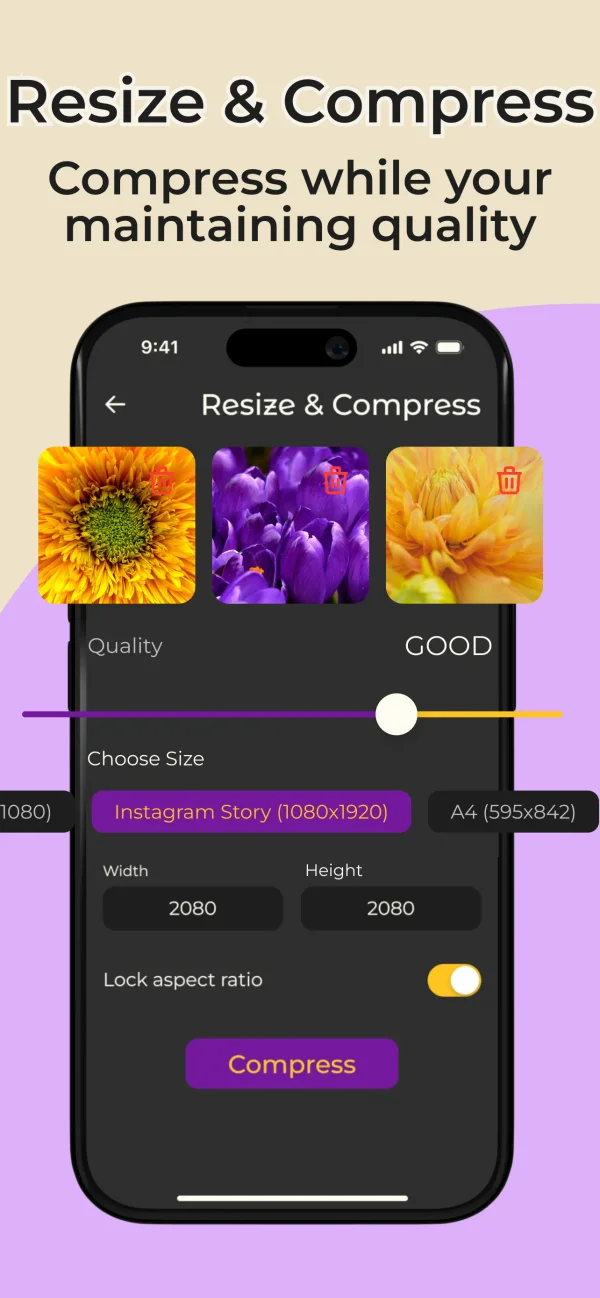
Image Resize
Resize images with custom dimensions and maintain the aspect ratio when needed. Adjust image quality to suit your needs.
Save space while preserving clarity. All results are available for download and sharing.
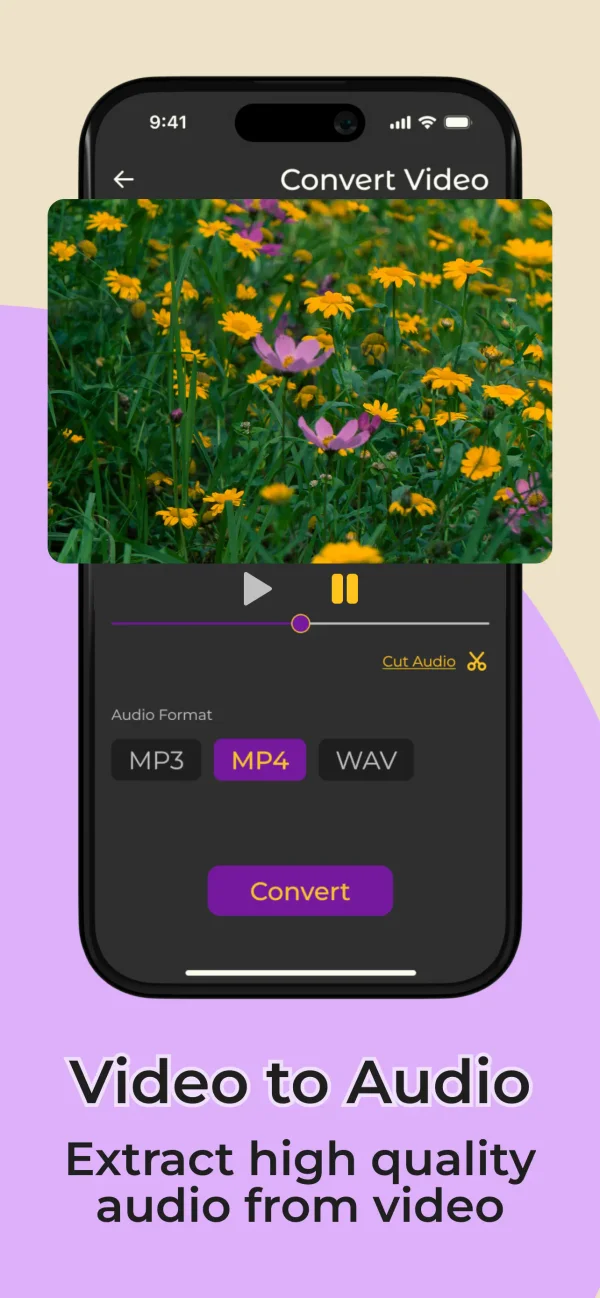
Video to Audio
Extract audio from videos in formats such as MP3, WAV, or MP4.
Trim the exact segment you need and convert it in seconds.
Manage and access all previous conversions from the built-in History manager with options to share or delete.
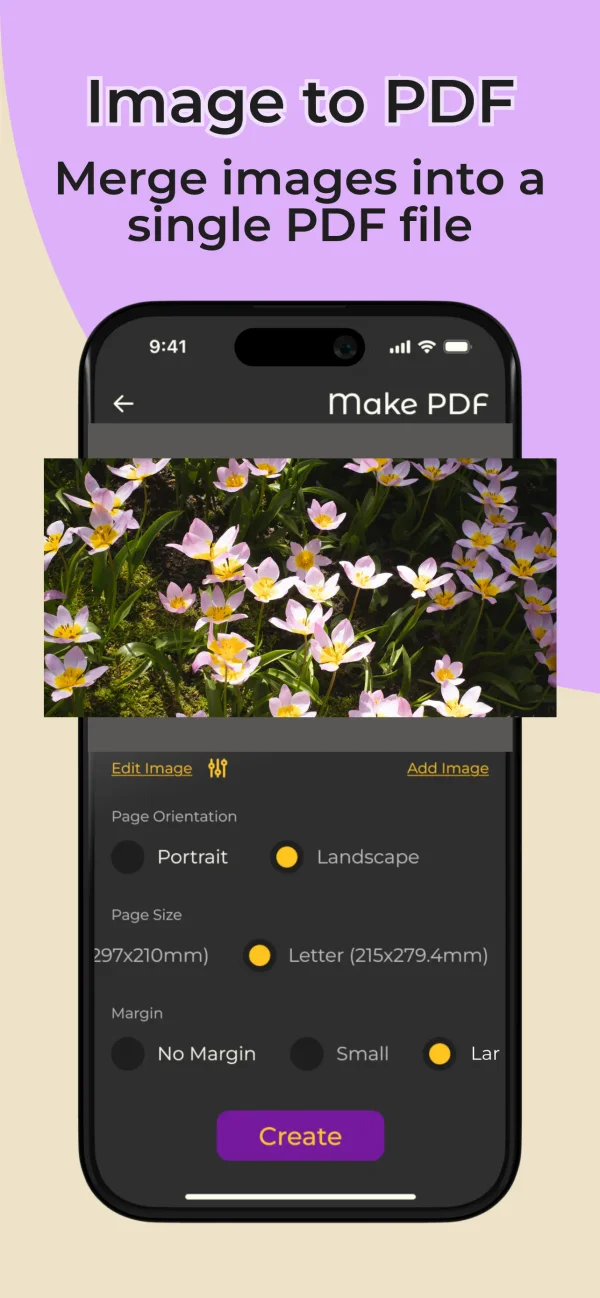
Image to PDF
Combine multiple images into a clean, customizable PDF.
Set page orientation, size, and margins. Edit brightness and contrast before finalizing.
Export high-quality PDFs instantly and share or save them to your files.
Free Features to Get You Started:
Convert up to 2 images with Image Convert
Resize up to 2 images with Resize
Turn 2 videos into audio files with Video to Audio
Try Image to PDF once — no sign-up needed
Need more? Unlock unlimited access with Premium.
Stay Ahead with FlexiConvert
Unlock exclusive updates and features with our subscription!
Automatic Renewal: Seamlessly stay subscribed unless canceled 24 hours before renewal.
Full Control: Manage your plan anytime in Account Settings.
Your Agreement: Subscribing means you agree to our Privacy Policy and Terms of Use.
Dive into innovation—visit our Privacy Policy and Terms of Use.
Learn more via the provided links.
FlexiConvert is designed to streamline your media workflow.
Whether you need to convert formats, resize files, extract audio, or create documents, FlexiConvert gives you the tools you need in one efficient app.
Fast, precise, and fully in your control.
Privacy Policy: https://docs.google.com/document/d/12X4yi6COhAcT16Lmcclr2DjuiVGQvYfoyh-kJqIoNes
Terms of Use: https://docs.google.com/document/d/1H65wawDPrbHg8FH4zAA-CCO5Fq6GUYu9AhoWebI8TRo
What’s new
Version 1.1 · Sep 20, 2025
Small improvements
App privacy
What Nadejda Oprea declares on the App Store about how this app handles data.
-
Data not collected
The developer does not collect any data from this app.
Privacy practices may vary, for example with the features you use or your age.
Information
- Seller
- Nadejda Oprea
- Category
- Productivity
- Version
- 1.1
- Updated
- Sep 20, 2025
- Released
- Sep 17, 2025
- Size
- 21.9 MB
- Requires
- iOS 16.0 or later
- Age rating
- 4+
- Price
- Free
- In-app purchases
- Yes
- Languages
- English
- Copyright
- © Oprea2025
You might also like
-
 GreySpace: File TransferSend photos and videos to PC
-
 GEONIX PROFleet management, maintenance
-
 Website to app:converter/browsUsing Websites Like Apps. Full
-
 RakazoAI teammates you control
-
 Leaper: Mobile to PC ShareTexts, Location, Images, Video
-
 Master Wifi -Wifi Password KeyWiFi Key Finder & Scanner
-
 Paraphrase Tool - RewriteReword Text & AI Rephraser
-
 MobiScan: OCR Scanner・Scan PDFEdit, Sign, Convert Documents
-
 AI Agent Assistant: Agentic AIAI Agents for everybody. Easy!
-
 Guard GateProductivity