- Classification d’âge4+
- CatégorieMusique
- DéveloppeurIndading
- LanguesAnglais+ 2 de plus
- Taille105,9 Mo
Renvoie vers la page App Store officielle
Download.org n’héberge aucun fichier de Harmony Pocket. Le bouton ouvre la page de l’application sur App Store, où Indading la publie. Fiche vérifiée pour la dernière fois le 12/11/2026.
Captures d’écran
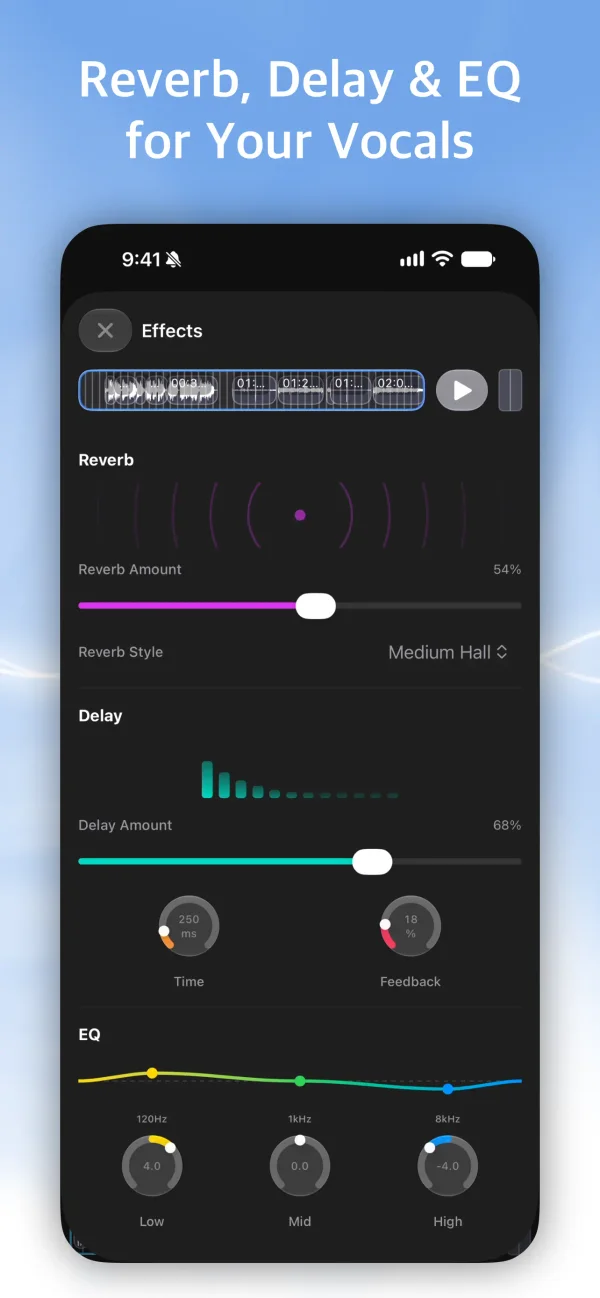

À propos
Le développeur n’a pas fourni ce texte dans votre langue.
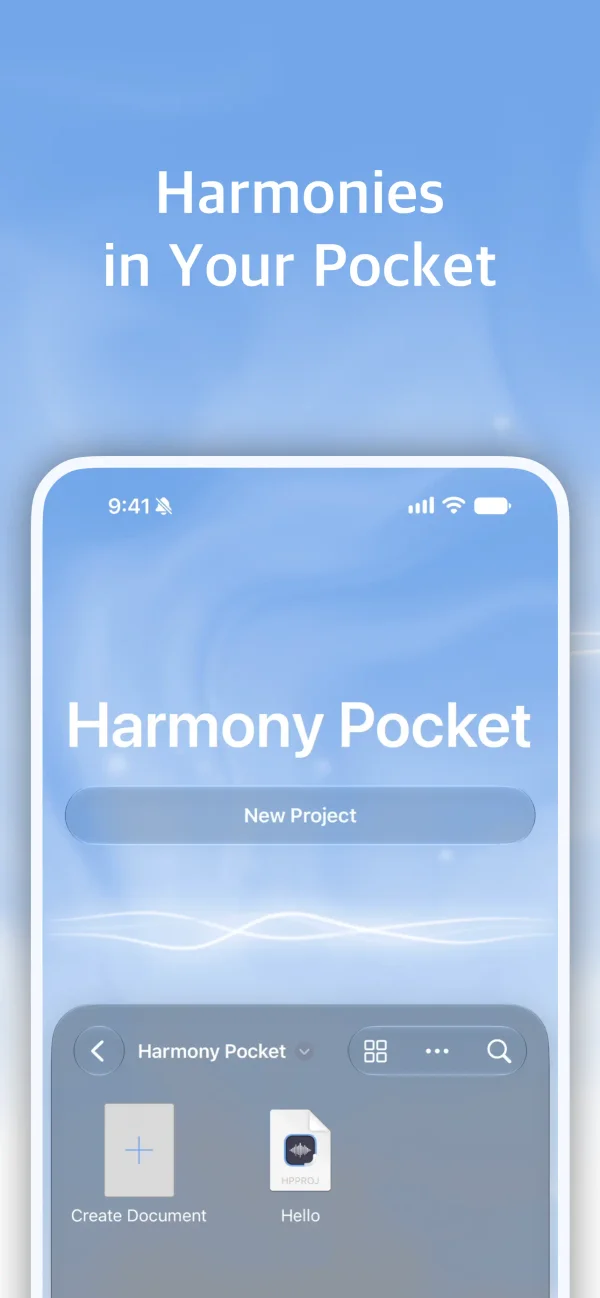
Keep harmonies in your pocket.
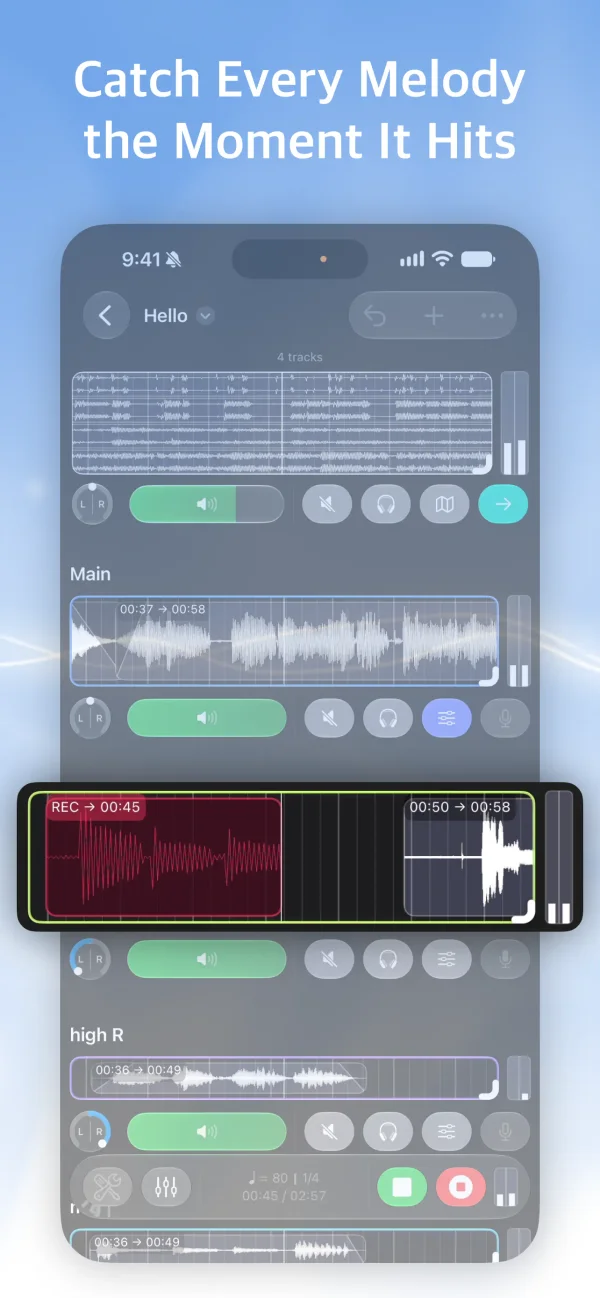
Before that melody, voice, or moment of playing fades away, you can record in just a few taps and neatly stack tracks. Harmony Pocket is an audio multitrack recorder built for fast idea capture.
Harmony Pocket was never built to be a “pro DAW.”
I kept hearing people say, “Recording on a computer feels too hard.”
So instead of piling on complex features, Harmony Pocket focuses on what matters most: recording audio quickly and organizing it cleanly, so you can save today’s ideas as they are, today.
That’s why this app is less about big production and more about catching a sound the moment it appears.
Everyone has moments they don’t want to lose.
And it’s nice when Harmony Pocket is right there with you.
- When you want to quickly capture a melody before you forget it
- When you want to practice by layering your voice and instruments over a backing track
- When you want to sketch chorus ideas before rehearsal and share them right away
- When you want to finish a clean demo using only audio tracks, with no complicated setup, and share it instantly
Audio-focused multitrack recording
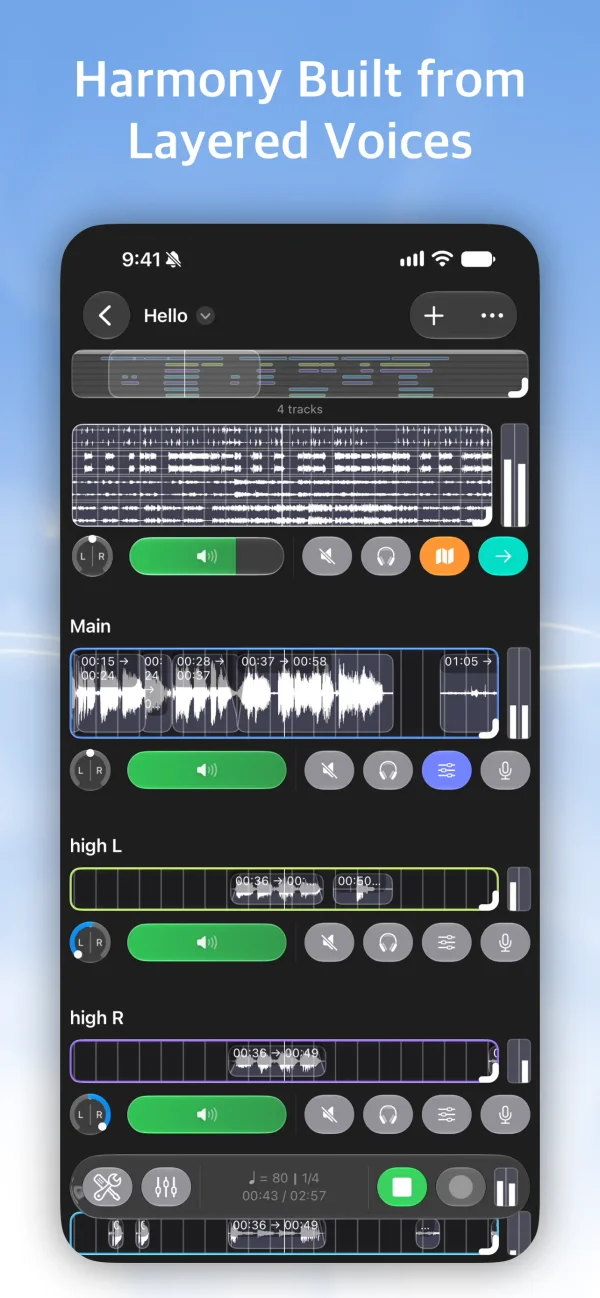
- Create as many tracks as you need and build your song by layering sounds.
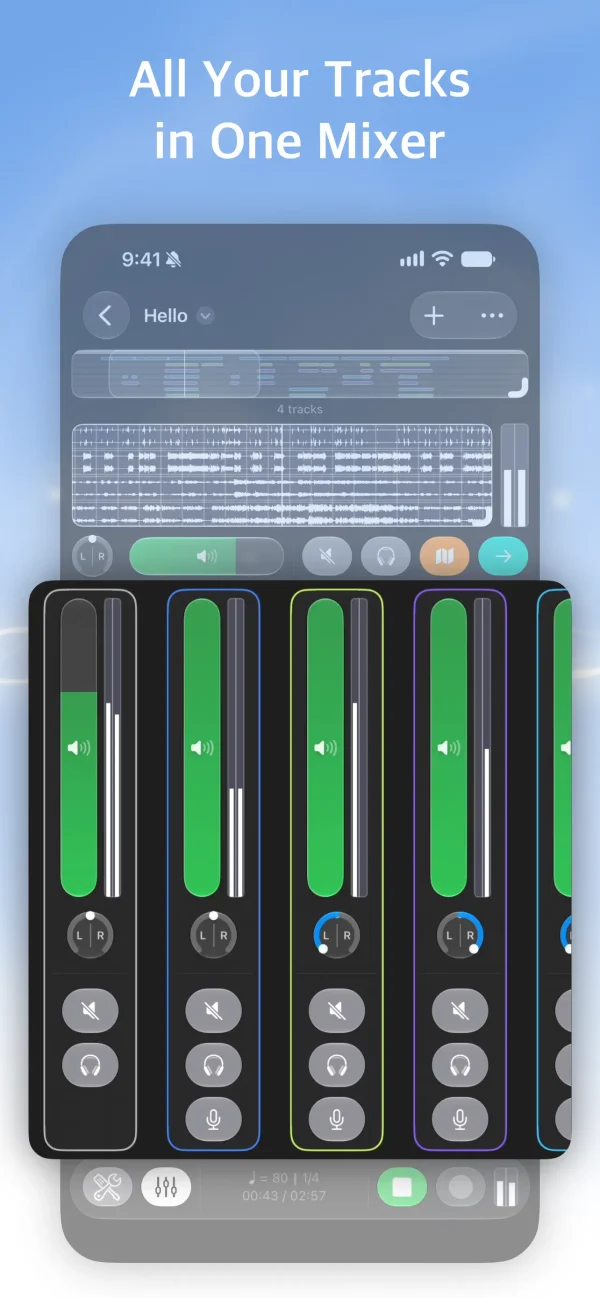
- Organize tracks with names and colors, and control volume/pan (L/R)/mute/solo to listen to exactly what you need.
Clean organization by regions (recorded sections)
- Recorded parts stack on the timeline as regions.
- Trim the front and back to keep only what you need, and fine-tune with region gain when you want more clarity.
- Zoom in/out on waveforms, drag to navigate quickly, and use auto-follow to handle long recordings comfortably.
Record directly over a backing track
- Import an audio file, play it as a backing track, and record right on top of it.
- View the whole song at a glance with waveform + minimap, and jump to any spot instantly.
- Backing tracks also support volume/pan/mute/solo, and you can adjust pitch to match the key for practice.
(Depending on your device and audio environment, you may notice slight recording latency)
On-Device AI Stem Separation
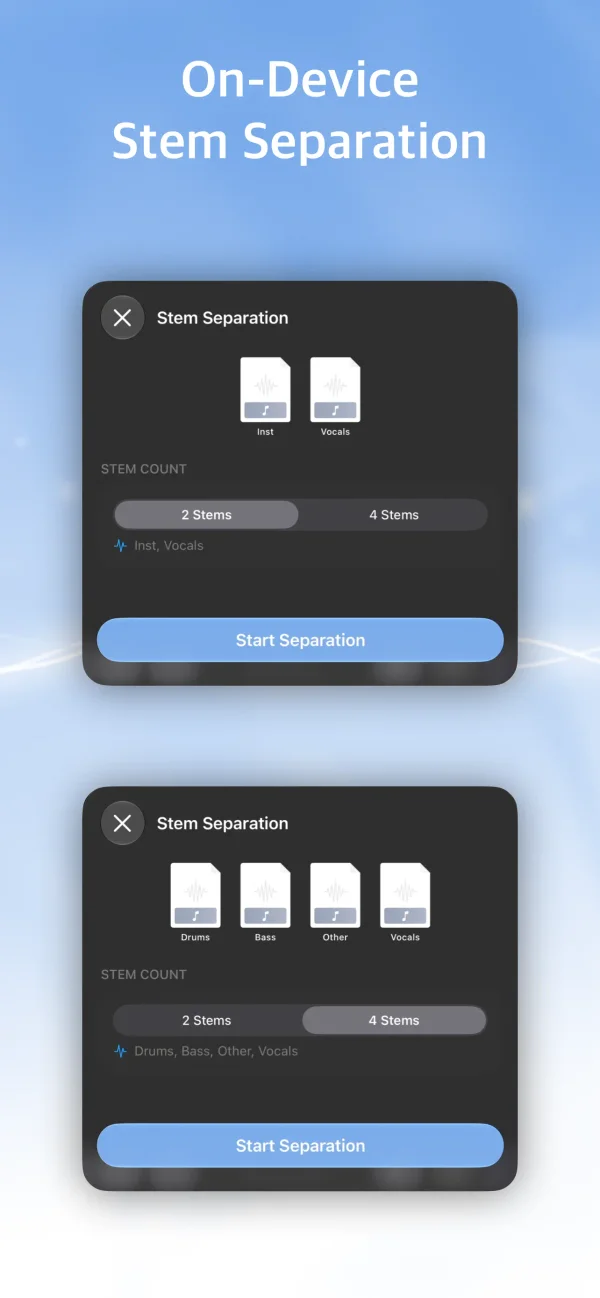
- Split any imported track using on-device AI — separate it into Inst (instrumental) and Vocals, or go further with Drums, Bass, Other, and Vocals.
- Pick just the stems you need, whether it's a backing track to record over or a reference track for practice.
- Everything happens right on your device, so your audio never leaves your phone — safe and private.
Lightweight prep before recording
- Metronome: tempo/time signature/volume control, plus tap tempo
- Tuner: microphone input with adjustable reference pitch
Finish with export
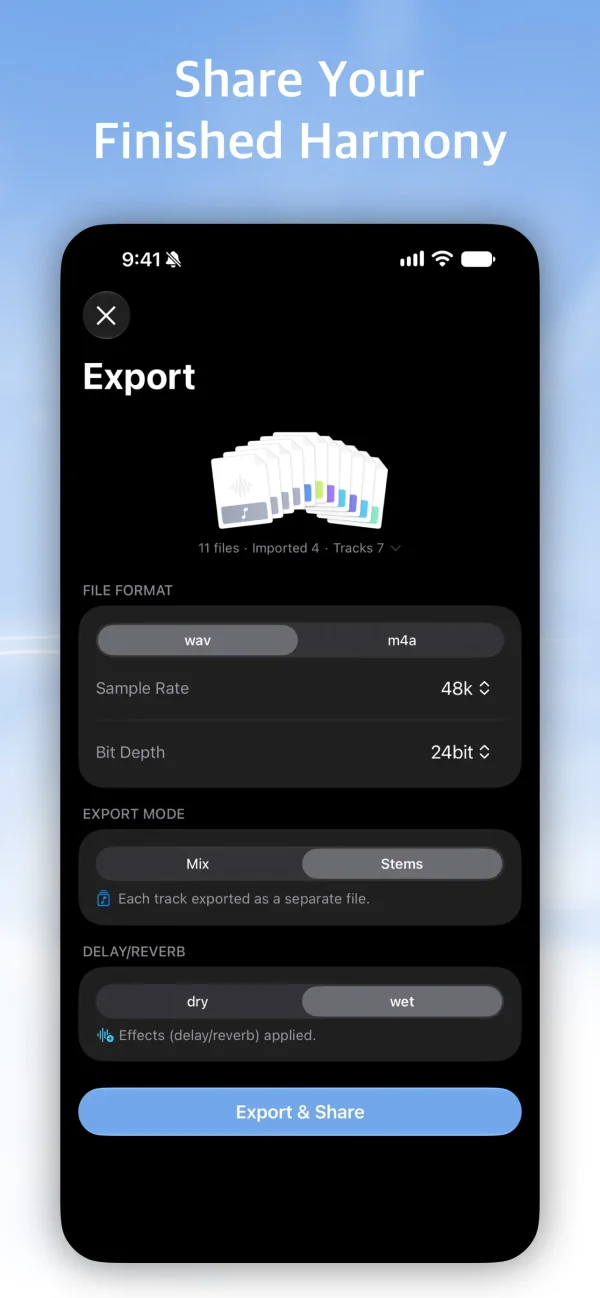
- Export your result as a full mix or as stems (separate track files).
- Save as WAV or M4A and share right away.
- Choose Wet (with effects) or Dry (without effects).
- After exporting stems, you can move them to your usual DAW for deeper editing and mixing.
Harmony Pocket isn’t trying to be “the app that makes you better.”
It wants to be the app that makes it easier to save what you have.
Keep a small harmony in your pocket.
When you need it, take it out and connect the pieces.
Nouveautés
Version 1.4.0 · 30/10/2026
Now supports iPhone Duo.
Now supports iPad.
iPhone, iPhone Duo, and iPad now have layouts tailored to both landscape and portrait, so you can work with your tracks comfortably.
New Mixer view: adjust volume, pan, mute, and solo for all tracks on a single screen.
Tap an empty recording track to import an audio file right away.
The main track bar at the bottom has a new Liquid Glass design, and the launch screen has been refreshed.
Various bug fixes and stability improvements.
Confidentialité de l’application
Ce que Indading déclare sur l’App Store au sujet du traitement des données par cette application.
-
Données non collectées
Le développeur ne collecte aucune donnée à partir de cette application.
Les pratiques en matière de confidentialité peuvent varier, notamment en fonction des fonctionnalités que vous utilisez ou de votre âge.
Informations
- Vendeur
- Indading
- Catégorie
- Musique
- Version
- 1.4.0
- Mis à jour
- 30/10/2026
- Publié
- 29/01/2026
- Taille
- 105,9 Mo
- Nécessite
- iOS 26.1 ou version ultérieure
- Classification d’âge
- 4+
- Prix
- 9,99 €
- Langues
- Anglais, Japonais, Coréen
- Copyright
- © Indading
Vous aimerez peut-être aussi
-
 Acapella BandMusique
-
 Score StudioMusique
-
 GoldenTuner - Tuner MetronomeMusique
-
 KonstruktMusique
-
 Pitch 1024Musique
-
 Music News by 20kHzMusique
-
 MONO - AI Song & Music MakerMusique
-
 Dijji StudioMusique
-
 drop - Audio Recorder to DAWUn son clair dans ton éditeur
-
 StemLab: Supprimer la voixKaraoké, instrumental, stems