- Classification d’âge4+
- CatégorieÉducation
- DéveloppeurIT Wake
- LanguesAnglais+ 2 de plus
- Taille46,7 Mo
Renvoie vers la page App Store officielle
Download.org n’héberge aucun fichier de iClass LMS. Le bouton ouvre la page de l’application sur App Store, où IT Wake la publie. Fiche vérifiée pour la dernière fois le 14/11/2026.
Captures d’écran
À propos
Le développeur n’a pas fourni ce texte dans votre langue.
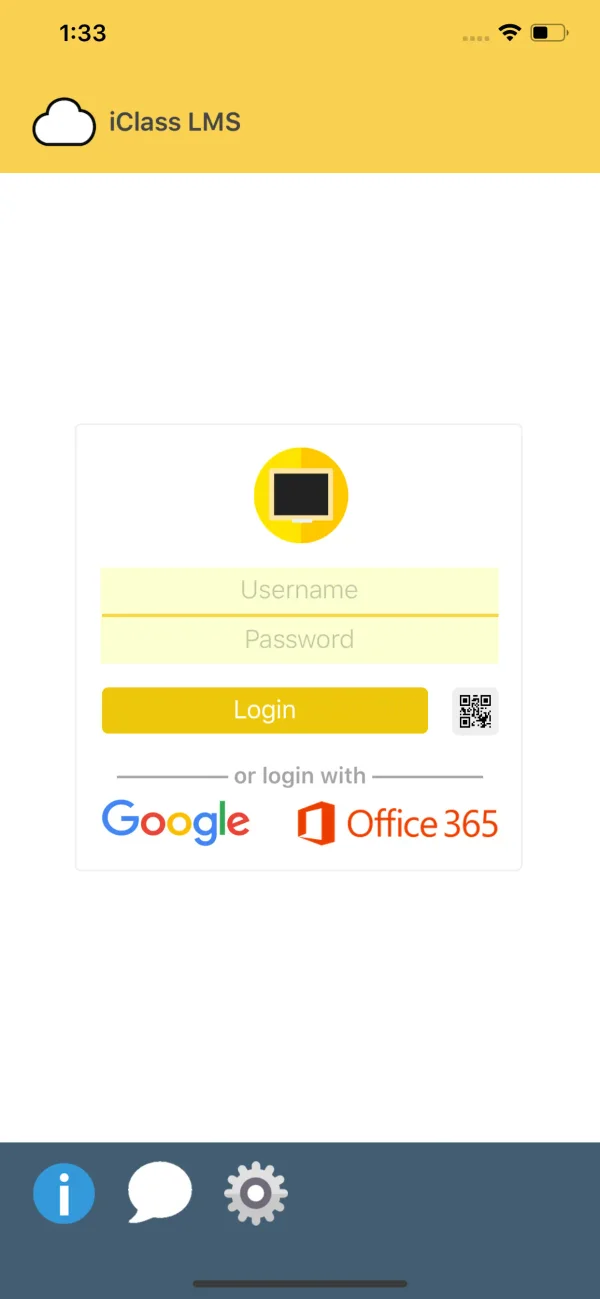
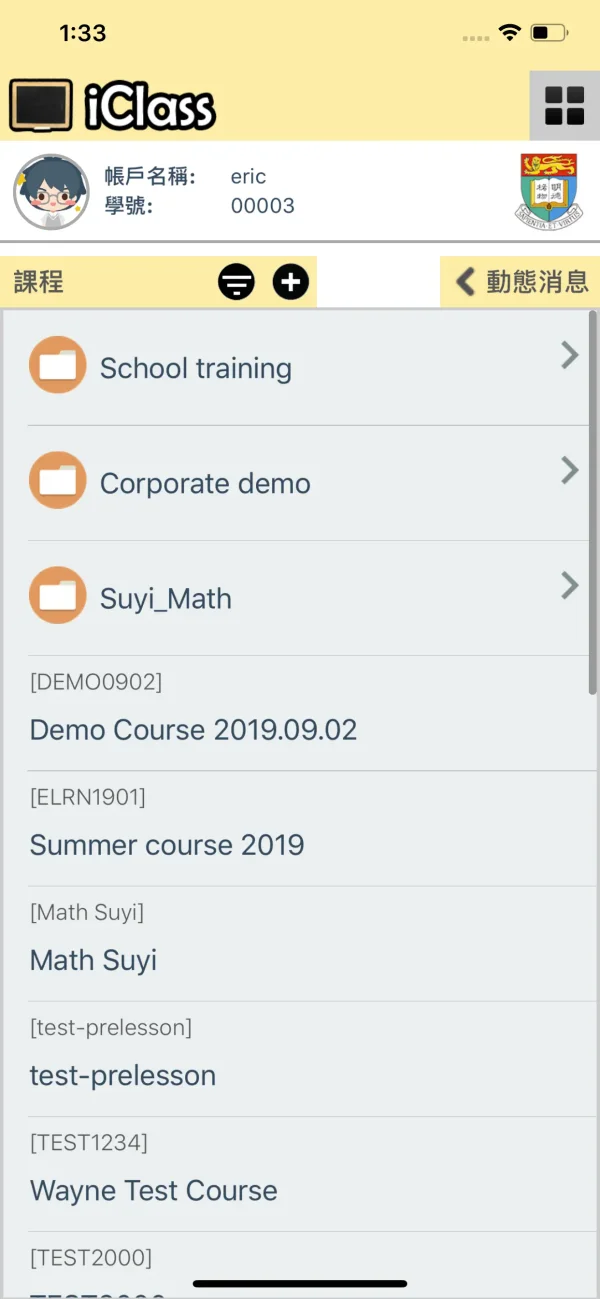
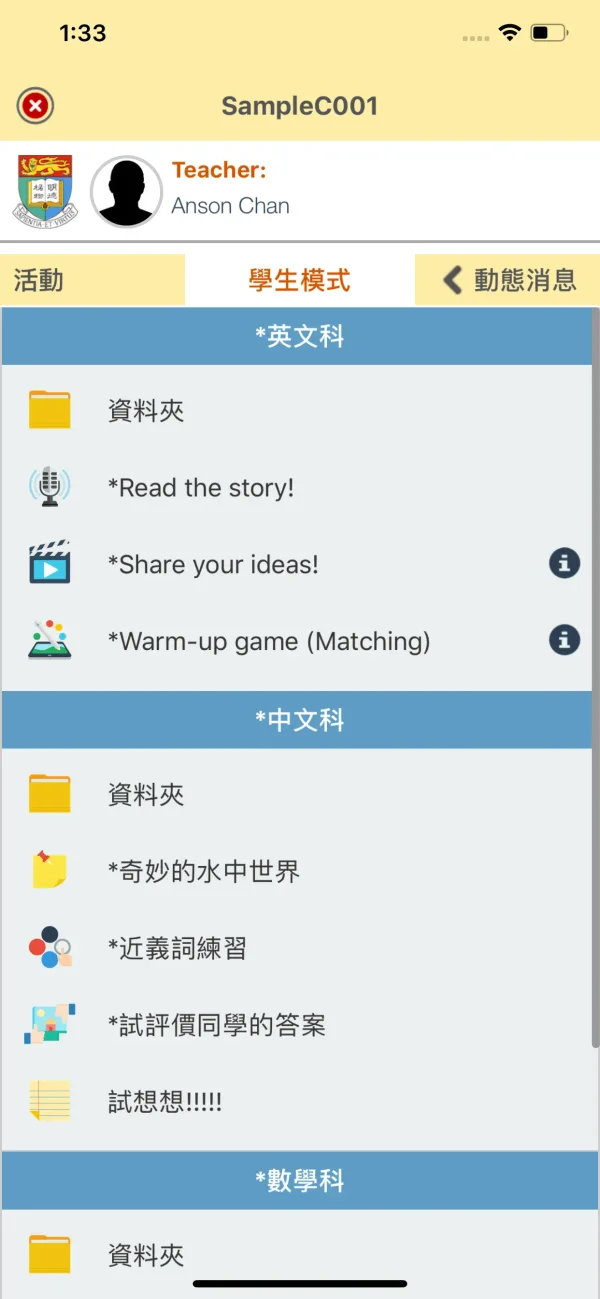
Along with its diversified functions, the iClass LMS platform is easy to operate. Educators can experience the convenience of receiving assignments, conducting quizzes, viewing performance reports, effectively evaluating students’ progress.
Facilitate interaction and participation in class with innovative features
Class Activities
Keyword: Students can share ideas using keywords, it is particularly useful during dialectical discussions and SWOT analysis.
E-book: Read online e-books designated by the teacher, can do notes, add bookmarks, print out and download.
Drawing: Students can draw, write or put e-stickers on backgrounds or graphics designated by the teacher.
Mind-map: Student can finish their mind-map based on the topic set by the teacher.
Assessment
Open-ended questions: Students can answer open-ended questions, write short essays and etc.
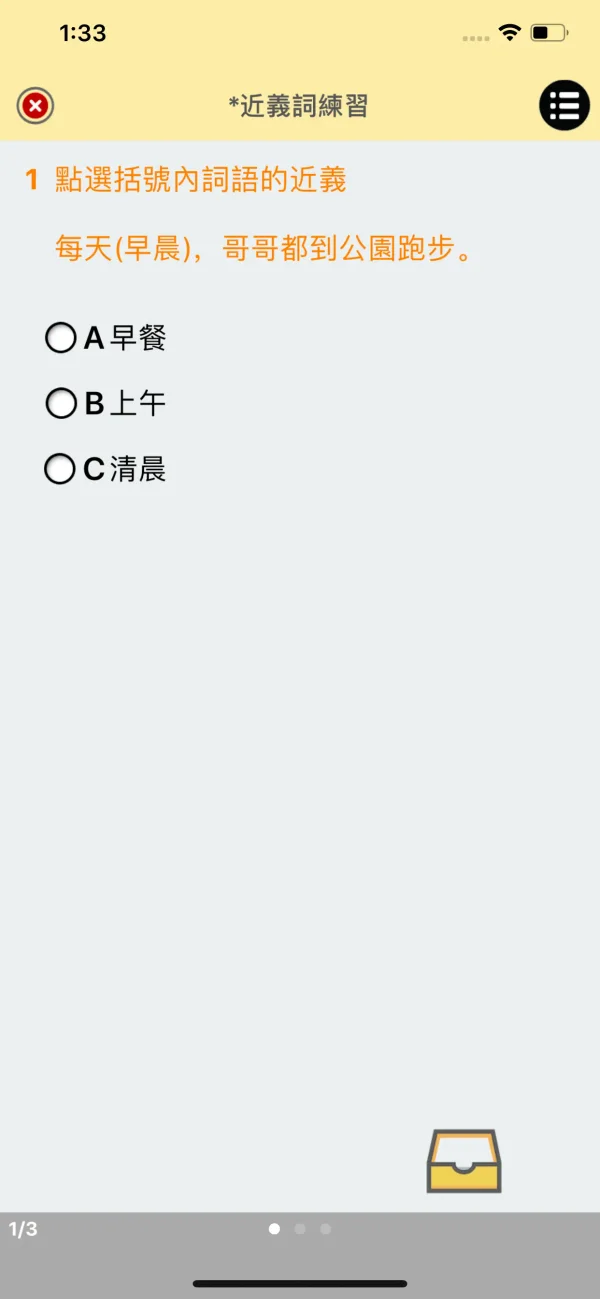
Quiz: Students can answer various formats of questions, including MC questions, matching questions and fill-in-the-blank questions.
Peer review: Teachers can allow students to view each others’assignments, give out marks and comments, and share their work to social media sites.
MC questions: Students can complete mini-quizzes, questionnaires and etc. Teachers are able to view the results and analysis immediately.
Drag-and-drop Matching: Student can complete drag-and-drop matching, and they can check the answer instantly.
Statistical Analysis
By questions: View statistics of the whole class’performance in a pie chart.
By student: View students’score distributions of different subjects in a radar chart.
By courses: View the whole class’score distributions in a pie chart.
Multi-media
Voice recording: Students can record voice clips and sumbit them to their teachers, it is particularly useful for oral training lessons.
Video recording: Students can upload video assignments and share with their peers.
Built-in browser: Students can view related information online when teachers provide them with the website link.
Augmented Reality (AR) teaching: Stereoscopic three-dimensional maps can help students to better understand concepts.
Nouveautés
Version 1.7.72 · 24/07/2026
- General Enhancement
Confidentialité de l’application
Ce que IT Wake déclare sur l’App Store au sujet du traitement des données par cette application.
-
Données non collectées
Le développeur ne collecte aucune donnée à partir de cette application.
Les pratiques en matière de confidentialité peuvent varier, notamment en fonction des fonctionnalités que vous utilisez ou de votre âge.
Informations
- Vendeur
- IT Wake Limited
- Catégorie
- Éducation
- Version
- 1.7.72
- Mis à jour
- 24/07/2026
- Publié
- 20/09/2012
- Taille
- 46,7 Mo
- Nécessite
- iOS 11.0 ou version ultérieure
- Classification d’âge
- 4+
- Prix
- Gratuit
- Langues
- Anglais, Chinois simplifié, Chinois traditionnel
- Copyright
- © IT Wake Limited